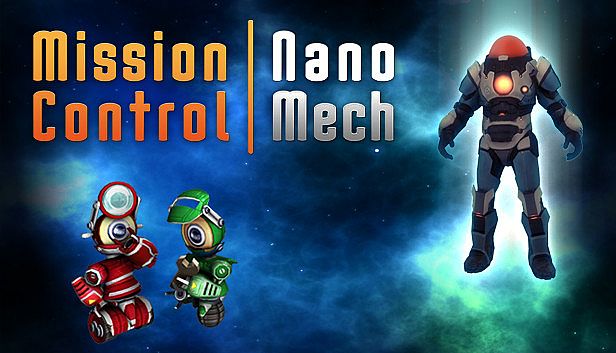
What are the system requirements for Mission Control: NanoMech on PC?
To run Mission Control: NanoMech on your PC, you need at least a Intel Core2 Duo / E7500/AMD Athlon X2 250 3GHz - Rs. 3350 processor and a Dedicated PCI-express x16 with 256MB RAM minimum graphics card. For the best experience, a Intel Core2 Duo / E7500/AMD Athlon X2 250 3GHz - Rs. 3350 CPU and Dedicated PCI-express x16 with 256MB RAM minimum GPU are recommended. The game also requires a minimum of 2 GB RAM RAM, 350 MB available space of disk space, — as your operating system, and DirectX —. Check the full specification table above and compare it with your hardware to make sure Mission Control: NanoMech will run smoothly on your setup.
What GPU do I need for Mission Control: NanoMech?
The minimum GPU required for Mission Control: NanoMech is Dedicated PCI-express x16 with 256MB RAM minimum. For optimal performance, a Dedicated PCI-express x16 with 256MB RAM minimum or better is recommended.
How much RAM does Mission Control: NanoMech need?
Mission Control: NanoMech requires at least 2 GB RAM of RAM. The recommended amount is 2 GB RAM for the best experience.
How much disk space does Mission Control: NanoMech require?
You need at least 350 MB available space of available storage space to install Mission Control: NanoMech.
Can I run Mission Control: NanoMech on Mac or Linux?
The system requirements listed on this page are for the PC (Windows) version of Mission Control: NanoMech. Check the official store page for Mac or Linux compatibility.
What CPU is needed for Mission Control: NanoMech?
The minimum CPU for Mission Control: NanoMech is Intel Core2 Duo / E7500/AMD Athlon X2 250 3GHz - Rs. 3350. For better performance, a Intel Core2 Duo / E7500/AMD Athlon X2 250 3GHz - Rs. 3350 processor is recommended.