

RPGツクールMZ - Windowset Builder is a specialized design and illustration tool for game development on PC. It focuses on creating custom window skins and UI elements for RPG Maker MZ projects. Users edit visual components directly and export ready-to-use assets along with supporting plugins.
Gameplay
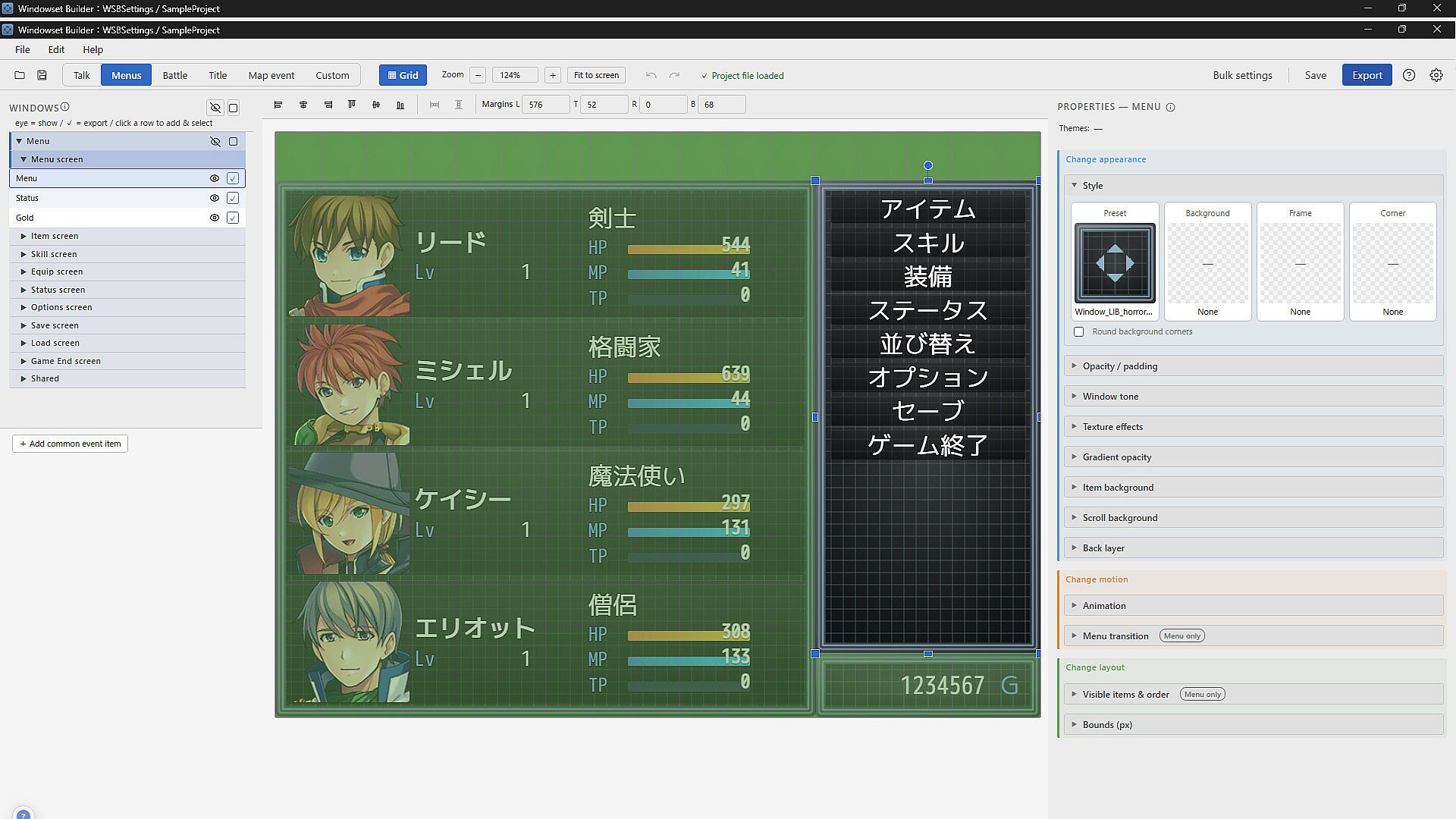
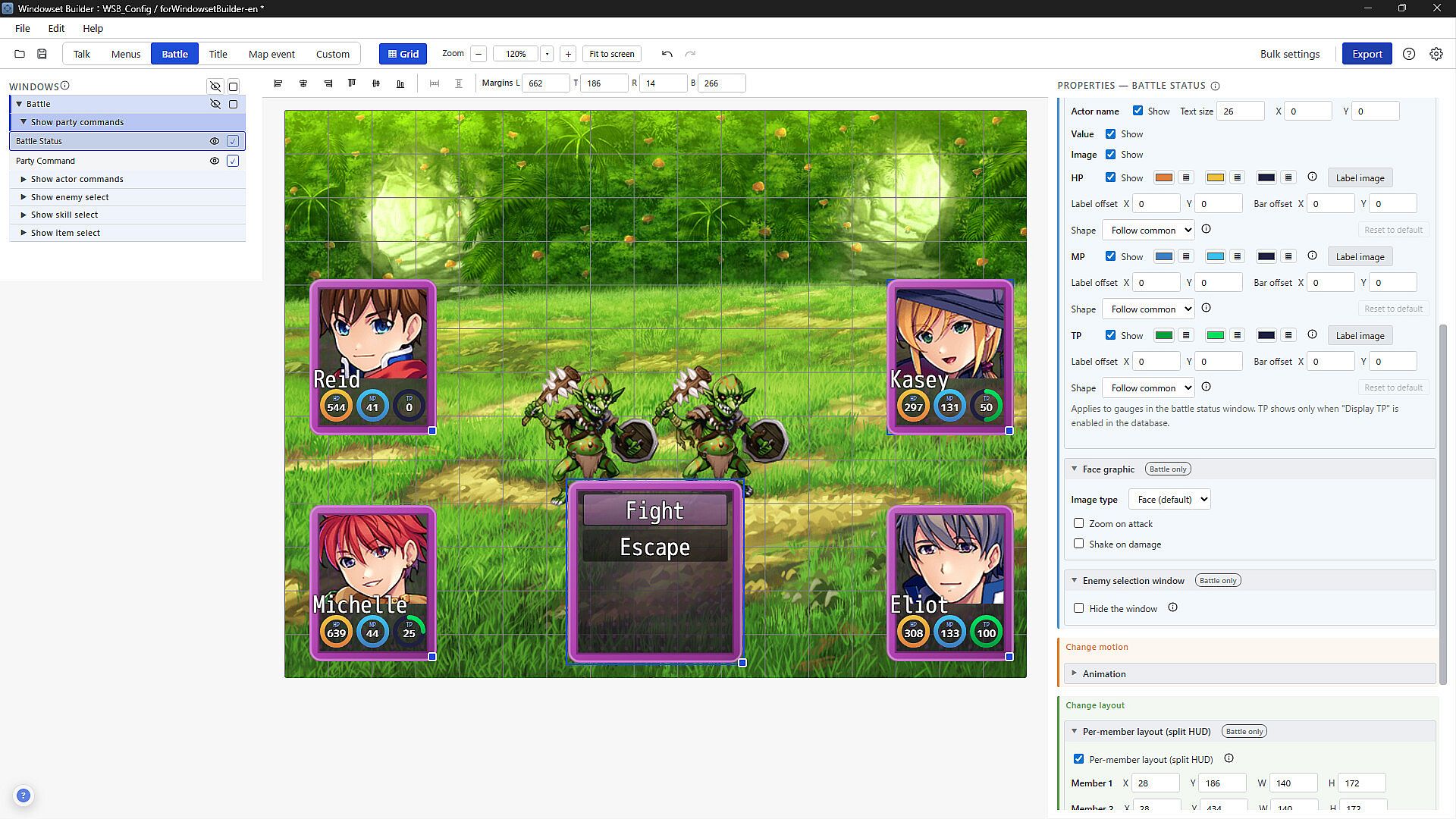
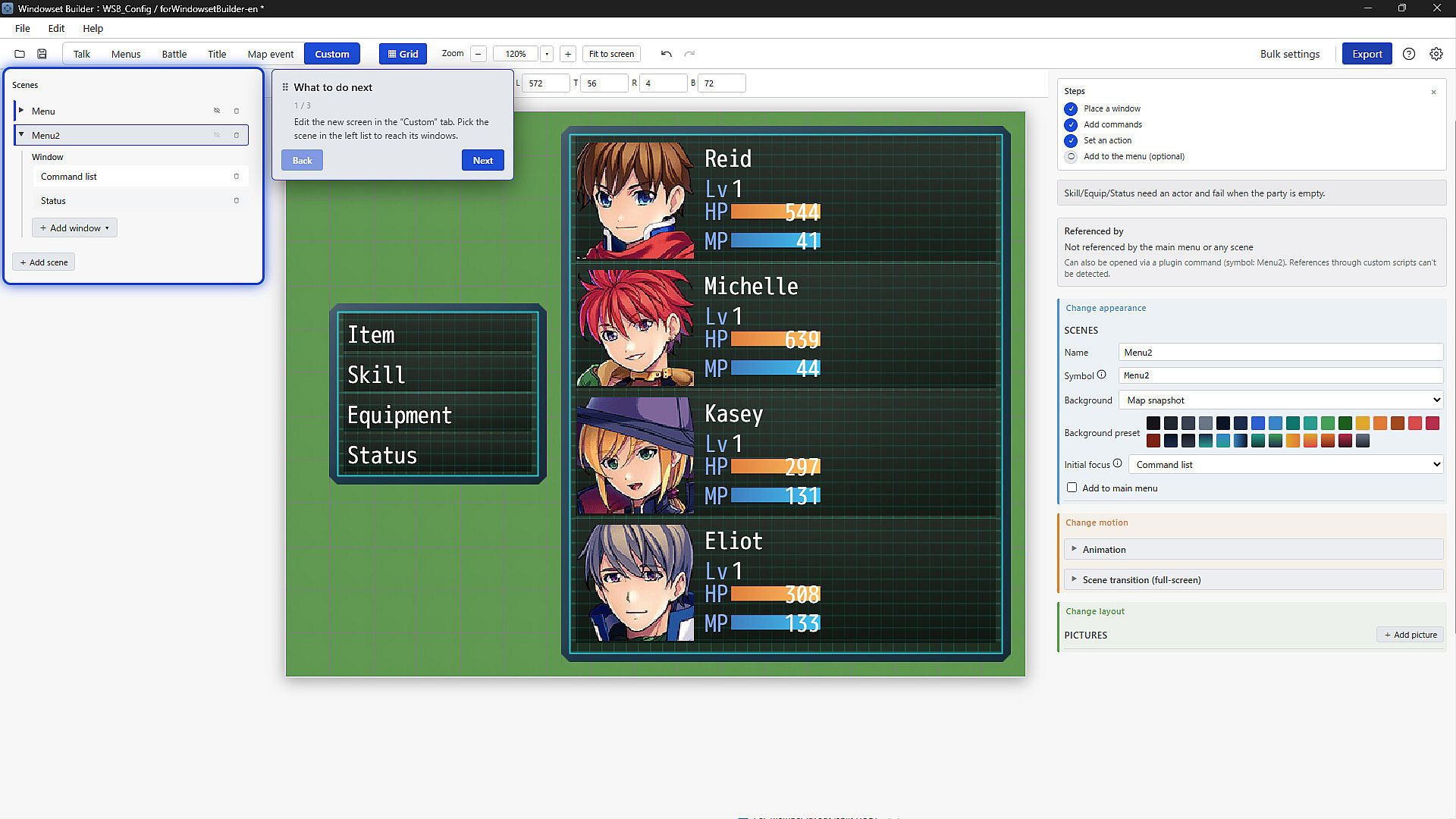
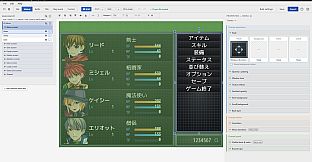
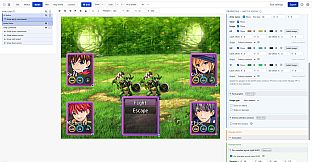
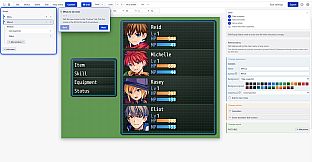
The core loop centers on iterative skin editing within a dedicated interface. Developers select and modify individual elements such as frames, backgrounds, and positioning through on-screen controls. Adjustments to hue, texture effects, animation, color tone, and opacity appear immediately in a live preview that mirrors an in-game message window. This setup removes the need to test changes inside the full RPG Maker project repeatedly.
Positioning relies on GUI-based sliders and handles for precise placement without manual pixel calculations. Background layers and back-layer options allow layered effects that match the Window.png specification exactly. The process supports both starting from included preset assets and building entirely new skins from scratch.
Game Modes
The tool operates through distinct editing workflows rather than traditional game modes. One workflow handles full window skin creation with compliance to the standard format, producing an image file ready for direct project use. Another workflow manages plugin generation, outputting a dedicated JavaScript file that applies the customized settings automatically when added to an RPG Maker MZ project folder.
Additional workflows cover preset loading for quick starts and fine-tuning sessions focused on animation or opacity layers. Multilingual support ensures labels and options remain accessible across different language settings during any of these processes.
Key Features and Customization
Window customization covers every part of the skin specification, including region layout and 9-slice scaling handled automatically. Users adjust frame thickness, background patterns, and overlay effects through dedicated panels. Real-time feedback shows how changes affect text display and window behavior without leaving the editor.
Export options bundle the finished skin image with a plugin that embeds all settings. This combination drops straight into the project directory, eliminating manual file placement or script editing. Preset assets provide starting points that users can modify or expand for original designs suited to specific game atmospheres.
Is It Worth Playing?
This tool suits developers who need precise control over UI elements in RPG Maker MZ. It addresses common pain points with the Window.png format by automating compliance and offering immediate visual feedback. The included presets and export functions reduce setup time for both hobby projects and commercial releases.
Support for the full window skin spec and plugin integration makes it practical for anyone moving beyond default assets. The recent release includes ongoing updates aimed at refining the editing experience. Those working on original UI that must match a game's tone will find the focused feature set efficient and reliable.