

Buy X-Plane 11 - Add-on: Aerosoft - Airport Southwest Florida Intl. PC

This content requires the base game: X-Plane 11

Interested in X-Plane 11 - Add-on: Aerosoft - Airport Southwest Florida Intl.? We're tracking prices from trusted stores. Add X-Plane 11 - Add-on: Aerosoft - Airport Southwest Florida Intl. to your wishlist and we'll notify you when deals become available.

Metacritic:
tbd tbd
Official
Unavailable
Keyshops
Unavailable
Buy in Official Store:
Unavailable
Buy in Keyshops:
Unavailable

No entries, but don''t worry, we will inform you once the new offer appears.

Create Alert Create deal Alert

About X-Plane 11 - Add-on: Aerosoft - Airport Southwest Florida Intl.

X-Plane 11 - Add-on: Aerosoft - Airport Southwest Florida Intl. - about the game
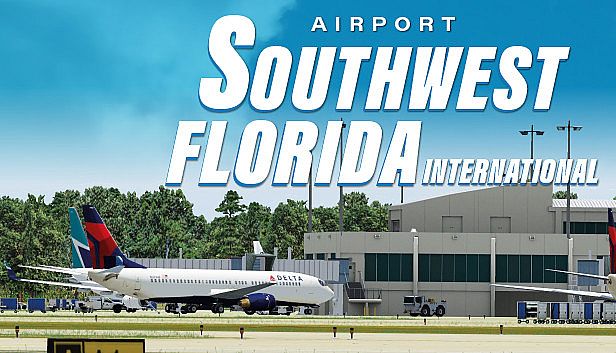
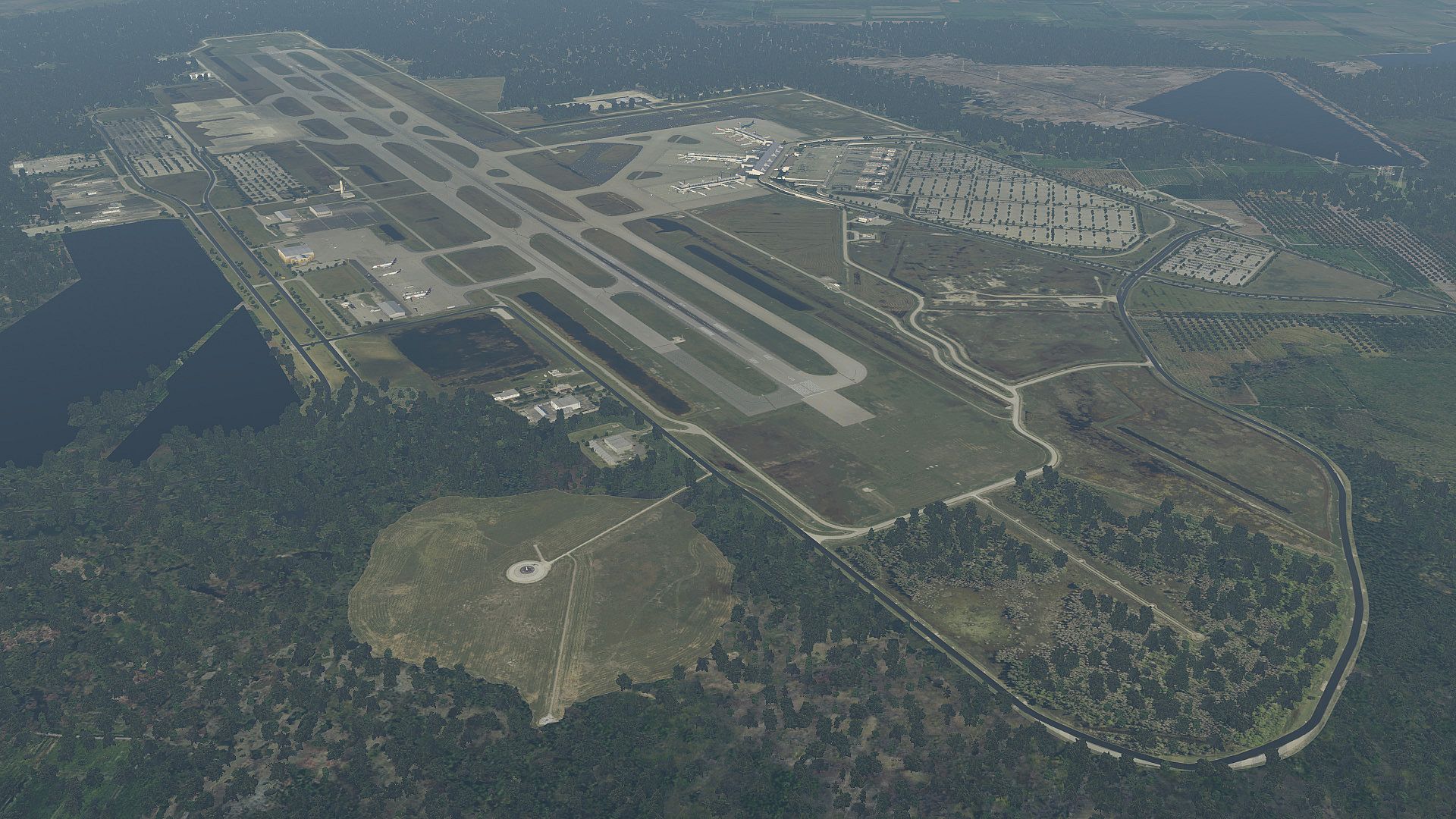
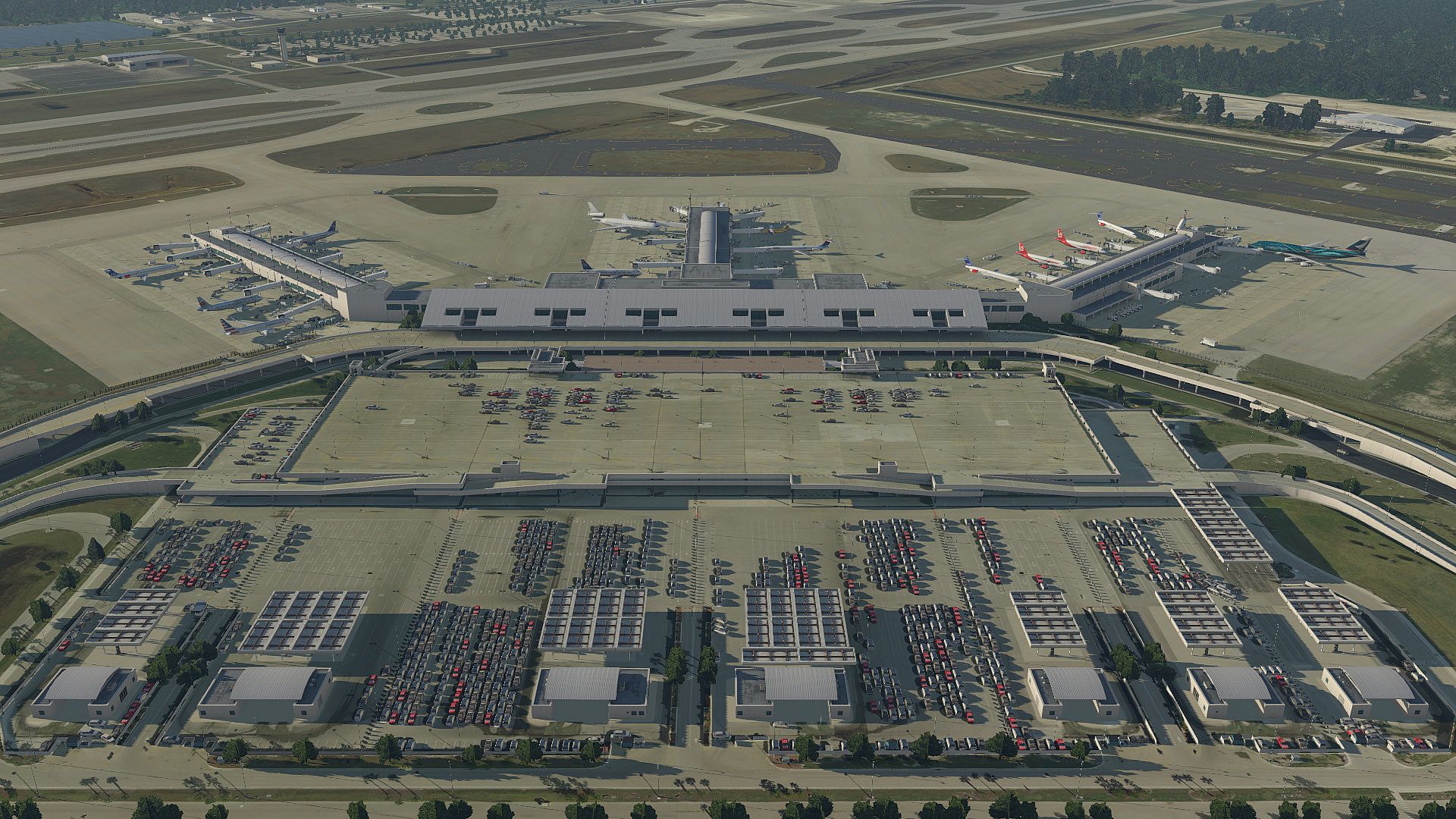
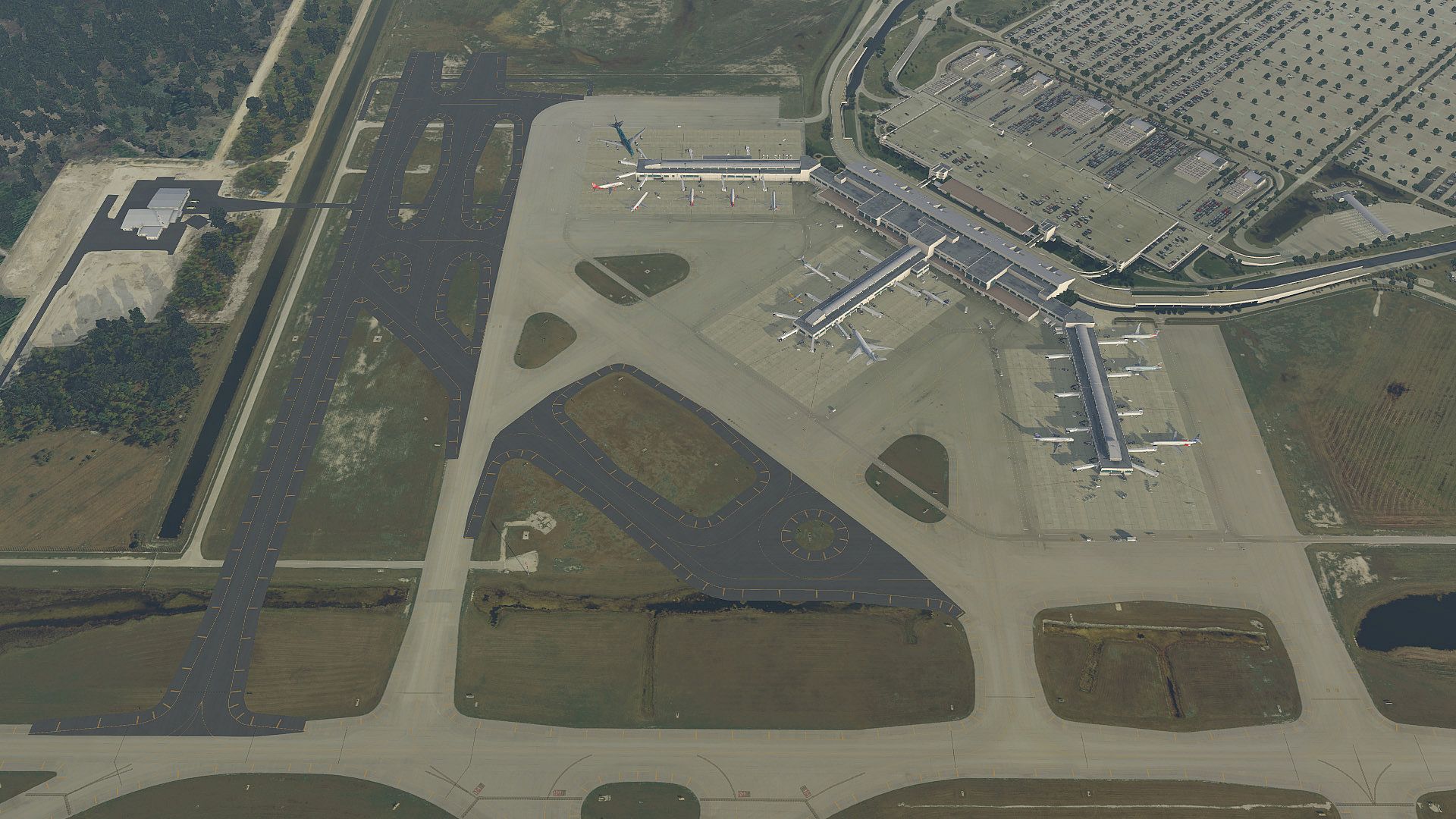
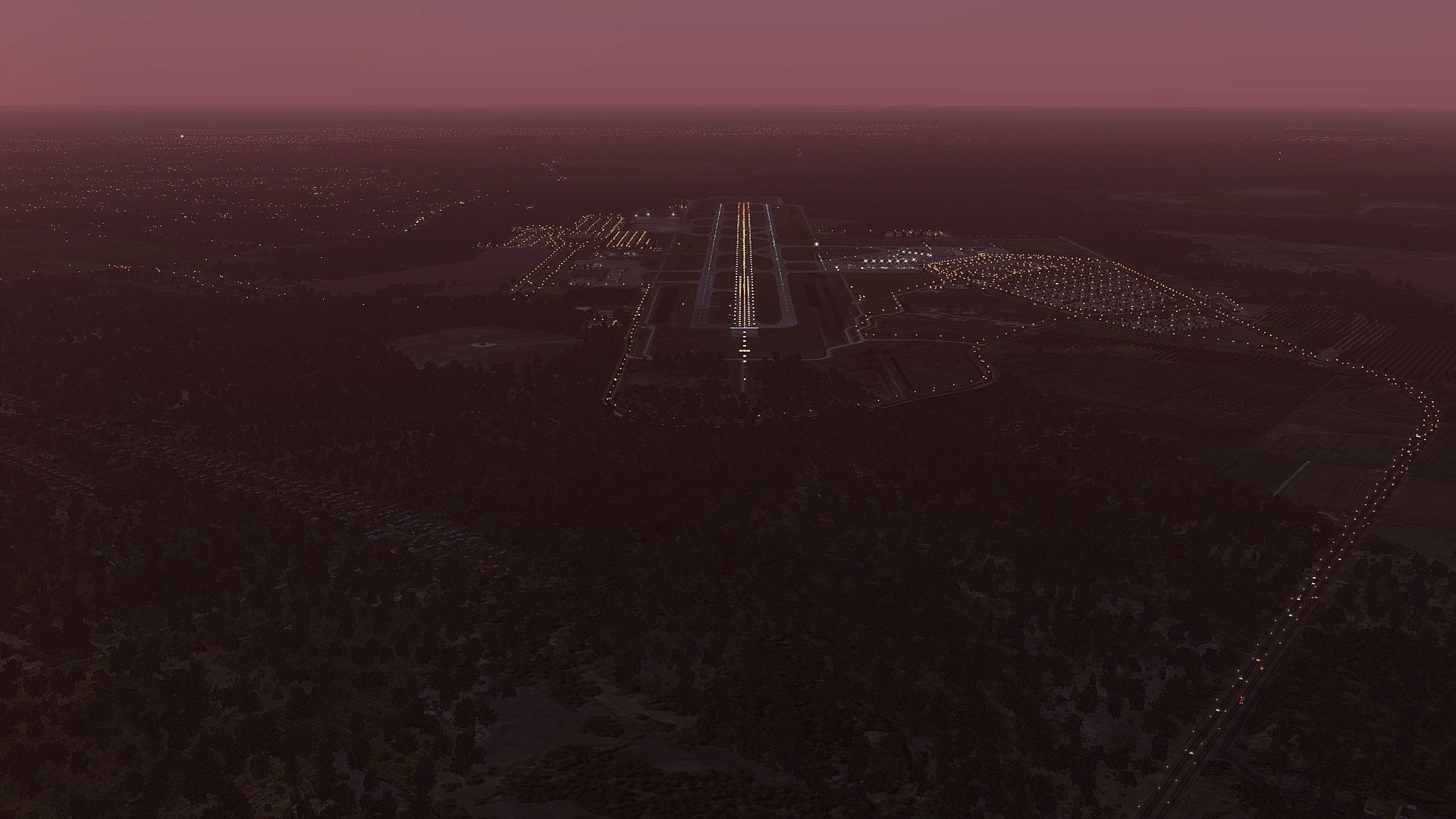
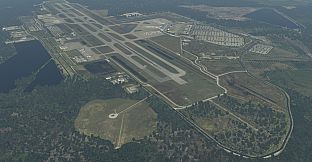
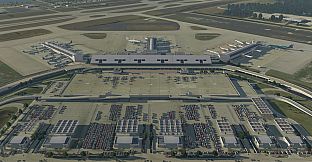
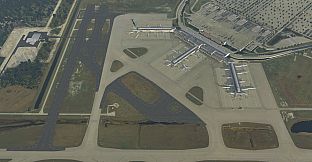
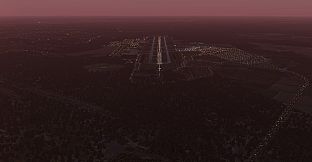
The Airport Southwest Florida International is located on the south-western coast of Florida and is the second busiest single-runway airport in the U.S. handling around 8 million passengers.
The first plans for building this airport date back to 1973; ten years later it opened as “Southwest Florida Regional Airport”. In 1993 it got its present name. At the same time the runway was expanded from 8,400 ft to 12,000 ft. Since then, the airport has been expanded several times. For example, in 2005 a new terminal building was opened after the old one had exceeded its capacity by factor 2.

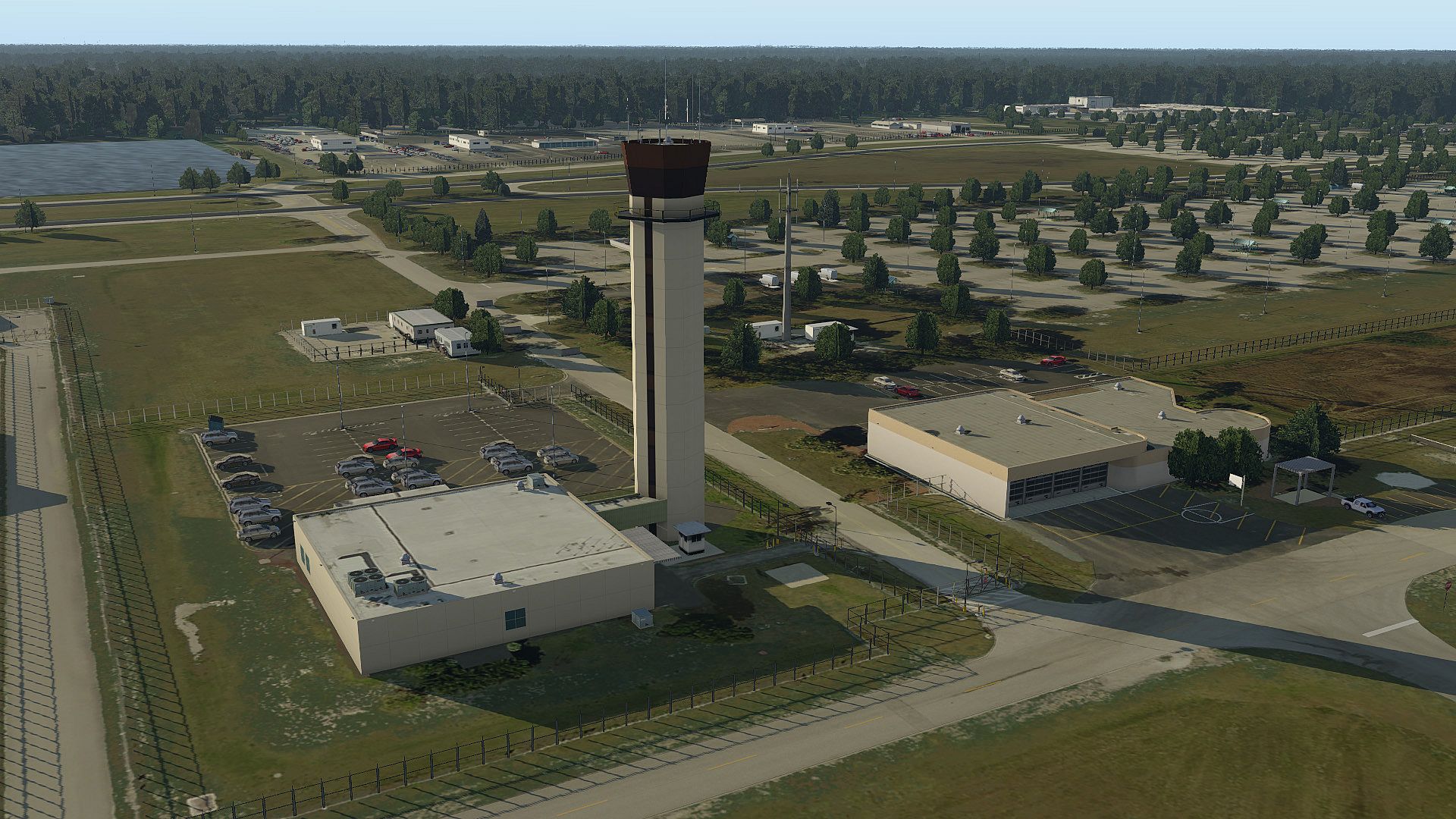
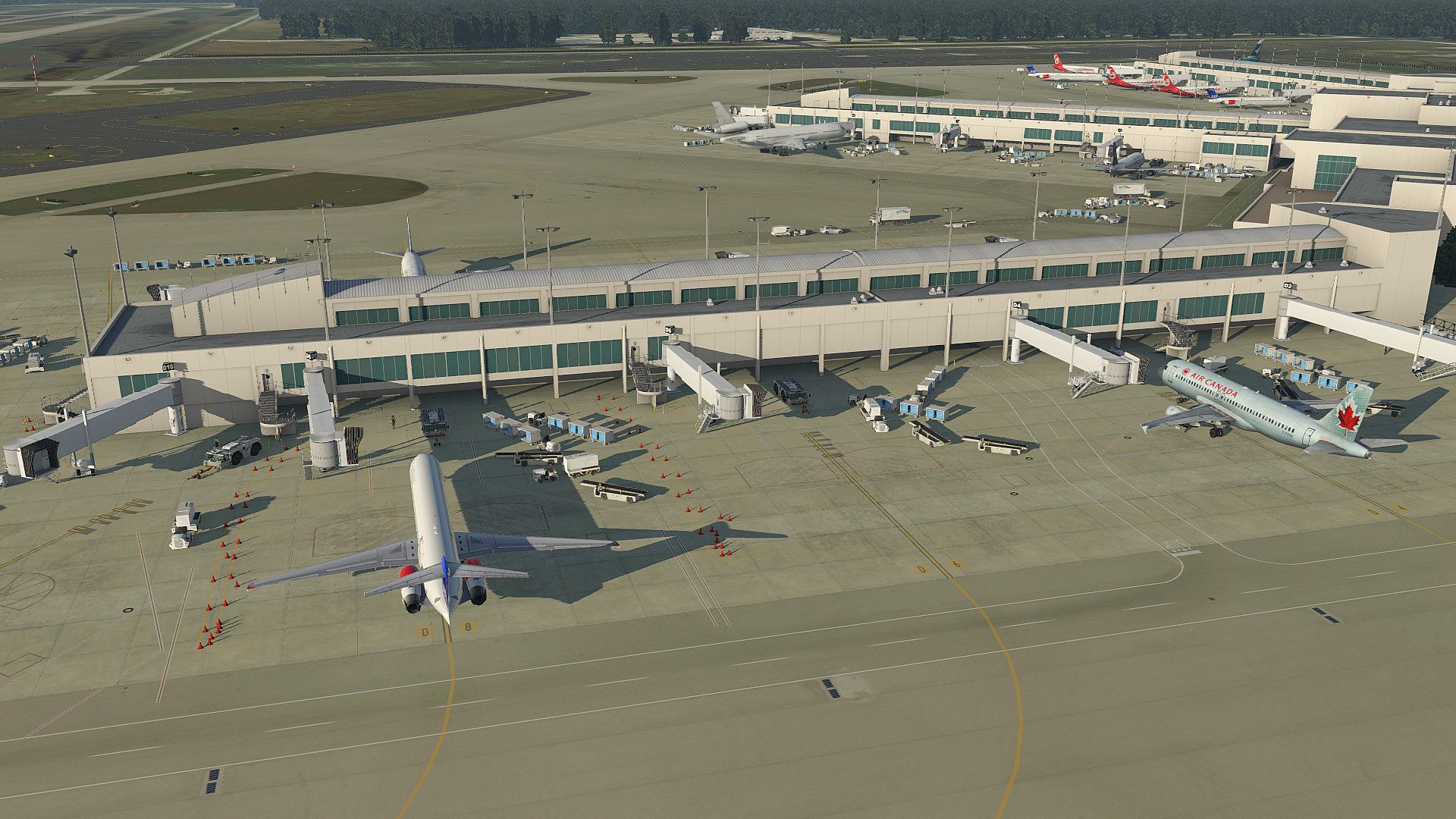
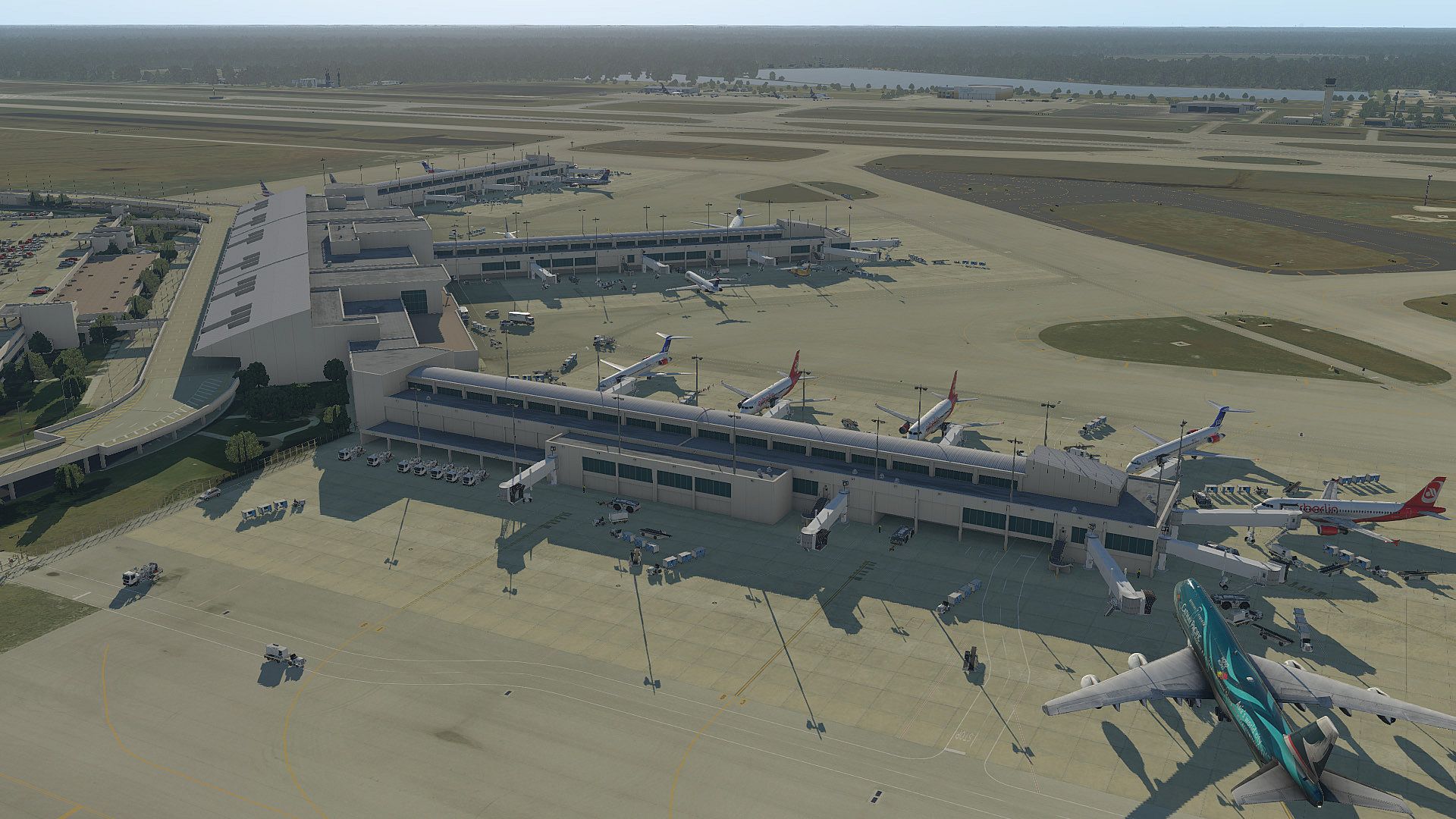
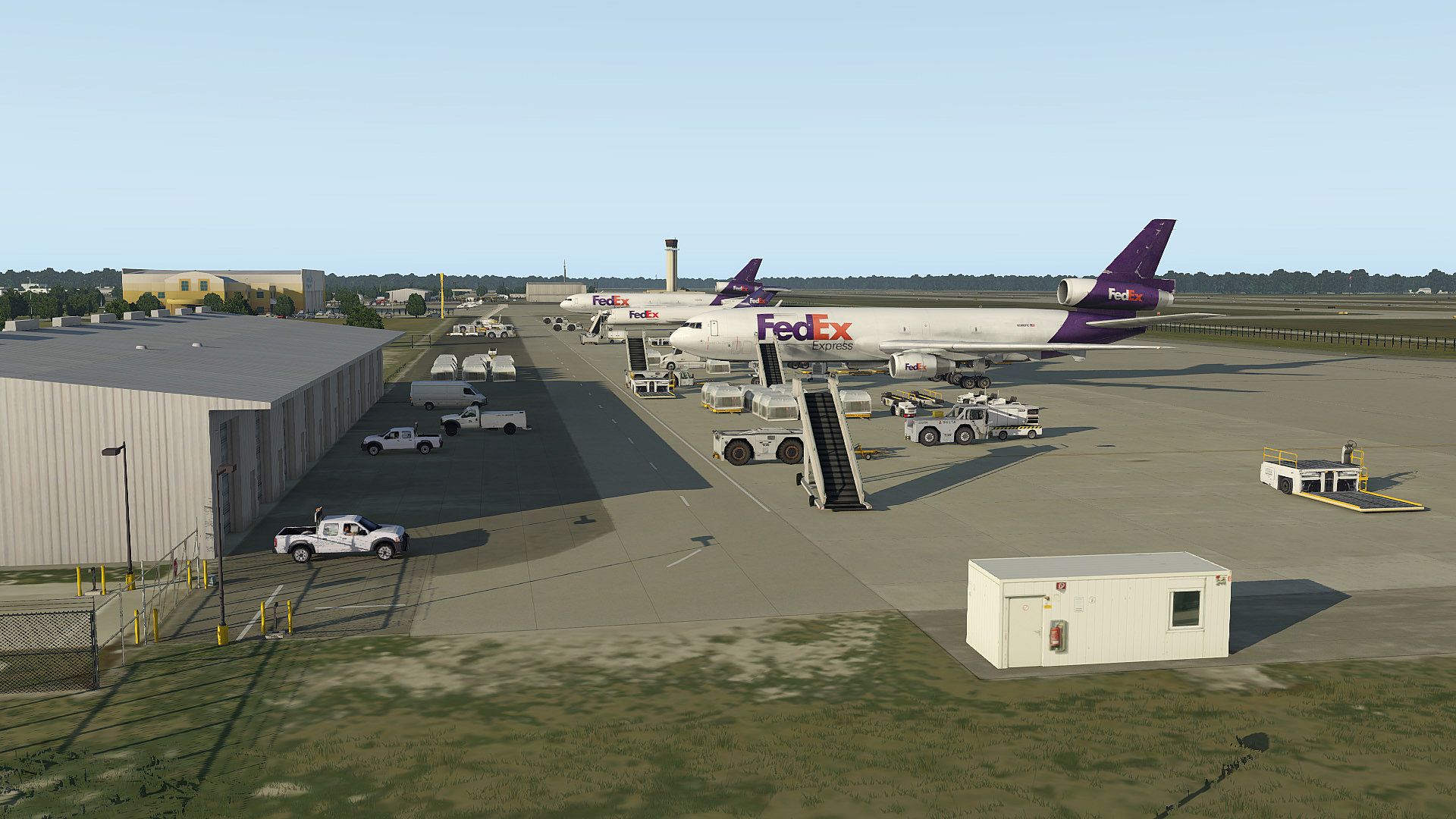
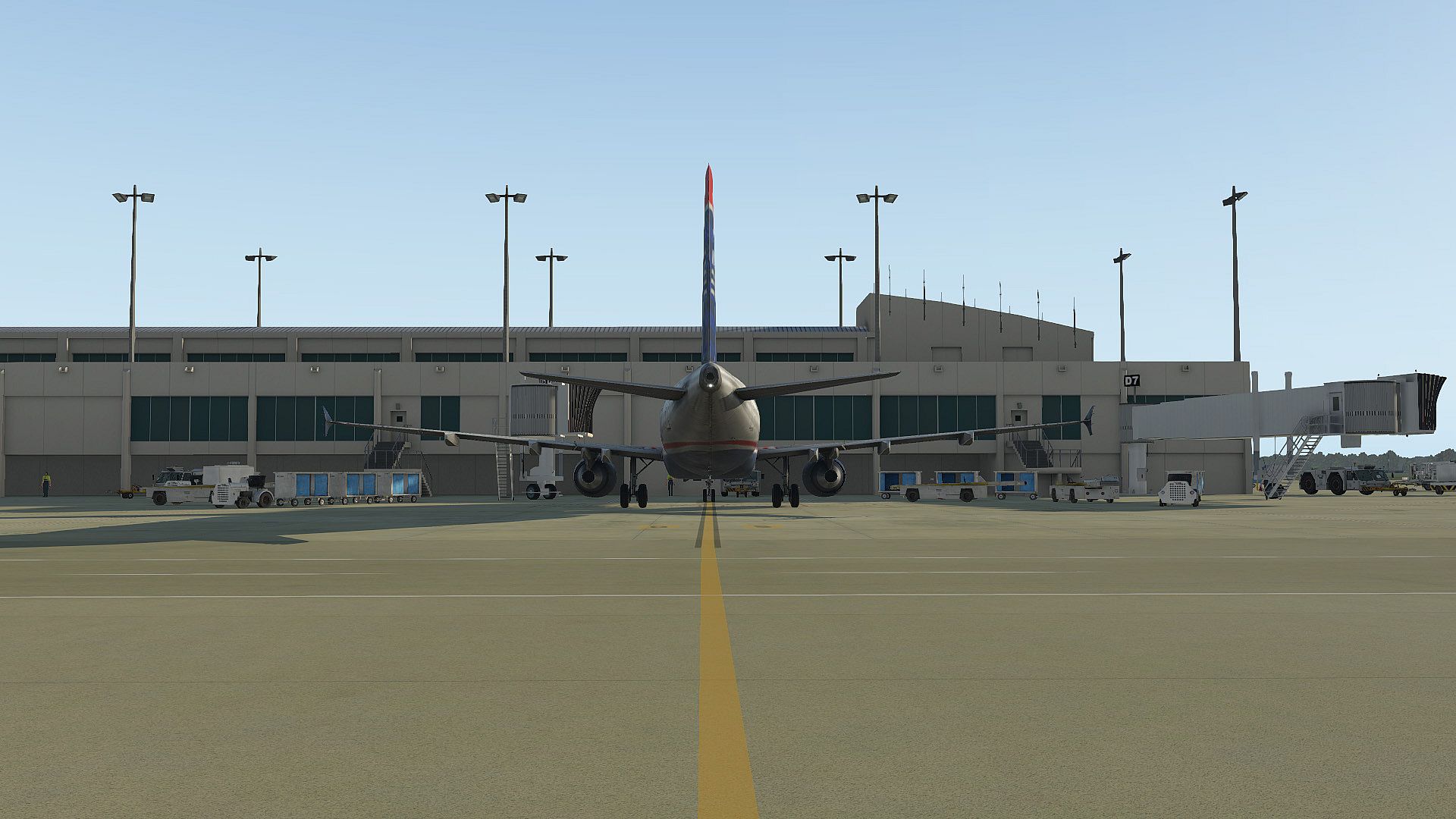
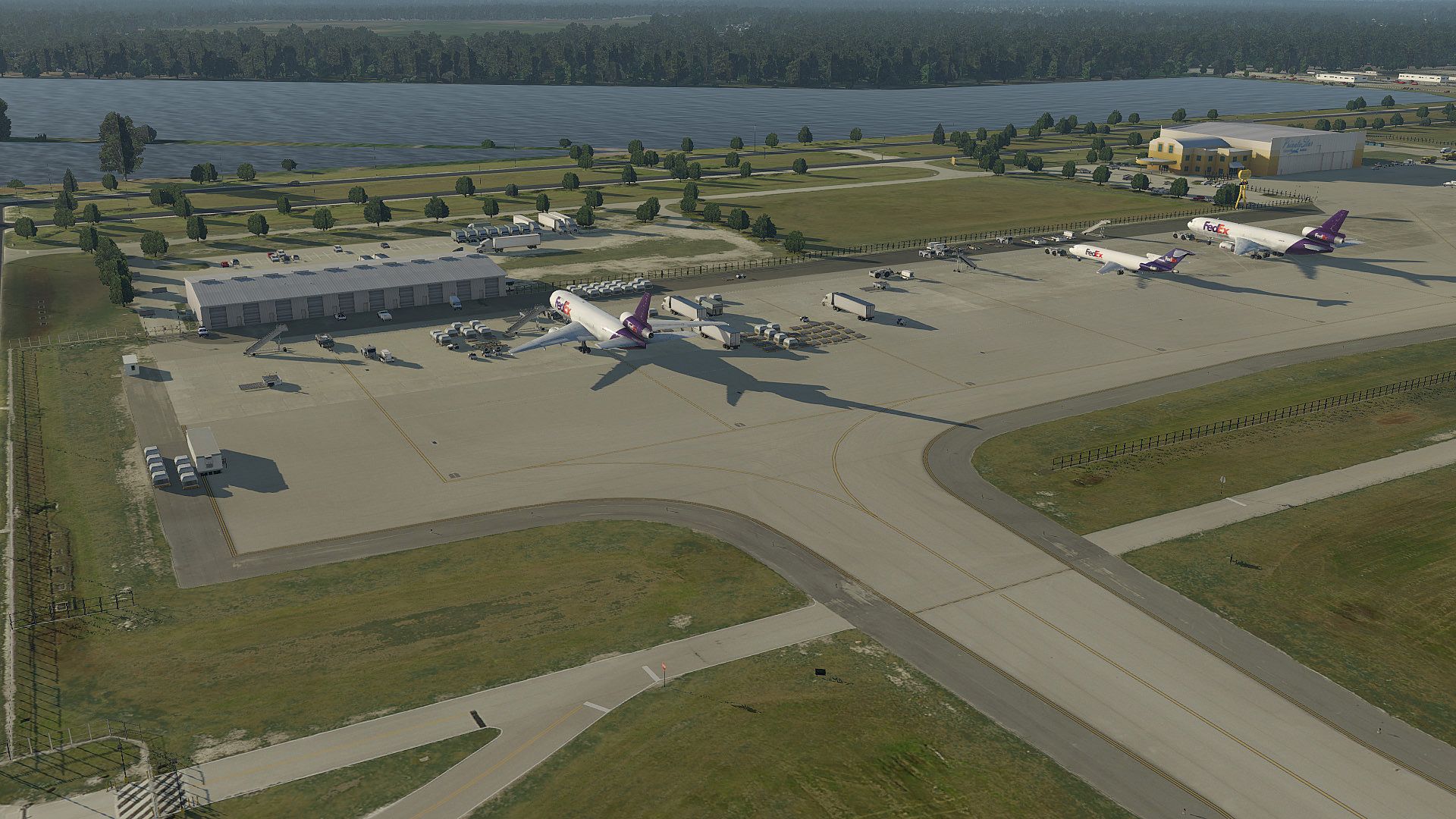
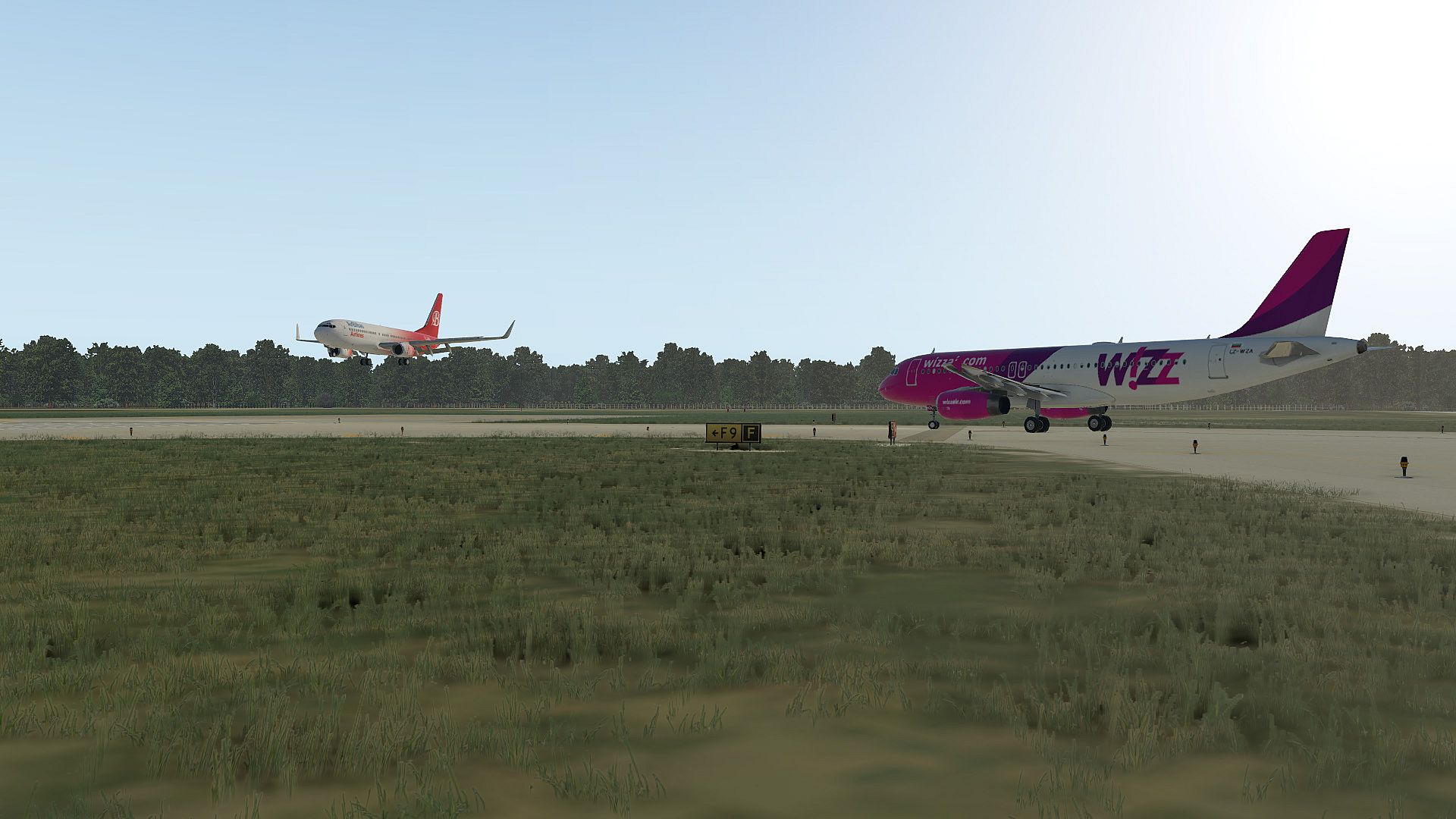
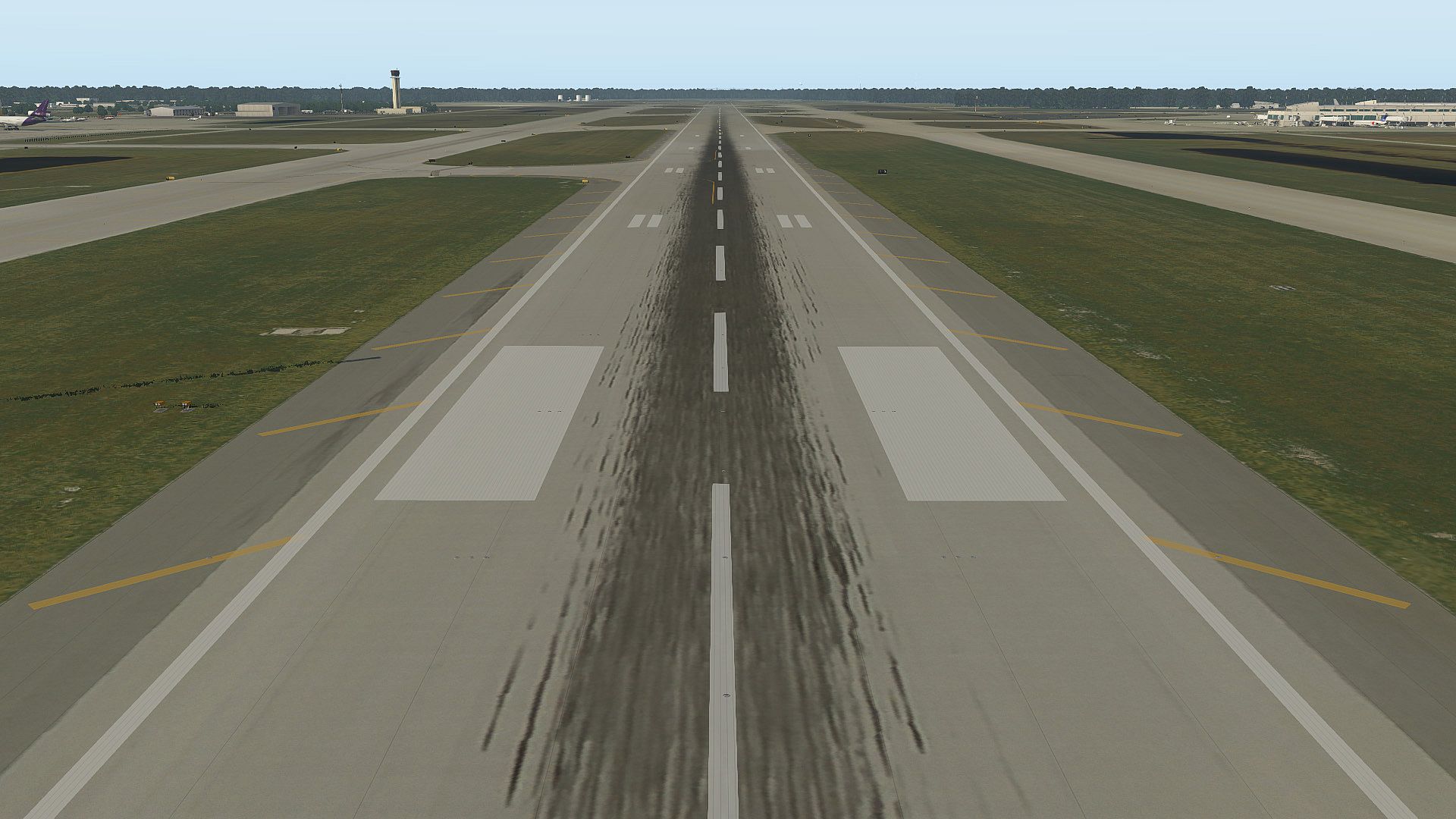
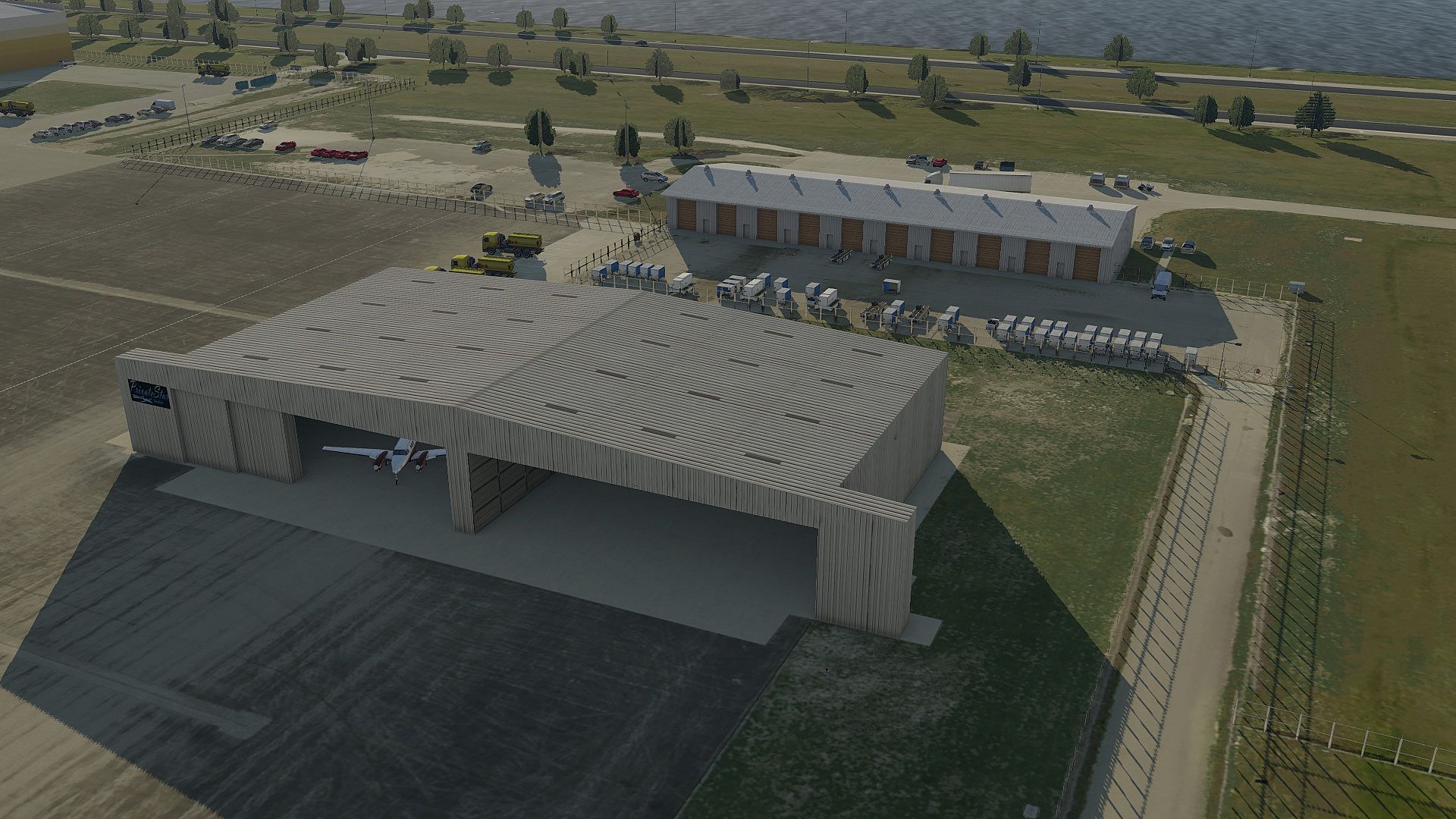
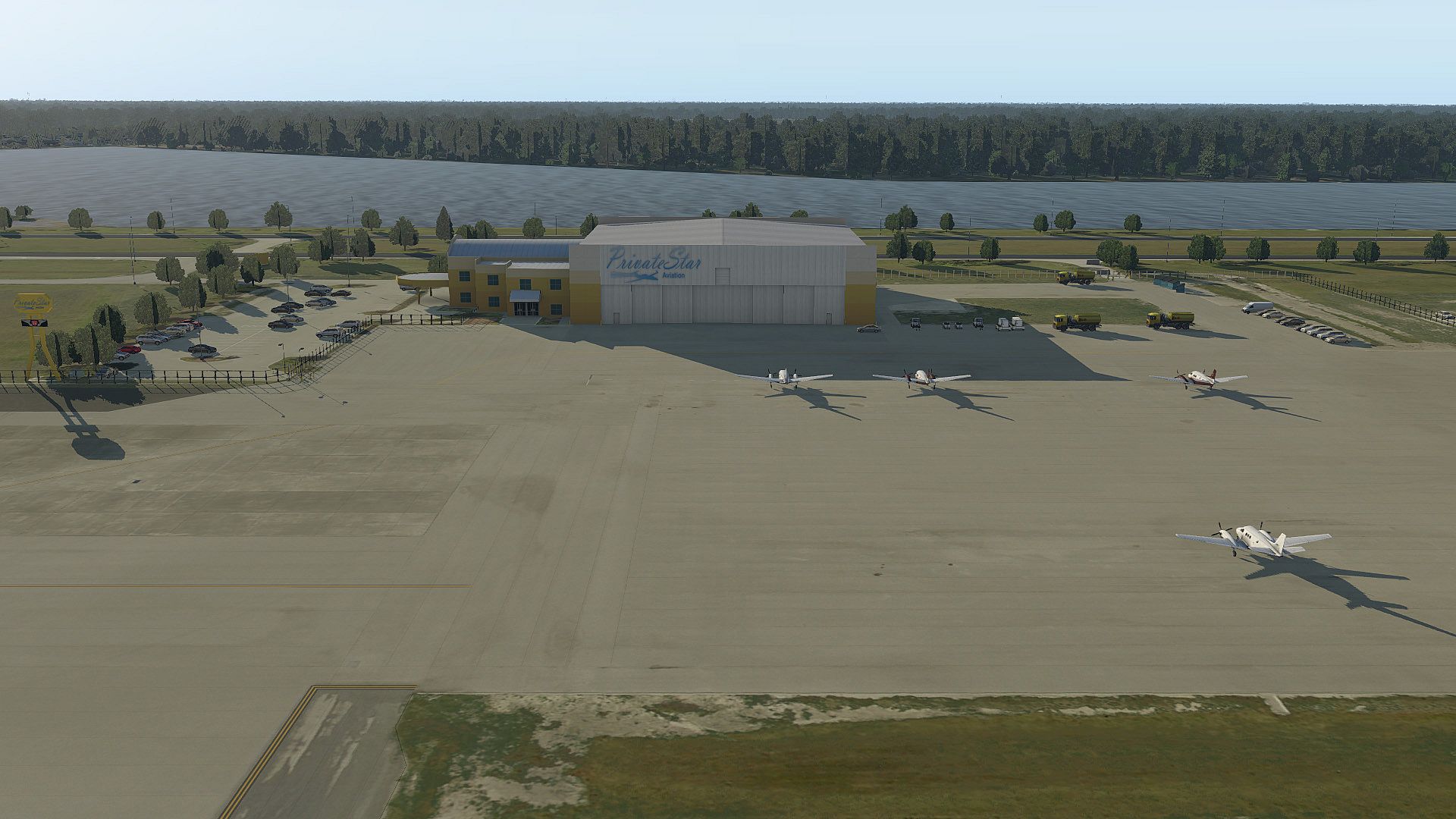
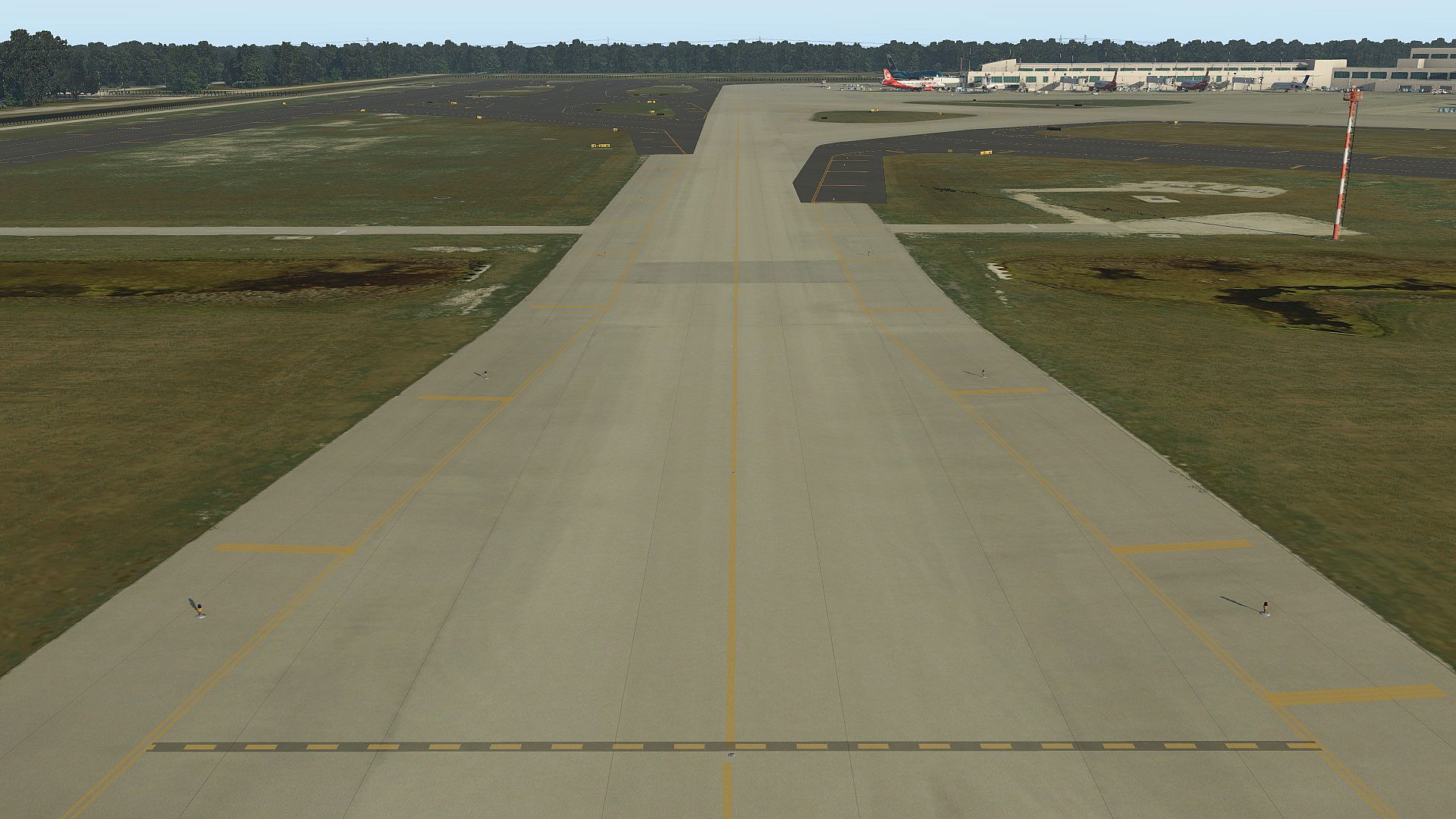
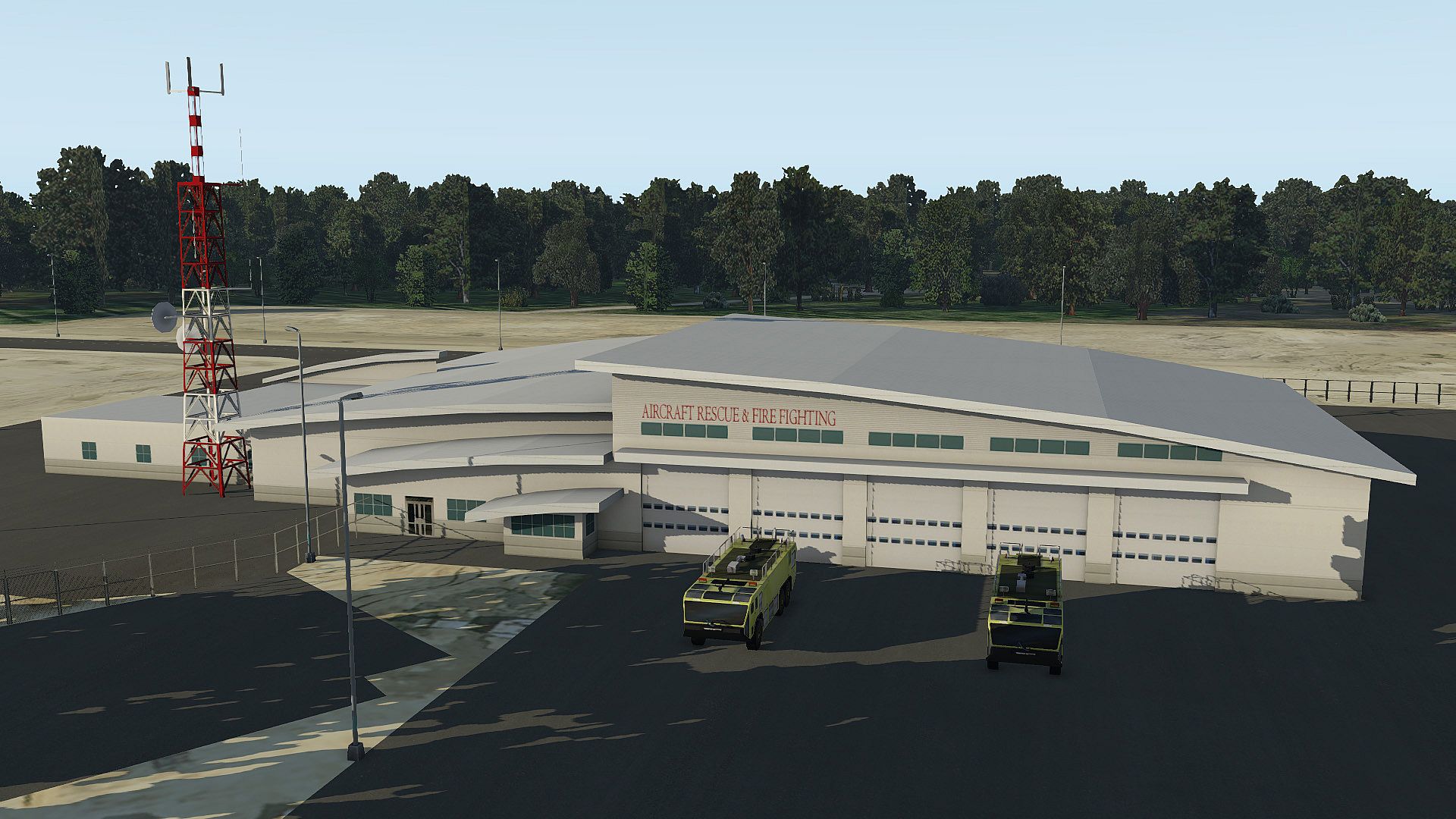
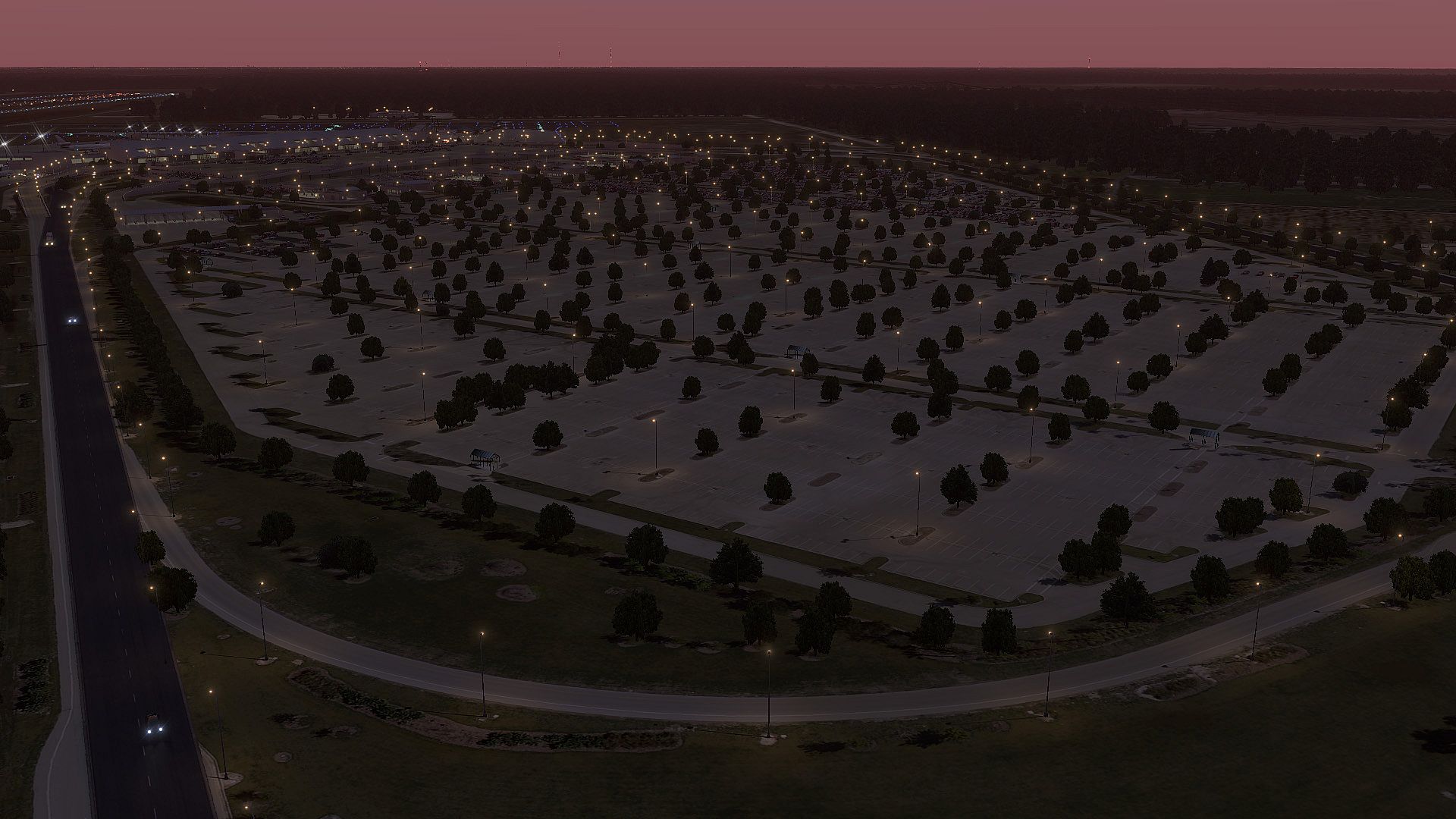
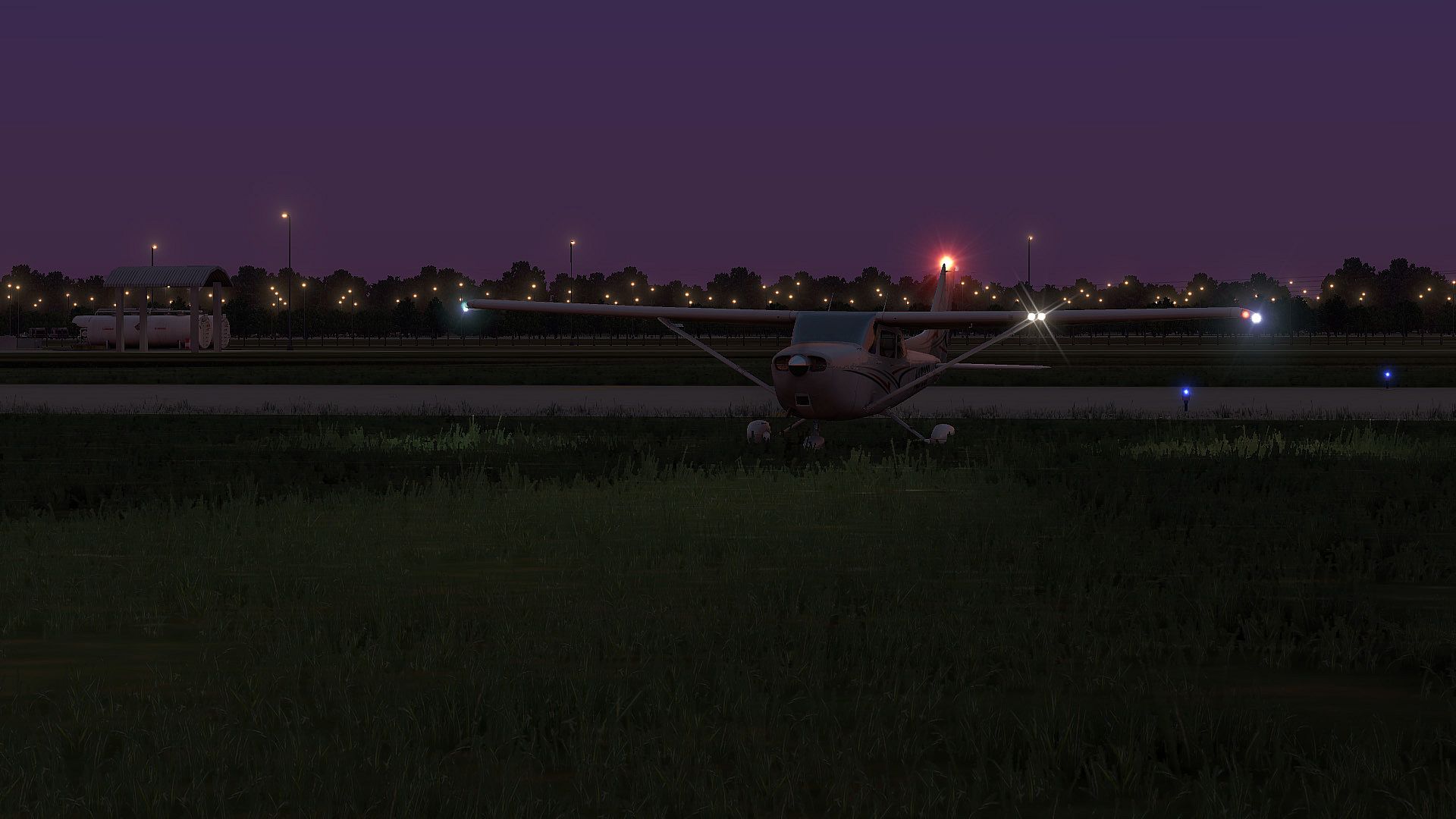
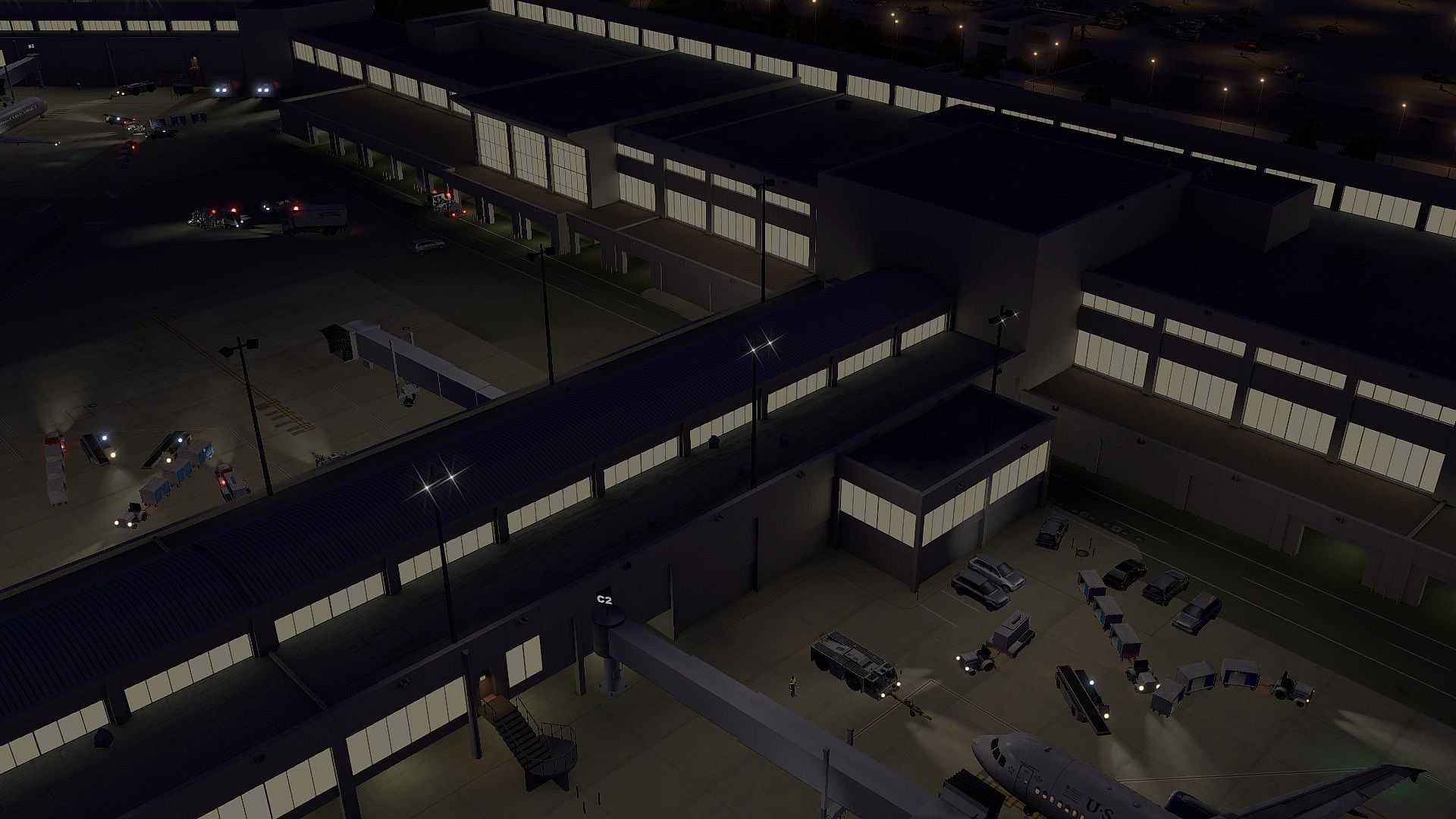
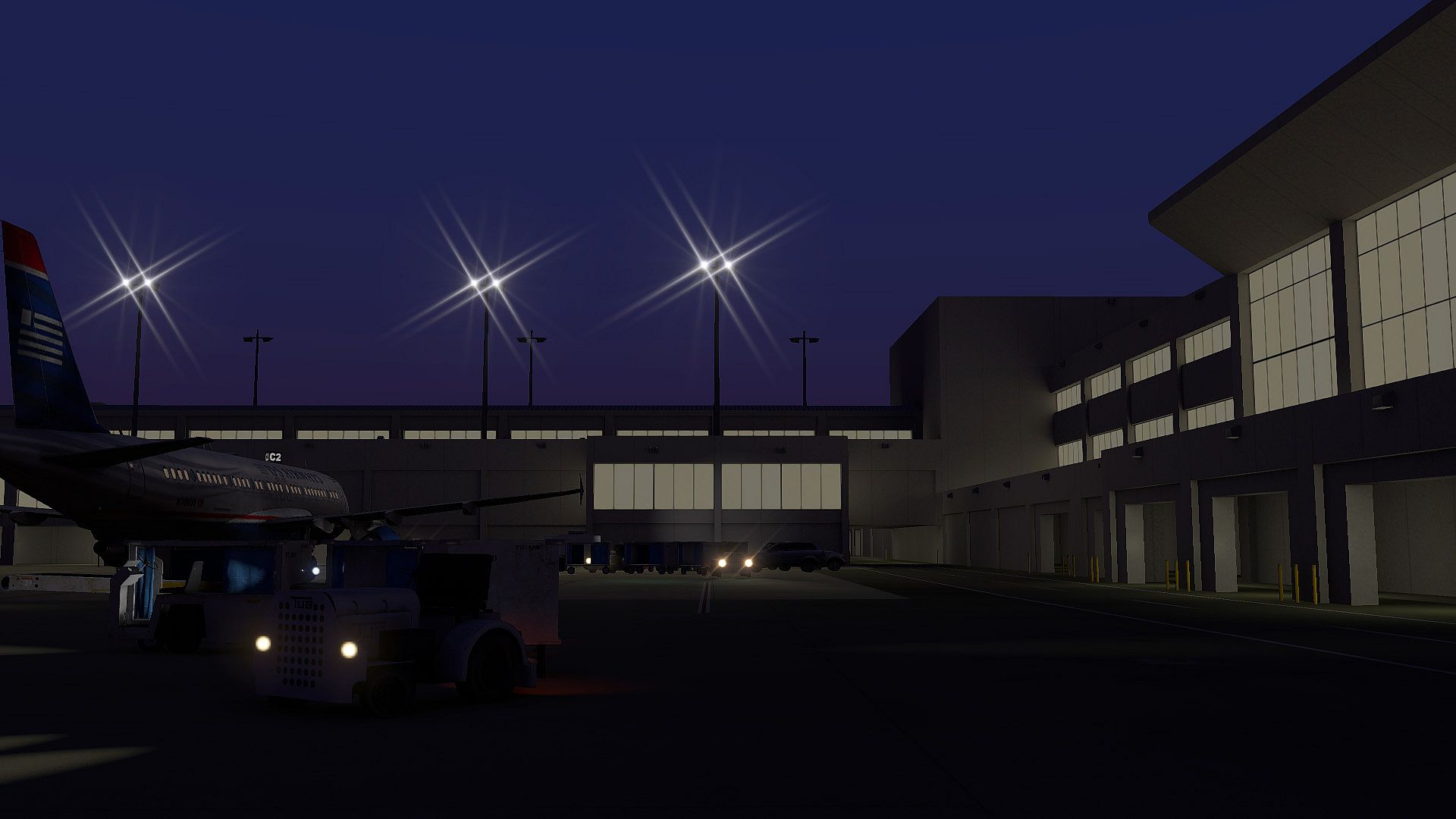
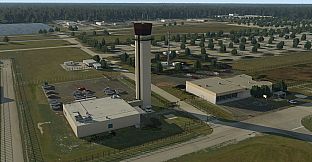
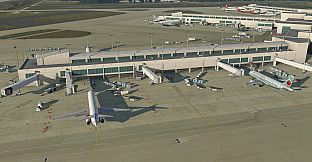
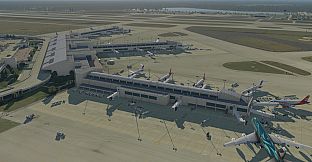
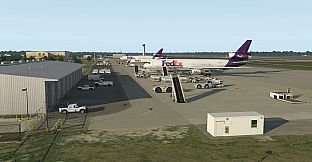
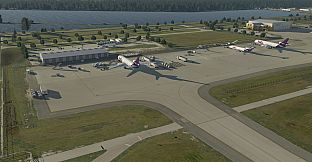
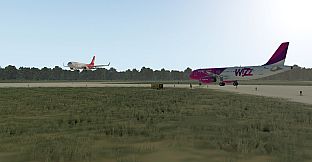
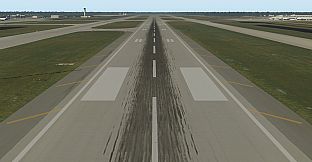
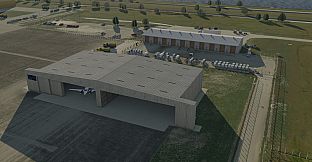
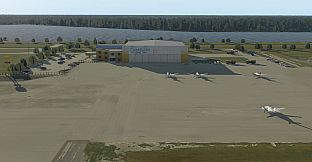
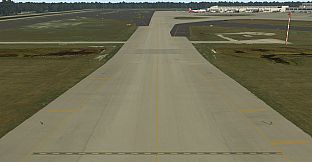
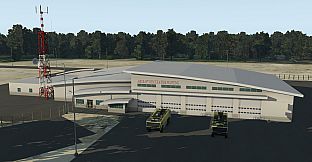
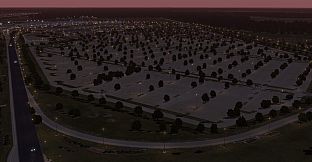
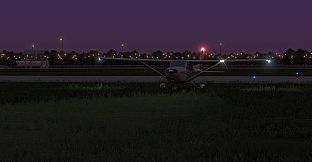
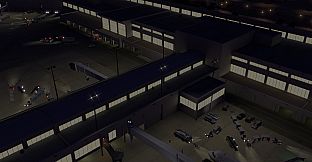
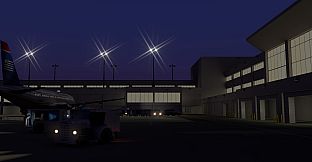
This model of the Southwest Florida Intl Airport for X-Plane 10 offers a highly detailed reproduction of the real airport thanks to its 10cm/pixel aerial image and 1cm/pixel ground layout. The developer made sure to use non-repetitive textures. Baked night illumination and ambient occlusion as well as HDR lighting complete the visual impression, while static aircraft, road traffic and both animated and static apron vehicles create a lively area. Additionally, the scenery is compatible with the AutoGate plug-in, adding animated jet bridges and marshallers at all gates, as well as with the HD Mesh Scenery by Andras Fabian.


  • 10 cm/pixel aerial ortho imagery covering the entire airport (approx. 8.41 sq. km)
  • 1 cm/pixel custom ground detail/markings
  • True-to-life pavement, not repetitive textures
  • Never-before-done, hand-placed pavement seams covering the entire airport apron, runway and taxiways
  • Baked-in, ray-traced ambient occlusion on all major buildings
  • Baked-in, ray-traced night illumination on the airport terminal building
  • Uses advanced X-Plane features such as 3D spill lights
  • Accurate building heights, measured using LIDAR (Light Detection and Ranging) elevation data
  • Designed using X-Plane 11-native methods for maximum performance
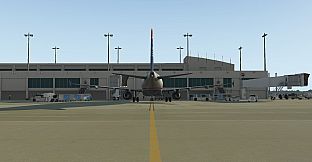
  • Animated jet bridges and marshallers at all gates (using the freely available AutoGate plugin by Jonathan Harris)
  • Complete taxiway network for use by ATC and AI aircraft
  • Fully compatible with the X-Life plugin by JARDesign*
  • Works with the ‘Draw Parked Aircraft’ feature introduced in X-Plane 10.50
  • Makes full use of the new ground service vehicles introduced in X-Plane 11
  • Hundreds of hand-placed objects such as parked cars and streetlights
  • Volumetric grass
  • Animated road traffic
  • Volumetric grass, parked cars and streetlights can be individually turned on/off to optimize performance

Charts for KRSW can be found for free under: http://airnav.com/airport/KRSW
Interface:
GermanEnglish
Metacritic:
tbd tbd

Minimum:

  • OS: 7 / 8 / 10 (64 Bit)
  • Processor: Dual Core i3, i5, i7 min. 3 GHz
  • Memory: 8 GB RAM
  • Graphics: 512 MB VRAM
  • DirectX: Version 11
  • Storage: 2 GB available space
  • Additional Notes: AutoGate Plugin from Marginal for docking bridges and marshallers

Recommended:

  • OS: 7 / 8 / 10 (64 Bit)
  • Processor: Dual Core i5 6600K 3, 5 GHz or better
  • Memory: 16 GB RAM
  • Graphics: 4 GB VRAM
  • DirectX: Version 12
  • Storage: 2 GB available space
  • Additional Notes: AutoGate Plugin from Marginal for docking bridges and marshallers

Minimum:

  • OS: Mac OS X 10.10
  • Processor: Dual Core i3, i5, i7 min. 3 GHz
  • Memory: 8 GB RAM
  • Graphics: 512 MB VRAM
  • Storage: 2 GB available space
  • Additional Notes: AutoGate Plugin from Marginal for docking bridges and marshallers

Recommended:

  • OS: OS X version 10.6.8 or later
  • Processor: Dual Core i5 6600K 3, 5 GHz or better
  • Memory: 16 GB RAM
  • Graphics: 4 GB VRAM
  • Storage: 2 GB available space
  • Additional Notes: AutoGate Plugin from Marginal for docking bridges and marshallers

Minimum:

  • OS: Linux Ubuntu 12.04LTS or compatible
  • Processor: Dual Core i3, i5, i7 min. 3 GHz
  • Memory: 8 GB RAM
  • Graphics: 512 MB VRAM
  • Storage: 2 GB available space
  • Additional Notes: AutoGate Plugin from Marginal for docking bridges and marshallers

Recommended:

  • OS: Linux Ubuntu 12.04LTS or compatible
  • Processor: Dual Core i5 6600K 3, 5 GHz or better
  • Memory: 16 GB RAM
  • Graphics: 4 GB VRAM
  • Storage: 2 GB available space
  • Additional Notes: AutoGate Plugin from Marginal for docking bridges and marshallers
Historical low
Price history from official stores
-
-
-
Price history from keyshops
-
-
-
Join our Discord
Get instant help from our community and stay updated on the latest deals
Set Price Alerts
Get notified by email when game prices drop to your target
Create Free Account
Unlock wishlists, price alerts, and Steam sync

FAQ

8 questions

Before you start looking for a cheap X-Plane 11 - Add-on: Aerosoft - Airport Southwest Florida Intl. key, check the essentials. Developed by Omar Masroor.

Q

Where to buy a cheap X-Plane 11 - Add-on: Aerosoft - Airport Southwest Florida Intl. Steam key?

There are currently no active offers for X-Plane 11 - Add-on: Aerosoft - Airport Southwest Florida Intl.. Set a price alert on XD.deals and we will notify you the moment a deal becomes available.

We don't have a current Steam Store price for X-Plane 11 - Add-on: Aerosoft - Airport Southwest Florida Intl.. The game may be temporarily unavailable or not yet listed on Steam.

Our price tracker covers both official retailers and key marketplaces, so you can find X-Plane 11 - Add-on: Aerosoft - Airport Southwest Florida Intl. on sale even outside seasonal promotions. We currently detect 0 active offers from official stores and keyshops. Check the table above, compare against the historical low, and set an alert so you never miss the next price drop.

Based on our data, X-Plane 11 - Add-on: Aerosoft - Airport Southwest Florida Intl. is not currently available on GeForce NOW. You will need to run it locally on your PC. Browse games available on GeForce NOW.

Yes. X-Plane 11 - Add-on: Aerosoft - Airport Southwest Florida Intl. has an official page on the Steam Store, but we currently don't track any third-party offers with Steam DRM. Check back later or set a price alert.

Not at this time. Valve marks X-Plane 11 - Add-on: Aerosoft - Airport Southwest Florida Intl. as Unsupported on Steam Deck. Keep an eye on XD.deals - we track Proton updates and community fixes. Browse games that are Steam Deck Verified or Steam Deck Playable.

X-Plane 11 - Add-on: Aerosoft - Airport Southwest Florida Intl. does not appear to be available on PC Game Pass, EA Play, Ubisoft+ or any other PC subscription service at this time. Your only option is purchasing the game - use XD.deals to find the best price.

No - XD.deals is not a store. We are a price-comparison service that tracks the best X-Plane 11 - Add-on: Aerosoft - Airport Southwest Florida Intl. deals across official stores and verified keyshops. Click "Go to Store" next to any offer and you will be redirected to the retailer's website to complete your purchase.

Want to buy at the best moment? Set a price alert on XD.deals and get notified when X-Plane 11 - Add-on: Aerosoft - Airport Southwest Florida Intl. hits its next historical low.

Create Alert