

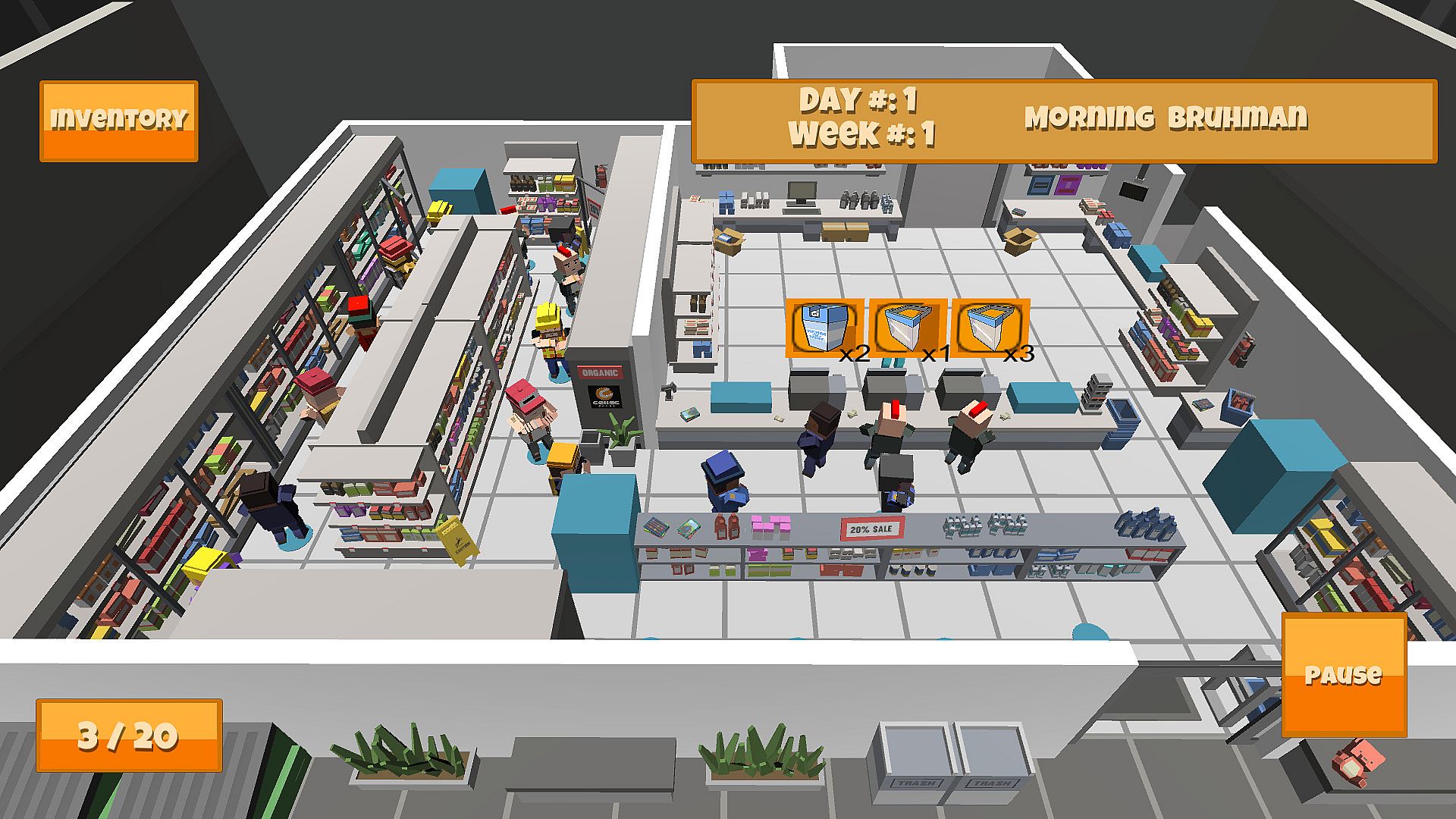
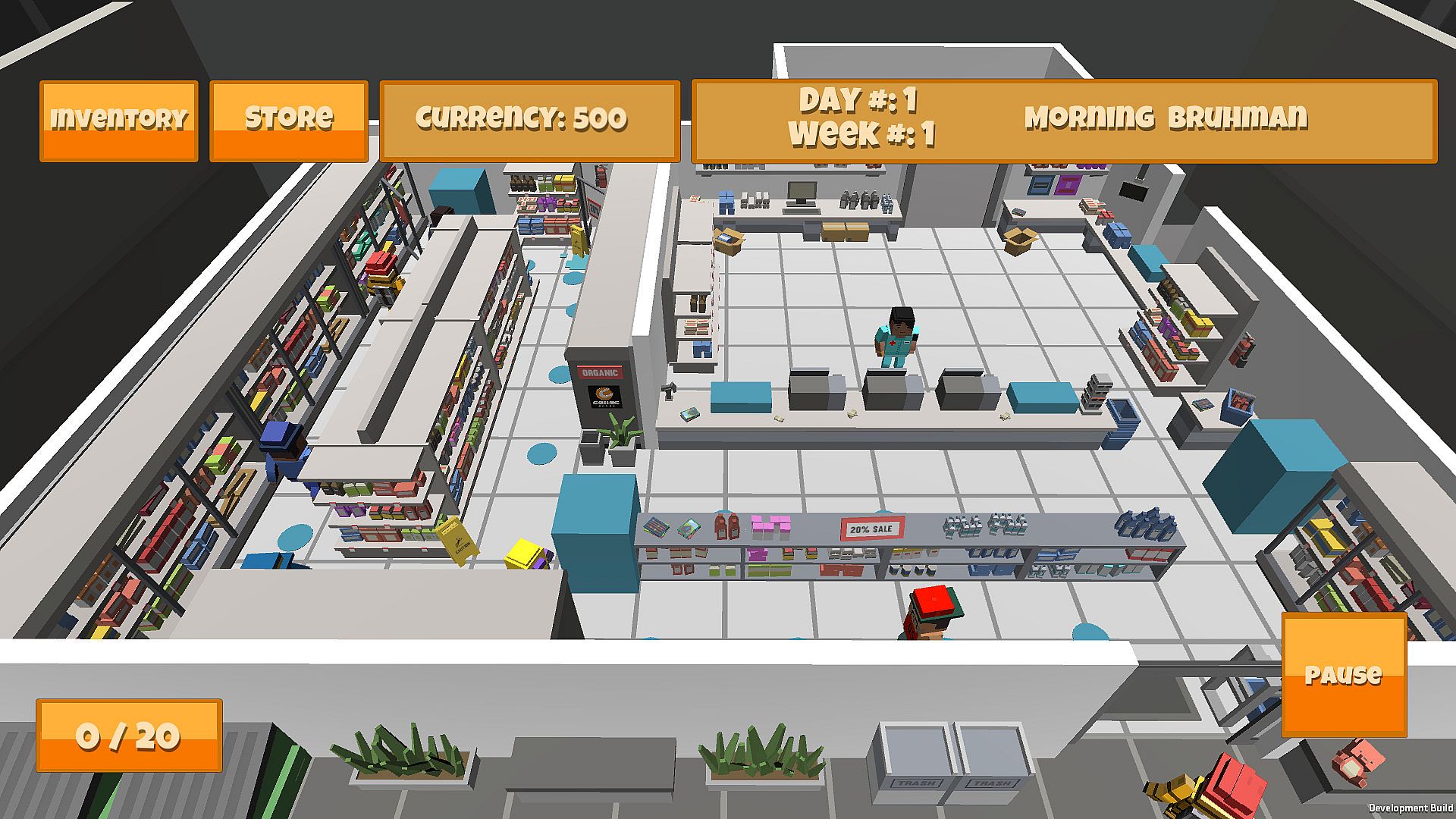
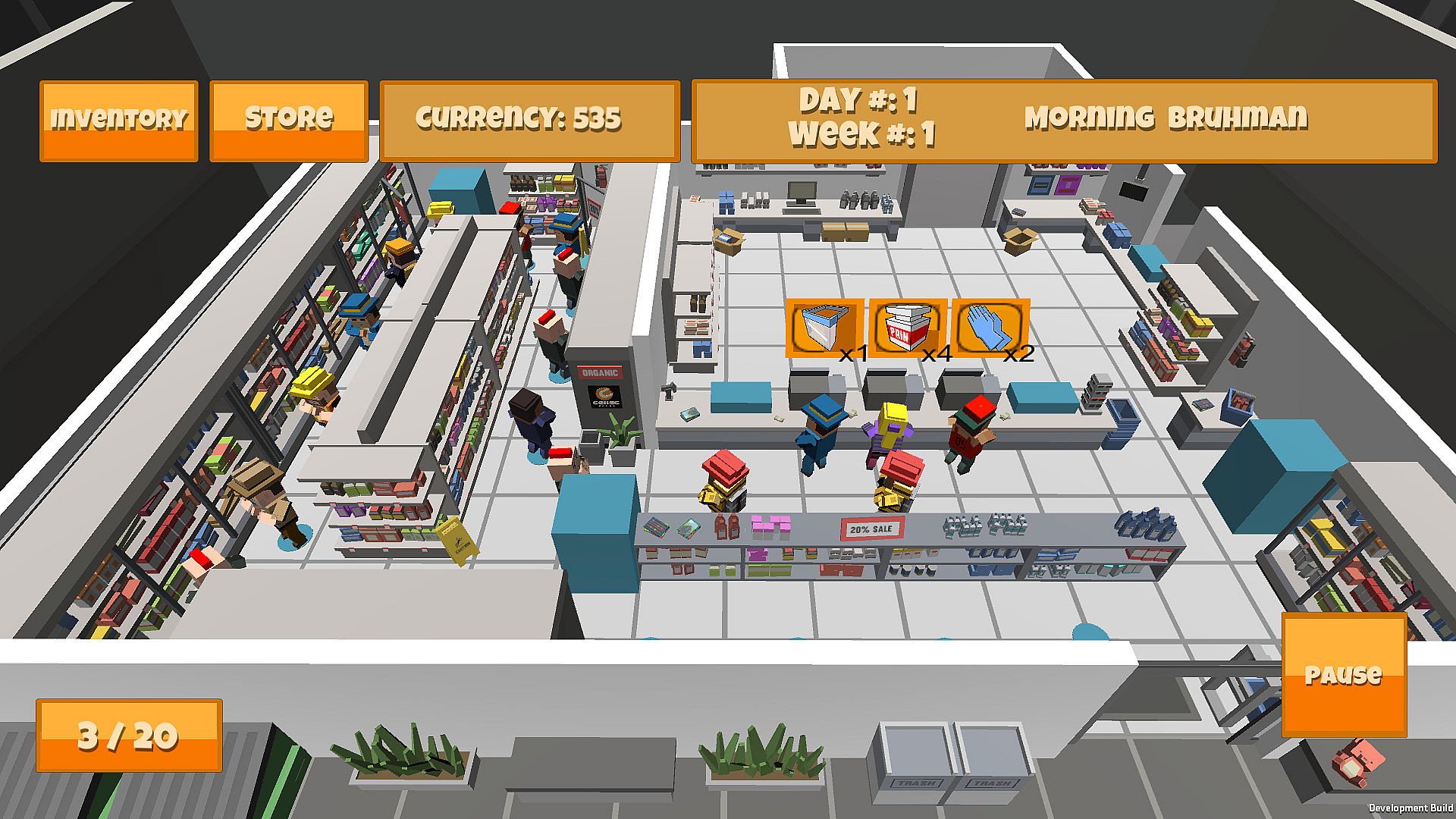
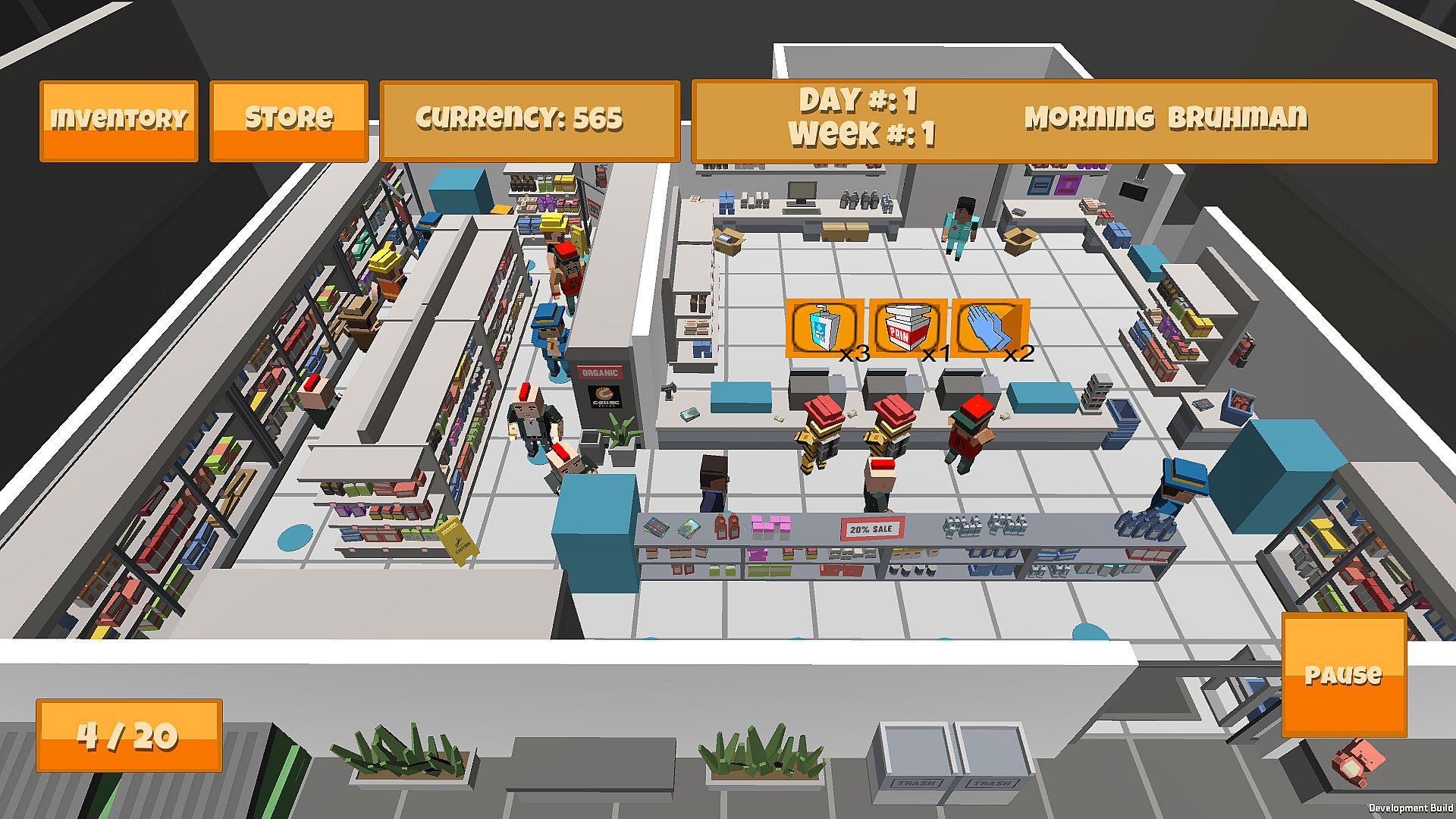
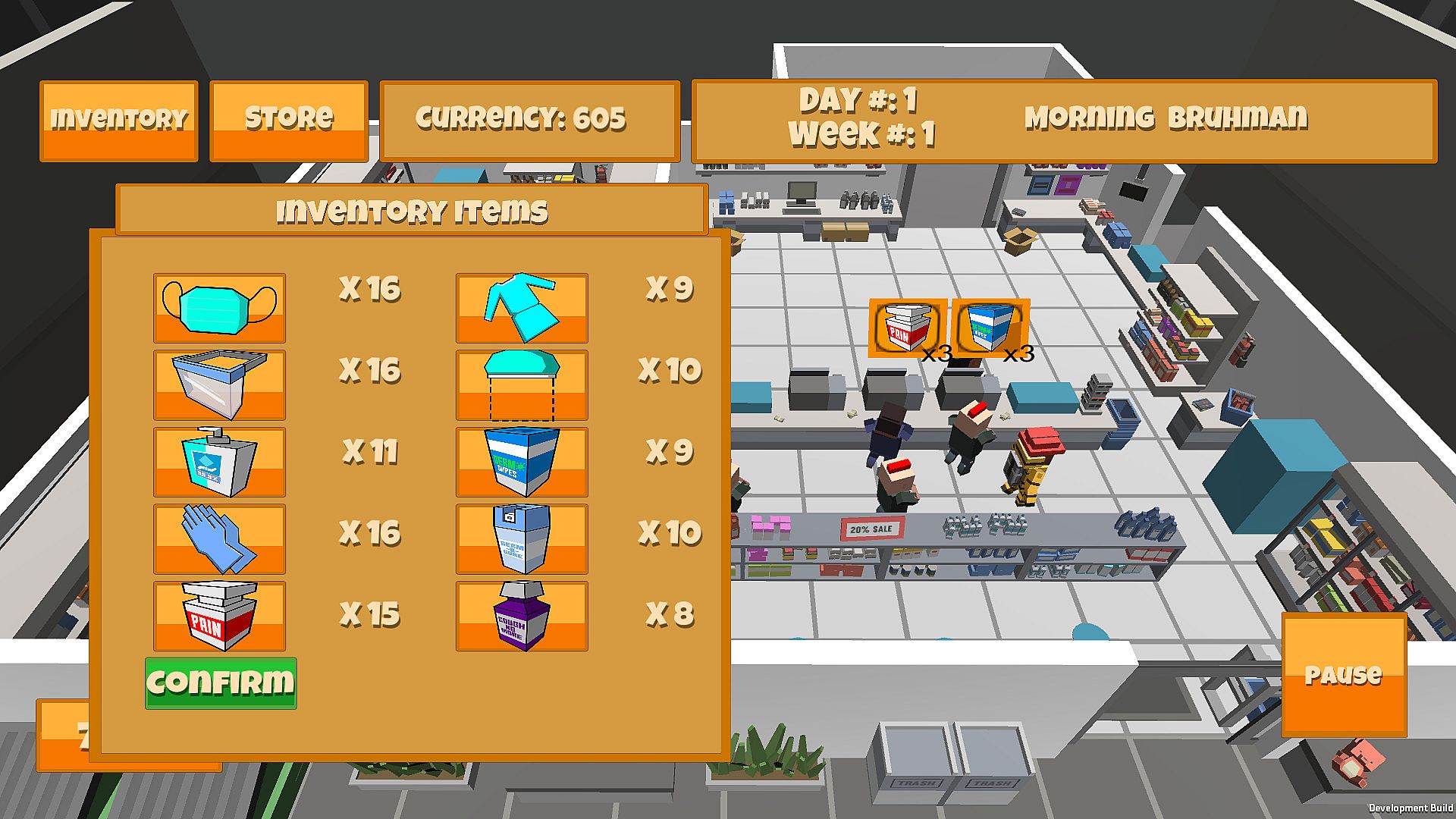
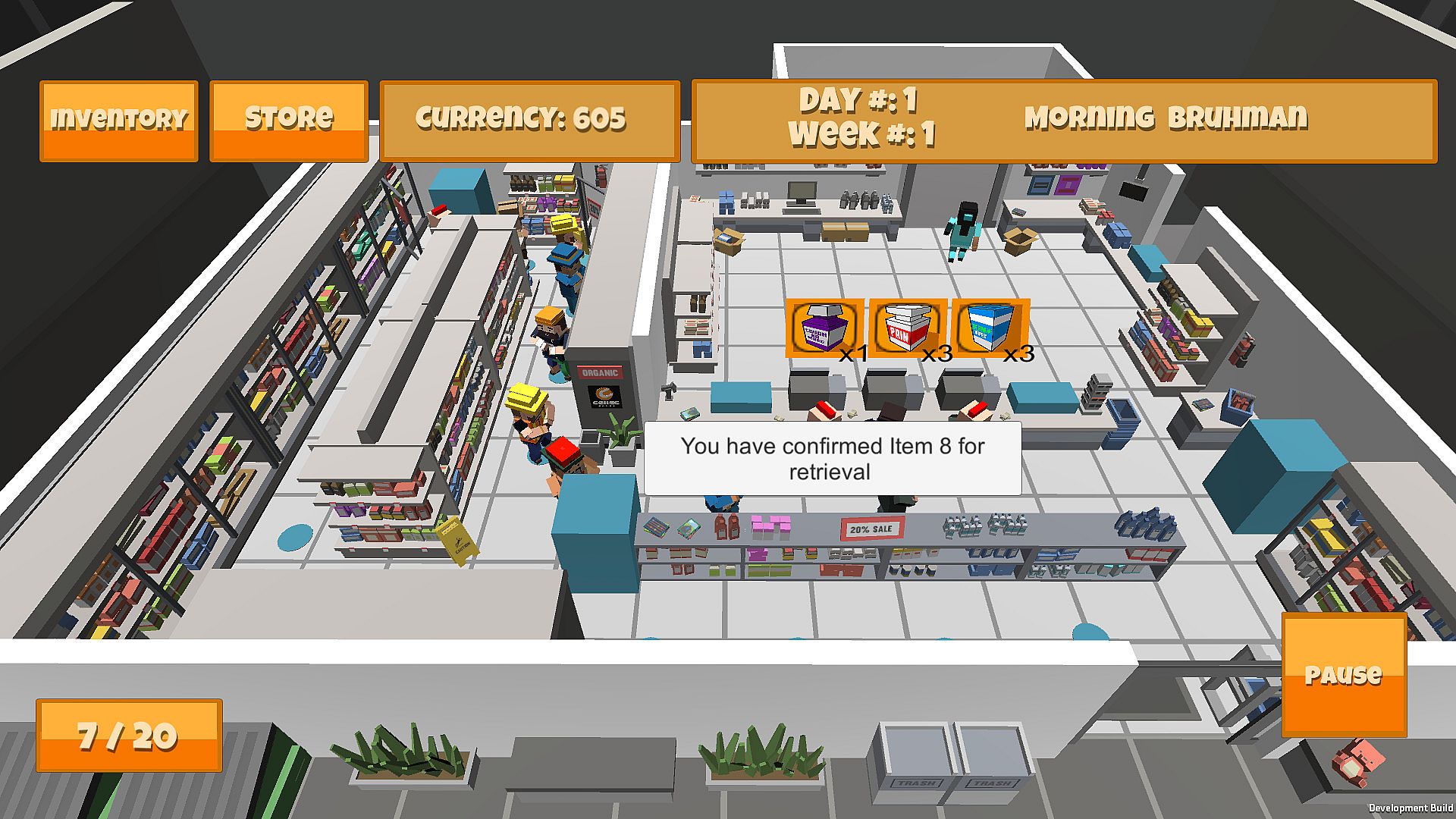
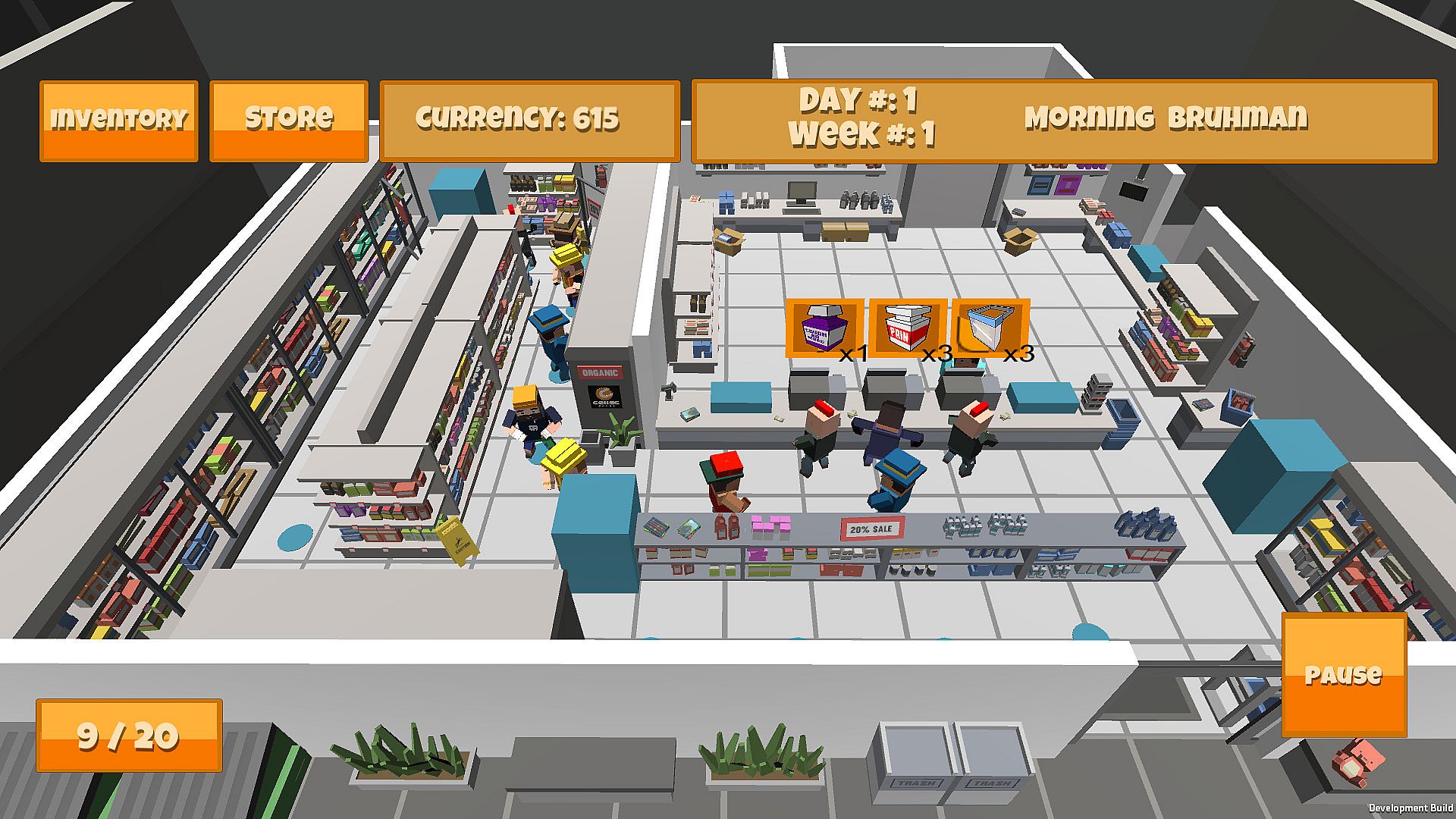
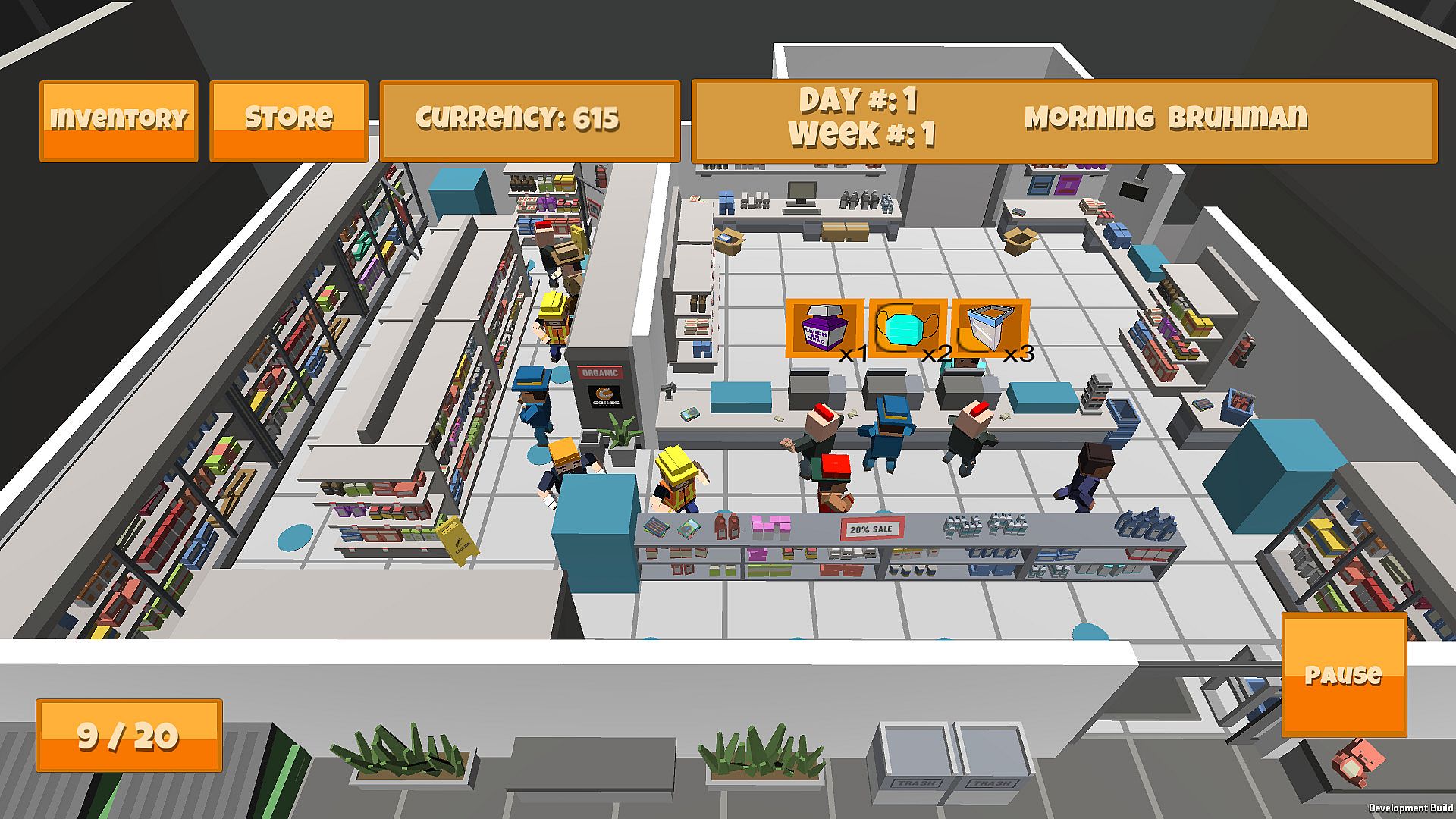
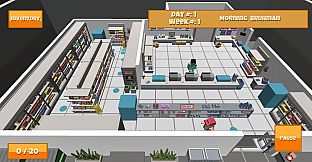
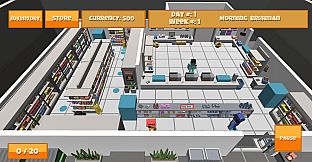
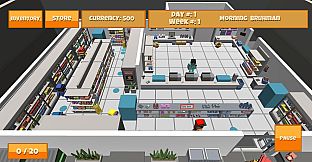
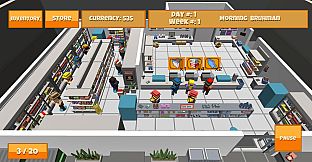
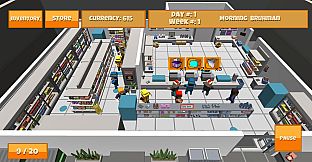
Run a bustling pharmacy in this free-to-play time management simulation. Customers arrive at the sales counter requesting items like face masks or pain pills, shown by icons with depleting patience timers. Tap the icon to open inventory, select the correct product, and confirm the sale to earn currency before patience runs out.
Use earnings to buy stock and upgrades that boost efficiency and keep customers happy. At day's end, analyze sales data by dragging values into a box and whisker plot to plan investments. Casual strategy players master quick decisions and data review to grow their medical warehouse.
BAW’s Pharmacy is a mobile time management and strategy game. Players manage a medical warehouse and sell products to hospitals and clinics. Customers will approach the sales counter and request a specific item for purchase. With the increase in need due to COVID-19, players must move quick to select the right product!
Correct choices result in currency allowing players to purchase additional stock and upgrades. Upgrades can help to keep customers happy and make your store more efficient! At the end of each workday, players review their data to determine which supplies are best to invest in using box and whisker plots. Choose carefully to ensure your store has what it needs to succeed!
Directions for BaW’s Pharmacy
Welcome to BaW’s Pharmacy, this document will give you a general guide on how to play the game.
In this game you run a pharmacy that provides products from face masks to pain pills.
Main Menu
When you load up the game there will be a main menu where you will have to write your name or username and sign in. Once you write your username, press the Sign In button and then the Play button will become available. There will also be many other different buttons.
Firstly, the Play button will take you into the main game and allow you to run the store and do your post daily box and whisker graphs.
The How to Play button will take you to a screen that will explain how different aspects of the game work.
The Options button will take you to a screen that allows you to change sounds and other options within the game.
The Trivia button will put you through different box and whisker graph scenarios and allow you to practice there on them.
Main Game - Running the Store
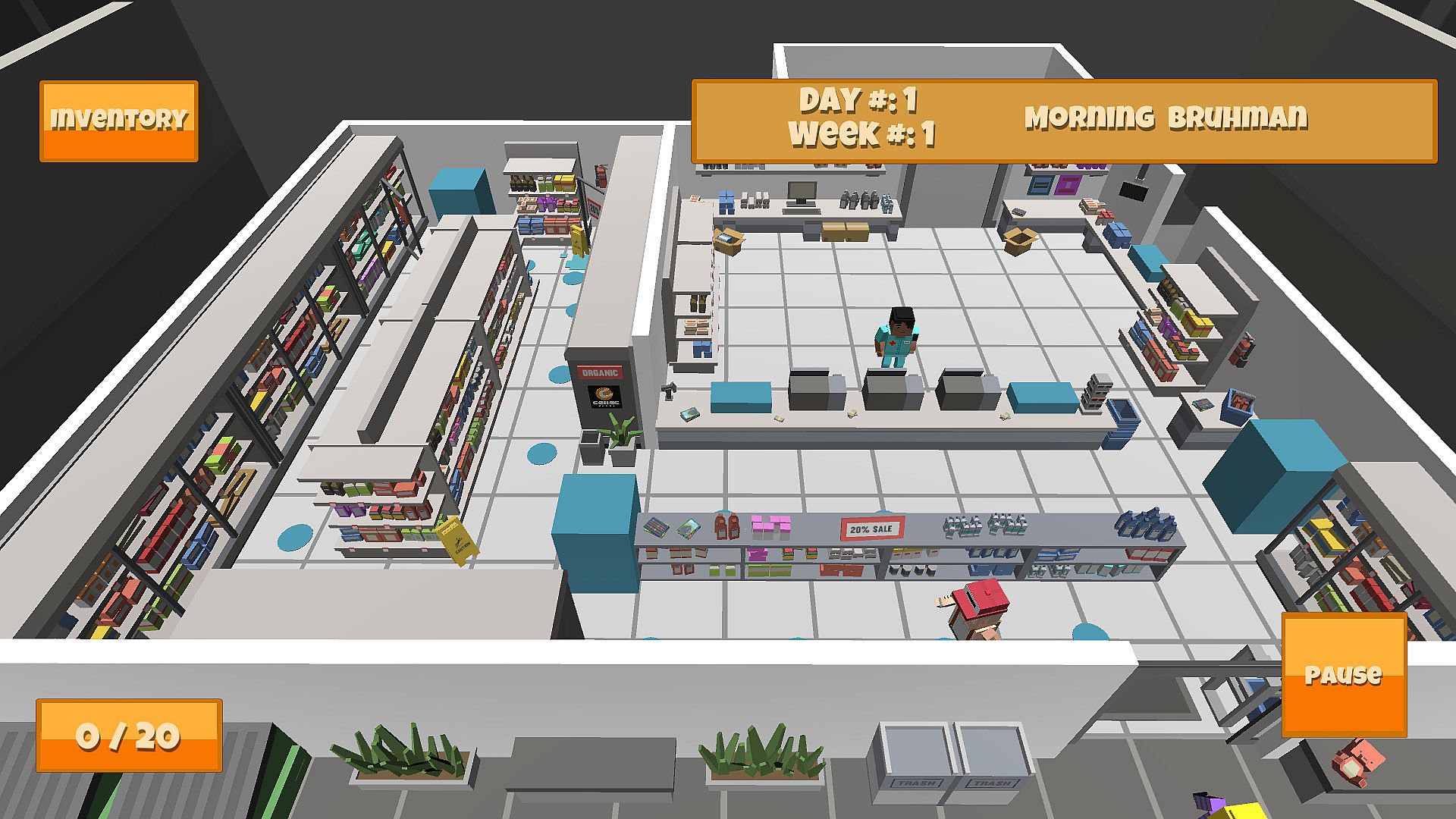
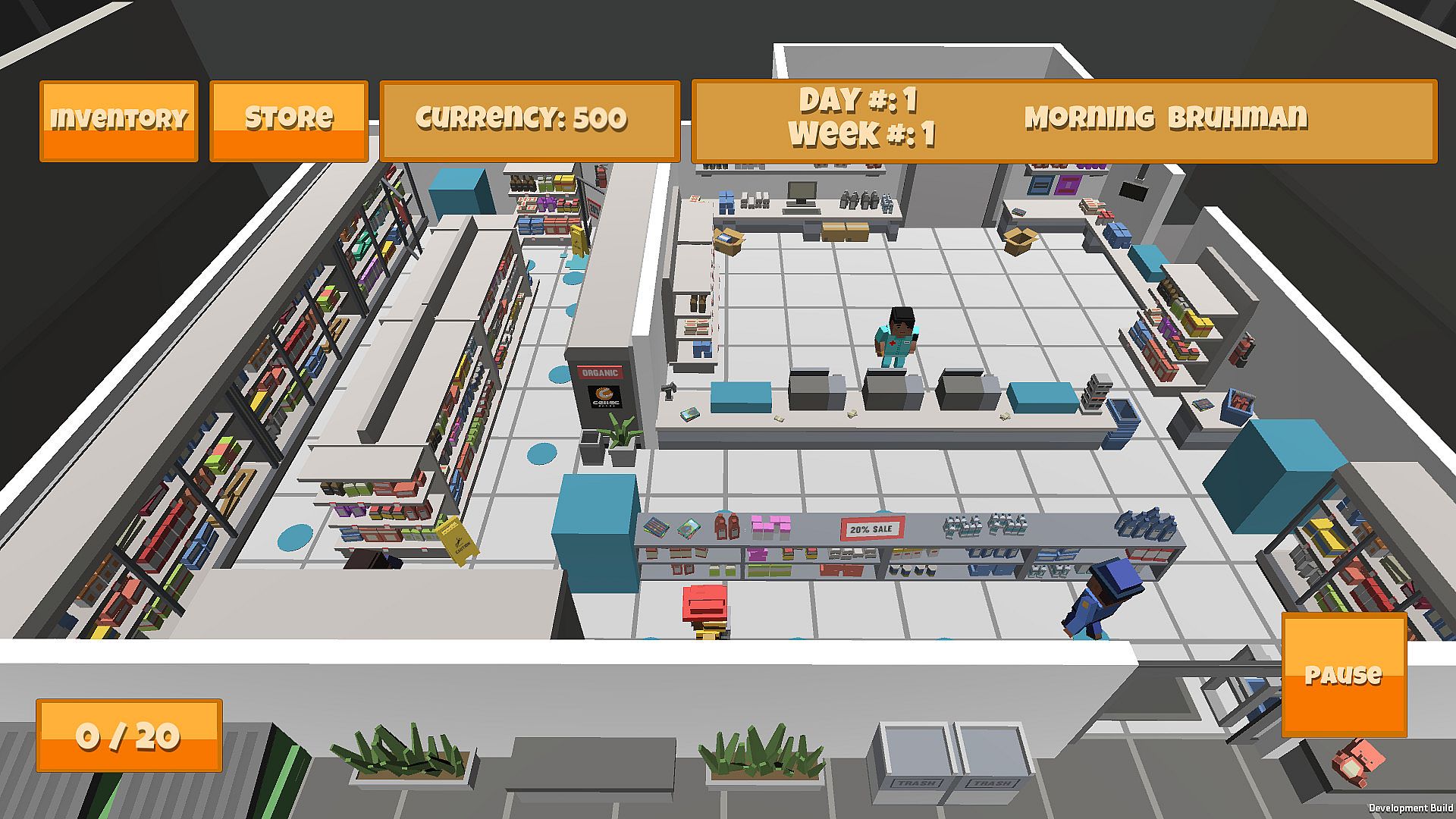
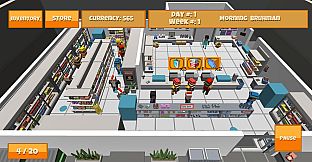
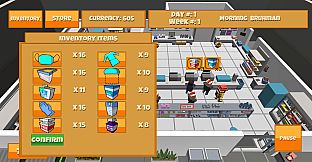
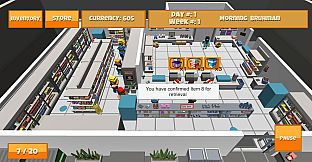
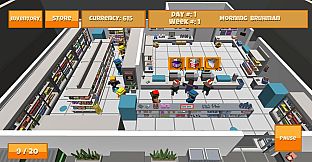
In the main game you will control the person behind the counter. As customers come into your store and approach the counter, they will have an image and a timer above their heads. The image depicts what item the customer is requesting. The orange image behind the image of the item will slowly disappear as a customer waits in line and for their item, this represents a customer’s patience. Patience will be important because if a customer’s patience runs out, they will get upset and leave the store, causing you to lose your sale. When a customer approaches and you want to make a sale to them, you need to tap on the icon above their head. When you tap on the icon the store inventory will open and you must then tap on the correct item and then confirm so that your pharmacist can go to the back of the store and grab the item. The pharmacist will return and give the item to the customer making a sale. You can use upgrades within the store too. There are several upgrades you can acquire and next to each upgrade there is a description telling you what it does. Then you can continue working until the end of the day is reached.
Main Game - End of Day Graph
At the end of each day you will be taken to a screen that will show a box and whisker graph that is generated by your sales throughout the day. The data values that should appear on the bottom of the graph are scrambled on the right side of the screen and you will need to drag and drop them into the correct place to continue onto the next day. If you need a detailed walkthrough on box and whisker graphs it is recommended visiting the how to play or the tutorial. That is about it on the instructions for BaW’s Pharmacy! While in the game if more help is needed just visit the how to play, the trivia or the tutorial in game and these will explain again how to play BaW’s Pharmacy successfully.