



















Buy Bonk'd Audio Visualizer PC CD Key

Where can you buy the cheapest Bonk'd Audio Visualizer key for {6}? Check and compare prices from 1 stores among 1 offers on XD.deals. The lowest Bonk'd Audio Visualizer price on keyshops is at £1.69 (0% off).

Steam:
Overwhelmingly Negative (9)
Keyshops
Unavailable
Buy in Official Store:
£1.69
Buy in Keyshops:
See price history

Official Stores (1)

DRM:
Steam
Steam
Steam
Bonk'd Audio Visualizer
Windows
+2
1y ago
DRM:
Steam
Steam
£1.69
Historical Low Deal
Historical low

About Bonk'd Audio Visualizer

Bonk'd Audio Visualizer - about the game
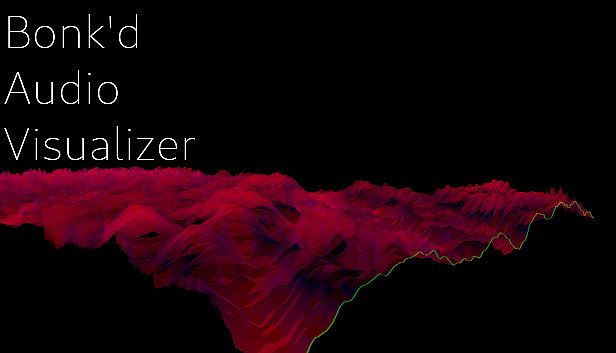
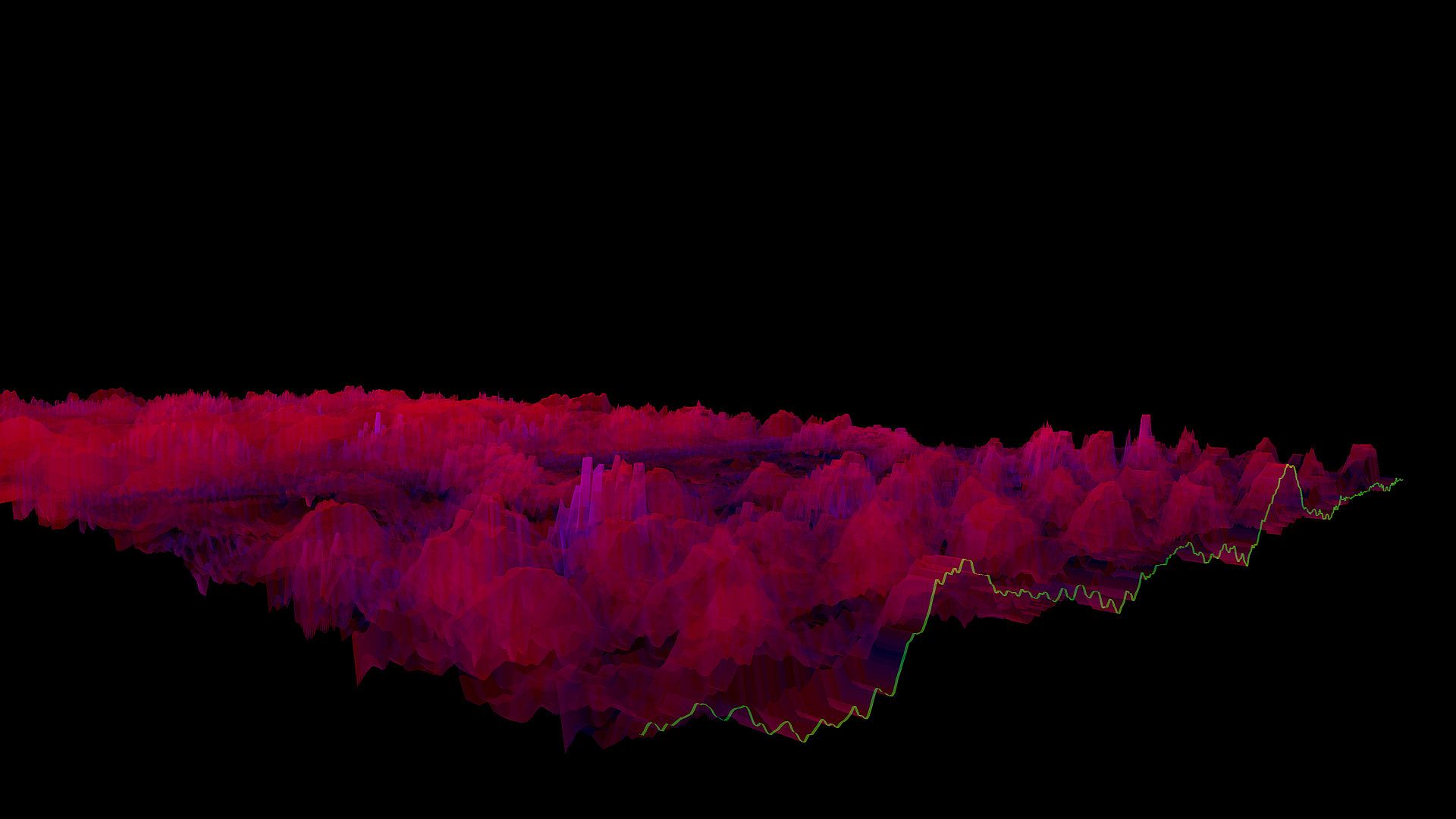
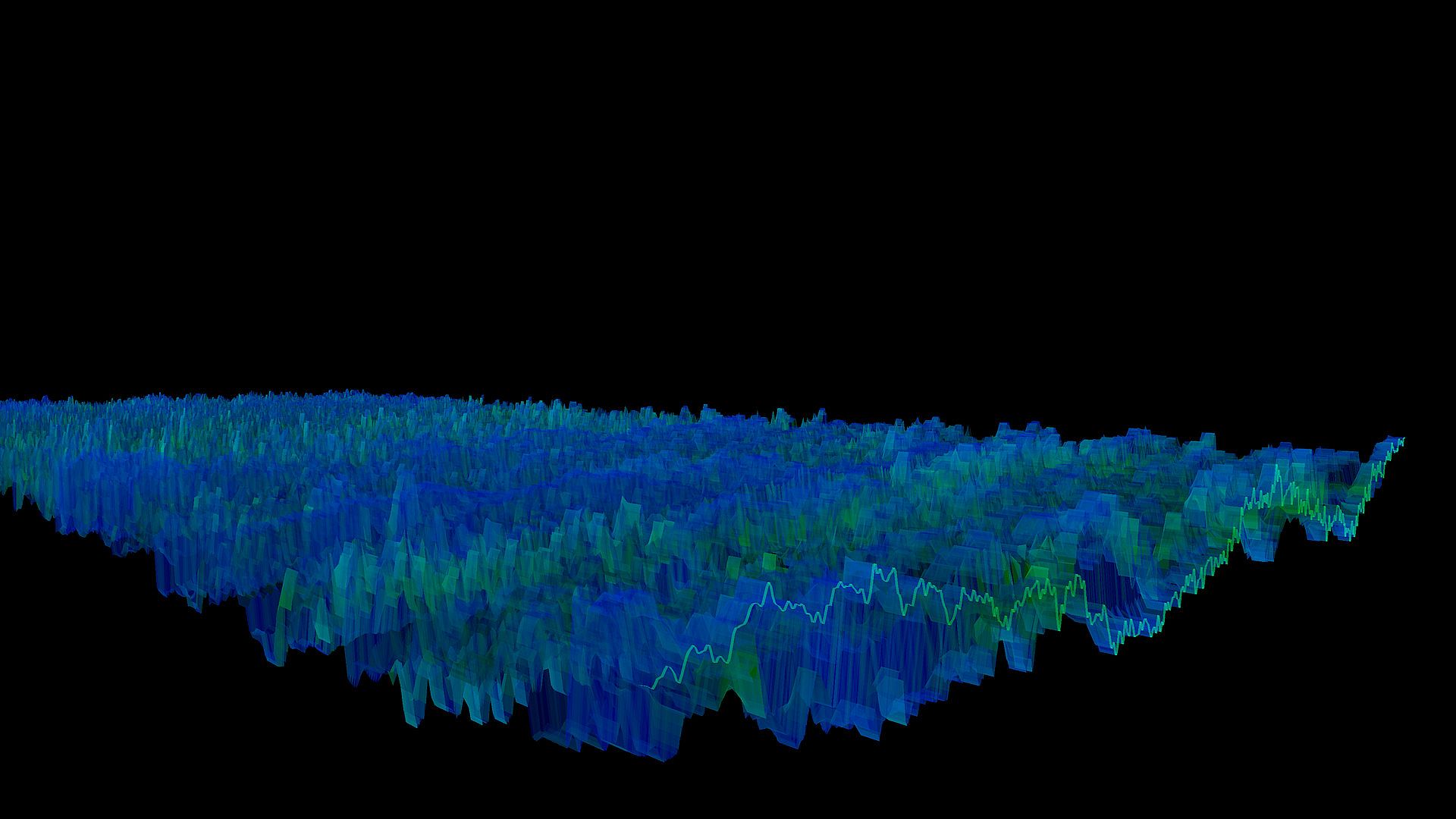
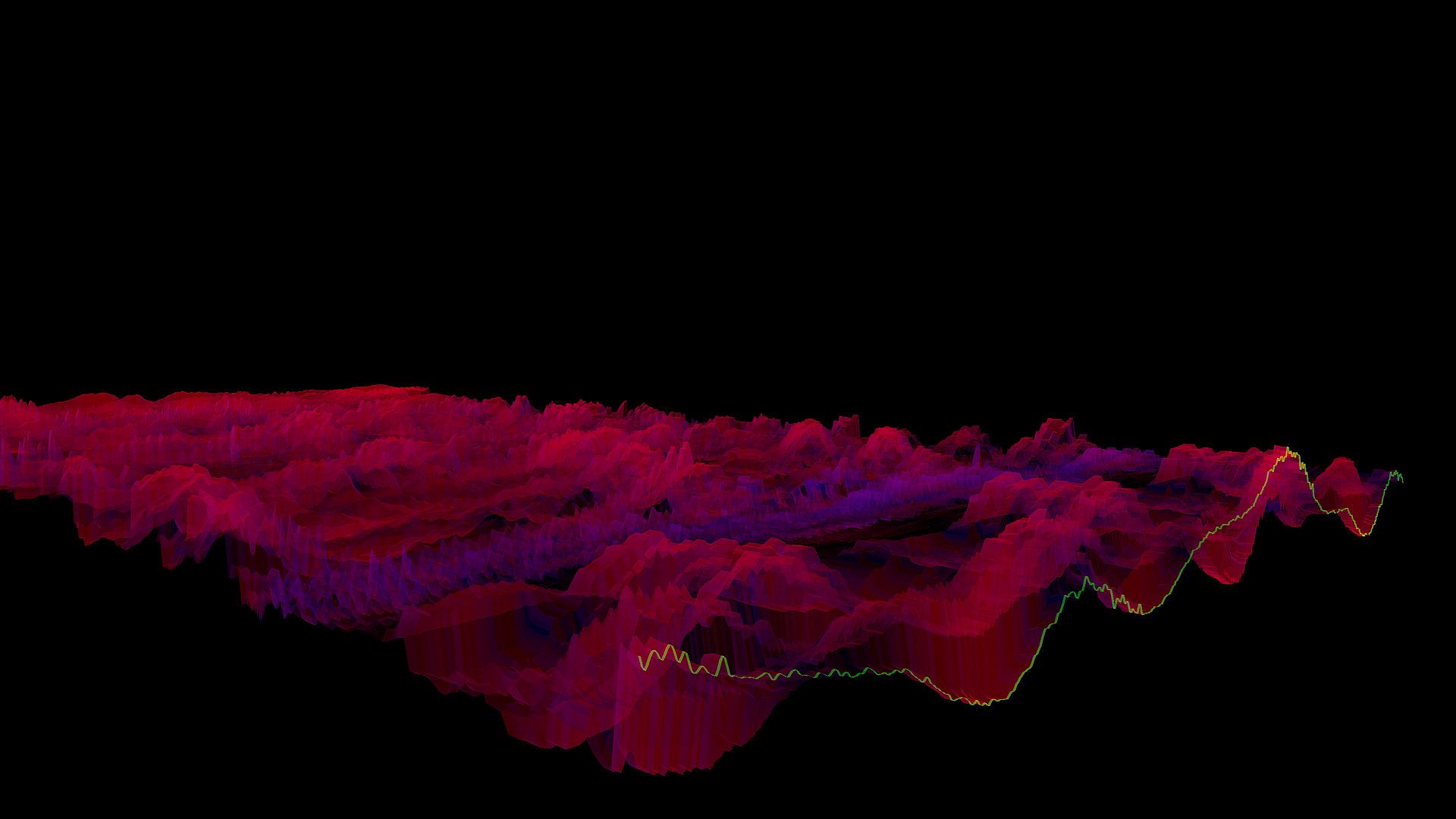
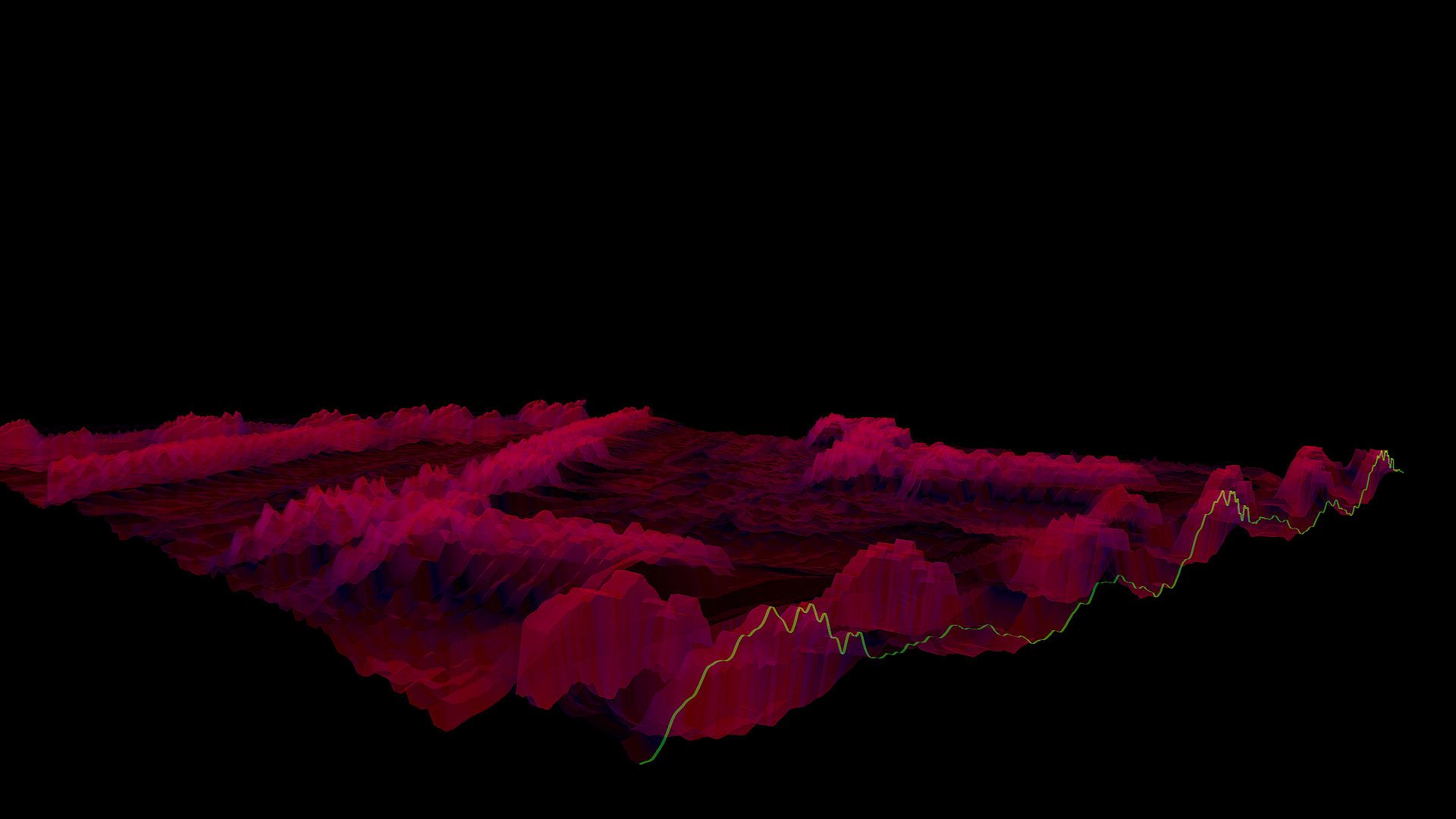
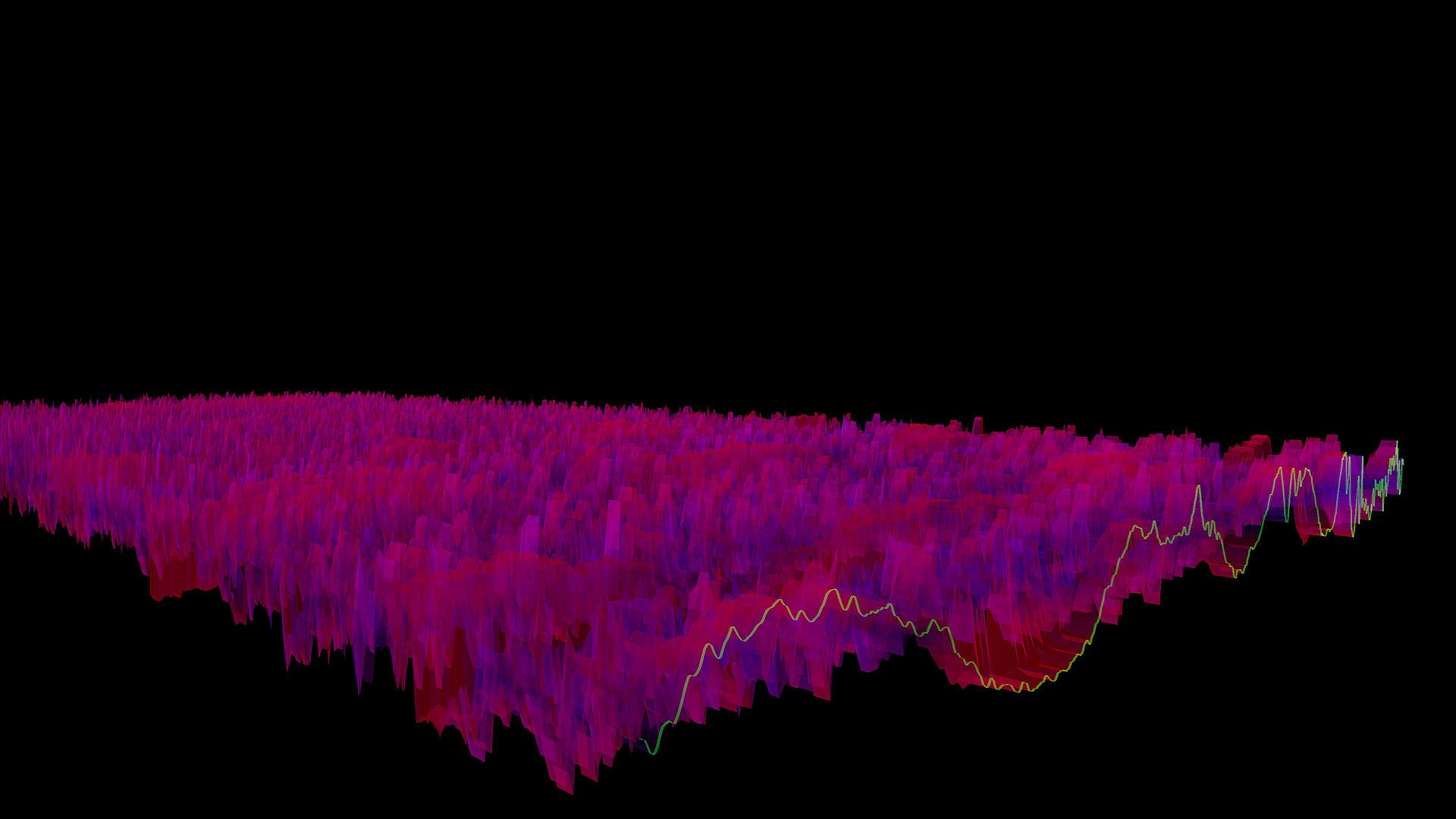
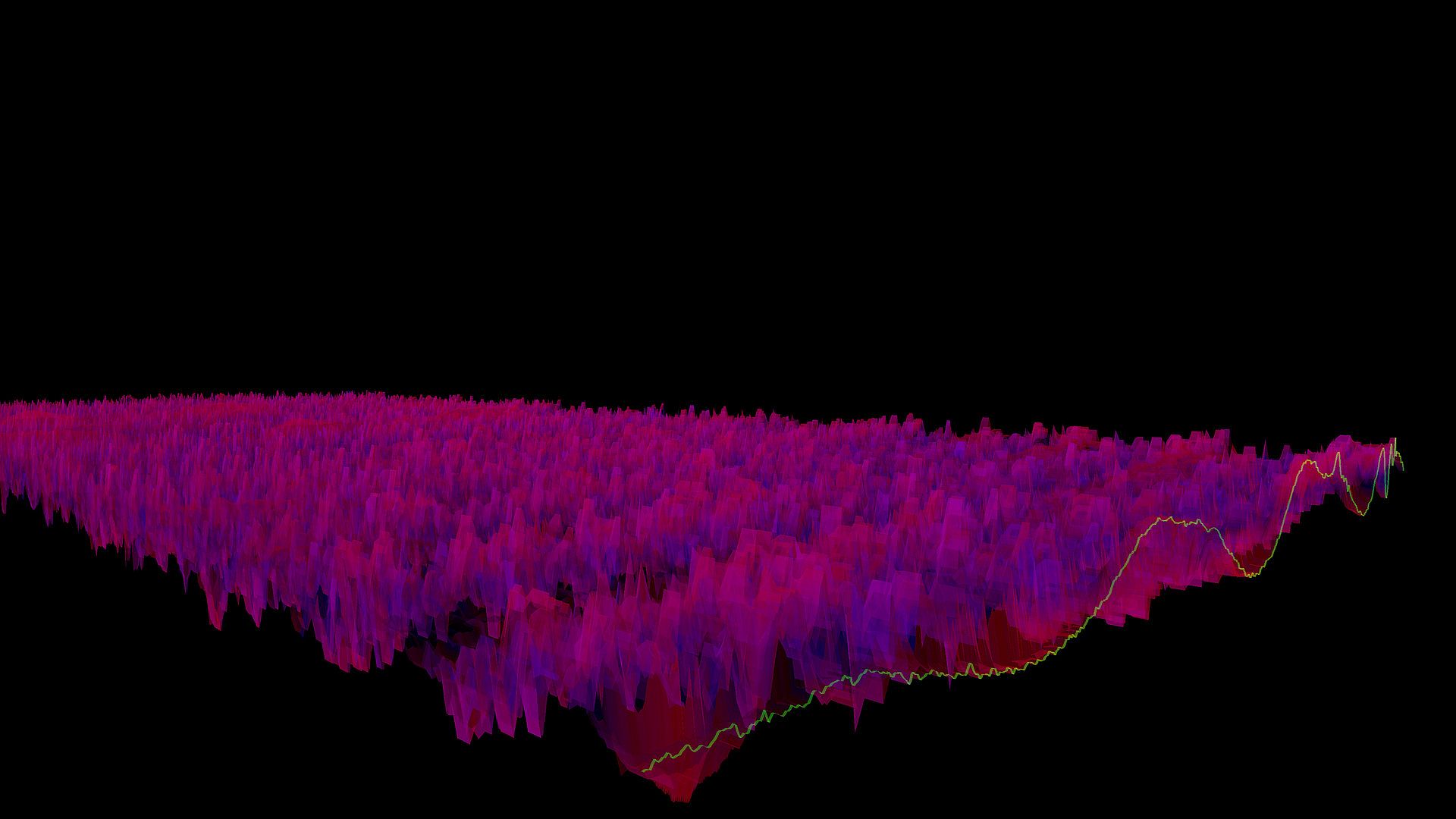
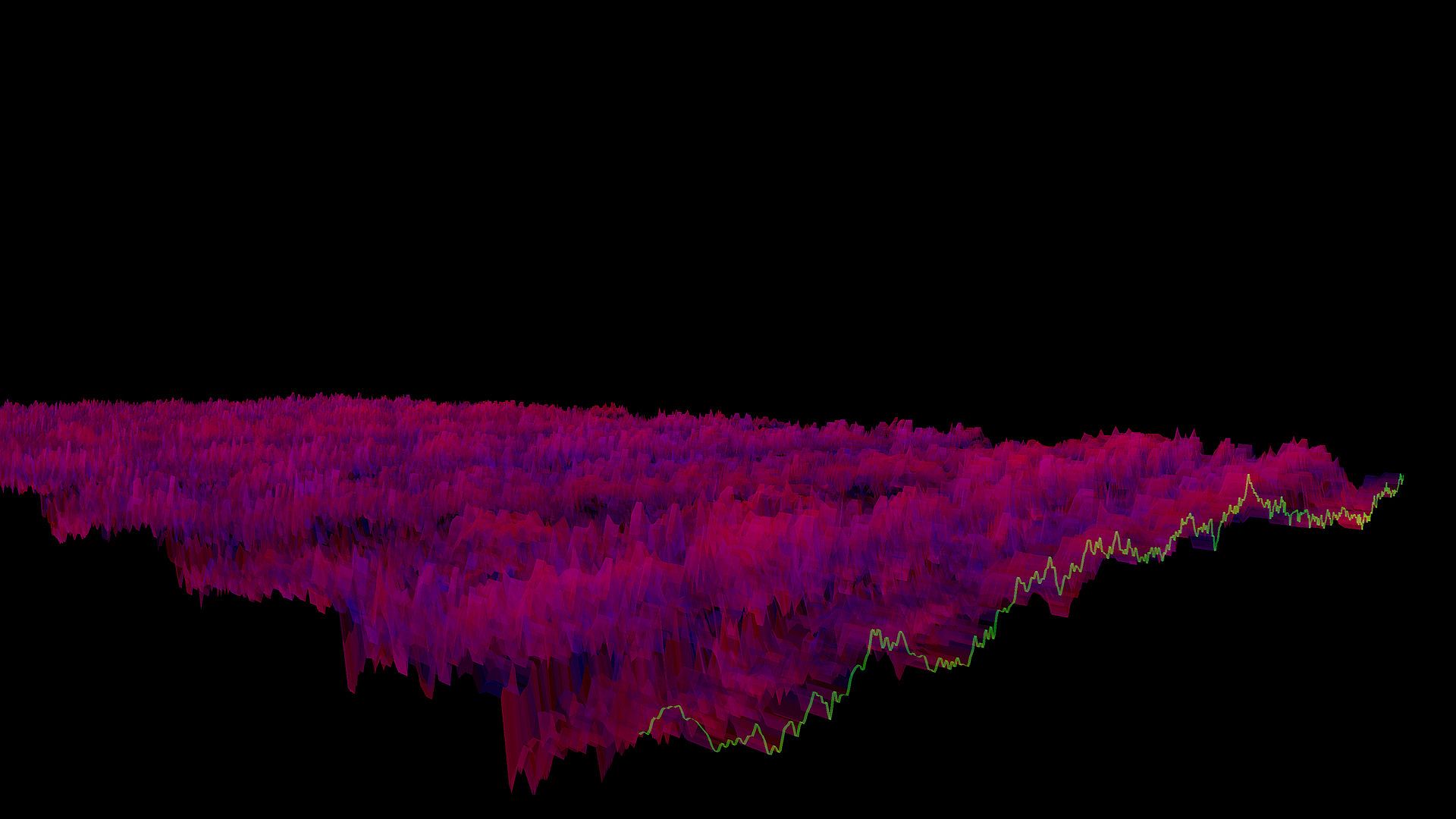
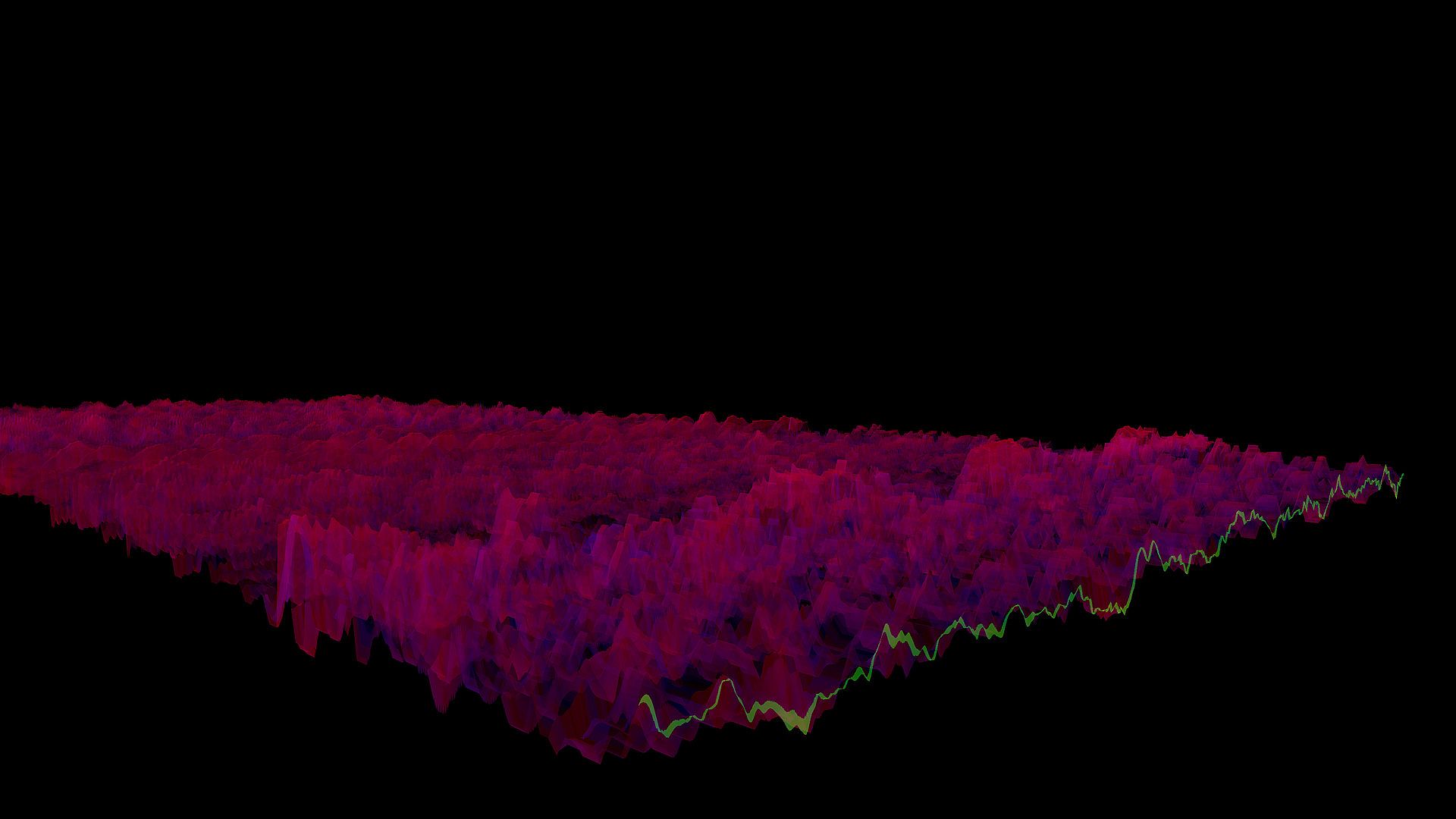
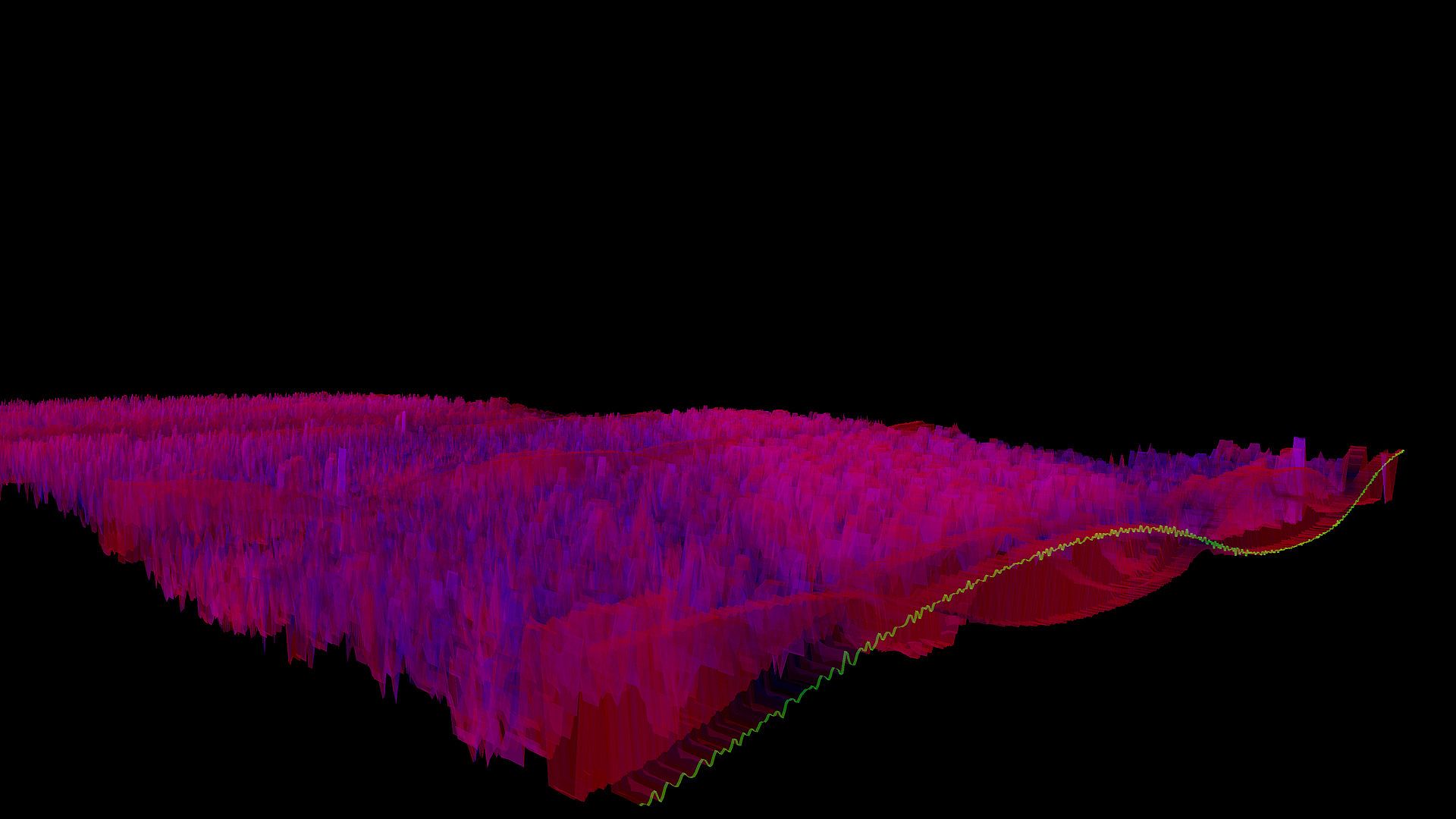
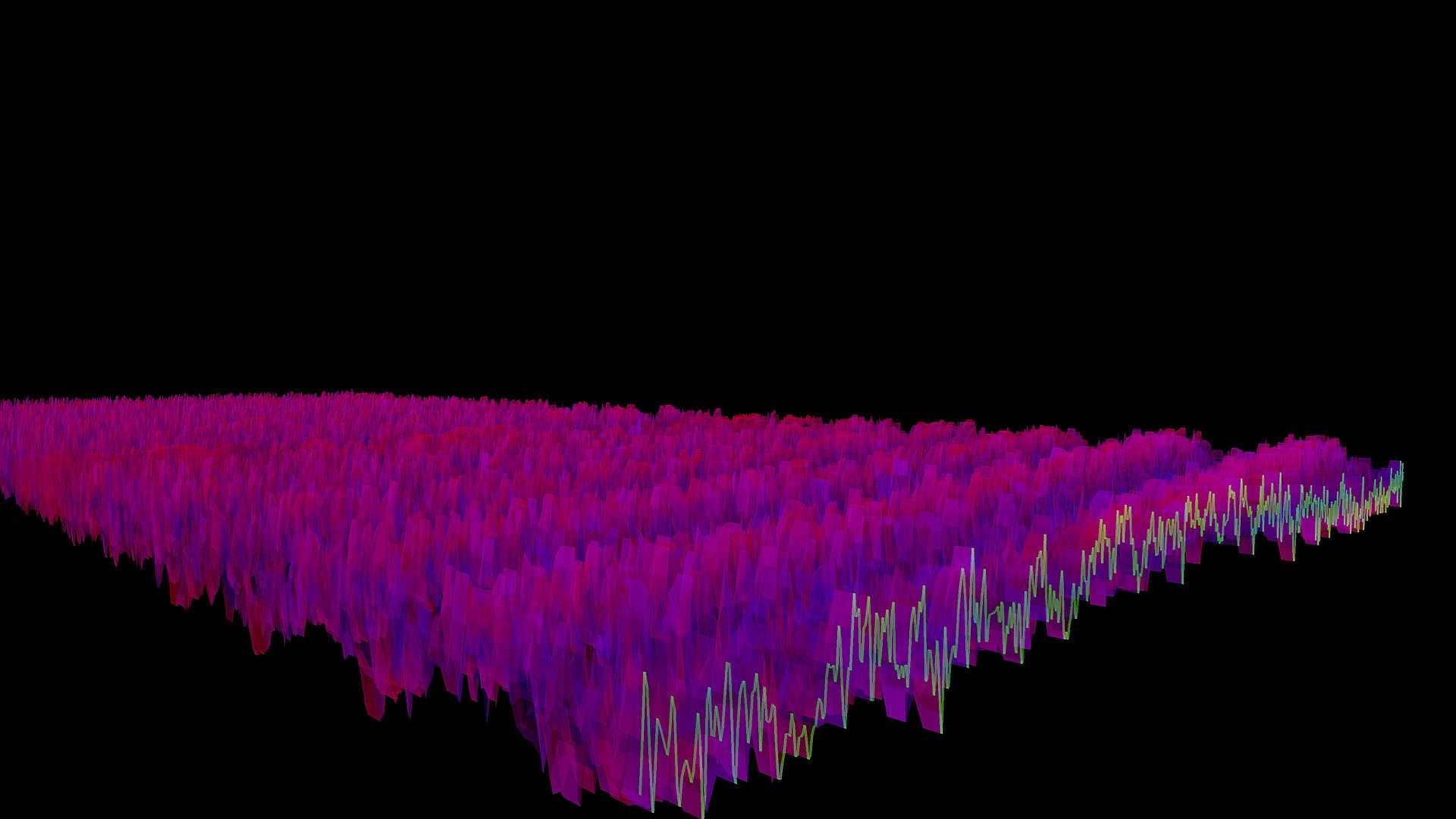
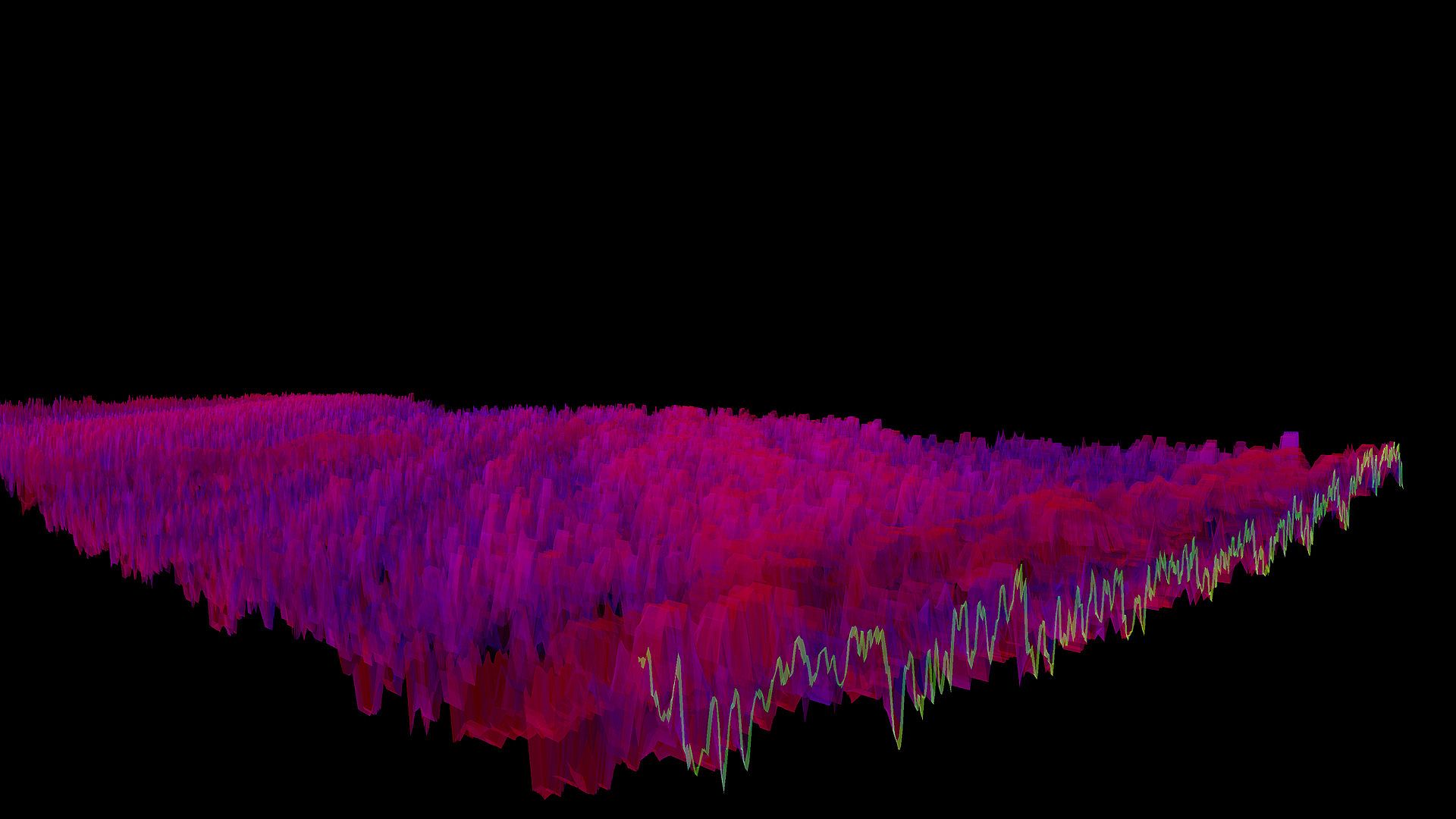
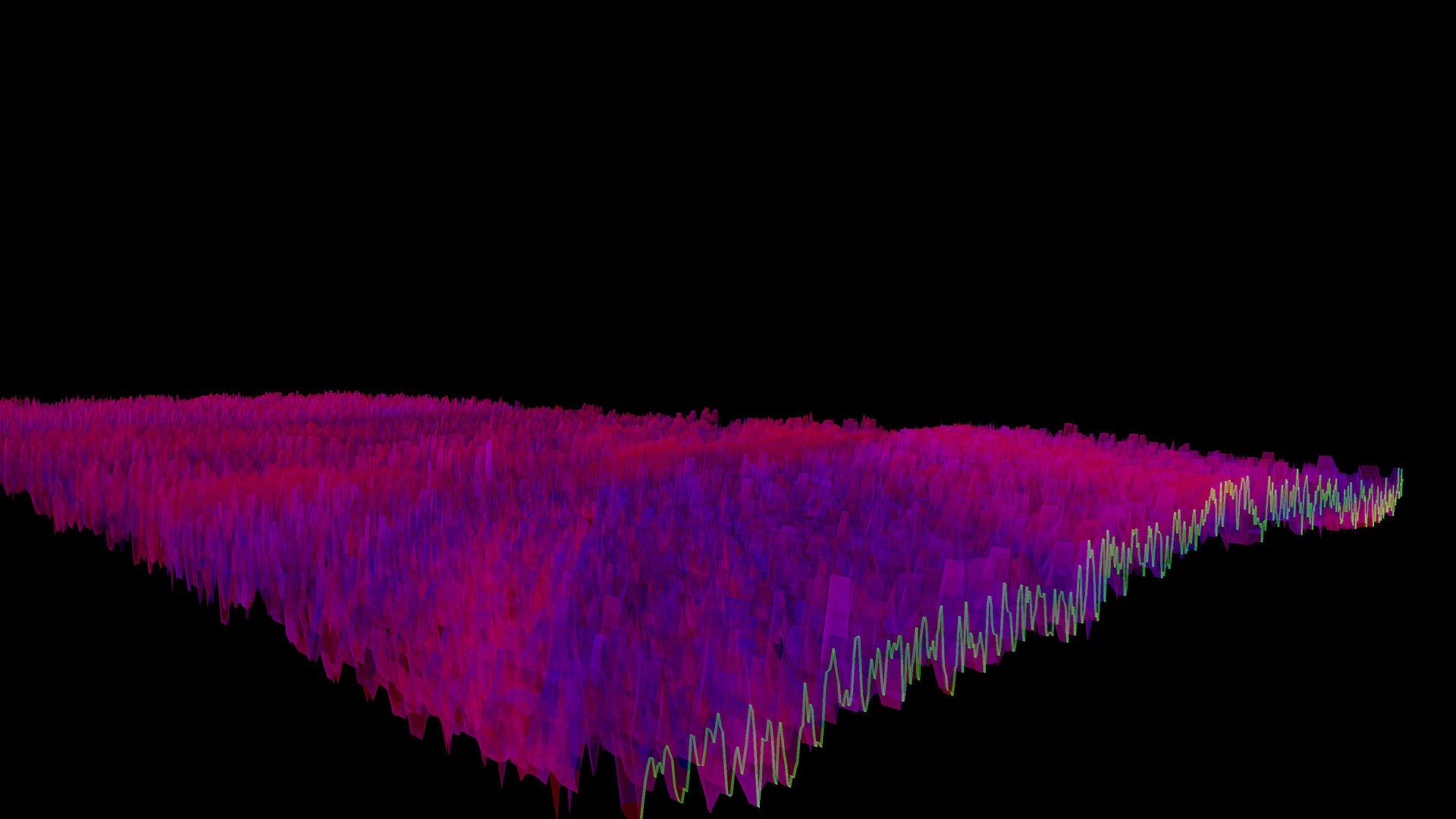
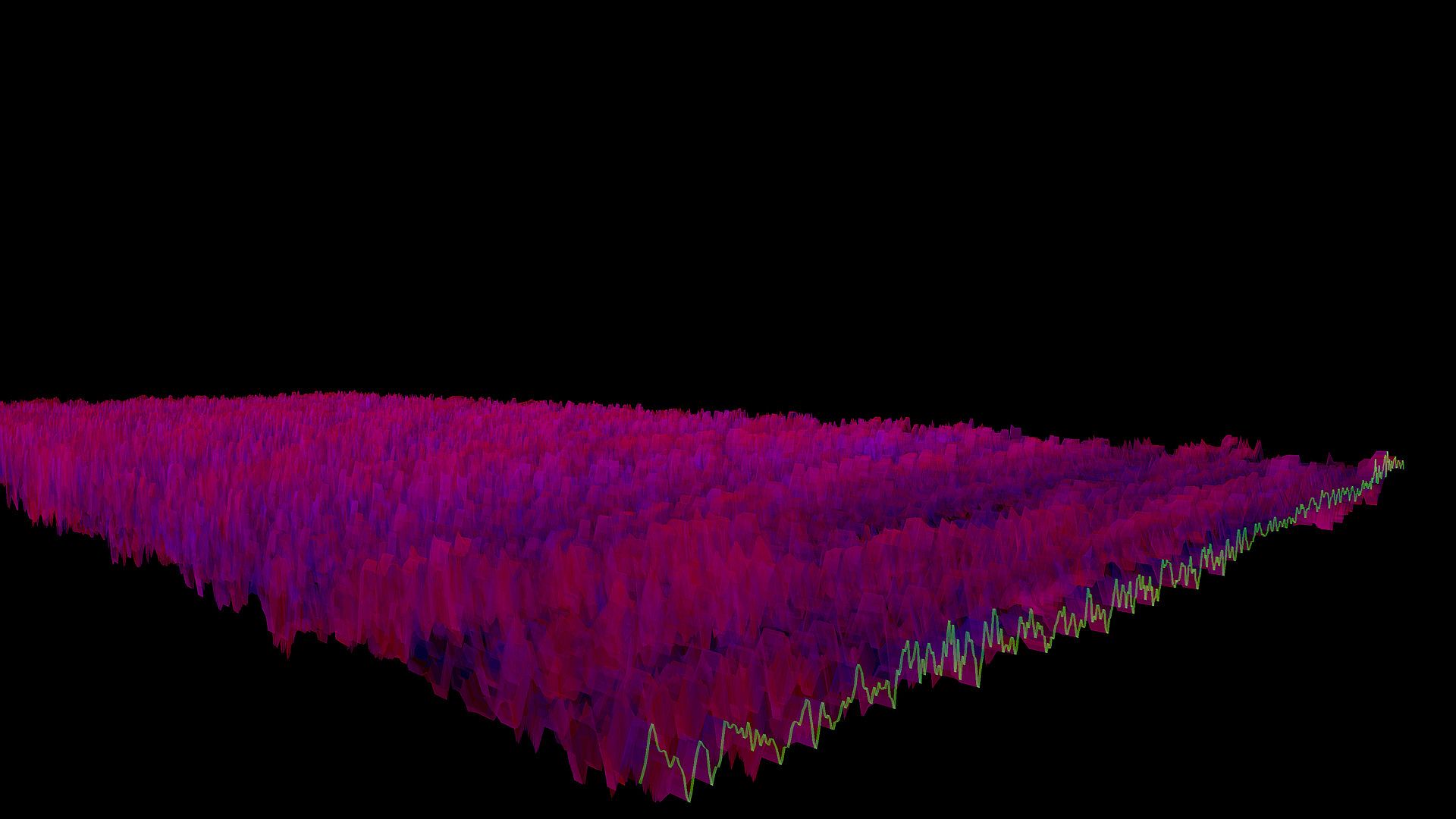
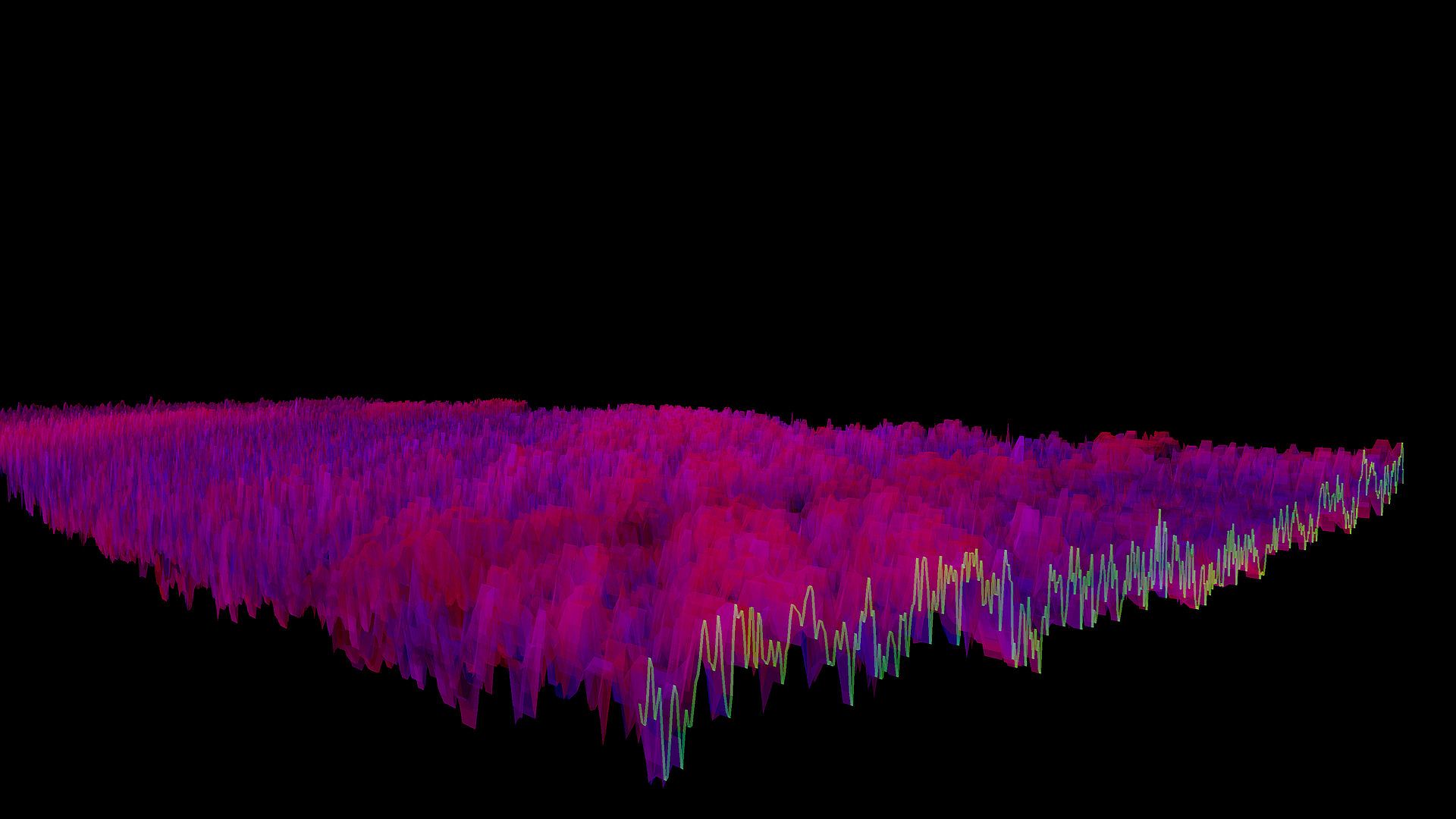
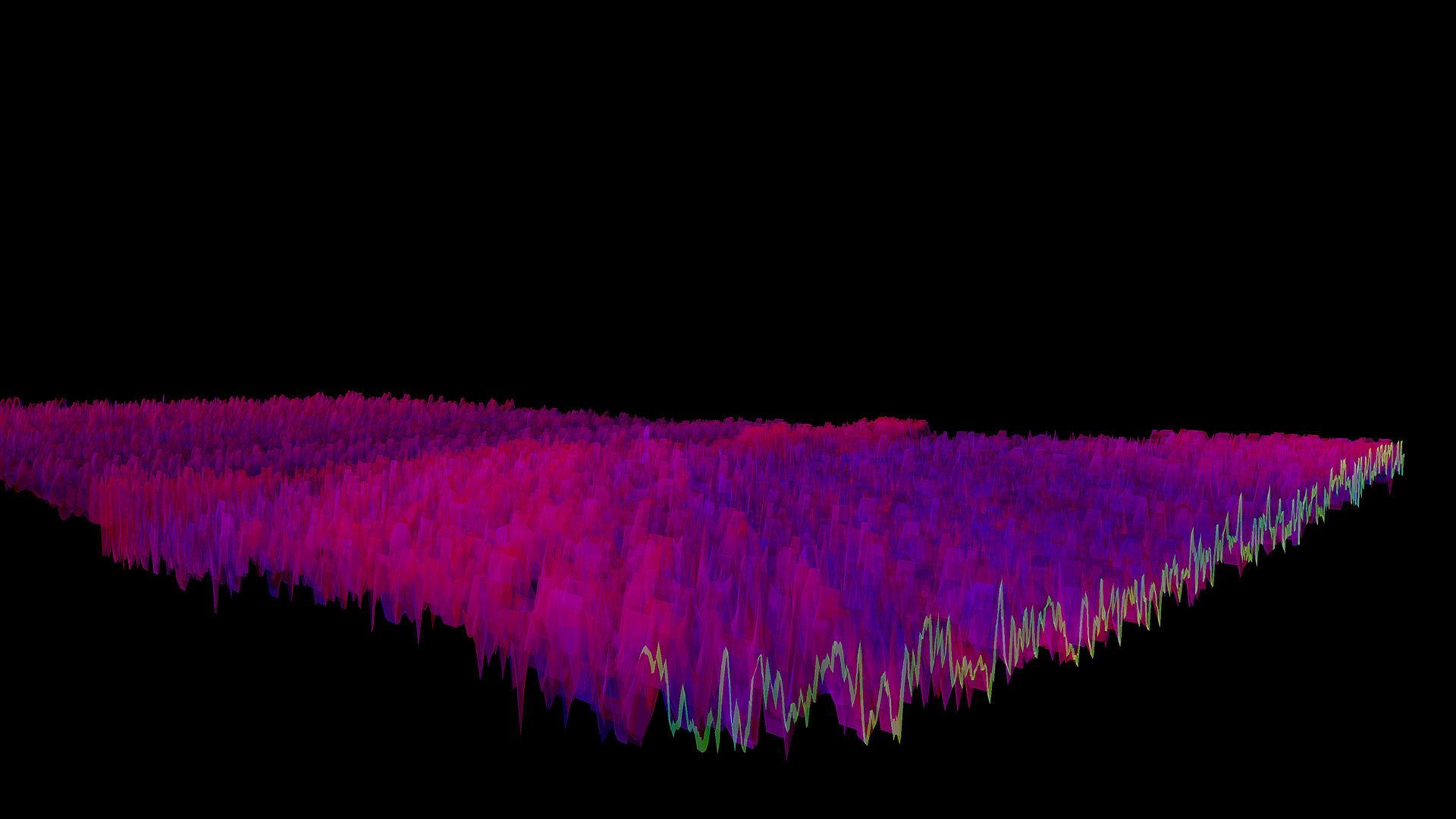
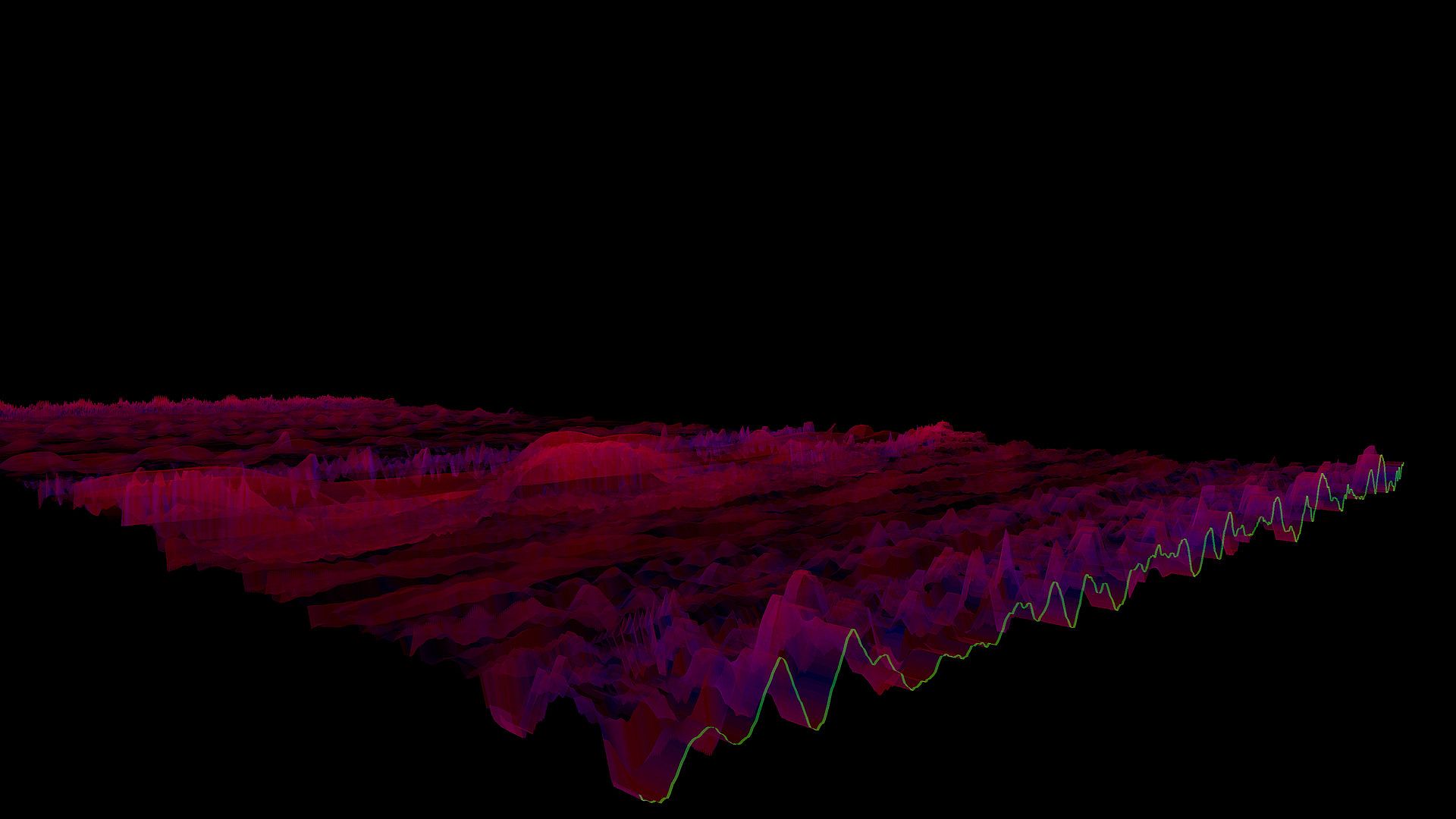
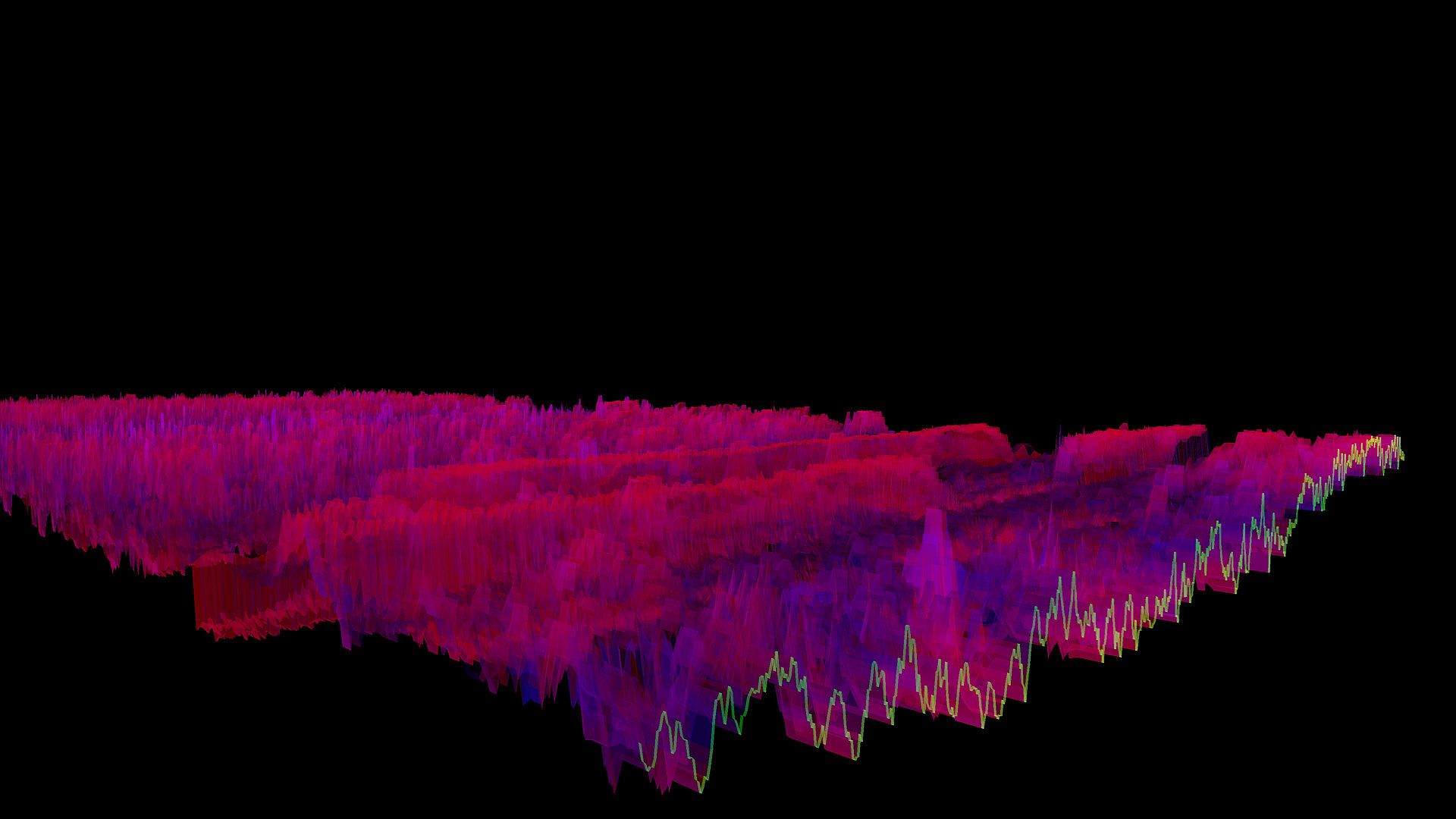
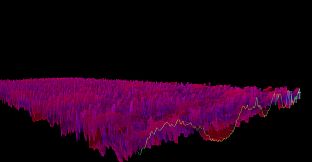
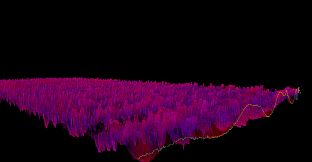
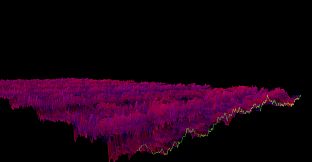
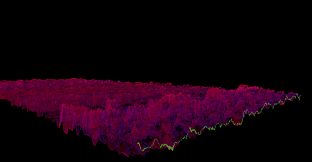
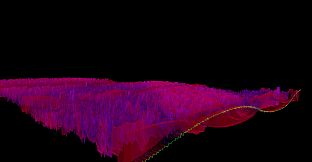
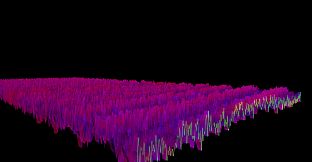
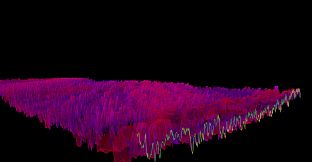
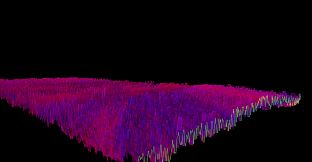
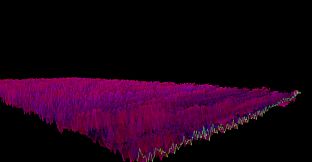
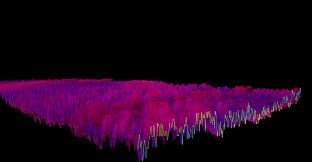
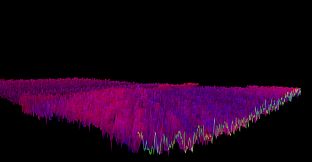
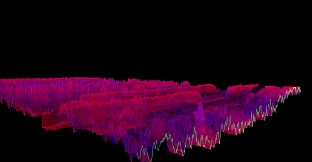
Bonk'd Audio Visualizer delivers a lightweight 3D audio visualizer built in C/C++ with Vulkan for smooth, low-latency performance on PC. Launch the indie casual app, play your music, and watch waves respond in real time-hit escape to exit. Tweak settings on the fly with command-line options like wave height, alpha transparency, move time, and audio interfaces such as PipeWire or ALSA on Linux. Customization shines through parameters for displays, GPUs, and windowed mode, with a manual detailing every choice. Future updates plan desktop background rendering and config files, plus stretch goals like VR support. Casual users who crave fast, tunable music visualization find a perfect fit here.

Features
The Bonk'd Audio Visualizer is a 3D audio visualizer written in C/C++ with Vulkan, designed for Linux first, Windows second. It is designed to be lightweight, fast, and low latency. Future planned features include:

-Desktop background rendering
-Customizable colors (can be customized with command line options right now)
-Customizable speed (can be customized with command line options right now)
-Customizable wave heights/sample rate/sample size (also customizable via command line options right now)

Stretch goals depending on reception:

-VR
-Control of viewport
-Gamification of some sort
Usage
Simply start Bonk'd Audio Visualizer and start playing your favorite music and enjoy! Fruther configuration can be changed with launch options, explained in the Manual.txt included with game files, soon to be available through a configuration file, and then potentially a UI to change things live. Hit escape to close the program.
Notes
If you're running on Linux by default the application uses PipeWire, an option to use straight ALSA is available with -alsa in the launch options, it presently connects to the mic instead of the default output device, a fix is in the works. Testing was completed on Fedora 36, but any linux with Pipewire and proper Vulkan drivers should work with the default settings just fine.

Many features are available through launch parameters, customization of the rendering, swapping starting monitors, switching audio interface, and forcing usage of integrated or dedicated GPUs are just a few of the available options through launch parameters. These features are being moved into a config file, and then later into a GUI application, but have been provided as launch options to give access to them as early as possible.

For convenience, the launch parameters are listed below, and are included in the Manual.txt in the software installation.

Available options:

Option syntax >>>> description
-wh (integer) >>>>> set wave height, default is 25
-a (real number) >>>>> set alpha (transparency) default 0.25
-mt (integer) >>>> set move time default 6
-alsa >>>>> use ALSA instead of PipeWire (linux only)
-window >>>>> run windowed instead of fullscreen
-fi >>>>> force use of integrated GPU*
-fd >>>>> force use of dedicated GPU*
-debug >>>>>> print debug output to bav_log.log
-display >>>>> set which display to render to (fullscreen only)


*Steam appears to "hide" GPUs from Vulkan when multiple GPUs are present on a machine. You can run the program from command line/terminal with the force parameters and they will function as expected, but through Steam you may run into trouble with them. There may be ways to circumvent this with environment variables or how you run steam, but I've not found a surefire way to do so, ymmv.

Trailer music graciously provided by NCS, link to song:

Interface:
English
Audio:
English
Subtitles:
English

Age rating

Unavailable
Steam:
Overwhelmingly Negative (9)

Minimum:

  • Processor: AMD FX-8350
  • Memory: 200 MB RAM
  • Graphics: HD Radeon 7850
  • Storage: 10 MB available space

Recommended:

  • OS: Windows 10
  • Processor: AMD Ryzen 1700
  • Memory: 300 MB RAM
  • Graphics: R9 280X
  • Storage: 10 MB available space

Minimum:

  • OS: Linux with ALSA (all distros I know of) and Vulkan Drivers
  • Processor: AMD FX-6300
  • Memory: 150 MB RAM
  • Graphics: HD Radeon 7750
  • Storage: 10 MB available space

Recommended:

  • OS: Linux with Pipewire (Fedora, partially Ubuntu) and Vulkan Drivers
  • Processor: AMD Ryzen 1600
  • Memory: 200 MB RAM
  • Graphics: R9 280
  • Storage: 10 MB available space
  • Additional Notes: ALSA can be used instead of Pipewire with the -alsa option, presently it connects to the mic instead of the default output device, this is being worked on
Historical low
Price history from official stores
-
-
-
Price history from keyshops
-
-
-

FAQ

8 questions

Before you start looking for a cheap Bonk'd Audio Visualizer key, check the essentials. Developed by Bonk'd Industries. Published by Bonk'd Industries. PC released date: 16 Jun 2022. Genres: Indie, Casual. Categories: Family Sharing, Single-player.

Q

Where to buy a cheap Bonk'd Audio Visualizer Steam key?

Using our price comparison and verified discount codes, you can buy a Bonk'd Audio Visualizer key for as low as £1.69. This deal is available at Steam and is among the cheapest offers on the market. All keys listed on XD.deals are delivered digitally and eligible for instant download after payment. Prices already include processing fees and applied promo codes, so you always see the lowest Bonk'd Audio Visualizer price on PC. Check the Bonk'd Audio Visualizer price history to buy at the best moment.

As of our last update (we refresh Steam pricing multiple times a day), the Bonk'd Audio Visualizer Steam price is £1.69. You can save an extra ~6% by paying with a discounted Steam gift card.

Our price tracker covers both official retailers and key marketplaces, so you can find Bonk'd Audio Visualizer on sale even outside seasonal promotions. We currently detect 1 active offer from official stores and keyshops. Check the table above, compare against the historical low, and set an alert so you never miss the next price drop.

Based on our data, Bonk'd Audio Visualizer is not currently available on GeForce NOW. You will need to run it locally on your PC. Browse games available on GeForce NOW.

Yes. Bonk'd Audio Visualizer has an official page on the Steam Store. You can also buy a Bonk'd Audio Visualizer Steam key from third-party sellers. Our price comparison currently includes 1 offer with Steam DRM. Pick one to ensure your Bonk'd Audio Visualizer download happens on Valve's platform.

Yes. Bonk'd Audio Visualizer is Steam Deck Verified - it launches out-of-the-box, displays correct controller glyphs and runs stable. Bonk'd Audio Visualizer works perfectly on Steam Deck.

Bonk'd Audio Visualizer does not appear to be available on PC Game Pass, EA Play, Ubisoft+ or any other PC subscription service at this time. Your only option is purchasing the game - use XD.deals to find the best price.

No - XD.deals is not a store. We are a price-comparison service that tracks the best Bonk'd Audio Visualizer deals across official stores and verified keyshops. Click "Go to Store" next to any offer and you will be redirected to the retailer's website to complete your purchase.

Best prices for Bonk'd Audio Visualizer

1 Steam Steam Official
£1.69

Want to buy at the best moment? Set a price alert on XD.deals and get notified when Bonk'd Audio Visualizer hits its next historical low.

Create Alert
Join our Discord
Get instant help from our community and stay updated on the latest deals
Set Price Alerts
Get notified by email when game prices drop to your target
Create Free Account
Unlock wishlists, price alerts, and Steam sync