


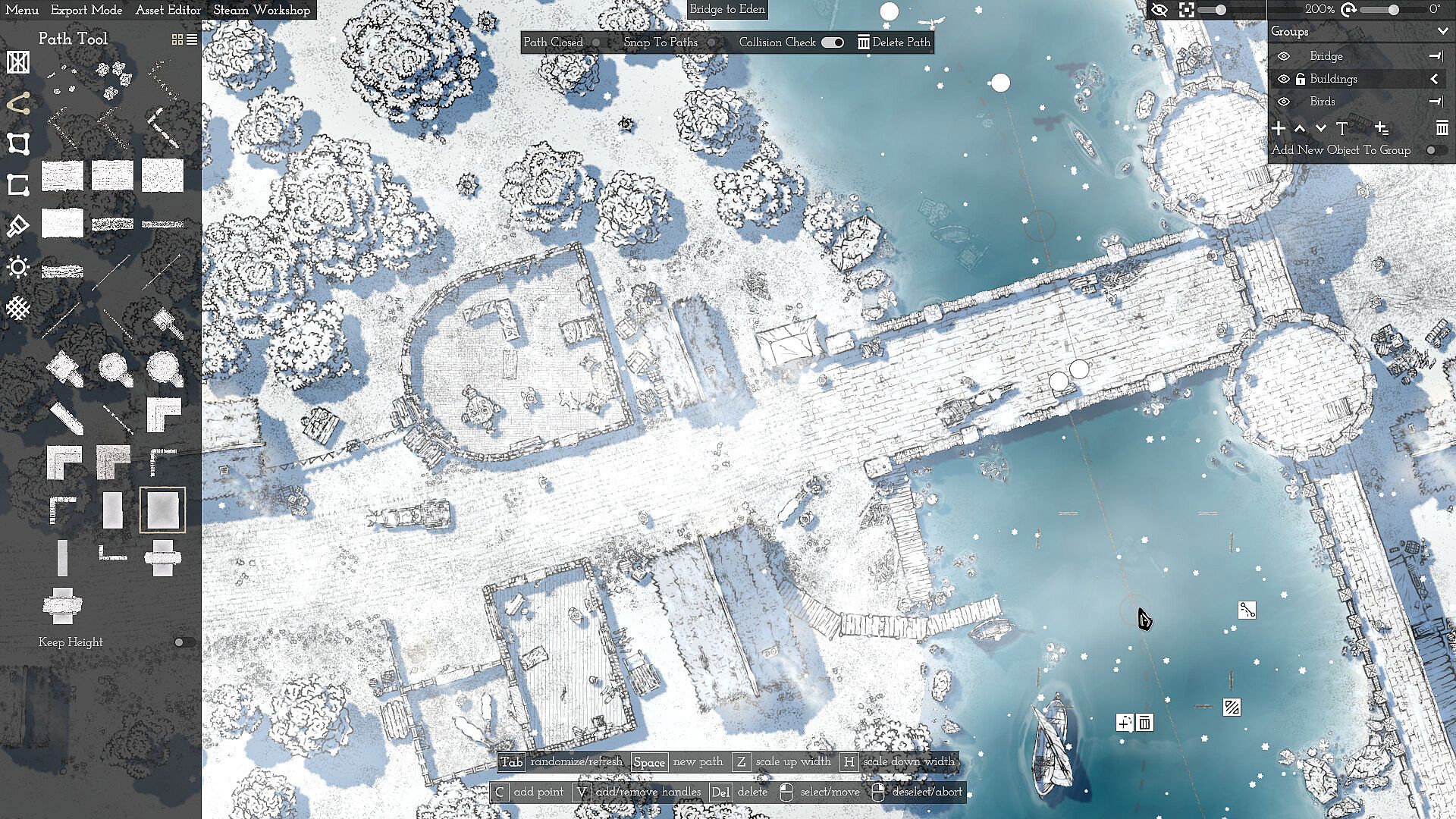
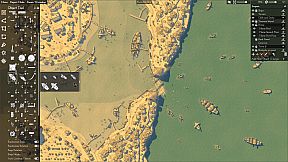
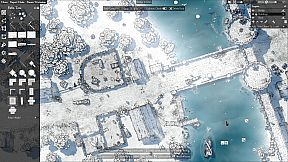
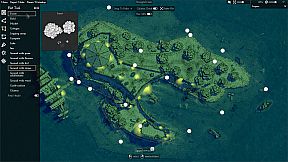
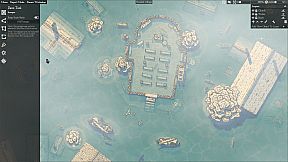
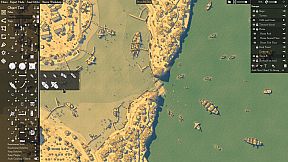
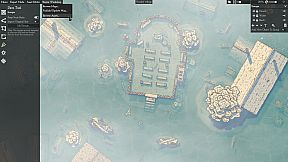
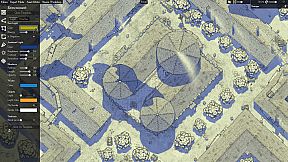
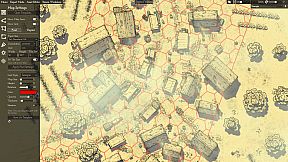
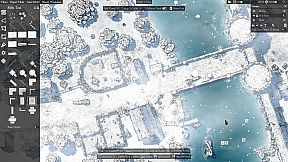
Canvas of Kings is an indie mapmaking tool designed for creating fantasy maps with a focus on randomness and user-defined structures. Available on PC in early access, it emphasizes flexible design over traditional gameplay, allowing creators to build interactive paths, plots, and rooms that support auto-generated elements. The tool suits tabletop enthusiasts, worldbuilders, and anyone seeking a streamlined way to produce varied maps without manual placement of every detail.
Gameplay
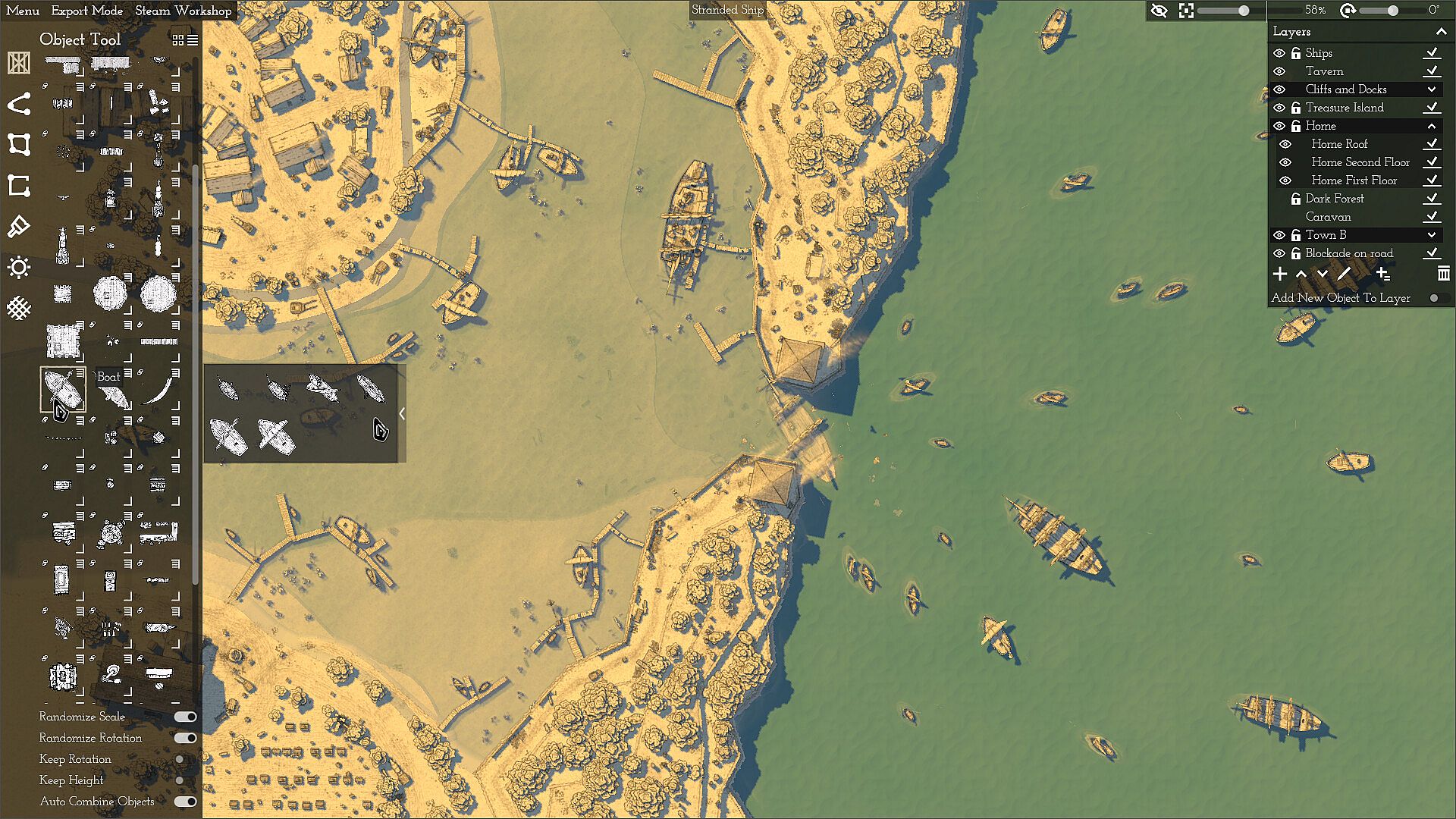
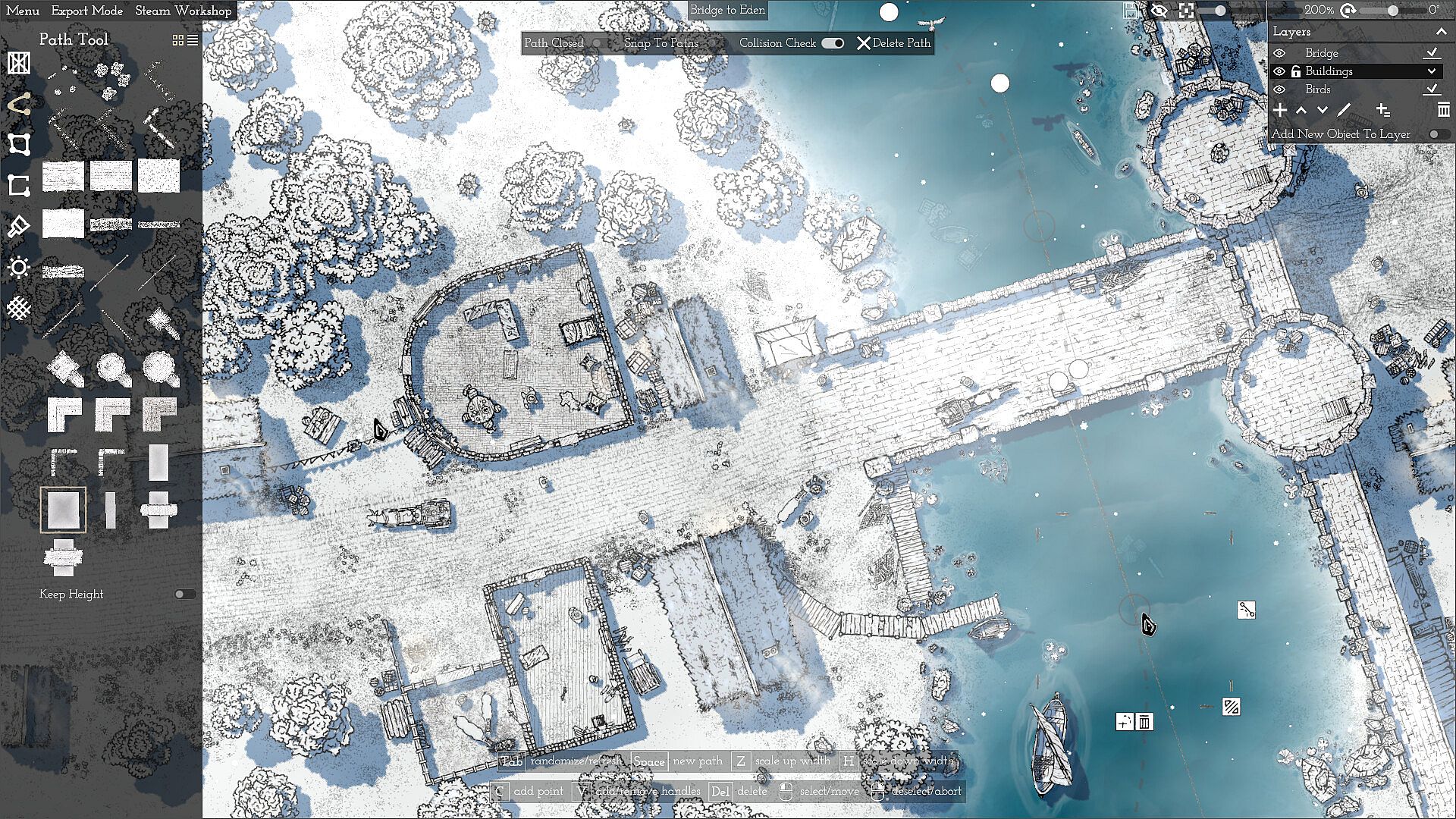
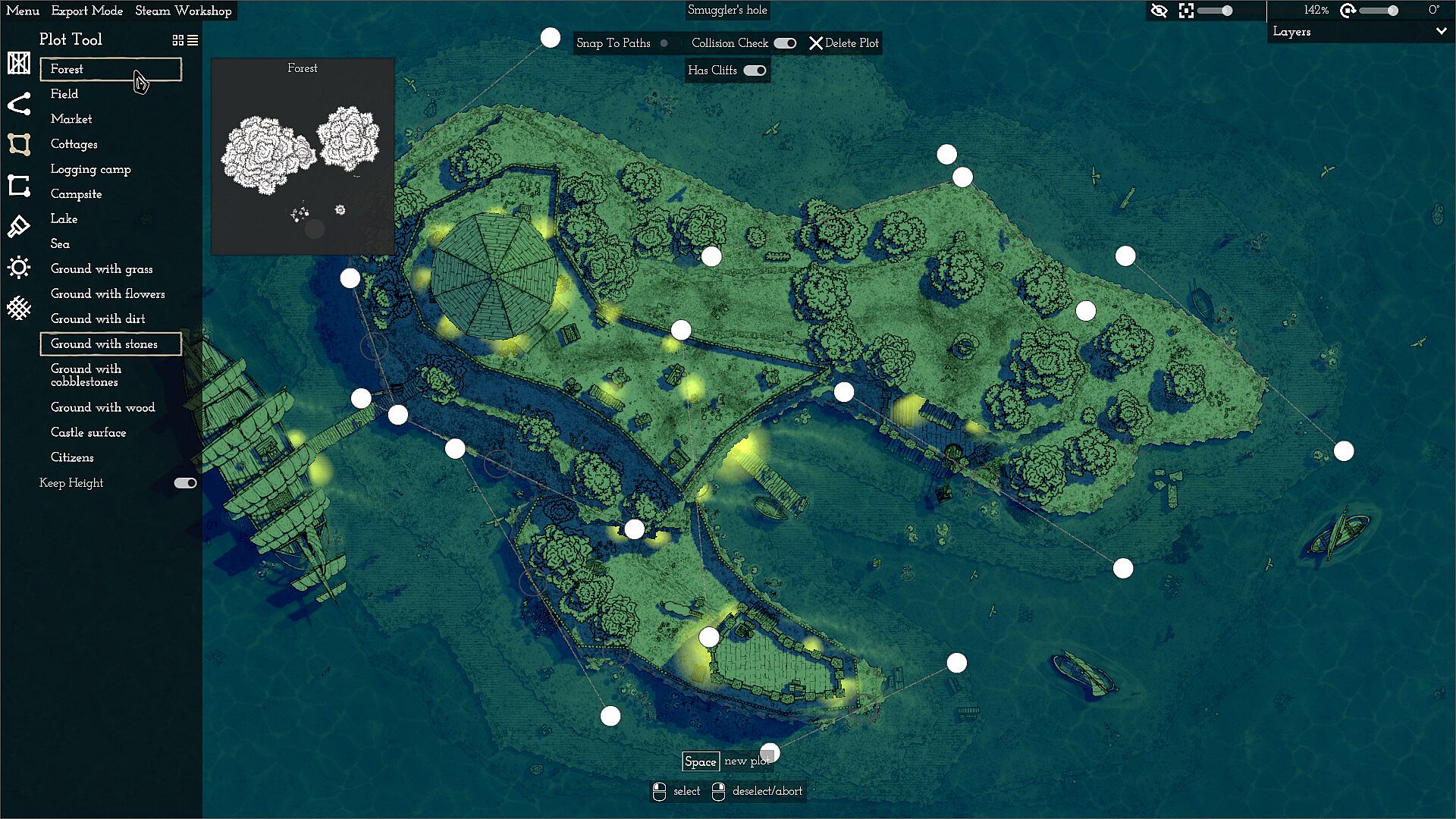
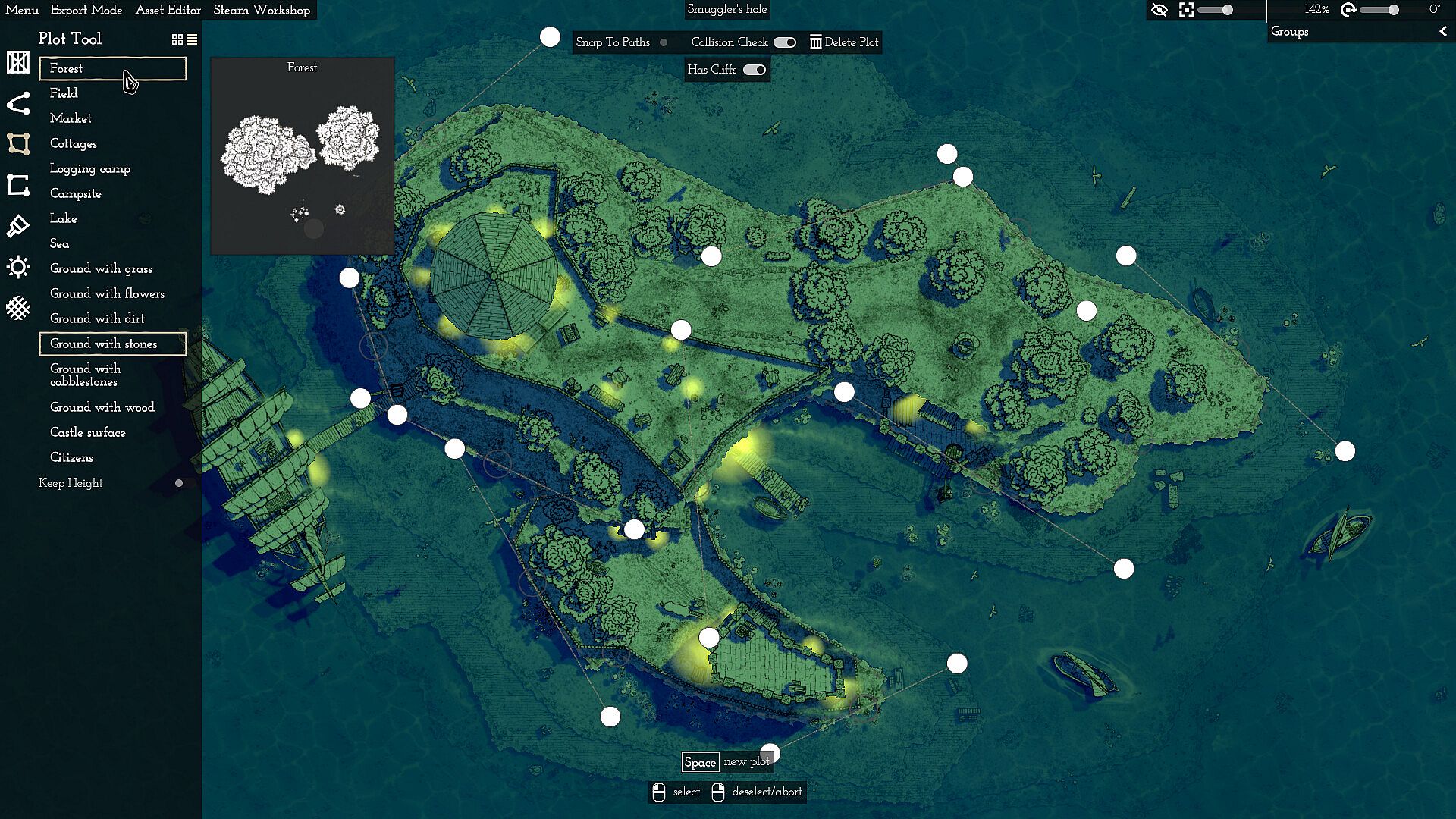
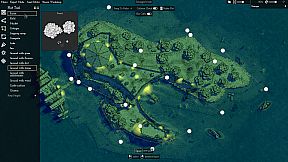
The core loop centers on defining map layouts through paths and plots that remain adjustable throughout the process. Users set boundaries and connections, after which automatic object placement fills areas efficiently. This approach supports quick creation of features such as walls lined with towers or dense forests across large sections.
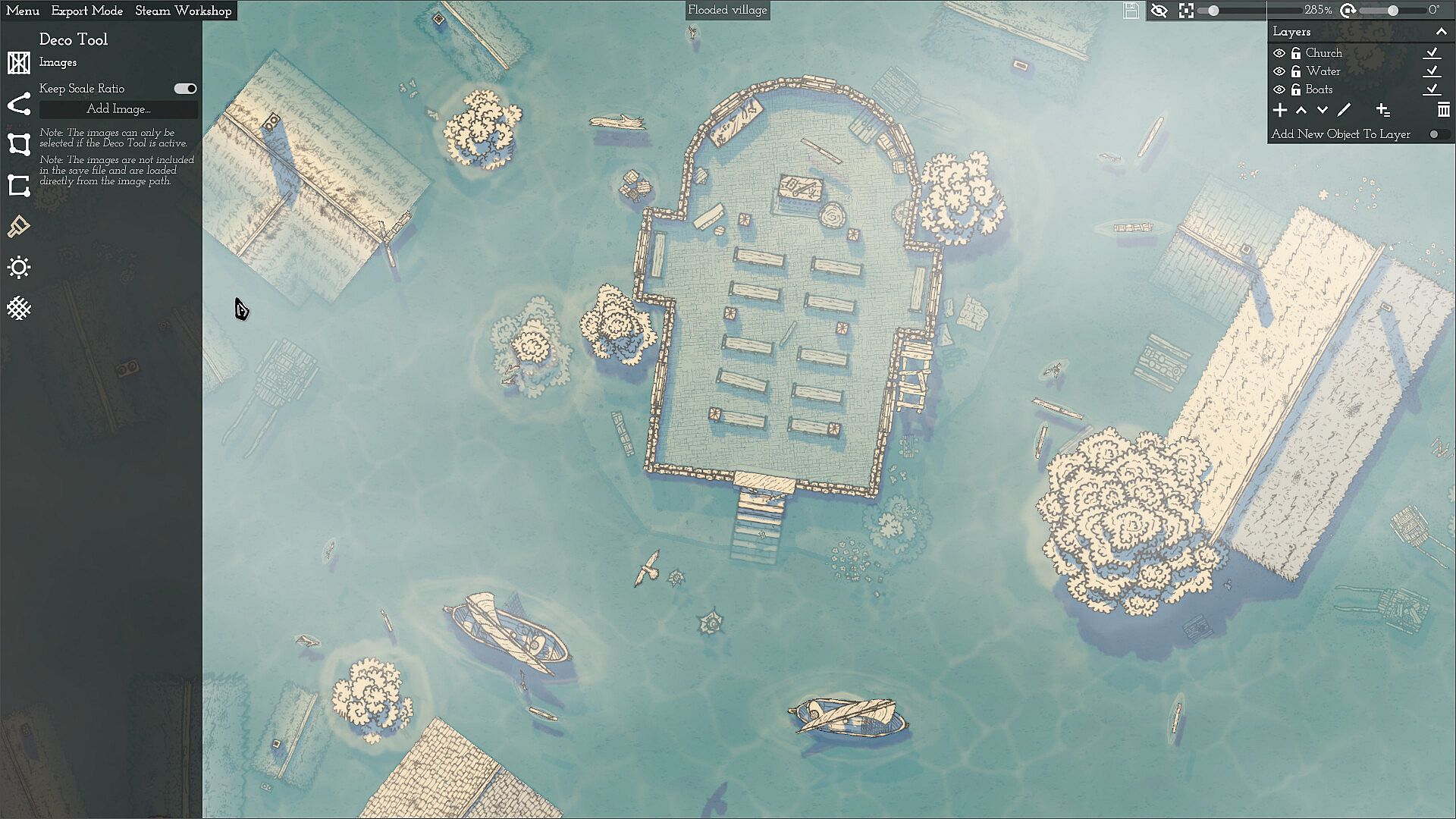
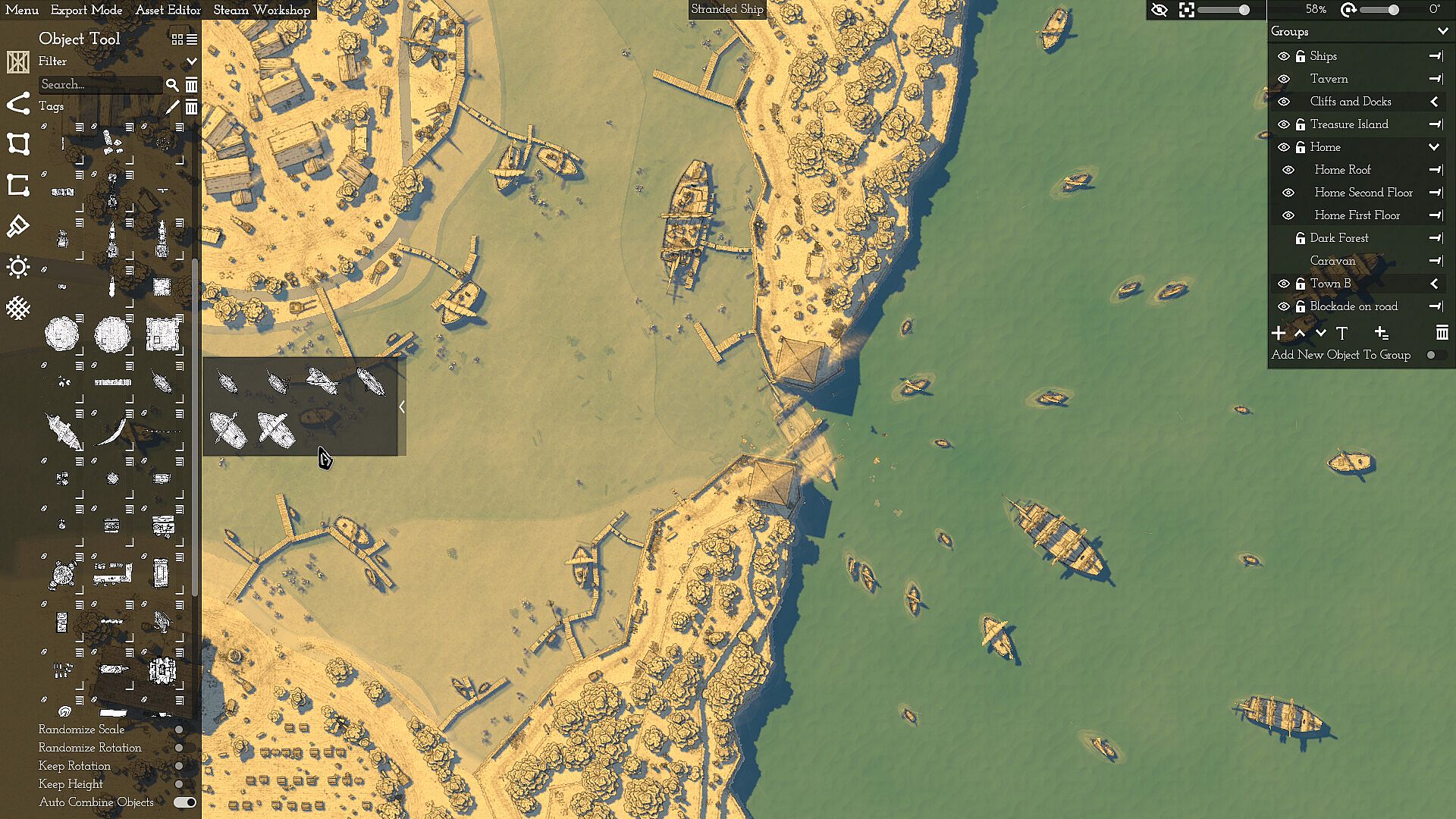
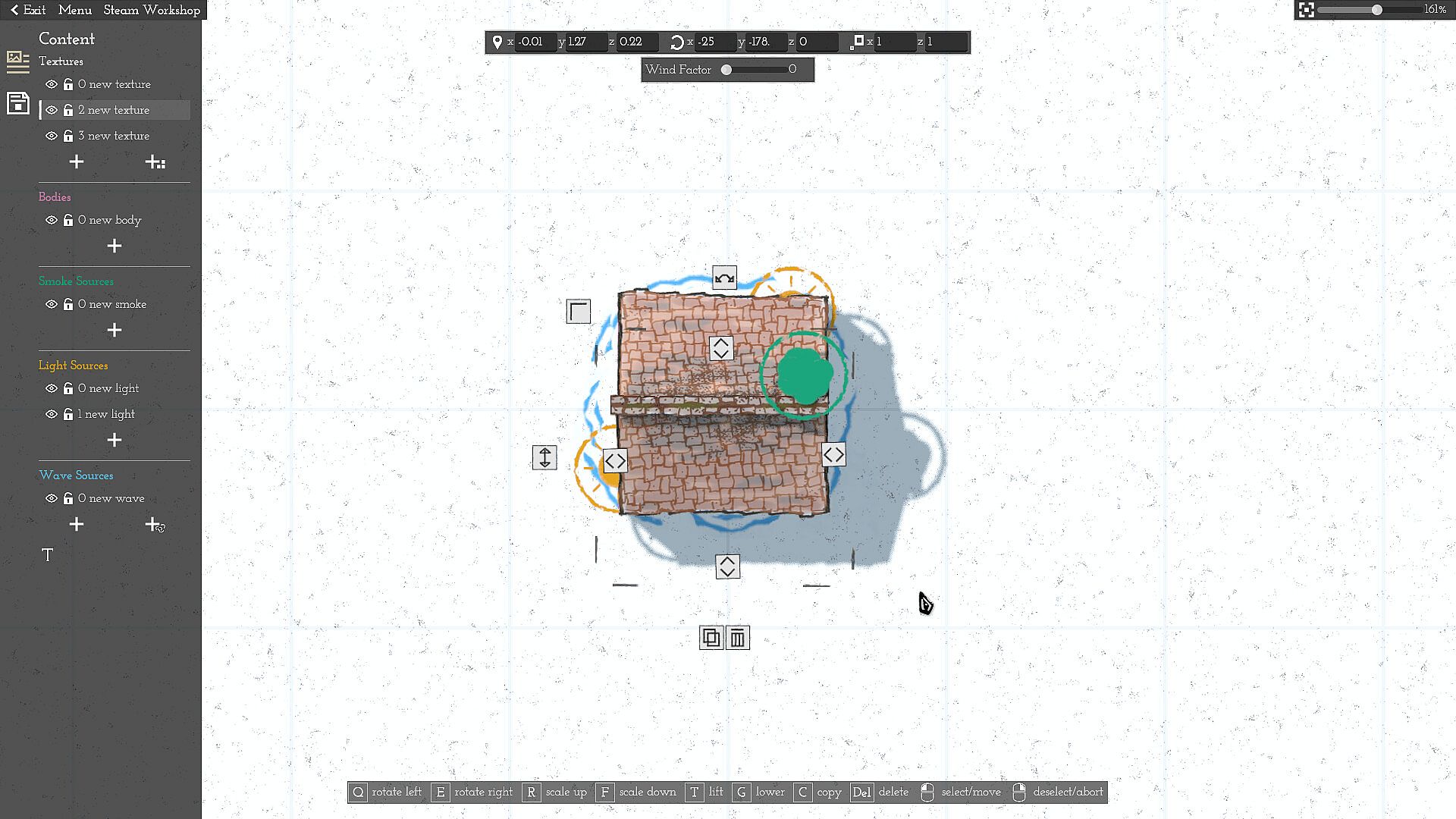
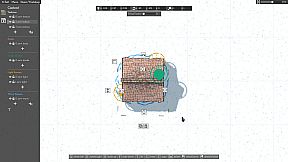
Hand-drawn objects form the visual foundation. Rather than positioning items one by one, creators apply randomization to properties like size, rotation, and density within object categories. Objects combine naturally, such as stacking crates atop towers or walls, and move as grouped units when repositioned. The system reduces repetitive tasks while maintaining variety across the map.
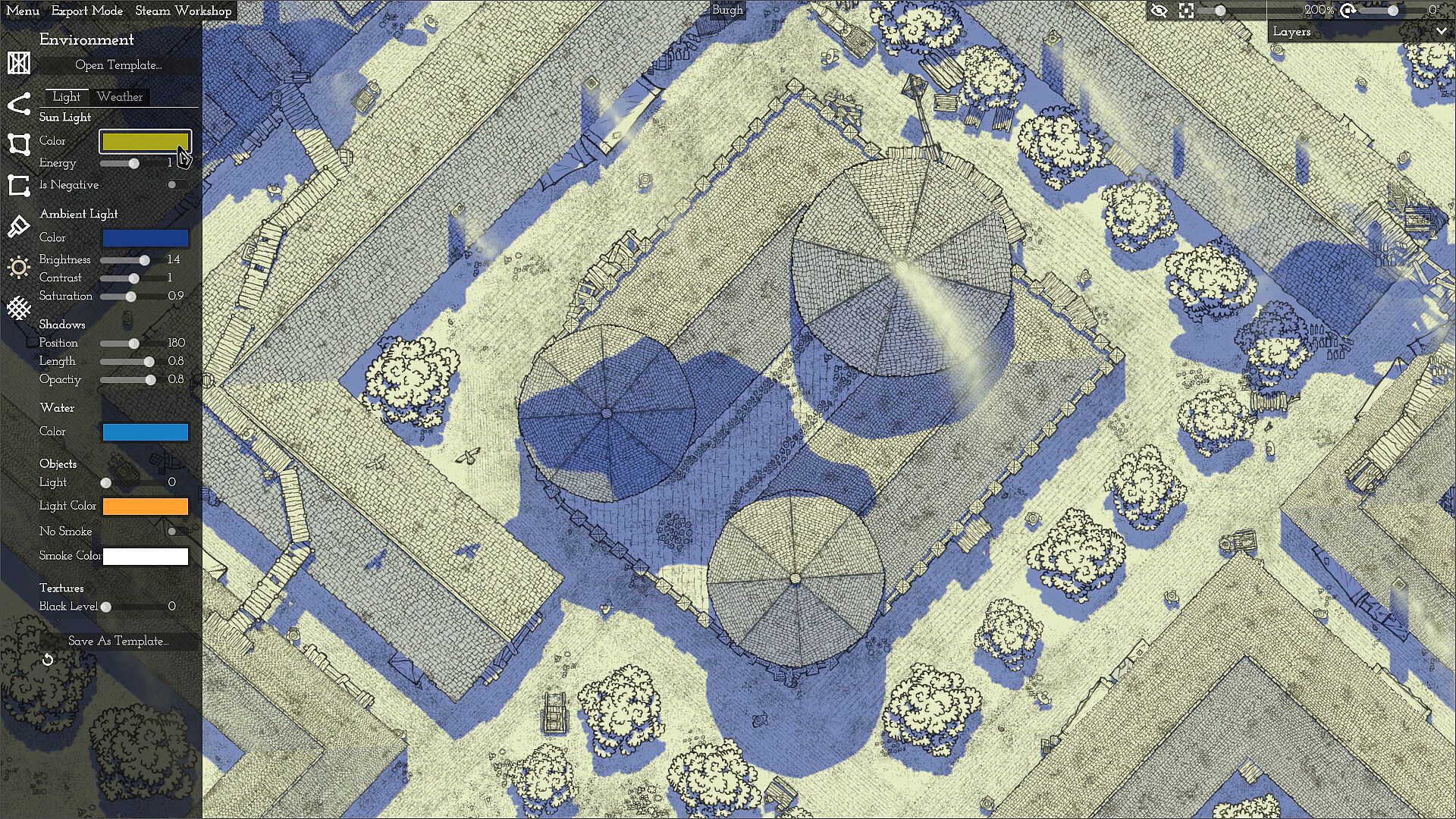
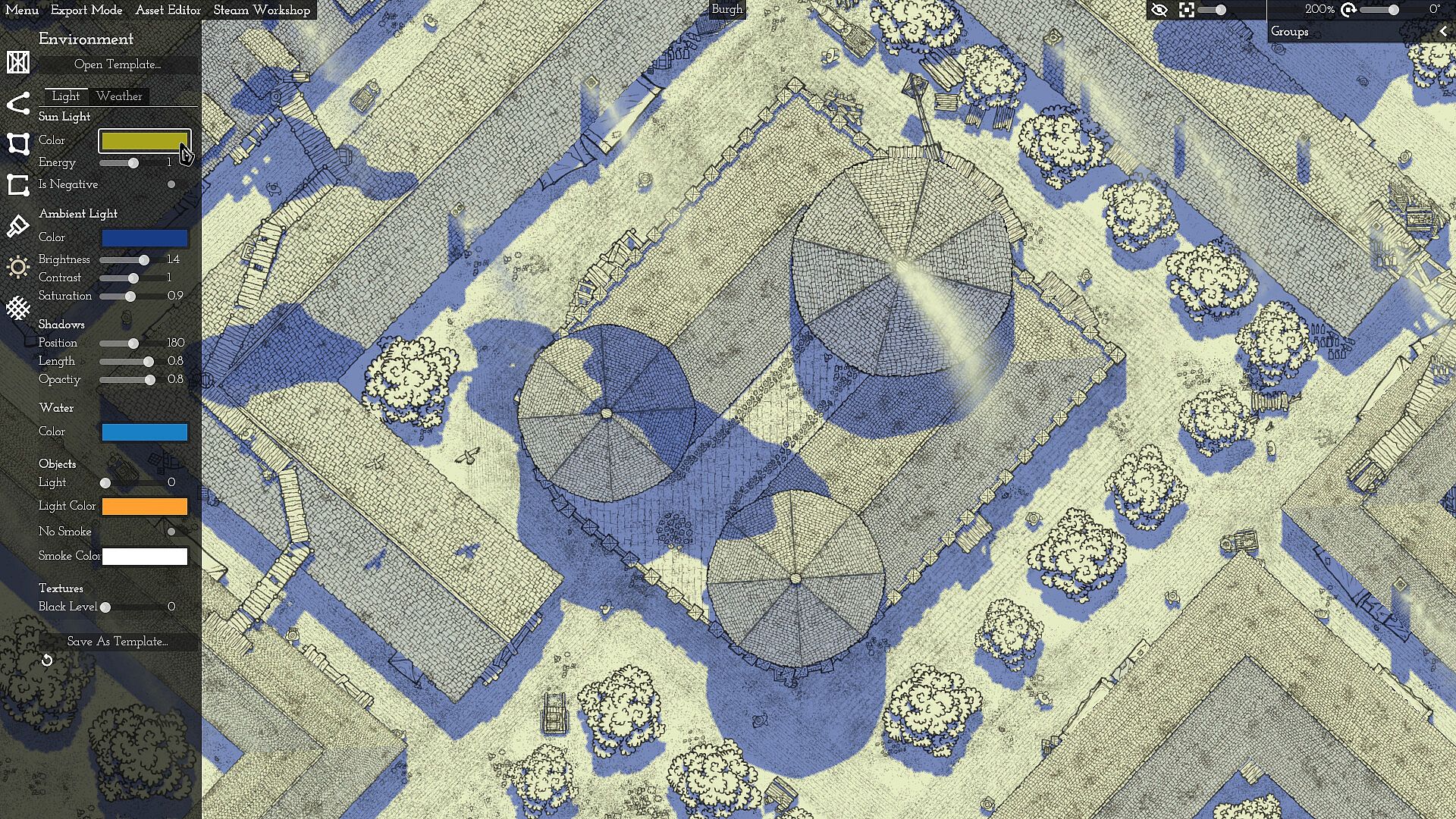
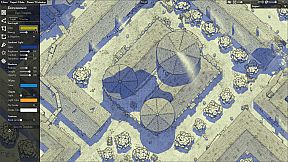
Atmosphere adjustments come through built-in lighting and weather controls. Templates provide starting points, while manual tweaks alter shadows, time of day, or conditions to match a desired mood. These changes apply in real time and affect the overall appearance without additional layers.
Game Modes
Canvas of Kings operates as a single focused creative environment rather than offering distinct game modes. All activity occurs within the map editor, where users build, refine, and iterate on designs at their own pace. There are no competitive, narrative, or multiplayer elements integrated into the tool itself.
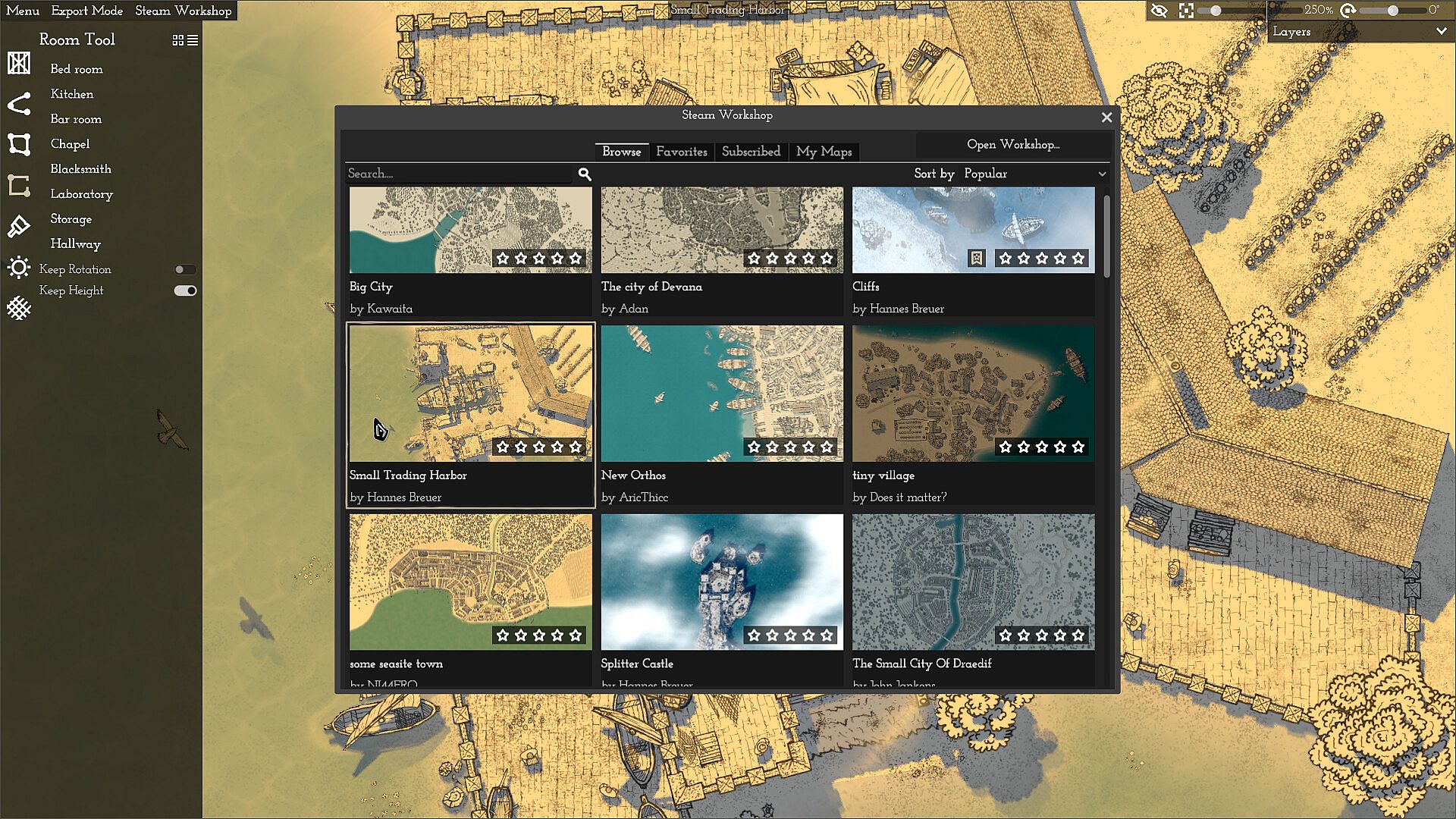
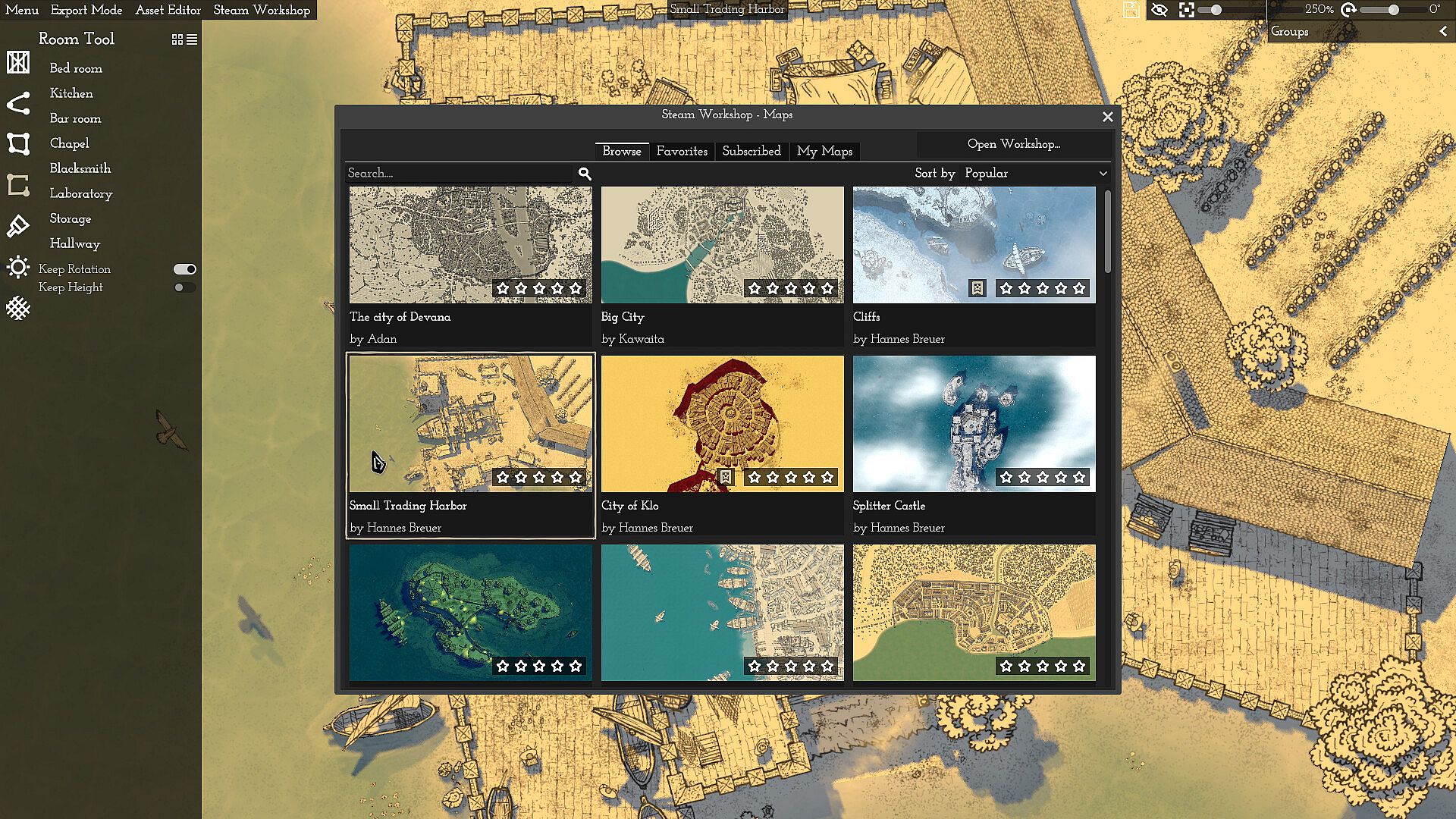
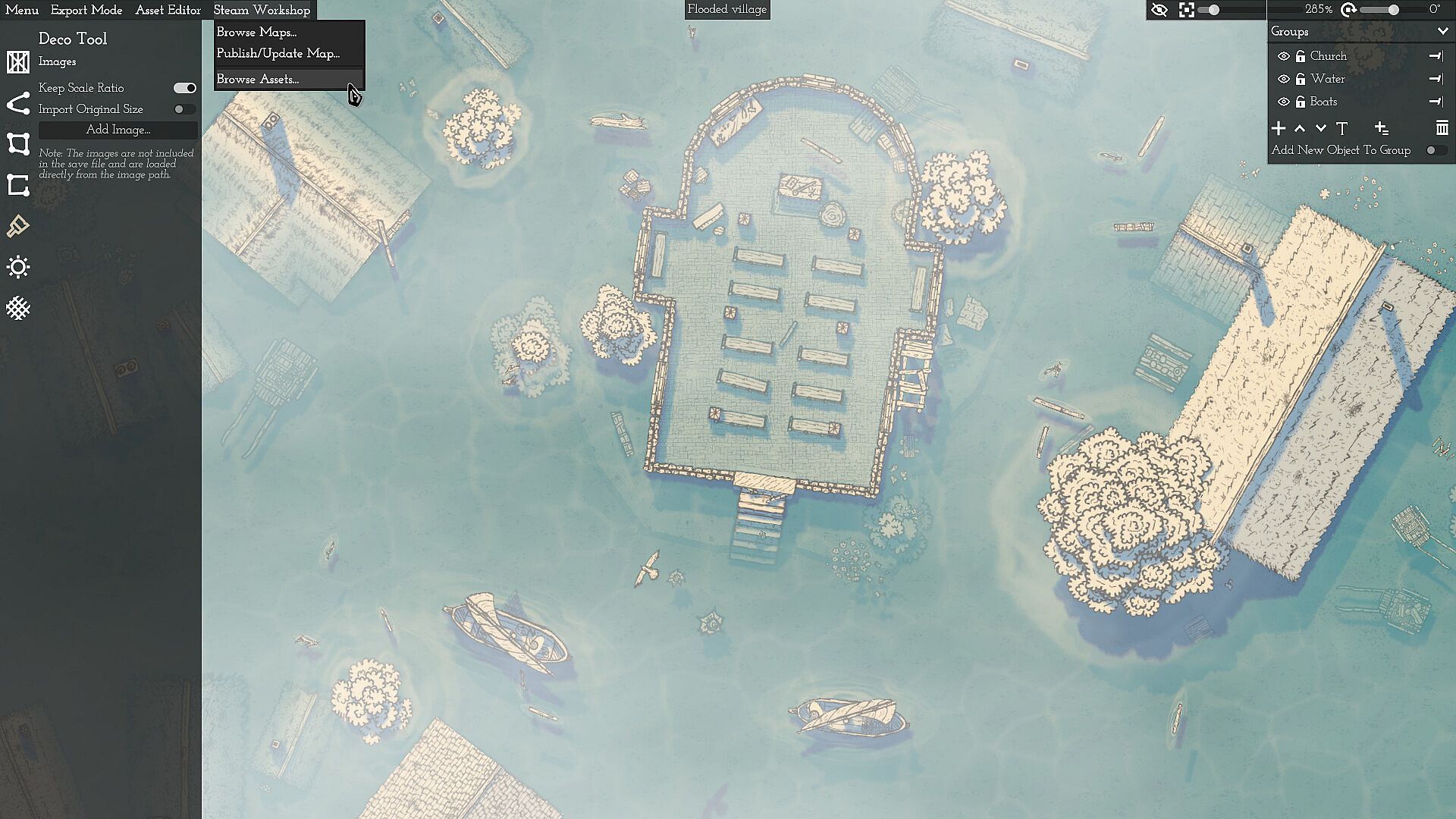
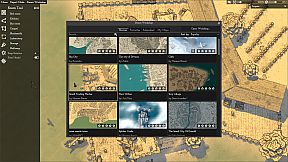
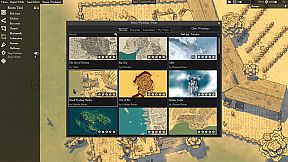
Community sharing extends the experience through external platforms. Completed maps can appear in the Steam Workshop for others to view or adapt, and the developer maintains a Discord server where examples and feedback circulate. This setup encourages collaboration without altering the core solitary workflow.
Customization and Export Options
Lighting and weather systems allow precise control over map ambiance. Users select from templates or adjust individual parameters such as light direction and intensity to create day, night, or stormy scenes. These options integrate directly with placed objects and paths for consistent results.
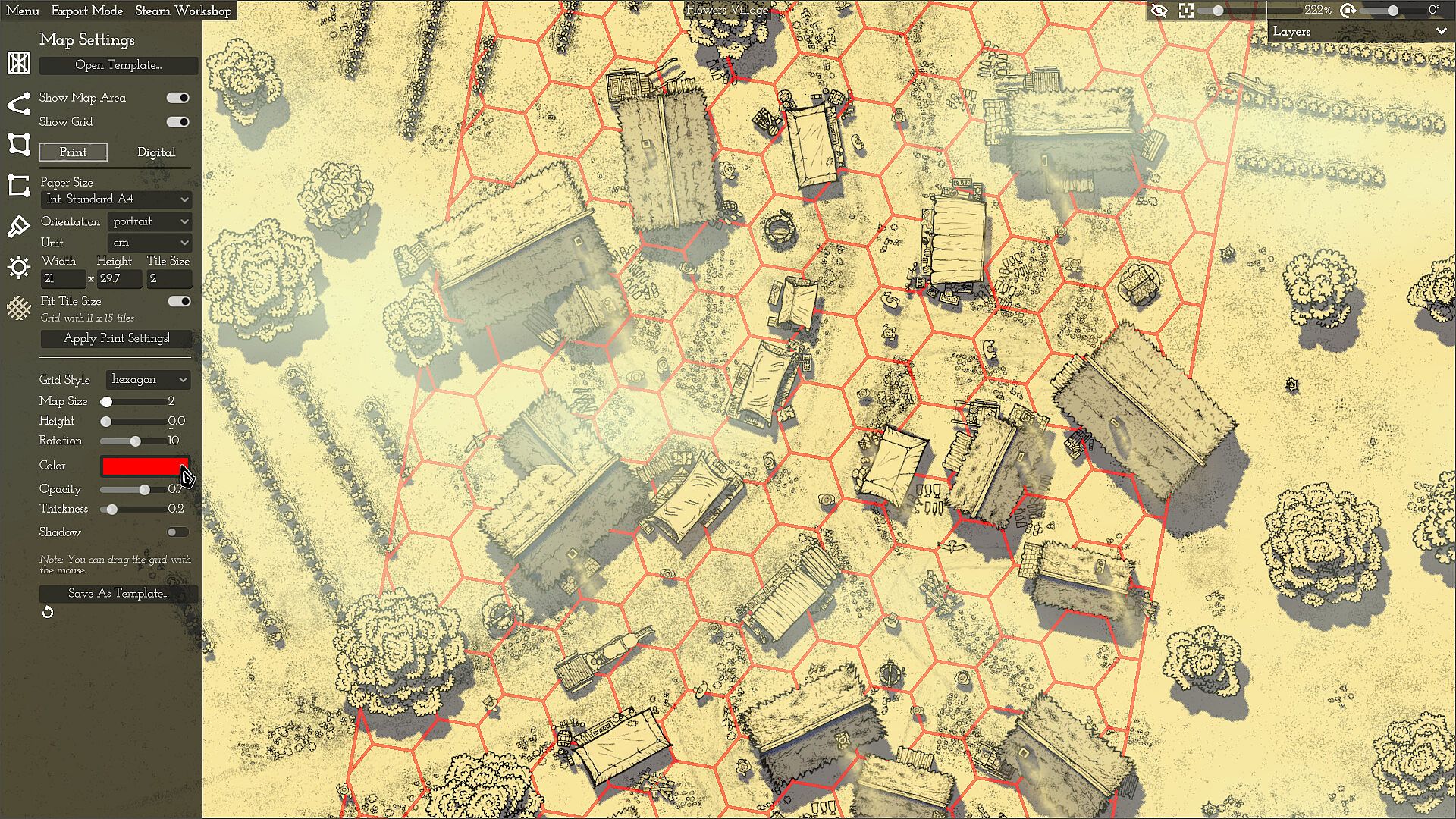
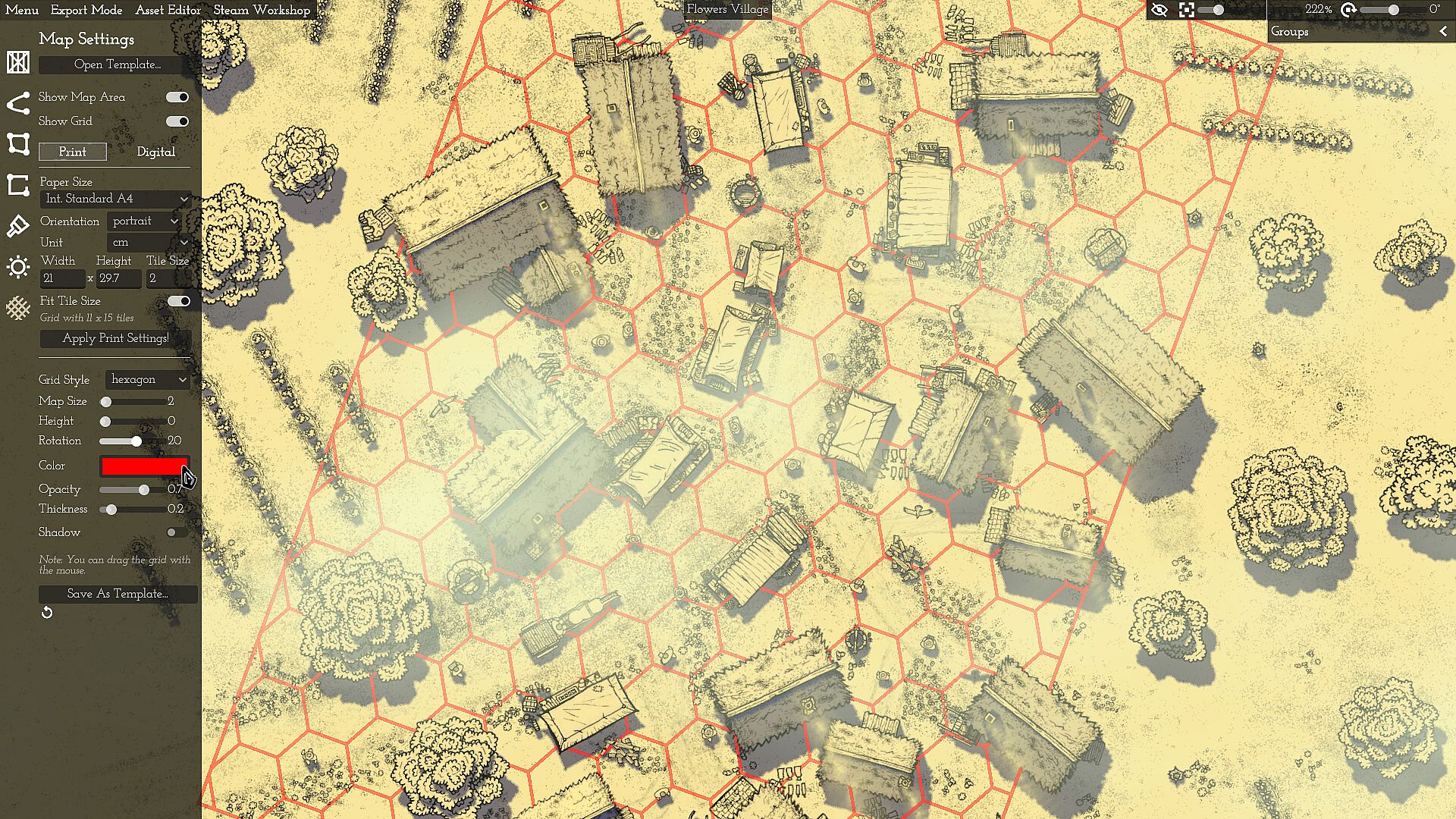
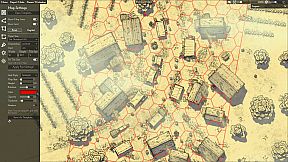
Export functions support definable areas with optional square or hex grids. Creators select portions or the full map for output in common image formats, suitable for print or digital applications. Settings save as reusable templates, streamlining repeated projects with similar requirements.
The tool excludes certain advanced capabilities at present. Procedural full-map generation, freehand landscape painting, cave or dungeon interiors, text insertion, decorative flourishes, and direct VTT exports beyond basic image files remain unavailable. Animations and additional features may appear in future updates.
Is It Worth Playing?
Player feedback highlights the tool's intuitive interface and efficient randomization features for producing varied fantasy maps. Reviews describe it as effective for quick iterations and detailed custom work alike, with particular praise for the hand-drawn aesthetic and responsive controls.
The solo developer continues active work alongside a separate trading simulation project, incorporating user suggestions where feasible. Early access status means ongoing refinements, and the current version delivers core mapmaking functions reliably for most users.
This tool fits creators who value procedural assistance combined with manual oversight. Those seeking a complete procedural generator or extensive asset libraries may find the scope limited, while users focused on flexible paths, object variation, and atmospheric tweaks often report strong satisfaction with the results.
- Supports export for both personal and shared use without additional licensing requirements for maps created within the tool.
- Examples of finished maps appear regularly in community spaces, demonstrating practical applications in worldbuilding contexts.