




Buy Daily OVR Free PC

Daily OVR Free is free to play! Download it on Steam and start playing instantly.

Release: 16 Mar 2020
Steam:
Mostly Positive (33)
Official
Unavailable
Keyshops
Unavailable
Buy in Official Store:
Unavailable
Buy in Keyshops:
Unavailable

No entries, but don''t worry, we will inform you once the new offer appears.

Create Alert Create deal Alert

About Daily OVR Free

Daily OVR Free - about the game
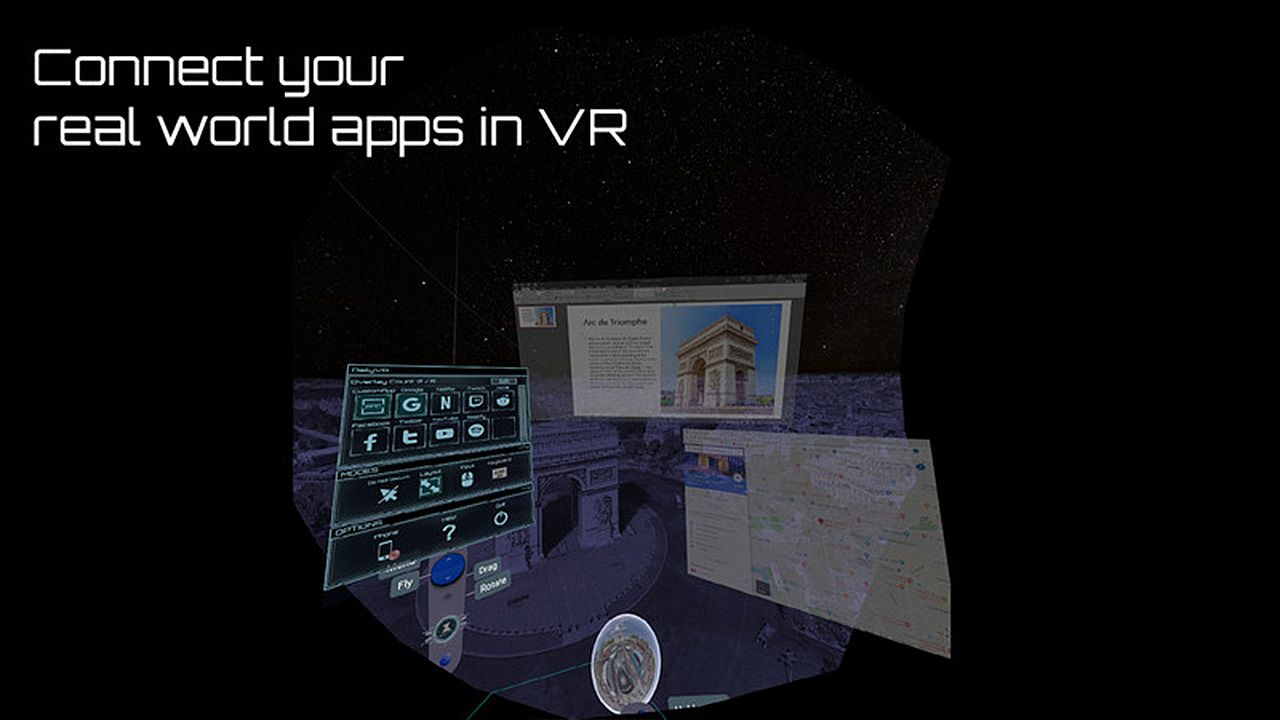
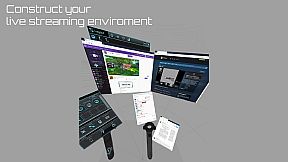
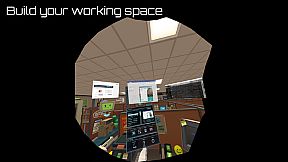
Daily OVR Free delivers essential overlay tools for VR users on PC. It mirrors desktop apps and windows into VR sessions, letting you view Twitch chat while playing VRChat. The free edition limits you to two overlays at once, two QuickSwitch programs, one My Favorites entry, one CustomApp, and right-controller binding only. Key features include a simple UI for resizing, adjusting transparency, and positioning overlays, plus FPS tweaks and a virtual keyboard. You can save settings for reuse and access phone notifications from an Android app. VR enthusiasts running SteamVR on Oculus, Vive, Index, or Windows MR get the basics to multitask without leaving gameplay.

Daily OVR Free is a free version of Daily OVR. It provides minimum essential overlay features. We think it would benefit a lot of VR users! :)
If you like Daily OVR Free and want to use advanced features, you can consider purchasing Daily OVR.


What is Daily OVR?

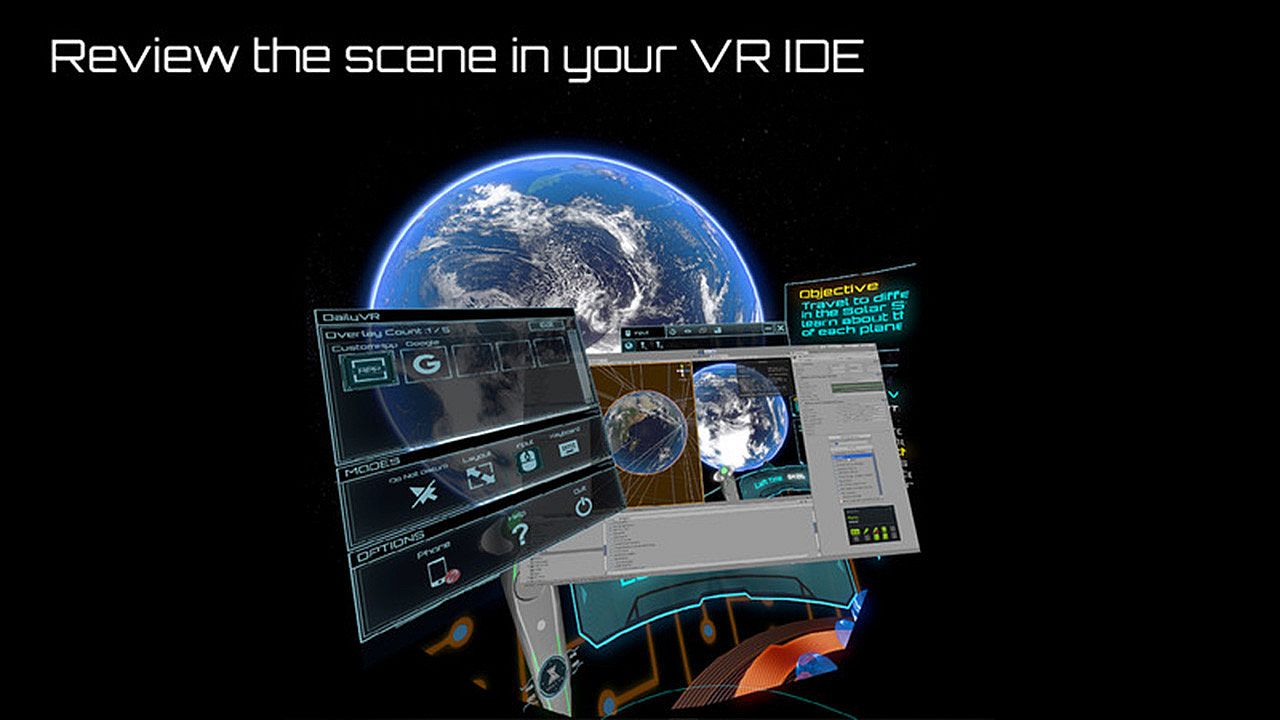
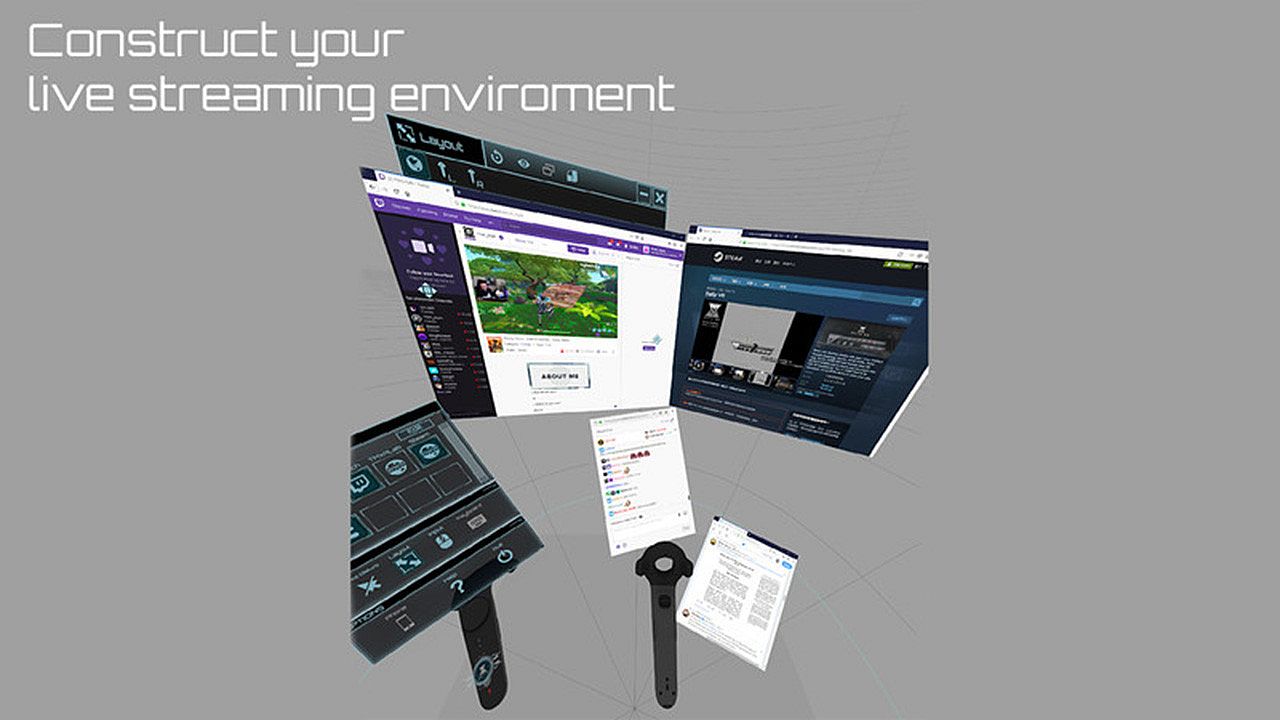
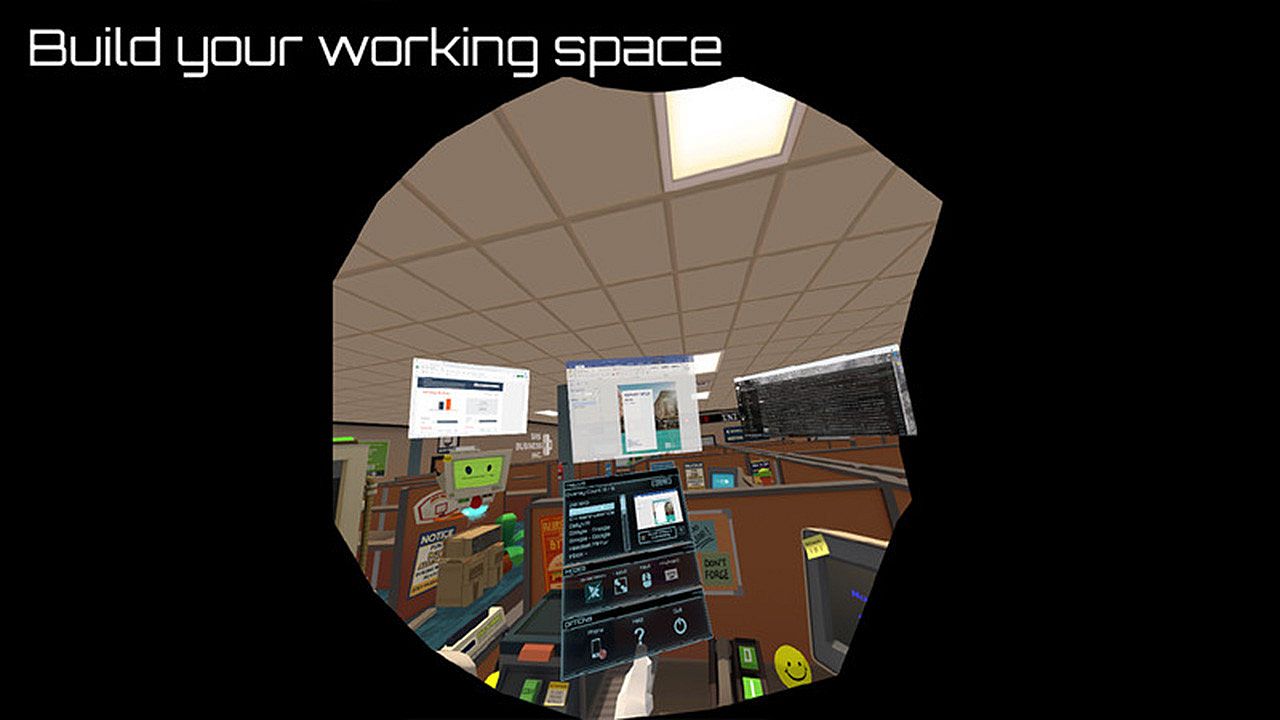
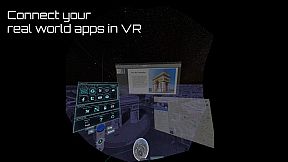
Do you want to use your desktop/window apps during VR gameplay? For example, you can play VRChat and see your Twitch chat window. Daily OVR is the best SteamVR Overlay(OVR) solution! And it supports Oculus, Vive/Viveport/Cosmos/MR(Mixed Reality)/Index!

Here is the beginner tutorial:


Differences between Free and Paid

  • Free version only supports up to 2 opened overlays. (Paid version can support more numbers)
  • Limited numbers (2) of switch programs on the QuickSwitch panel. If you want to switch more programs, you have to close the overlay and reopen it.
  • Only one entry of My Favorites
  • Only one CustomApp
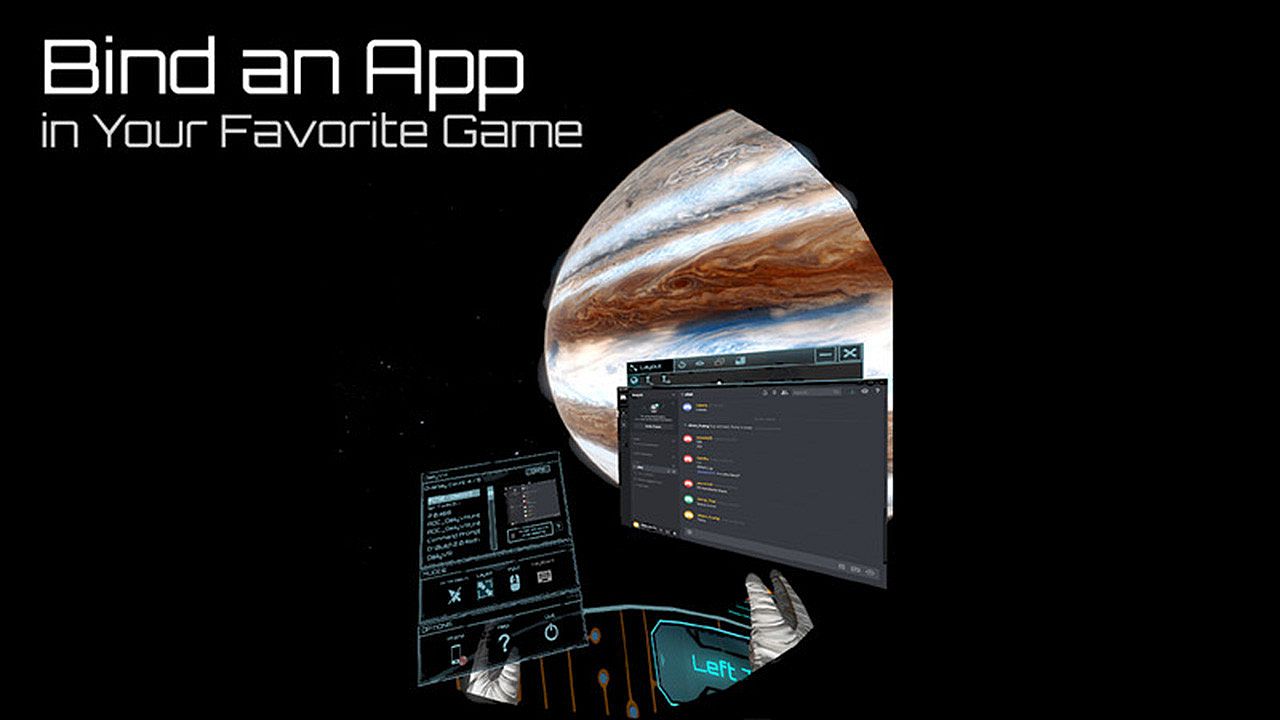
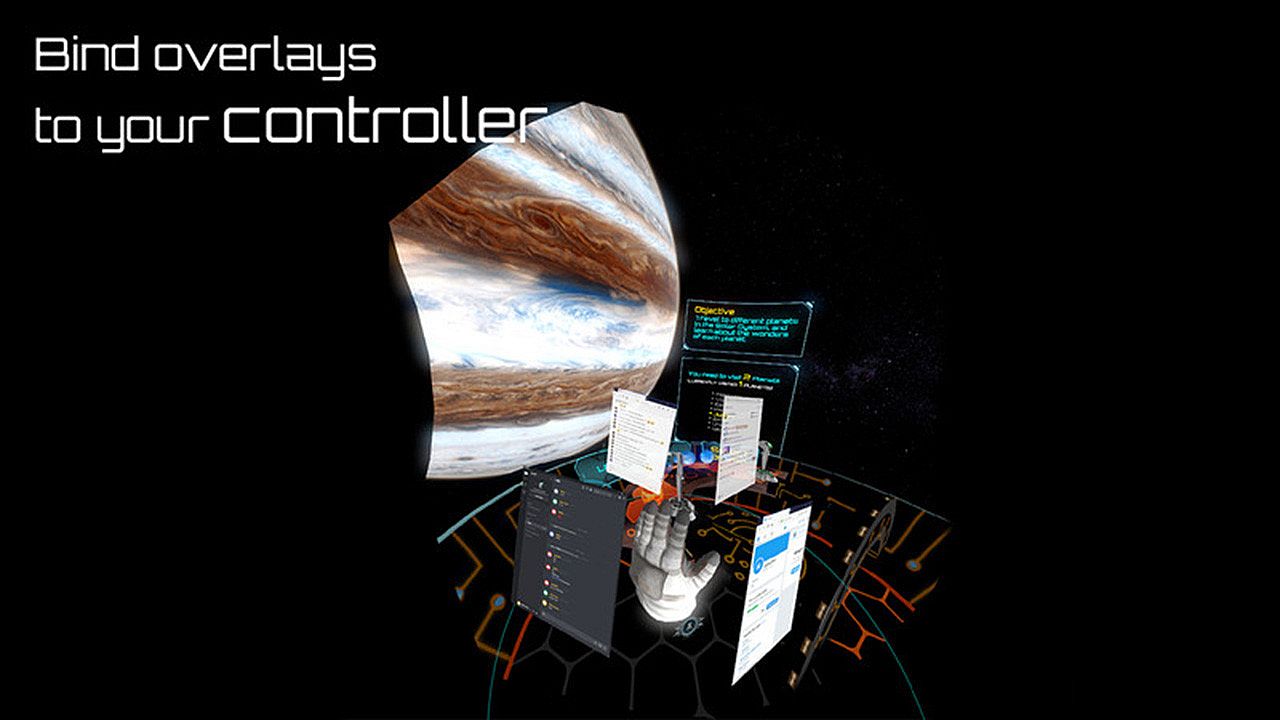
  • You can only bind an overlay to the RIGHT controller. (cannot bind to the left controller, HMD, tracker)

_,.-'~'-.,__,.-'~'-.,__,. Features .,__,.-'~'-.,__,.-'~'-.,_

  • The most user-friendly OVR UI.
  • Mirror your favorite Windows applications into VR game.
  • Mirror the desktop or monitors.
  • Support up to 5 overlays.
  • QuickSwitch let you quickly switch among programs.
  • Save the frequently used settings to "My Favorites."
  • Adjust the size, transparency, and placement of overlays and keep your settings for next time.
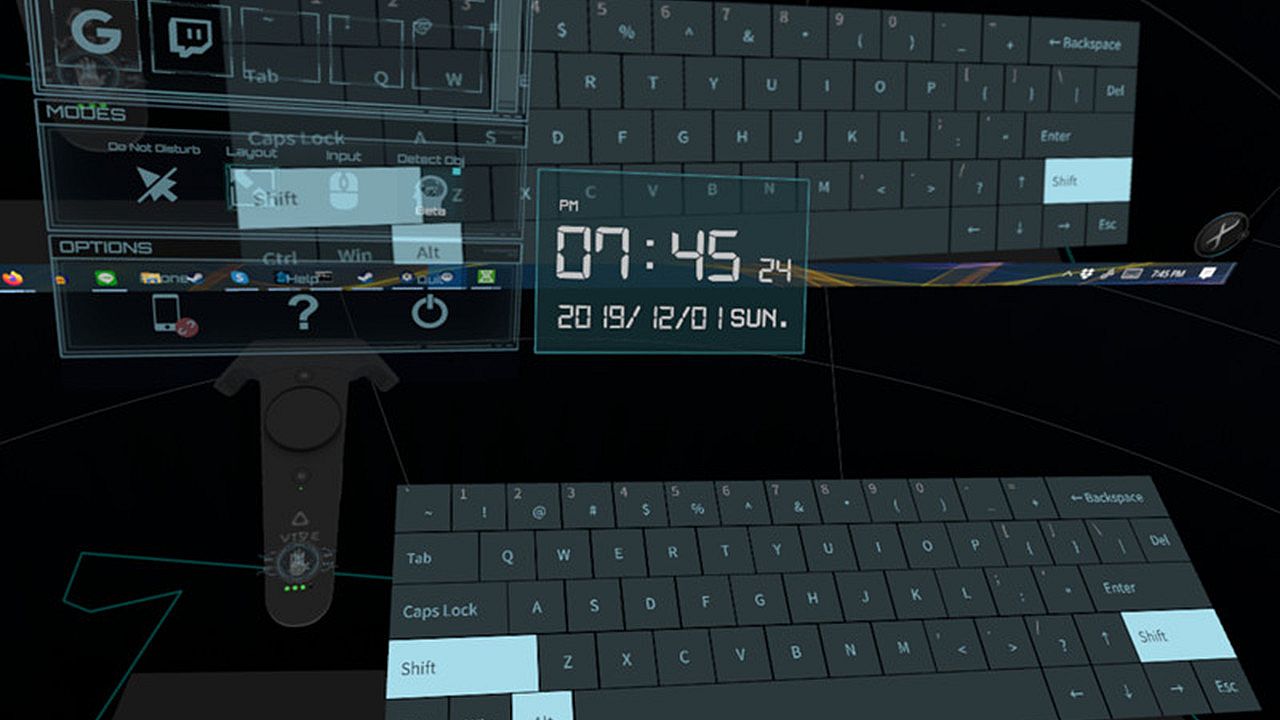
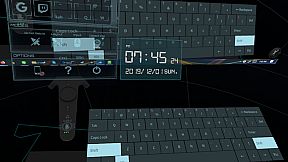
  • Easily launch the virtual keyboard on the overlay toolbar.
  • Overlay FPS adjustment on the overlay toolbar.
  • Bind the overlay to different controllers or the HMD.

  • Support Oculus & Windows MR & Index (through SteamVR)
  • VR Phone Notification Pop-up.
    Daily OVR allows you to bring your Android phone notification into the VR view; you won't miss important messages anymore.
    - Phone calling notification
    - SMS
    - WhatsApp
    - LINE
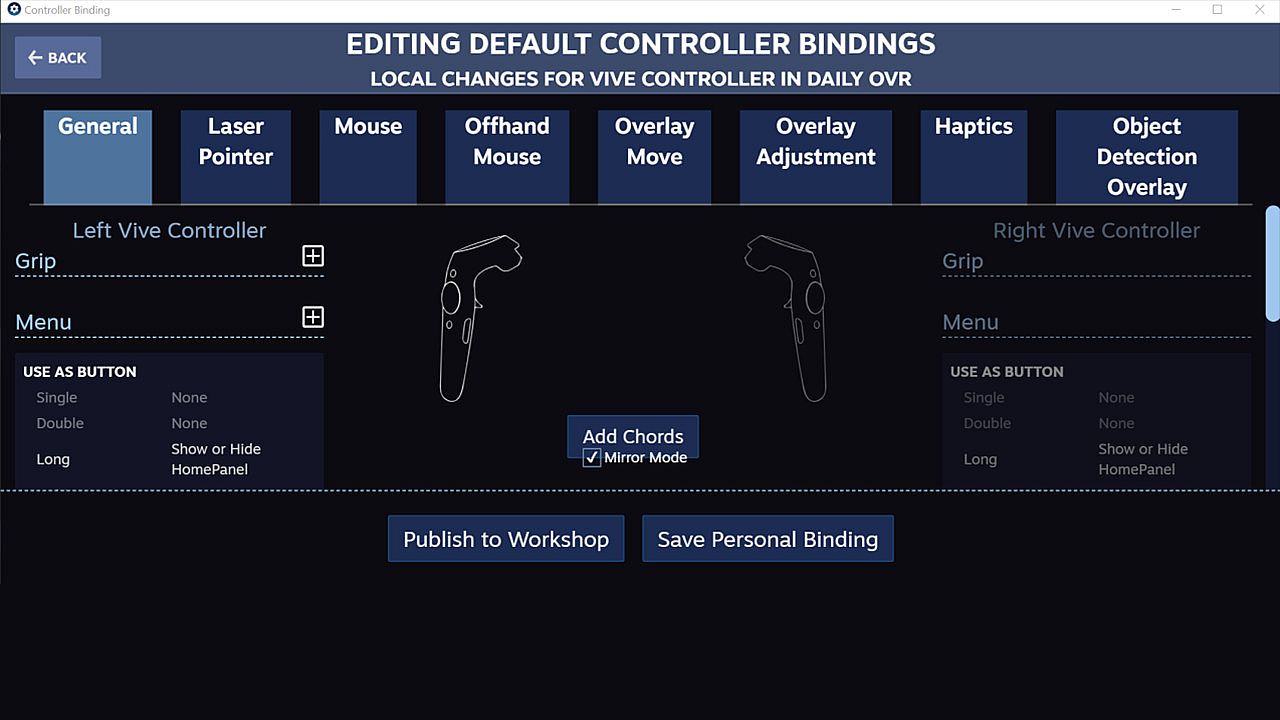
  • Support SteamVR 2.0 Input. (You can customize button settings yourself!)
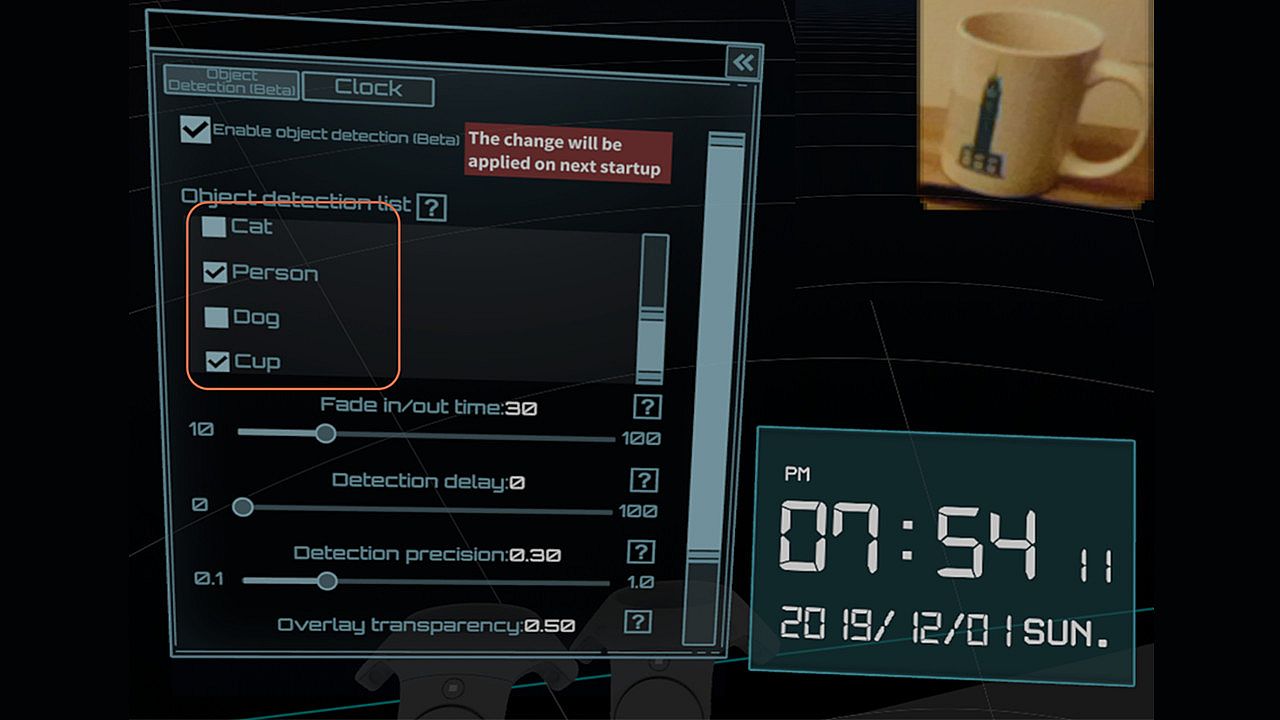
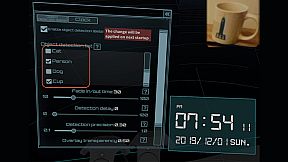
  • ML Object detection and display (Ex: keyboard, mouse, cat, dog, cup, person) (Note: Vive & Vive Pro only)
  • A handy VR keyboard
  • A Clock widget

You have to download Android app: Daily OVR to enable "Mobile phone notification."
Scan the QR code below and download Daily OVR app on Google Play now!

_,.-'~'-.,__,.-'~'-.,__,. FAQ .,__,.-'~'-.,__,.-'~'-.,_


Daily OVR doesn't work in some games. For example, Elite dangerous, PokerStarVR ...etc

The issue is caused by Elite Dangerous tries to run in Oculus SDK mode, and Daily OVR doesn't support Oculus SDK. There is a workaround to force it to run in SteamVR mode, but it doesn't work every game (ED, PokerStarVR are OK). You may have controller issues. The possible problem is the game developer didn't think that users will forcibly use SteamVR to play the game; they didn't design the controller mapping correctly. You can search "daily ovr q&a" on Google to see the steps.

How many overlays can I open?

You can open up to 5 overlays. But it depends on your PC's performance. If performance is terrible, you could try:
  • Close the overlays
  • Set lower FPS value


The button mappings of controllers are not good. Can I change it?

Daily OVR supports SteamVR 2.0 Input. You can customize button settings yourself.

I don't like the big icon/logo! Can I make it disappear?

Yes, you can hide the icon by long-pressing a button. See below:


I cannot see/move my mouse pointer on some apps!

Some apps run as administrator permission. When Daily OVR doesn't run as the same permission, it cannot access to those apps.
You have to check "Run this program as an administrator" on DailyVRLauncher.exe Properties.


My Firefox screen is blank!

You have two options:
1. You have to disable the hardware acceleration of Firefox. See below:

2. Use CustomApp instead

Join Daily OVR Discord and share your feedback with us!

Interface:
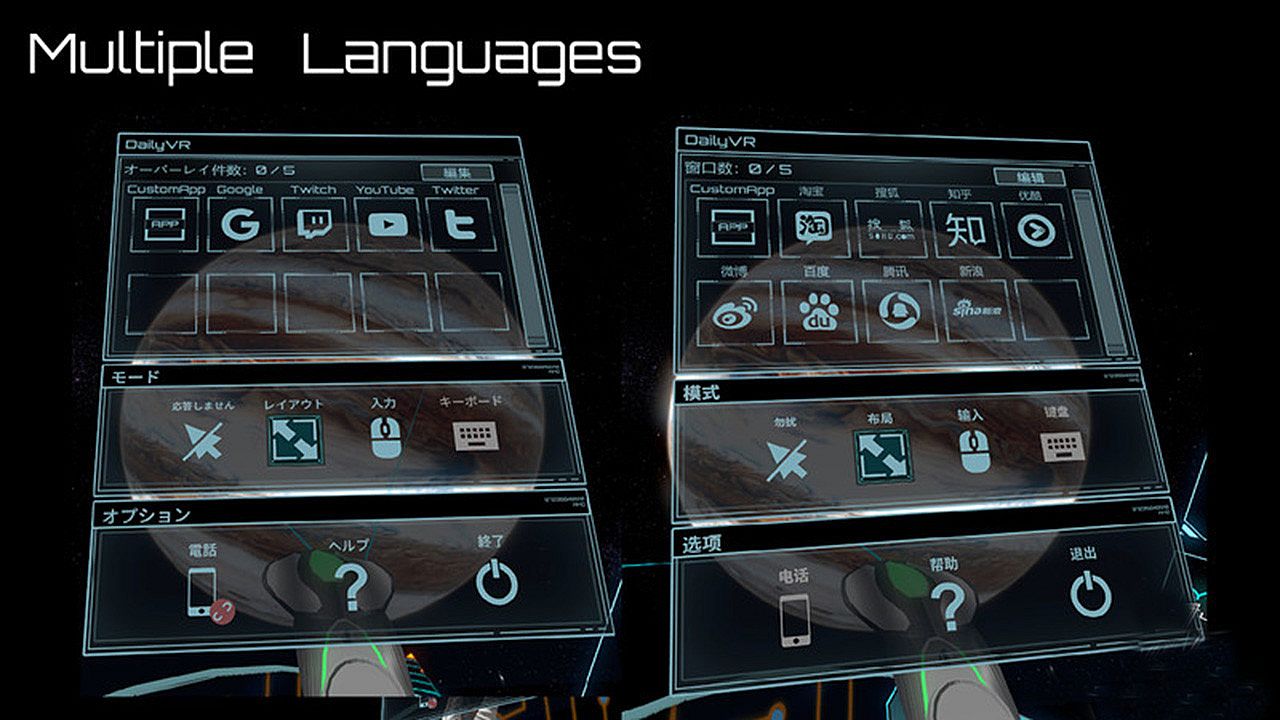
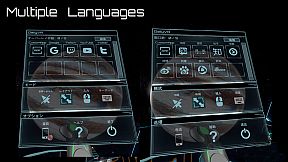
EnglishJapaneseSimplified Chinese

Age rating

Unavailable
Steam:
Mostly Positive (33)

Minimum:

  • OS: Windows 10 (64bit) or higher
  • Processor: Intel Core i5- 4590 equivalent or greater
  • Memory: 8 GB RAM
  • Graphics: GeForce GTX 1060/Radeon RX 580
  • Storage: 500 MB available space

Recommended:

  • OS: Windows 10 (64bit) or higher
  • Processor: Intel Core i7-7700
  • Memory: 8 GB RAM
  • Graphics: GetForce GTX 1070
  • Storage: 500 MB available space
Historical low
Price history from official stores
-
-
-
Price history from keyshops
-
-
-

FAQ

8 questions

Before you start looking for a cheap Daily OVR Free key, check the essentials. Developed by TM xR Lab. Published by TM xR Lab. PC released date: 16 Mar 2020. Genres: Utilities. Categories: Tracked Controller Support, VR Only.

Q

Where to buy a cheap Daily OVR Free Steam key?

Daily OVR Free is free to play! Download it on Steam and start playing instantly.

Daily OVR Free is completely free on Steam. No purchase needed - just download and play. If you are looking for premium DLC or in-game items, check the offers table above.

Our price tracker covers both official retailers and key marketplaces, so you can find Daily OVR Free on sale even outside seasonal promotions. We currently detect 0 active offers from official stores and keyshops. Check the table above, compare against the historical low, and set an alert so you never miss the next price drop.

Based on our data, Daily OVR Free is not currently available on GeForce NOW. You will need to run it locally on your PC. Browse games available on GeForce NOW.

Yes. Daily OVR Free has an official page on the Steam Store, but we currently don't track any third-party offers with Steam DRM. Check back later or set a price alert.

Not at this time. Valve marks Daily OVR Free as Unsupported on Steam Deck. Keep an eye on XD.deals - we track Proton updates and community fixes. Browse games that are Steam Deck Verified or Steam Deck Playable.

Daily OVR Free does not appear to be available on PC Game Pass, EA Play, Ubisoft+ or any other PC subscription service at this time. Your only option is purchasing the game - use XD.deals to find the best price.

No - XD.deals is not a store. We are a price-comparison service that tracks the best Daily OVR Free deals across official stores and verified keyshops. Click "Go to Store" next to any offer and you will be redirected to the retailer's website to complete your purchase.

Want to buy at the best moment? Set a price alert on XD.deals and get notified when Daily OVR Free hits its next historical low.

Create Alert
Join our Discord
Get instant help from our community and stay updated on the latest deals
Set Price Alerts
Get notified by email when game prices drop to your target
Create Free Account
Unlock wishlists, price alerts, and Steam sync