







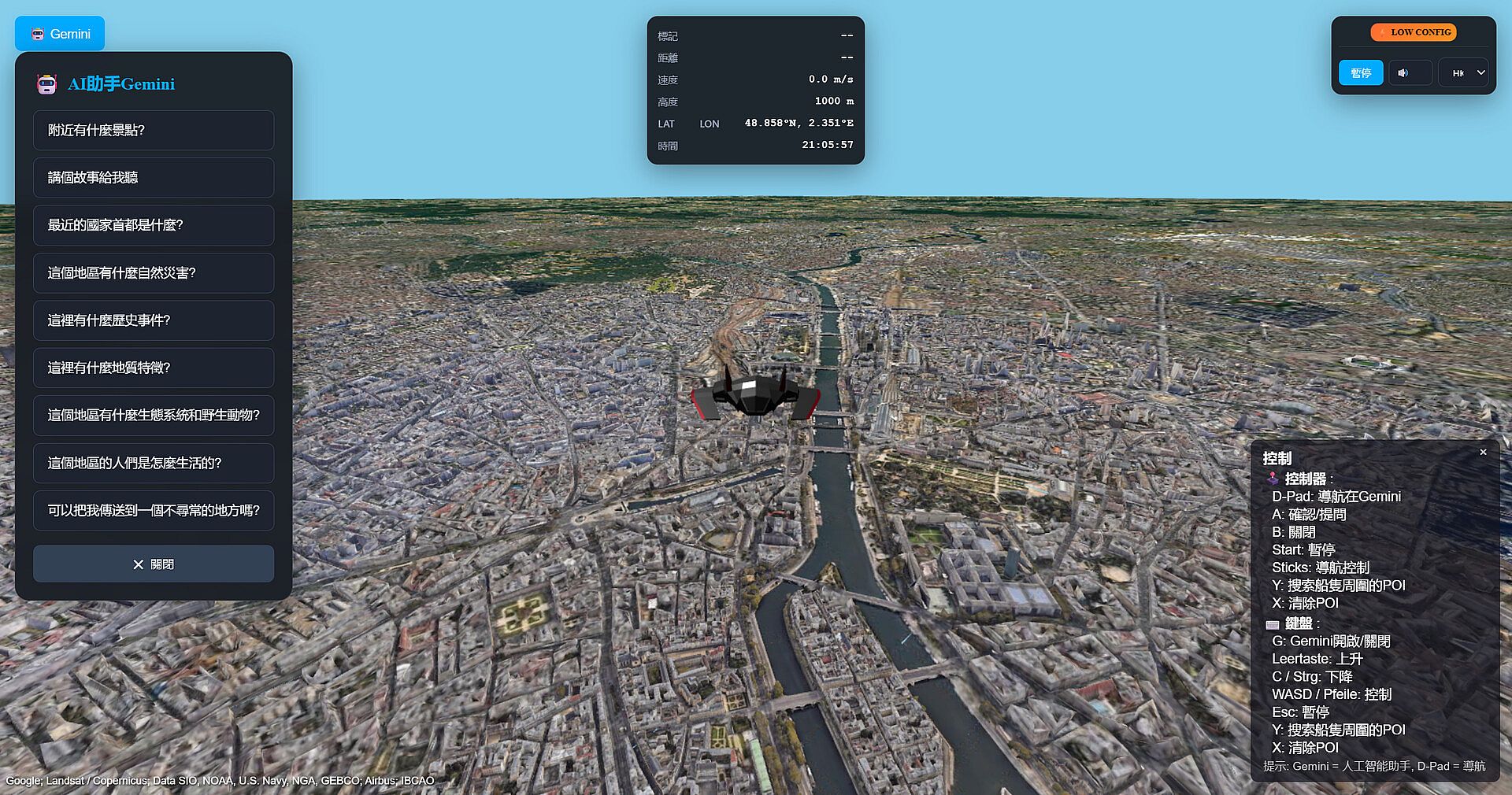
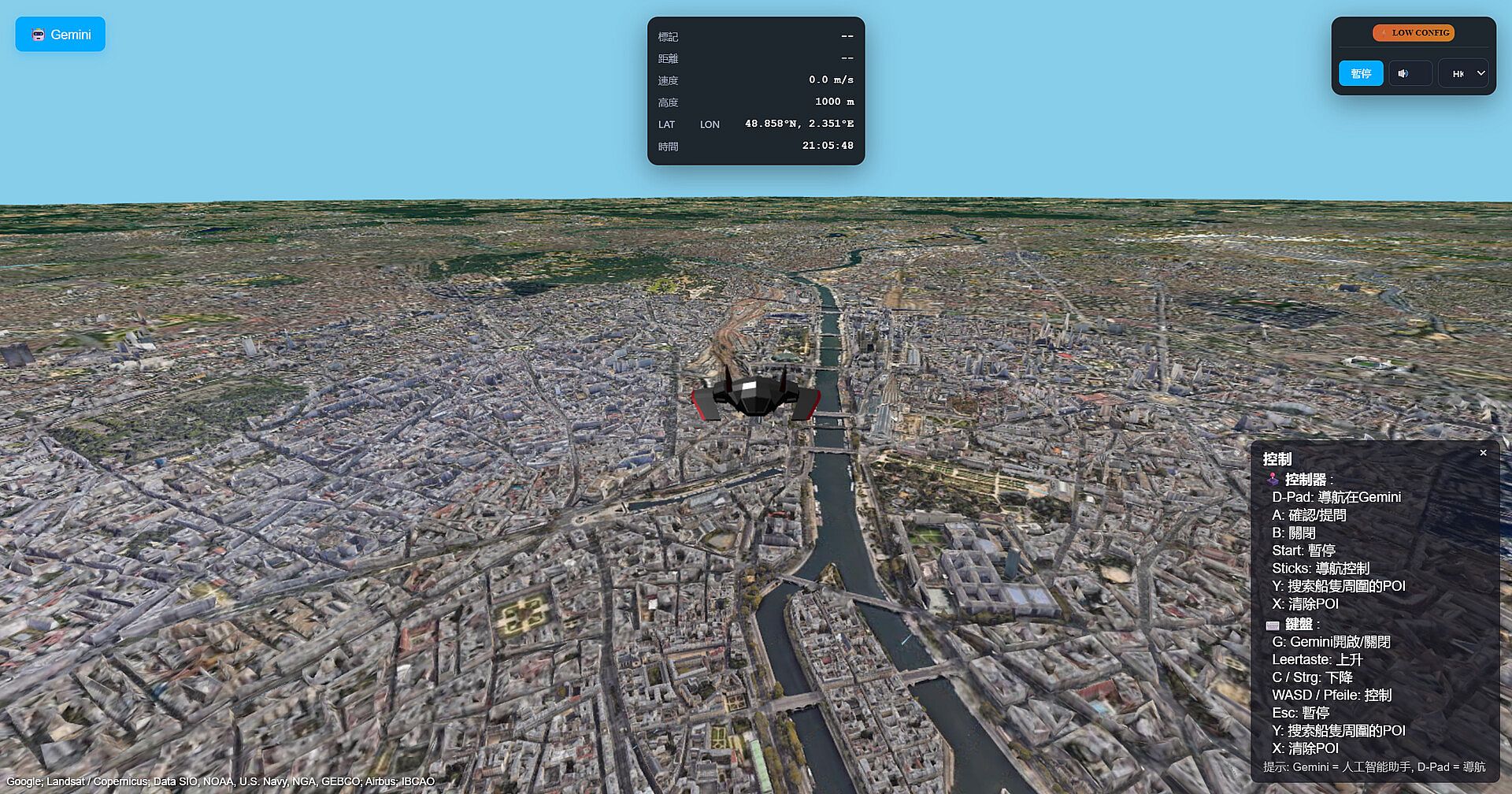
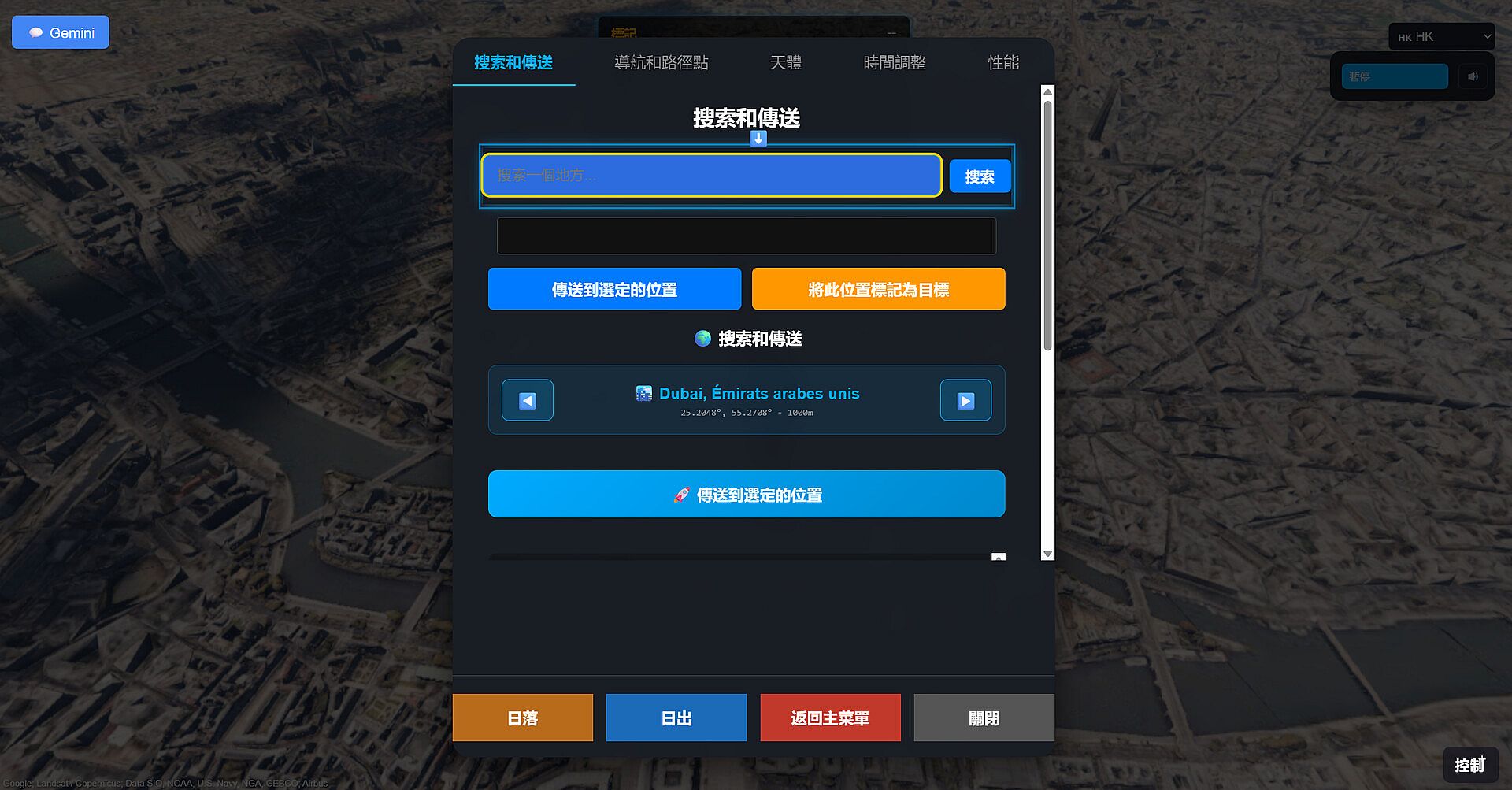
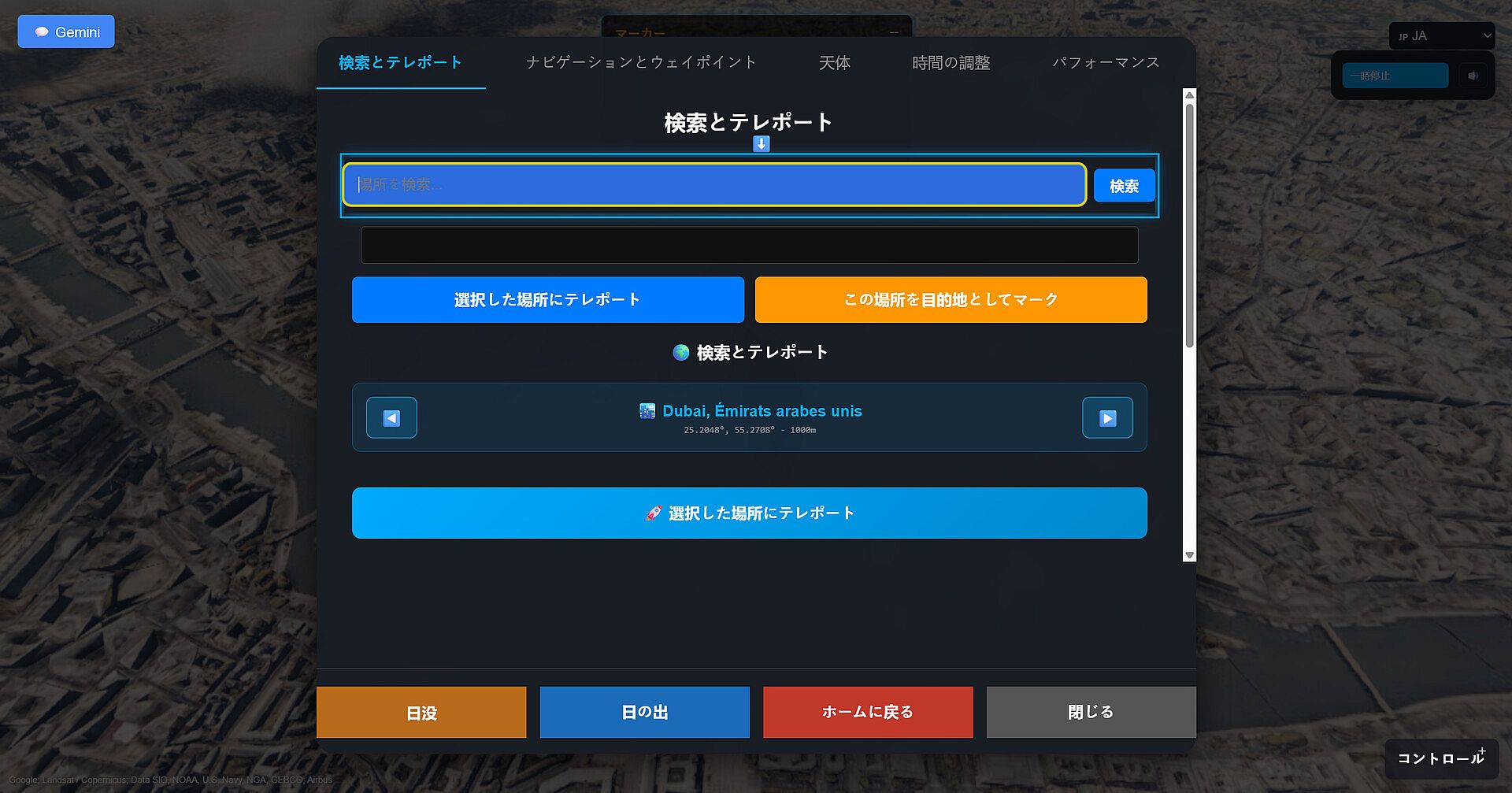
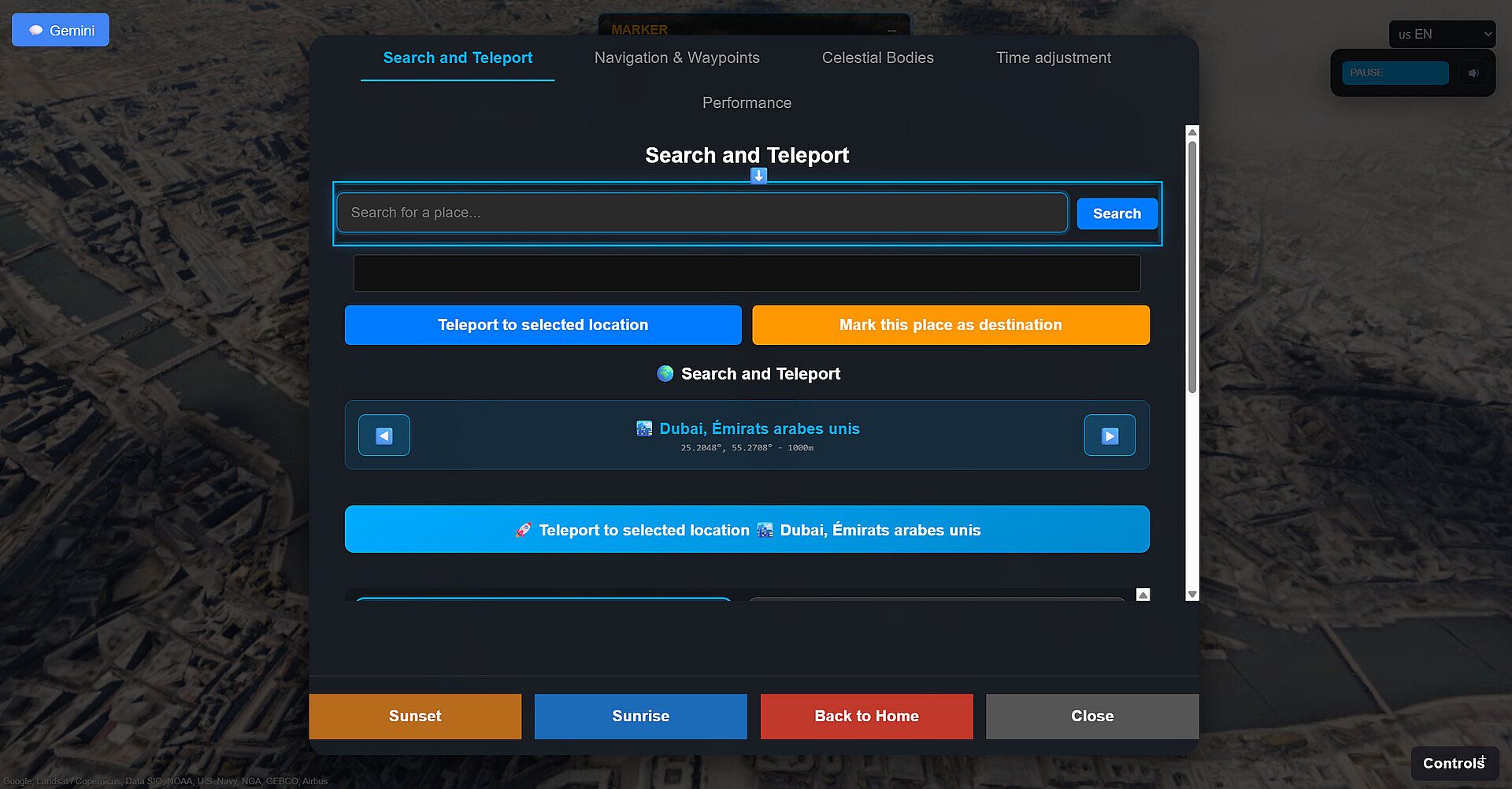
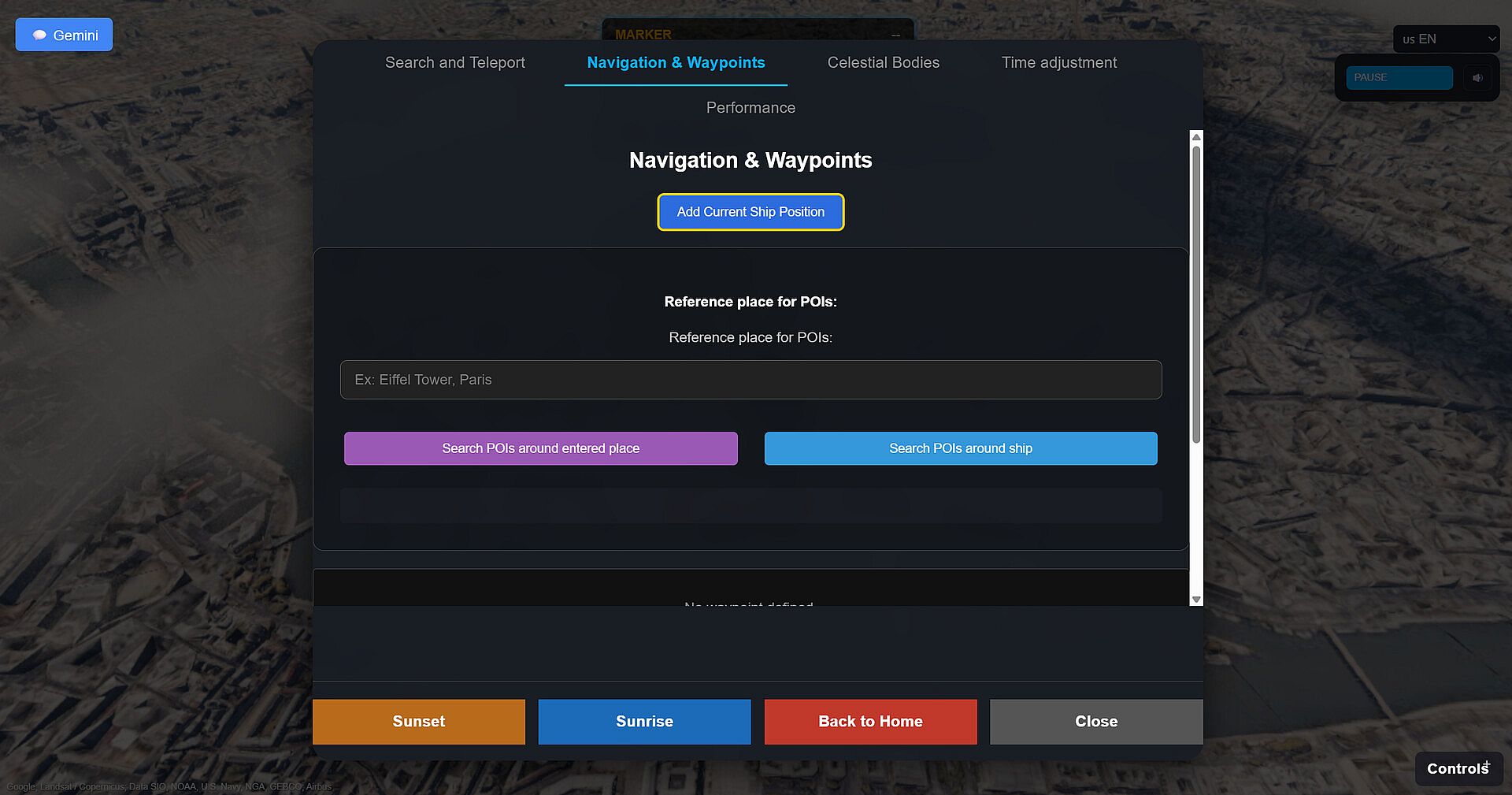
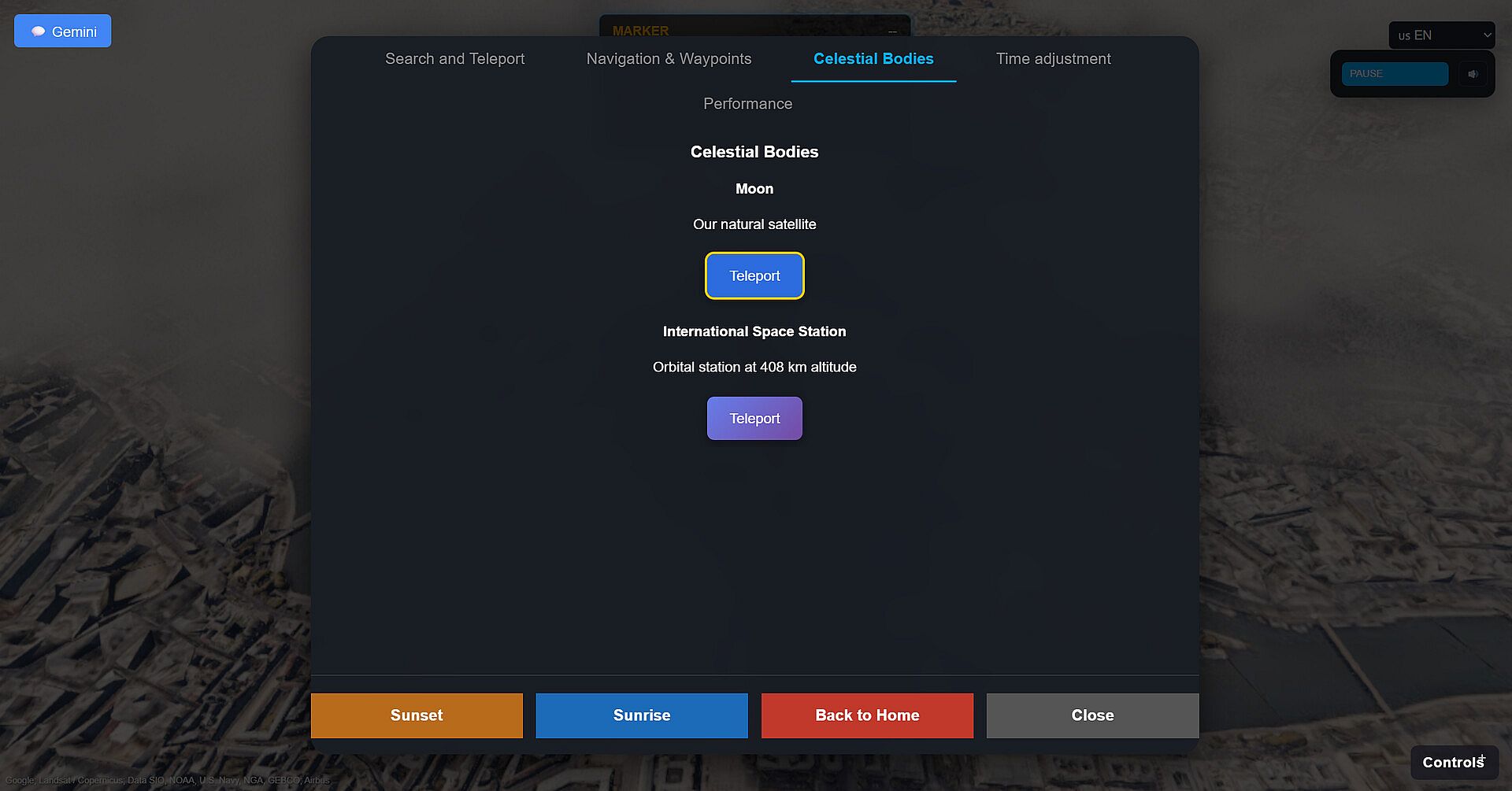
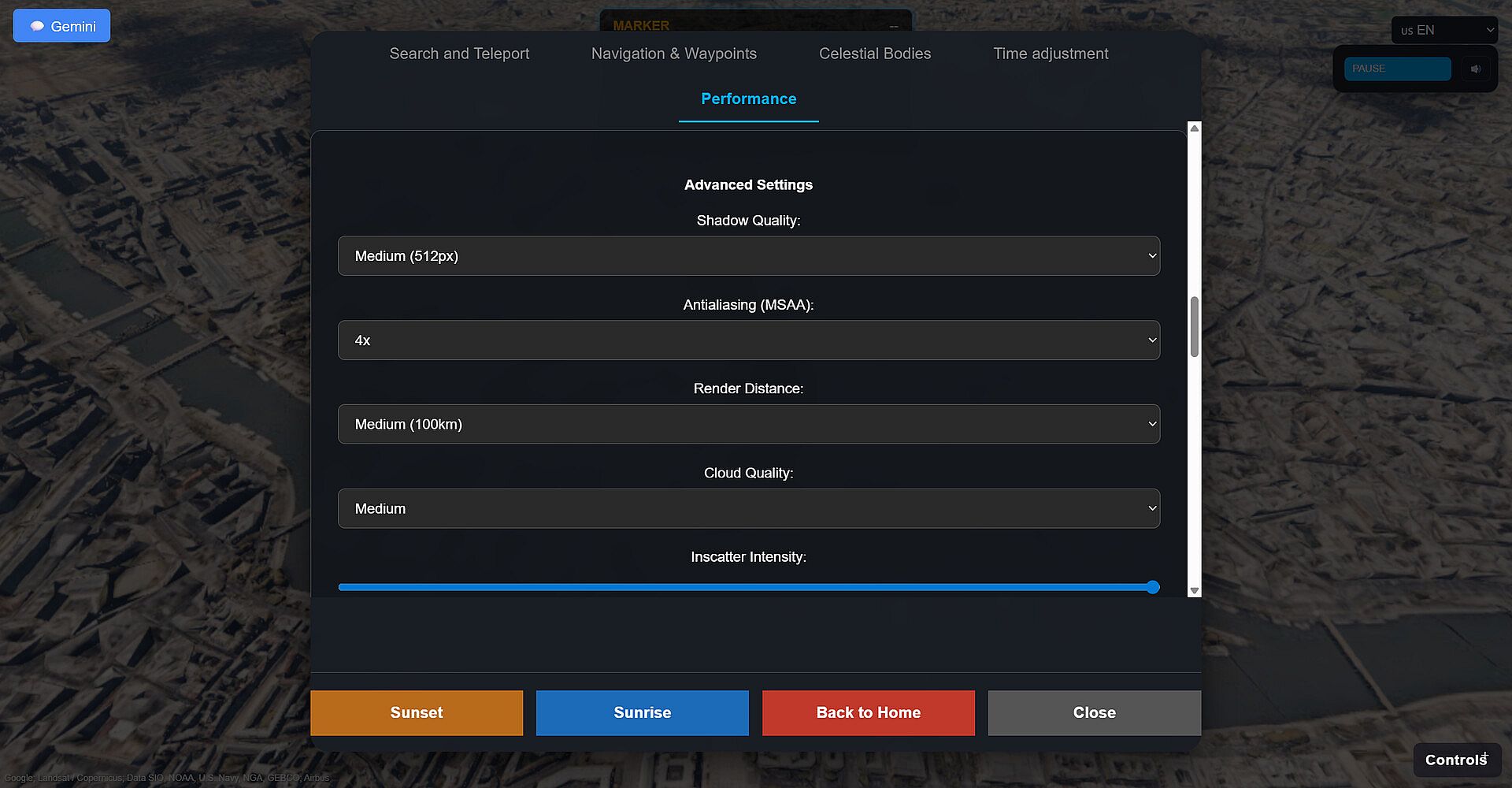
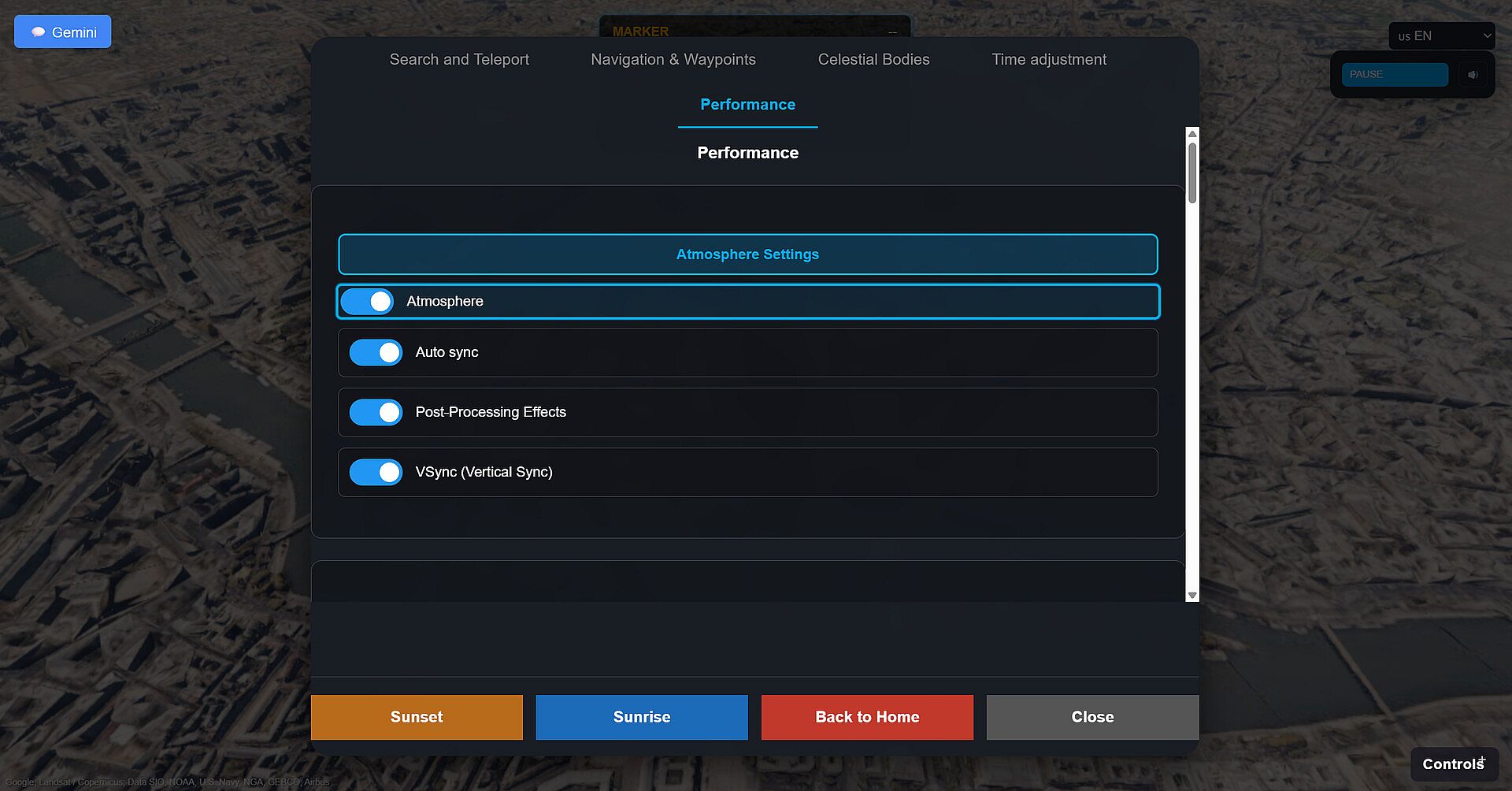
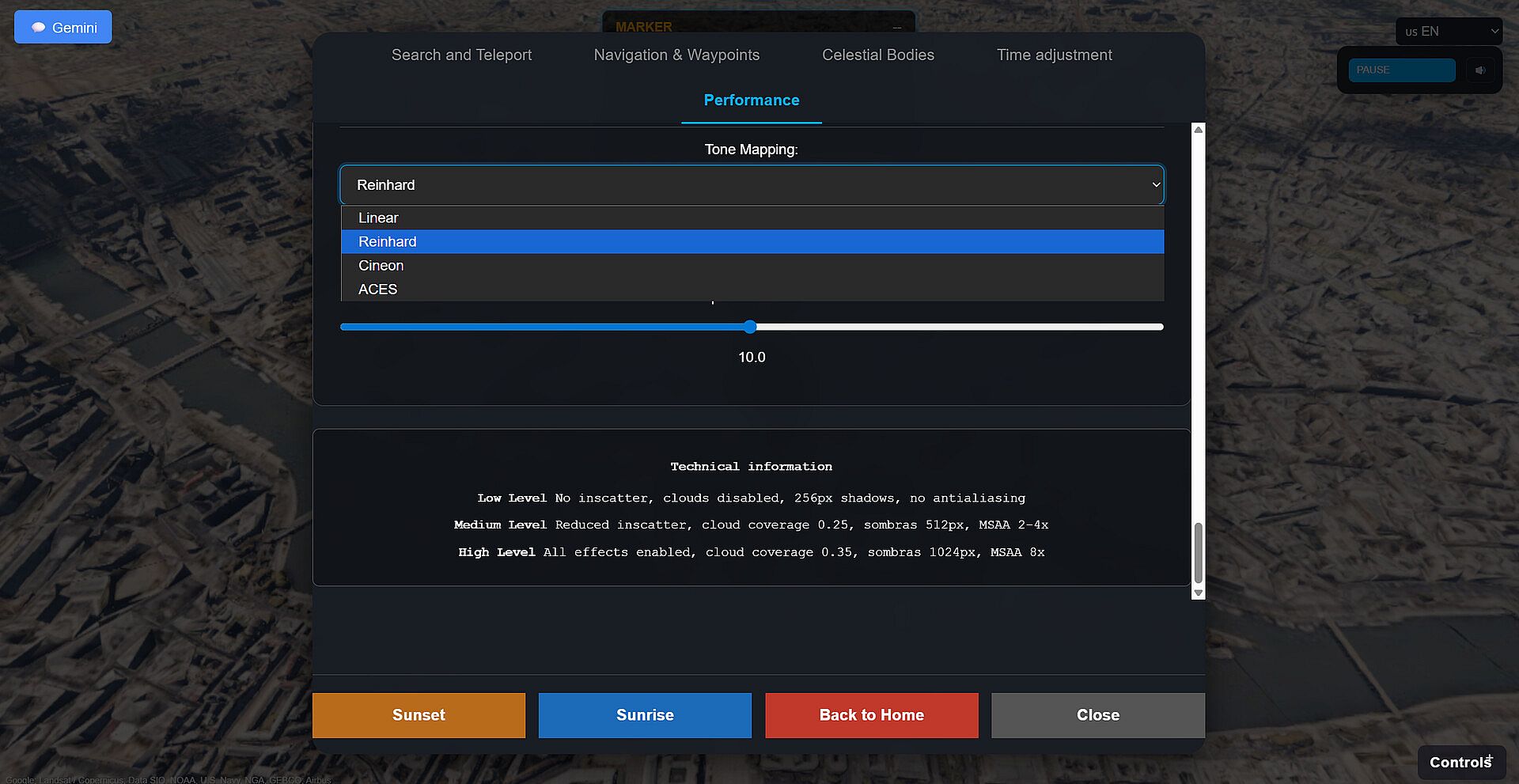
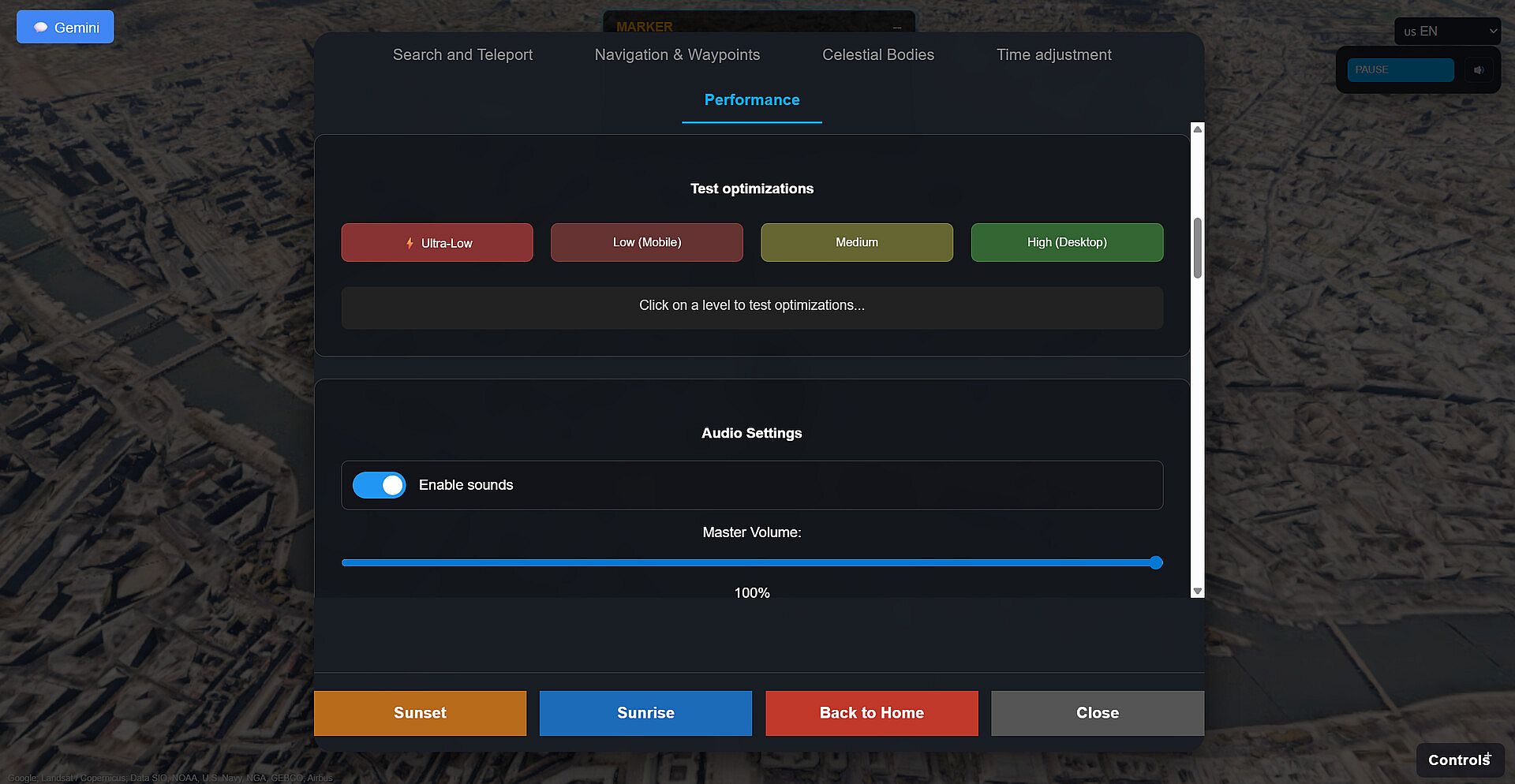
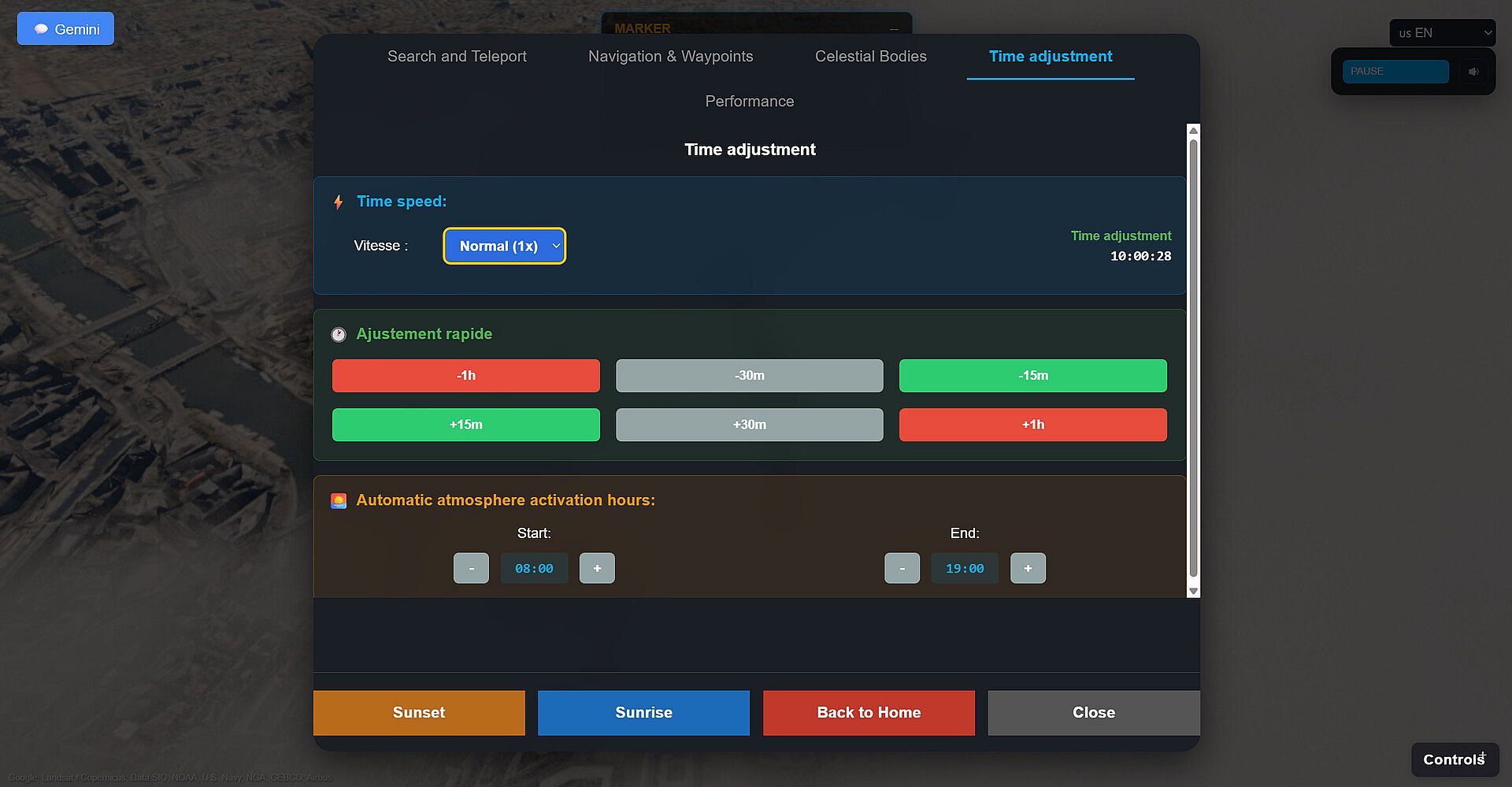
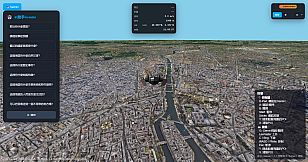
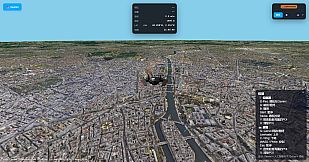
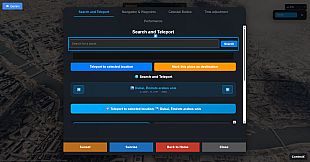
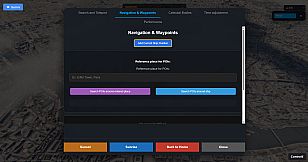
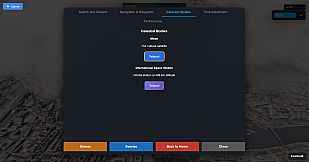
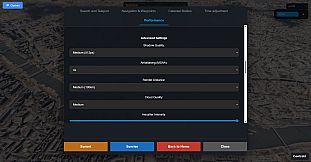
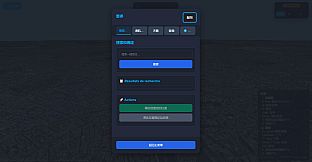
Geospatial Exploration stands out as a unique simulation game that lets you traverse the real world in stunning 3D and VR formats. This indie casual title combines flight mechanics with educational elements, allowing players to fly over photorealistic representations of Earth while learning about various locations through an integrated AI assistant. Released on PC, it appeals to those interested in geography, history, and natural sciences, offering a relaxed way to discover the planet without leaving your seat.
Gameplay
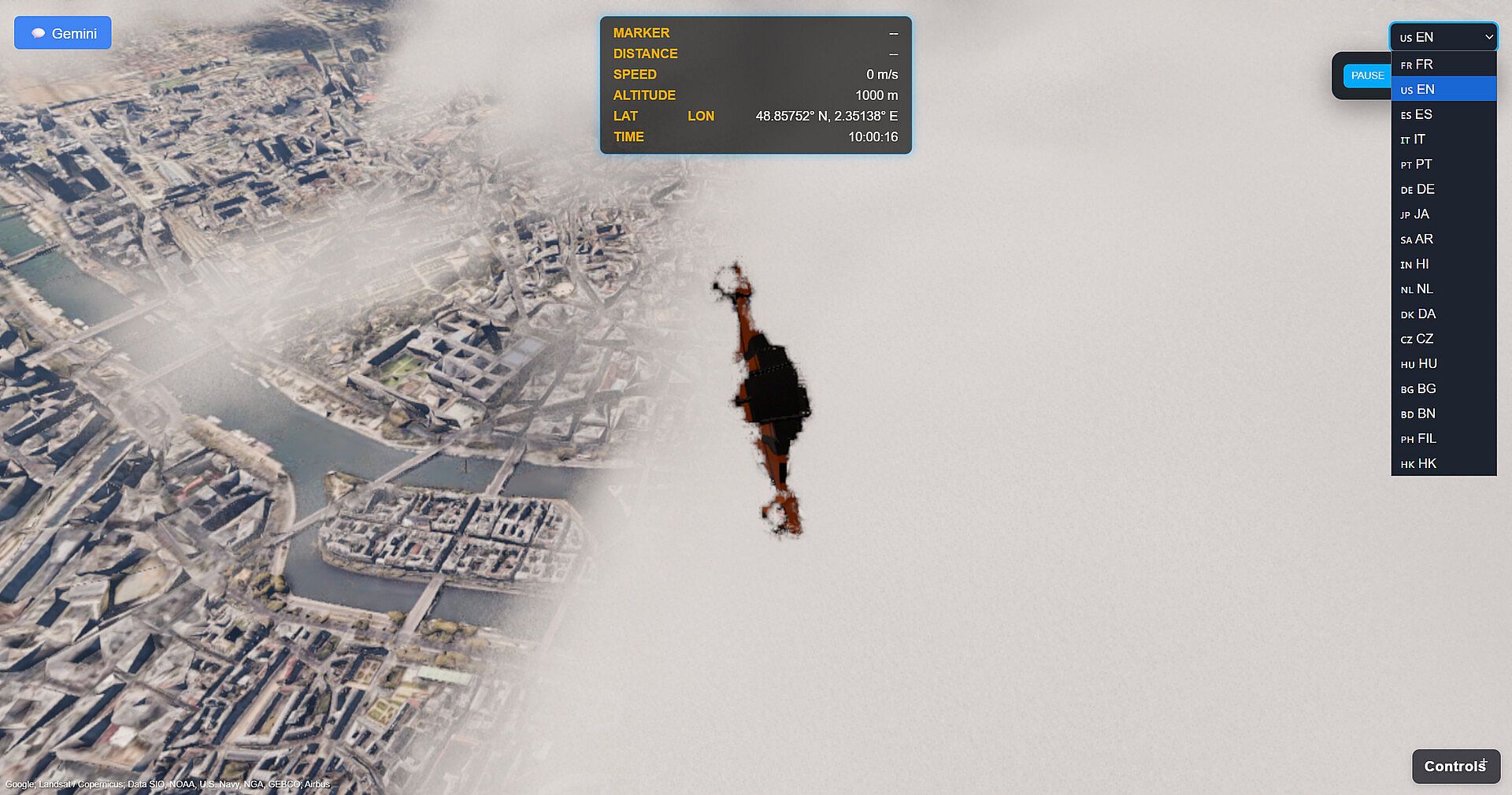
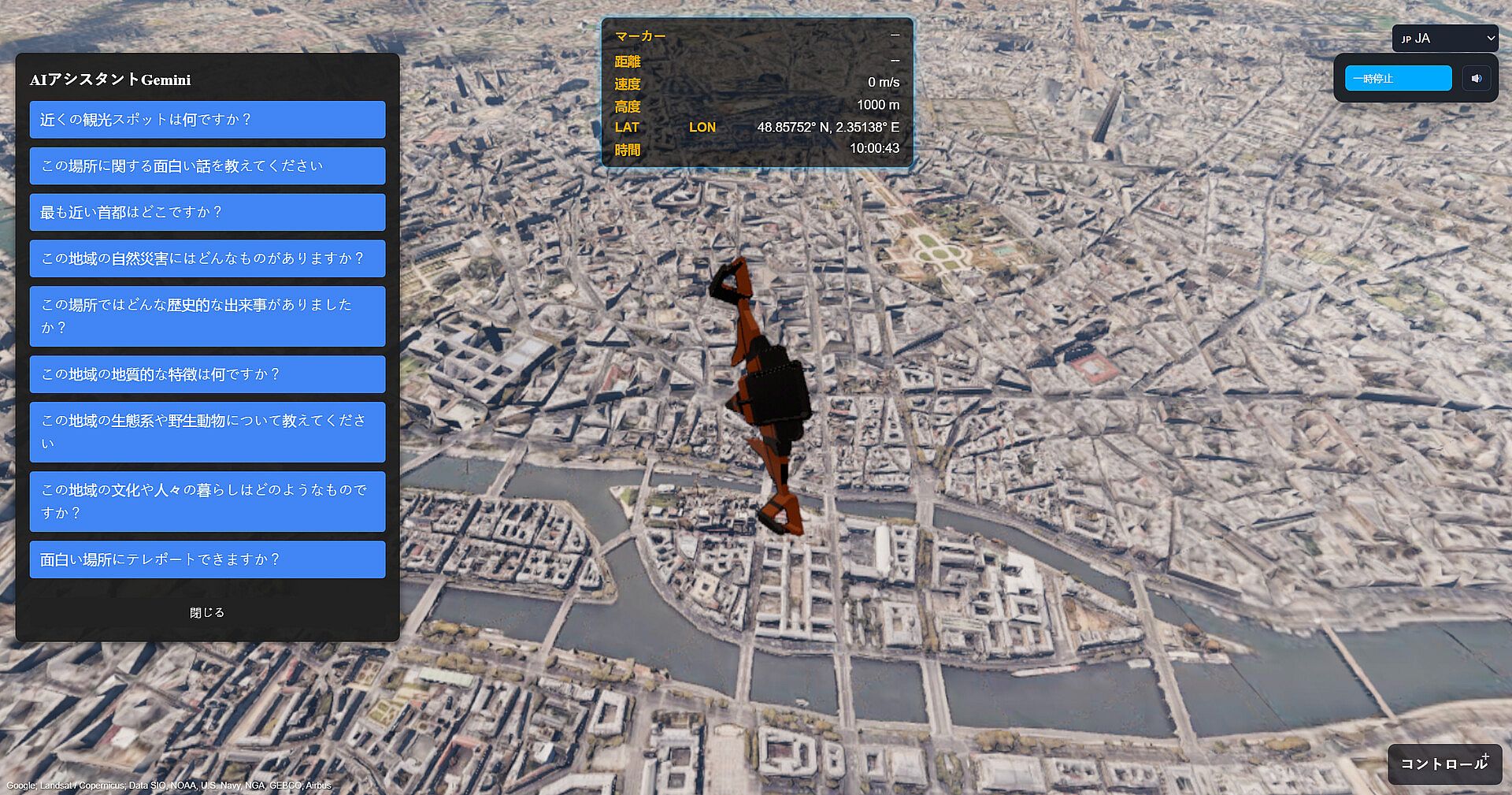
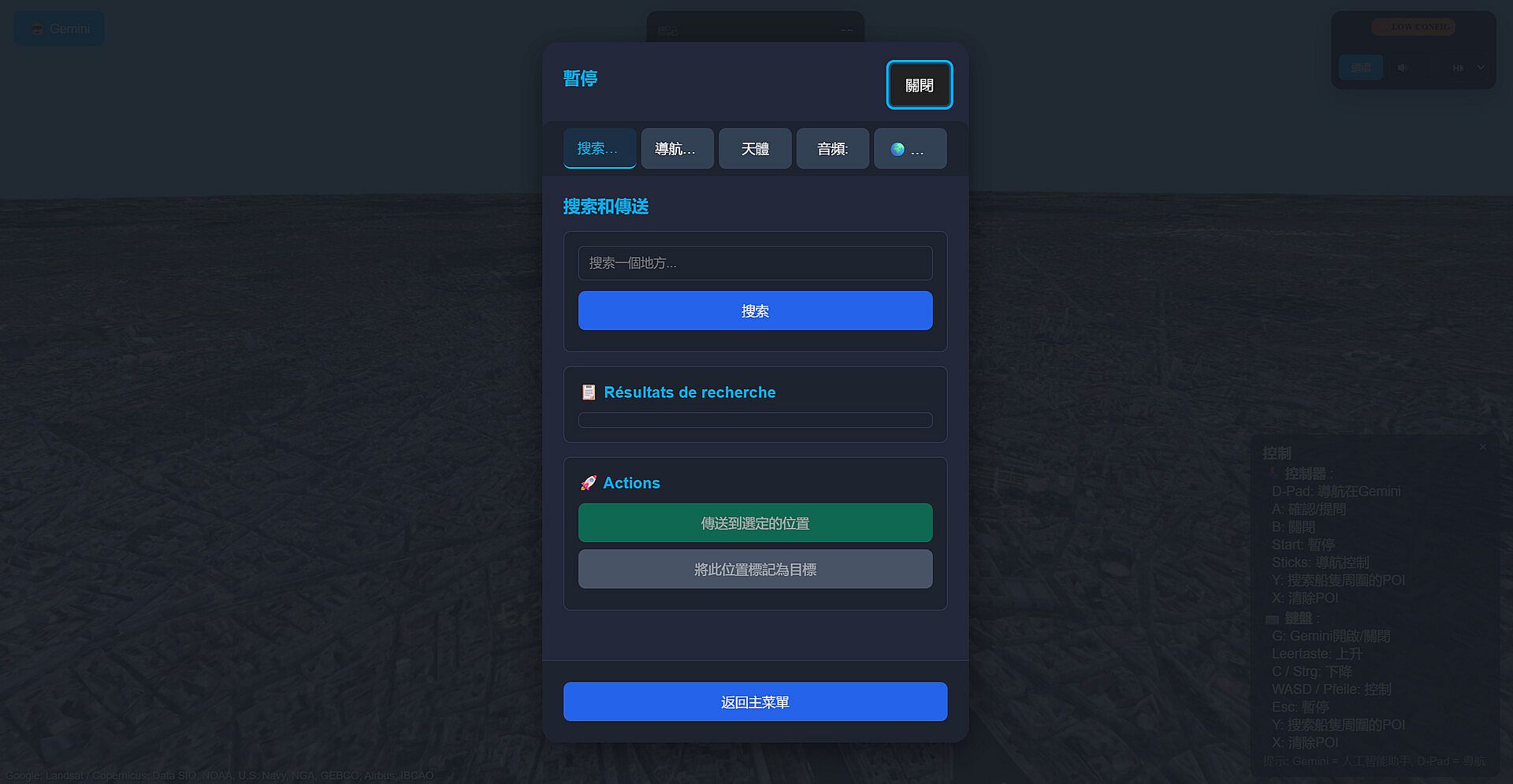
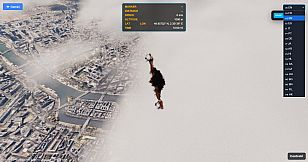
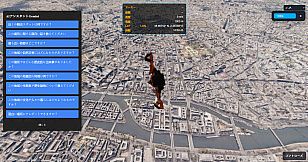
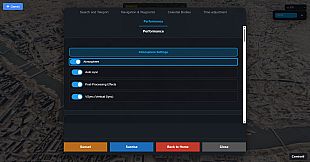
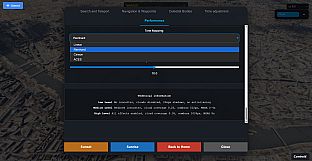
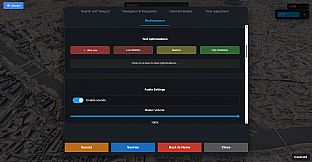
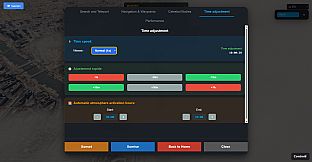
In this simulation game, the core loop revolves around free-flight exploration across the entire planet, powered by advanced rendering technology that delivers photorealistic visuals. You control your viewpoint with keyboard, mouse, or gamepad in browser mode, navigating through dynamic atmospheres complete with real-time sun lighting, atmospheric scattering, and cloud systems. An AI assistant, built on Gemini technology, serves as your guide, answering questions in categories like history, geology, culture, and wildlife. Voice responses come in over 17 languages, making sessions feel interactive and informative. Flight physics add realism, with effects that respond to altitude and weather, while post-processing like lens flare enhances immersion. Replayability comes from time-of-day changes and personalized paths, ensuring each session reveals new details about landmarks or ecosystems.
Mechanics emphasize education over competition; you can investigate natural phenomena or cultural traditions tied to specific spots, drawing from a vast database of points of interest. Controls adapt to your setup, with full support for controllers, and the game runs smoothly on modern browsers without strict time limits.
Game Modes
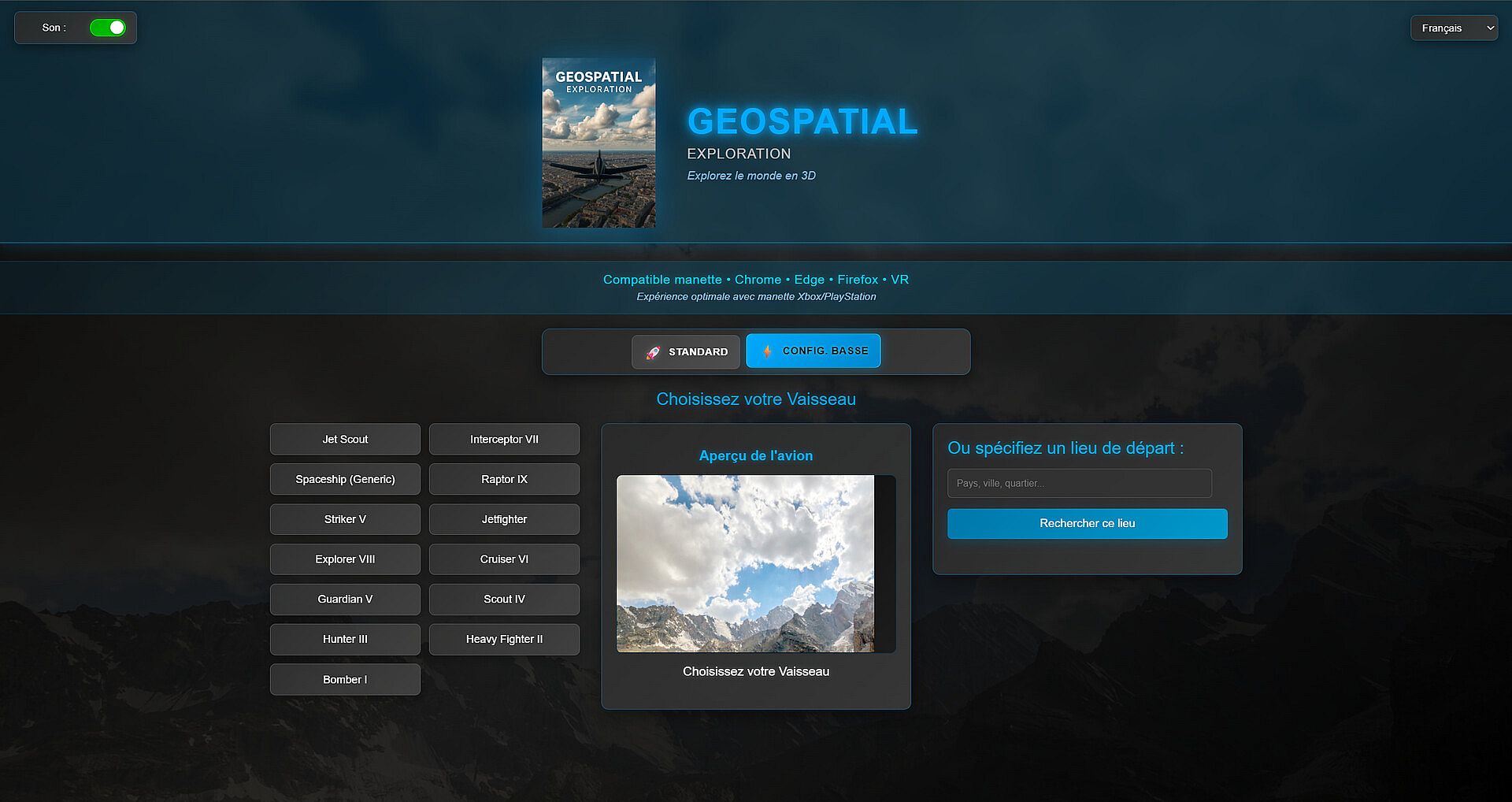
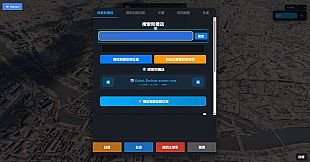
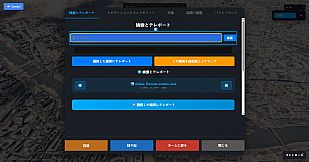
Geospatial Exploration focuses on single-player experiences, divided into two primary modes for different play styles. Desktop Browser Mode lets you explore using a standard PC setup, with keyboard and mouse for precise navigation or gamepad for a more relaxed feel. This mode suits casual sessions, optimized for various screen sizes and operating systems like Windows, Mac, or Linux.
VR Mode shifts to immersive headset use, compatible with devices like Meta Quest through OpenXR. Here, controllers handle movement, placing you directly in the 3D environment for a heightened sense of presence. Both modes offer unlimited access to the planet, with the AI assistant available throughout, but VR adds a layer of depth for those seeking a more engaging simulation.
Features and Technology
The game integrates cutting-edge tools for its simulation foundation, including 3D tiles for terrain and city rendering, plus APIs for location data. This setup ensures accurate depictions of urban areas and remote landscapes. Accessibility features include adaptive interfaces and multilingual support, broadening its appeal to global audiences.
Future updates promise expansions like first-person views and multiplayer options, with continuous support included. The technology stack optimizes performance for high resolutions, making it suitable for both quick explorations and extended learning sessions.
Is It Worth Playing?
For fans of casual simulation games that blend relaxation with learning, Geospatial Exploration offers a compelling option. Its strength lies in the peaceful flight mechanics and AI-driven insights, ideal if you enjoy discovering real-world facts without high-stakes challenges. Geography enthusiasts or educators will find value in the detailed educational content, while VR users get an extra thrill from the immersive format.
With promised lifetime updates adding new content, it holds potential for growth. If fast-paced action or competitive elements are your preference, this might feel too laid-back, but for a thoughtful indie experience focused on global exploration, it delivers a fresh take worth trying on PC.













