


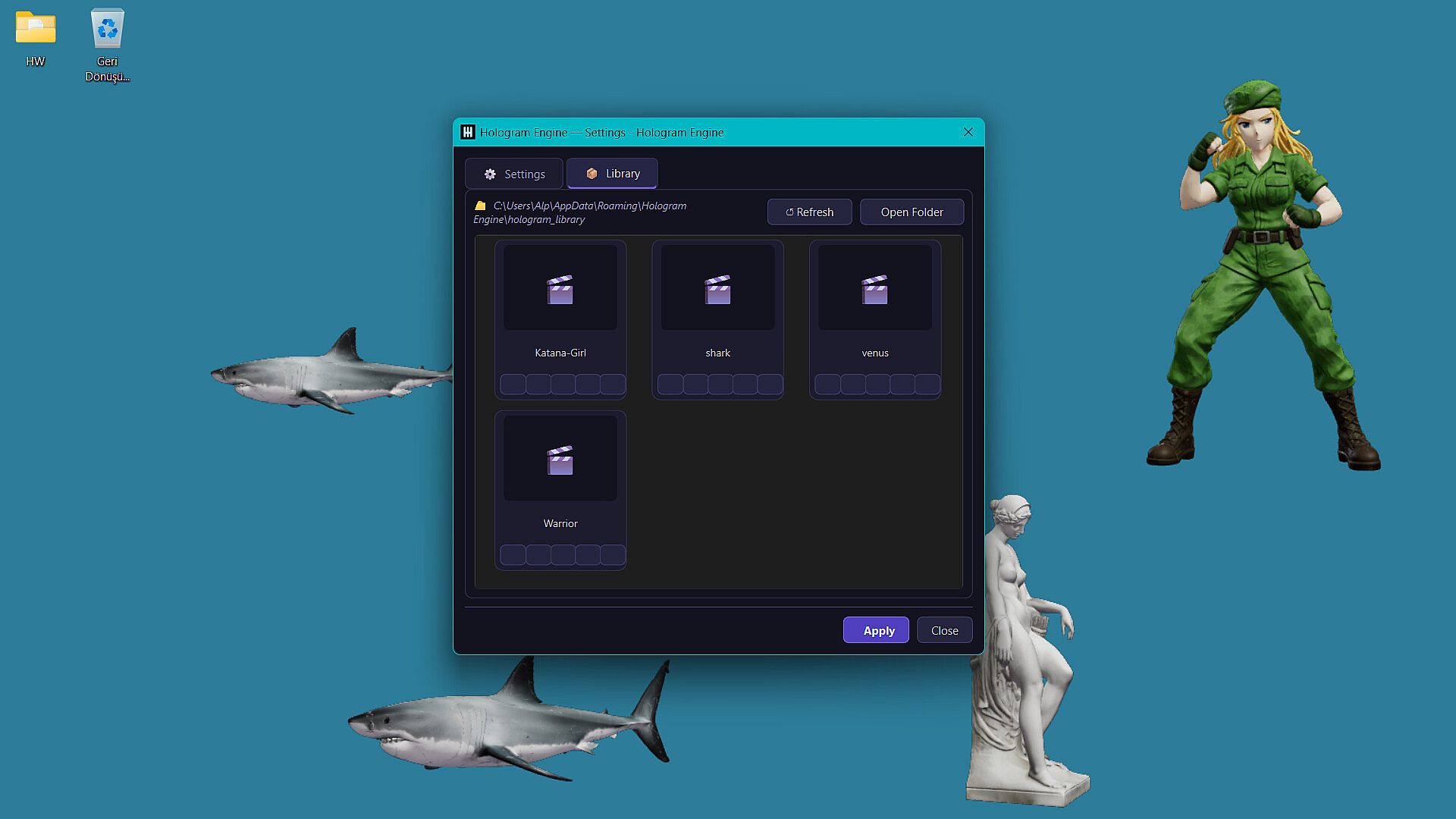
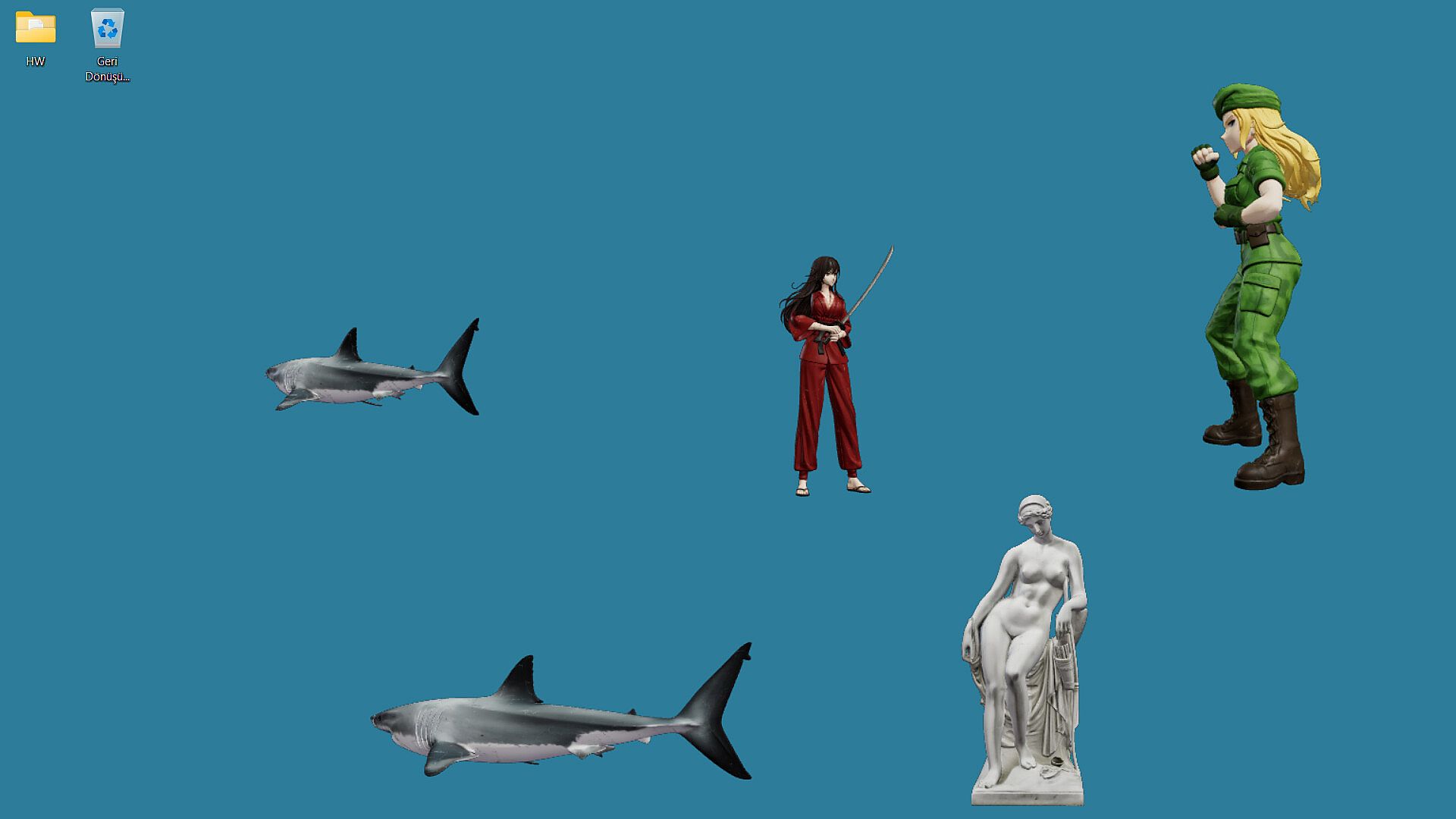
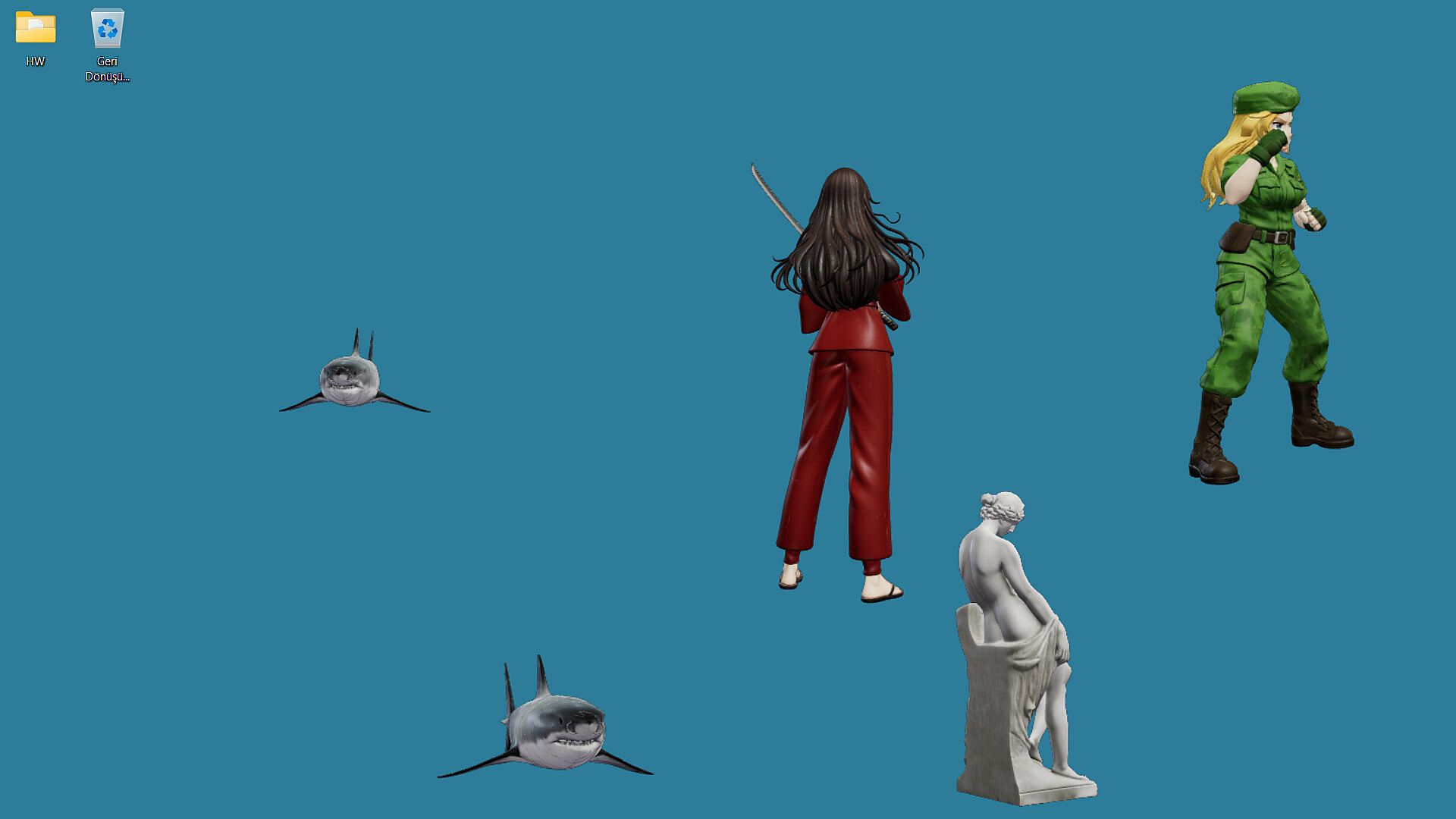
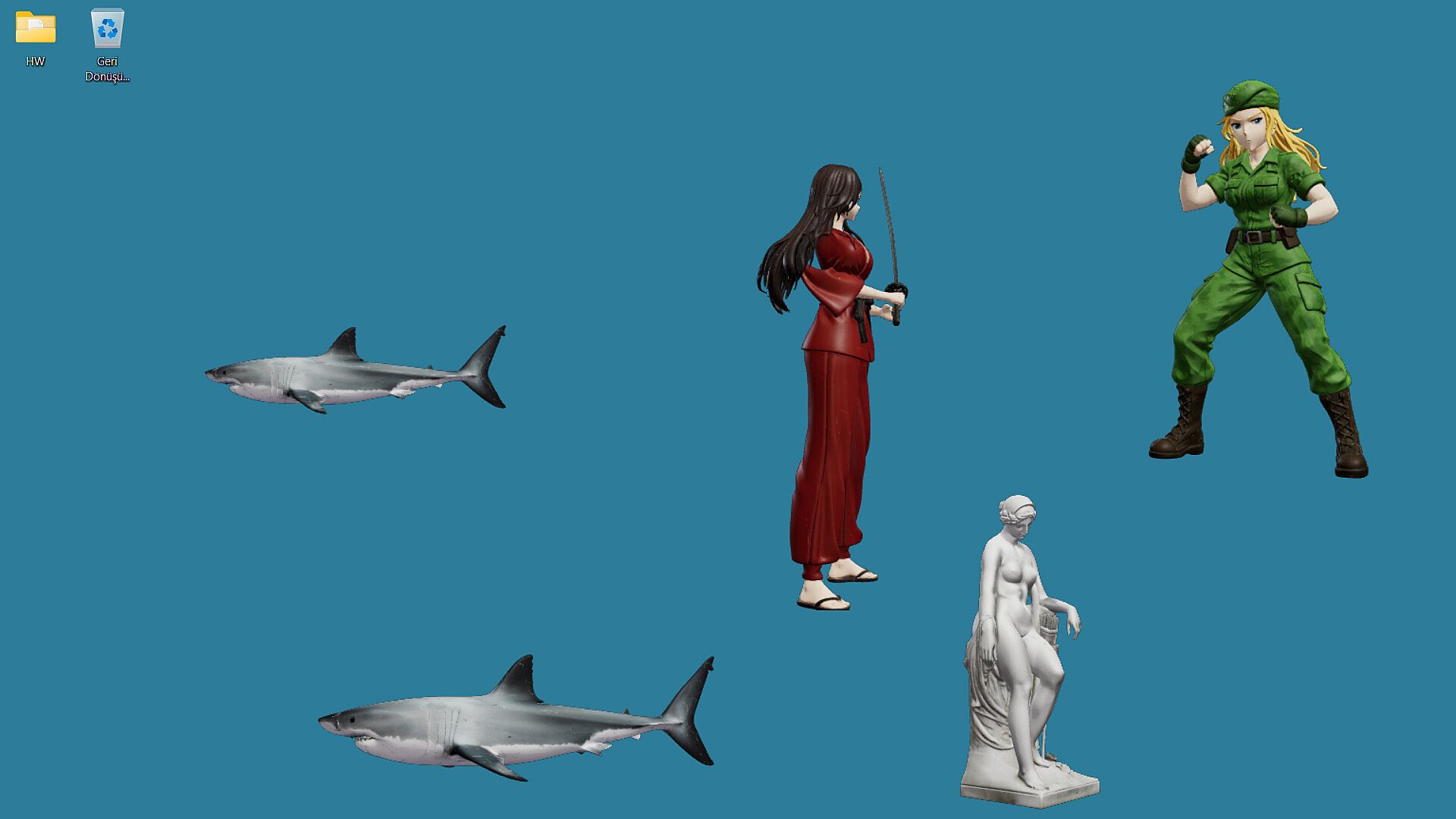
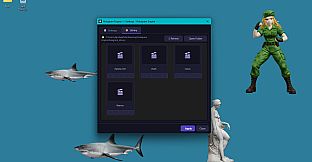
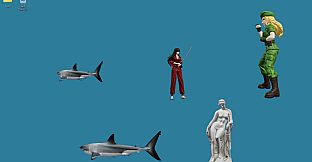
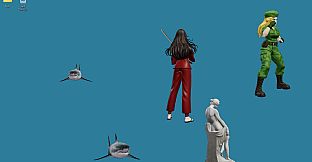
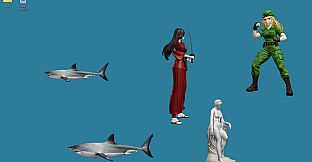
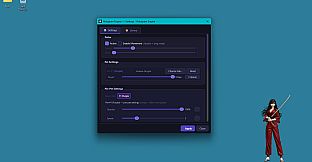
Hologram Engine is a casual utility application for PC that focuses on desktop customization through 3D hologram rendering. It places high-quality smart holograms directly above active windows using an optimized rendering approach that keeps system resources low. The software supports direct import of user-created 3D models in .glb format and applies professional visual techniques to maintain clarity and depth without interrupting workflow.
Gameplay
The core experience centers on seamless desktop integration. Users position holograms in the space above their current applications, where the models remain visible and responsive while windows stay fully functional underneath. The system handles multiple instances at once, with each hologram drawing from cinematic lighting setups and tone mapping to achieve accurate shading and highlights. Performance stays stable because the architecture prioritizes minimal overhead, allowing the rest of the computer to handle demanding tasks without interference.
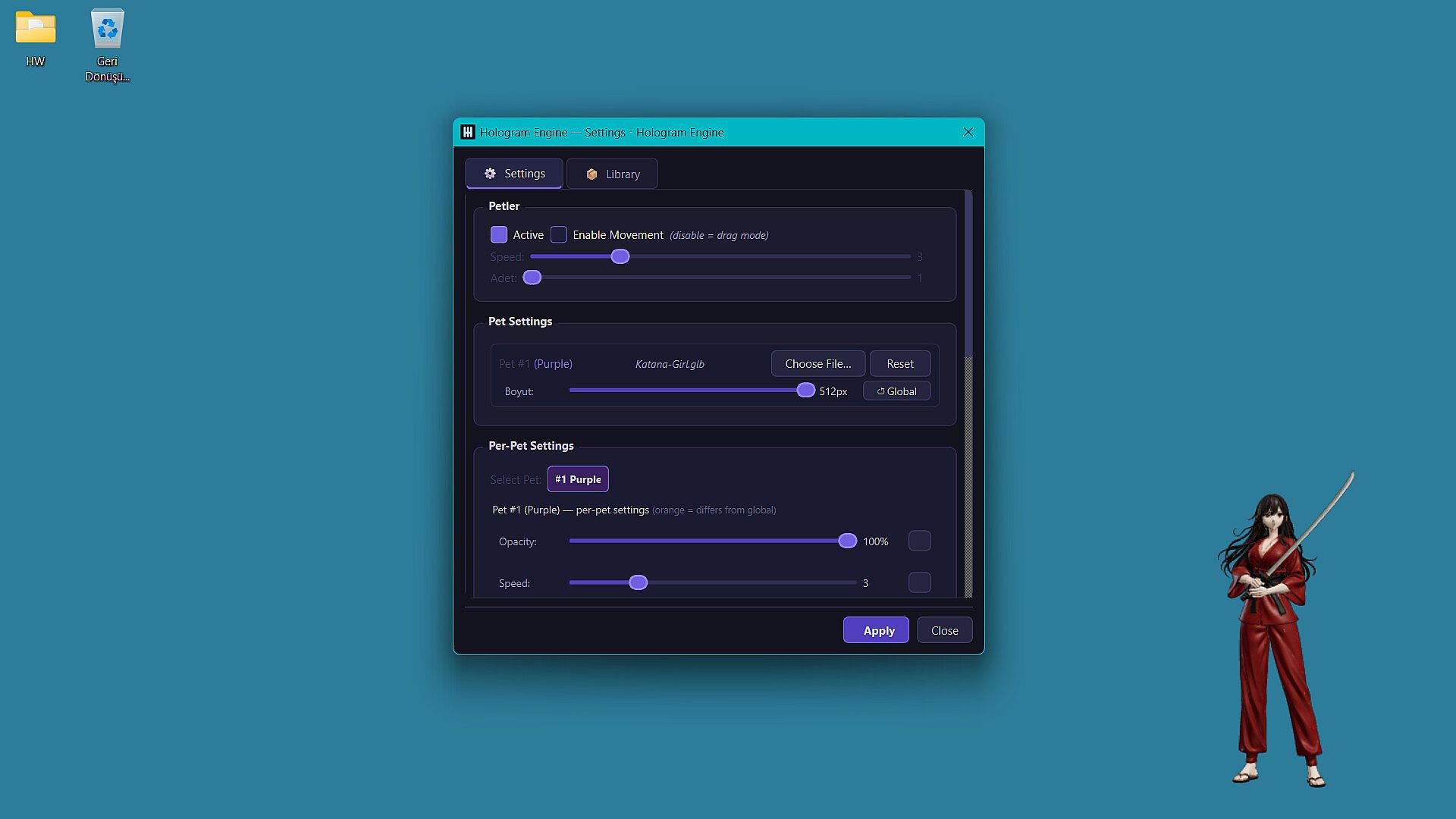
Asset handling forms another key part of daily use. Dropping a compatible .glb file onto the screen activates it as a hologram that can be adjusted in position and scale through straightforward controls. The rendering engine processes these models in real time, preserving details from the original files while adapting them to the desktop environment. This setup suits extended sessions where visual elements need to coexist with productivity tools or creative software.
Game Modes
Hologram Engine operates without traditional game modes, instead emphasizing flexible presentation options that adapt to different desktop scenarios. The primary approach involves running one or more holograms persistently above the active workspace, with support for up to five simultaneous instances. Each instance maintains independent positioning and visual settings while sharing the same lightweight backend.
Customization extends through asset swapping and lighting adjustments that users control directly. The software applies consistent tone mapping across all active holograms to ensure visual coherence, regardless of how many models appear on screen. This structure supports varied workflows, from simple decorative overlays to more involved model testing during design sessions.
Technical Foundations
The application relies on an ultra-lightweight architecture built around a highly optimized graphic rendering engine. This foundation delivers near-zero CPU usage and restrained RAM consumption even during multi-instance operation. Such efficiency stems from targeted optimizations that avoid unnecessary processing cycles, leaving headroom for other programs.
Visual quality comes from integrated cinematic lighting and professional tone mapping methods. These techniques enhance model appearance without adding computational burden, resulting in holograms that retain depth and accuracy across different desktop backgrounds and window arrangements. The overall design prioritizes reliability for prolonged daily use.
Is It Worth Playing?
Hologram Engine appeals to users seeking a lightweight way to add 3D elements to their PC desktop without performance trade-offs. Its focus on low resource demands makes it suitable for systems running heavy applications alongside the utility. The custom asset support and straightforward model import process provide practical value for those working with 3D content in casual or illustrative contexts.
Because the software maintains stability with multiple holograms active, it fits environments where visual enhancements should remain unobtrusive. Individuals interested in desktop utilities that emphasize efficiency and visual polish may find the approach aligns with their needs. Availability on PC through standard distribution channels supports easy access for compatible hardware.