

Juice Board is a casual utility application for PC that enhances everyday typing with visual and audio elements. It replaces the standard cursor with custom designs and layers in particle effects along with sound cues that respond to keystrokes and word combinations. The tool runs across many Windows programs, turning routine text input into a more engaging process without altering core workflows.
Gameplay
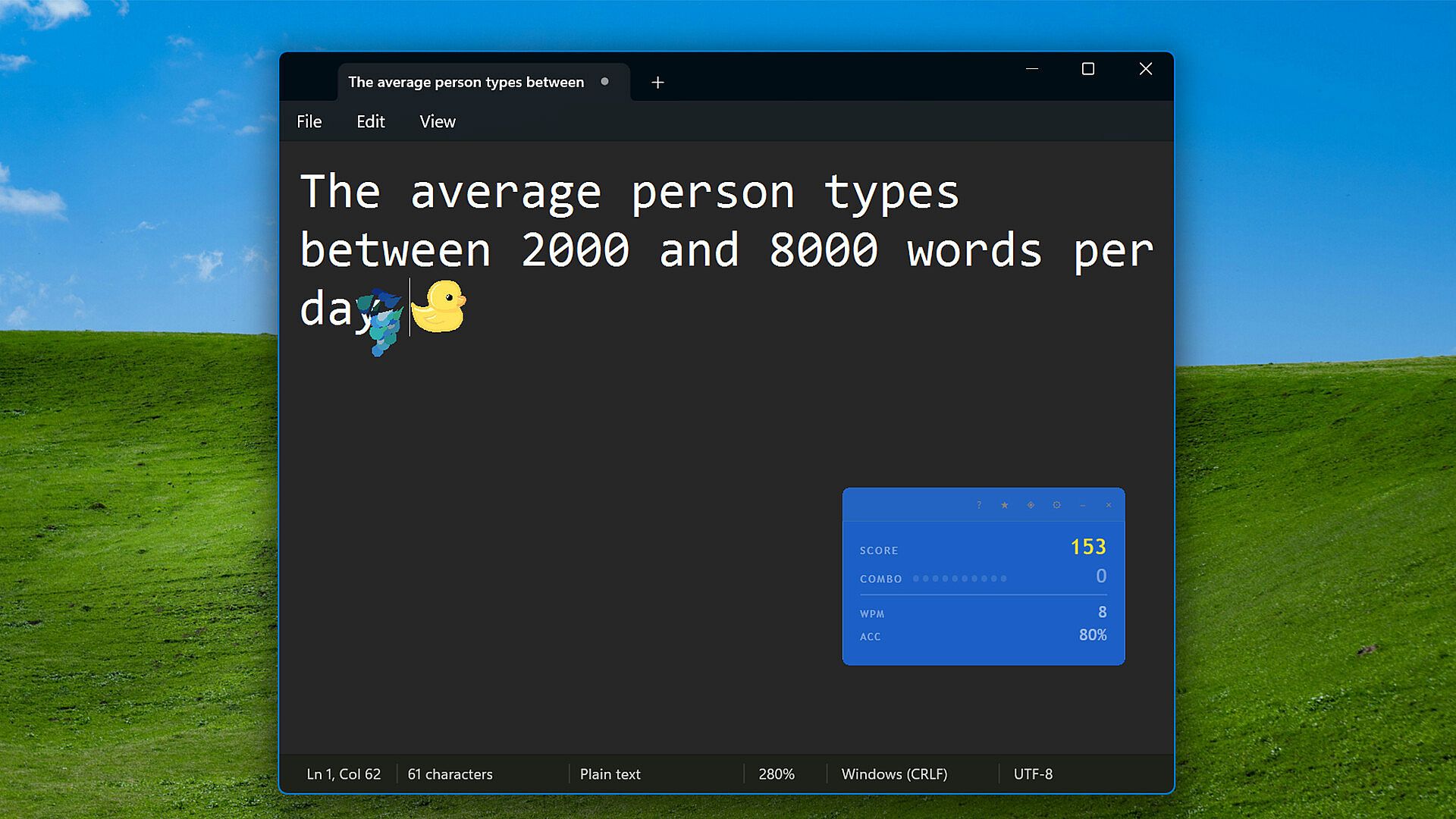
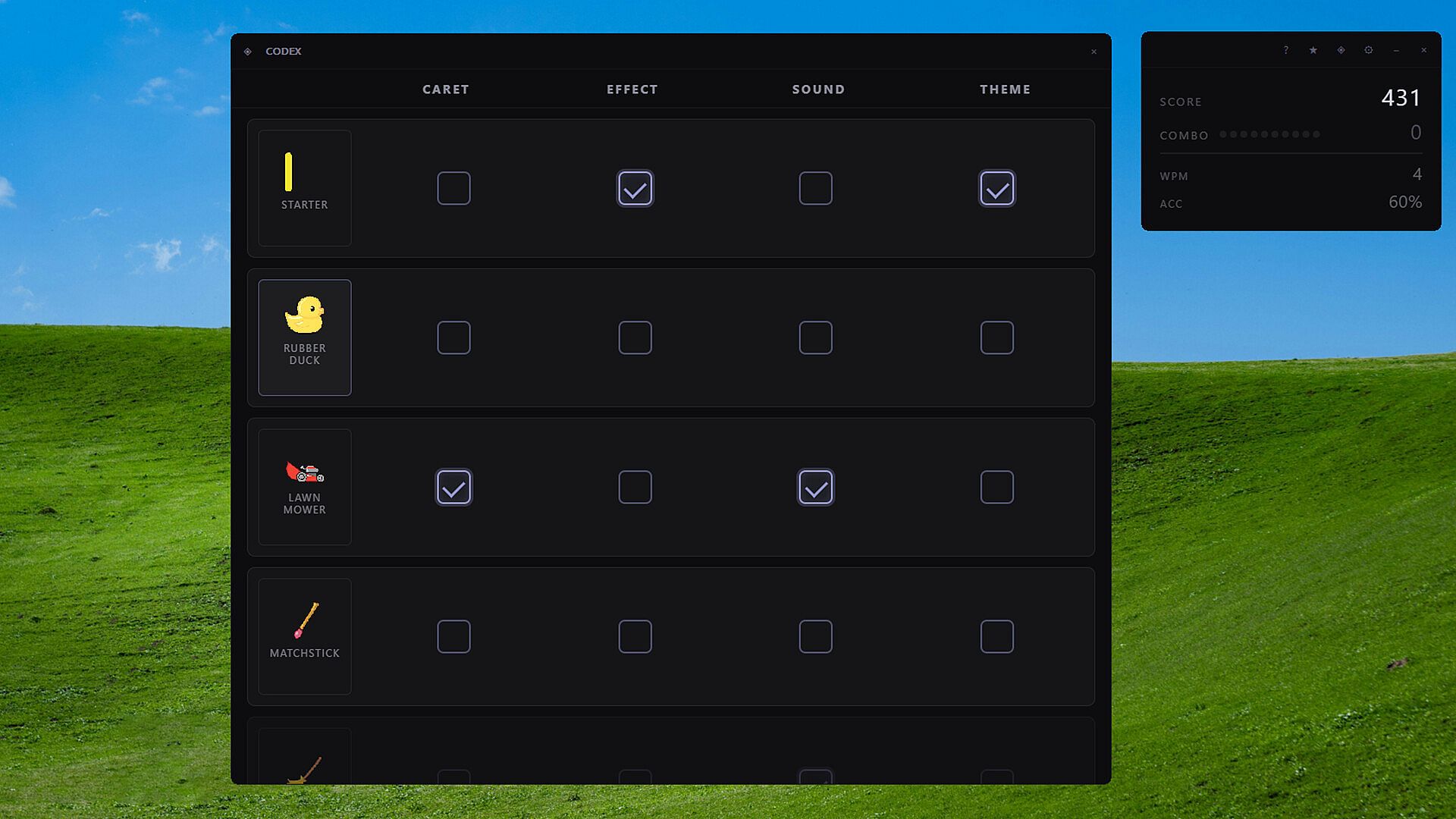
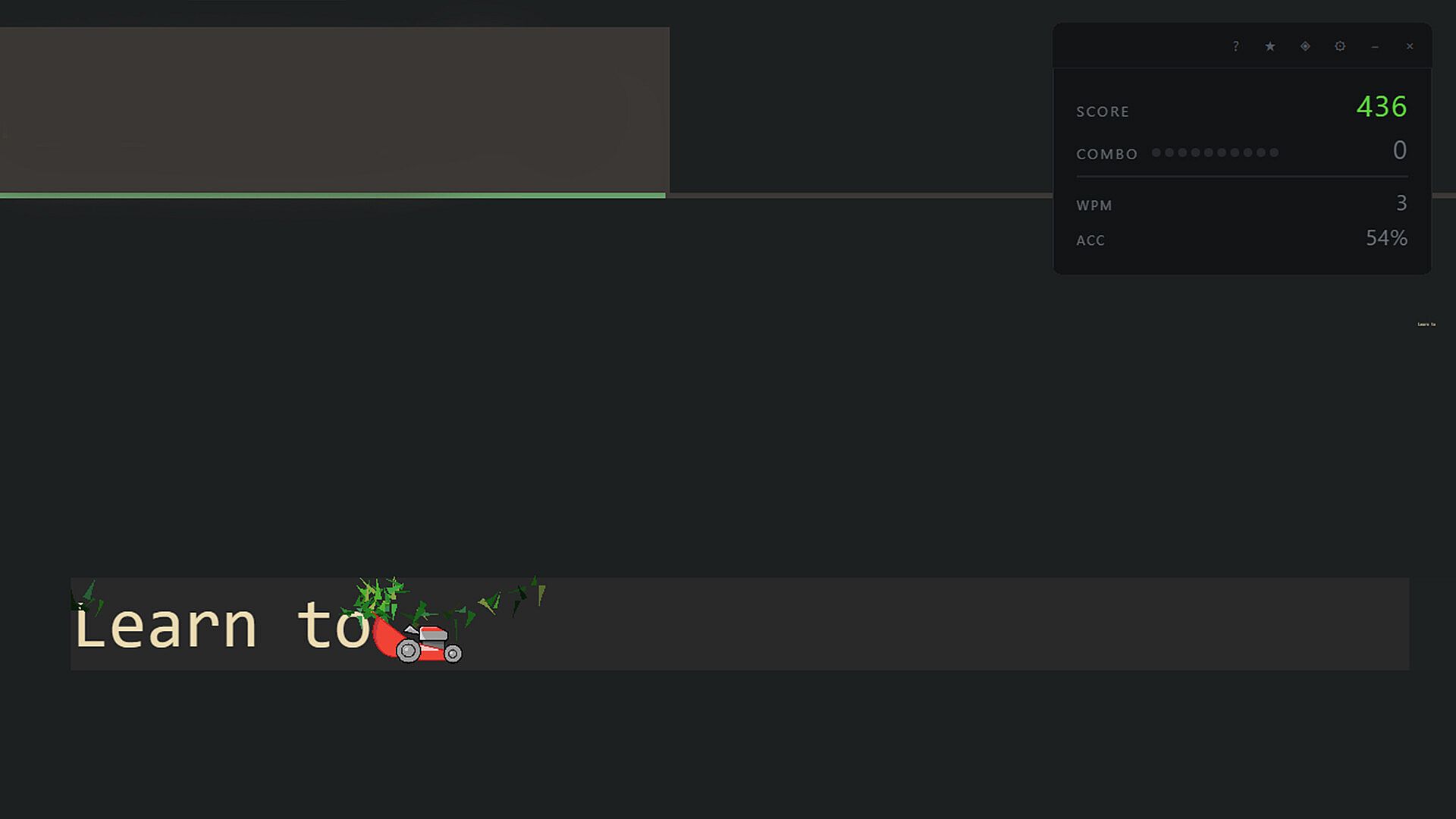
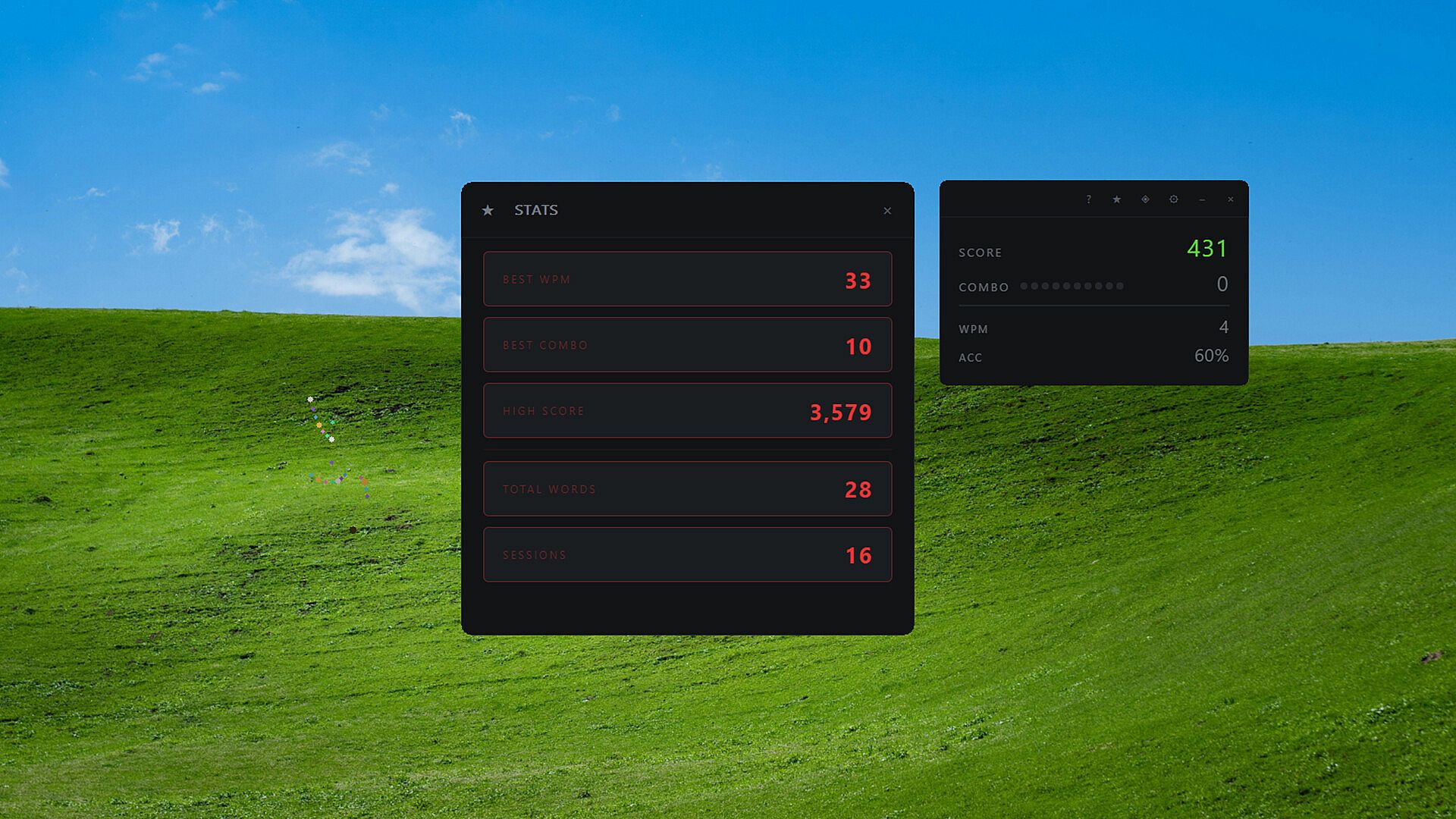
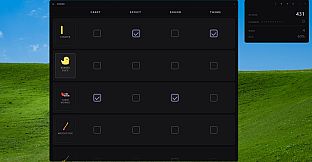
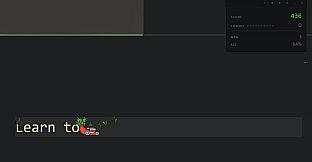
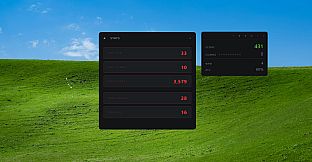
The core experience centers on reactive feedback during typing sessions. Custom carets appear in place of the default blinking line, and users unlock new styles by completing achievements tied to typing activity. Particle effects trigger on each keypress and build when word combos register, while audio provides subtle confirmation sounds that scale with momentum. A scoring system tracks multipliers from consecutive successful combos, creating a light sense of progression as typing continues.
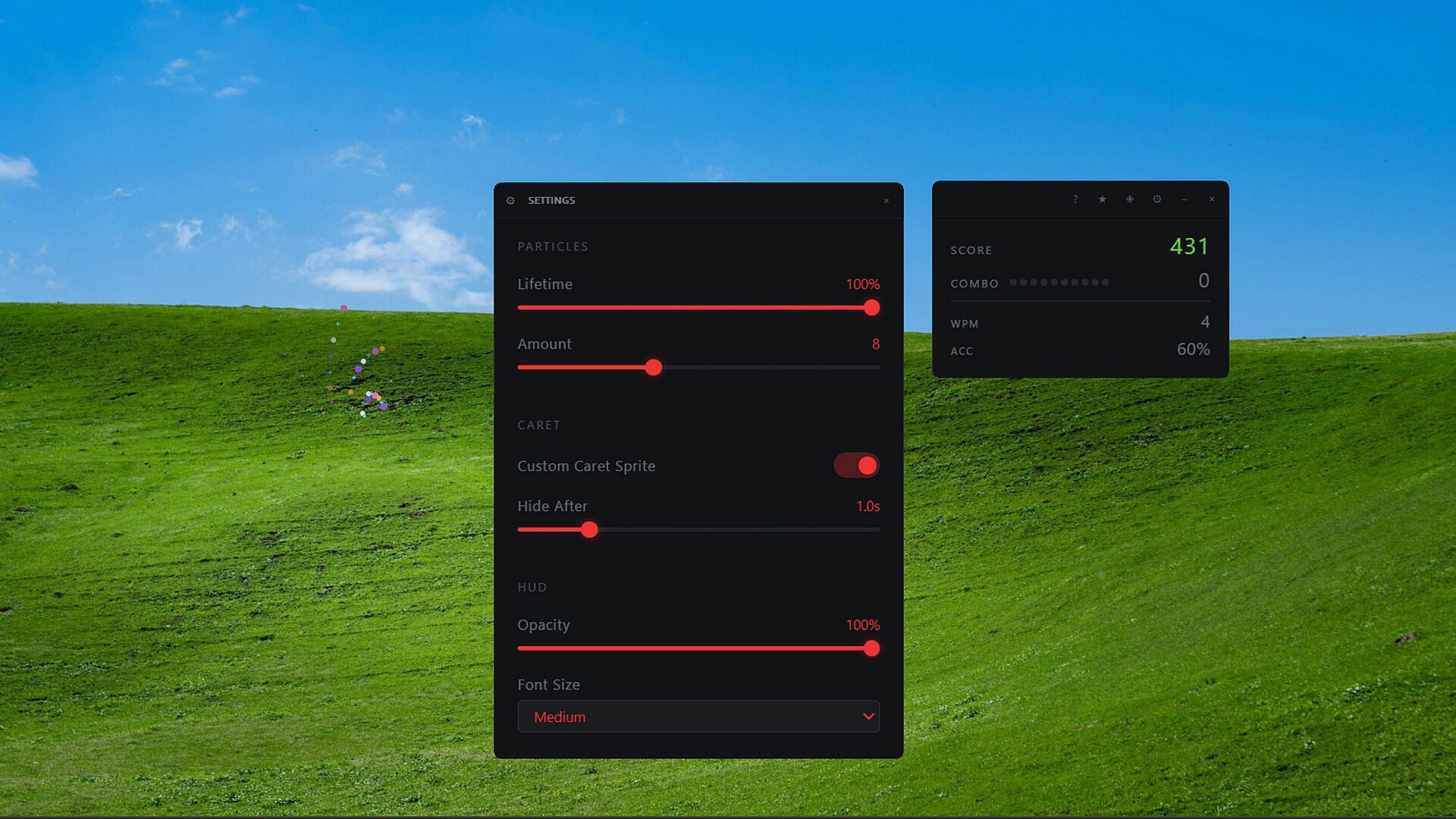
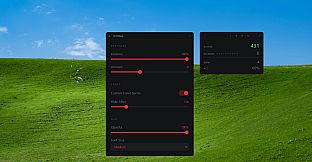
Everything operates in the background. The application monitors keyboard input system-wide, applying effects in supported programs such as browsers, basic text editors, and chat windows. Intensity settings allow users to dial particle density, sound volume, and HUD elements up or down so the additions remain noticeable yet non-intrusive during focused work.
Game Modes
Juice Board functions as a persistent utility rather than offering separate game modes. The single ongoing experience revolves around continuous typing enhancement, where the reactive combo and momentum systems provide ongoing feedback across any supported application. There are no distinct rounds, levels, or competitive formats; the emphasis stays on seamless integration with daily desktop use.
Customization options serve as the primary way to shape the session. Players adjust caret styles, effect themes, and visibility settings to match personal preferences, effectively creating tailored variations of the same core loop without switching between predefined modes.
Customization and Compatibility
Several options let users refine the presentation. Particle intensity can be lowered for minimal distraction, sound effects toggled entirely, and multiple caret designs selected from an expanding collection. HUD themes further personalize the on-screen elements that display combo progress and scores.
Compatibility covers most standard Windows desktop applications, including web browsers, note-taking tools, and messaging clients. Certain programs with custom input handling remain unsupported, such as Google Docs, JetBrains Rider, Scrivener, and LibreOffice, where the custom caret and particles may not appear.
Is It Worth Playing?
Juice Board suits users who spend significant time typing on Windows and want optional visual and audio layers added to that activity. The system-wide reach and adjustable settings make it practical for writers, coders, or anyone using text-heavy applications regularly. Because the tool remains in early development with a release date listed as coming soon and currently carries no user reviews, potential buyers should consider the demo when it becomes available to test performance on their specific setup. Those seeking straightforward typing enhancements without complex mechanics or multiplayer elements will find the described features align closely with the product focus.