




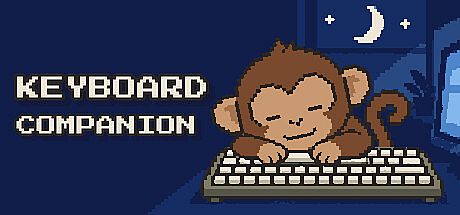


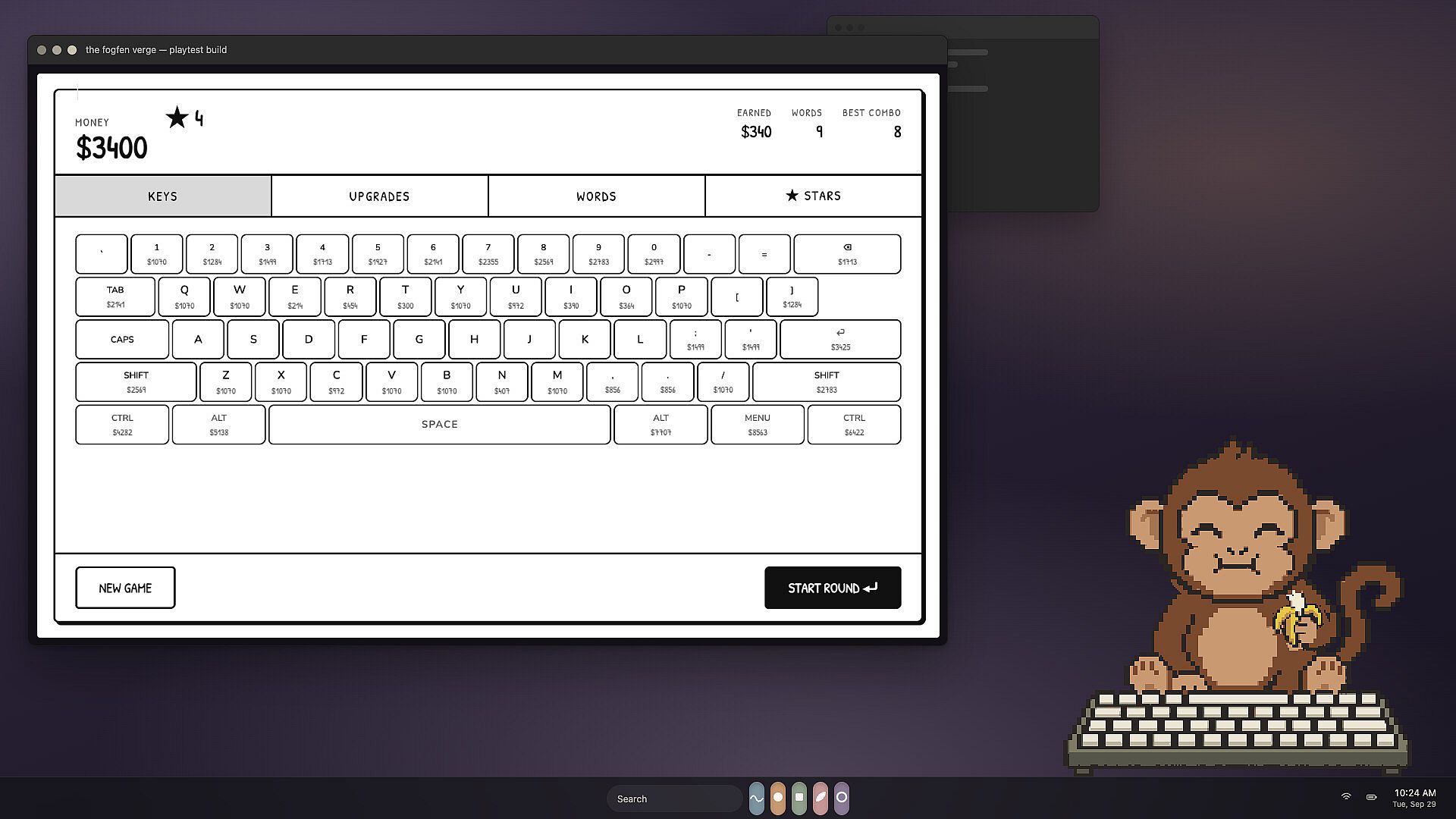
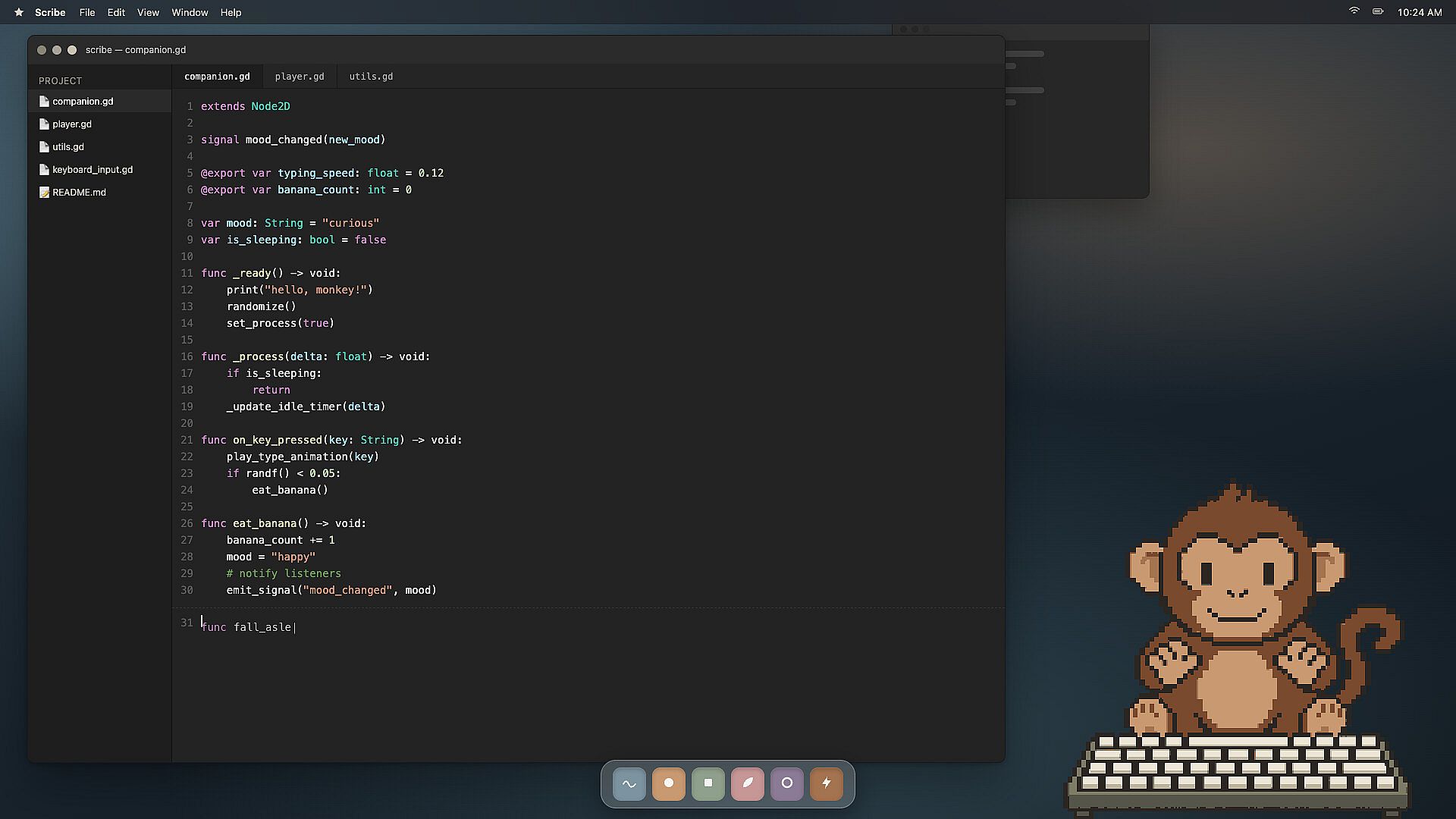
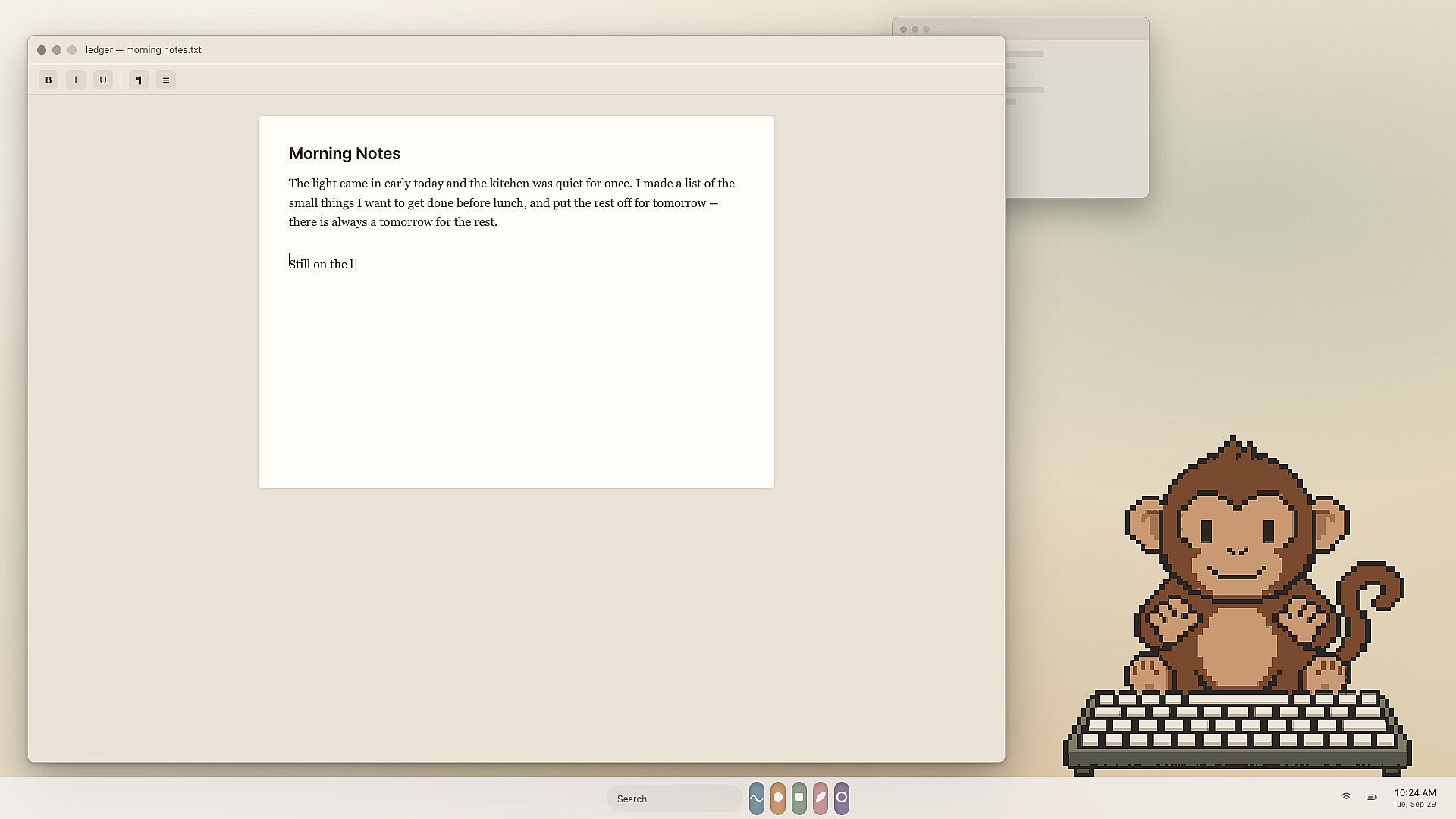
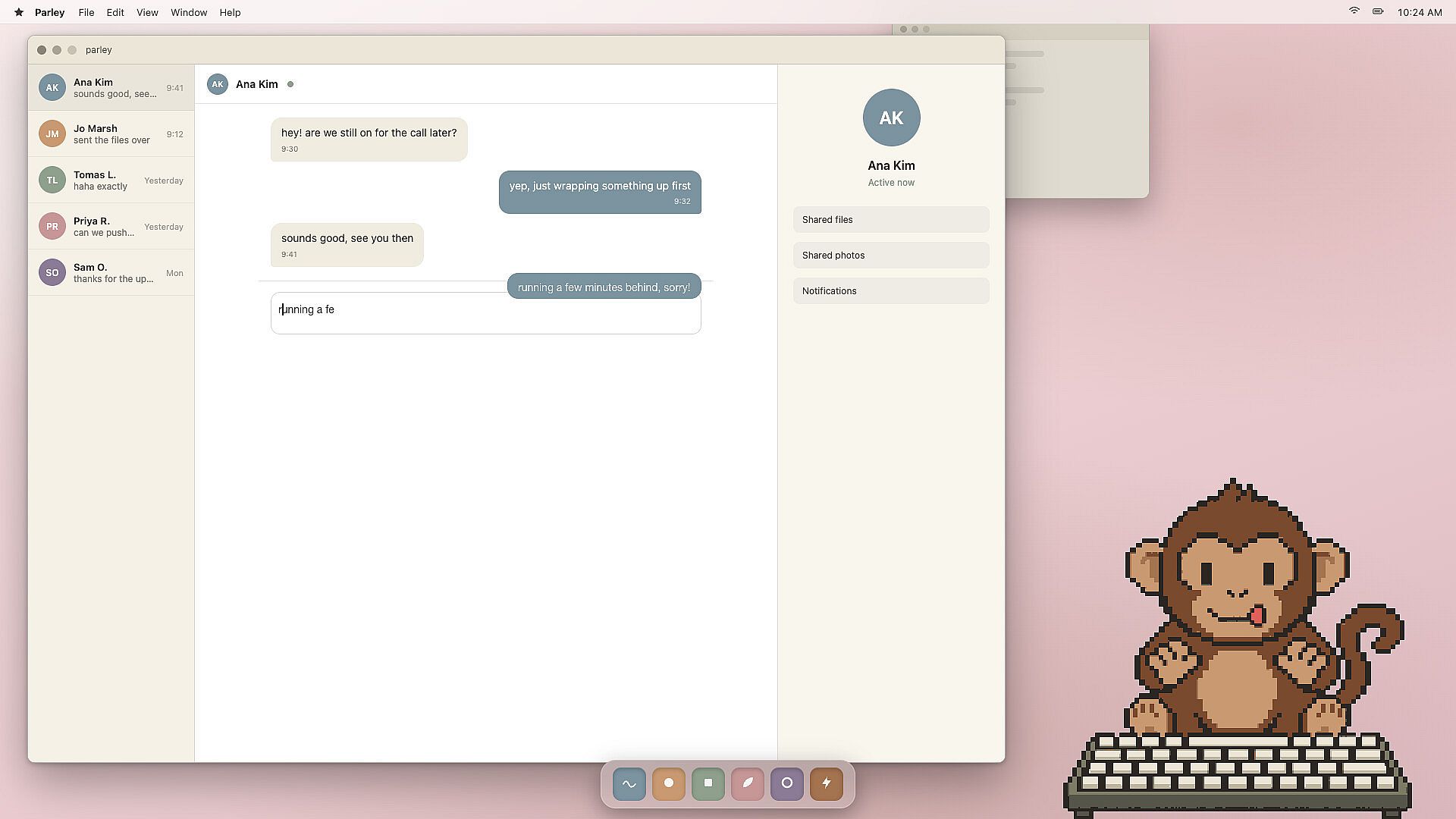
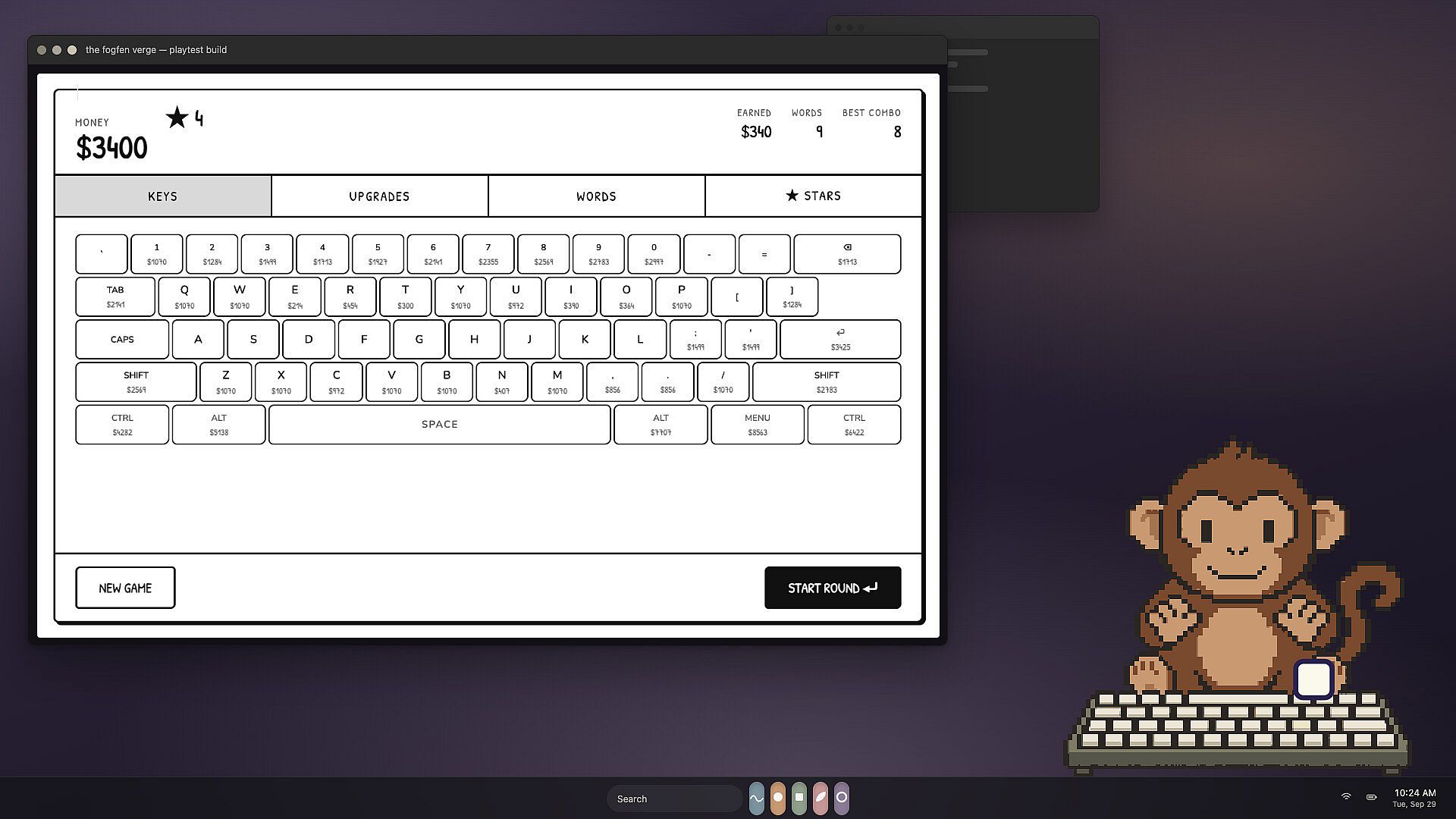
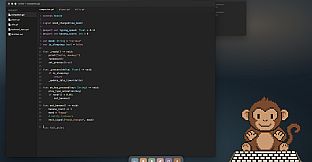
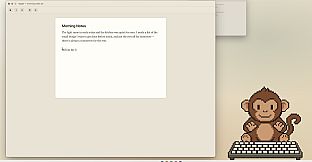
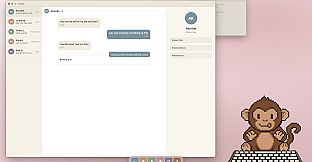
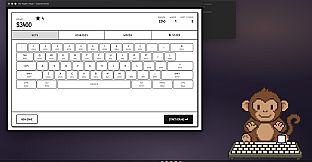
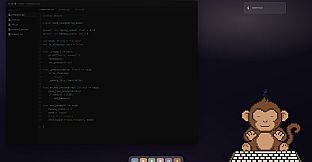
Keyboard Companion is an indie casual simulation title for PC that places a small pixel art monkey on your desktop as a typing companion. The monkey sits behind its own miniature keyboard and mirrors every keystroke you make across any application, whether you are writing documents, chatting, or working in other programs. This creates a persistent visual layer that reacts in real time to your input without interrupting your workflow.
Gameplay
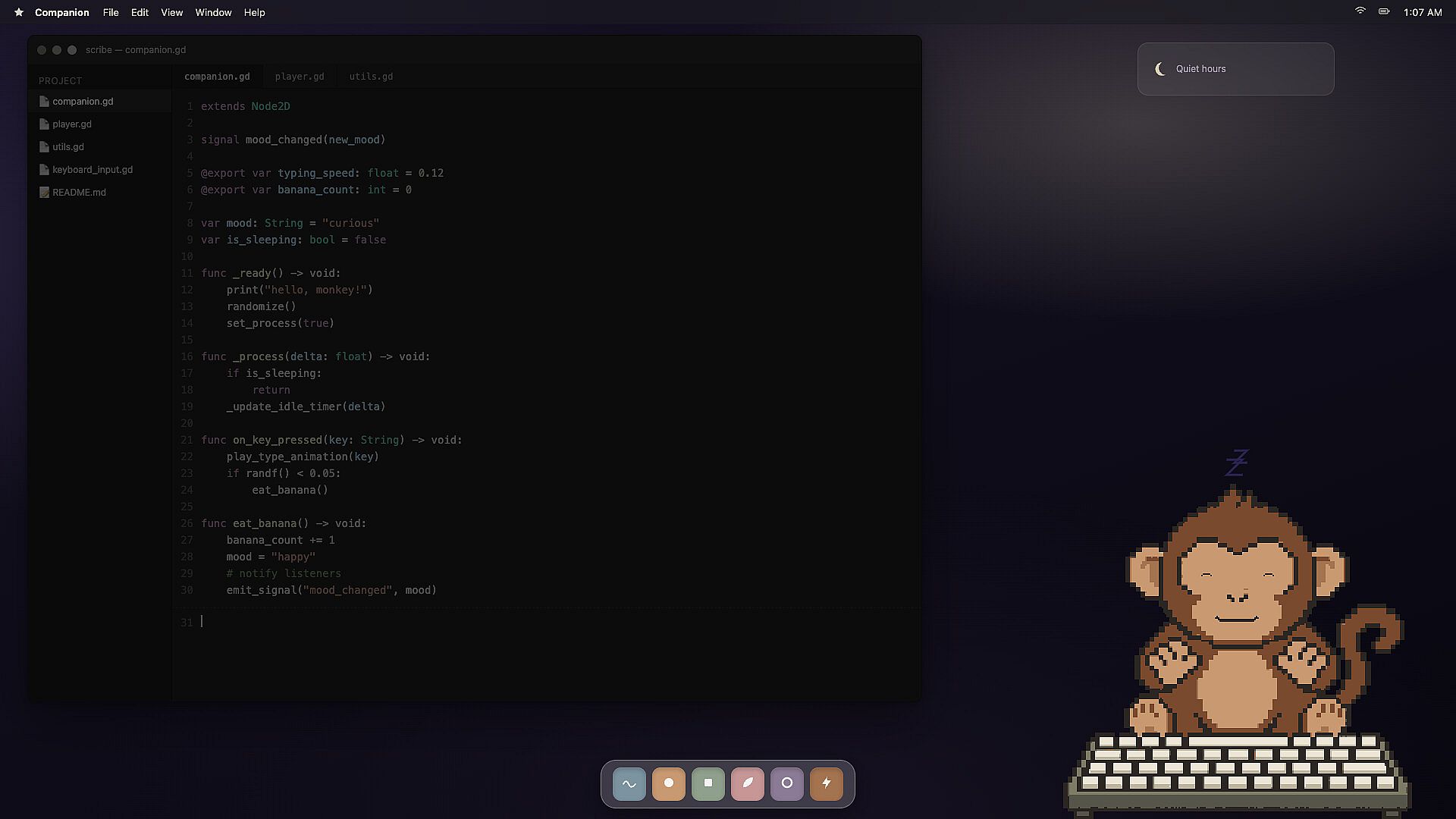
The core loop centers on the monkey's synchronized typing. Each key press lights up on the monkey's keyboard, and a tiny keycap pops upward with the action. Prolonged typing sessions trigger additional animations such as the monkey sticking its tongue out in concentration. When you pause, the character shifts into idle behaviors including peeling a banana, scratching its head, looking around, yawning, and eventually falling asleep. A single key press wakes it with a startled reaction before it resumes matching your input. The overlay sits atop other windows without stealing focus, allowing mouse clicks to pass through to underlying applications. Users can drag the monkey to any screen position and adjust its scale freely while the program remains lightweight enough to run continuously during extended work or writing periods.
Game Modes
Keyboard Companion operates as a single continuous experience rather than featuring separate named modes. The companion remains active across all desktop tasks, with no distinct singleplayer campaigns, multiplayer sessions, or challenge variants. Customization options for position, size, and the optional key-lighting effect provide the main ways to tailor the session, while privacy controls ensure keystroke data stays local and unrecorded beyond a simple daily press count stored on the user's machine.
Key Features and Mechanics
The simulation emphasizes non-intrusive presence and visual feedback. The monkey's keyboard accurately reflects exact key inputs, creating a satisfying one-to-one mapping that reinforces typing rhythm. Idle animations add personality during natural breaks, and the ability to disable the lighting effect supports screen sharing without revealing activity. No data leaves the computer, addressing concerns about background monitoring in productivity tools. The design prioritizes long-term background use over active gameplay loops, making it suitable for writers, coders, or anyone who types extensively throughout the day.
Who It's For
This title appeals to players seeking a lighthearted desktop companion rather than traditional game challenges. It suits users who enjoy subtle visual feedback during routine computer work and value privacy-focused software that avoids recording or transmitting text. Those looking for complex progression systems or competitive elements will find the scope intentionally narrow, focused instead on consistent, charming interaction with the pixel monkey.
Is It Worth Playing?
Keyboard Companion delivers a straightforward, reliable companion that enhances typing sessions with personality and minimal overhead. Its strength lies in seamless integration into daily routines, accurate key mirroring, and thoughtful idle behaviors that prevent the overlay from feeling static. The privacy assurances and focus-passing mechanics make it practical for professional environments, while the lightweight performance supports all-day operation. Players who appreciate casual simulation elements and want an unobtrusive visual motivator during writing or work will likely find it engaging. Those preferring deeper mechanics or varied content may prefer more substantial titles, but for its intended niche the experience remains consistent and enjoyable without unnecessary complexity.











