



Buy Multiworlds PC

Multiworlds is coming soon! Add it to your wishlist and we'll notify you when it becomes available.

Release: Coming Soon
Official
Unavailable
Keyshops
Unavailable
Buy in Official Store:
Unavailable
Buy in Keyshops:
Unavailable

No entries, but don't worry, we will inform you once the new offer appears.

Create Alert Create deal Alert

About Multiworlds

Multiworlds - about the game

You made one mistake, of touching the untouchable A magical artifact that was buried deep in the depths.

The world tore into multiple worlds, in each timeline, running parallel, but with minor differences. Now strive to fix the world, merging them back into one.

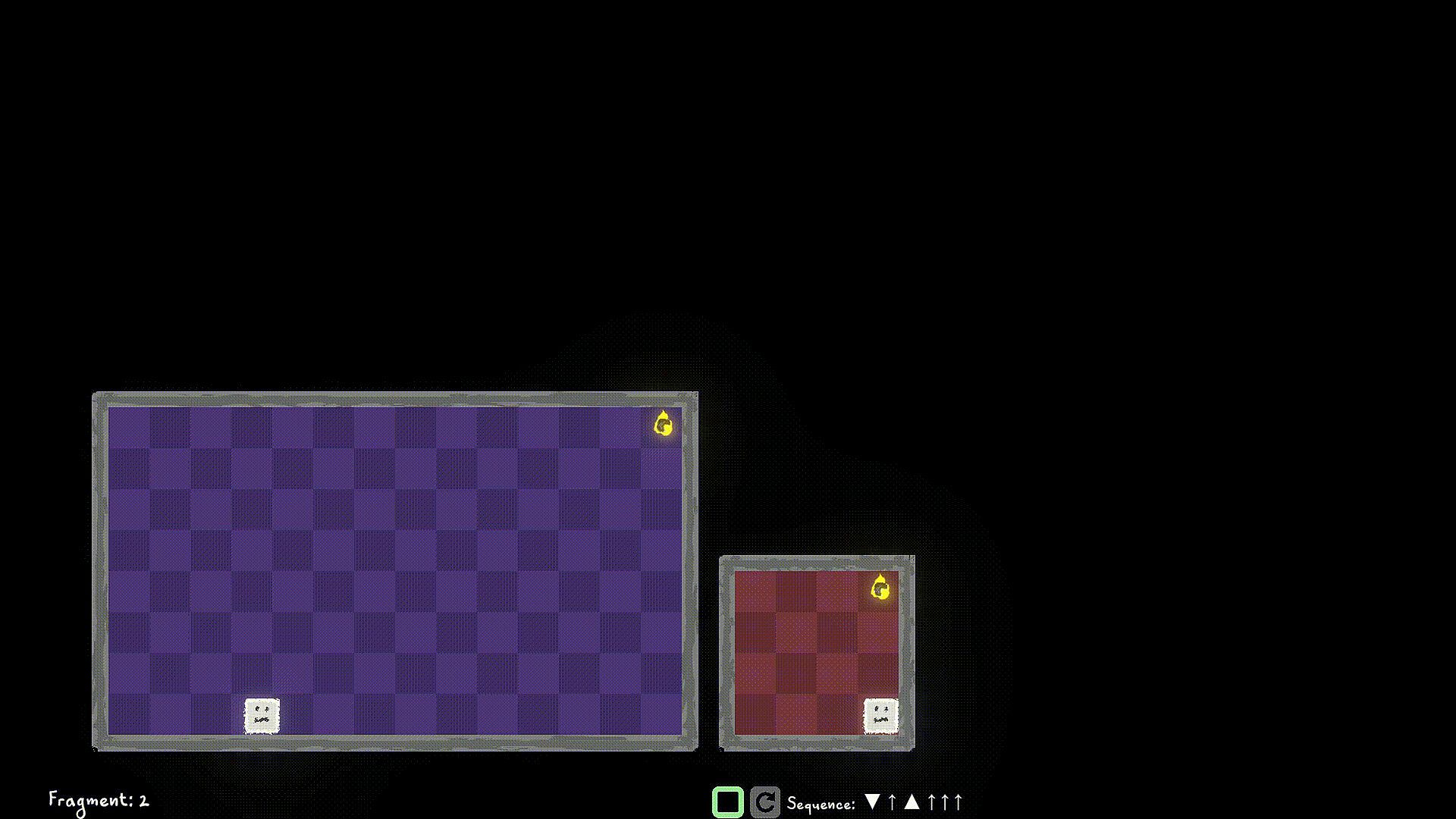
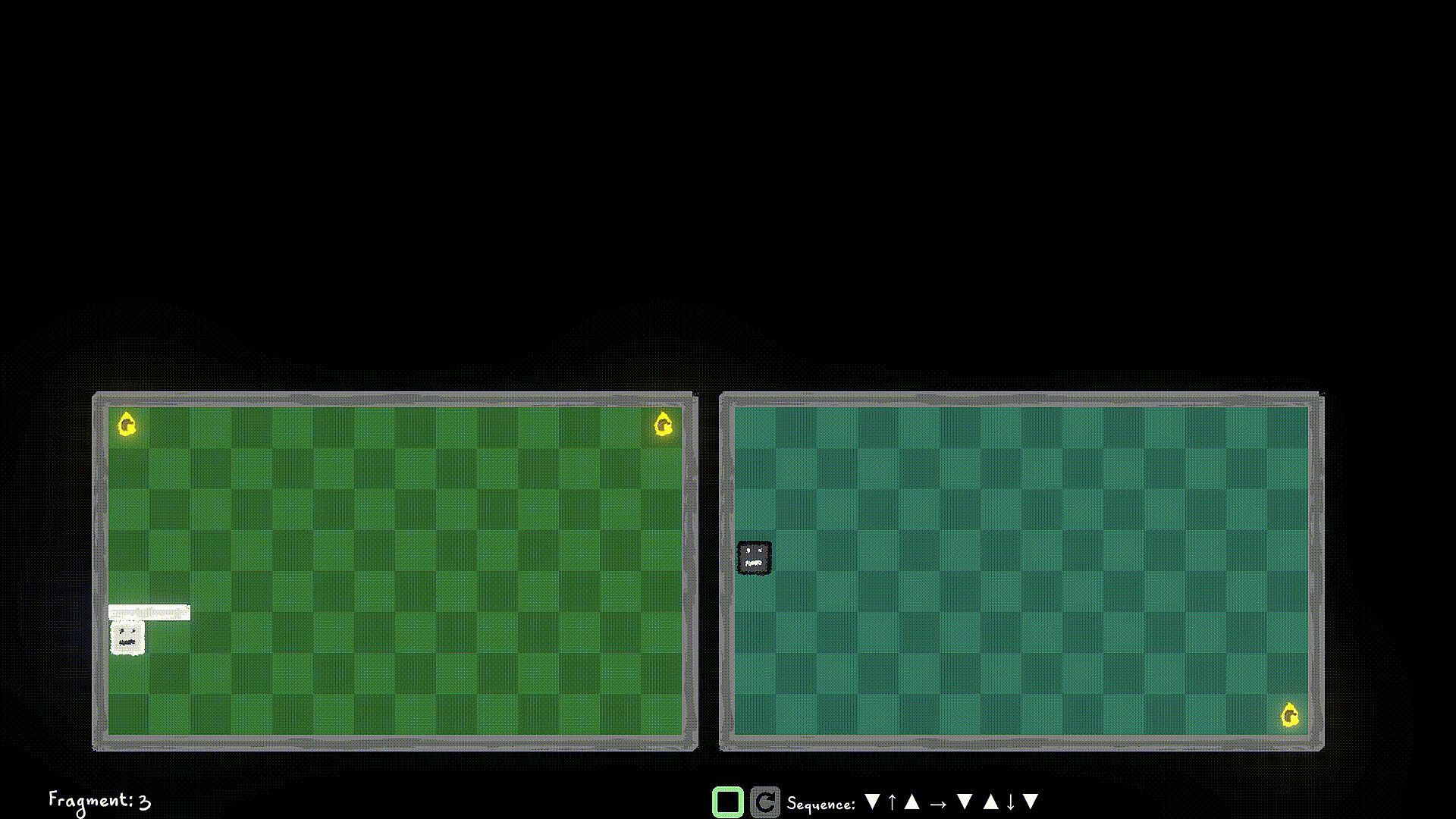
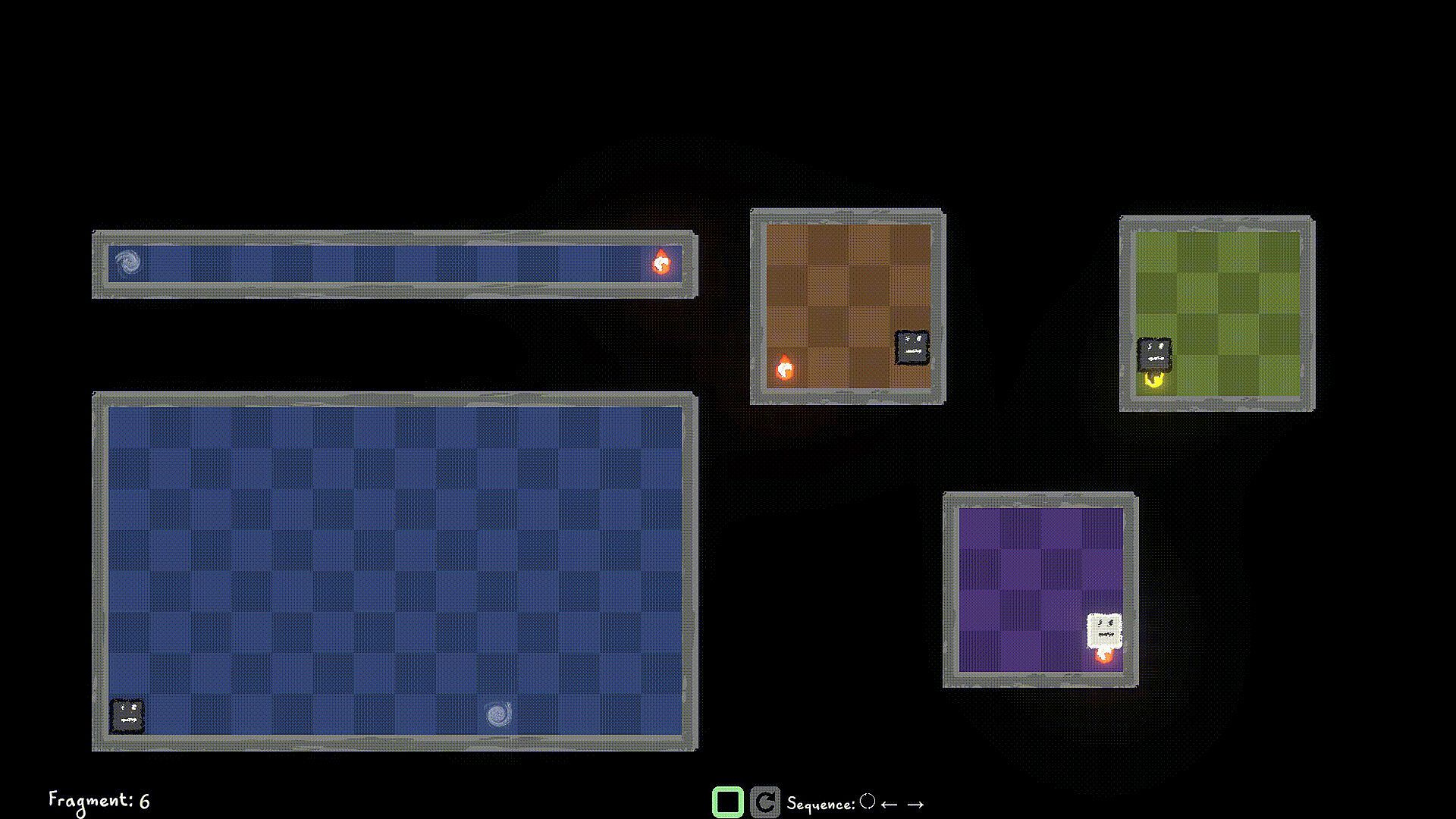
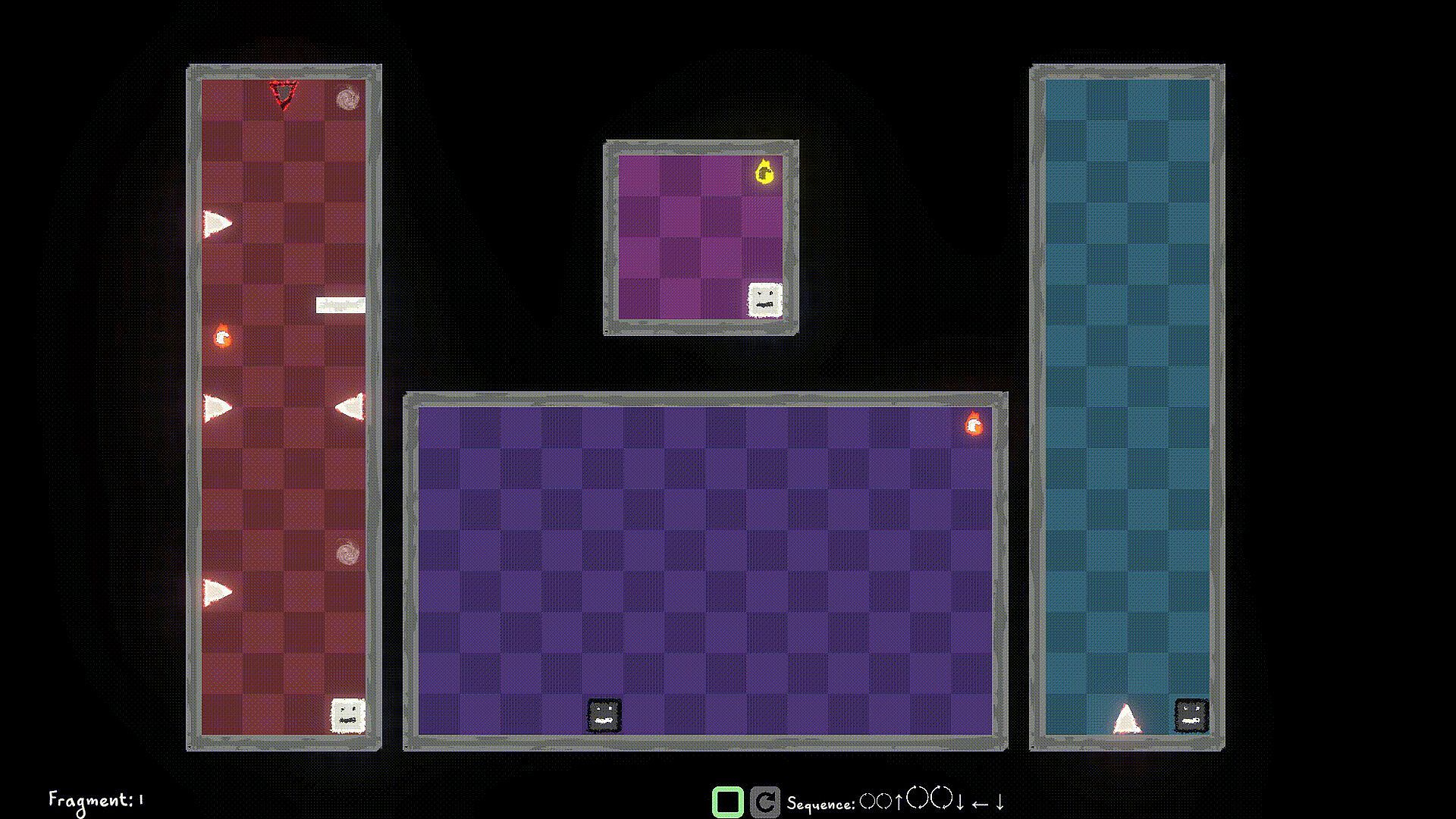
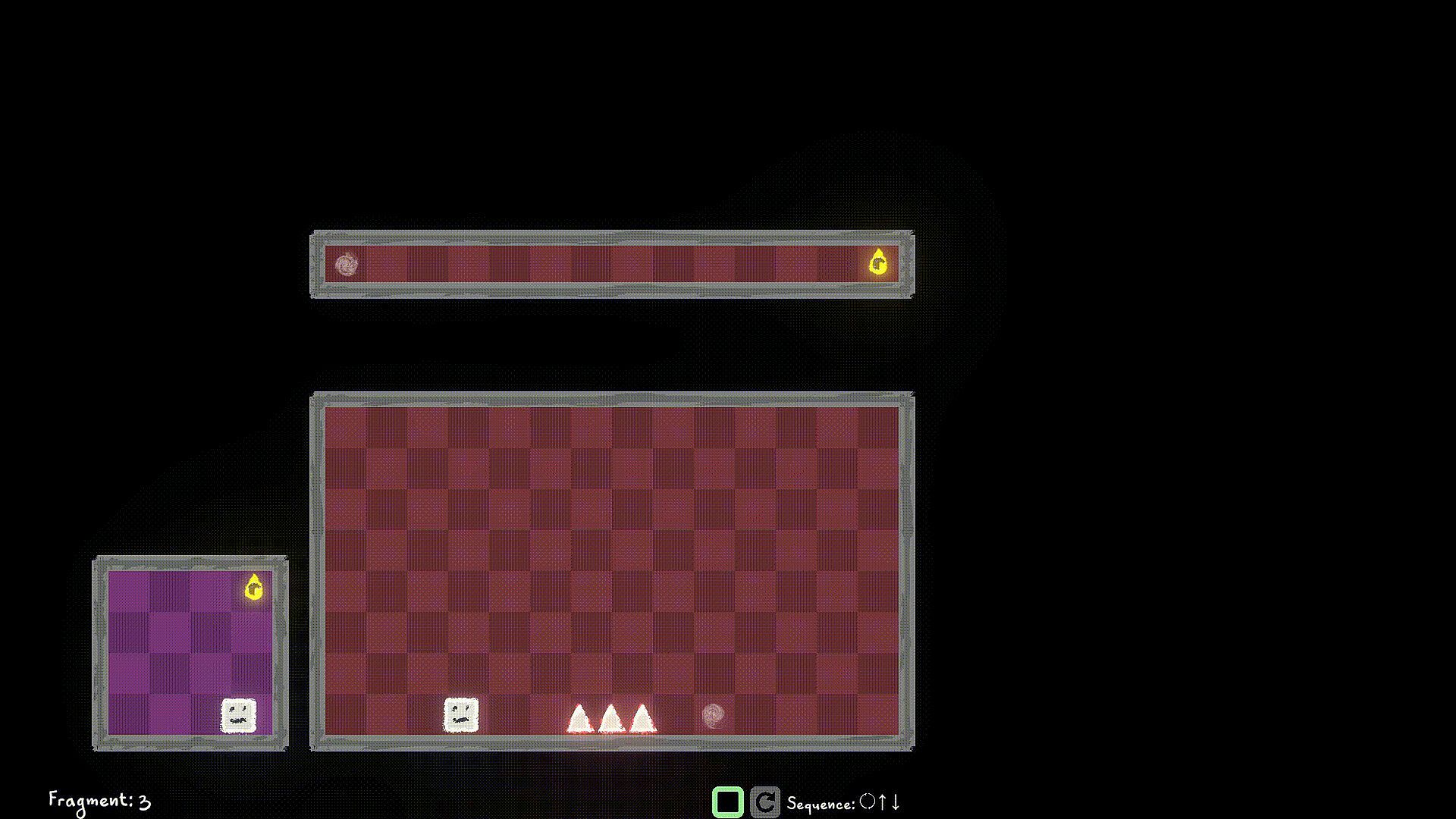
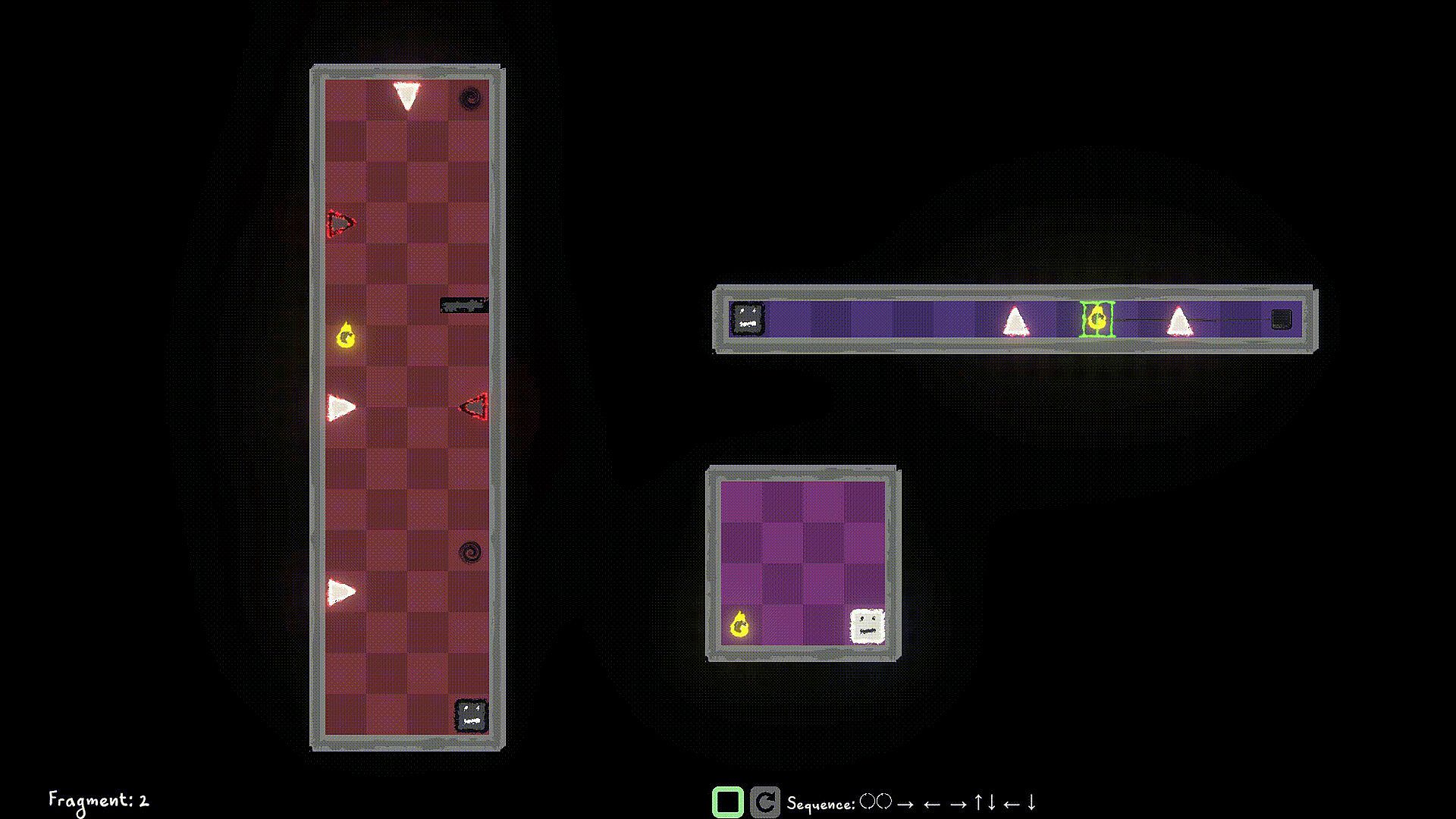
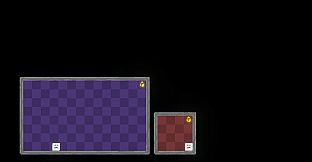
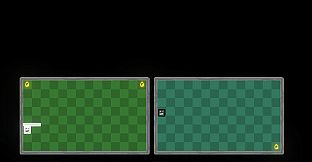
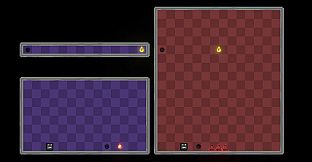
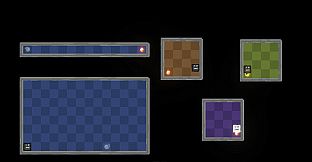
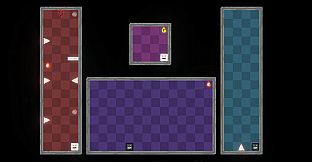
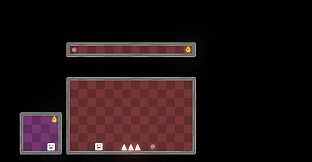
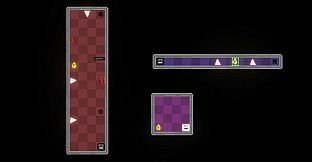
Control the player in multiple worlds, all working parallel. Collect World Pieces of the original world which are scattered around the parallel worlds, and help put back the original world.

Jump into different Dimensions of each world to avoid obstacles blocking your path. Collect the world pieces to protect your original world.

Game Mechanics:

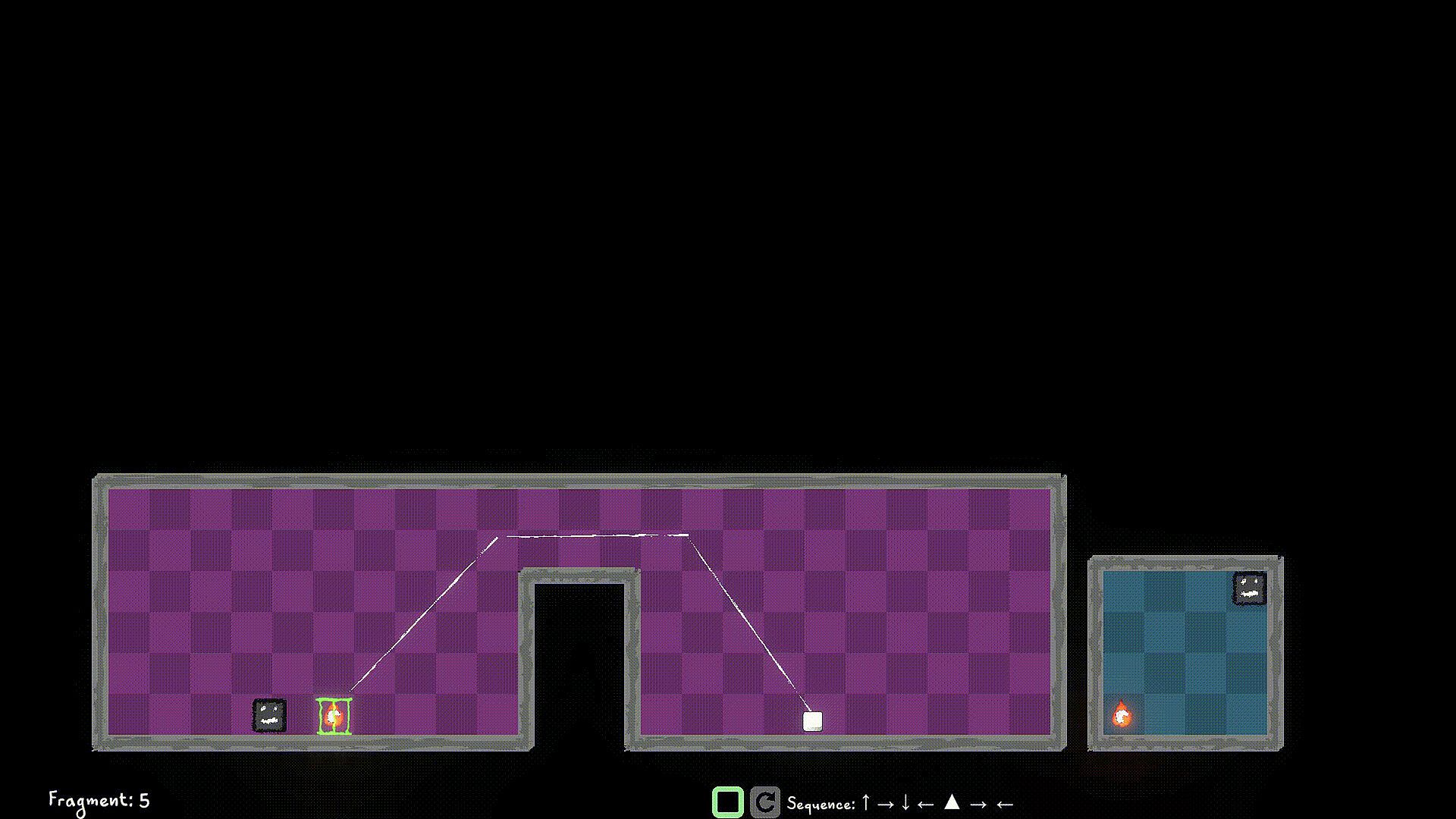
Use W/A/S/D to move the player left/right/up/down and Q/E to move the player to Light Dimension and Dark Dimension. You can interact with items like walls/spikes/collectibles of the same Dimension as a Player Remnant. Use F to Flip the the current Dimension that the Player Remnant is in. If you're in the Dark Dimension, jump into the Light Dimension, If you're in the Light Dimension, jump into the Dark Dimension. Hit the world edge (wall), and the player stops walking.

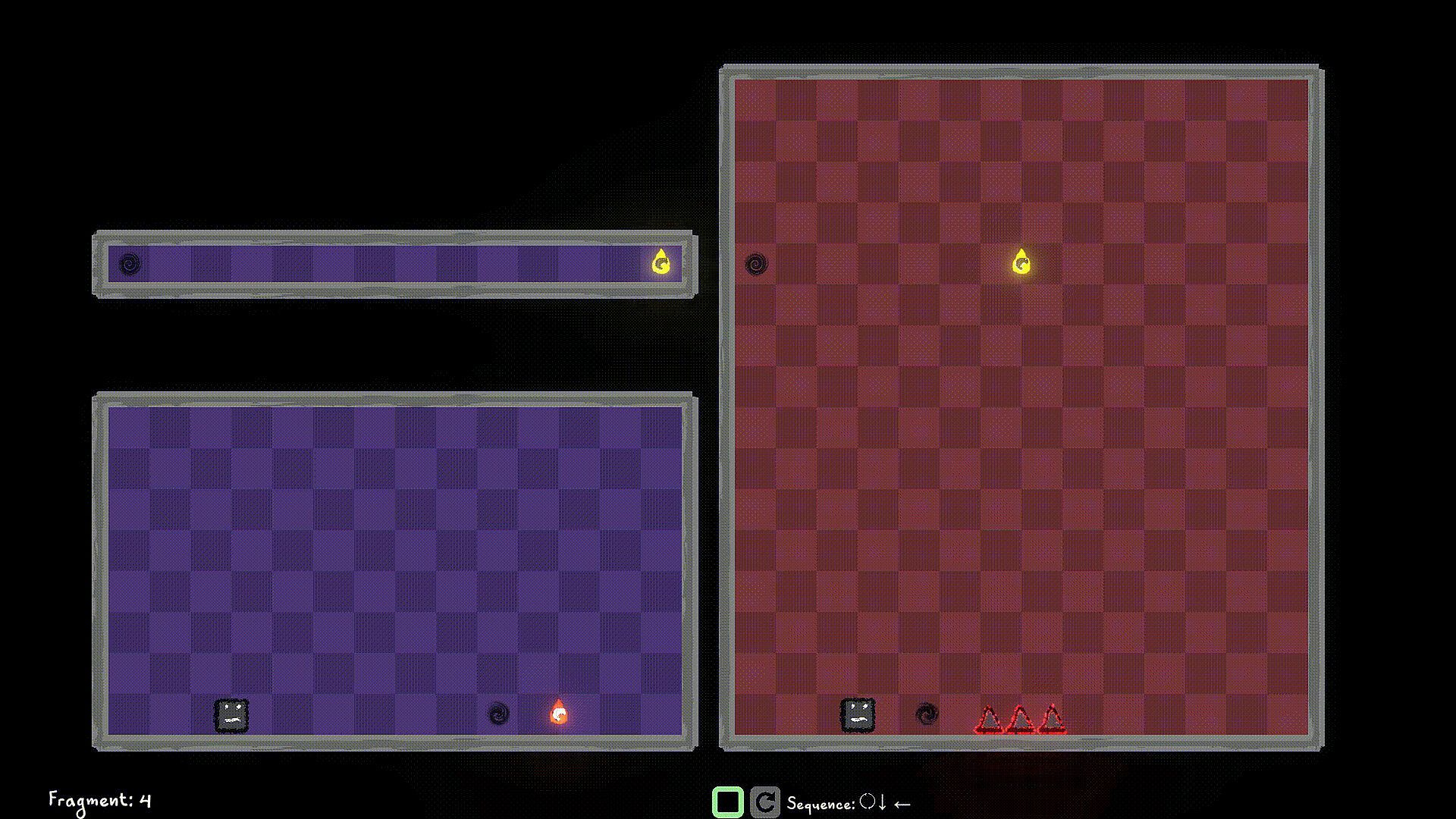
You start a level by queuing up actions using the W/A/S/D/Q/E/F buttons, and then hit the Simulate button to simulate the sequence. If you have collected all the World Pieces in the level, you will have stitched the fragment in the timeline, and you move on to the next fragment. Else? Fragment Reset. So strategize well, before you start the simulation. You can stop the simulation manually as well, but you still lose those points ;)

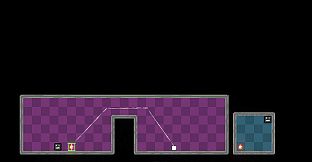
Look out for portals, you can use them strategically to jump through, and your walk continues. You can only use portals that are in the same Dimension as the player.

Use switches in the same Dimension to unlock/toggle the locks for certain World Pieces, or Obstacles.


Interface:
English

Age rating

Unavailable

Minimum:

  • OS: Windows 10
  • Processor: Dual-core 2.0 GHz
  • Memory: 2 GB RAM
  • Graphics: Intel HD 4000 / NVIDIA GeForce 600 series or equivalent
  • Storage: 500 MB available space

Recommended:

  • OS: Windows 11
  • Processor: Intel i5 or better (or AMD equivalent)
  • Memory: 2 GB RAM
  • Graphics: NVIDIA GeForce 600 series or equivalent
  • Storage: 1 GB available space

Minimum:

  • OS: macOS 10.13 High Sierra or later
  • Processor: Apple M1 or Intel Core M
  • Memory: 2 GB RAM
  • Graphics: Metal-compatible GPU
  • Storage: 1 GB available space

Recommended:

Minimum:

  • OS: Ubuntu 20.04 LTS or compatible distro
  • Processor: Dual-core 2.0 GHz
  • Memory: 2 GB RAM
  • Graphics: OpenGL 3.2+ compatible GPU
  • Storage: 1 GB available space

Recommended:

  • OS: Ubuntu 20.04 LTS or compatible distro
  • Processor: Intel i5 or better (or AMD equivalent)
  • Graphics: OpenGL 3.2+ compatible GPU
Historical low
Price history from official stores
-
-
-
Price history from keyshops
-
-
-

FAQ

8 questions

Before you start looking for a cheap Multiworlds key, check the essentials. Developed by FMF Games. Published by FMF Games. Genres: Strategy, Indie, Casual, Simulation, Early Access. Categories: Family Sharing, Single-player, Playable without Timed Input.

Q

Where to buy a cheap Multiworlds Steam key?

Multiworlds is free to play! Download it on Steam and start playing instantly.

Multiworlds is completely free on Steam. No purchase needed - just download and play. If you are looking for premium DLC or in-game items, check the offers table above.

Our price tracker covers both official retailers and key marketplaces, so you can find Multiworlds on sale even outside seasonal promotions. We currently detect 0 active offers from official stores and keyshops. Check the table above, compare against the historical low, and set an alert so you never miss the next price drop.

Based on our data, Multiworlds is not currently available on GeForce NOW. You will need to run it locally on your PC. Browse games available on GeForce NOW.

Yes. Multiworlds has an official page on the Steam Store, but we currently don't track any third-party offers with Steam DRM. Check back later or set a price alert.

Not at this time. Valve marks Multiworlds as Unsupported on Steam Deck. Keep an eye on XD.deals - we track Proton updates and community fixes. Browse games that are Steam Deck Verified or Steam Deck Playable.

Multiworlds does not appear to be available on PC Game Pass, EA Play, Ubisoft+ or any other PC subscription service at this time. Your only option is purchasing the game - use XD.deals to find the best price.

No - XD.deals is not a store. We are a price-comparison service that tracks the best Multiworlds deals across official stores and verified keyshops. Click "Go to Store" next to any offer and you will be redirected to the retailer's website to complete your purchase.

Want to buy at the best moment? Set a price alert on XD.deals and get notified when Multiworlds hits its next historical low.

Create Alert
Join our Discord
Get instant help from our community and stay updated on the latest deals
Set Price Alerts
Get notified by email when game prices drop to your target
Create Free Account
Unlock wishlists, price alerts, and Steam sync









