


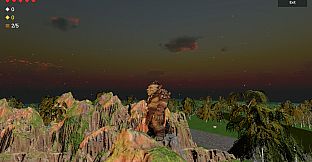
Buy Nori Game PC

Interested in Nori Game? We're tracking prices from trusted stores. Add Nori Game to your wishlist and we'll notify you when deals become available.

Release: Coming Soon
Official
Unavailable
Keyshops
Unavailable
Buy in Official Store:
Unavailable
Buy in Keyshops:
Unavailable

No entries, but don''t worry, we will inform you once the new offer appears.

Create Alert Create deal Alert

About Nori Game

Nori Game - about the game

Steal. Defend. Deliver. Win.

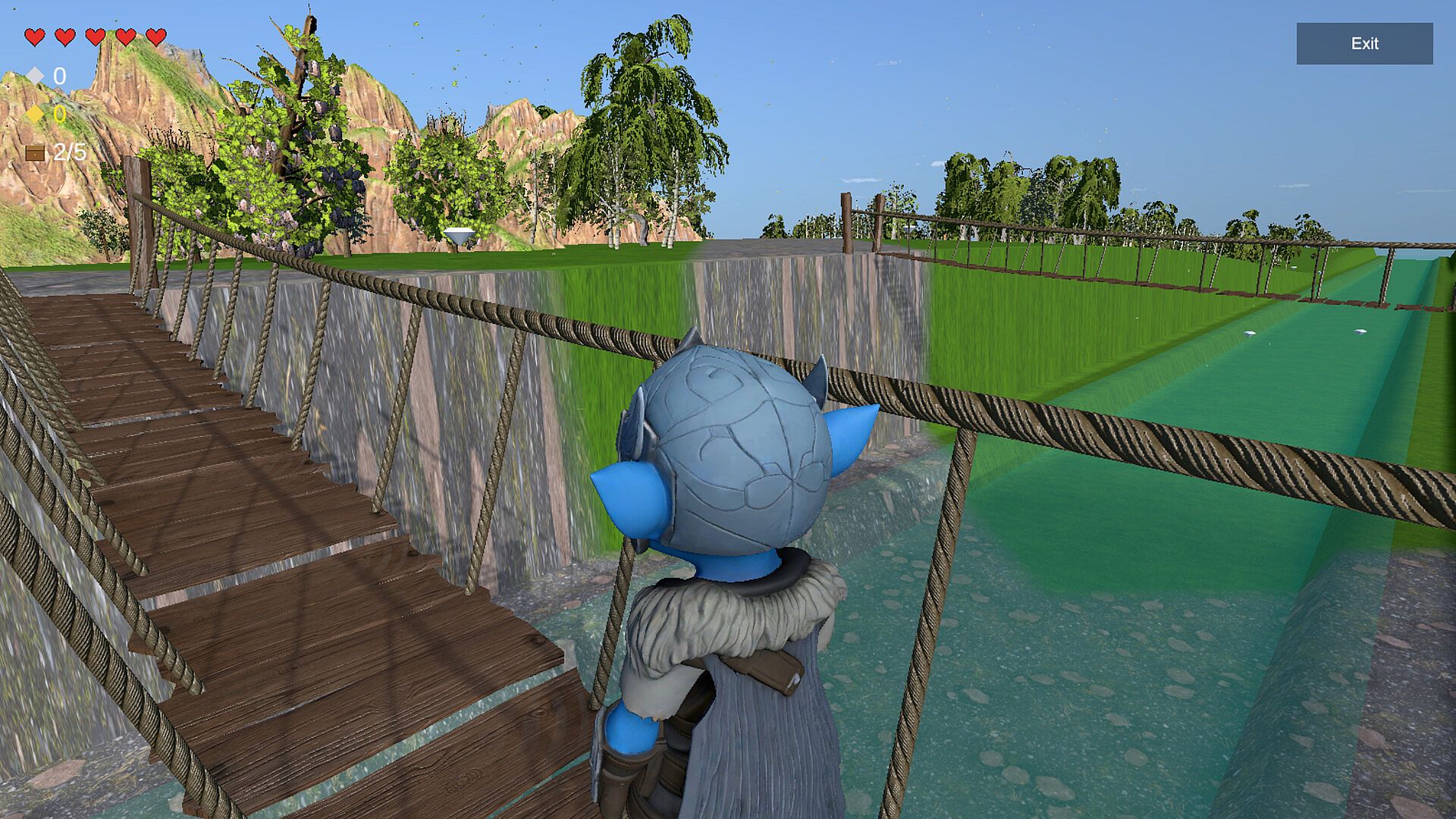
Nori is a competitive chest-heist race where every player is both attacker and defender.

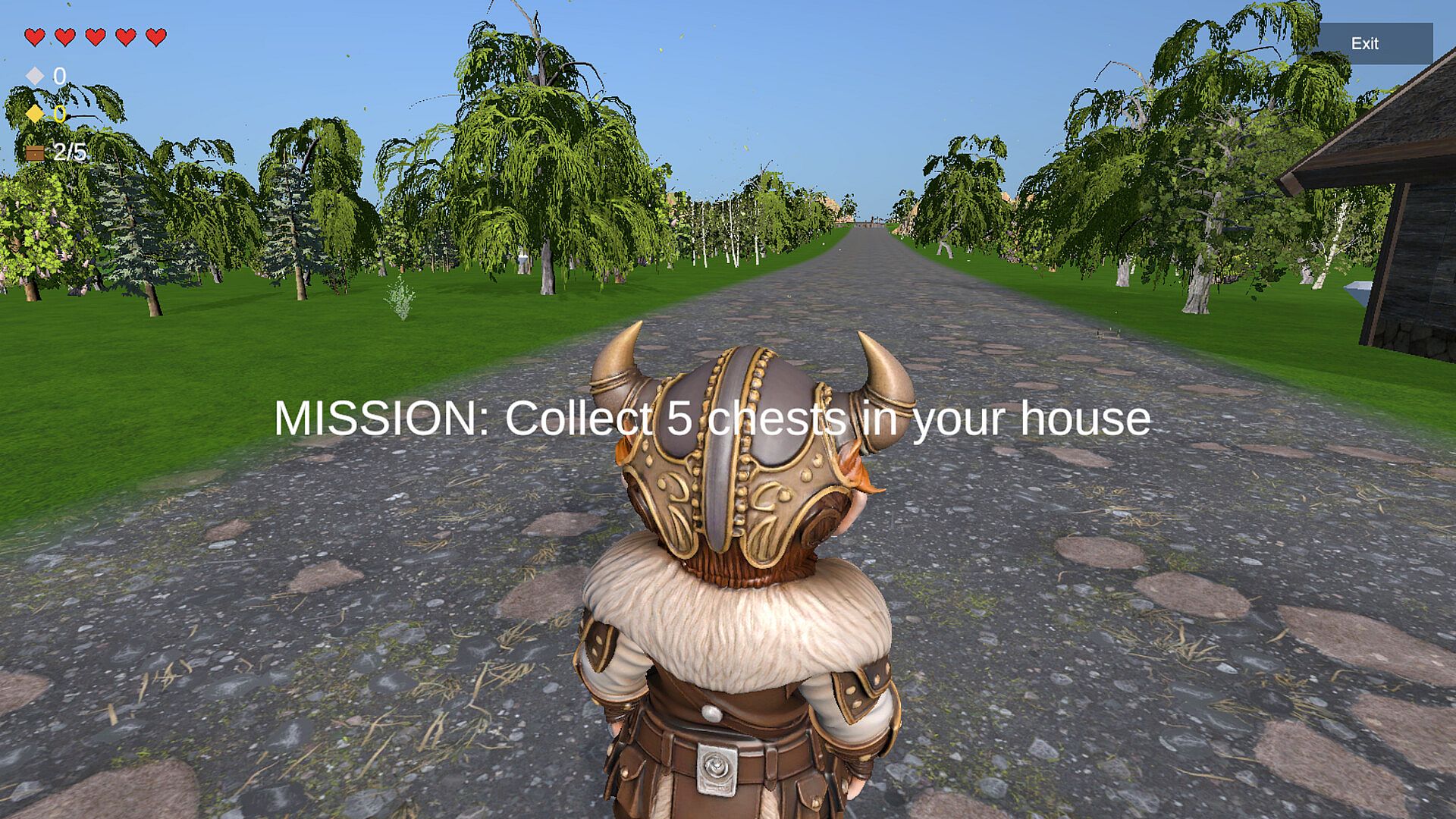
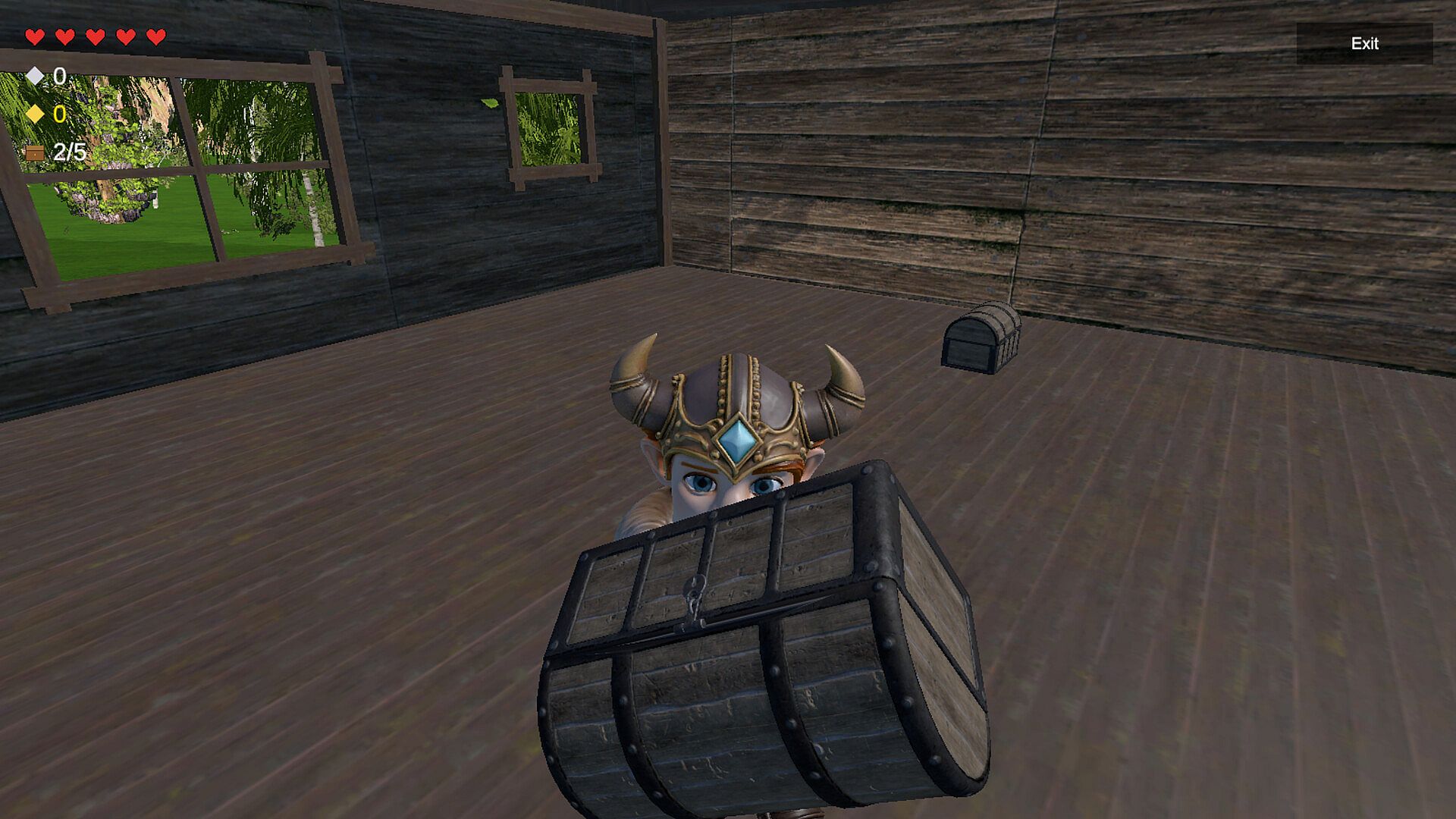
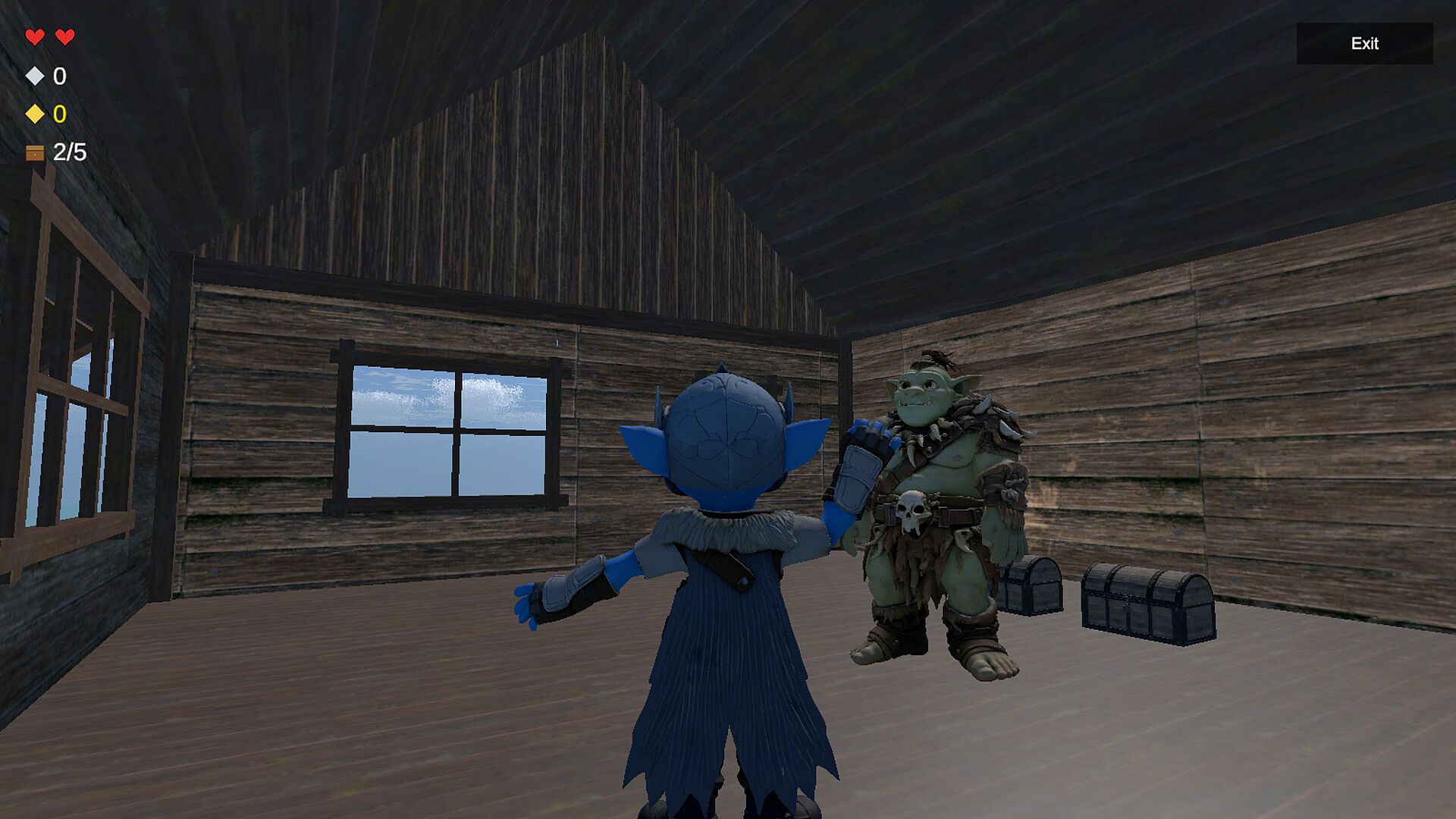
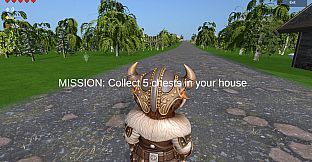
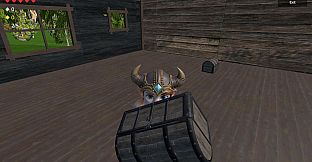
You start with 2 chests at your home.
To win, you must steal 3 more from your rivals and safely deliver them back.
The first player to secure 5 chests wins the match.

Simple rules. Chaotic strategy. Endless rivalries.

โš” Steal & Sprint

Dash into enemy territory, grab their chests, and escape before they catch you.
Every run is a risk โ€” and every delivery changes the match.

๐Ÿ  Fortify Your Home

Protect whatโ€™s yours.

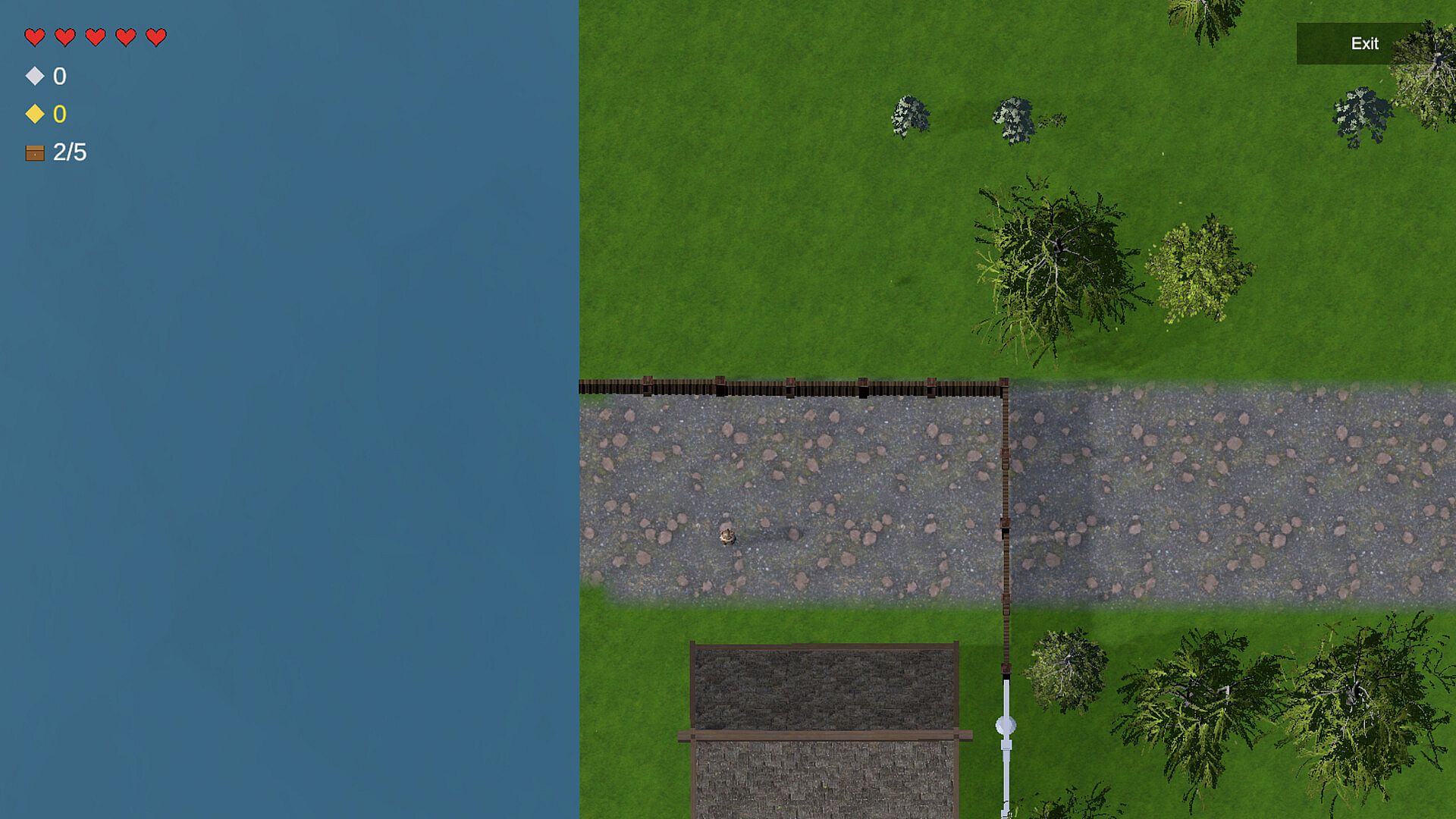
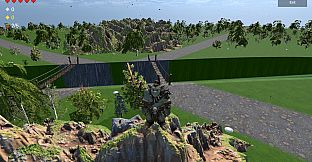
Build fences anywhere on the map to:

  • Block projectiles

  • Seal entrances

  • Surround your chests

  • Control space

You can place up to 30 fence segments, after which a cooldown begins.
Opponents must hit a fence segment 100 times to break it.

Defense matters.

๐Ÿ’Ž Diamonds = Momentum

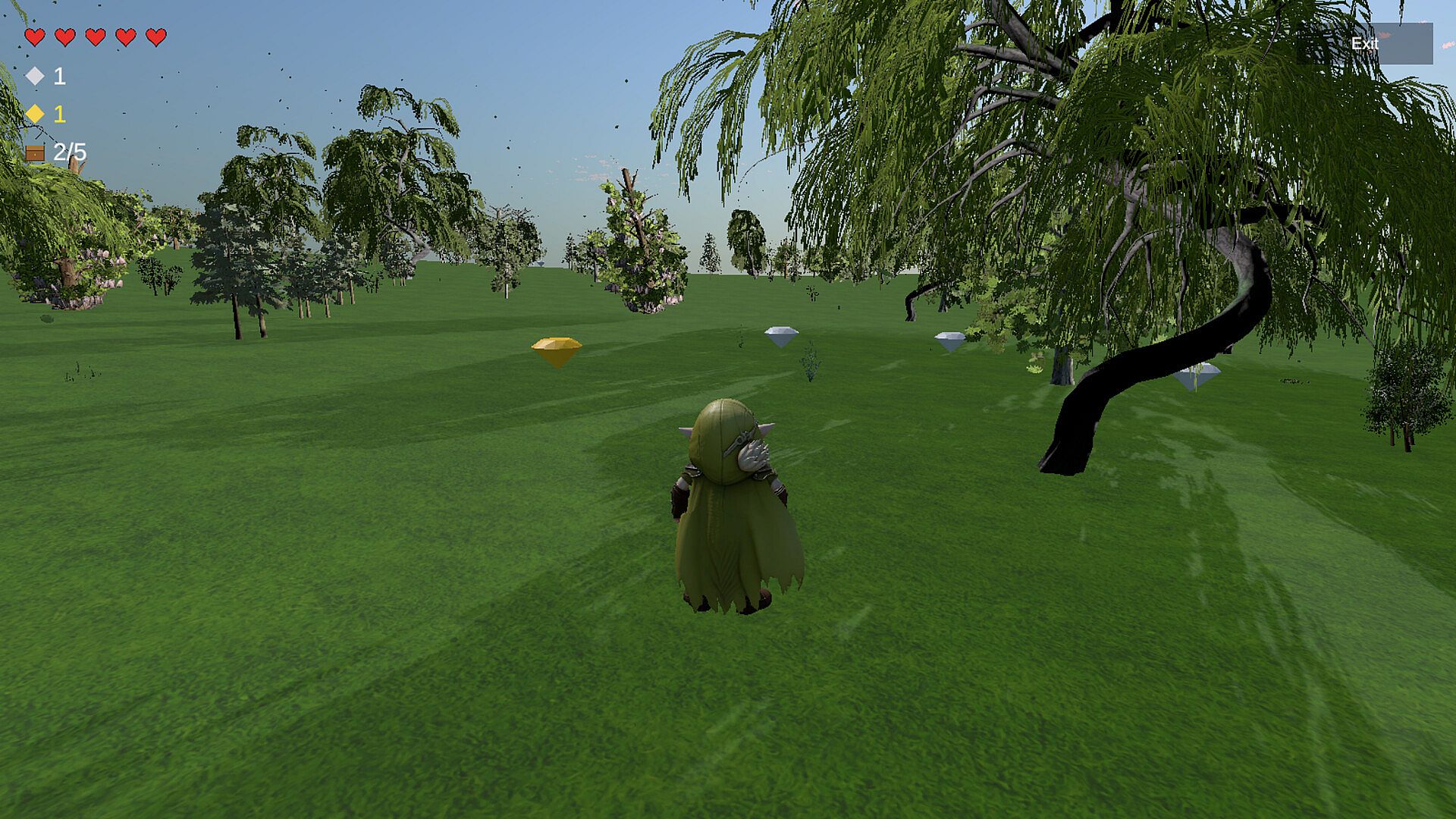
Collect silver and gold diamonds to gain:

  • Extra lives

  • Permanent run-speed boosts (+10%)

Diamonds allow comebacks and reward aggressive play.

โค๏ธ Lives & Respawns

Each player starts with 5 lives.
Lose them all and you respawn at your starting position โ€” giving opponents a chance to steal your lead.

Unless your home is properly fortified.

๐Ÿ‘ฅ Singleplayer & Steam Multiplayer

Play:

  • Solo (practice routes, defense, and strategy)

  • Multiplayer (1โ€“4 players) via Steam

One player hosts a lobby and invites up to 3 friends.
Fast matches. High replayability.

๐Ÿ† Match Flow
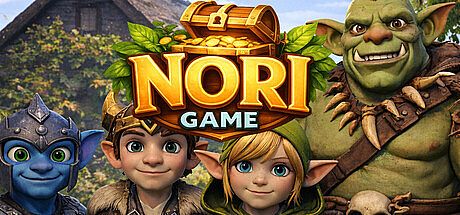
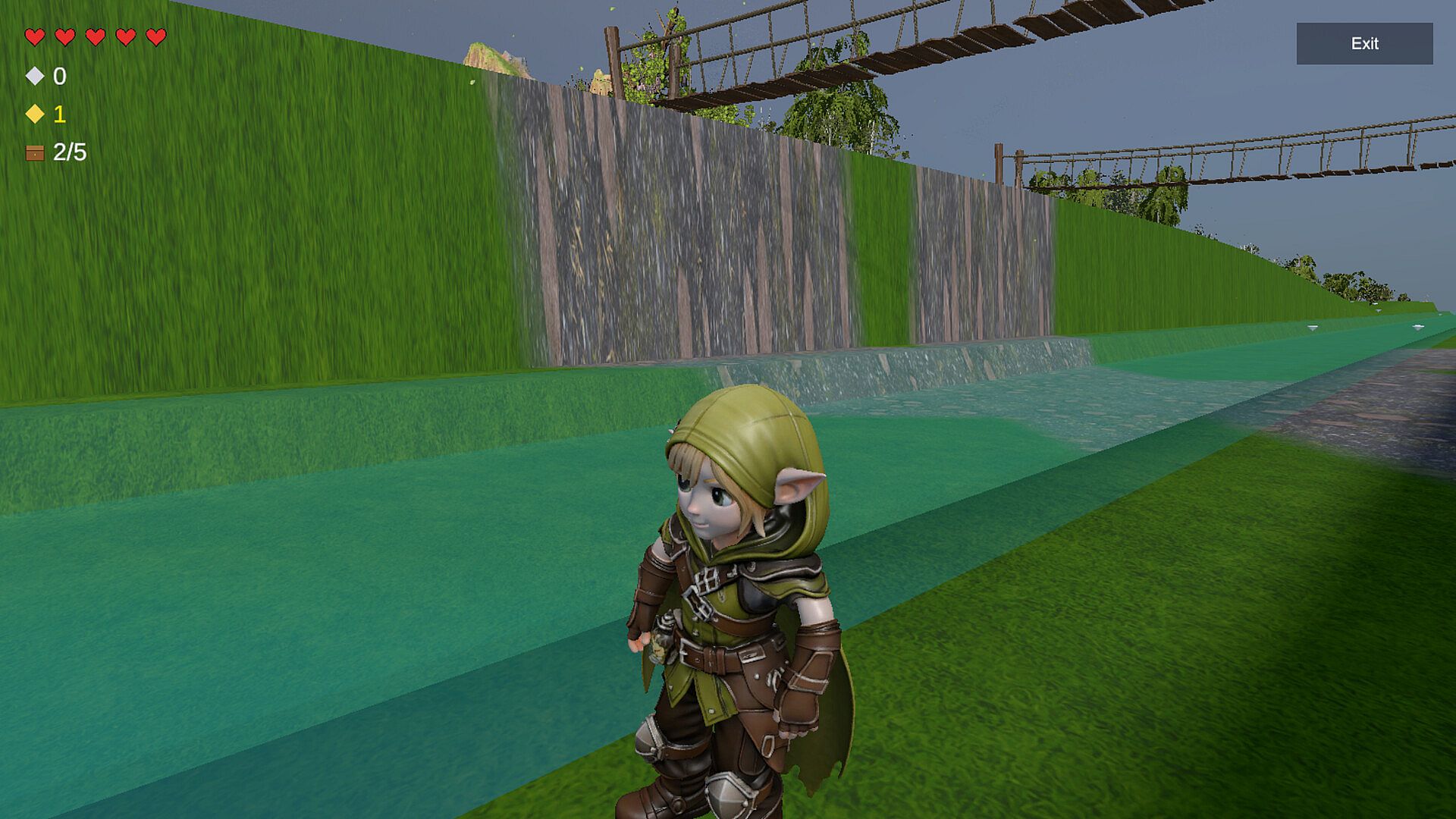
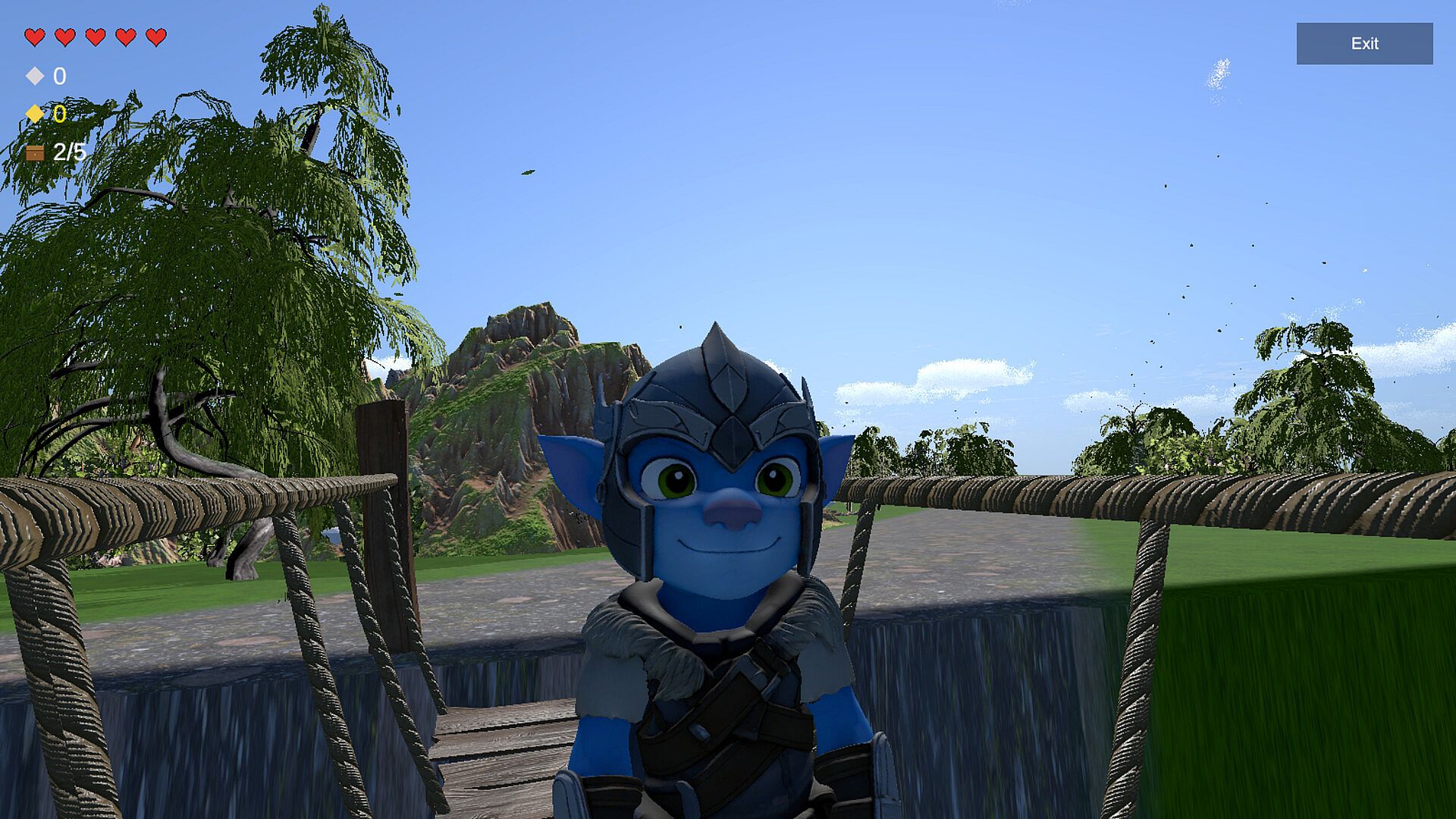
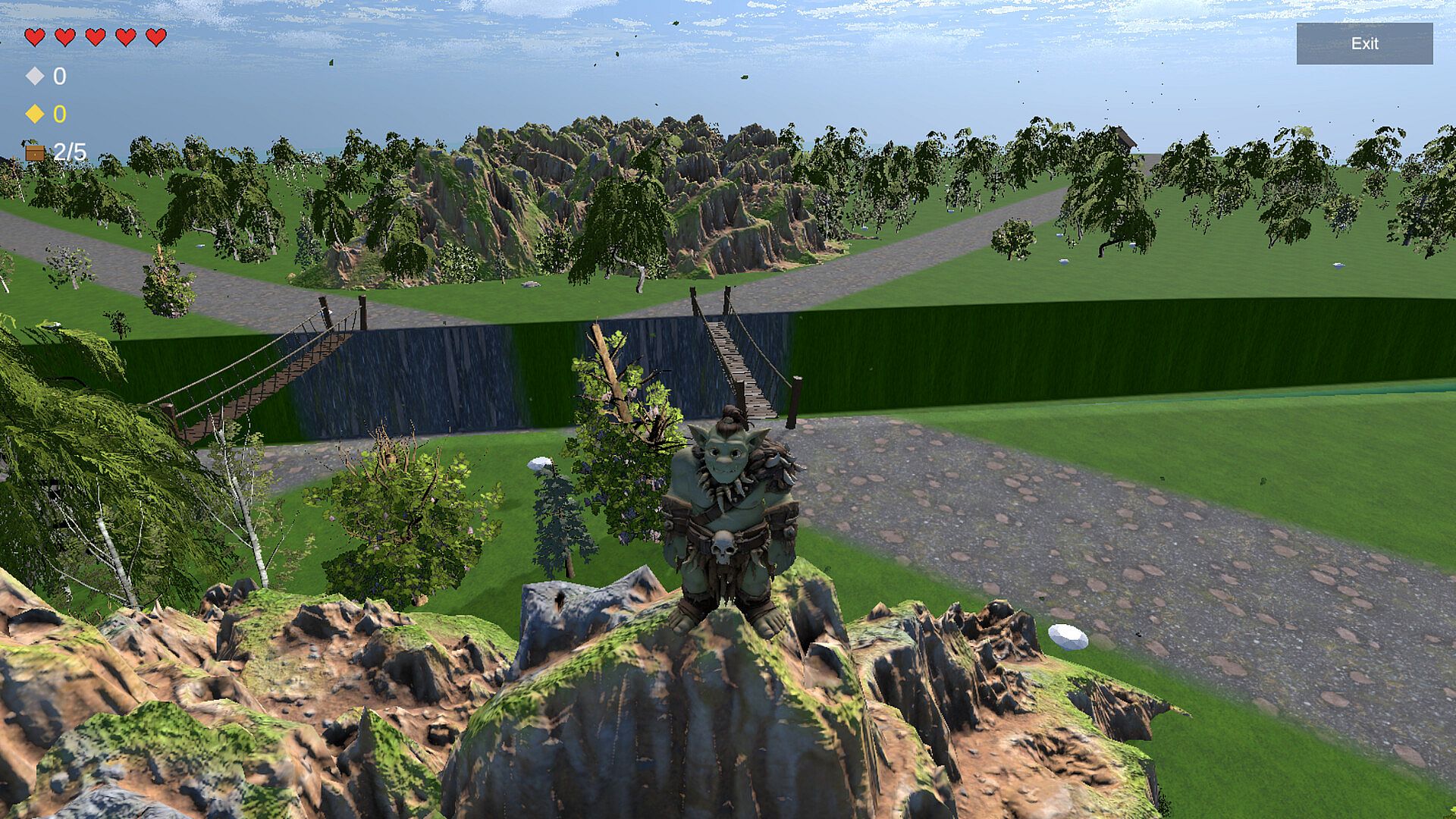
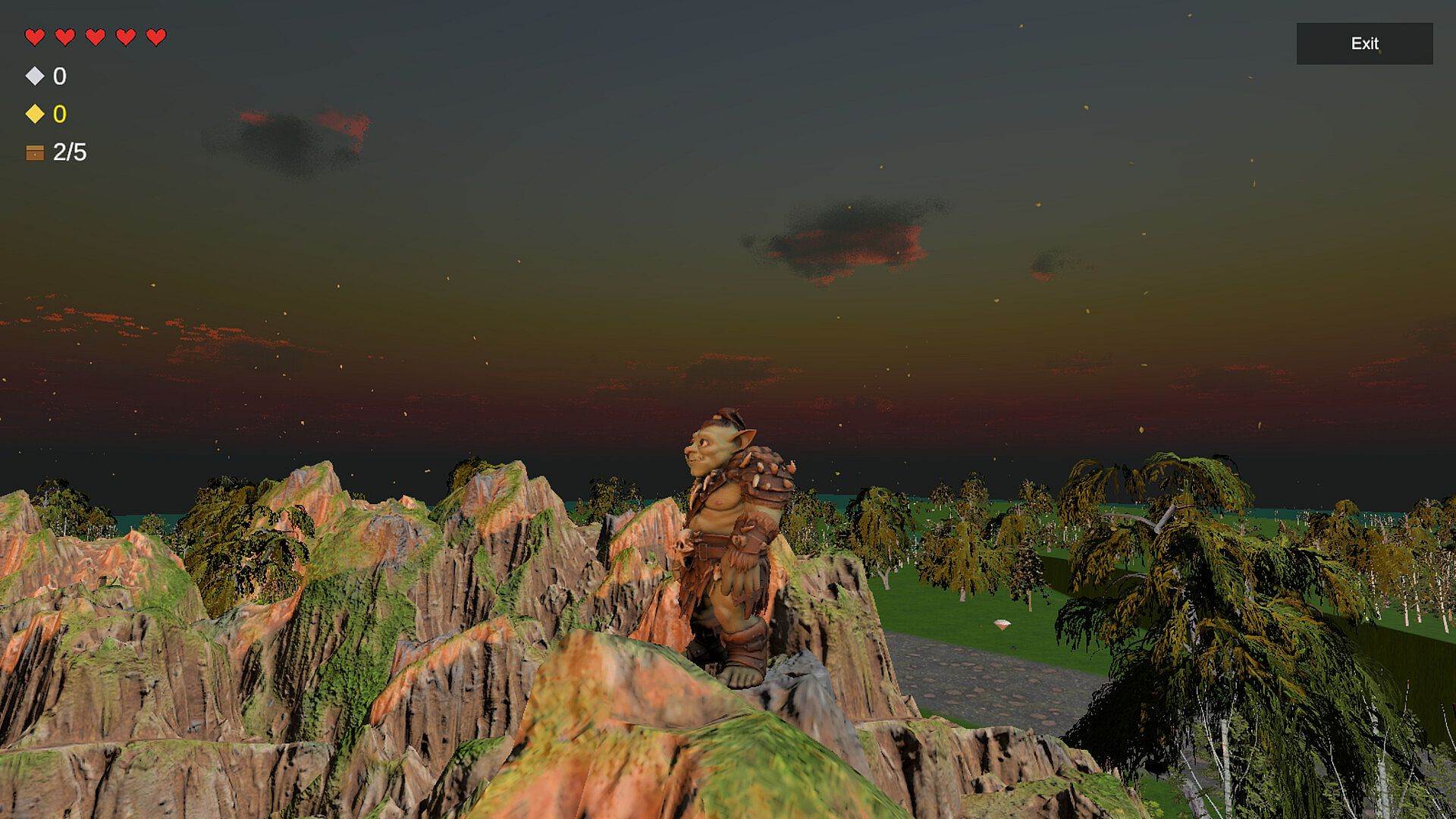
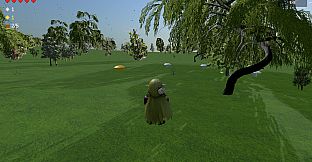
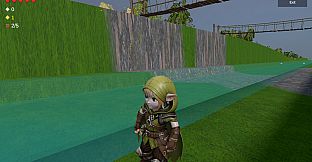
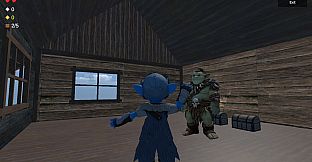
  • Choose Nori, Elfy, Gobly, or Orcy.

  • Spawn at your house with 2 chests.

  • Steal 3 more from rivals.

  • Deliver them safely.

  • First to 5 wins.

๐Ÿ‘ฅ Multiplayer โ€” Step by Step
๐ŸŽฎ HOST โ€” How to Host a Game
1๏ธโƒฃ Launch the Game
  • Open Steam

  • Go to your Library

  • Click Nori

  • Click Play

  • In the main menu, click Multiplayer

2๏ธโƒฃ Create a Session
  • Click Host

  • Enter your player name

  • Choose your character:

    • Nori

    • Elfy

    • Gobly

    • Orcy

3๏ธโƒฃ Invite Friends
  • Click Invite

  • The Steam friends window will open

  • Select a friend and send the invite

  • After sending the invite, you return to the multiplayer screen

  • Click Invite again to invite another friend
    (up to 3 total players)

4๏ธโƒฃ Start the Game
  • When everyone is ready, click Play

  • The Host enters the game

  • Invited friends will join after accepting the invite

๐Ÿ‘ฅ CLIENT โ€” How to Join a Game
Option A โ€” Via Steam Invite
  • Receive a Steam invite from your friend

  • Click Accept

  • The game opens (or switches) to the multiplayer overlay

  • Make sure Client is selected (default)

  • Enter your player name

  • Choose your character

  • Click Play to connect to the Host

Option B โ€” Auto Connect
  • Launch the game through Steam

  • Click Multiplayer

  • Make sure Client is selected

  • Click Play

  • The game will automatically search for an active Host lobby and connect

๐Ÿ‘จโ€๐Ÿ‘ฉโ€๐Ÿ‘งโ€๐Ÿ‘ฆ Party Size
  • 1 Host

  • Up to 3 Clients

  • Maximum 4 players total

โš™ Steam Requirements
  • All players must own Nori on Steam

  • All players must be online on Steam

  • The game must be launched through Steam

๐Ÿ’ก If the Steam Invite Window Does Not Appear
  • Make sure the Steam Overlay is enabled

  • Launch the game directly from your Steam Library

  • Press Shift + Tab to open the Steam Overlay manually

Interface:
English
Audio:
English
Subtitles:
English

Age rating

Unavailable

Minimum:

  • OS: Windows 11
  • Processor: Intel i5 / Ryzen 5
  • Memory: 8 GB RAM
  • Graphics: GTX 1060 / RX 580
  • DirectX: Version 11
  • Storage: 1 GB available space
  • Additional Notes: Broadband Internet connection

Recommended:

  • OS: Windows 11
  • Processor: Intel i7 / Ryzen 7
  • Memory: 16 GB RAM
  • Graphics: RTX 2060 or better
  • DirectX: Version 12
  • Storage: 5 GB available space
  • Additional Notes: Broadband Internet connection
Historical low
Price history from official stores
-
-
-
Price history from keyshops
-
-
-

FAQ

8 questions

Before you start looking for a cheap Nori Game key, check the essentials. Developed by Nori Game. Published by Nori Game. Genres: Action, Strategy, Indie, RPG, Casual, Racing, Adventure, Massively Multiplayer. Categories: Multi-player, PvP, Online PvP, Remote Play Together, Family Sharing, Co-op, Single-player, Cross-Platform Multiplayer, Online Co-op, MMO.

Q

Where to buy a cheap Nori Game Steam key?

There are currently no active offers for Nori Game. Set a price alert on XD.deals and we will notify you the moment a deal becomes available.

We don't have a current Steam Store price for Nori Game. The game may be temporarily unavailable or not yet listed on Steam.

Our price tracker covers both official retailers and key marketplaces, so you can find Nori Game on sale even outside seasonal promotions. We currently detect 0 active offers from official stores and keyshops. Check the table above, compare against the historical low, and set an alert so you never miss the next price drop.

Based on our data, Nori Game is not currently available on GeForce NOW. You will need to run it locally on your PC. Browse games available on GeForce NOW.

Yes. Nori Game has an official page on the Steam Store, but we currently don't track any third-party offers with Steam DRM. Check back later or set a price alert.

Not at this time. Valve marks Nori Game as Unsupported on Steam Deck. Keep an eye on XD.deals - we track Proton updates and community fixes. Browse games that are Steam Deck Verified or Steam Deck Playable.

Nori Game does not appear to be available on PC Game Pass, EA Play, Ubisoft+ or any other PC subscription service at this time. Your only option is purchasing the game - use XD.deals to find the best price.

No - XD.deals is not a store. We are a price-comparison service that tracks the best Nori Game deals across official stores and verified keyshops. Click "Go to Store" next to any offer and you will be redirected to the retailer's website to complete your purchase.

Want to buy at the best moment? Set a price alert on XD.deals and get notified when Nori Game hits its next historical low.

Create Alert
Join our Discord
Get instant help from our community and stay updated on the latest deals
Set Price Alerts
Get notified by email when game prices drop to your target
Create Free Account
Unlock wishlists, price alerts, and Steam sync