






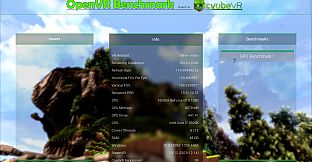
Test your VR hardware with this free utility that runs benchmarks directly in your SteamVR headset. It delivers a 60-second fly-through of a colorful voxel world, ignoring headset tracking for fully reproducible results across all compatible headsets. Your score compares automatically to other users with matching GPUs and headsets, revealing if performance hits normal levels, exceeds them, or falls short.
Run it from your desktop monitor using the mouse-no controllers or headset wear required, though viewing inside is optional. Export scores as PNG images for sharing on Discord or Instagram, or copy formatted text straight to Reddit. Overclockers get precise insights into VR gains, while anyone checks real-world setup reliability.
Benchmark your VR setup - OpenVR Benchmark is the first benchmark tool for reproducibly testing your real VR performance, rendering inside of your VR headset. See if your hardware performs correctly! OpenVR Benchmark is available for free! After running the benchmark, you are presented with a score and your result is automatically submitted and compared with other users.
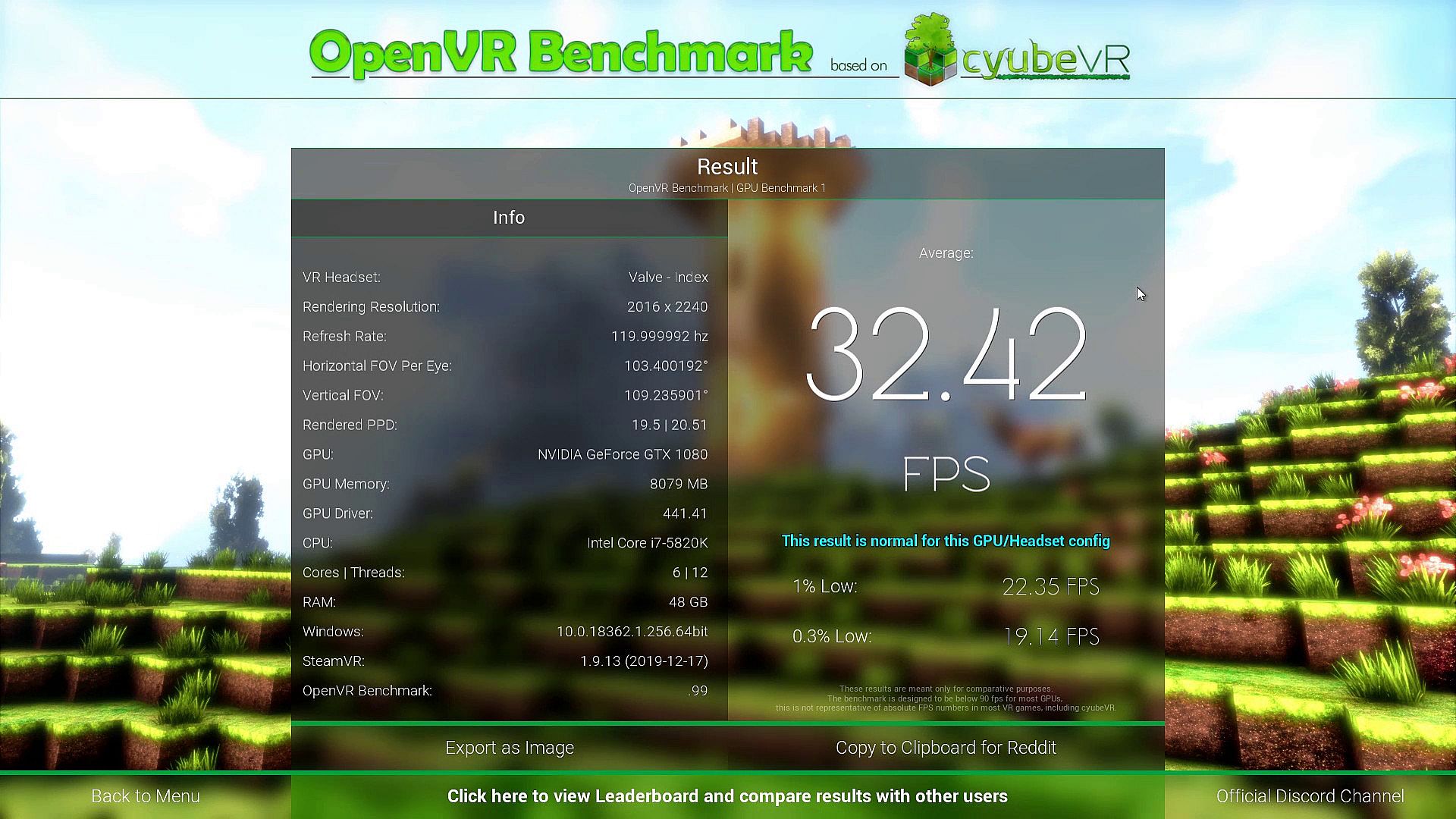
With OpenVR Benchmark, you can easily find out if your hardware performs up to the expectations - your result is compared with all other users who use the same GPU and VR headset. The benchmark lets you know whether your system performs normally, exceeds the normal result, or performs below average (relative to other users with the same hardware):
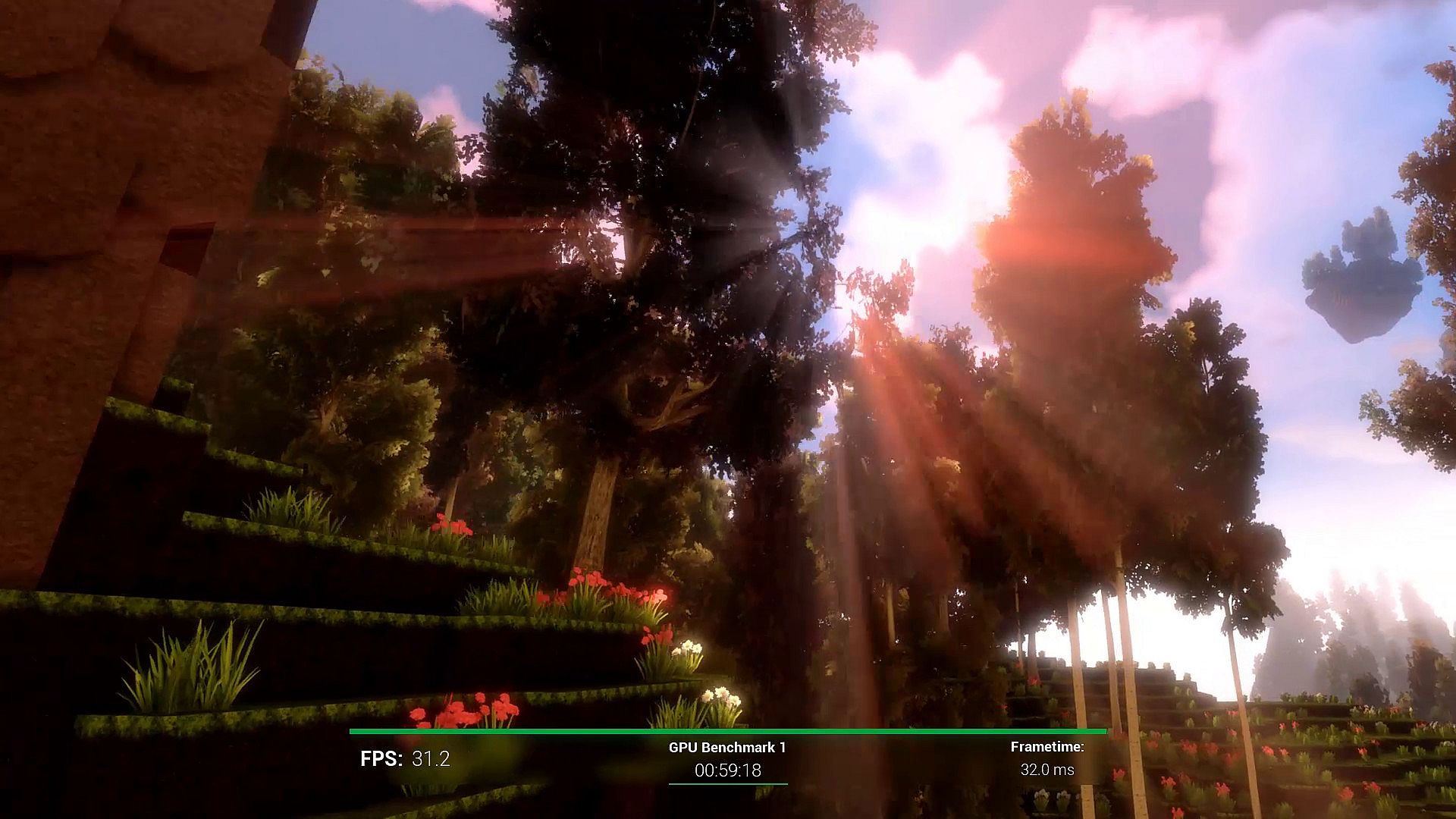
The benchmark is super easy to use and running it just takes 60 seconds. It also looks awesome! OpenVR Benchmark renders a fly-through through a beautiful, colorful voxel world. The world rendered in OpenVR Benchmark is a world from the game cyubeVR, a great sandbox VR voxel game built from the ground up for roomscale VR:
If you're an overclocker, then with OpenVR Benchmark, you can also for the first time find out and test exactly how much impact your OC setup has on your real VR performance!
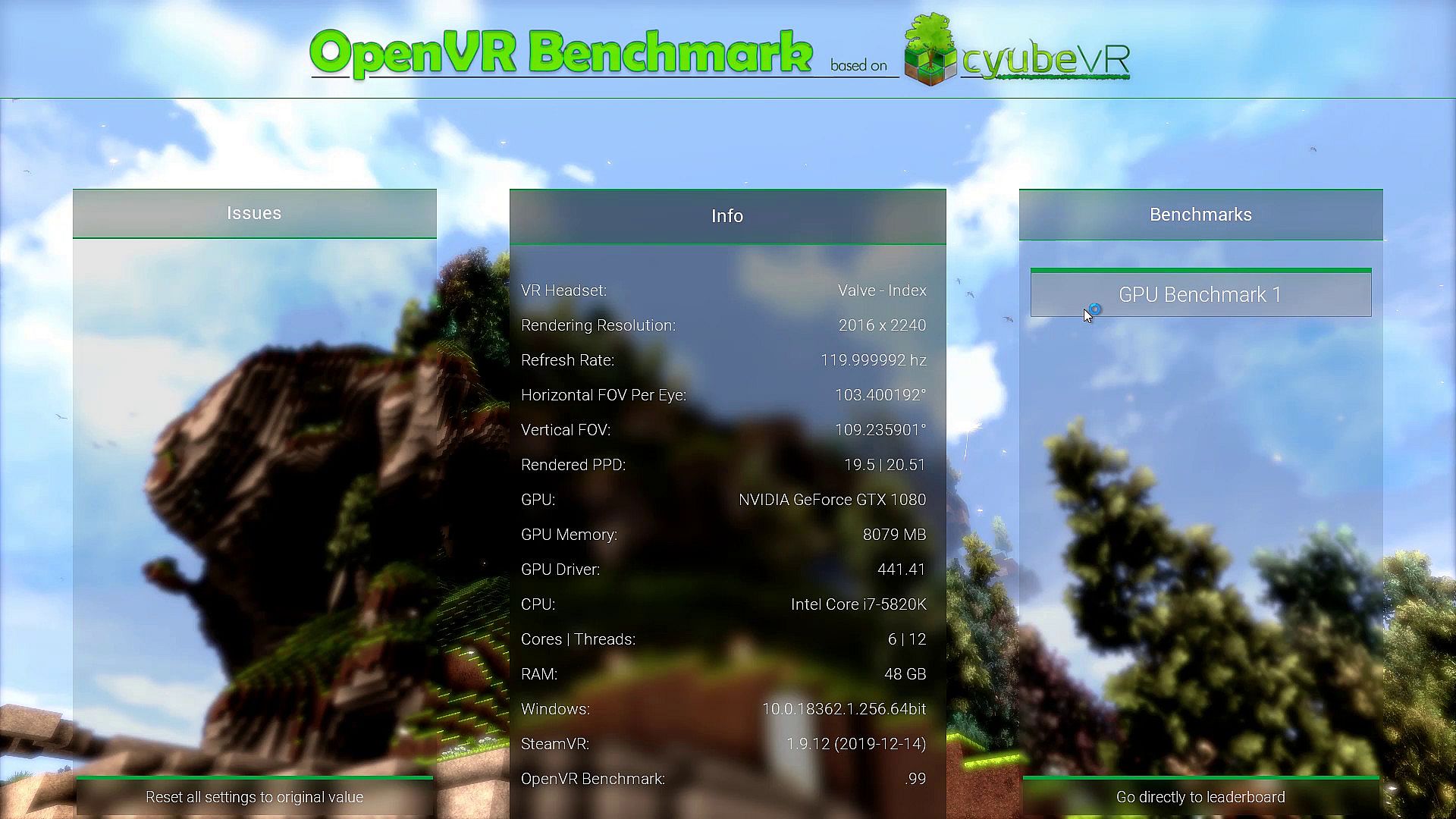
OpenVR Benchmark also allows for the very first time to benchmark the real VR performance of different GPUs. Previously, VR performance benchmarks comparing different GPUs had to be done inside of regular VR games, which never results in fully reproducible results, as it is impossible to get the head position and head movement in VR games fully reproducible. OpenVR Benchmark changes this - the benchmark fully ignores the tracking of your VR headset and always renders the same view as part of the benchmark run, while still rendering within your VR headset. OpenVR Benchmark also makes sure that all users use the exact same SteamVR settings regarding anything that has an impact on performance (e.g. Supersampling), so every result from OpenVR Benchmark can be compared across different systems.
You can easily export your benchmark result as a .PNG image to share it in your favorite Discord, send it to your friends or post it on Instagram because you want to show everyone how your hardware performs! And not only is export to .PNG available, you can also copy the result into your clipboard with great formatting for Reddit, so that you can just paste and post the result there!
Supports all SteamVR compatible headsets. Even though the benchmark fully renders within your VR headset, you do not have to wear your VR headset ever, there are also no VR controllers required. If you want to, you can wear the headset and watch the benchmark run from within the headset - the disabled tracking might lead to motion sickness though, so it's not recommended. You control the benchmark using the mouse at your desktop monitor.
OpenVR Benchmark is fully free, and all the functionality above is available for free. To support development of this tool, you can optionally buy the OpenVR Benchmark Leaderboard DLC that adds a full leaderboard of all results that were ever submitted using this benchmark, which hardware was used to get the result, see which rank you managed to get, and also submit your name to show off your result to others in the leaderboard: