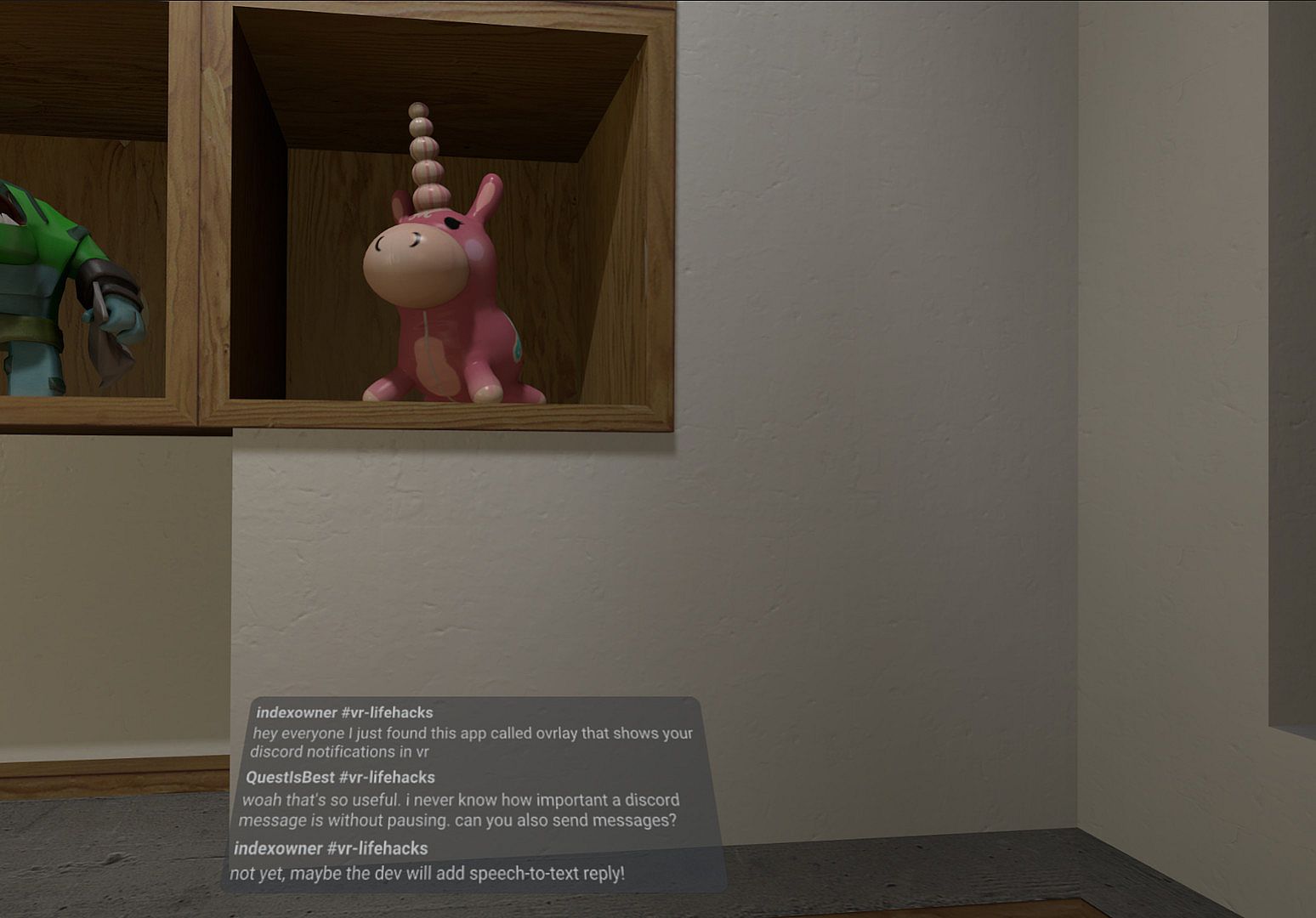
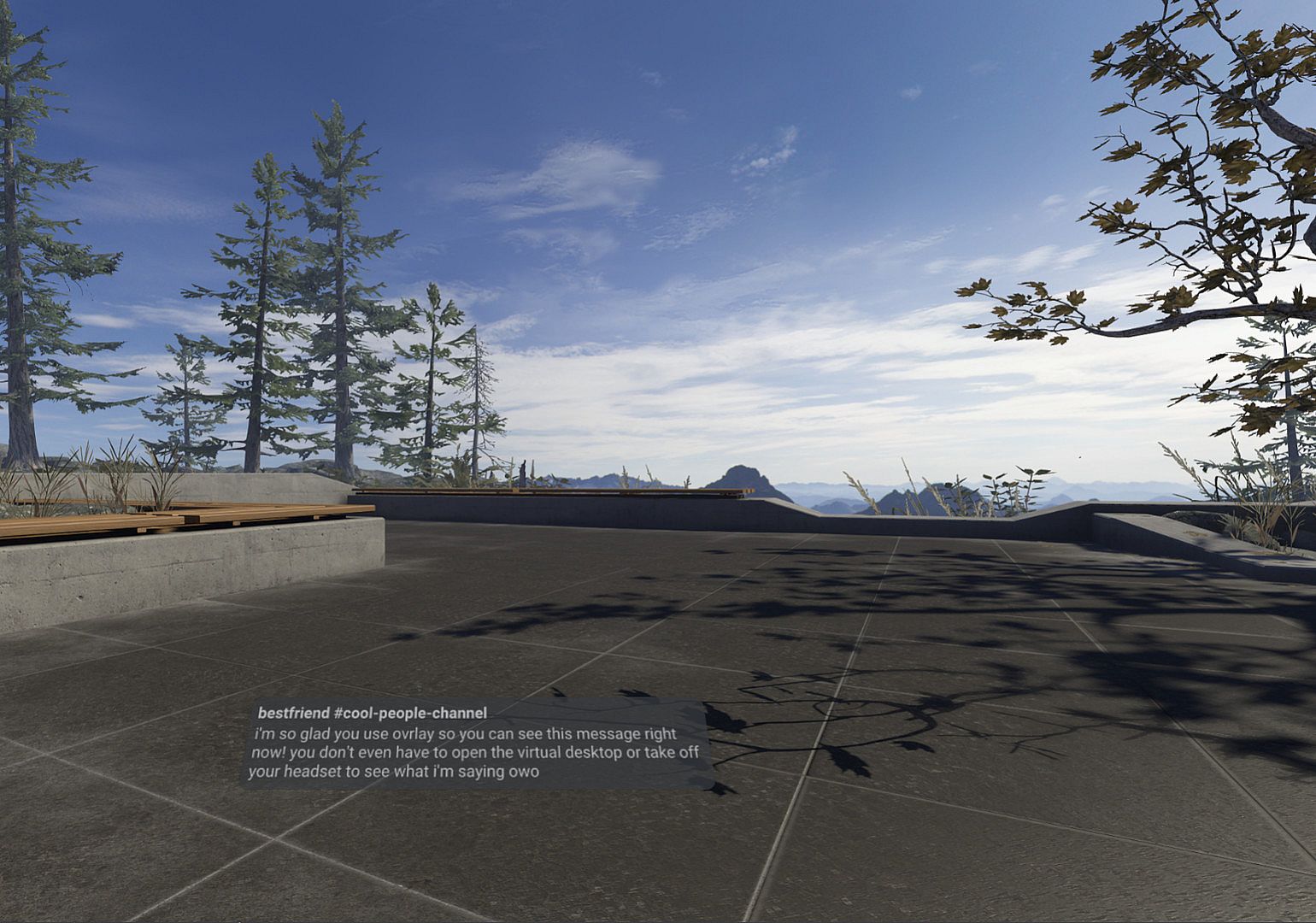
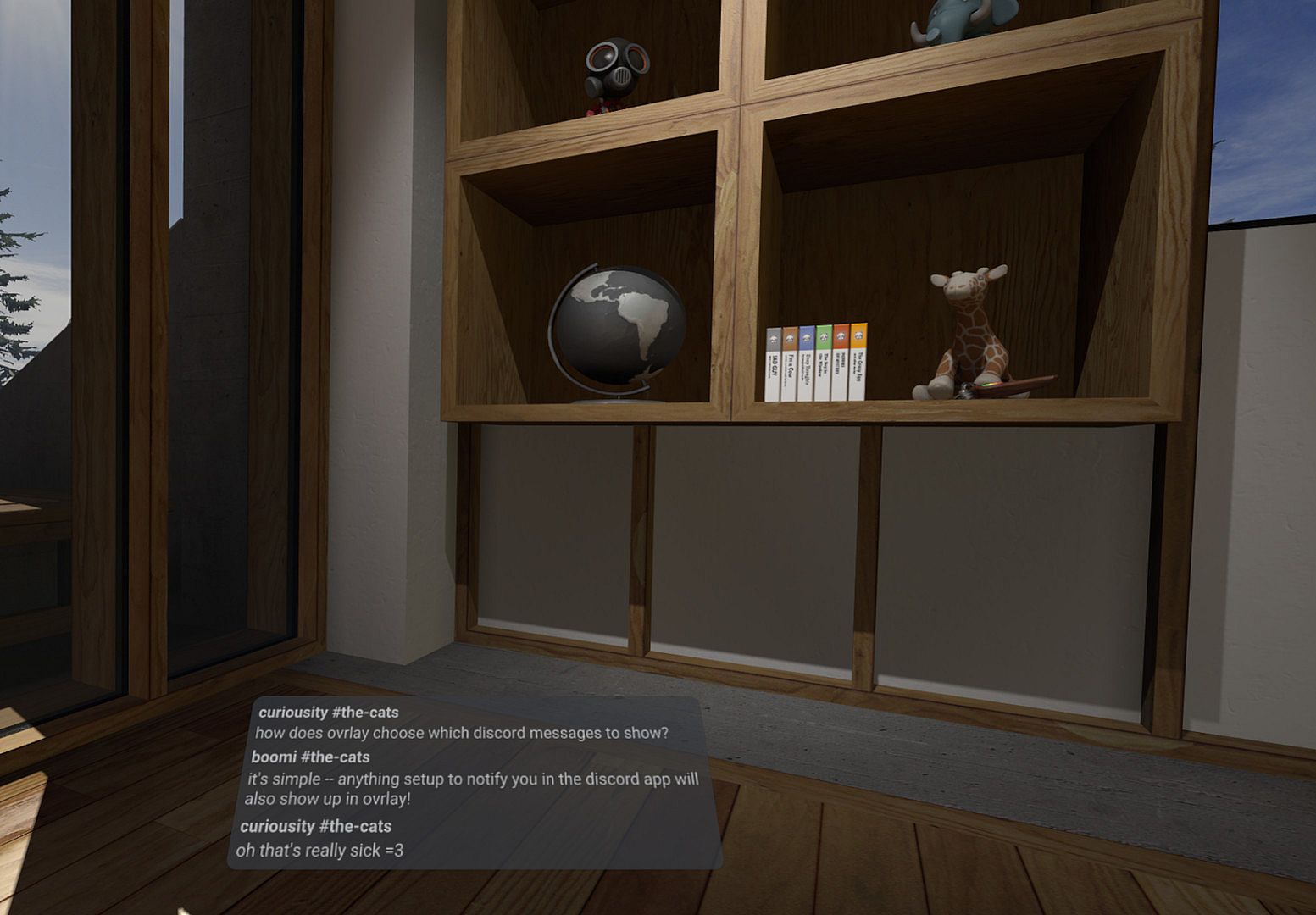
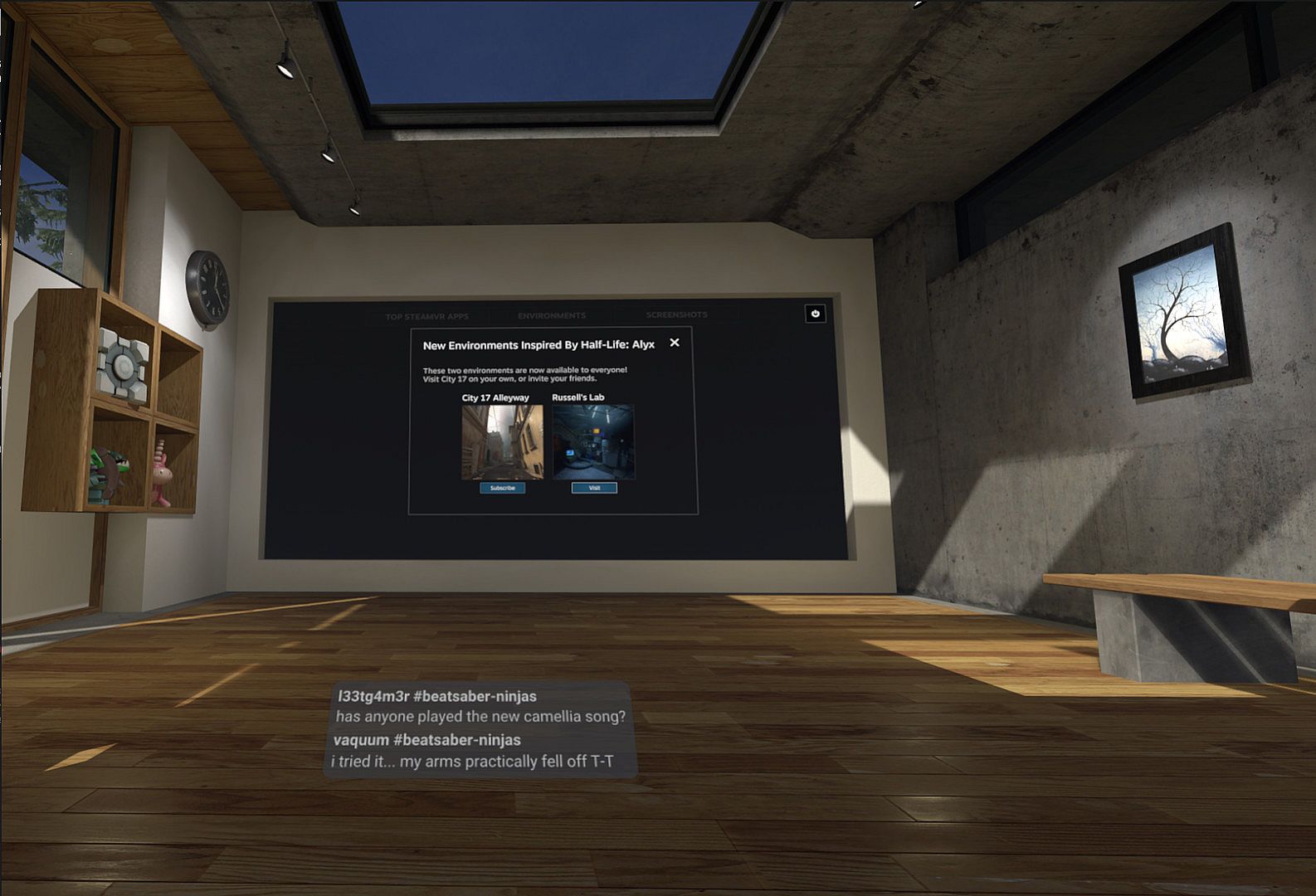
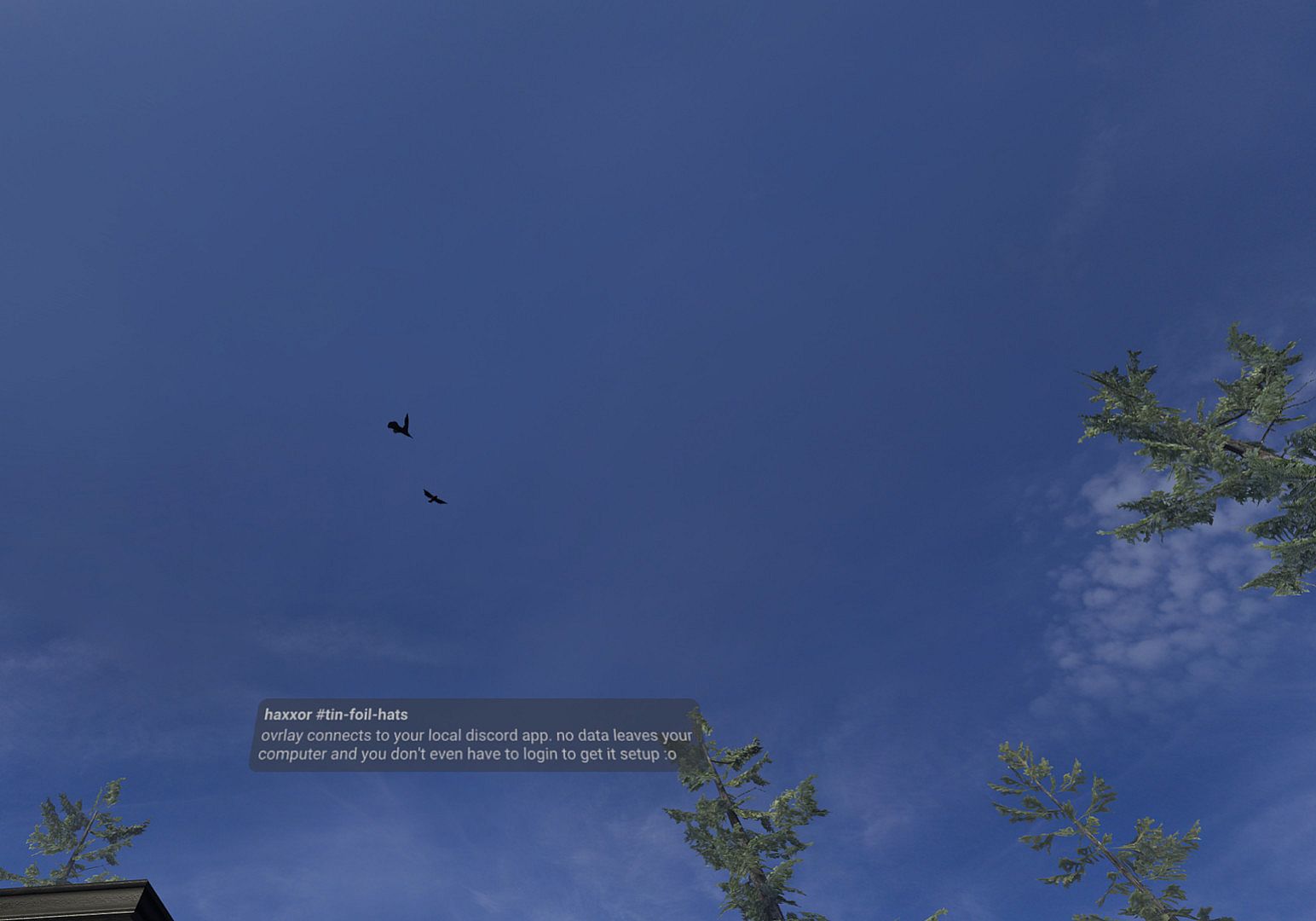
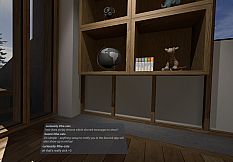
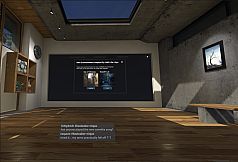
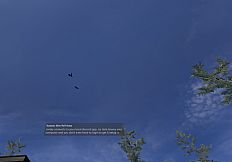
See Discord notifications pop up right inside your VR headset without pulling you out of the action. This utility connects to your local Discord app and respects your existing notification preferences for seamless alerts. Setup takes just one time, with clear instructions shown at launch.
Run it automatically through SteamVR settings under Startup Overlay Apps whenever you enter VR. It requires SteamVR and stays out of your way during play. VR gamers who hate headset interruptions will find it keeps sessions flowing smoothly. Ovrlay remains in active development, so share your feedback to shape its future.
See your discord notifications inside of VR in a non-intrusive popup. Never take off your headset to find out it was just another @everyone again!
- Connects to your local Discord app
- One-time setup (instructions displayed on Startup)
- Follows your Discord notification settings
Automatically run Ovrlay when you are in VR by going to SteamVR > Settings > Startup / Shutdown > Choose Startup Overlay Apps.
Requires SteamVR.
Ovrlay is in active development. We'd love to hear comments or feedback you have!