



Buy Reality Mixer - Mixed Reality for VR headsets PC

Interested in Reality Mixer - Mixed Reality for VR headsets? We're tracking prices from trusted stores. Add Reality Mixer - Mixed Reality for VR headsets to your wishlist and we'll notify you when deals become available.

Steam:
Mostly Positive (81)
Official
Unavailable
Keyshops
Unavailable
Buy in Official Store:
Unavailable
Buy in Keyshops:
Unavailable

No entries, but don't worry, we will inform you once the new offer appears.

Create Alert Create deal Alert

About Reality Mixer - Mixed Reality for VR headsets

Reality Mixer - Mixed Reality for VR headsets - about the game
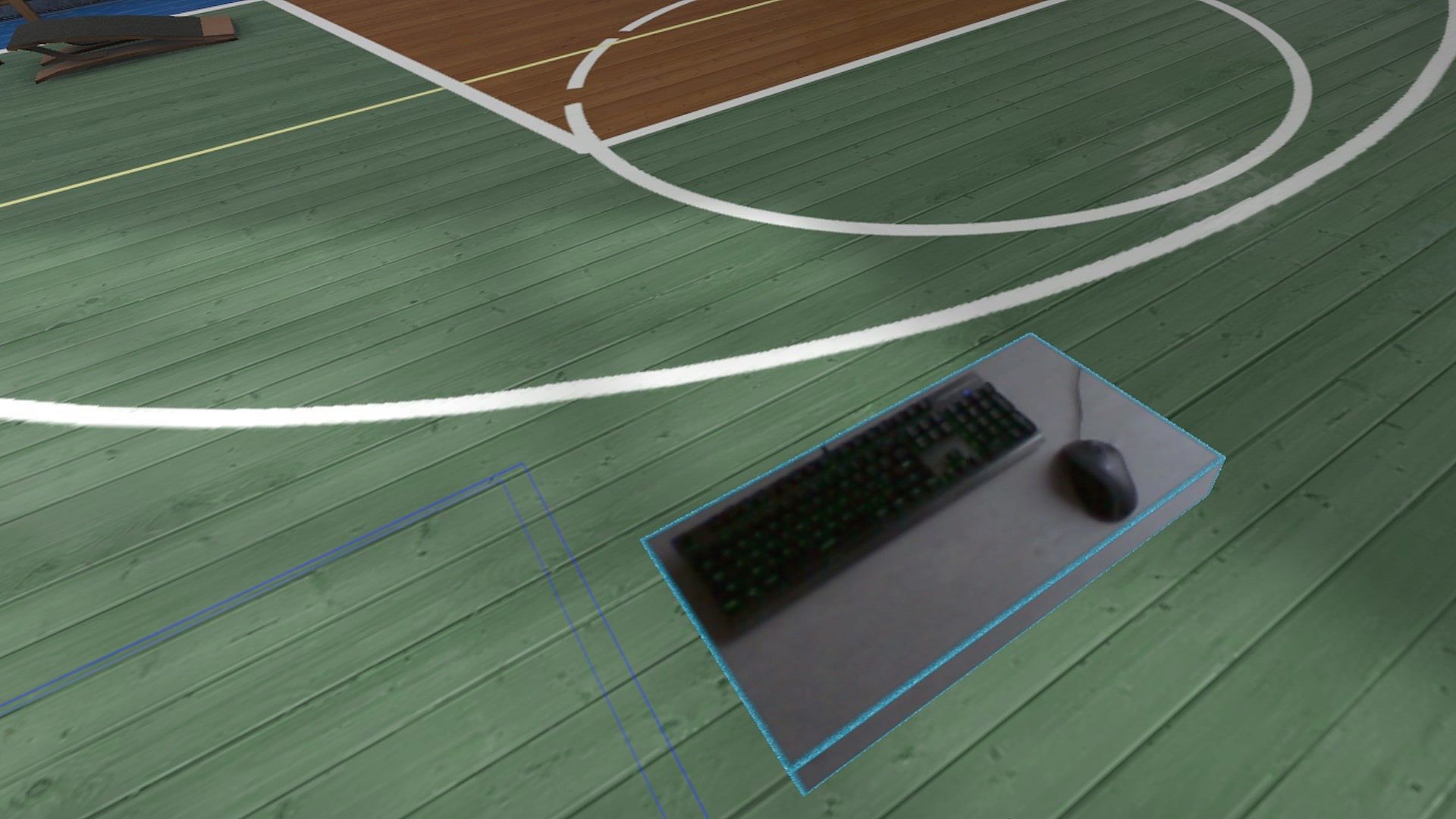
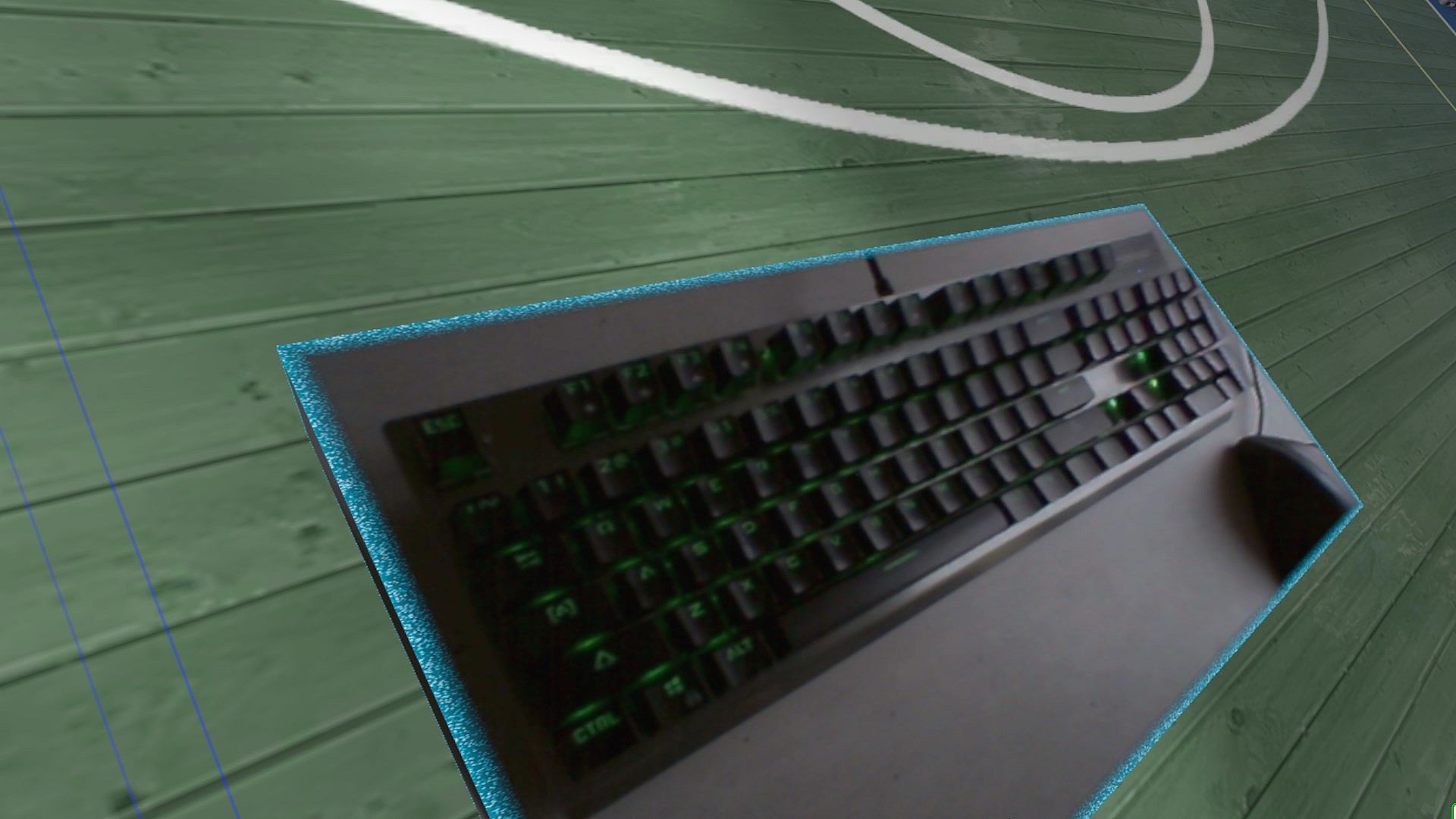
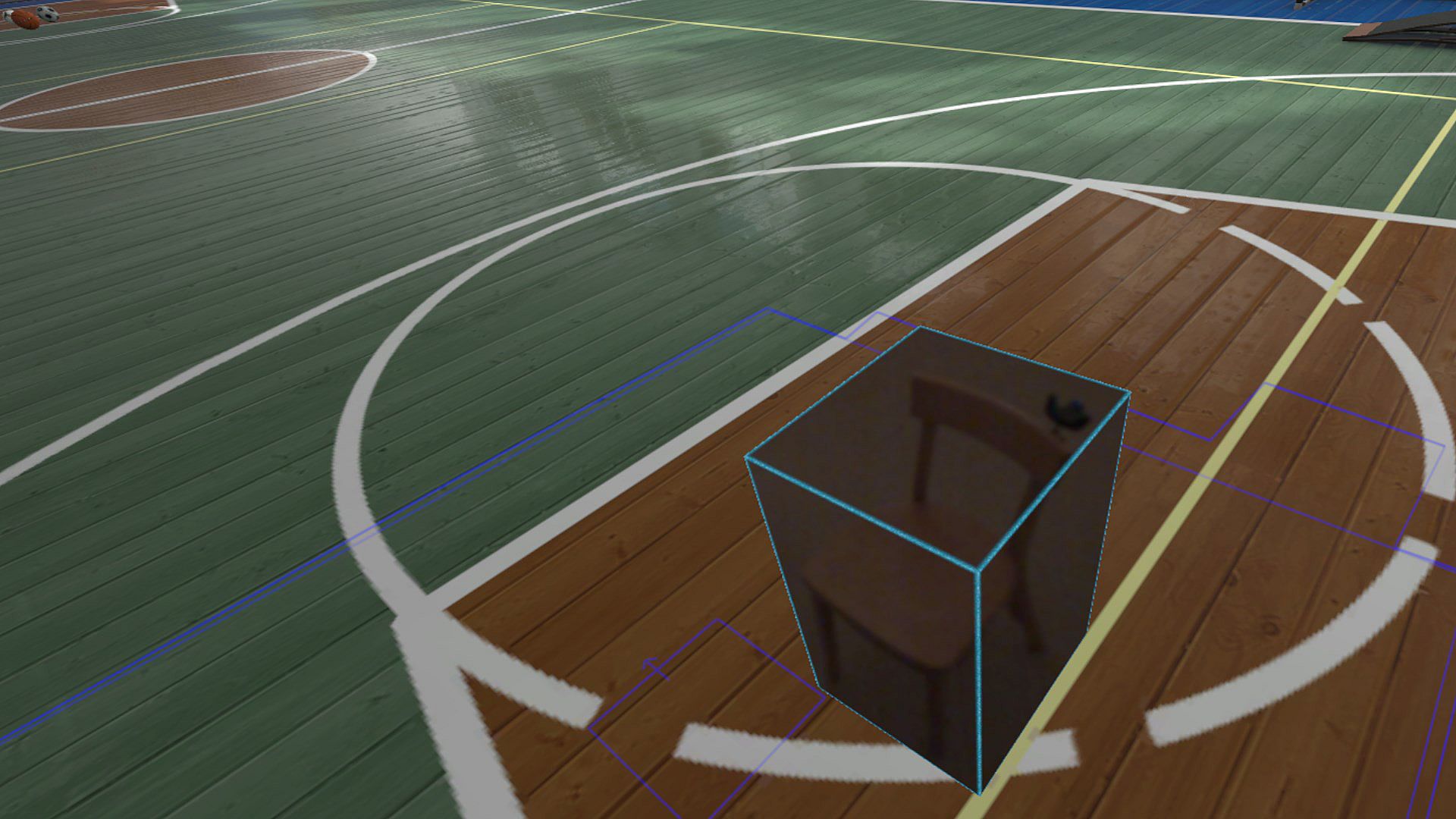
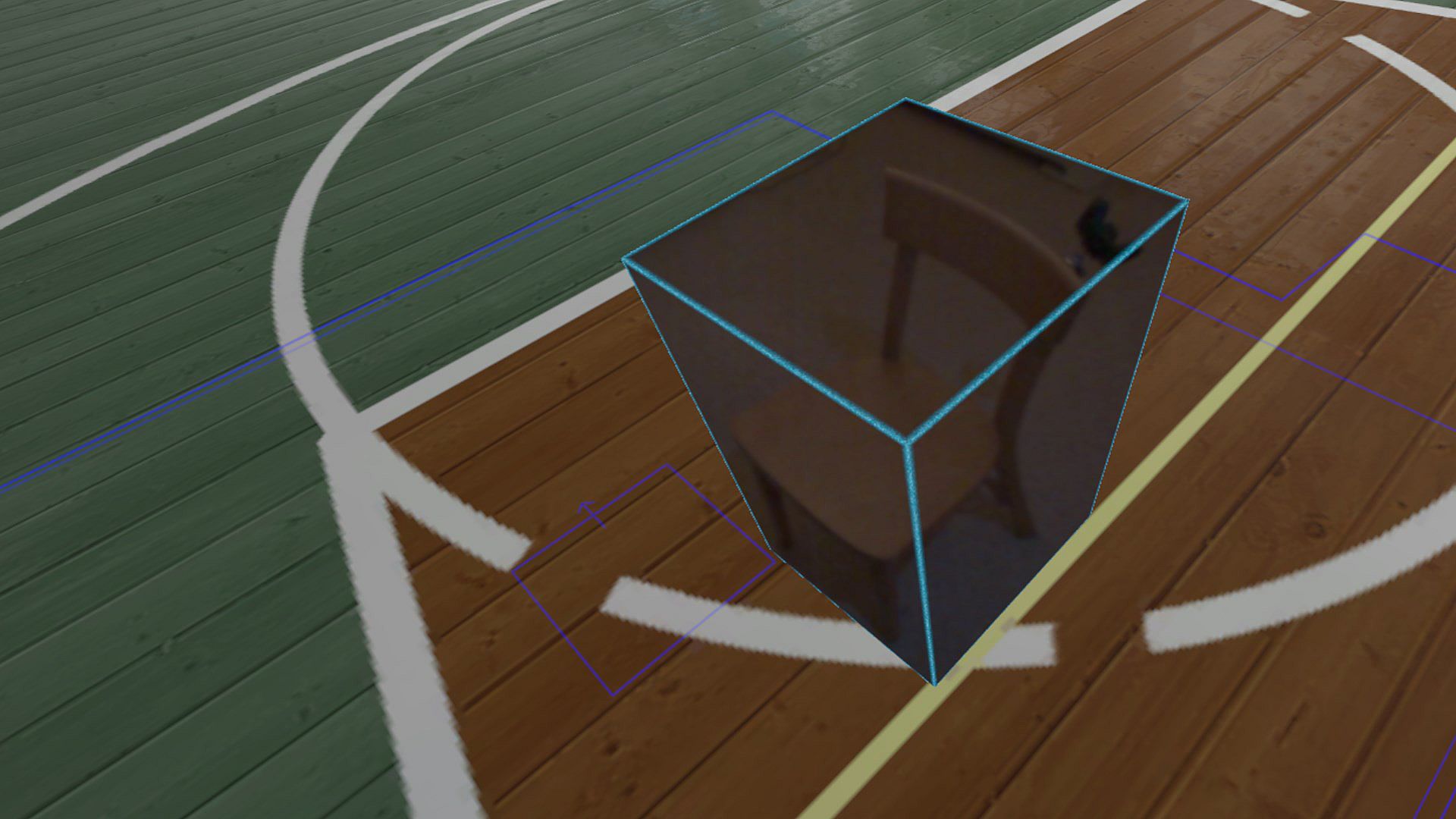
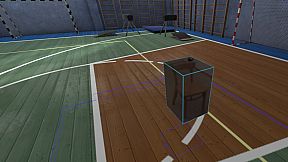
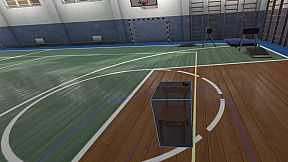
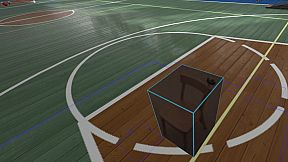
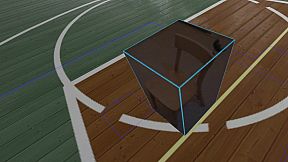
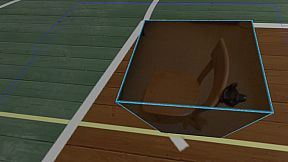
Reality Mixer brings real-world objects into your VR headset view using built-in cameras. It overlays items like keyboards, mice, racing wheels, HOTAS setups, drinks, phones, or even doors and couches into any VR app or game running alongside. Create customizable "boxes of reality" with activation options-proximity fade-out, gaze angle with delay, or button press-to show surroundings only when needed, saving resources. This VR utility includes a mixed reality Cockpit for simracing and flight sims, Floor Viewer for checking the real floor, and Lap Viewer for seated setups like Big Screen with untracked keyboards. Trackers like Vive or Tundra attach to camera boxes for full play area visibility, while Stream Deck or Touch Portal integrate seamlessly. Quest, Pico, and similar headsets pair via Virtual Desktop passthrough. Sim enthusiasts and multitaskers in VR get practical mixed reality tools without interrupting their sessions.

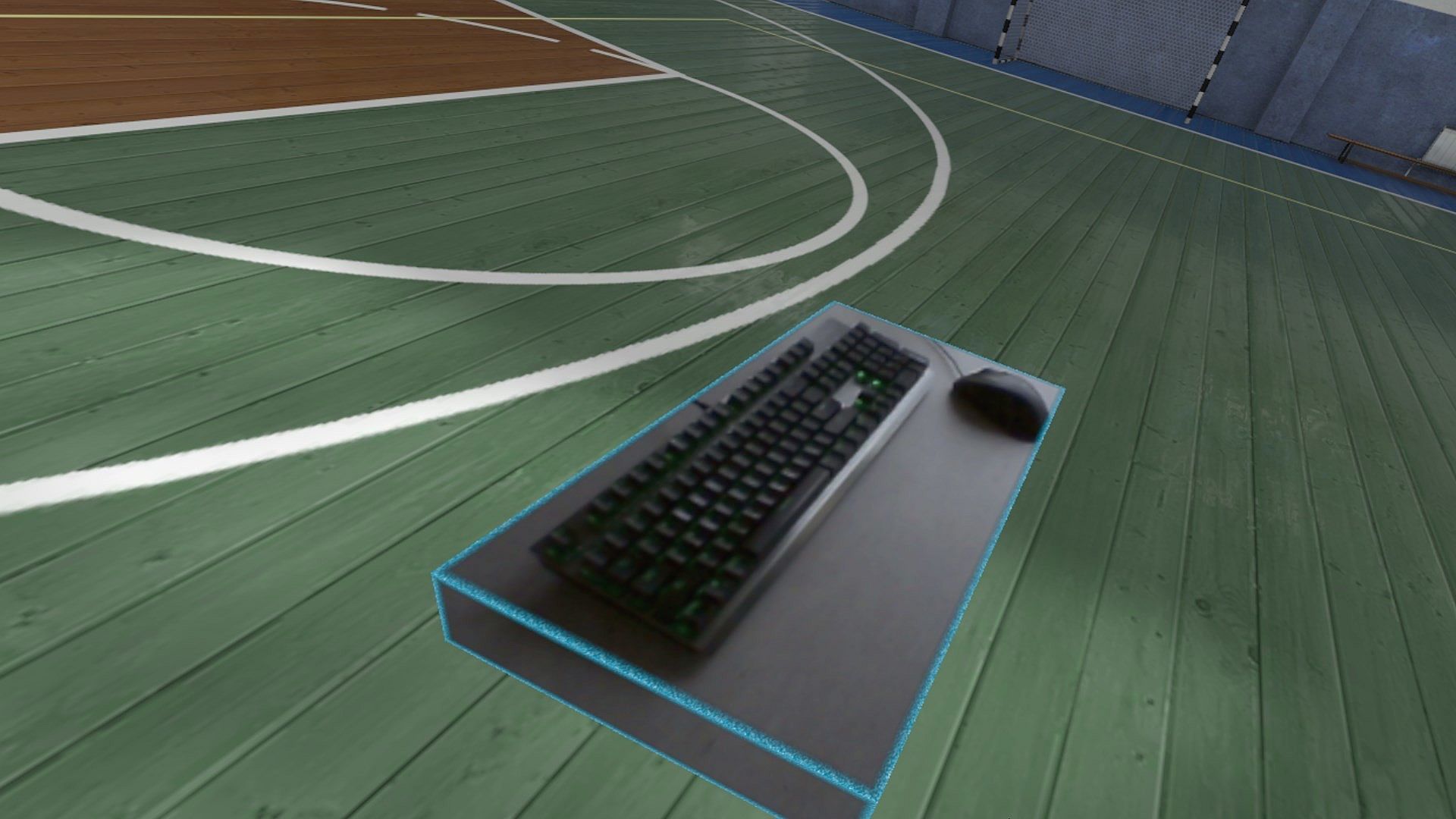
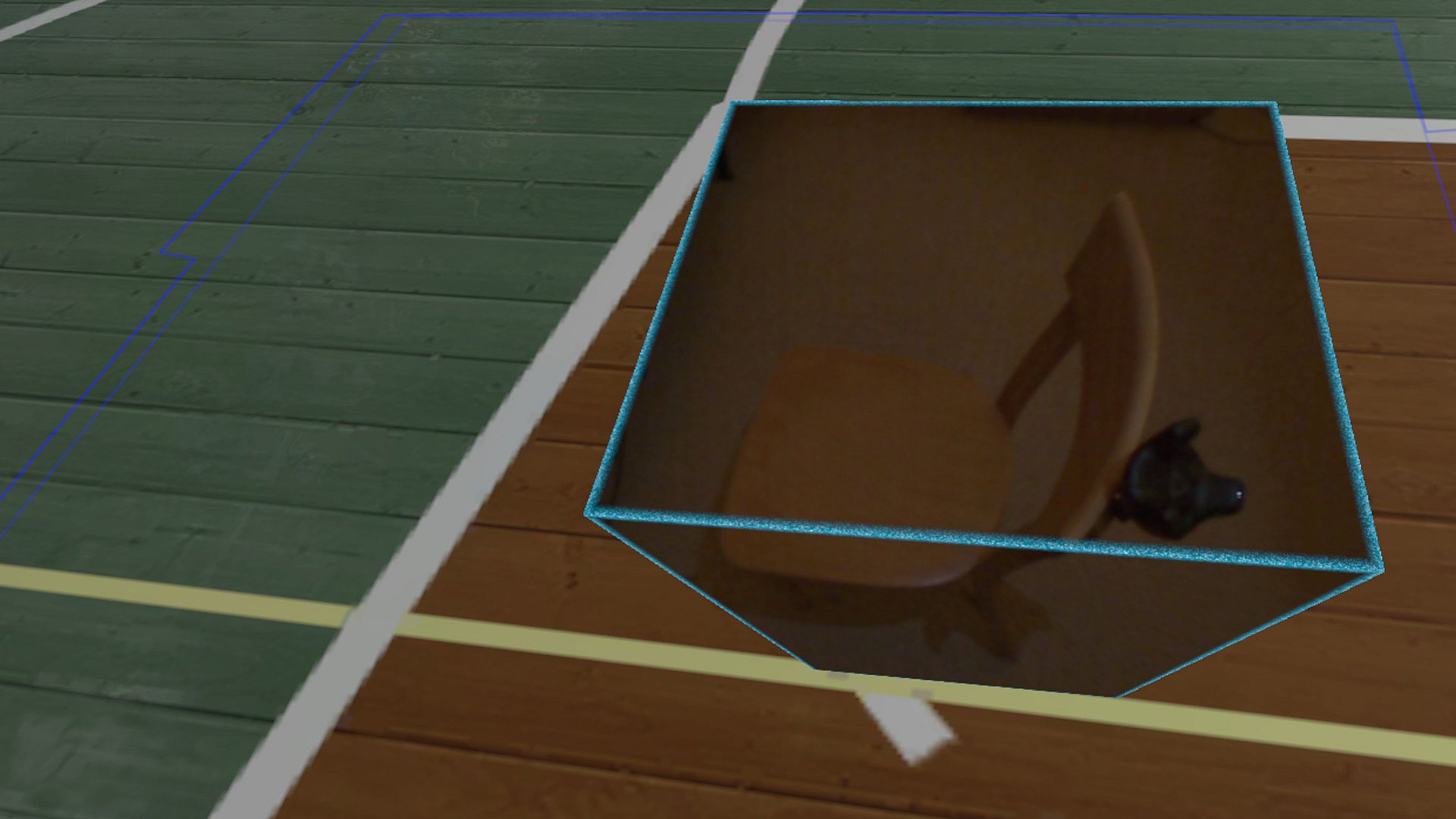
Reality Mixer lets you bring real objects into VR. It uses the cameras on the headset to show a real object and its surroundings in the current VR environment. It can be used at the same time as other VR software and games.

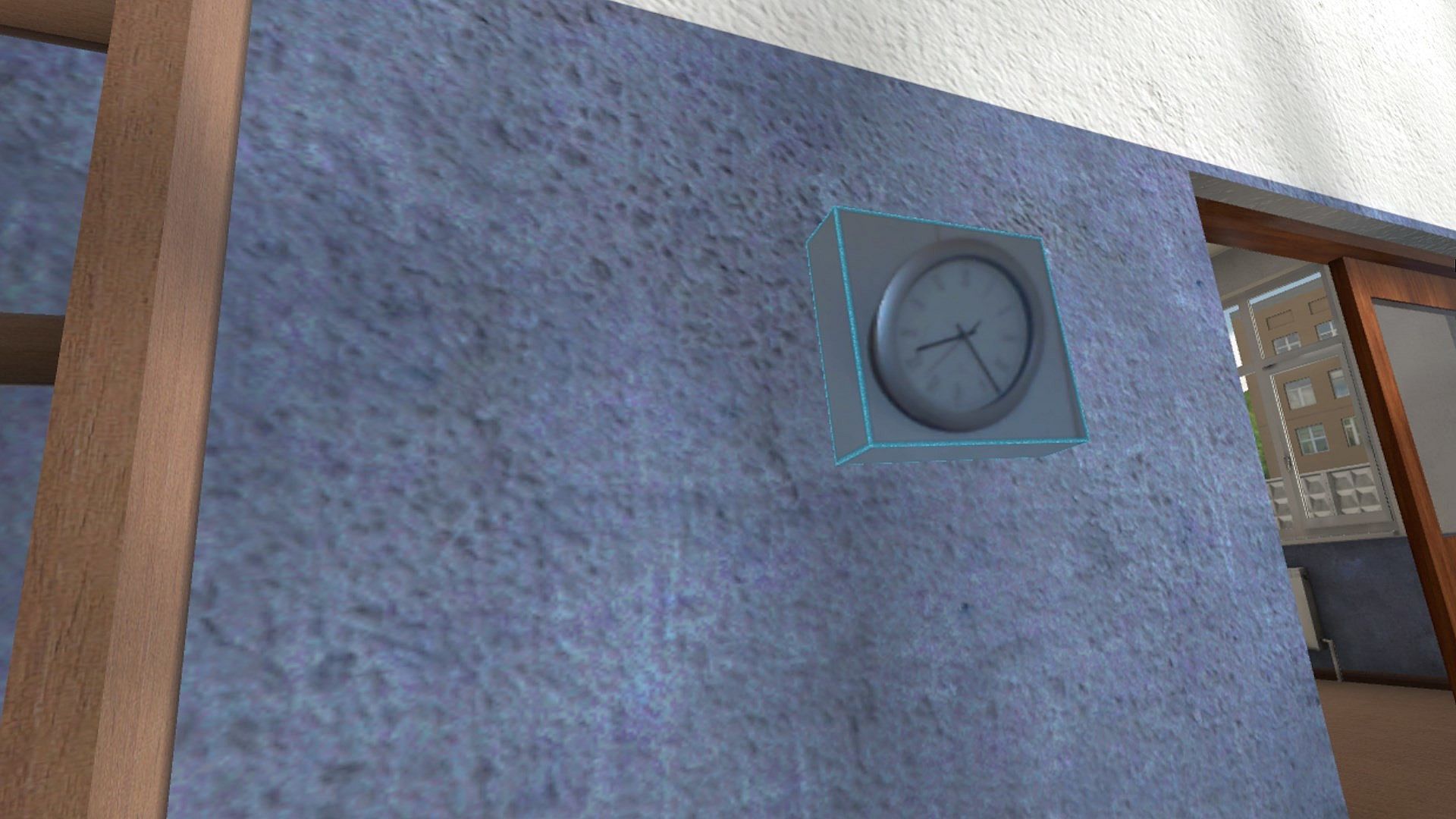
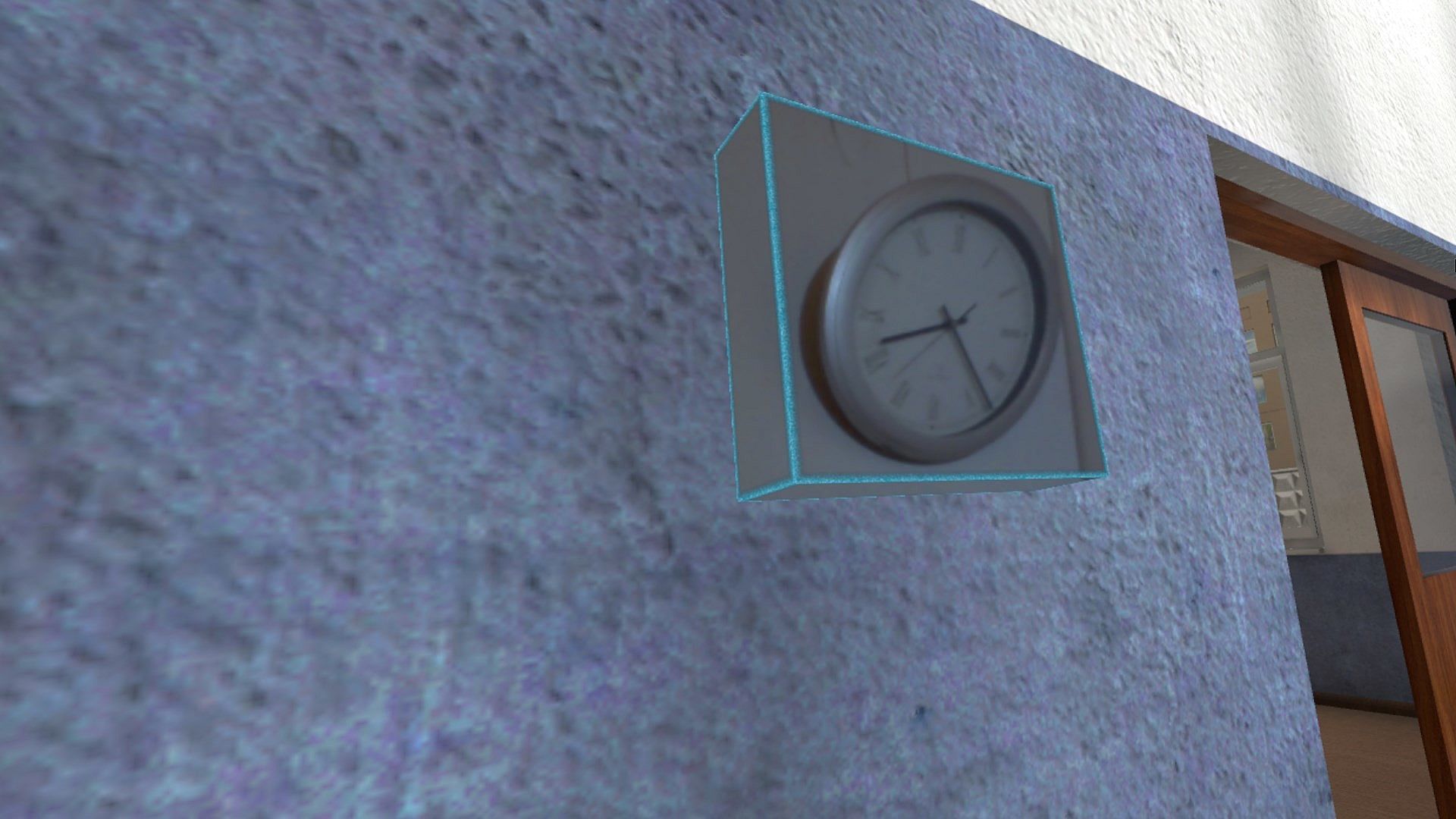
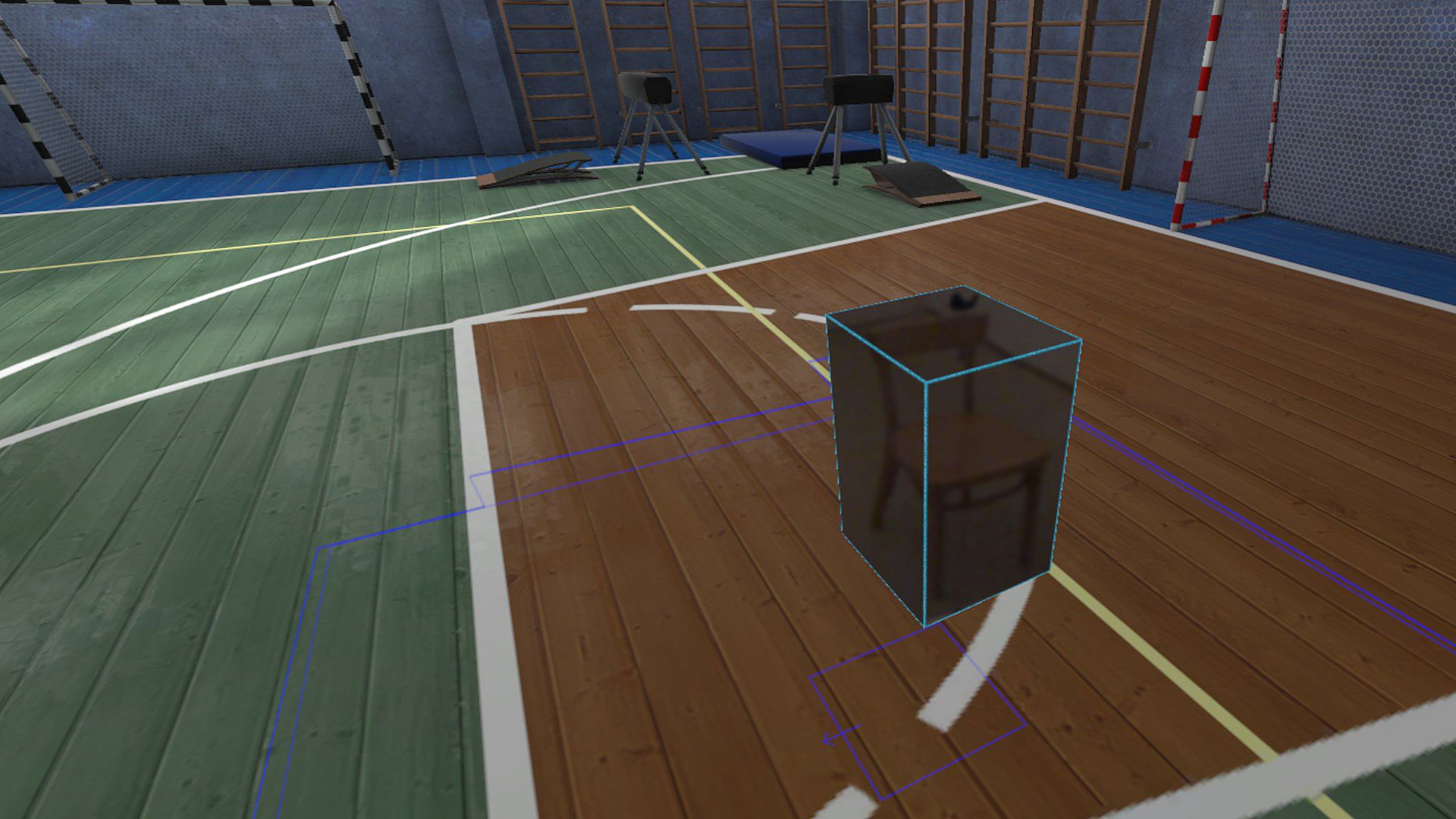
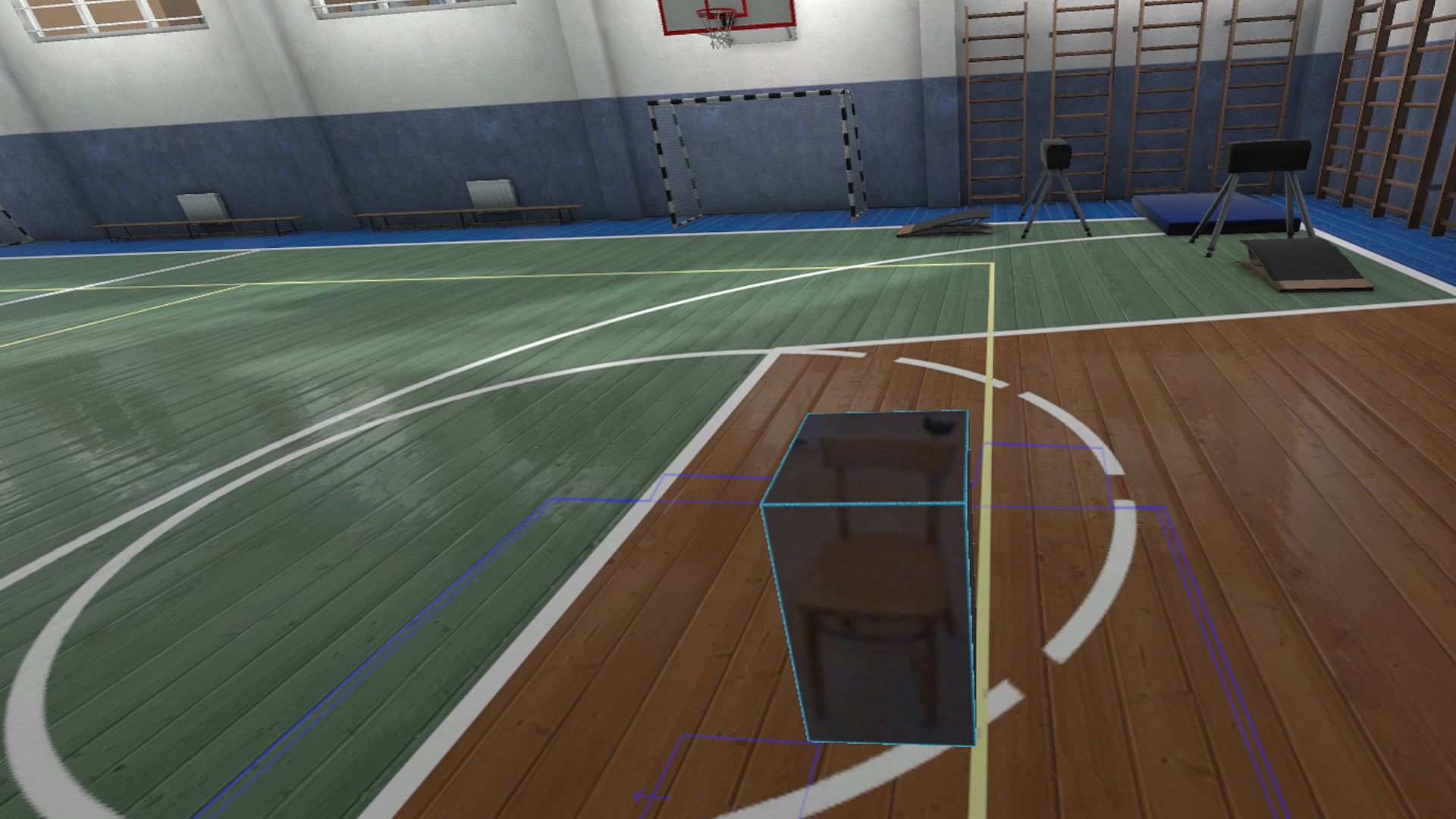
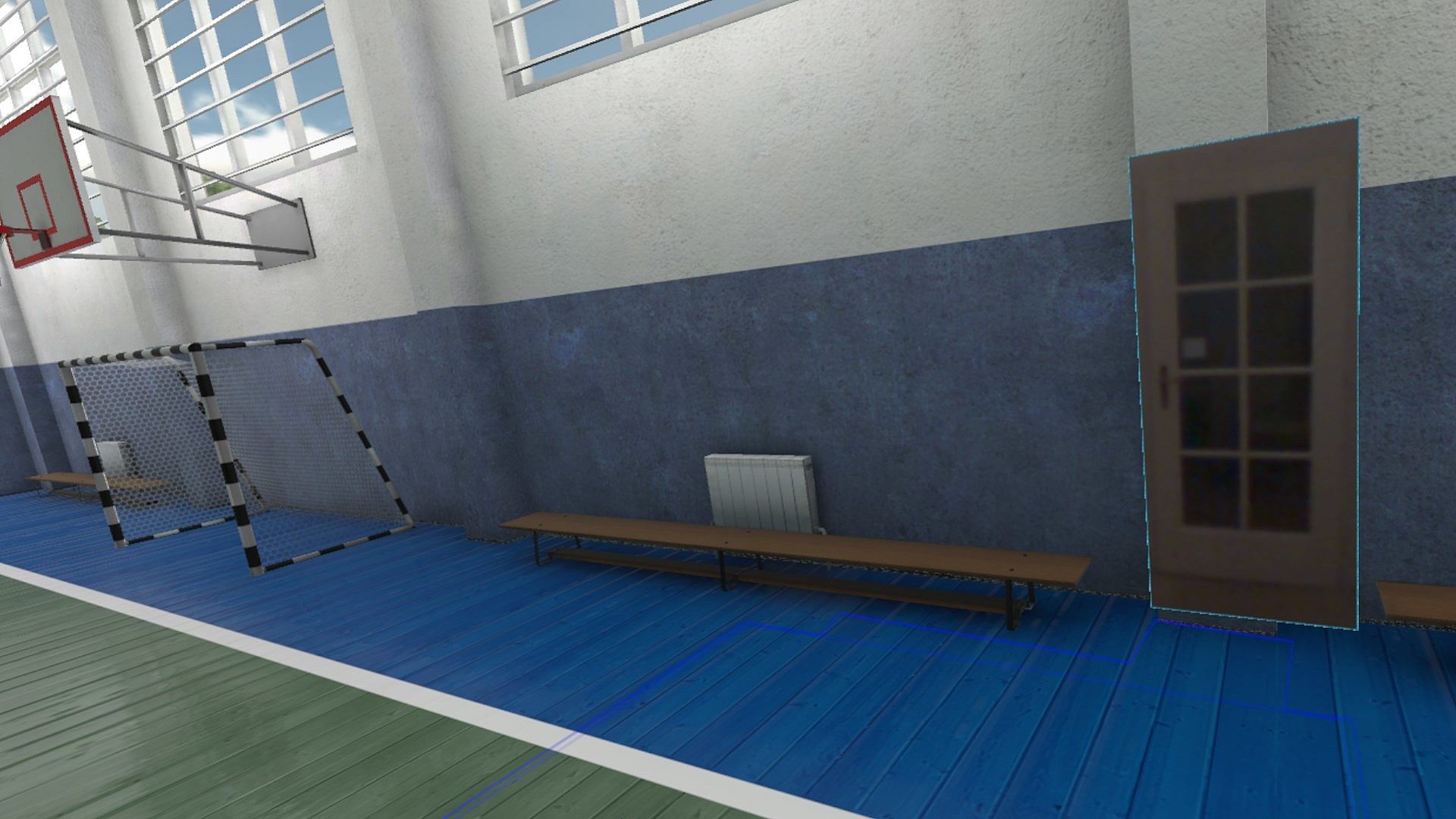
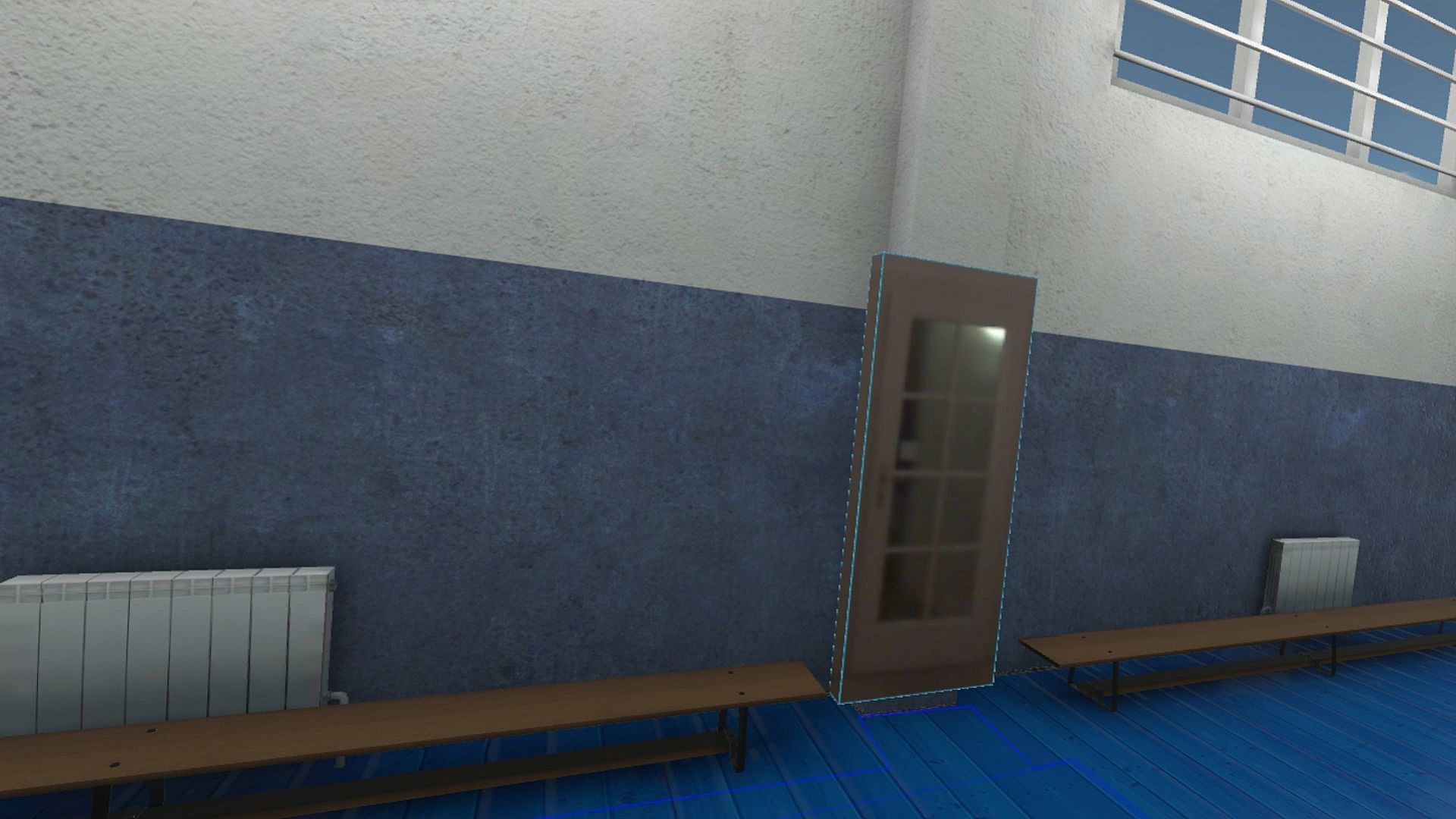
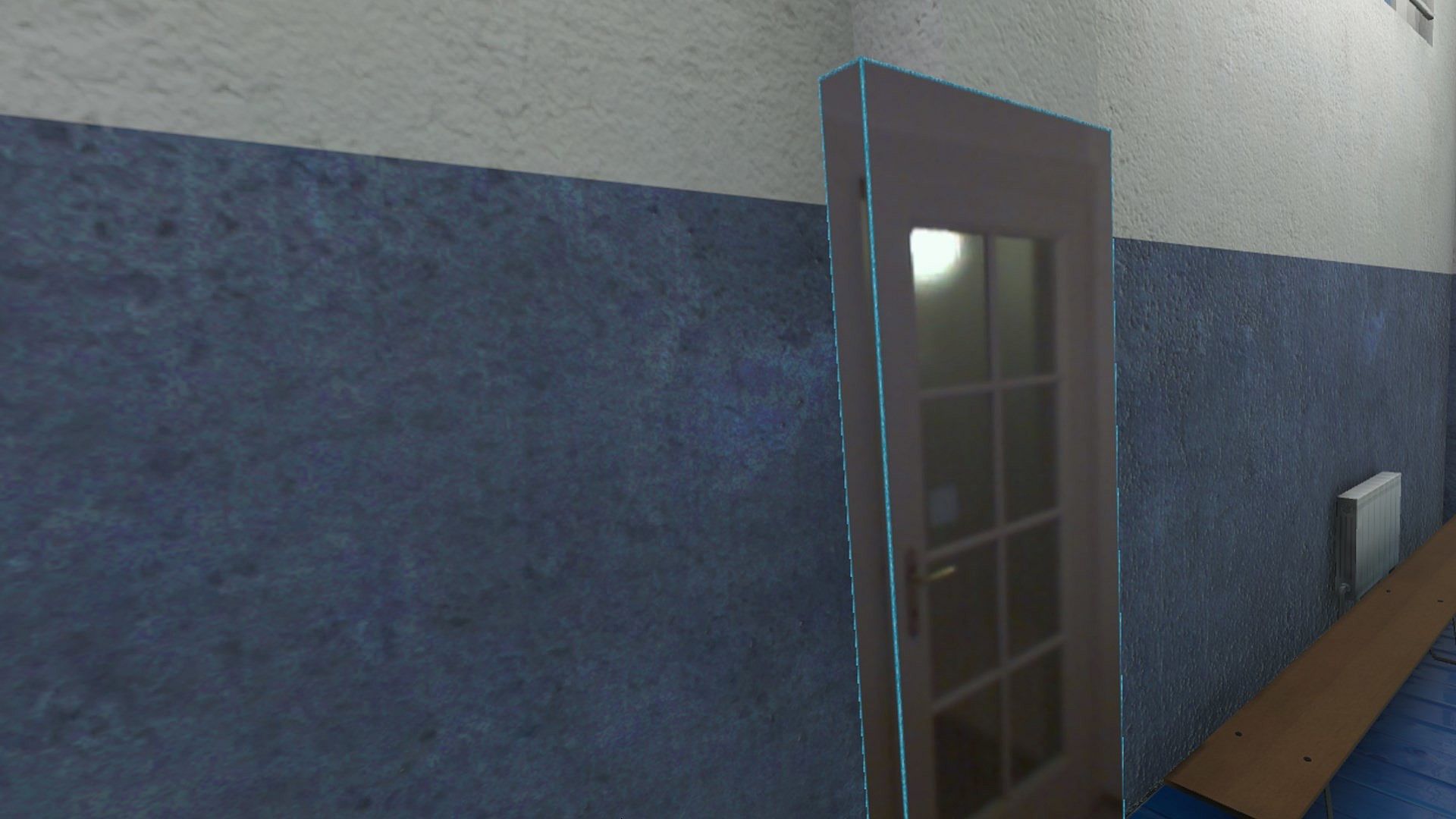
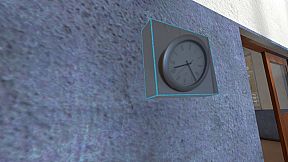
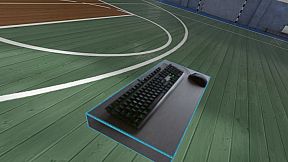
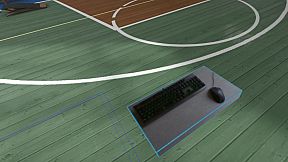
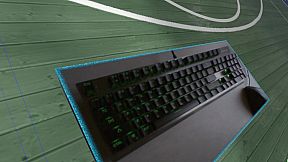
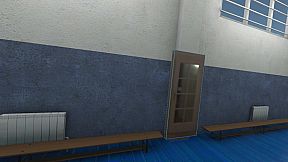
Think of objects like keyboard & mouse, a racing wheel, HOTAS, a clock on the wall, a drink on your desk, a phone, a tablet, a chair, etc. Also larger real objects can be used. Like the door to your room, so you can see who comes in, or the couch with your friends.

Bringing real objects into a virtual environment is known as 'Augmented Virtuality'.
Reality Mixer creates 'boxes of reality' which are shown in VR.
Apart from these 'camera boxes' the app also provides a mixed reality Cockpit for use with simracing and flight simulators, a Floor Viewer to quickly see the real floor around your feet and a Lap Viewer for use with seated experiences such as Big Screen. Lap Viewer can be used for quick glances at a normal (untracked) keyboard on your lap.

If you have a Vive or Tundra Tracker, you can attach a camera box to it so the tracked object will be visible wherever it is in your play area.

The real objects (and their immediate surroundings) don't have to be visible all the time. There are three activation methods:
  • Activate by Proximity: Objects (camera boxes) will fade out when you are too far away. This fade out distance can be set by yourself.
  • Activate by Gaze Angle: Look straight at a camera box to make it visible. Use this activation method with seated games where you have things on a table next to your seat. The activation angle and optional activation delay can be configured. Using an activation delay means you have to look at the object for a second before it starts to show itself, to prevent accidental activation. Floor Viewer and Lap Viewer both use Gaze Angle Activation by default, but can also use Proximity or ButtonPress activation.
  • Activate by Button Press: Press a keyboard, mouse, gamepad, HOTAS or racing wheel button to turn on/off a camera box.
When an object is not visible, it will not use any resources.

If you have an Elgato Stream Deck, or if you use Touch Portal on your phone or tablet, you can use it in VR with Reality Mixer.

Chroma keying (green screen) makes the background of the objects transparent so the VR world shows through. This can be useful for objects such as a racing wheel and HOTAS.
Instructions
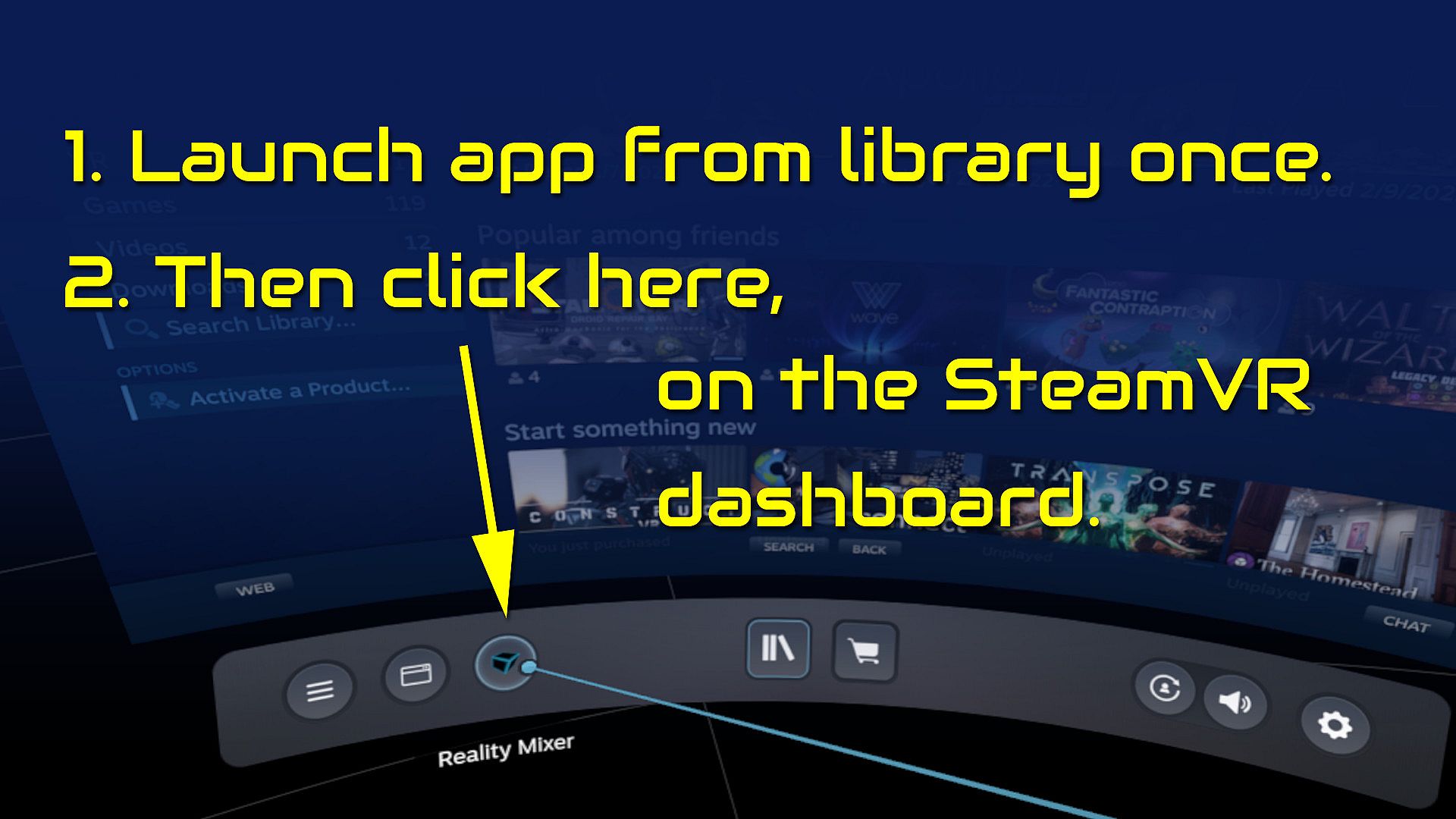
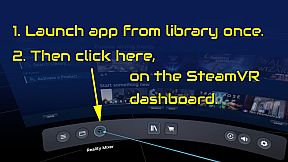
  • Start the app once from your Steam Library. It will auto-launch with SteamVR next time.
  • Open the SteamVR dashboard.
  • Click the icon for the Reality Mixer app. See image below.
  • Follow instructions on screen.
  • If you use it on a Quest, Pico or Vive XR Elite, you need to turn on passthrough in the Virtual Desktop app on your Quest/Pico/Vive XRE.
Compatibility
Reality Mixer is currently compatible with the VR headsets listed here.
  • Valve Index
  • Meta Quest 2 and 3, when used in combination with the Virtual Desktop app on the Quest
  • HP G2 (v1 and v2)
  • all first generation Windows Mixed Reality (WMR) headsets
  • HTC Vive (the original Vive)
  • HTC Vive Pro (version 1 and 2)
  • HTC Vive XR Elite, when used in combination with the Virtual Desktop app on the XR Elite
  • Pico 4, when used in combination with the Virtual Desktop app on the Pico 4
Extra features in development
  • External (USB) camera support
  • ChromaKey updates
  • Extra activation options
  • Circular passthrough shape

If you want to keep an eye on new features, switch to the beta branch of the app in your Steam Library. This is free, no code needed.

Interface:
English

Age rating

Unavailable
Steam:
Mostly Positive (81)

Minimum:

  • Processor: Intel Core i5-4590 / AMD FX 8350
  • Memory: 4 GB RAM
  • Graphics: NVIDIA GTX 970 / AMD Radeon R9 290
  • DirectX: Version 11
  • Storage: 16 MB available space

Recommended:

  • Processor: Intel Core i5-4590 / AMD FX 8350 or better
  • Memory: 4 GB RAM
  • Graphics: NVIDIA GTX 970 / AMD Radeon R9 290 or better
  • DirectX: Version 11
  • Storage: 16 MB available space
Historical low
Price history from official stores
-
-
-
Price history from keyshops
-
-
-

FAQ

8 questions

Before you start looking for a cheap Reality Mixer - Mixed Reality for VR headsets key, check the essentials. Developed by Reality Inside Ltd.. Published by Reality Inside Ltd.. PC released date: 01 Feb 2024. Genres: Utilities. Categories: Tracked Controller Support, VR Only.

Q

Where to buy a cheap Reality Mixer - Mixed Reality for VR headsets Steam key?

There are currently no active offers for Reality Mixer - Mixed Reality for VR headsets. Set a price alert on XD.deals and we will notify you the moment a deal becomes available.

We don't have a current Steam Store price for Reality Mixer - Mixed Reality for VR headsets. The game may be temporarily unavailable or not yet listed on Steam.

Our price tracker covers both official retailers and key marketplaces, so you can find Reality Mixer - Mixed Reality for VR headsets on sale even outside seasonal promotions. We currently detect 0 active offers from official stores and keyshops. Check the table above, compare against the historical low, and set an alert so you never miss the next price drop.

Based on our data, Reality Mixer - Mixed Reality for VR headsets is not currently available on GeForce NOW. You will need to run it locally on your PC. Browse games available on GeForce NOW.

Yes. Reality Mixer - Mixed Reality for VR headsets has an official page on the Steam Store, but we currently don't track any third-party offers with Steam DRM. Check back later or set a price alert.

Yes. Reality Mixer - Mixed Reality for VR headsets is Steam Deck Verified - it launches out-of-the-box, displays correct controller glyphs and runs stable. Reality Mixer - Mixed Reality for VR headsets works perfectly on Steam Deck.

Reality Mixer - Mixed Reality for VR headsets does not appear to be available on PC Game Pass, EA Play, Ubisoft+ or any other PC subscription service at this time. Your only option is purchasing the game - use XD.deals to find the best price.

No - XD.deals is not a store. We are a price-comparison service that tracks the best Reality Mixer - Mixed Reality for VR headsets deals across official stores and verified keyshops. Click "Go to Store" next to any offer and you will be redirected to the retailer's website to complete your purchase.

Want to buy at the best moment? Set a price alert on XD.deals and get notified when Reality Mixer - Mixed Reality for VR headsets hits its next historical low.

Create Alert
Join our Discord
Get instant help from our community and stay updated on the latest deals
Set Price Alerts
Get notified by email when game prices drop to your target
Create Free Account
Unlock wishlists, price alerts, and Steam sync