

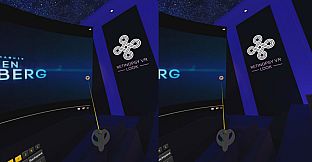

Retinopsy VR - Look stands out as a VR utility application designed primarily for accessibility, blending software training elements with practical tools to aid those who struggle with standard computer screens. This PC-based experience leverages virtual reality to create an enlarged, customizable viewing environment that mimics a cinema setup, making it easier to interact with digital content. Whether you're dealing with visual impairments or simply seeking a more immersive way to use your desktop in VR, this app aims to enhance productivity and enjoyment through its thoughtful features.
Gameplay
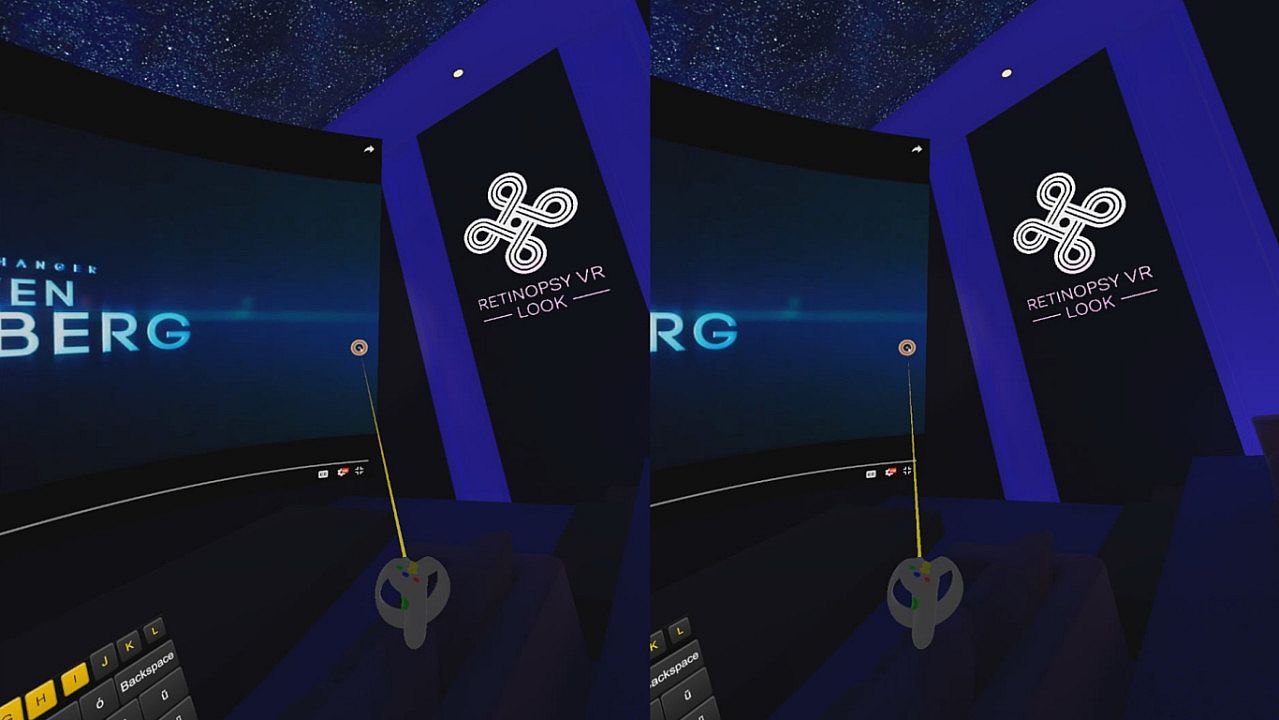
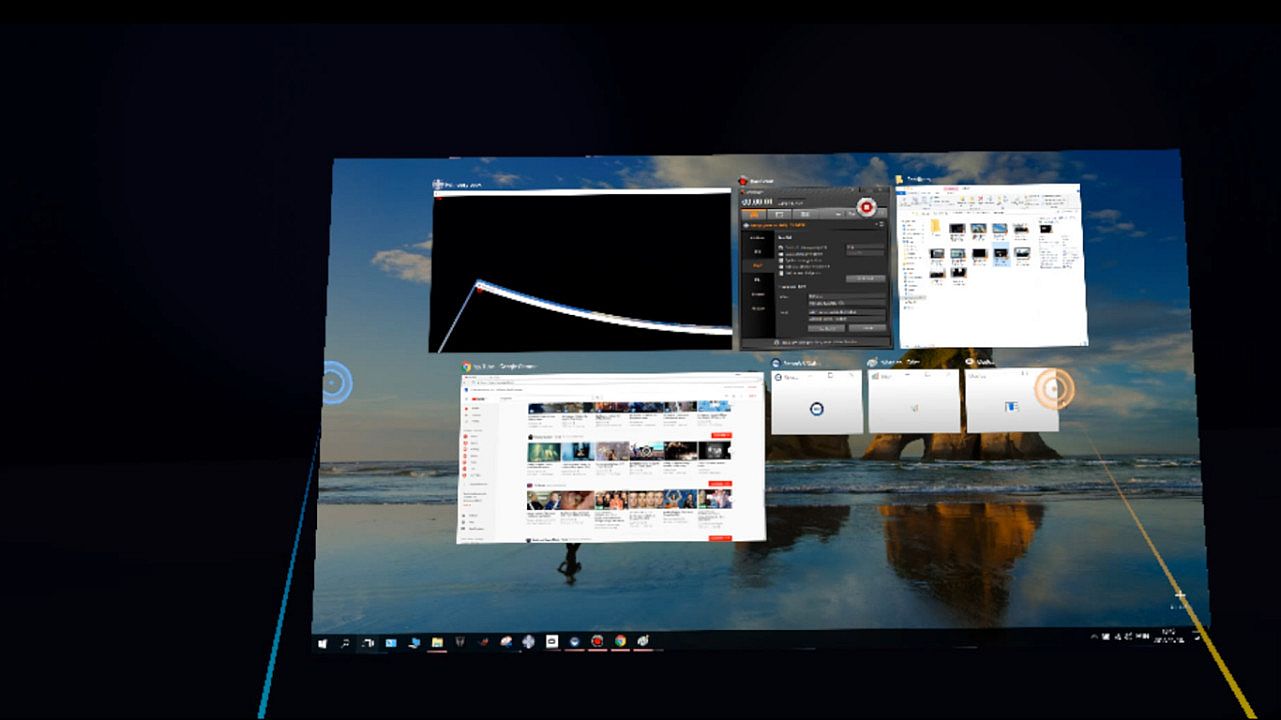
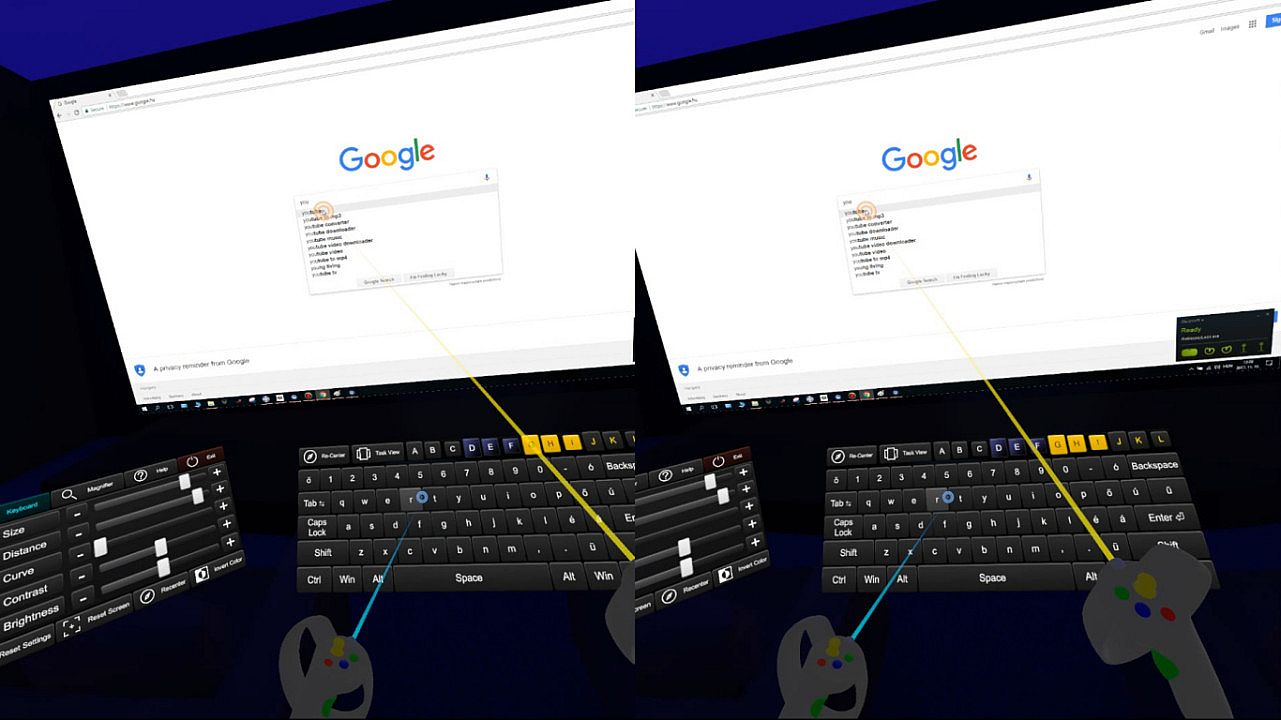
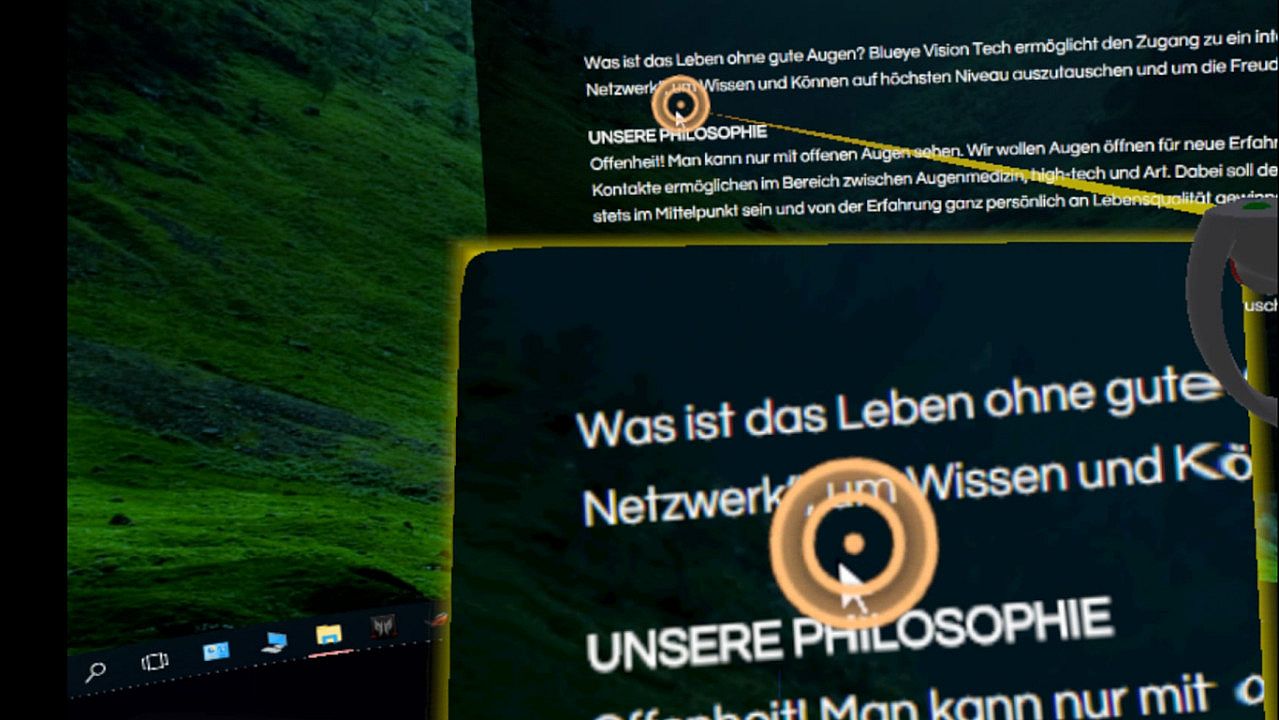
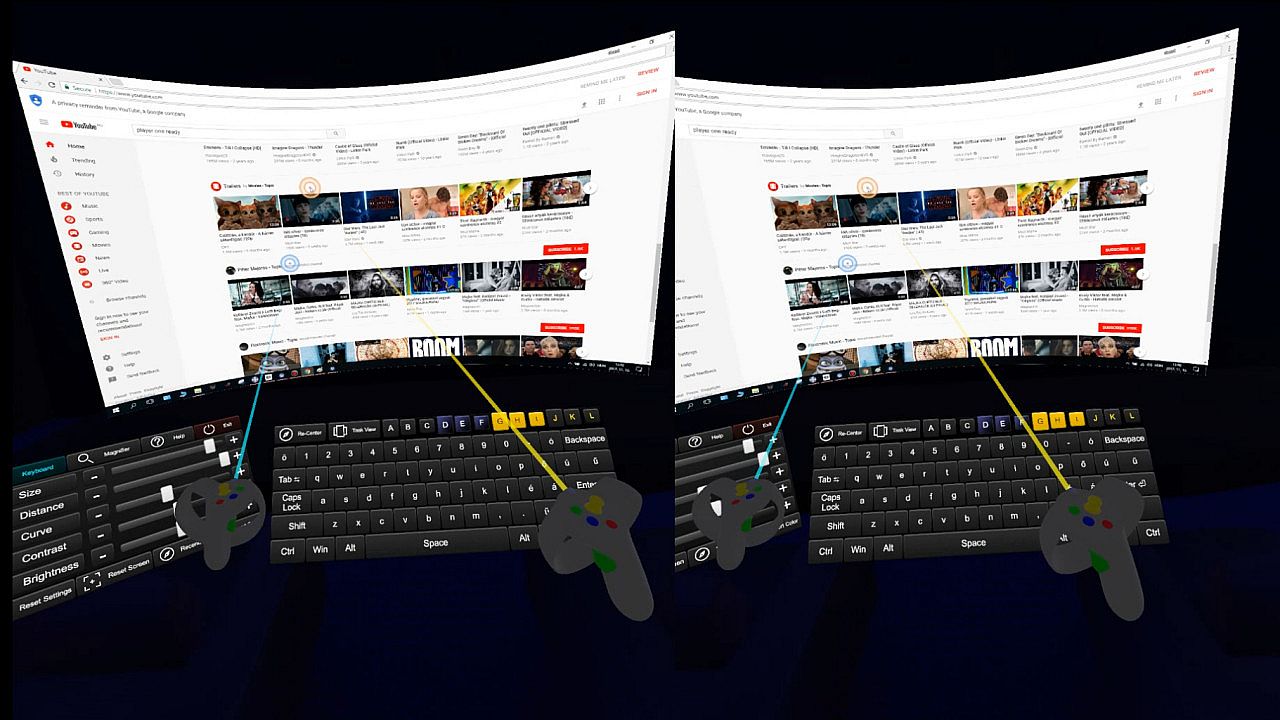
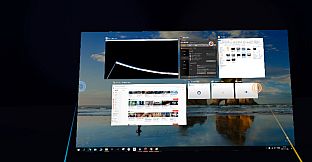
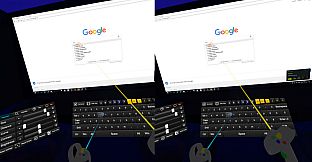
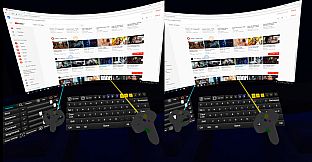
In Retinopsy VR - Look, the core experience revolves around a virtual cinema environment where users can access an enlarged version of their desktop screen. You interact with a virtual keyboard and a basic graphical interface, all optimized for VR headsets. Adjustments are key here, allowing you to modify the keyboard's size, key colors, and spacing to suit individual preferences. The virtual screen itself offers options to tweak its size, curvature, distance from the user, saturation, and brightness, ensuring a tailored setup. Controllers appear large and bright in the virtual space, and a magnifier lens lets you zoom in on specific areas instantly. This setup promotes accessibility, turning standard computing tasks into a more manageable and engaging process within VR.
Game Modes
Retinopsy VR - Look does not feature traditional game modes, as it functions more as a utility tool than a competitive or narrative-driven title. Instead, it provides a single, focused experience centered on desktop accessibility and customization in a virtual reality setting. Users enter the app to adjust and use their virtual workspace without distinct modes or levels, keeping the emphasis on practical utility for everyday tasks.
Features and Customization
One of the standout aspects of Retinopsy VR - Look is its extensive customization options, which cater to a wide range of user needs. The app supports major VR headsets like HTC Vive and Oculus Rift, with relatively low system requirements that make it accessible to more people. Beyond basic adjustments, the virtual environment includes a cinema-like atmosphere that enhances immersion, even for those without visual challenges. Developed in collaboration with ophthalmologist Dr. Peter Maloca, the app draws from real-world insights to support individuals facing eye-related difficulties, with plans for future enhancements in this area.
Is It Worth Playing?
For anyone with difficulties reading or viewing content on regular screens, Retinopsy VR - Look offers a practical solution that could restore independence in digital interactions. Its low-cost entry into a customizable VR workspace makes it appealing for accessibility-focused users, while healthy individuals might appreciate the immersive cinema experience for casual use. However, as the app remains in a pre-release state with no user reviews available yet, potential adopters should consider it for its specialized utility rather than broad entertainment value. If you value innovative VR tools for productivity, this could be a worthwhile addition once available.