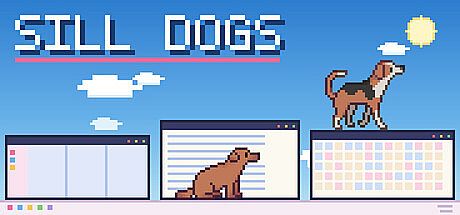


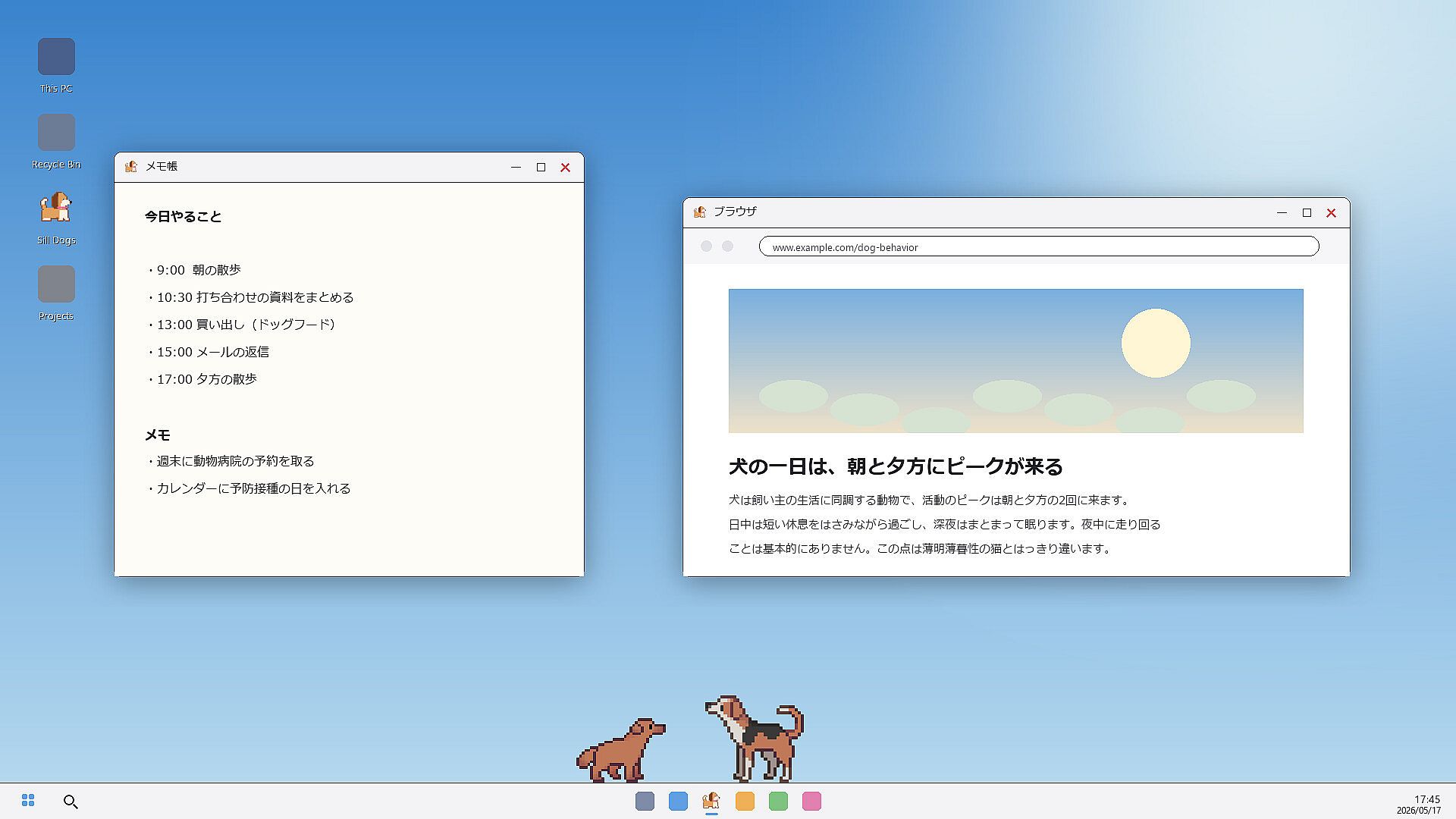
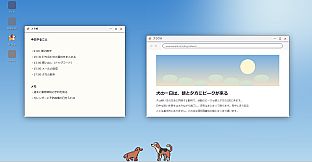
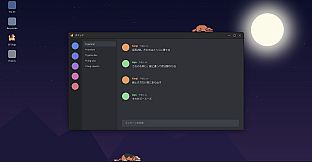
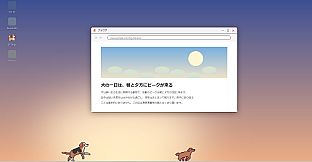
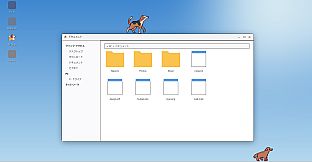
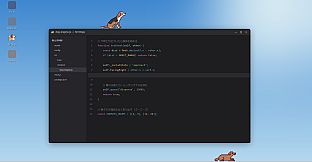
Sill Dogs is a free to play indie casual simulation that places animated dogs directly onto your PC desktop. These pets move across open application windows without being confined to a separate frame, creating a persistent companion experience during work or browsing sessions.
Gameplay
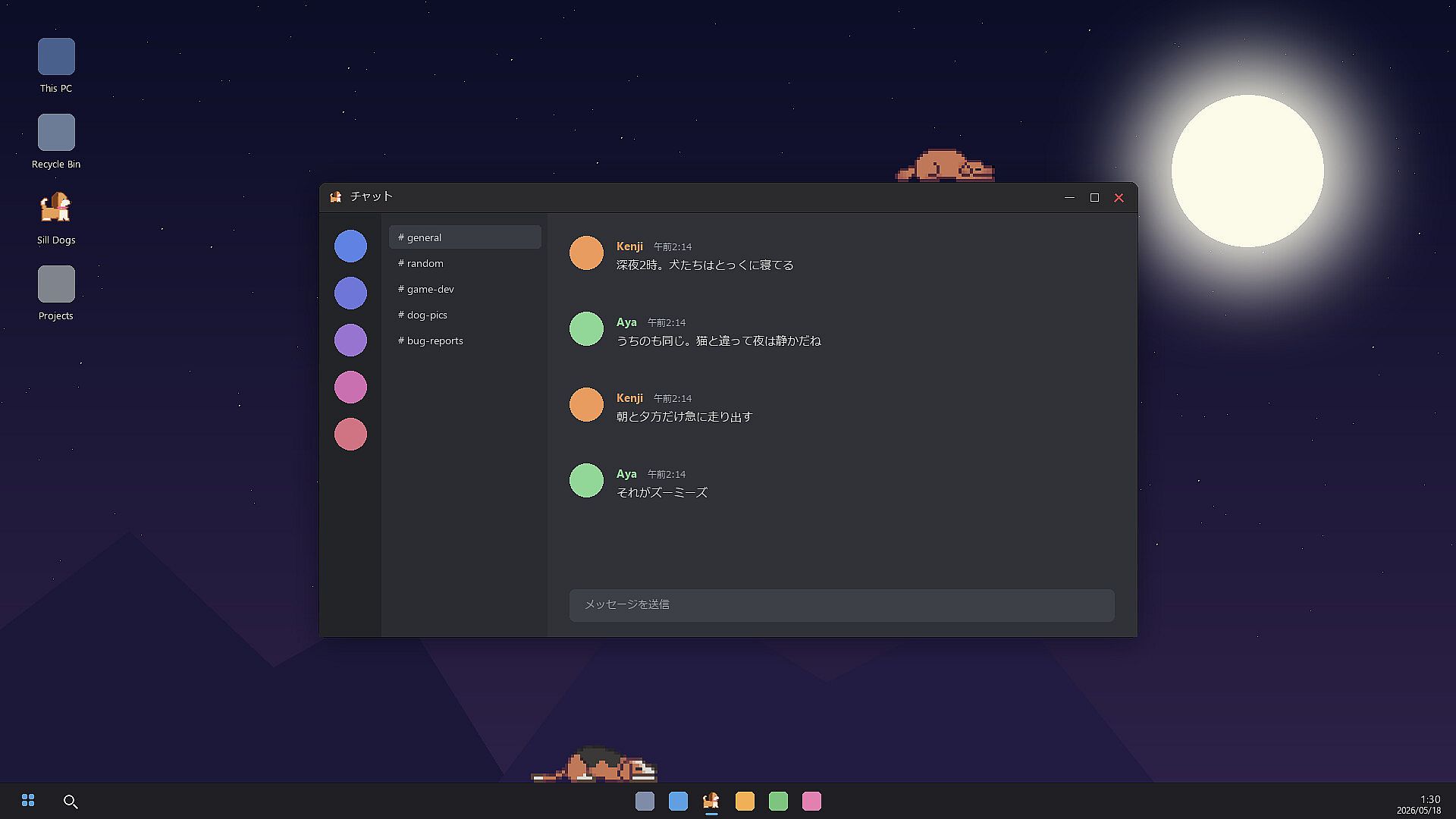
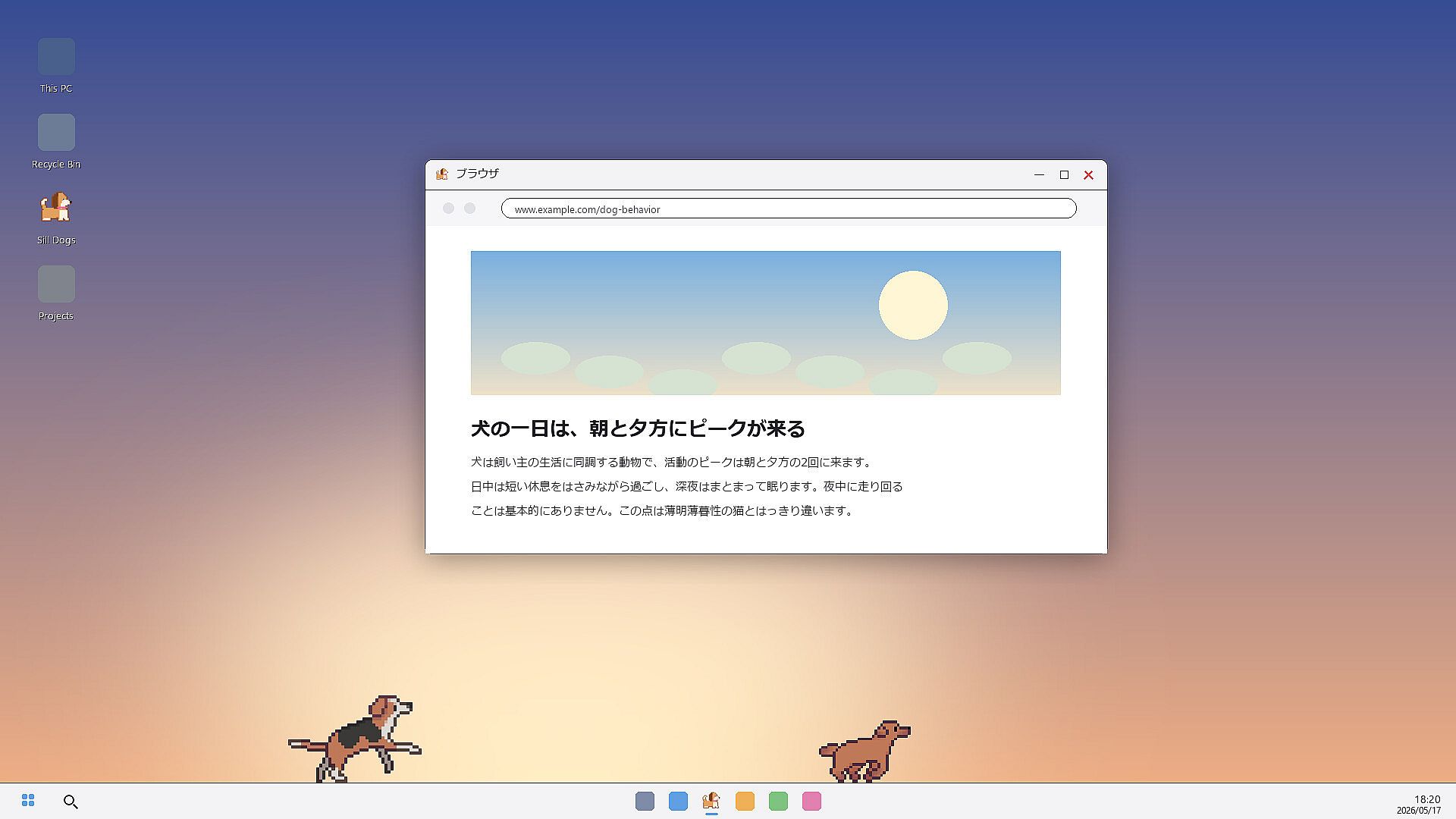
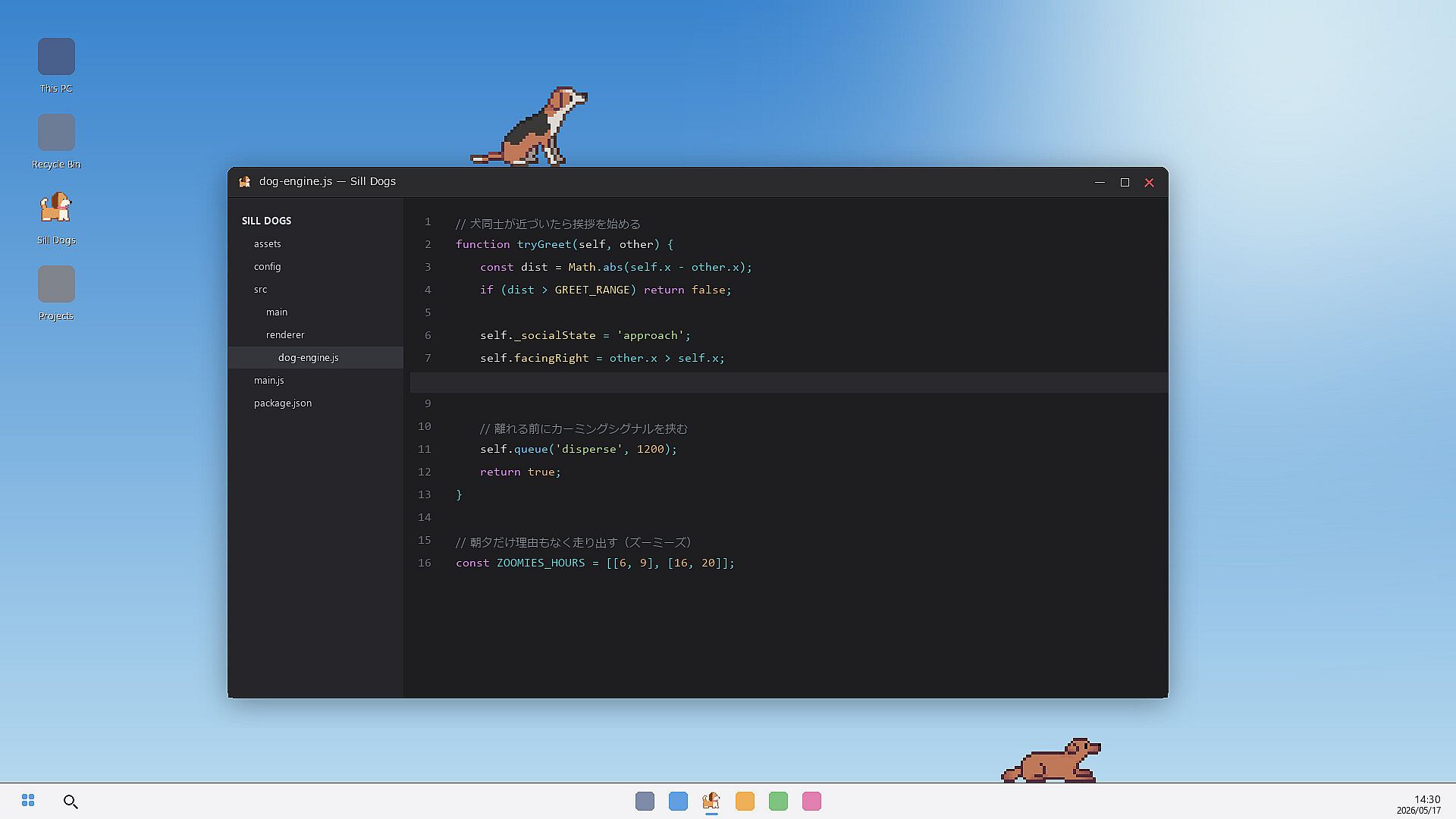
The core loop revolves around observing realistic dog behaviors that respond to the time of day and your desktop activity. Dogs follow daily rhythms with higher energy in mornings and evenings, shorter rests during daylight hours, and deep sleep late at night. They occasionally sprint at dawn or dusk without external triggers.
Emotions appear through varied tail movements. Wagging occurs while sitting, lying down, or during excitement, with intensity changing based on context such as reunions or play. The pixel art sprites, created by artist girlypixels for each breed, support these distinct animations without modification.
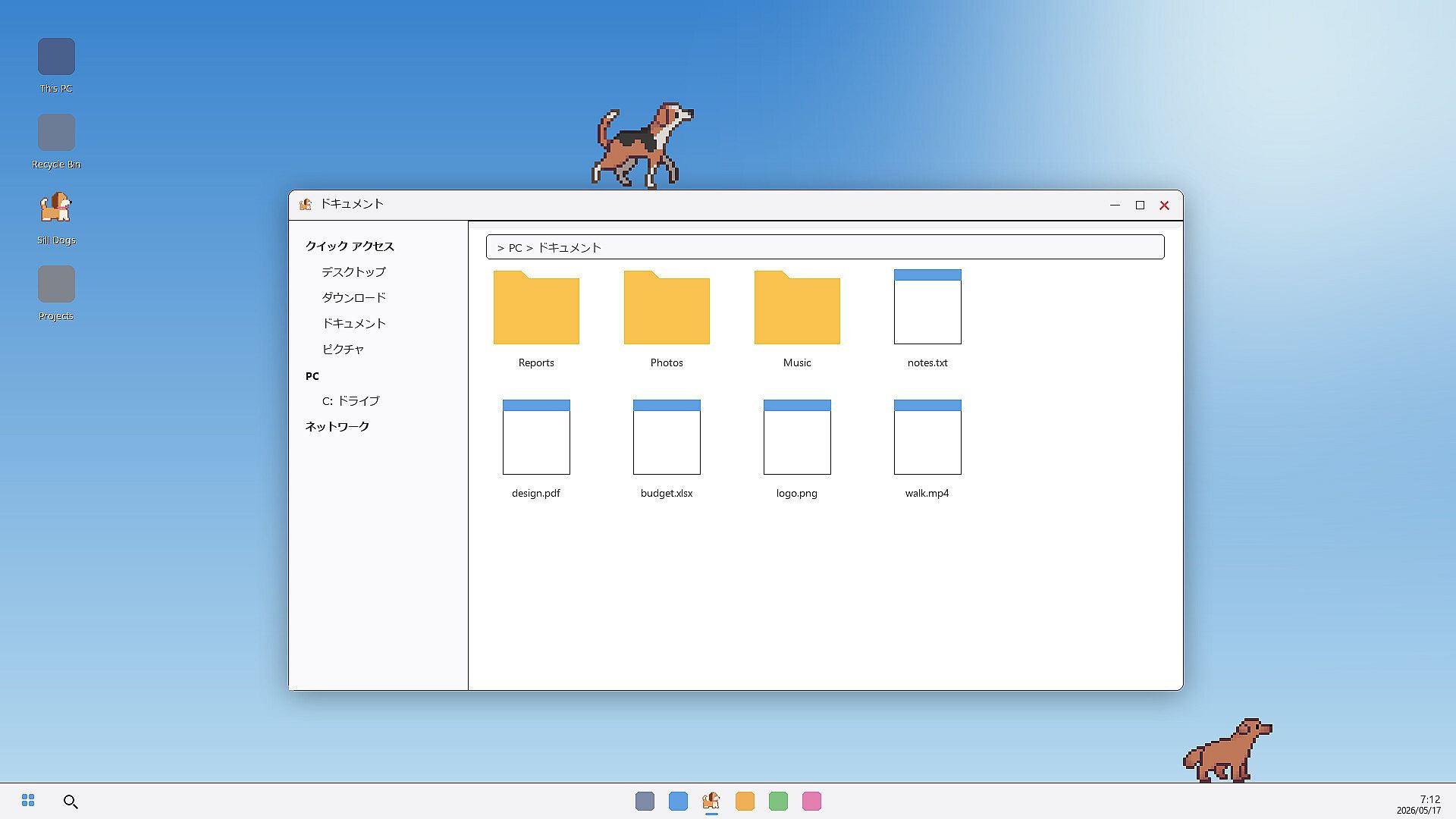
Dogs treat open windows as interactive surfaces. They walk along edges, jump between them, and climb back up, turning your current desktop layout into their environment. Adjustable settings control cursor reactions and click responses at levels from off to strong, with a default weak setting that minimizes interference during focused tasks. Additional options hide dogs during full-screen applications or videos and let users select screen placement, dog size, and the number of active pets.
Game Modes
No traditional competitive or story-driven modes exist. The experience functions as a continuous background simulation where one or two dogs remain active at once. With two dogs present, they detect each other, approach, greet, and engage in chase sequences that unfold naturally across the screen.
Free access covers two base breeds and the core interaction systems. Paid DLC expands breed variety and introduces optional toys, while a separate free toy pack provides additional items without cost. No support for three or more dogs appears in the current version.
Customization and Controls
Management happens through the system tray icon or an on-screen bone-shaped menu. Right-clicking the notification area icon opens options for breed changes, dog count, screen selection, auto-start preferences, and full settings. The same menu allows quitting the app entirely.
Reaction sliders let users fine-tune how dogs respond to mouse movement or clicks. These adjustments help maintain productivity by preventing unwanted approaches during intensive work periods. Dog size and multi-monitor support further tailor the setup to individual hardware and preferences.
Is It Worth Playing?
Sill Dogs suits users seeking a low-maintenance desktop companion rather than active gameplay. The free base version delivers the full core experience with two dogs and time-sensitive behaviors, making it accessible for anyone curious about persistent pixel pets. Those who enjoy watching subtle animations and natural interactions will find value in the detailed tail expressions and window-based movement.
Players who prefer more breeds or extra toys can purchase DLC to extend the collection. The app runs quietly in the background with minimal system demands and includes clear options to reduce distractions. Its design appeals to individuals who want occasional visual interest on screen without requiring direct input or progress tracking.
Reception for the similar Sill Cats app shows strong positive feedback for its charming animations and accurate pet mannerisms. Sill Dogs follows the same approach with dog-specific routines that avoid nighttime activity spikes common in other pet simulations. This makes it particularly suitable for work-focused environments where a calm presence adds personality without disruption.