








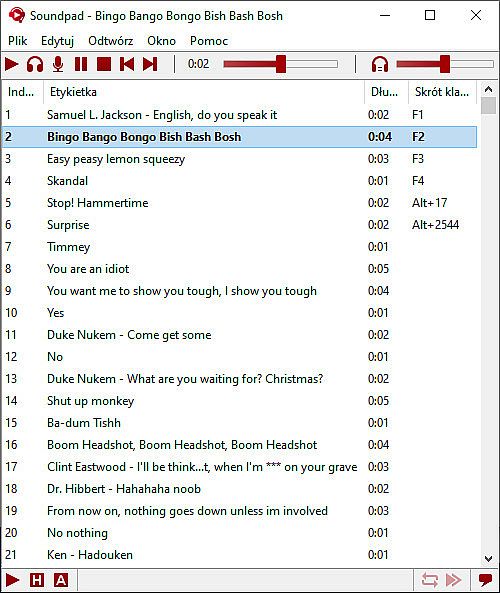
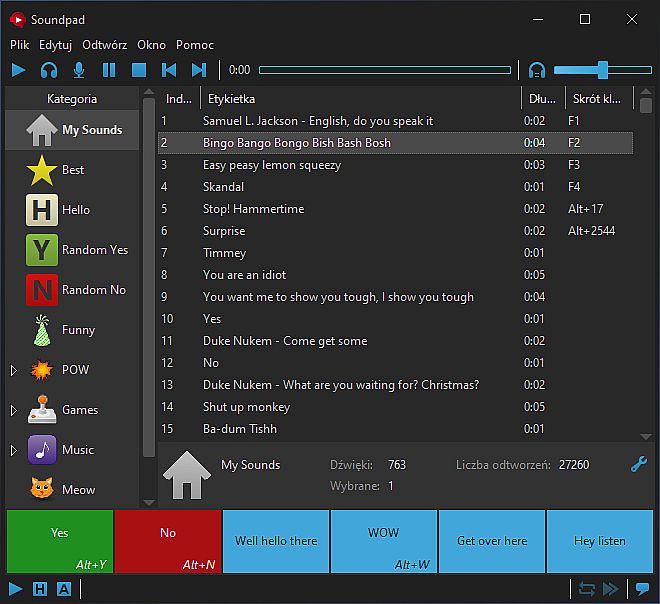
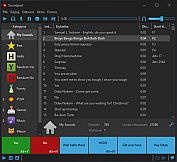
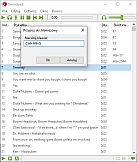
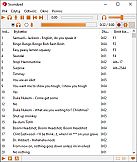
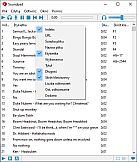
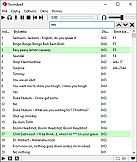
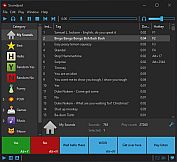
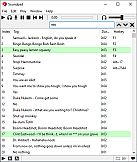
Soundpad is a soundboard utility for PC that lets users play audio clips and music in voice chats with high digital quality. Designed for gamers, content creators, and anyone who enjoys adding sound effects to conversations, this tool integrates seamlessly with popular voice applications and games. Whether you're coordinating in a multiplayer match or just having fun with friends, Soundpad turns your microphone into a dynamic audio mixer.
Gameplay
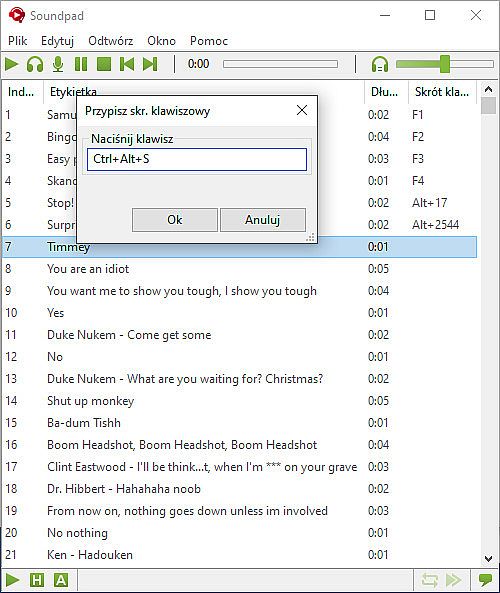
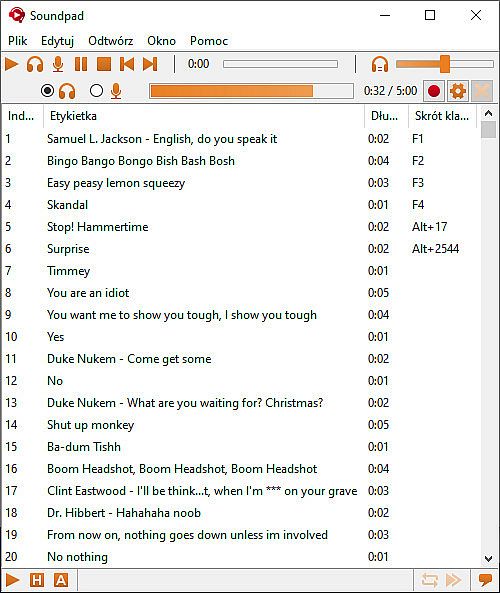
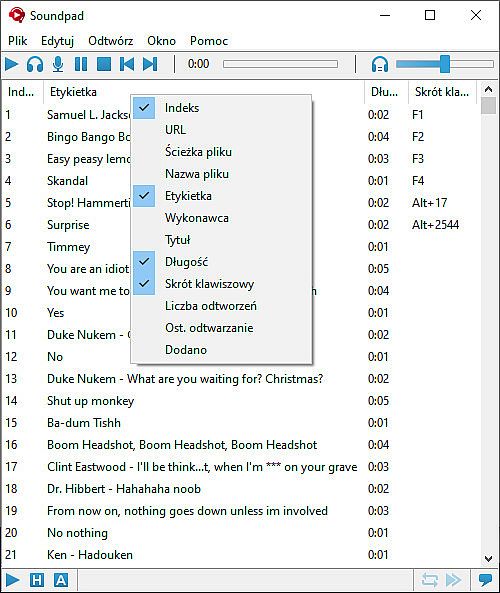
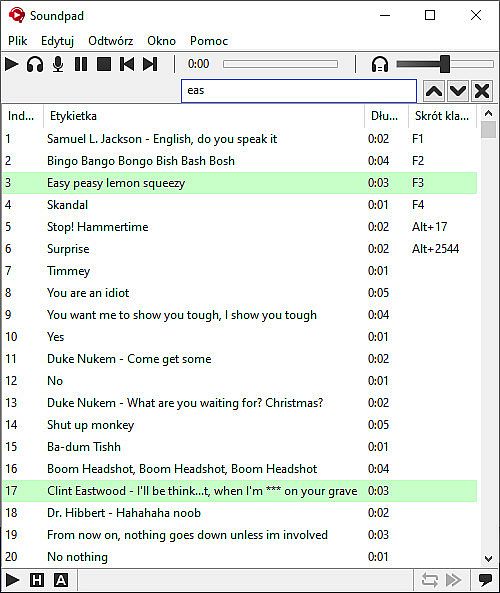
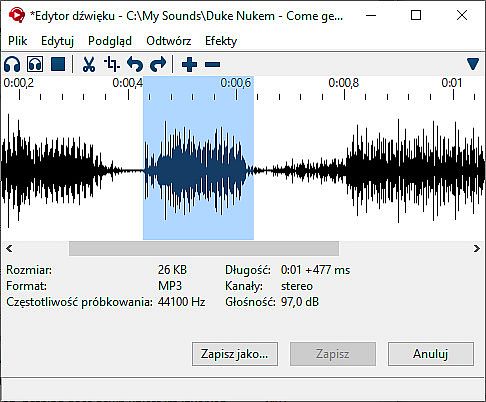
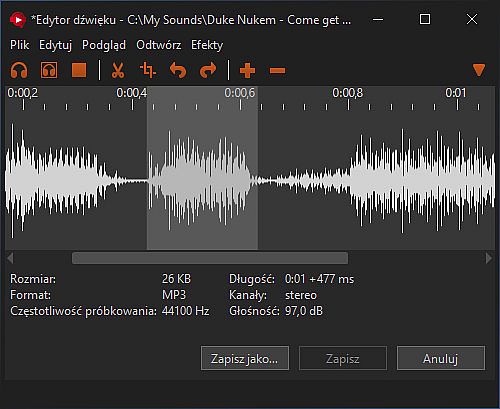
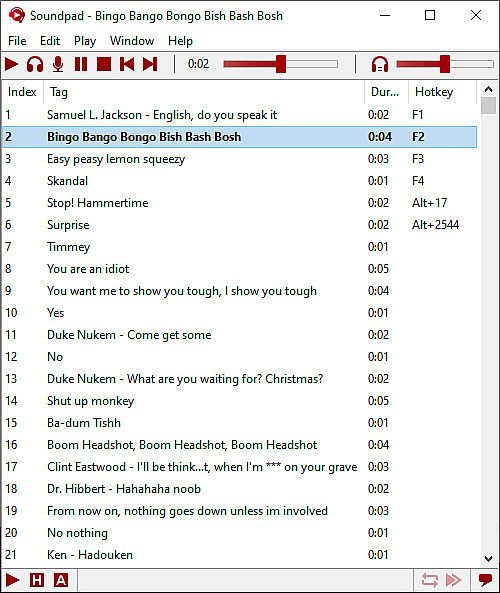
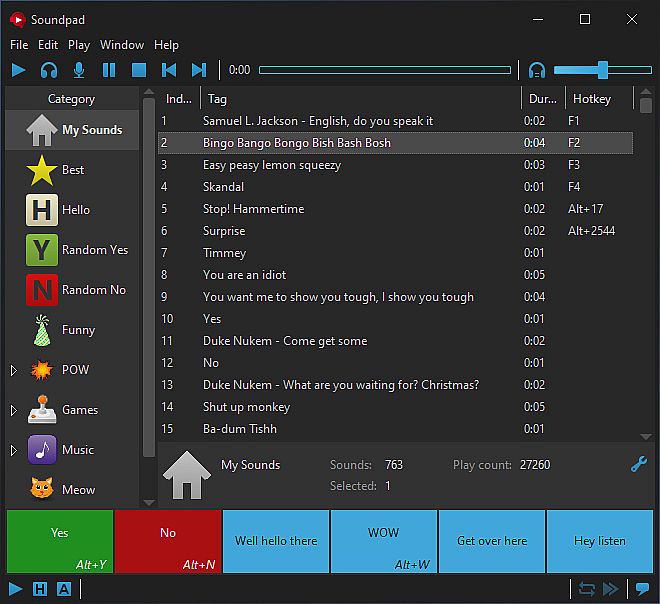
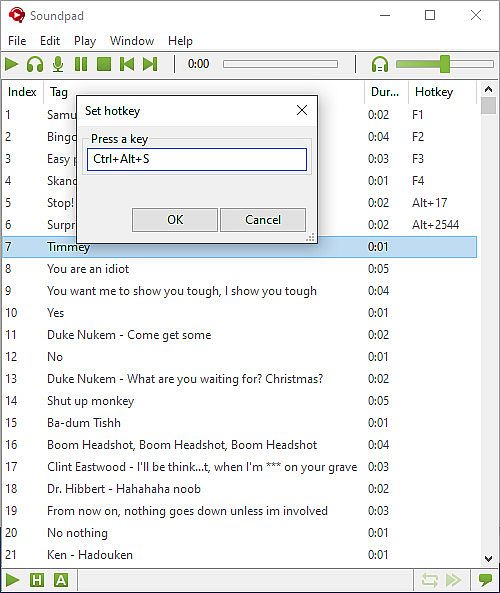
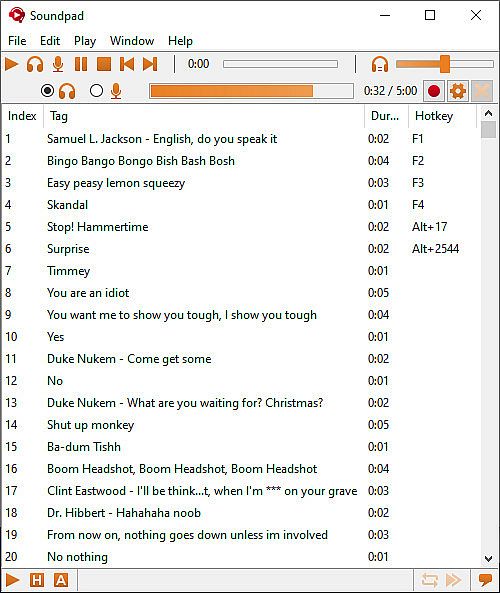
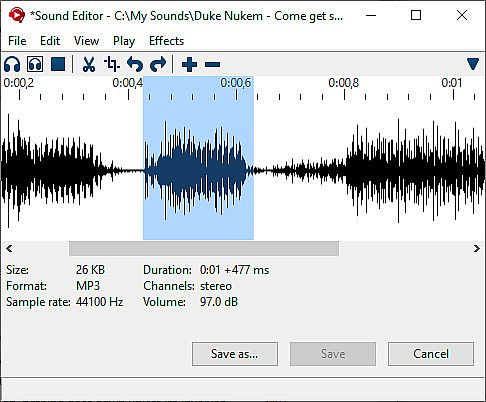
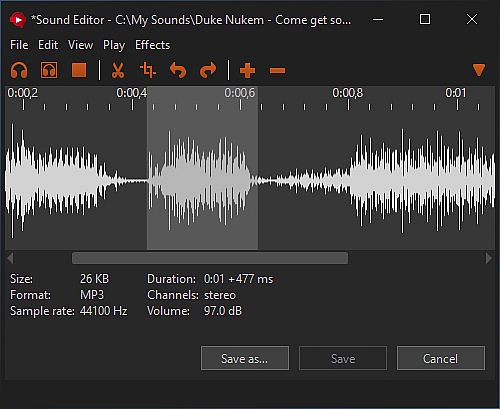
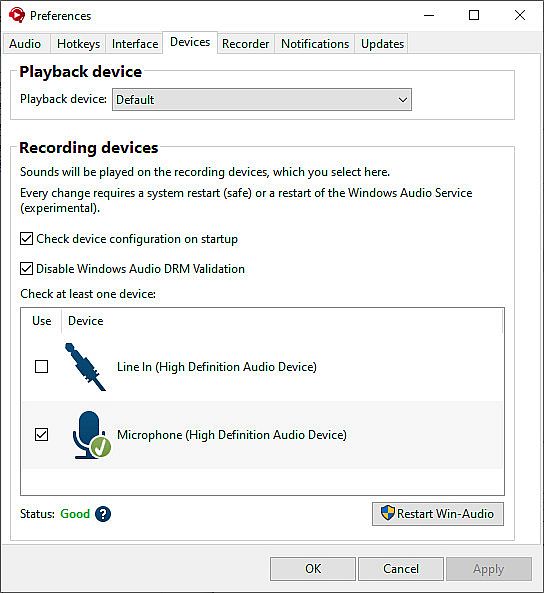
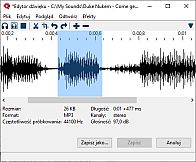
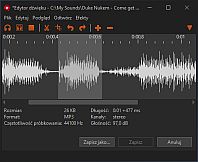
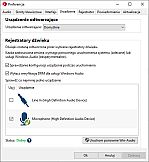
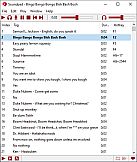
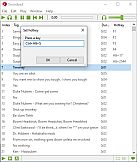
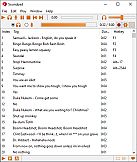
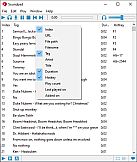
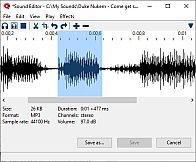
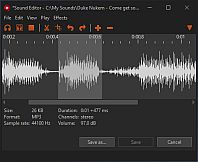
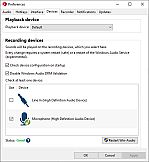
At its core, Soundpad functions by extending your default recording device, typically your microphone, to include playback of sound files. Users can load various audio formats such as MP3, WAV, FLAC, and OGG into the software, then assign hotkeys to trigger them instantly. This setup allows sounds to mix with your voice output, so everyone in the chat hears them clearly. The built-in recorder captures audio from your system, while the editor provides tools to trim clips quickly. Volume normalization ensures consistent levels across files, matching them to your speaking volume for a balanced experience. Hotkeys work across applications, making it straightforward to deploy sounds during intense gaming sessions or casual talks.
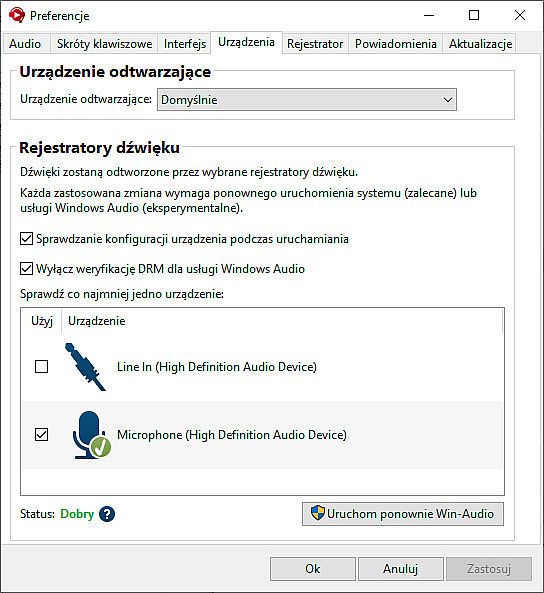
Integration happens without extra hardware; the software routes audio through your existing setup. For instance, in a team-based shooter, you might play a victory sound after a win, or in a group call, insert a funny clip to lighten the mood. The process involves minimal configuration, focusing on quick access and reliable playback to keep interactions engaging.
Game Modes
Soundpad supports a range of applications rather than traditional game modes, adapting to different voice chat environments. It works in dedicated voice programs like Discord, Teamspeak, Mumble, and Skype, where users can share sounds during discussions or streams. In multiplayer titles such as Dota 2, CS:GO, or PUBG, the tool enhances communication by adding audio cues directly into in-game voice channels.
Additionally, it serves creative purposes beyond gaming, like managing sound effects for tabletop RPG sessions to build atmosphere. The recording and editing features act as standalone tools for capturing and refining audio, useful for producing custom sound libraries. These versatile uses make Soundpad flexible for both entertainment and productivity in audio production contexts.
Key Features and Updates
Soundpad includes practical tools like an integrated sound recorder that grabs what you hear on your system, paired with an editor for fast cuts and adjustments. Supported file types cover AAC, M4A, MP3, OGG, OPUS, WAV, and WMA, giving users broad compatibility. The volume normalization feature automatically levels out discrepancies in file loudness, ensuring smooth integration with your voice.
- Hotkey assignments for instant playback
- Easy setup without additional devices
- High-quality digital audio output
As of early 2026, the software maintains active development, with stable performance and a growing user base. Recent player counts show averages around 13,000 to 14,000 concurrent users, indicating ongoing popularity and community support.
Is It Worth Playing?
Soundpad holds an overwhelmingly positive reception, backed by over 27,000 reviews on its platform, with about 95% positive feedback. This reflects its reliability and fun factor for users who value audio enhancements in voice chats. With concurrent player numbers staying steady in the low teens of thousands and a peak of over 40,000 in the past year, it demonstrates sustained interest.
If you frequently participate in voice-based gaming or online meetings and want to inject humor or effects without complicated setups, Soundpad delivers value. A free demo lets you test core functions before committing, making it accessible for newcomers. For those into audio production or creative sound use, its tools provide solid utility, though it might not suit users seeking advanced editing software. Overall, its ease and integration make it a strong choice for enhancing social interactions through sound.