




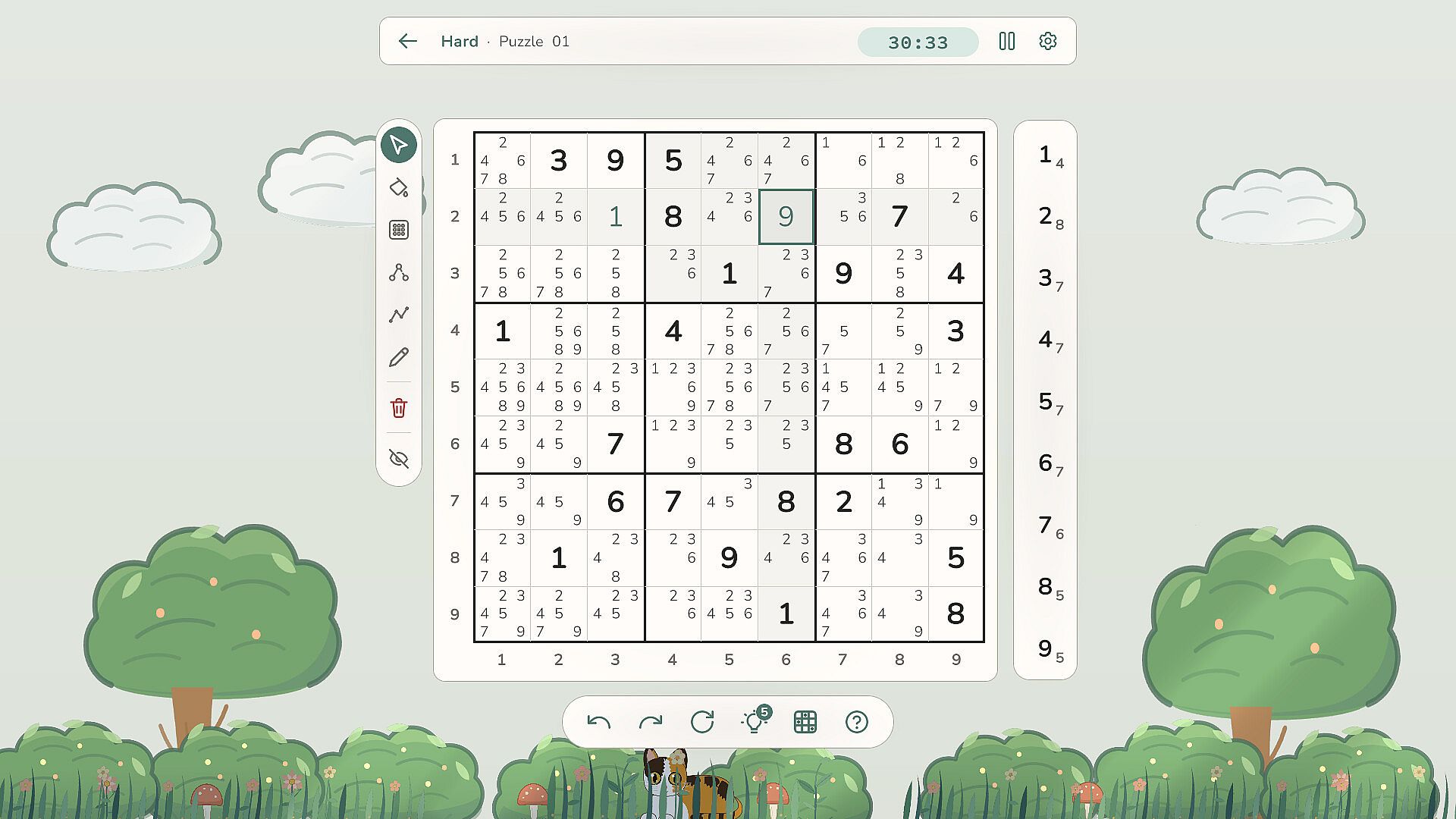
Sudoku is a casual indie puzzle game developed for PC that focuses on solving classic number placement challenges. Players work through a collection of 100 puzzles that span difficulty levels from Easy to Master, using tools to mark possibilities and trace logical steps without any requirement for an internet connection.
Gameplay
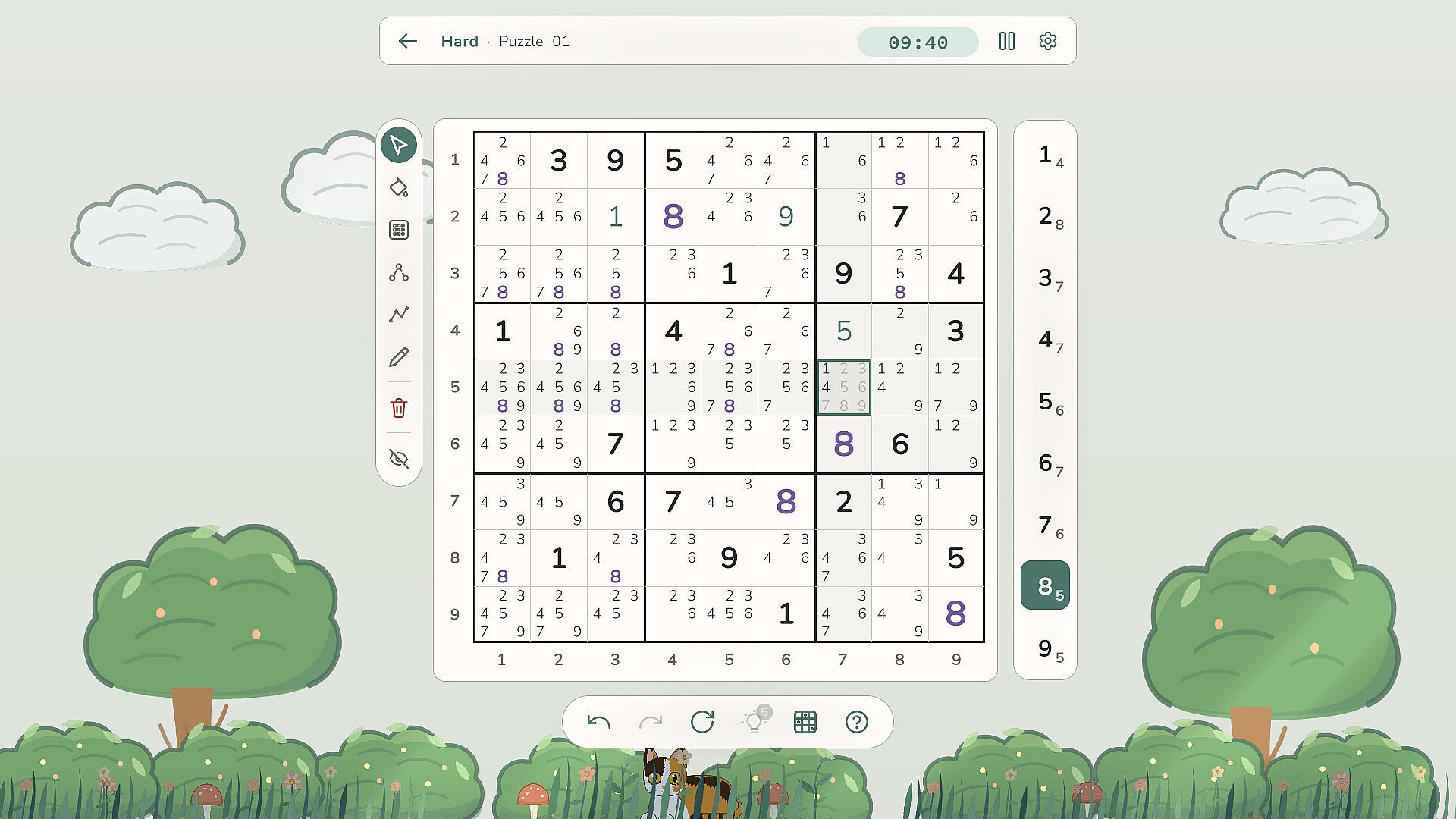
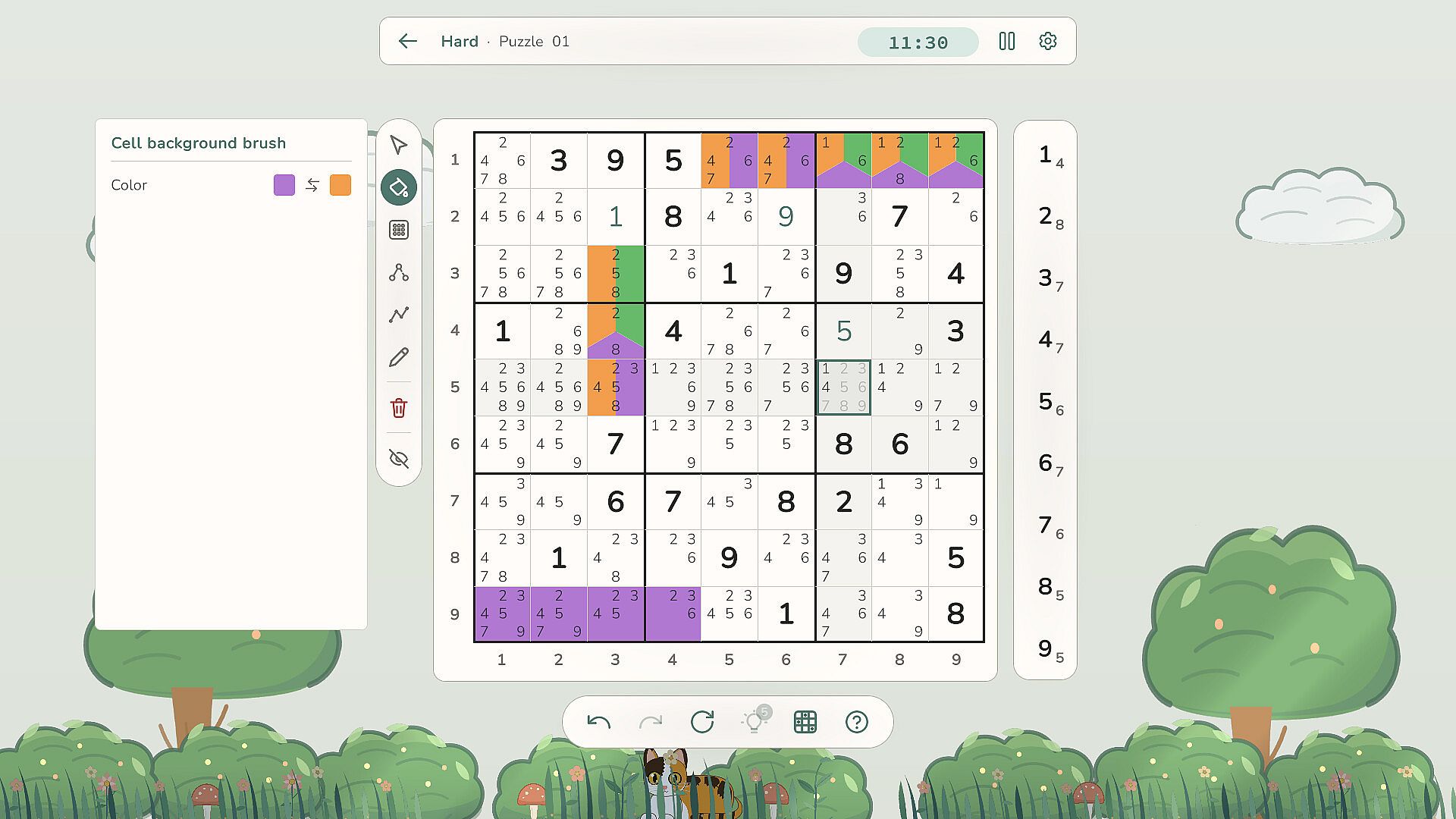
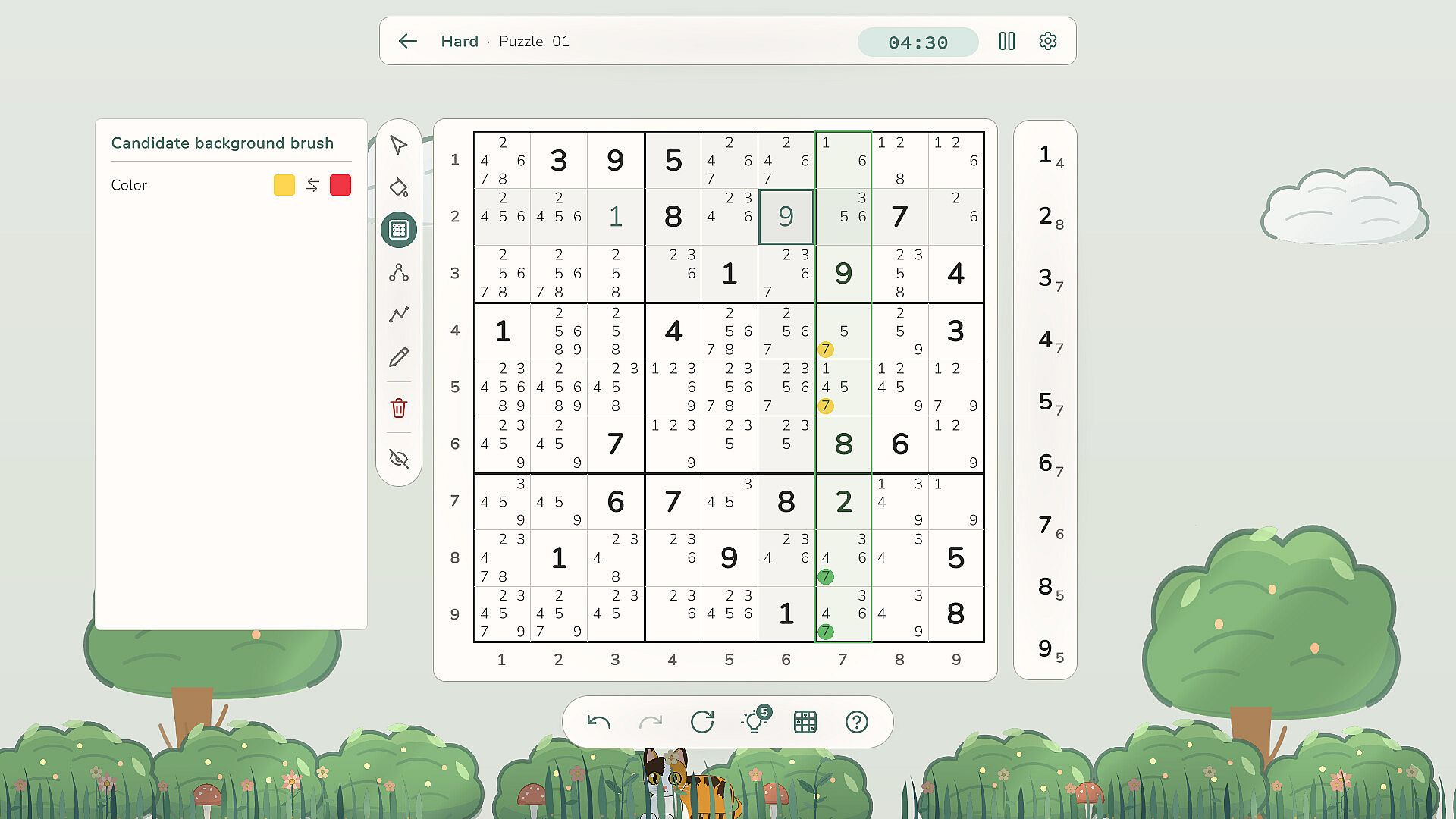
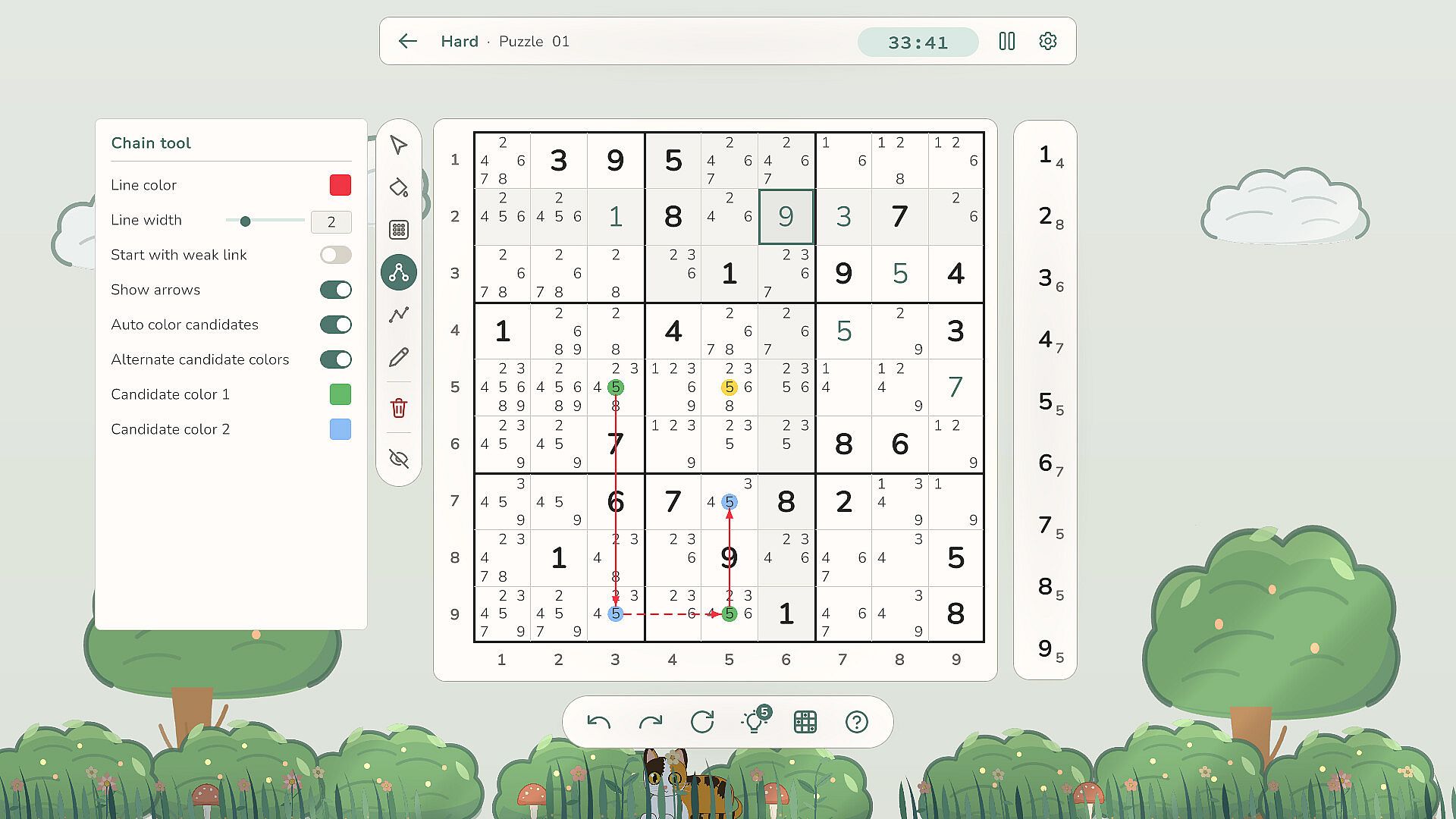
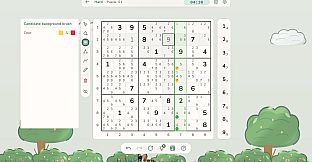
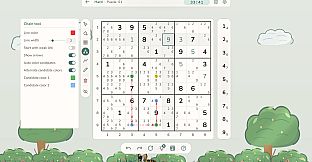
The core loop centers on filling a 9x9 grid so that each row, column, and 3x3 box contains the numbers 1 through 9 exactly once. Puzzles begin with some cells pre-filled, and the player enters numbers into the empty spaces while tracking potential candidates. Color coding helps distinguish cells and candidate lists, while freehand drawing allows lines and chains to map out advanced solving patterns such as naked pairs or X-wings. Conflict detection automatically highlights any duplicate numbers placed in the same row, column, or box, preventing simple errors from going unnoticed. An optional auto-candidates feature populates every empty cell with possible numbers at the start and removes them as entries are made. Five verification checks are available per puzzle to confirm whether a placed number is correct, and full undo and redo support lets players backtrack without penalty. Progress saves automatically, so sessions can be paused and resumed at any time. Input works with either mouse clicks or keyboard shortcuts for efficient play.
Game Modes
The game operates as a single continuous puzzle experience rather than separate modes. Difficulty scales across the 100 included puzzles from straightforward Easy grids to demanding Master challenges that require advanced techniques. Players can also load their own custom Sudoku grids or request randomly generated ones, extending the available content beyond the preset set. All activity remains offline with no additional modes or online components present.
Controls and Accessibility
Input flexibility stands out as a practical strength. Mouse placement works for quick selections, while keyboard entry speeds up number input for experienced solvers. The drawing tools integrate directly with the grid, letting users sketch reasoning steps that remain visible until erased. Highlighting of matching numbers across the board further aids pattern recognition during longer solves. These options keep the focus on logical deduction without unnecessary interface friction.
Is It Worth Playing?
This title suits players who enjoy traditional Sudoku and want a distraction-free environment with helpful visualization aids. The offline design, absence of advertisements, and lack of in-app purchases remove common interruptions found in mobile puzzle apps. Custom puzzle support and random generation add replay value for those who exhaust the initial 100 grids. The combination of conflict detection, candidate automation, and verification checks supports both beginners learning the rules and advanced solvers refining techniques. Anyone seeking a straightforward, self-contained Sudoku experience on PC will find the feature set aligned with that goal.