

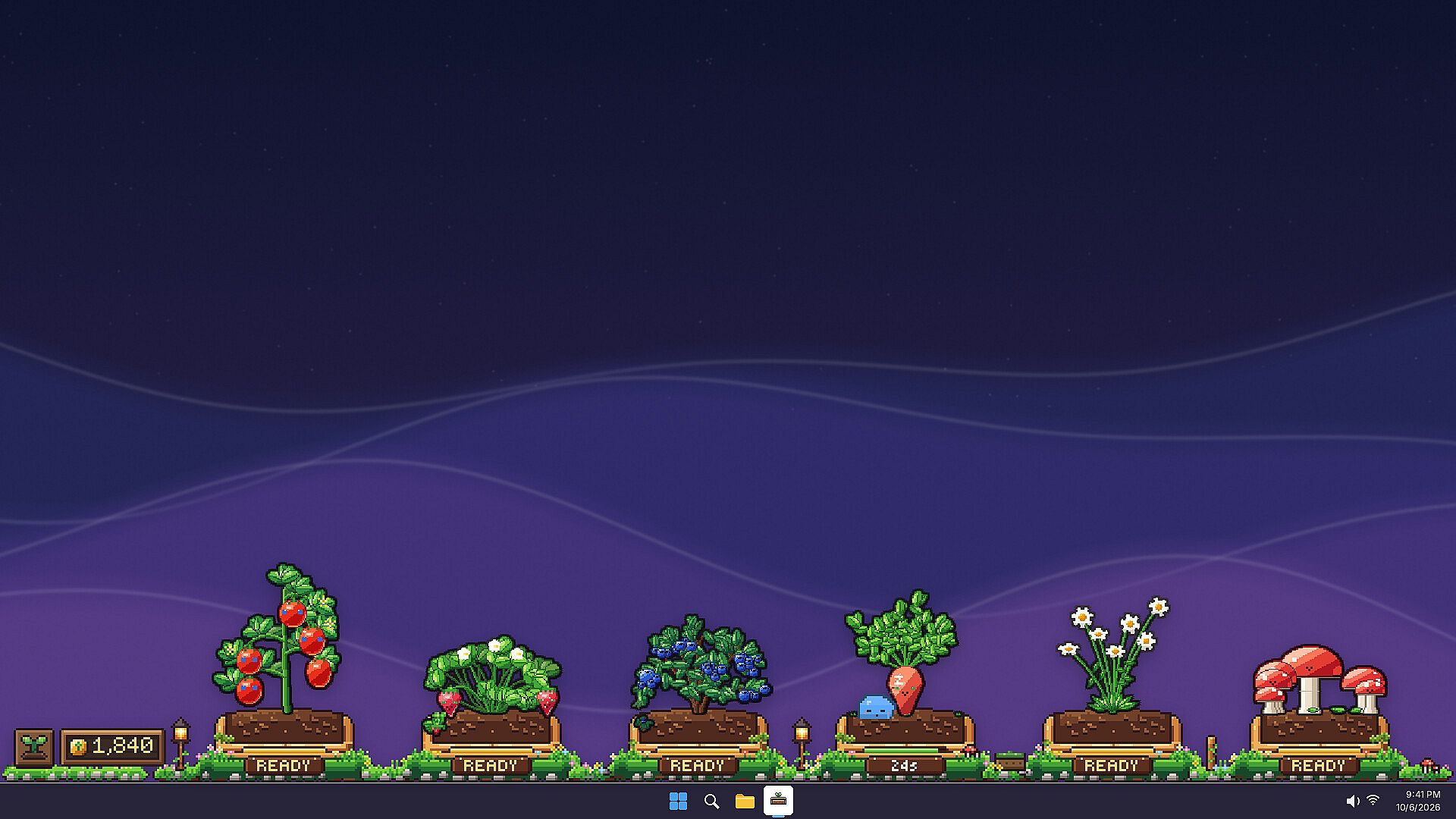
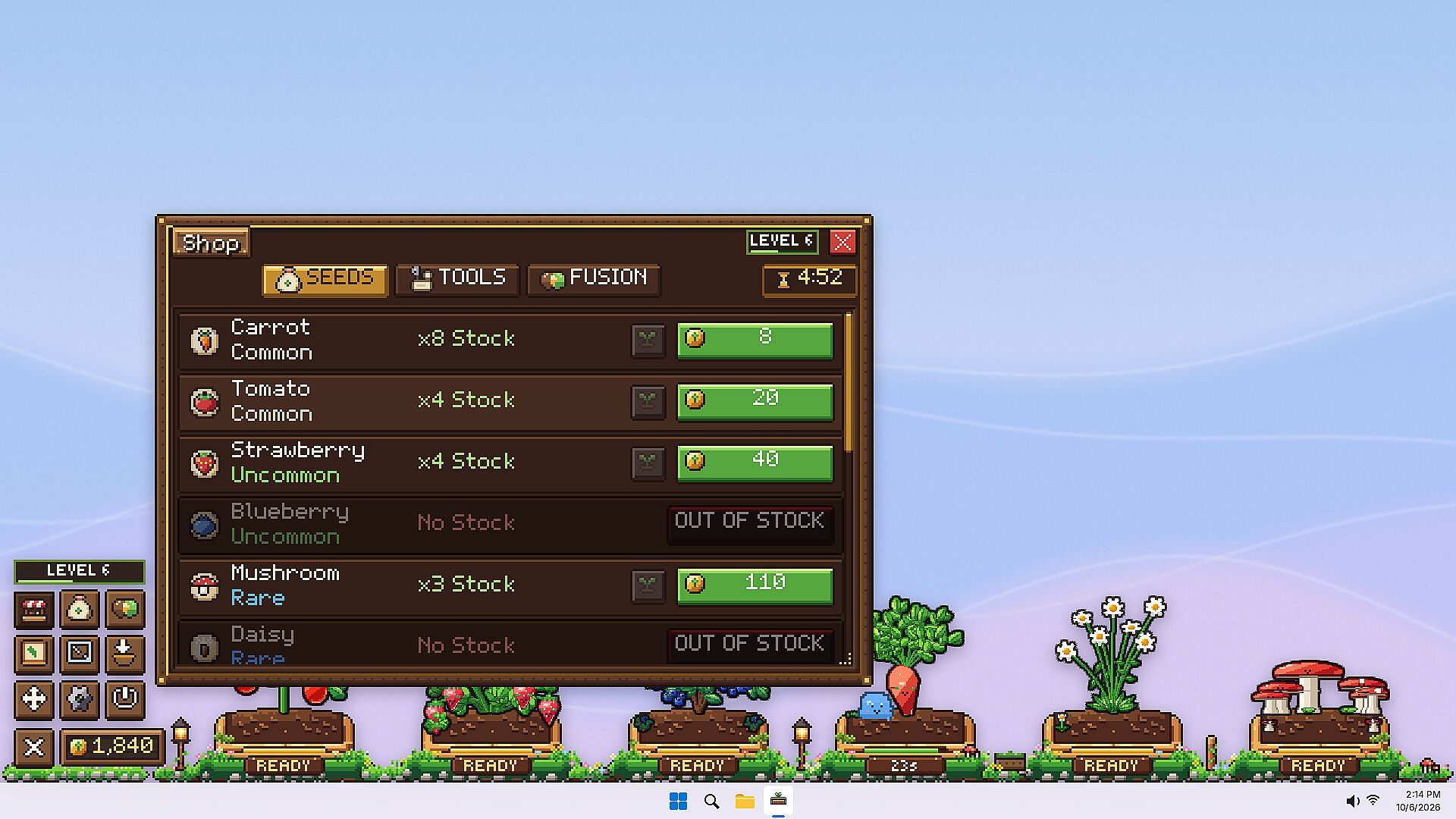
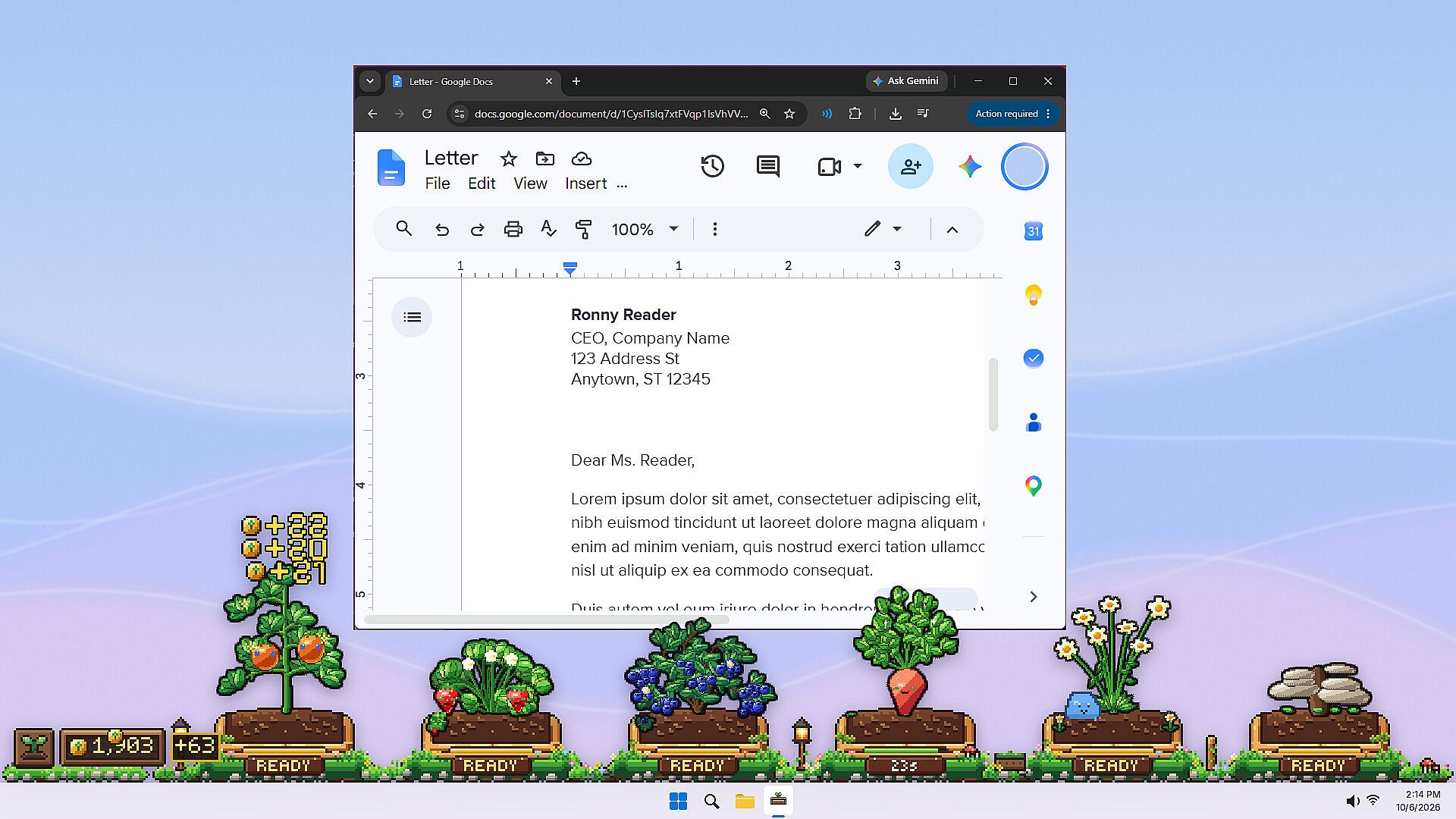
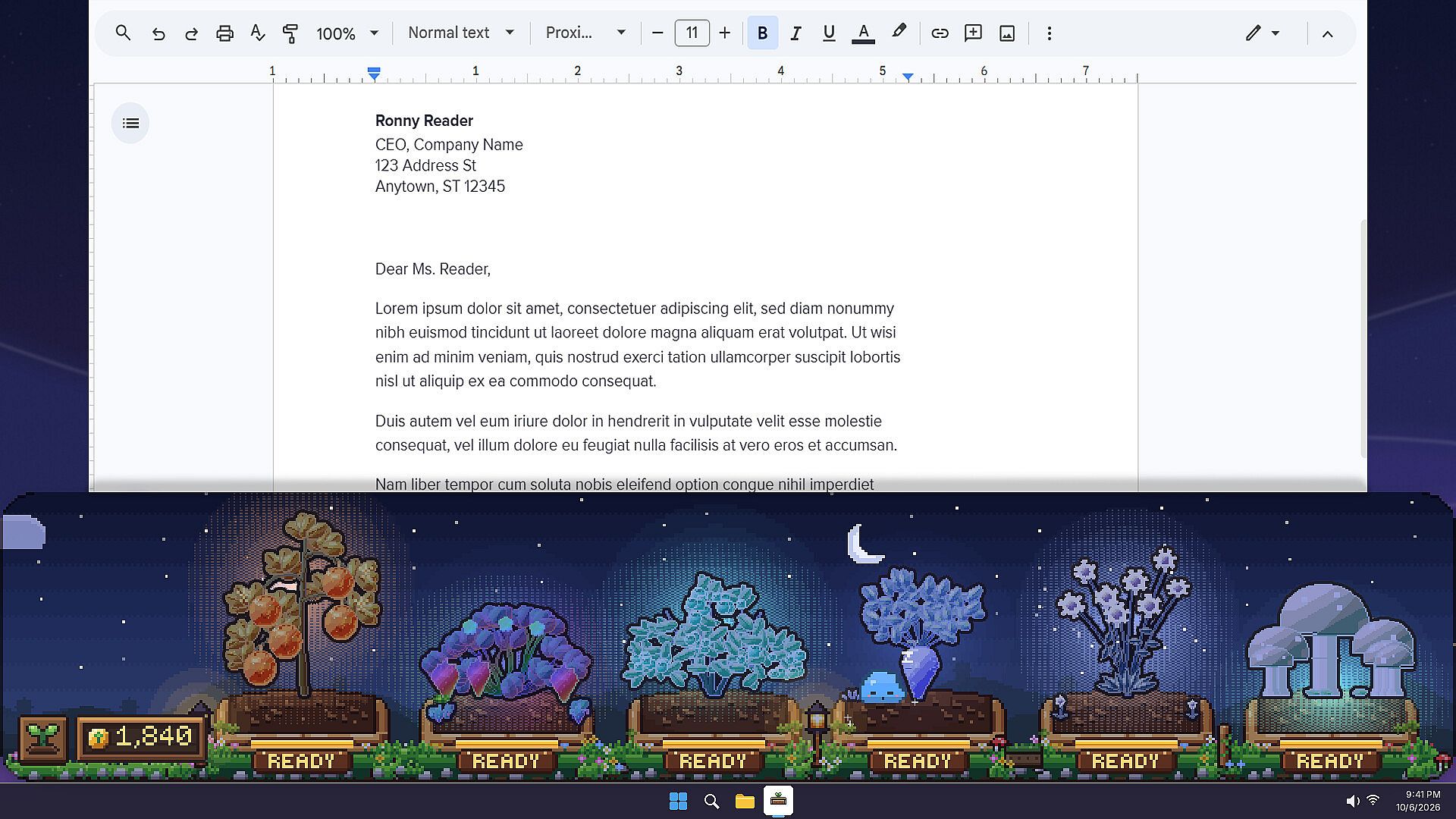
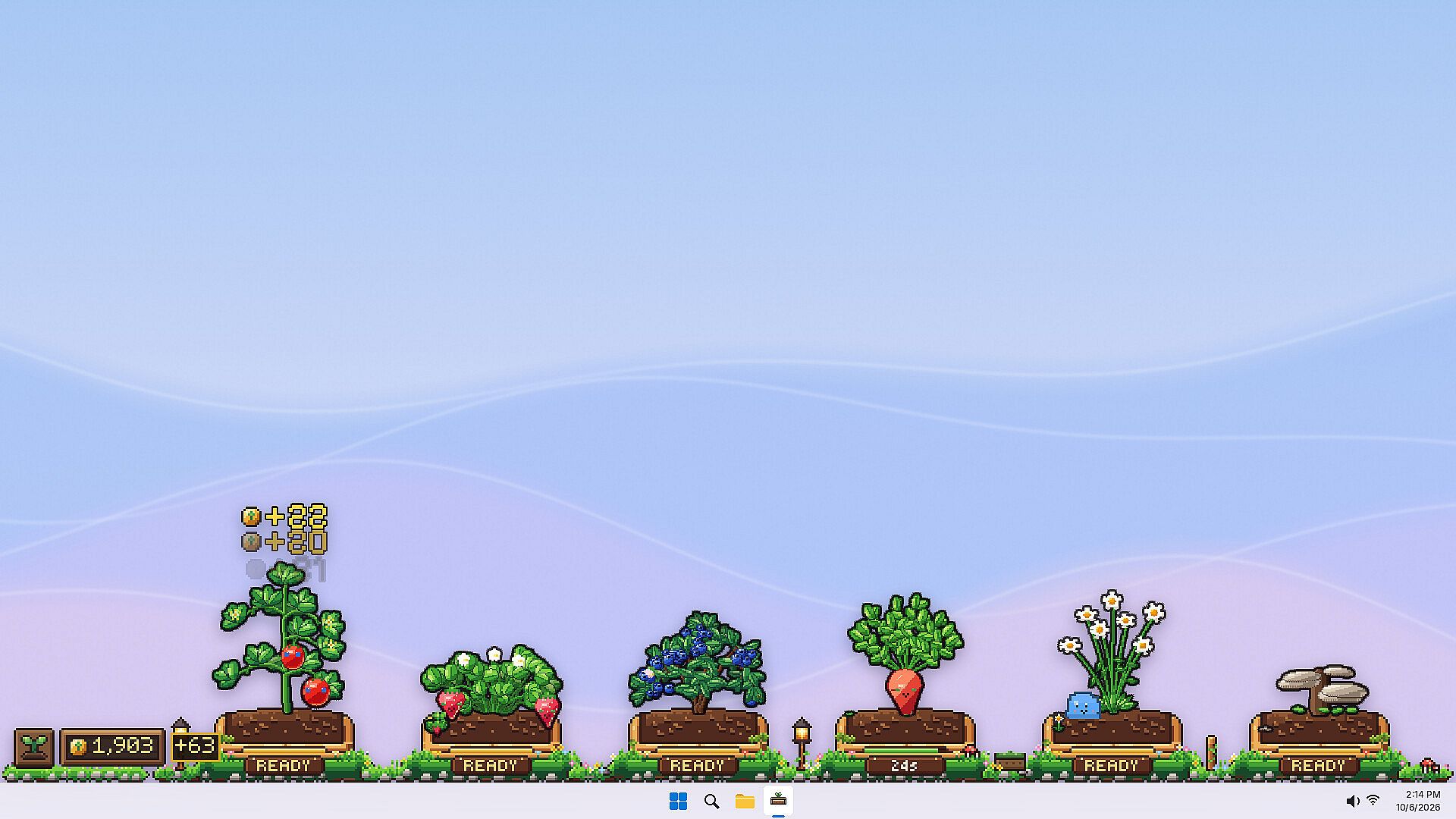
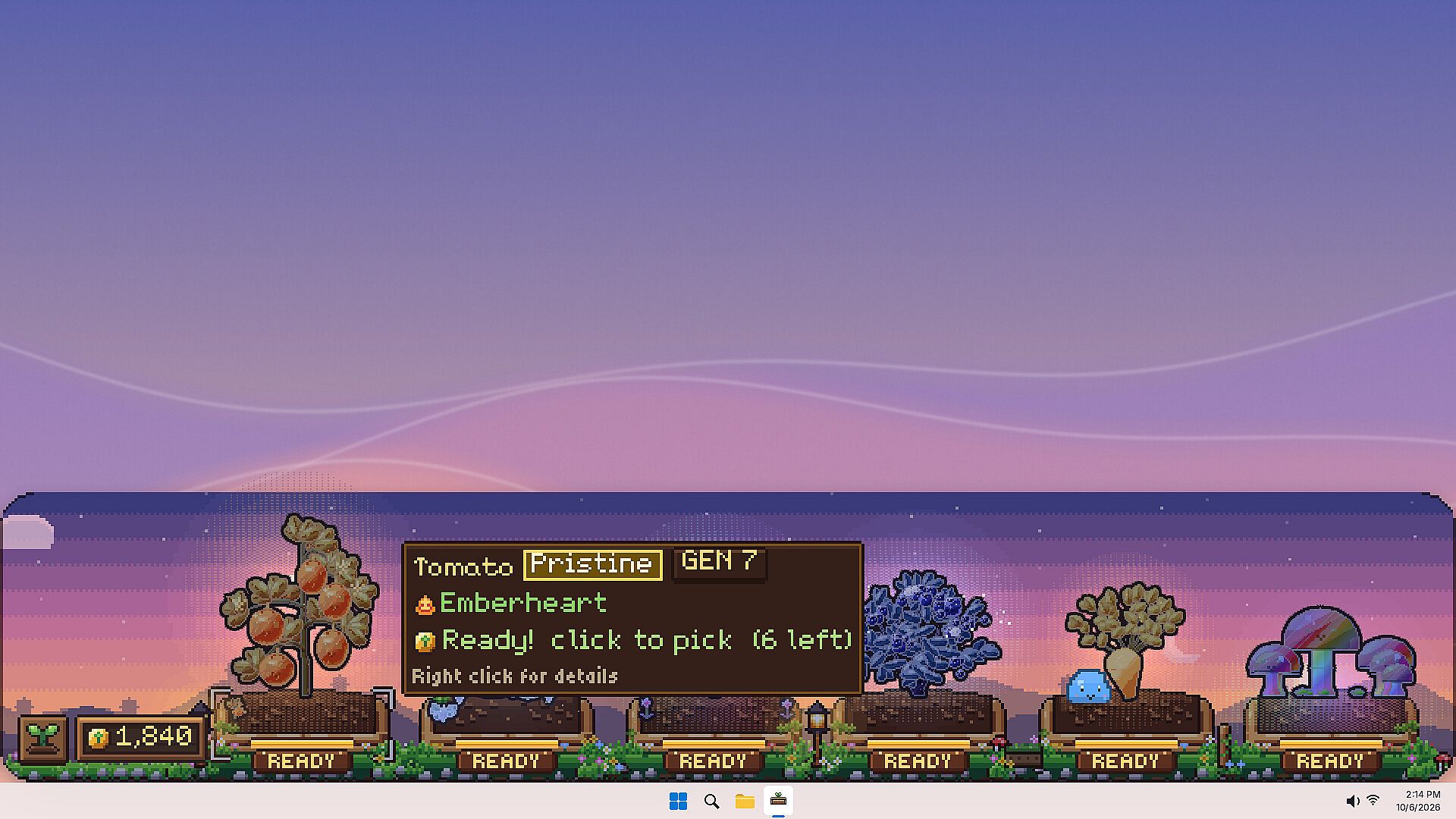
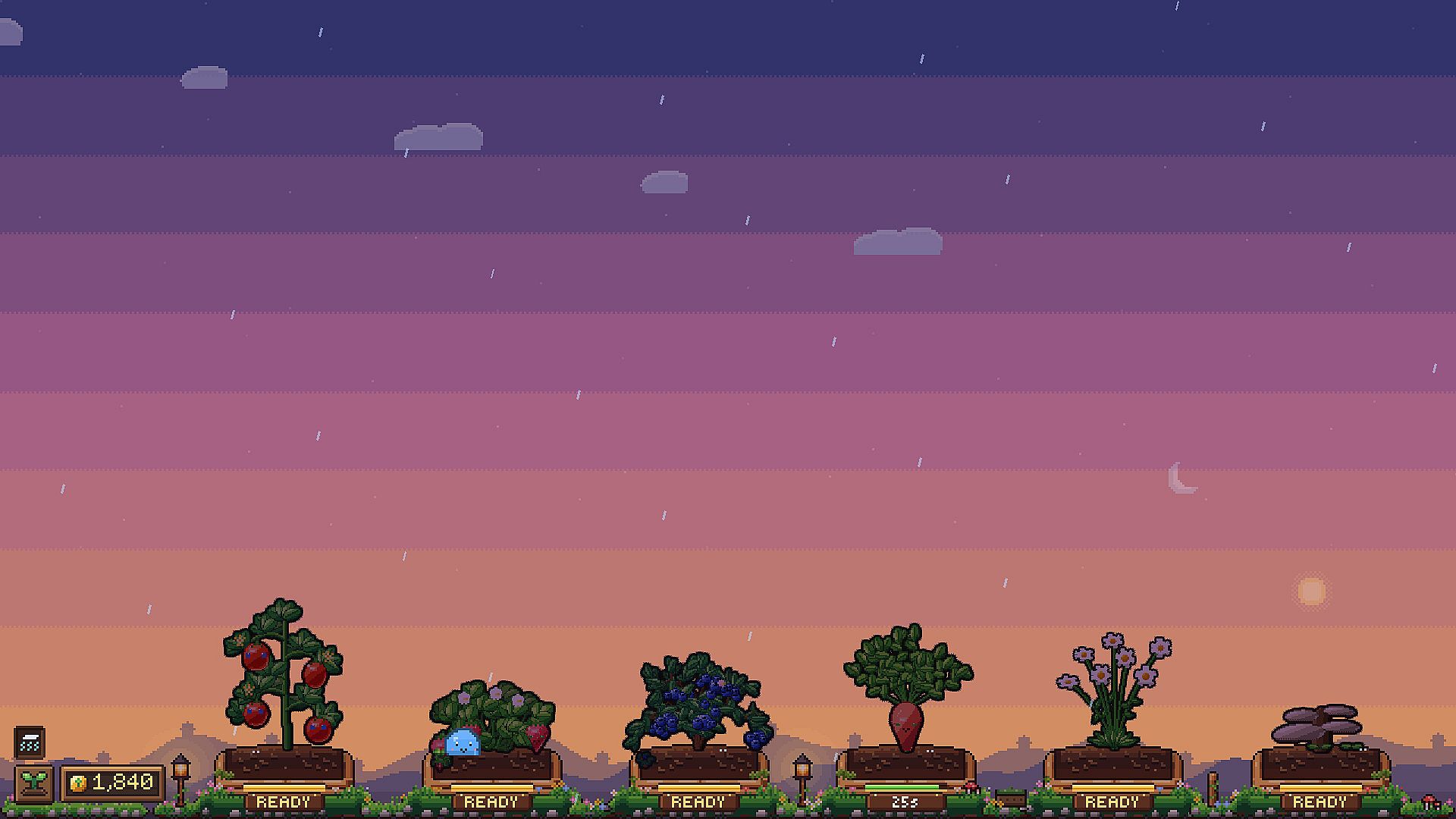
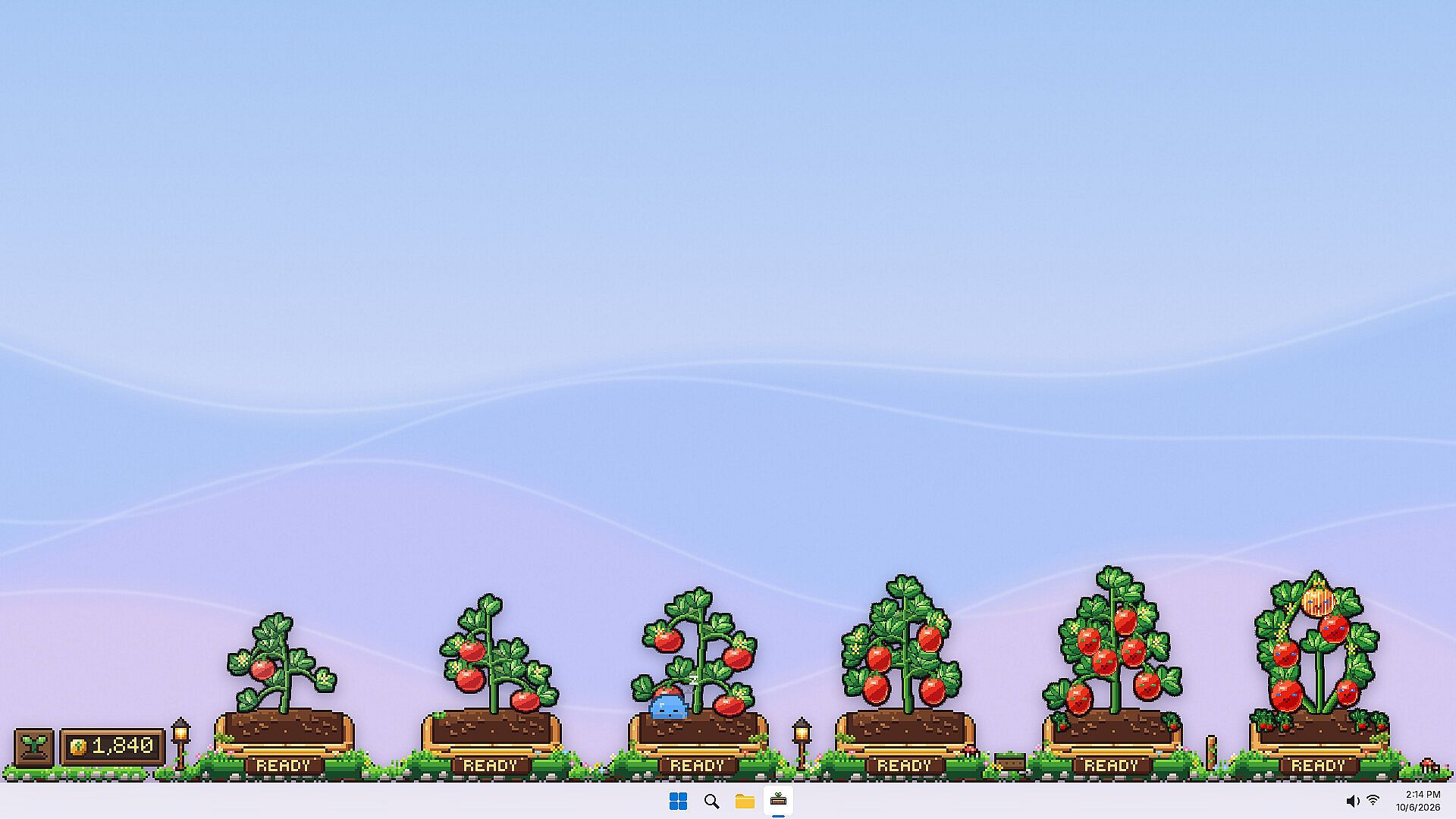
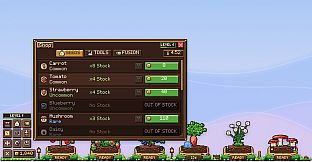
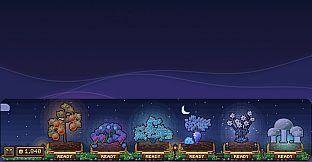
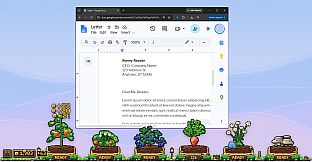
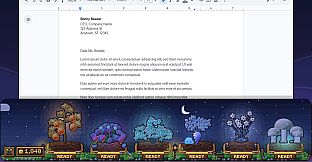
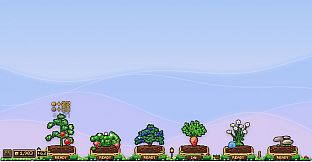
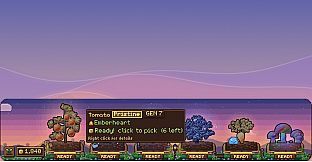
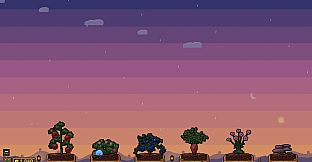
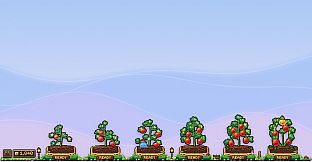
Taskbar Garden is an indie casual simulation game for PC that places a compact garden directly on your taskbar. The experience runs quietly in the background while you work, study, or browse, allowing plants to grow even when the window is minimized or the game is closed. Players plant seeds, tend to growth cycles, harvest fruit for coins, and expand their setup over time through purchases of new seeds, sprinklers, tools, and additional plots.
Gameplay
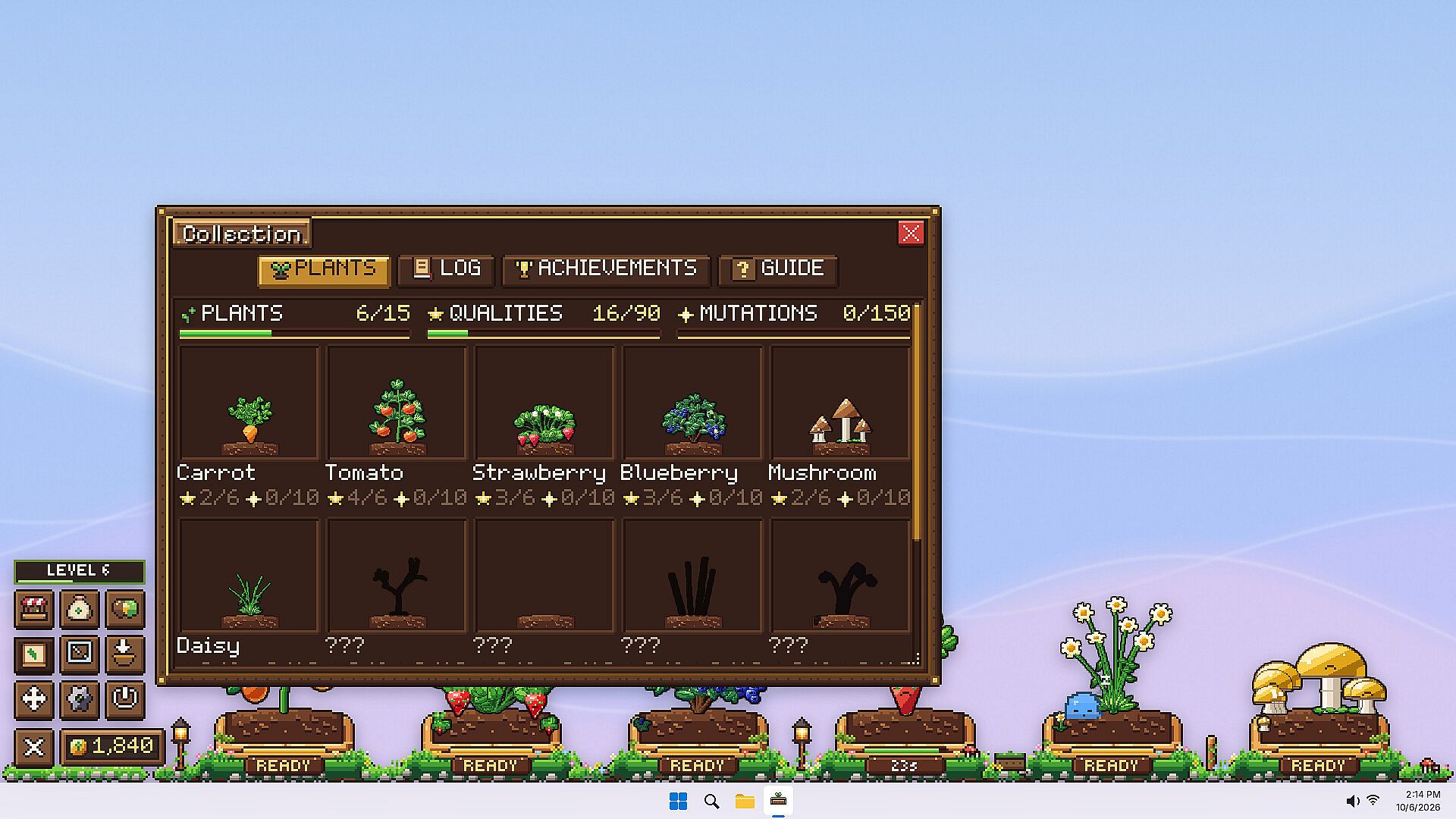
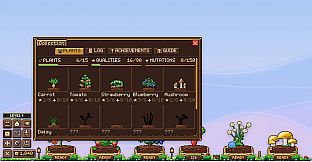
The core loop centers on planting seeds that develop into unique plants. Each seed carries genetic traits that determine size, shape, color, fruit type, and occasional facial features. No two plants match exactly, and harvested seeds differ from their parent plants. Fifteen species appear across the garden, ranging from familiar options like carrots and strawberries to more unusual varieties. Six quality tiers exist, from basic Poor grades up to the rare Special tier, with additional variations in color morphs, faces, and shiny appearances.
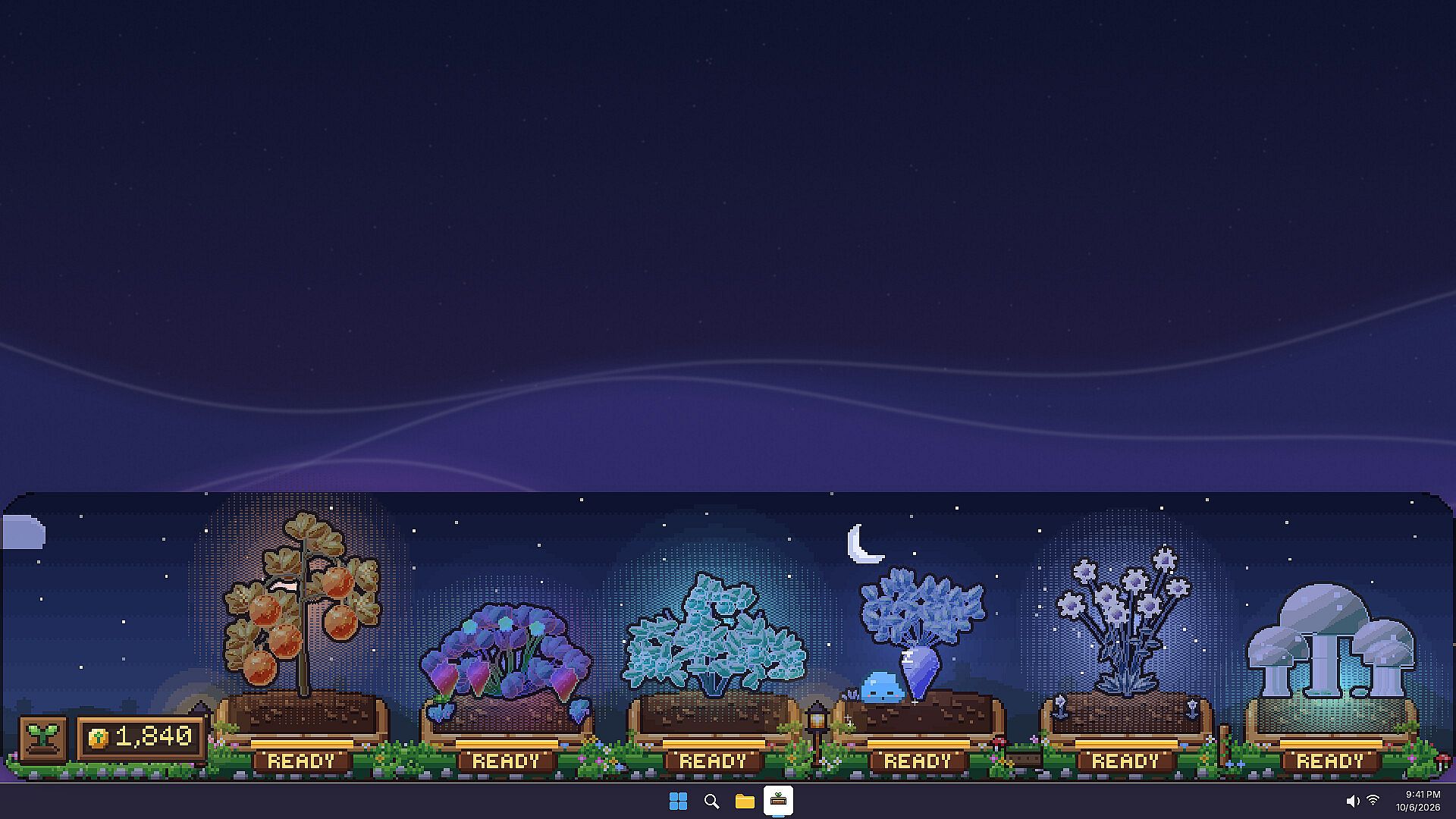
Weather events such as rain showers, thunder blooms, and frostfall pass through the garden periodically. Plants exposed to these conditions can mutate, leading to higher profits and the chance to inherit mutations in future seeds. Fusion mechanics let players combine a base seed with a donor seed to create modified offspring. Fusion items help steer results toward desired traits, and special abilities can transfer across generations, though each attempt carries an element of chance.
A small slime companion lives in the garden and interacts with plants by hopping to ripe ones or napping near growing ones to accelerate progress. The slime changes color and develops traits based on seeds fed to it. Players drag seeds onto the slime for feeding, supporting its gradual growth and evolution toward new forms.
Game Modes
Taskbar Garden operates as a single-player idle simulation. The taskbar placement encourages passive progress during daily computer use, with active sessions focused on planting, harvesting, fusing seeds, and managing the slime. Background growth continues regardless of whether the interface is visible, creating a low-interaction companion experience suited to multitasking.
Unique Systems and Progression
Progression builds through repeated cycles of planting, harvesting coins from ripe fruit, and reinvesting in upgrades. New plots expand the available space, while tools and sprinklers improve efficiency. The genetic system encourages experimentation, as players track traits across harvests and use fusion to refine future generations. Weather mutations add variability, rewarding observation of environmental effects on plant outcomes. The slime provides an additional layer of interaction, with feeding choices influencing its development and garden assistance over time.
Is It Worth Playing?
Taskbar Garden suits players who enjoy casual simulation games with idle elements and light collection mechanics. The taskbar format makes it easy to check progress during other activities without demanding full attention. Genetics, fusion, and weather systems offer depth for those interested in experimenting with plant traits and mutations. The slime companion adds personality through its evolving behavior and feeding interactions. Availability on PC supports straightforward access for anyone seeking a relaxing background activity rather than intense sessions. Those who prefer active, high-engagement gameplay may find the passive nature less compelling, while fans of incremental growth and unique visual variations will appreciate the consistent discovery across harvests.