

Buy TcNo TimeKeeper PC

TcNo TimeKeeper is free to play! Download it on Steam and start playing instantly.

Steam:
Mostly Positive (10)
Official
Unavailable
Keyshops
Unavailable
Buy in Official Store:
Unavailable
Buy in Keyshops:
Unavailable

No entries, but don''t worry, we will inform you once the new offer appears.

Create Alert Create deal Alert

About TcNo TimeKeeper

TcNo TimeKeeper - about the game
TcNo TimeKeeper streamlines video production by letting you mark exact timestamps during recording. Press assigned hotkeys to note key moments, then export them to text or CSV files for quick reference in editing. This lightweight tool runs quietly in the background, syncing start/stop hotkeys with your recording software for smooth use. Control it remotely via any WiFi-enabled device like a phone or tablet, saving storage by auto-deleting unneeded files post-recording. It pairs with every recorder and editor without direct interaction. Livestreamers, podcasters, video creators, and editors rely on it to cut scrubbing time and refine footage faster.


TcNo TimeKeeper helps you shorten the time you spend editing a video by helping you remember exactly where you need to be in the video. Stop spending time scrubbing hours of video, and work on a better final product. (This is NOT editing or recording software, you still need those to record and edit videos as usual).
Who is this for?
  • Livestreamers
  • Podcasters
  • Video creators (YouTube, Vimeo, etc.)
  • Video editors (If the creator uses TcNo TimeKeeper)
Features
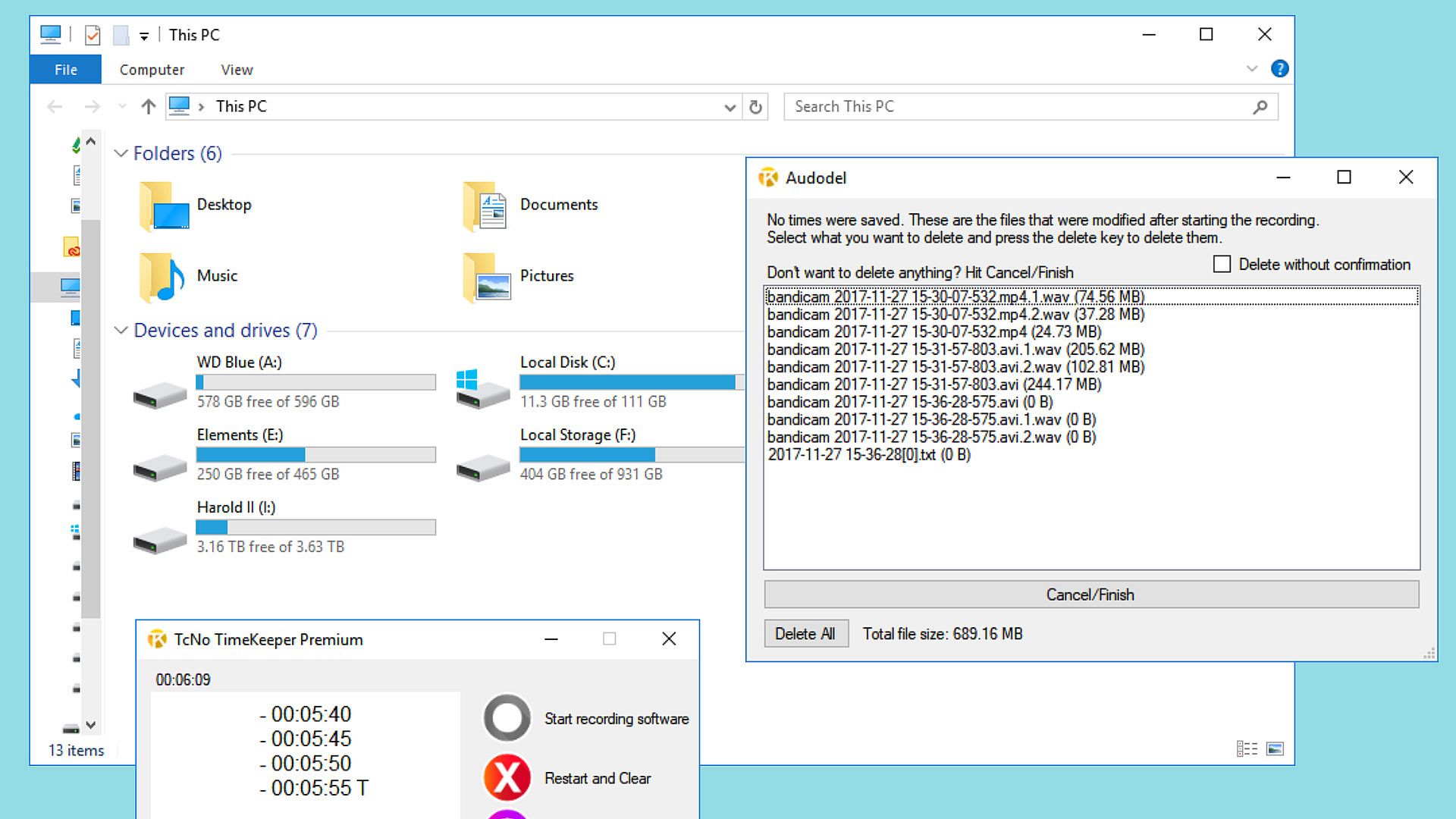
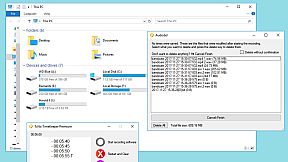
Save storage space: If no times were noted before the end of the recording, you'd be presented with an automatic option to delete files created after the recording started individually or all together.
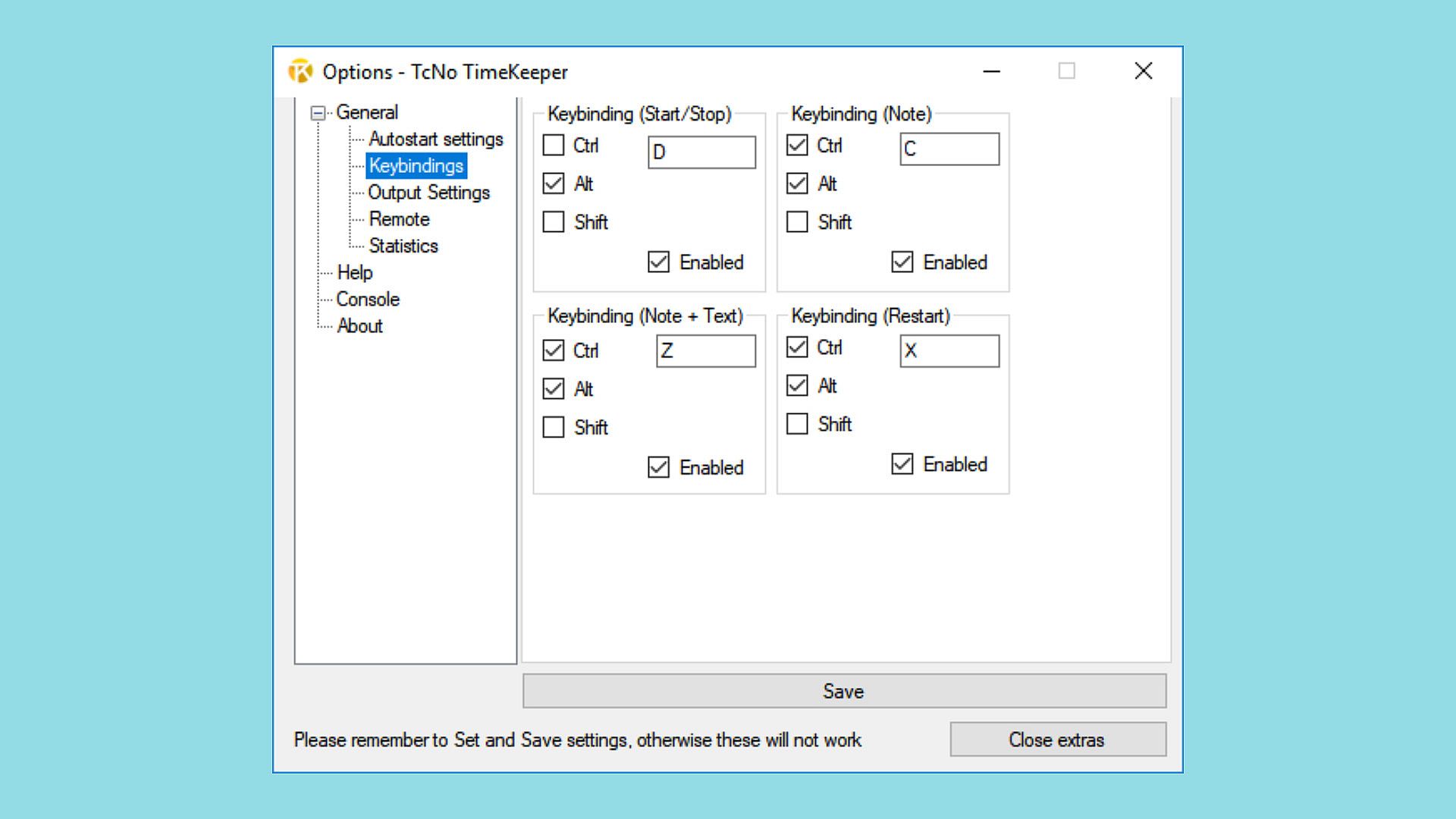
Controlled easily: Setting matching hotkeys will allow seamless integration with any recording software.
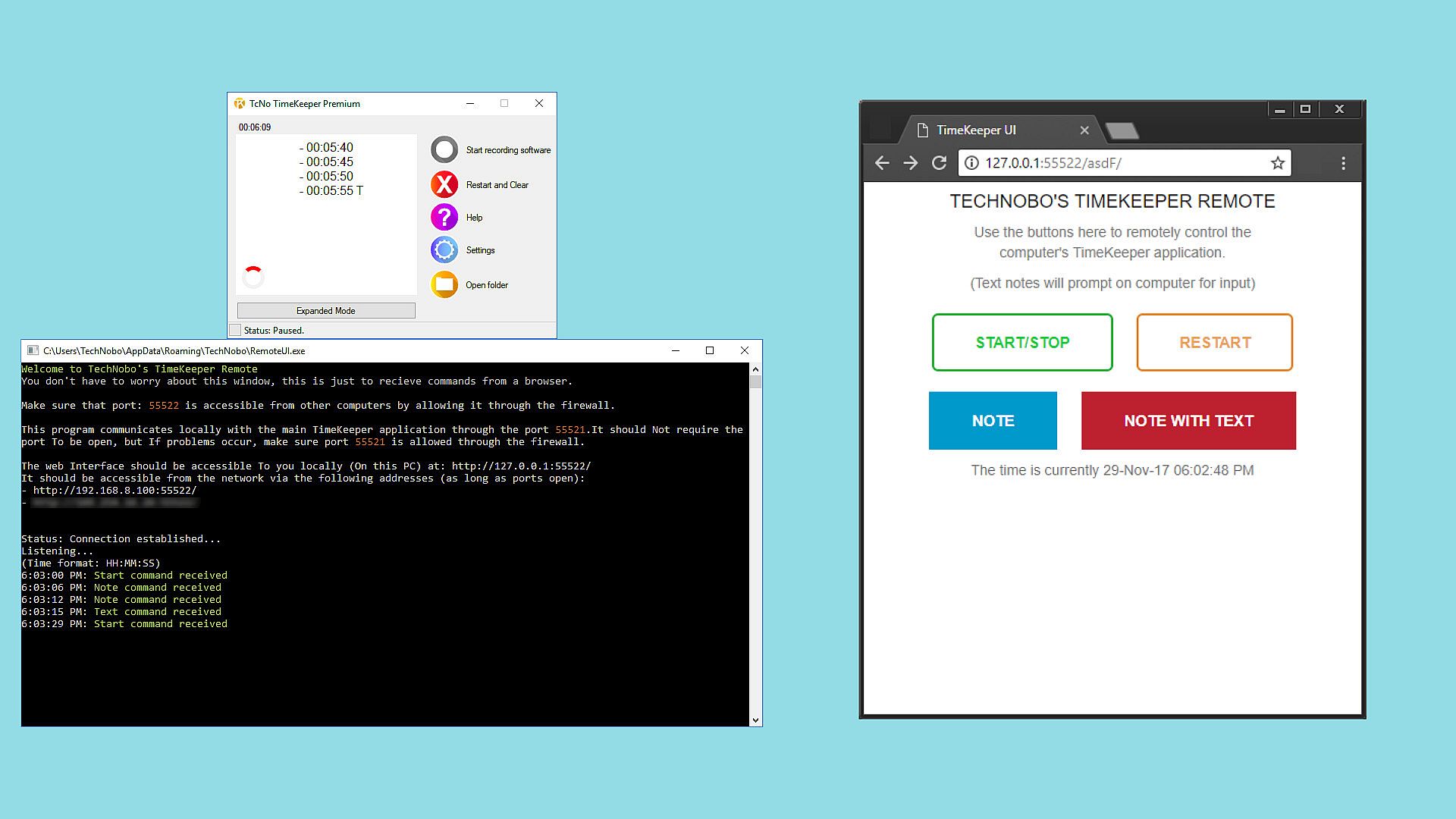
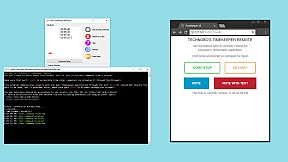
Remote control from any WiFi and web-enabled device: Use a phone, tablet or even another PC to control the program. This program makes it perfect for those without direct access to a computer while recording, such as in a podcasting situation.
Compatible with every recorder and editing software
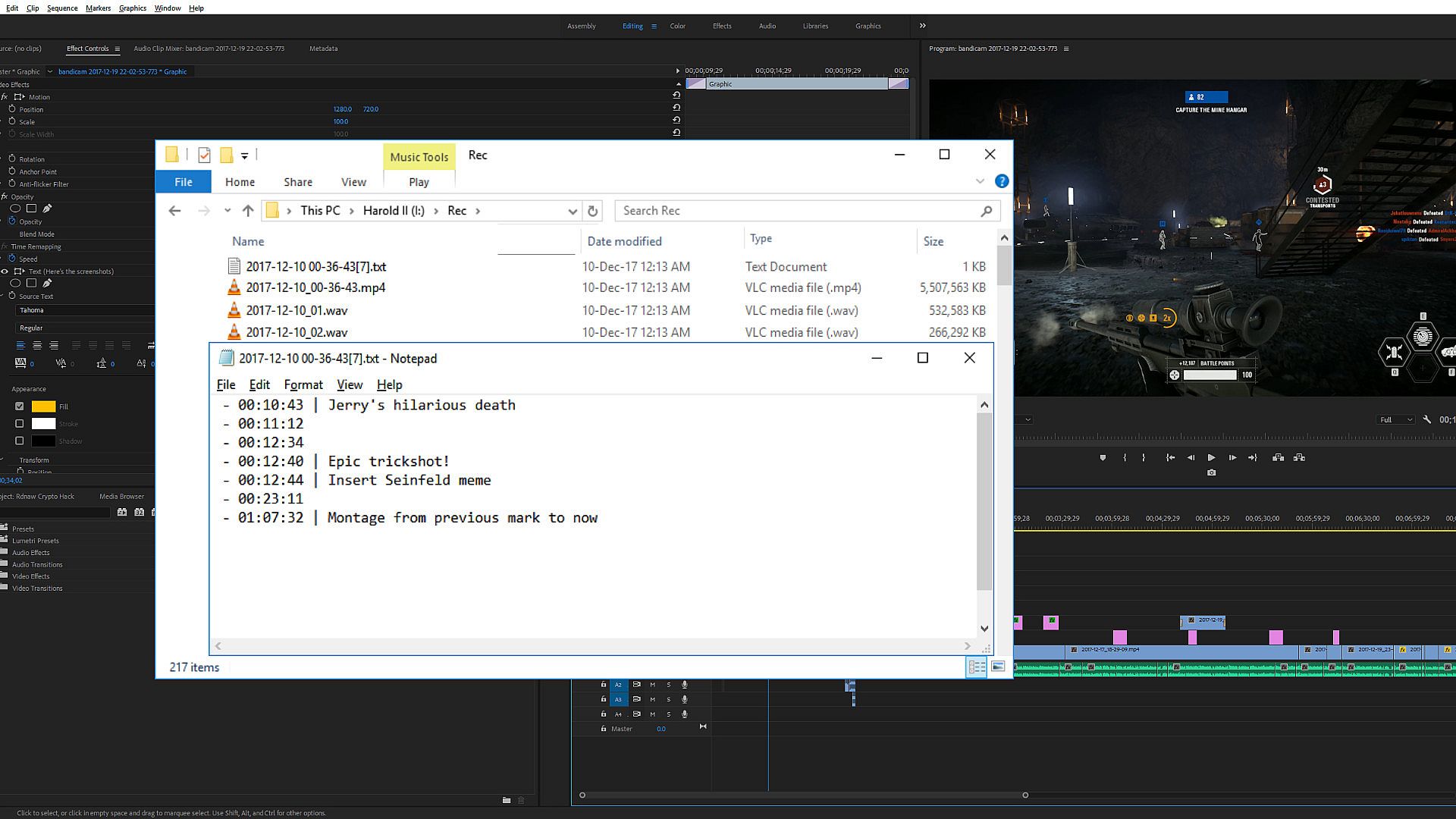
The program outputs times you record into a text file or .csv for later use. If you don't edit your work, send this and whatever else you need to an editor, and they can use the times. The program does not interact with recording or editing software directly. You still need recording and editing software; this does not substitute either. It's purely another tool to help speed up the editing process.
How do I use the program?
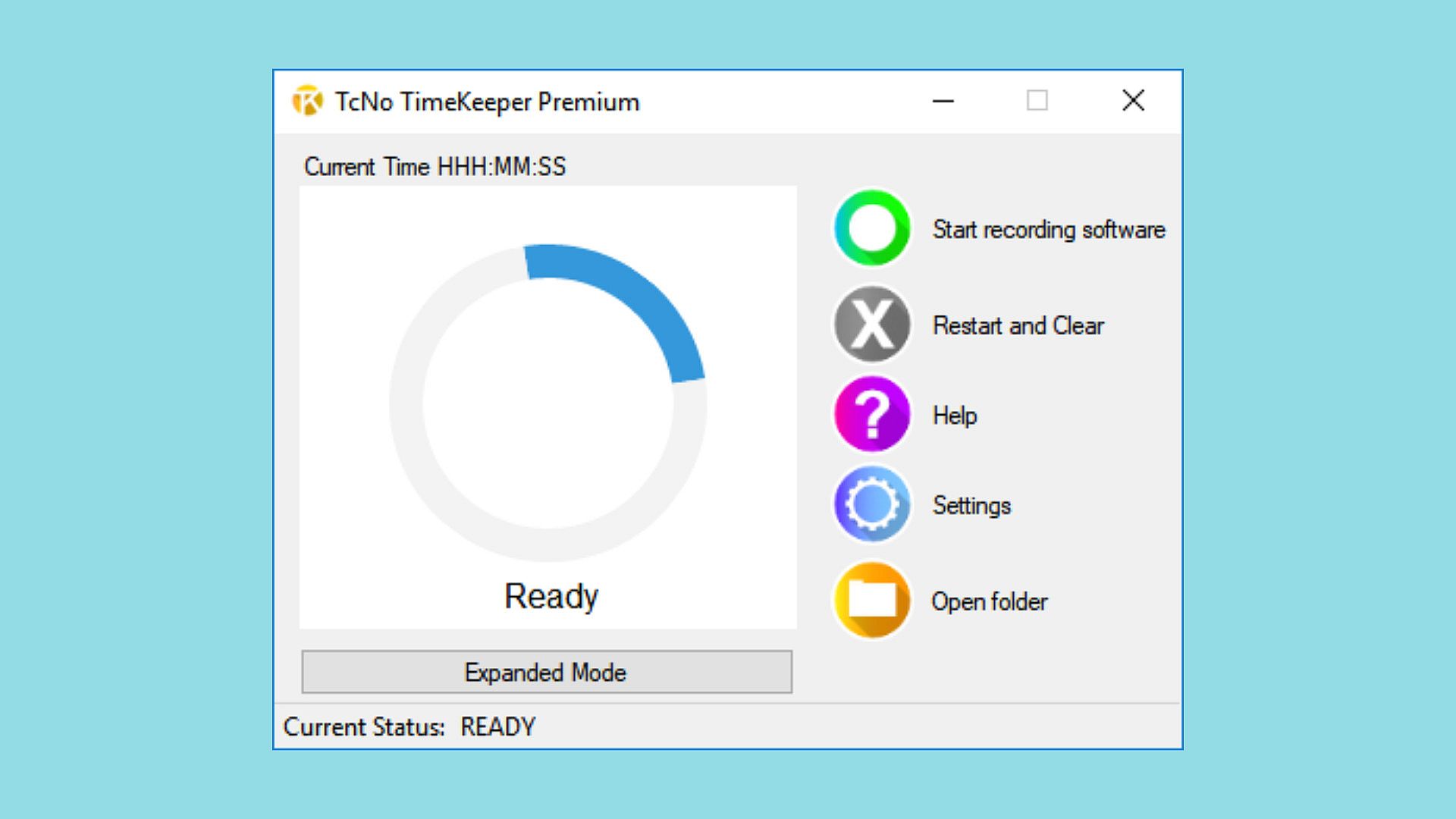
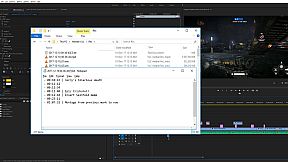
While recording content (on any device with any software), have TcNo TimeKeeper open. When something noteworthy occurs that you or an editor needs to come back to in editing, press the hotkey you assigned to make a note of the time. When you or someone else is editing the video, they know exactly where to go and don't have to spend hours scrubbing through the footage finding good parts, missing hundreds on the way. Spending less time searching allows creators to create better final products.
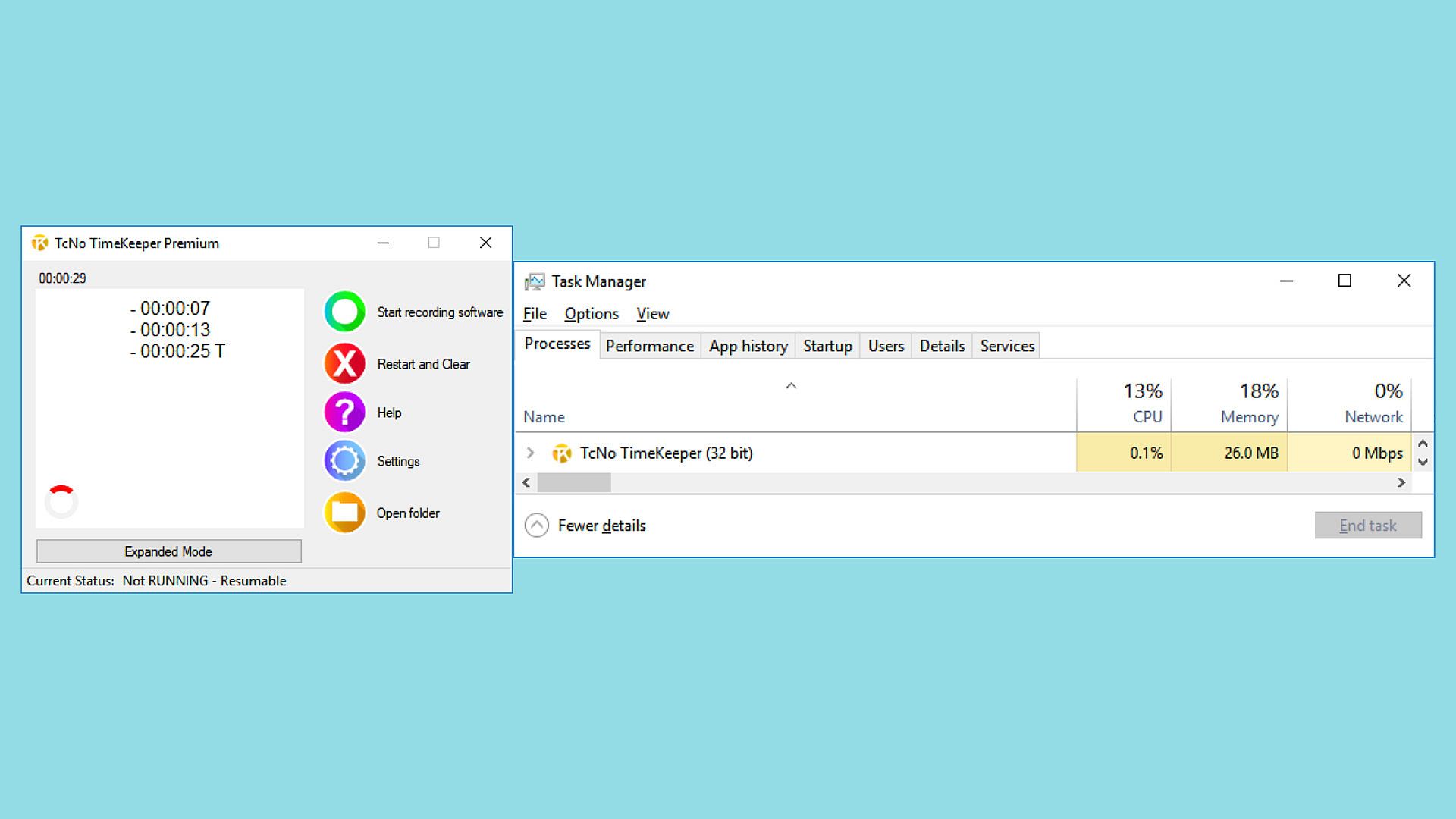
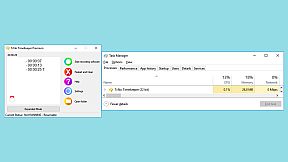
The program is lightweight and designed to run in the background without interrupting the user, making it perfect for Livestreamers, Podcasters and content creators alike to use it without the audience even knowing.

Easy to understand
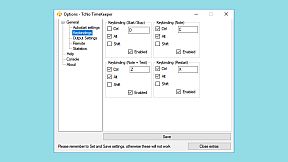
I created the program to be simple and understandable for anyone. Once downloaded, set up the hotkeys you want, and if possible, set the start/stop recording hotkey to the same as your recording software, so they both start simultaneously. While recording, press the note keys to remember specific moments in the recording.
Does it work with X or Y recording/streaming software?
The program works independently from recording software. It doesn't matter what program you use to record heck; you can even use hardware. The program suggests that you set the hotkeys to the same as your recording software for ease of use; it doesn't matter what software you use. This program works with any recording software.
Does this program record or edit video? Will I still need recording/editing software?
No, TcNo TimeKeeper does NOT record, edit or interact with your video. Yes, you will still need recording and editing software for video creation. This program is here to help you better know the footage you record so that when you or an editor gets around to editing, they can skip to where they need to be and edit faster. When you use this tool and make notes of important events as you're recording, you'll be able to find them in the hours of footage you record quickly. When you spend less time looking for good content in the footage, you'll have more time to finish polishing the final video.
Interface:
English

Age rating

Unavailable
Steam:
Mostly Positive (10)

Minimum:

  • Processor: 1 GHz equivalent or higher
  • Memory: 1 GB RAM
  • Graphics: Intel: HD Graphics, equivalent or better
  • Storage: 200 MB available space
  • Additional Notes: Administrator privileges required for some features to work
Historical low
Price history from official stores
-
-
-
Price history from keyshops
-
-
-

FAQ

8 questions

Before you start looking for a cheap TcNo TimeKeeper key, check the essentials. Developed by Wesley Pyburn. Published by Wesley Pyburn. PC released date: 15 Jan 2018. Genres: Video Production. Categories: Steam Cloud.

Q

Where to buy a cheap TcNo TimeKeeper Steam key?

TcNo TimeKeeper is free to play! Download it on Steam and start playing instantly.

TcNo TimeKeeper is completely free on Steam. No purchase needed - just download and play. If you are looking for premium DLC or in-game items, check the offers table above.

Our price tracker covers both official retailers and key marketplaces, so you can find TcNo TimeKeeper on sale even outside seasonal promotions. We currently detect 0 active offers from official stores and keyshops. Check the table above, compare against the historical low, and set an alert so you never miss the next price drop.

Based on our data, TcNo TimeKeeper is not currently available on GeForce NOW. You will need to run it locally on your PC. Browse games available on GeForce NOW.

Yes. TcNo TimeKeeper has an official page on the Steam Store, but we currently don't track any third-party offers with Steam DRM. Check back later or set a price alert.

Not at this time. Valve marks TcNo TimeKeeper as Unsupported on Steam Deck. Keep an eye on XD.deals - we track Proton updates and community fixes. Browse games that are Steam Deck Verified or Steam Deck Playable.

TcNo TimeKeeper does not appear to be available on PC Game Pass, EA Play, Ubisoft+ or any other PC subscription service at this time. Your only option is purchasing the game - use XD.deals to find the best price.

No - XD.deals is not a store. We are a price-comparison service that tracks the best TcNo TimeKeeper deals across official stores and verified keyshops. Click "Go to Store" next to any offer and you will be redirected to the retailer's website to complete your purchase.

Want to buy at the best moment? Set a price alert on XD.deals and get notified when TcNo TimeKeeper hits its next historical low.

Create Alert
Join our Discord
Get instant help from our community and stay updated on the latest deals
Set Price Alerts
Get notified by email when game prices drop to your target
Create Free Account
Unlock wishlists, price alerts, and Steam sync