

Buy VRCapture PC

VRCapture is free to play! Download it on Steam and start playing instantly.

Release: 03 Nov 2016
Steam:
Mostly Negative (151)
Official
Unavailable
Keyshops
Unavailable
Buy in Official Store:
Unavailable
Buy in Keyshops:
Unavailable

No entries, but don''t worry, we will inform you once the new offer appears.

Create Alert Create deal Alert

About VRCapture

VRCapture - about the game
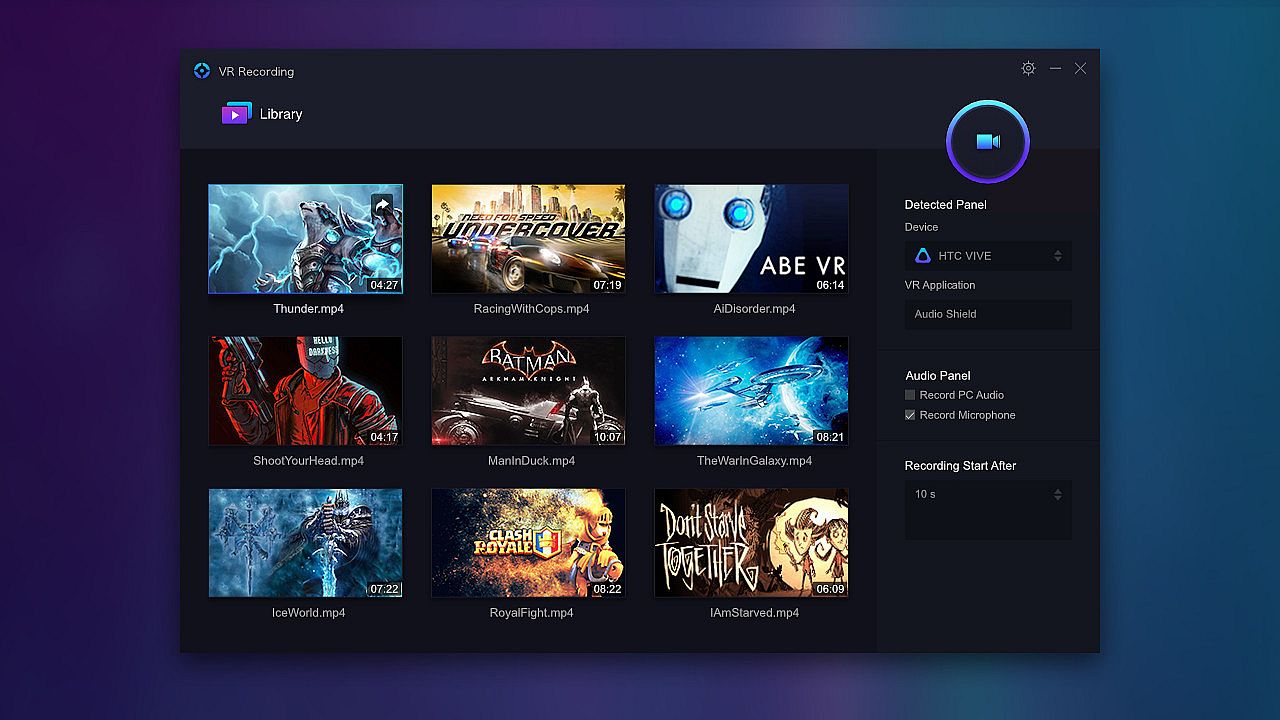
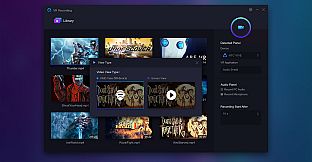
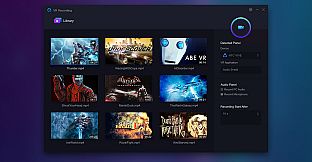
VRCapture lets you record full scenes from VR games and applications into immersive videos. This free utility captures head-mounted display views and multi-channel audio on PC, making it easy to create shareable content. Videos play back on computers or HMDs, with a direct option to upload to YouTube in cardboard view. Launch your VR app or game with HMD connected, then hit the Record button or Ctrl+F12 shortcut after a quick countdown. Stop recording the same way, double-click files to play them, and share instantly. It works with HTC Vive, Oculus Rift CV1, and DK2 on Windows 7 SP1 or higher with GTX 970-equivalent graphics and i5-4590 CPU. Professionals and beginners alike grab this video production tool to let family and friends relive VR moments.

VRCapture is a totally free tool to create amazing VR videos. Perfect for professionals and beginners, who really want to pull out great quality videos from vitural world.
When you are playing VR games or running VR applications, you can record the full scene with VRCapture and create immersive videos for everyone.
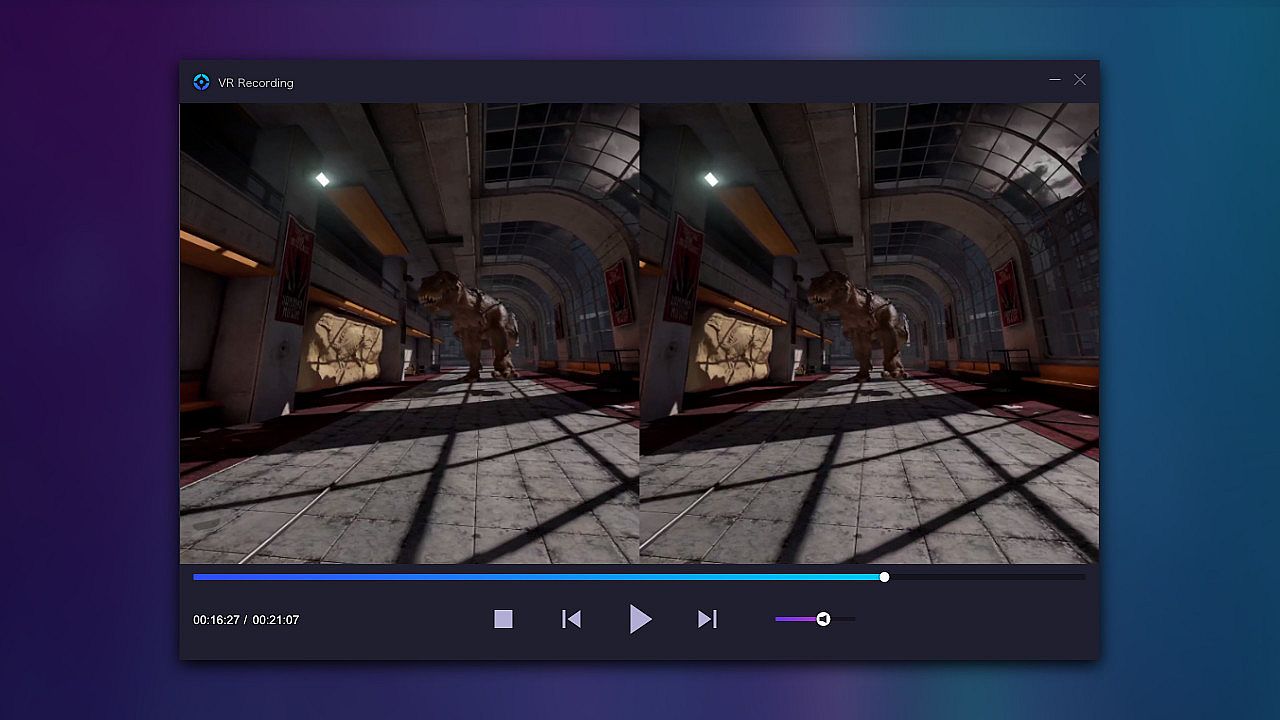
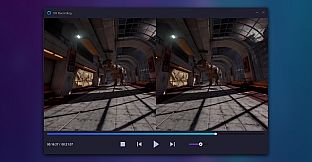
The recorded video, which is immersive, can be played on your computer or through HMD.
Also, YouTube-share option is available. Your family and friends can experience what you have experienced in virtual world with Cardboard or other HMD.
Key features
Capture videos in head-mounted display
Record multi-channel audio
Play recorded video on HMD or PC
Share video to YouTube (cardboard view)
Compatible devices: HTC Vive, Oculus Rift CV1 and Oculus Rift DK2
How it works
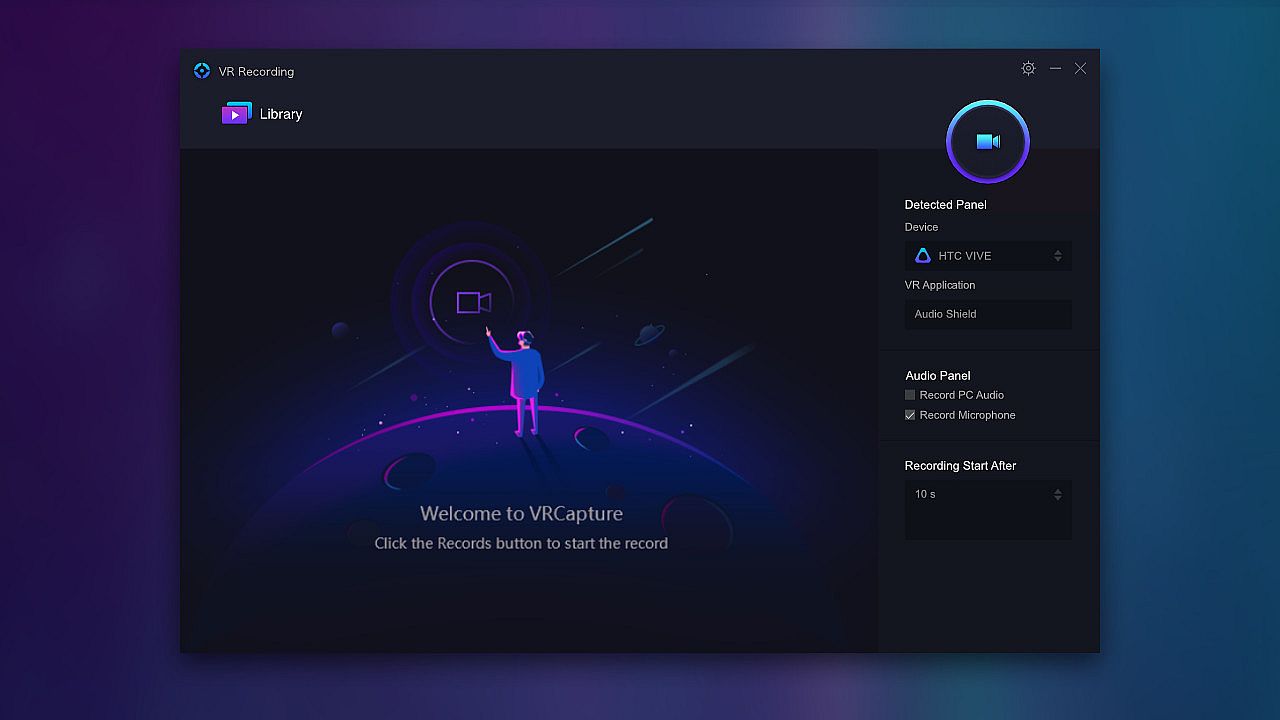
Make sure HMD is on and a VR application or game is launched
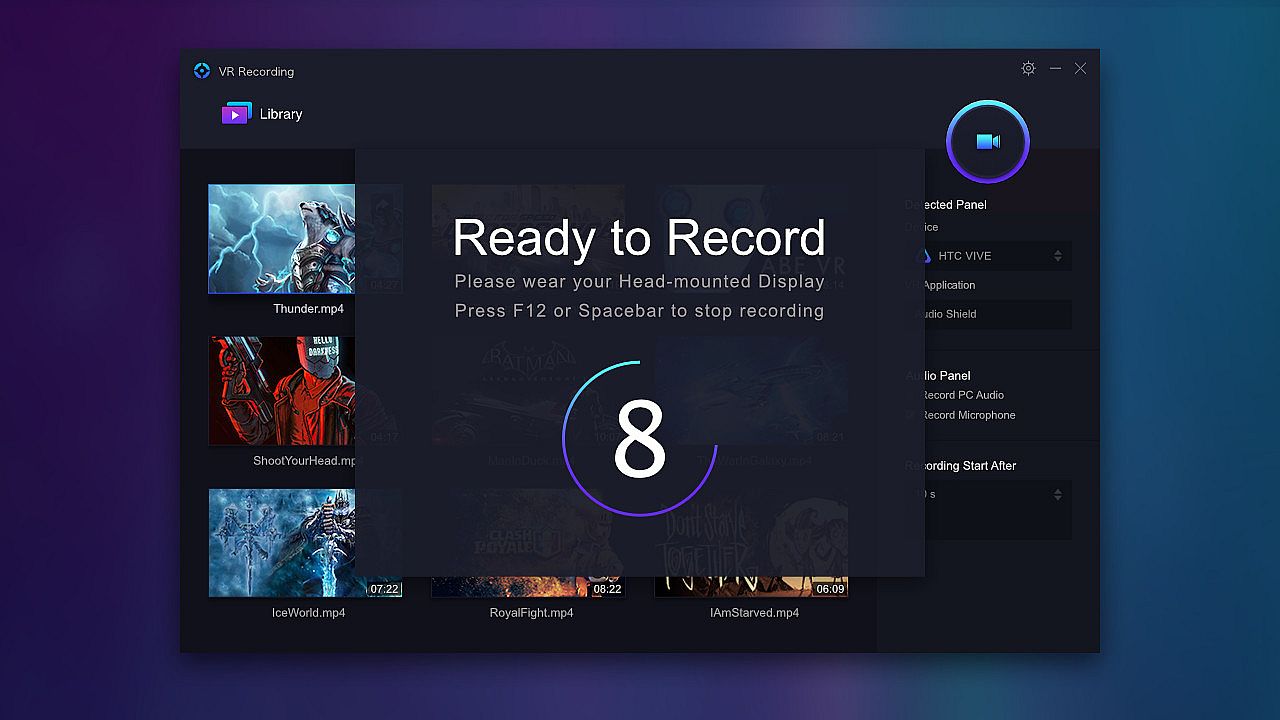
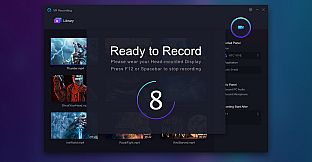
Click the Record button. It starts recording after the countdown hits zero(Shortcut key: Ctrl+F12)
Click Stop button to stop recording(Shortcut key: Ctrl+F12)
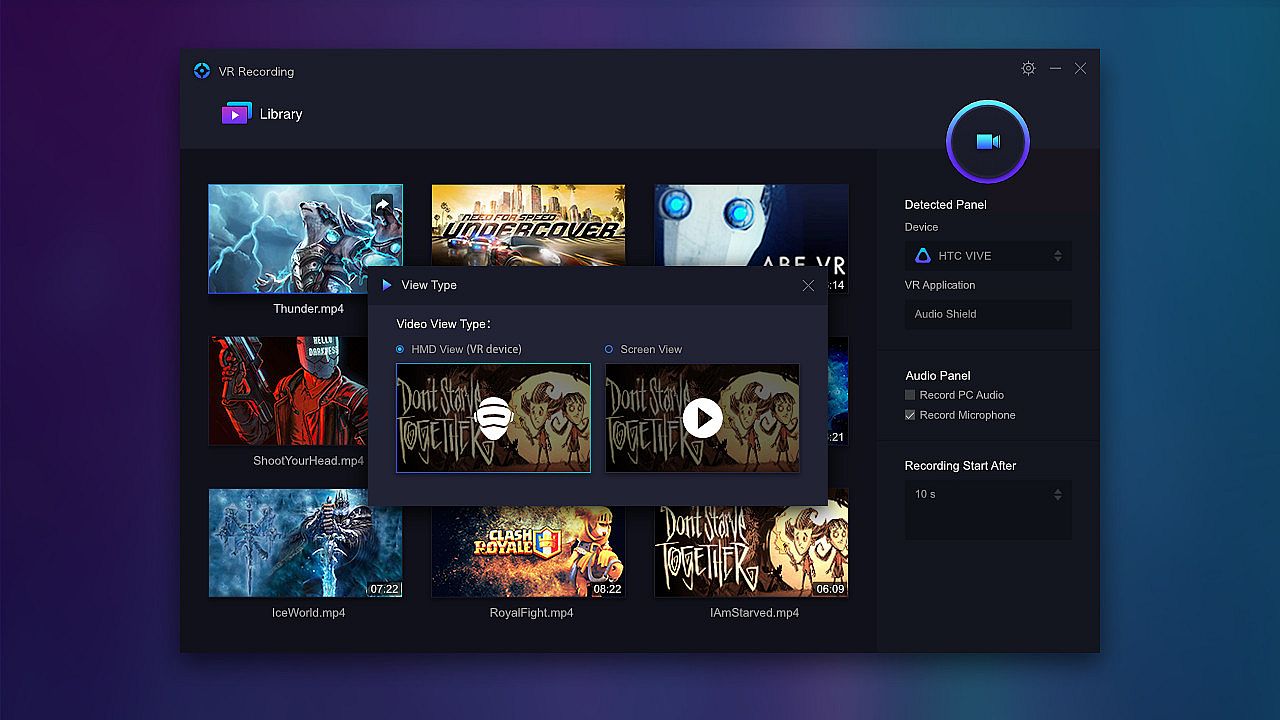
Double click to play the recorded video
Click the share button to upload the video to YouTube
System Requirements
NVidia GTX 970/ AMD R9 290 equivalent or higher
Intel i5-4590 or higher
Compatible with Windows 7 SP1 or higher
Compatible with 64 bit Windows

* Note: We have found that F-Secure and BitDefender have misdetection virus alarm of VRCapture. We are contacting them to remove the false alarm. VRCapture does not contain any virus or trojan. Before the alarm removed, please add this program to the whitelist.

Interface:
EnglishFrenchRussianSimplified ChineseTraditional Chinese
Audio:
EnglishFrenchRussianSimplified ChineseTraditional Chinese
Subtitles:
EnglishFrenchRussianSimplified ChineseTraditional Chinese

Age rating

Unavailable
Steam:
Mostly Negative (151)

Minimum:

  • Processor: Intel i5-4590 equivalent or greater
  • Memory: 8 GB RAM
  • Graphics: NVIDIA GTX 970 / AMD R9 290 equivalent or greater
  • DirectX: Version 11
  • Storage: 8 GB available space
  • Additional Notes: Broadband Internet connection; 3x USB 3.0 ports plus 1x USB 2.0 port

Recommended:

  • Processor: Intel i7-4790 equivalent or greater
  • Memory: 16 GB RAM
  • Graphics: NVIDIA GTX 970 / AMD R9 290 equivalent or greater
  • DirectX: Version 11
  • Storage: 8 GB available space
  • Additional Notes: Broadband Internet connection; 3x USB 3.0 ports plus 1x USB 2.0 port
Historical low
Price history from official stores
-
-
-
Price history from keyshops
-
-
-

FAQ

8 questions

Before you start looking for a cheap VRCapture key, check the essentials. Developed by XR Team. Published by XR Team. PC released date: 03 Nov 2016. Genres: Utilities, Video Production. Categories: Full controller support, Tracked Controller Support, VR Only.

Q

Where to buy a cheap VRCapture Steam key?

VRCapture is free to play! Download it on Steam and start playing instantly.

VRCapture is completely free on Steam. No purchase needed - just download and play. If you are looking for premium DLC or in-game items, check the offers table above.

Our price tracker covers both official retailers and key marketplaces, so you can find VRCapture on sale even outside seasonal promotions. We currently detect 0 active offers from official stores and keyshops. Check the table above, compare against the historical low, and set an alert so you never miss the next price drop.

Based on our data, VRCapture is not currently available on GeForce NOW. You will need to run it locally on your PC. Browse games available on GeForce NOW.

Yes. VRCapture has an official page on the Steam Store, but we currently don't track any third-party offers with Steam DRM. Check back later or set a price alert.

Not at this time. Valve marks VRCapture as Unsupported on Steam Deck. Keep an eye on XD.deals - we track Proton updates and community fixes. Browse games that are Steam Deck Verified or Steam Deck Playable.

VRCapture does not appear to be available on PC Game Pass, EA Play, Ubisoft+ or any other PC subscription service at this time. Your only option is purchasing the game - use XD.deals to find the best price.

No - XD.deals is not a store. We are a price-comparison service that tracks the best VRCapture deals across official stores and verified keyshops. Click "Go to Store" next to any offer and you will be redirected to the retailer's website to complete your purchase.

Want to buy at the best moment? Set a price alert on XD.deals and get notified when VRCapture hits its next historical low.

Create Alert
Join our Discord
Get instant help from our community and stay updated on the latest deals
Set Price Alerts
Get notified by email when game prices drop to your target
Create Free Account
Unlock wishlists, price alerts, and Steam sync