













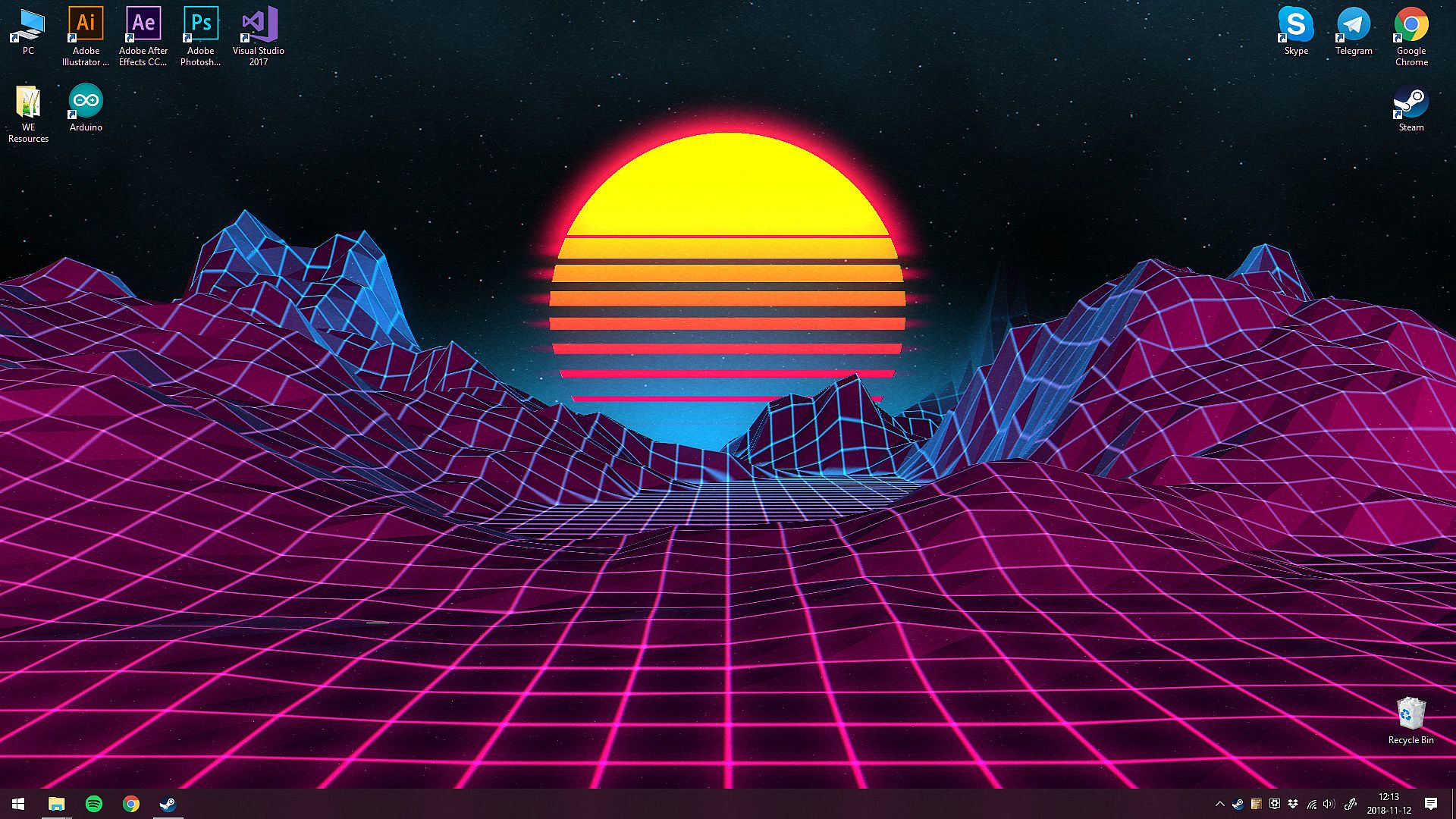
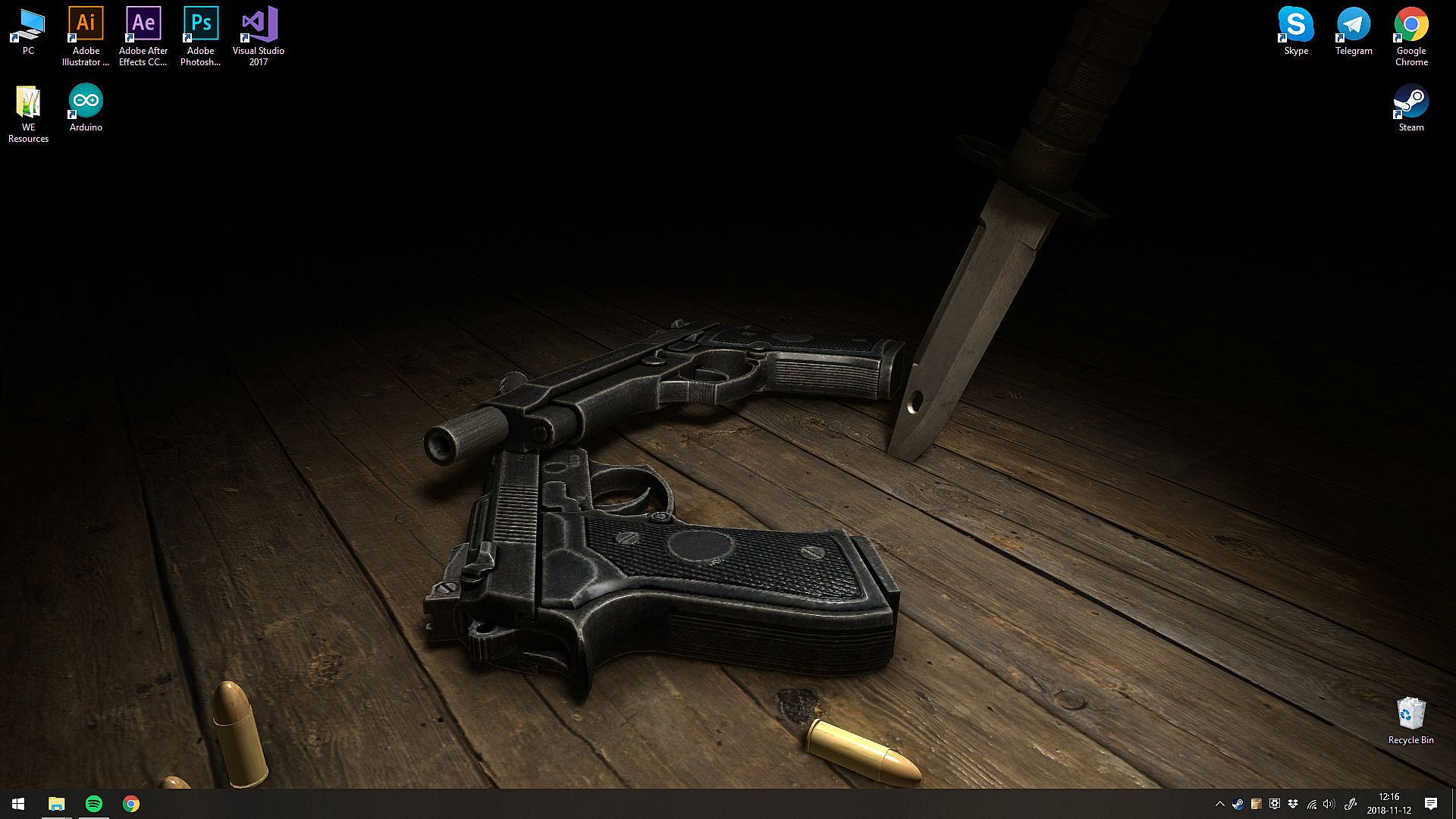
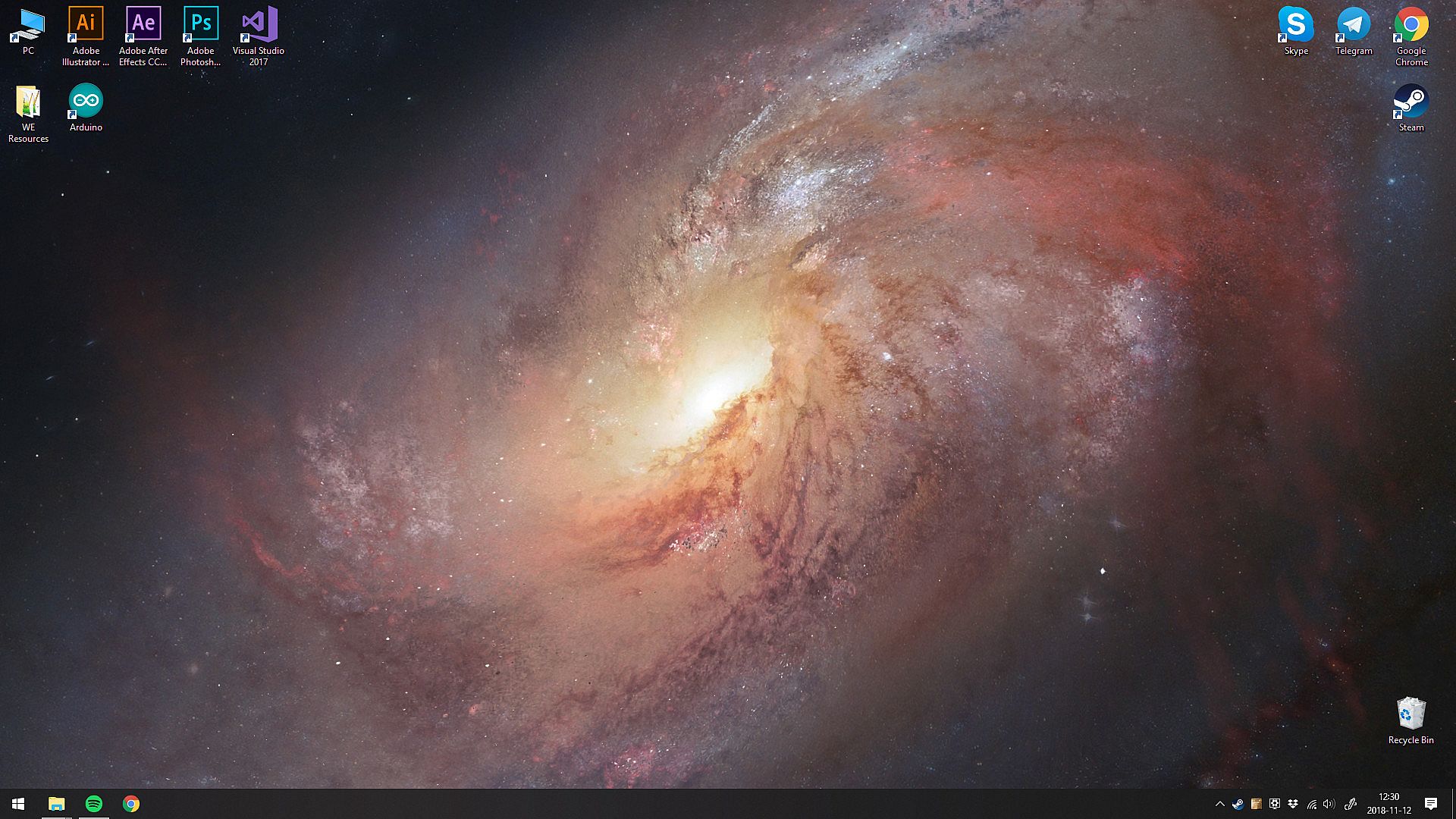
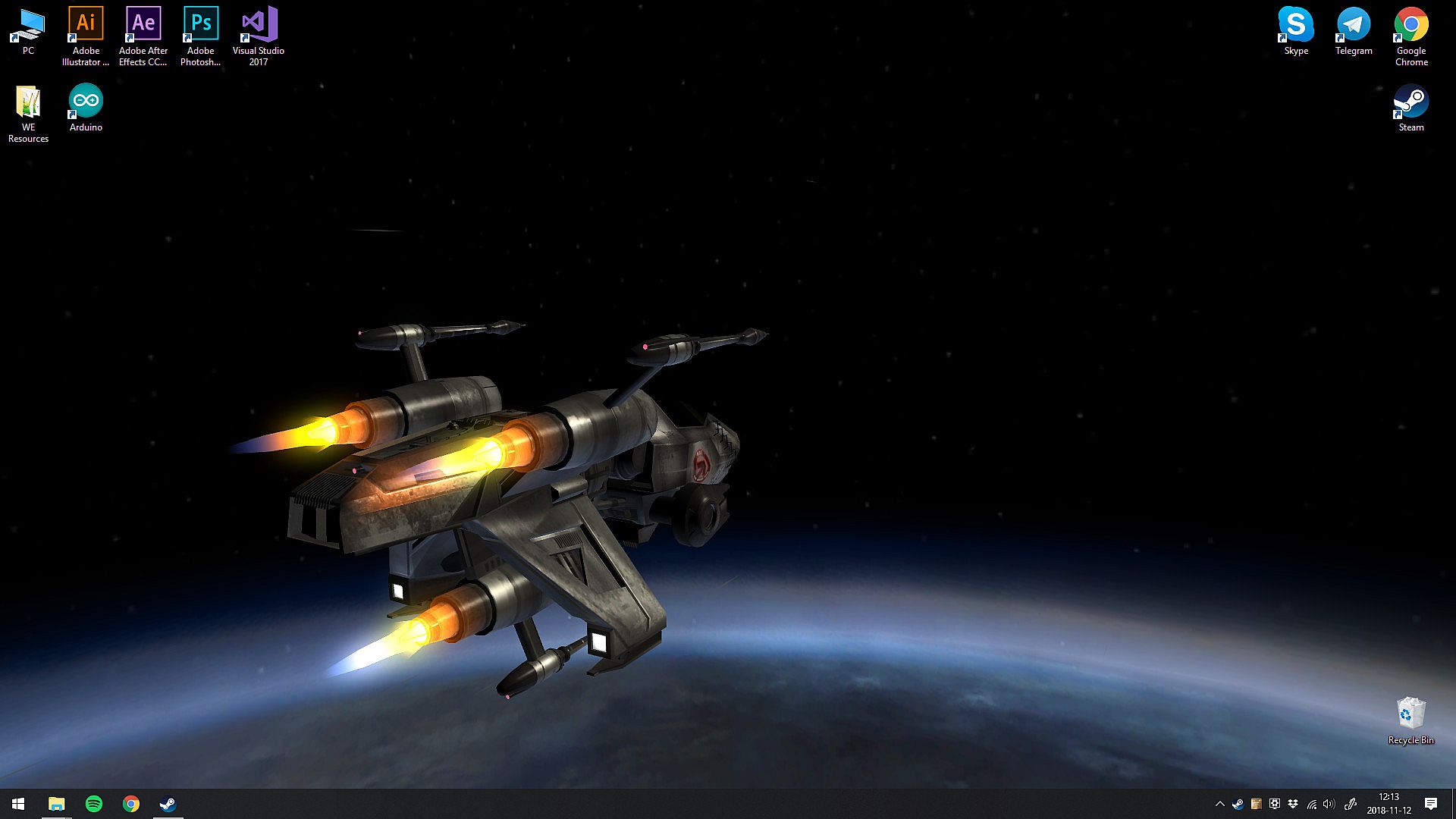
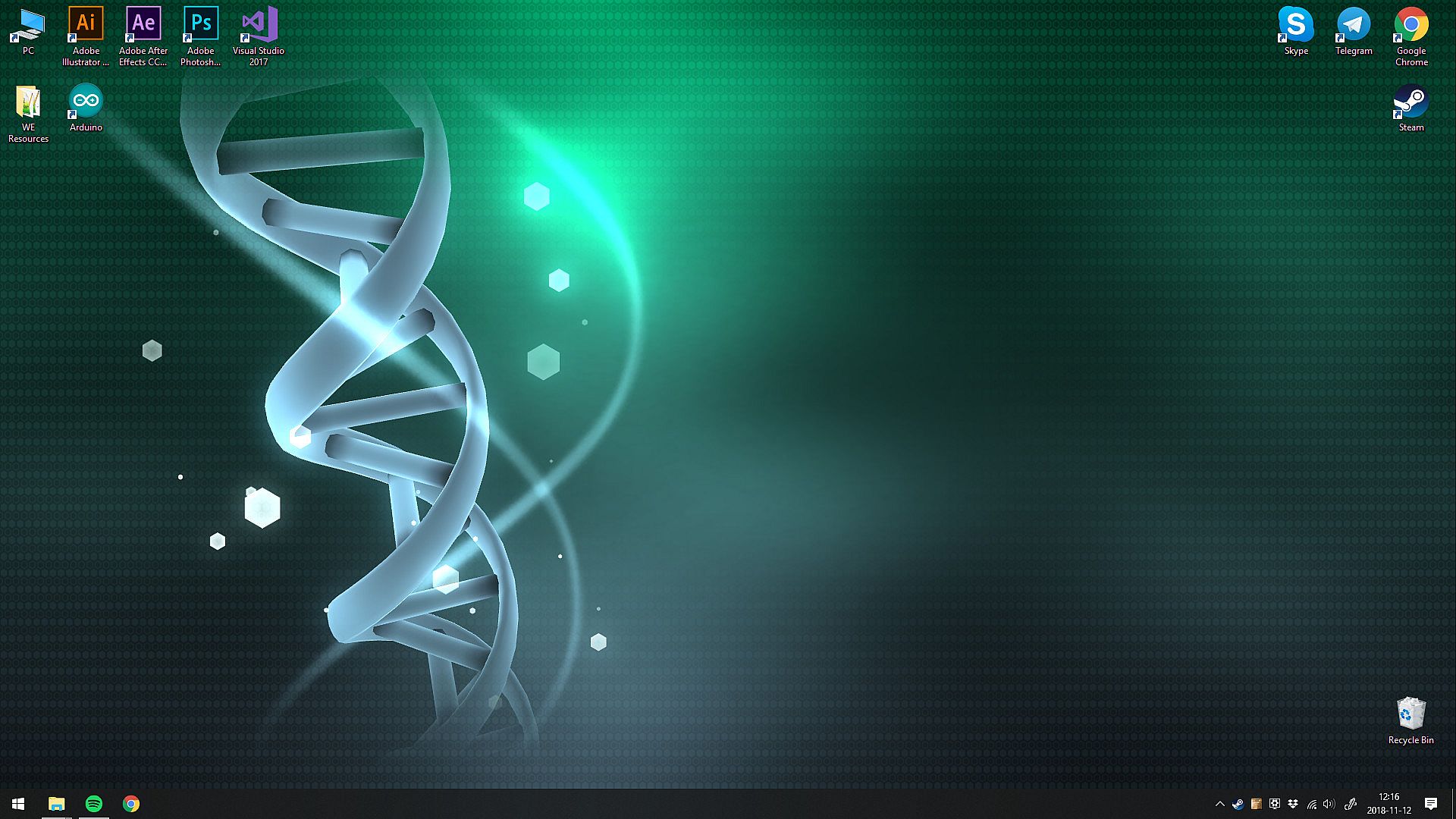
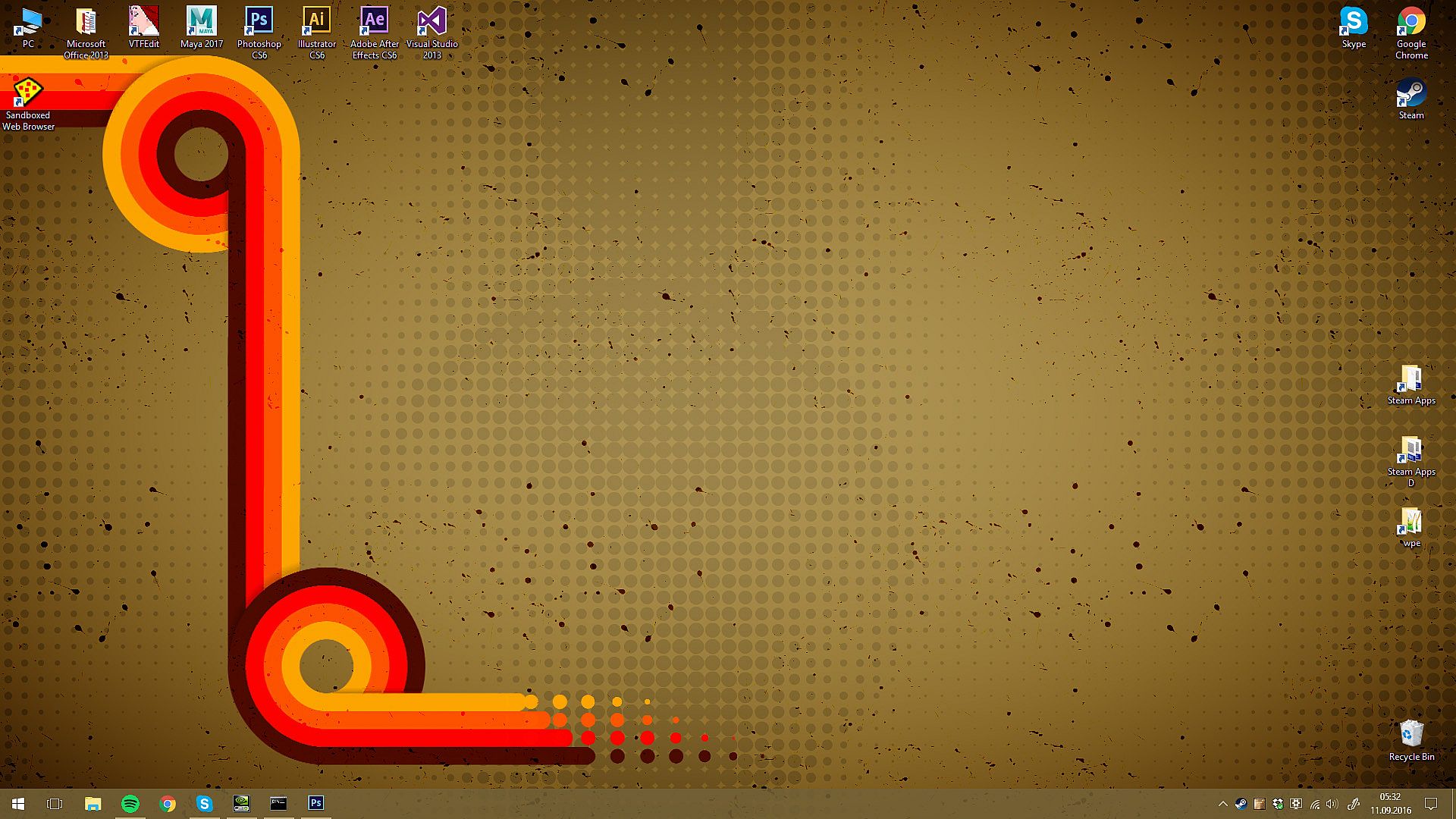
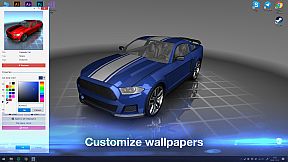
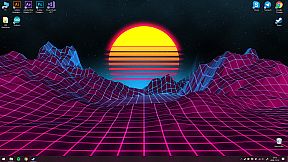
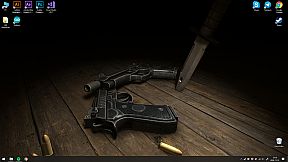
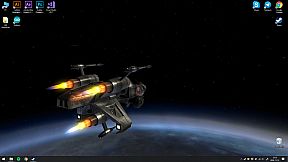
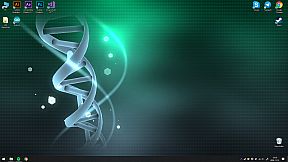
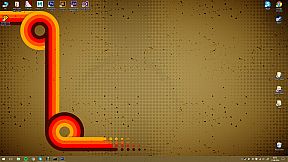
Wallpaper Engine is a versatile desktop customization tool that falls into the indie and casual categories, allowing users to transform their Windows desktops with dynamic live wallpapers. This utility supports a range of animated content, from 3D and 2D animations to videos and even embedded websites, making it a go-to choice for personalization enthusiasts. Released in 2018, it integrates seamlessly with the Steam Workshop for sharing and downloading user-created content, and it includes features like performance optimization to ensure it doesn't interfere with other tasks.
Whether you're looking to add subtle motion to your background or create intricate interactive scenes, Wallpaper Engine caters to both casual users and those interested in design and illustration. Its companion Android app extends this functionality to mobile devices, letting you carry your favorite wallpapers on the go.
Gameplay
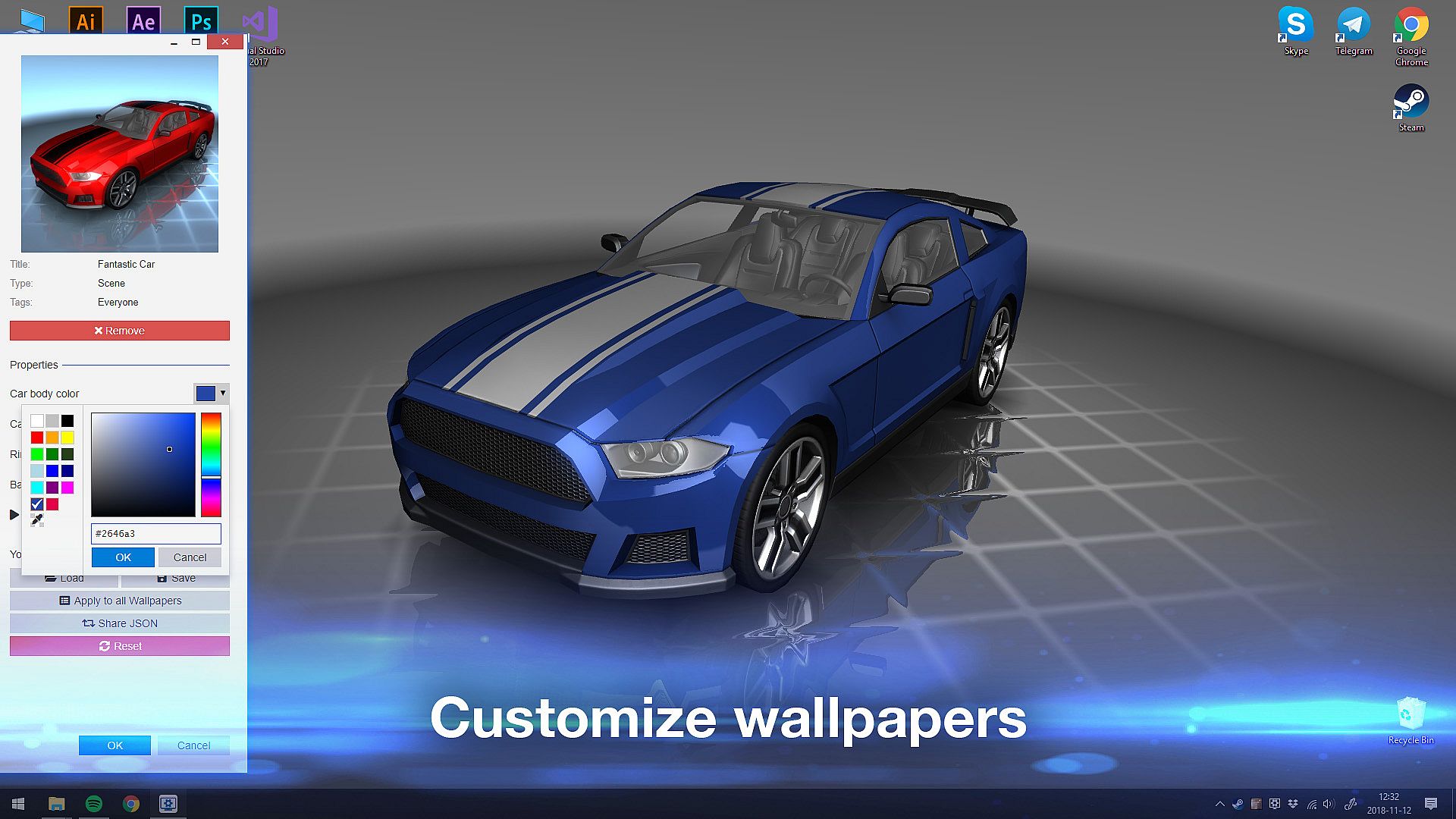
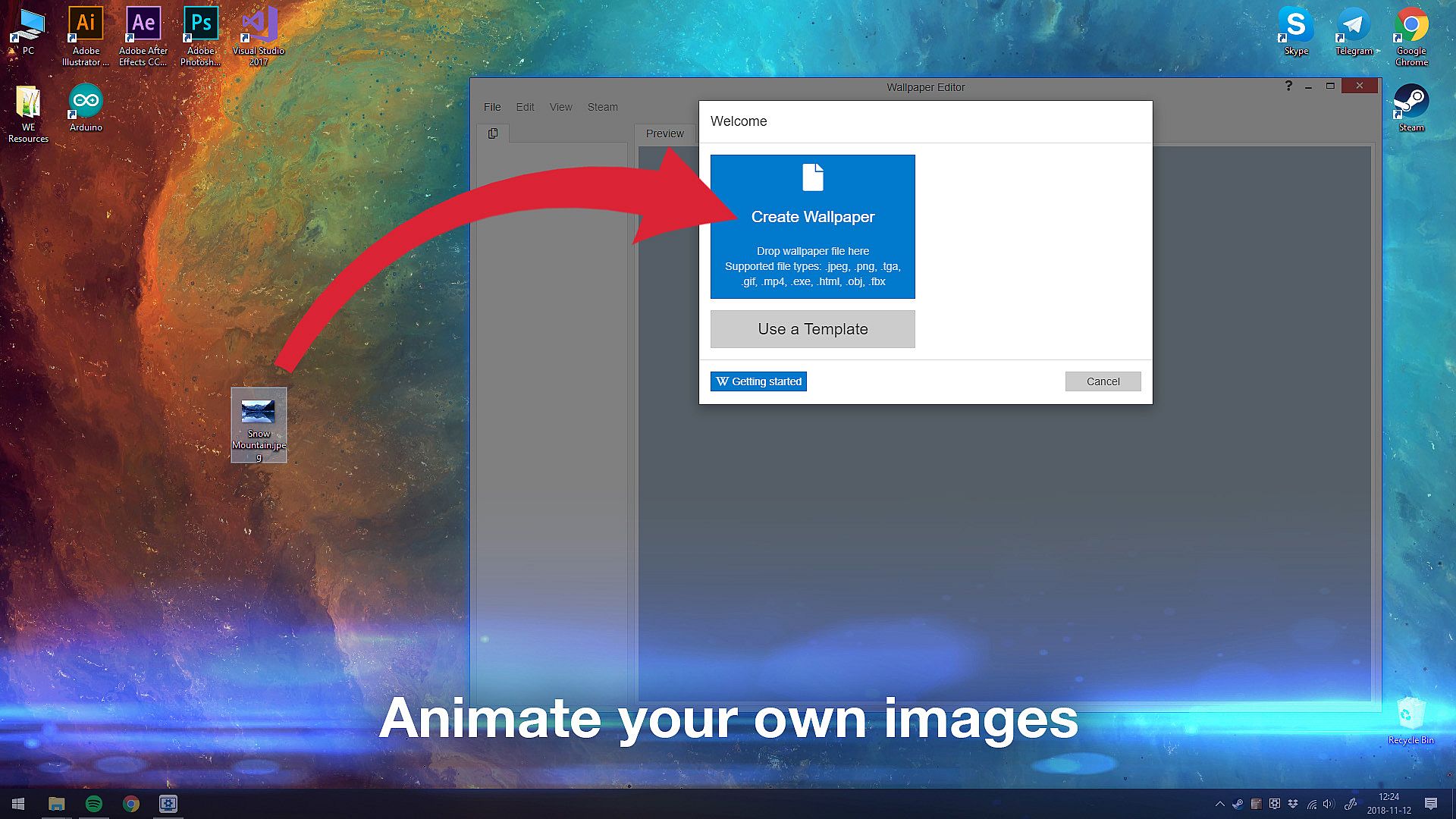
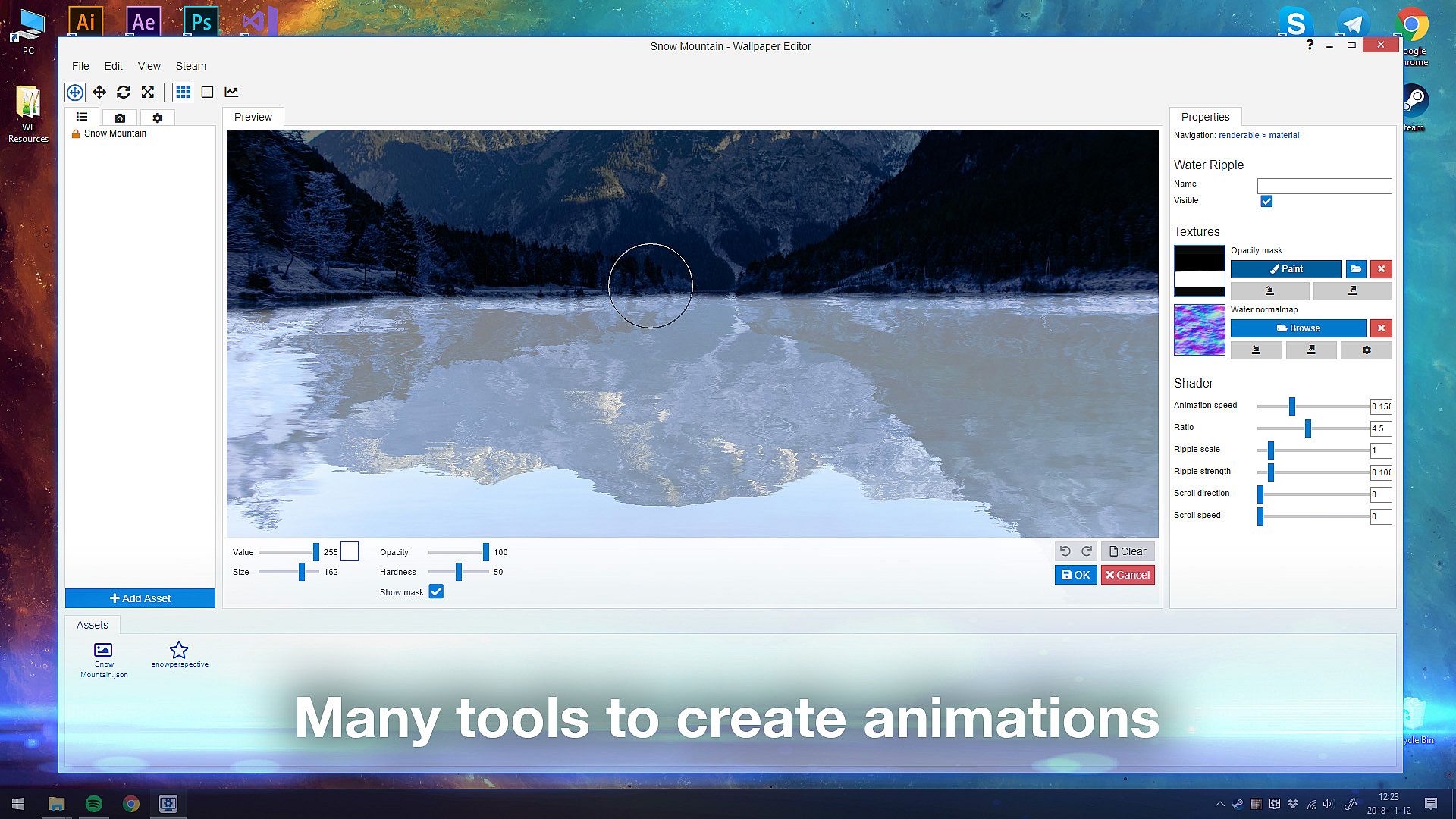
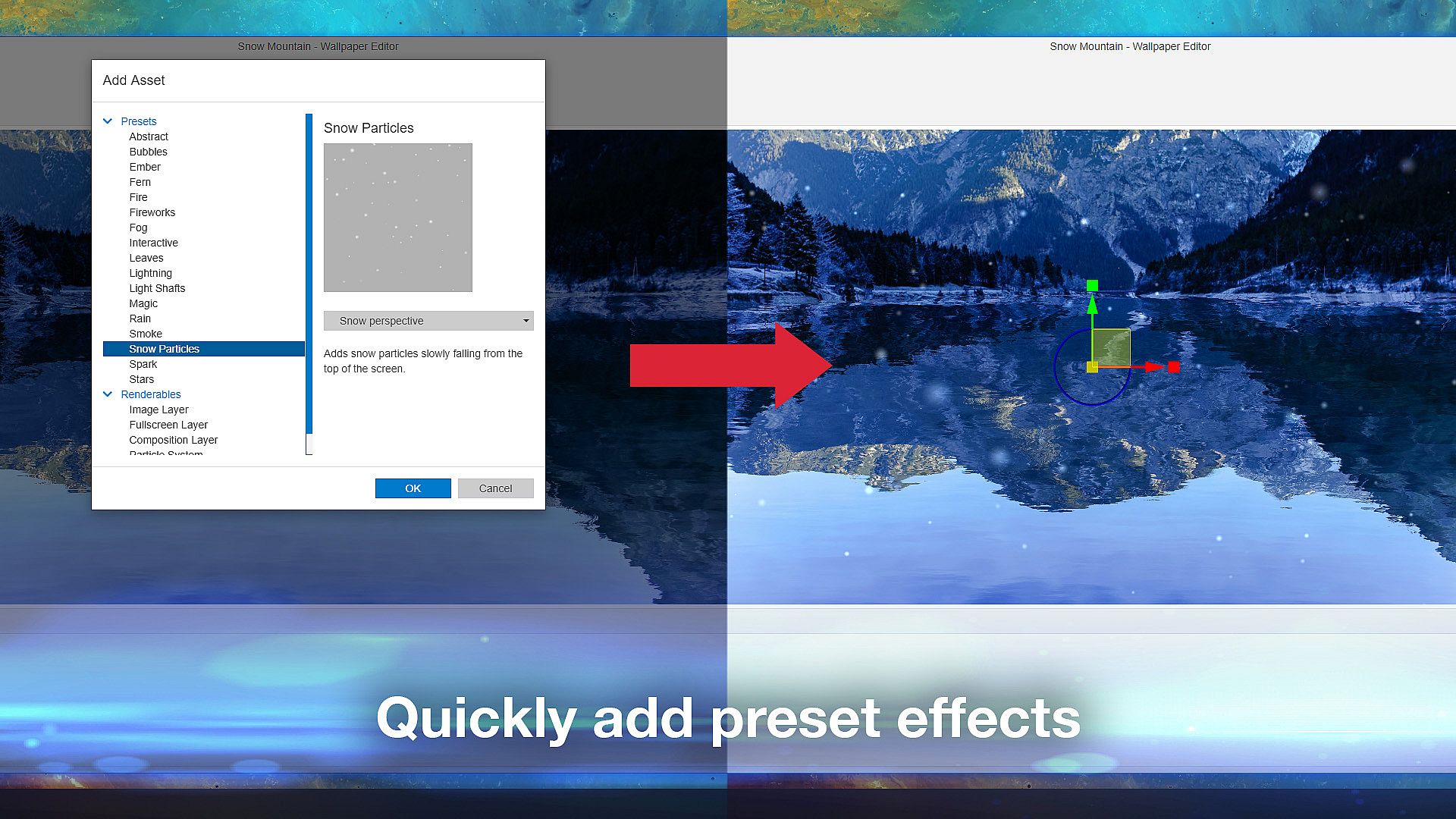
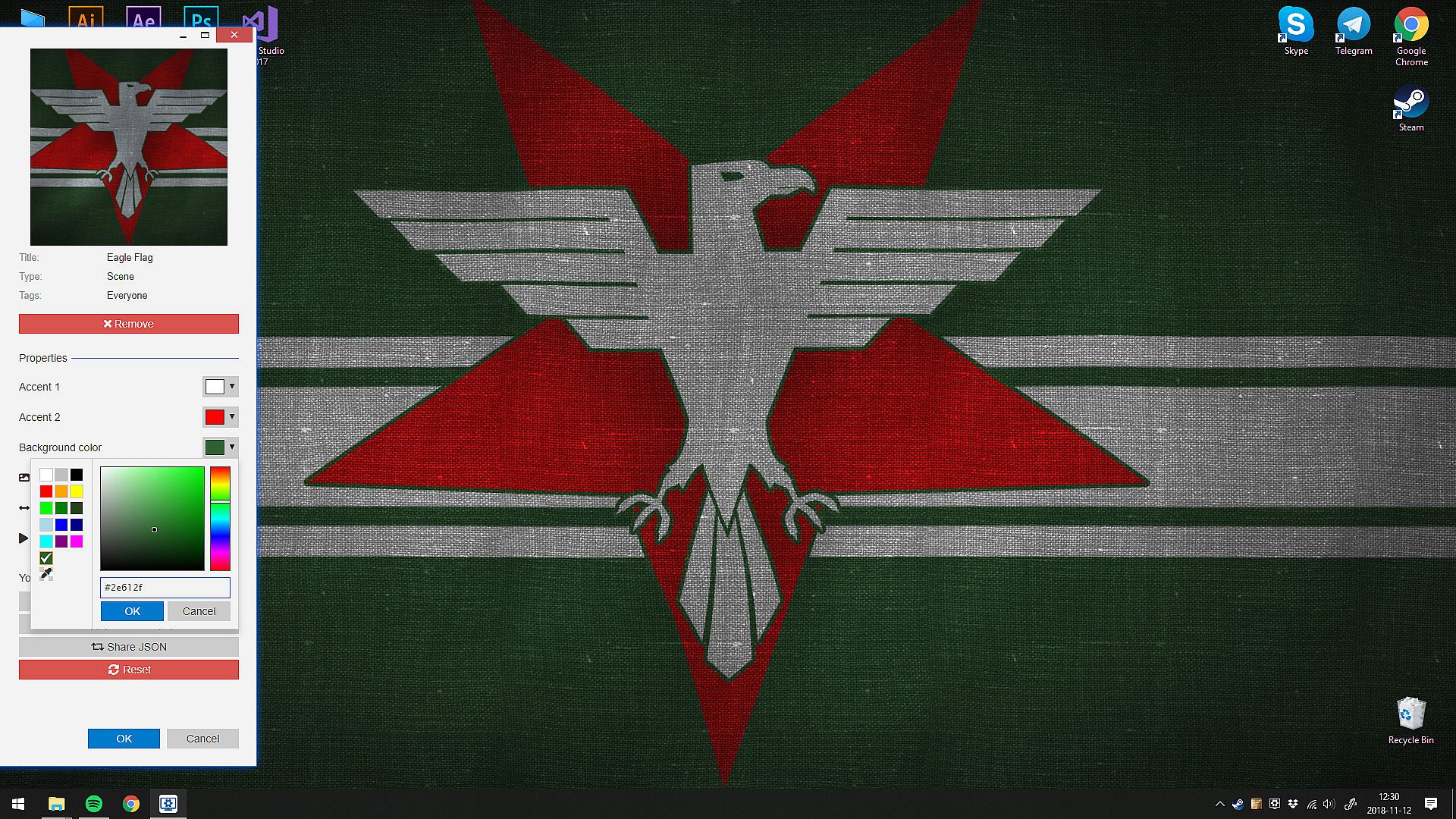
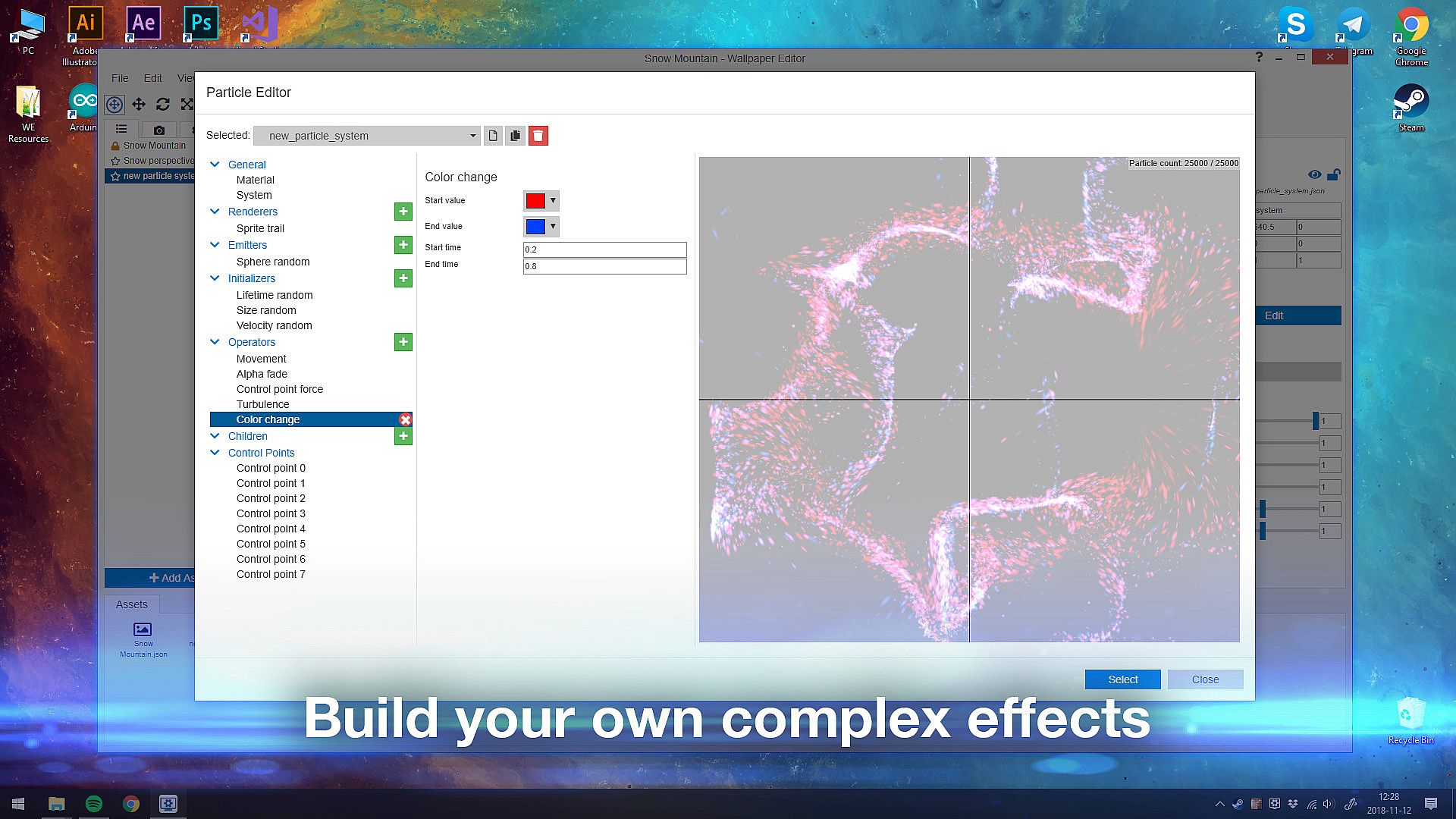
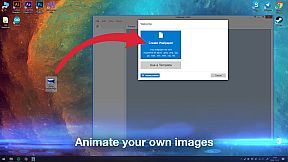
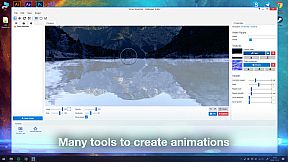
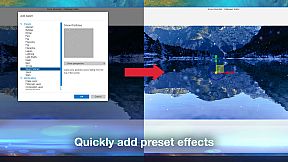
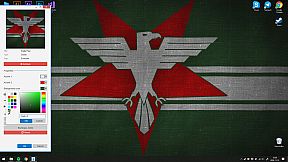
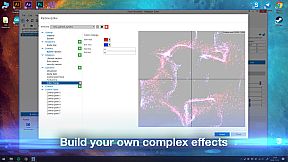
At its core, Wallpaper Engine revolves around selecting, customizing, and applying live wallpapers to your desktop. Users can browse a vast library from the Steam Workshop, where over a million free wallpapers are available, with new ones uploaded daily. The built-in editor lets you animate images, import videos in formats like mp4 and WebM, or even turn websites and applications into interactive backgrounds.
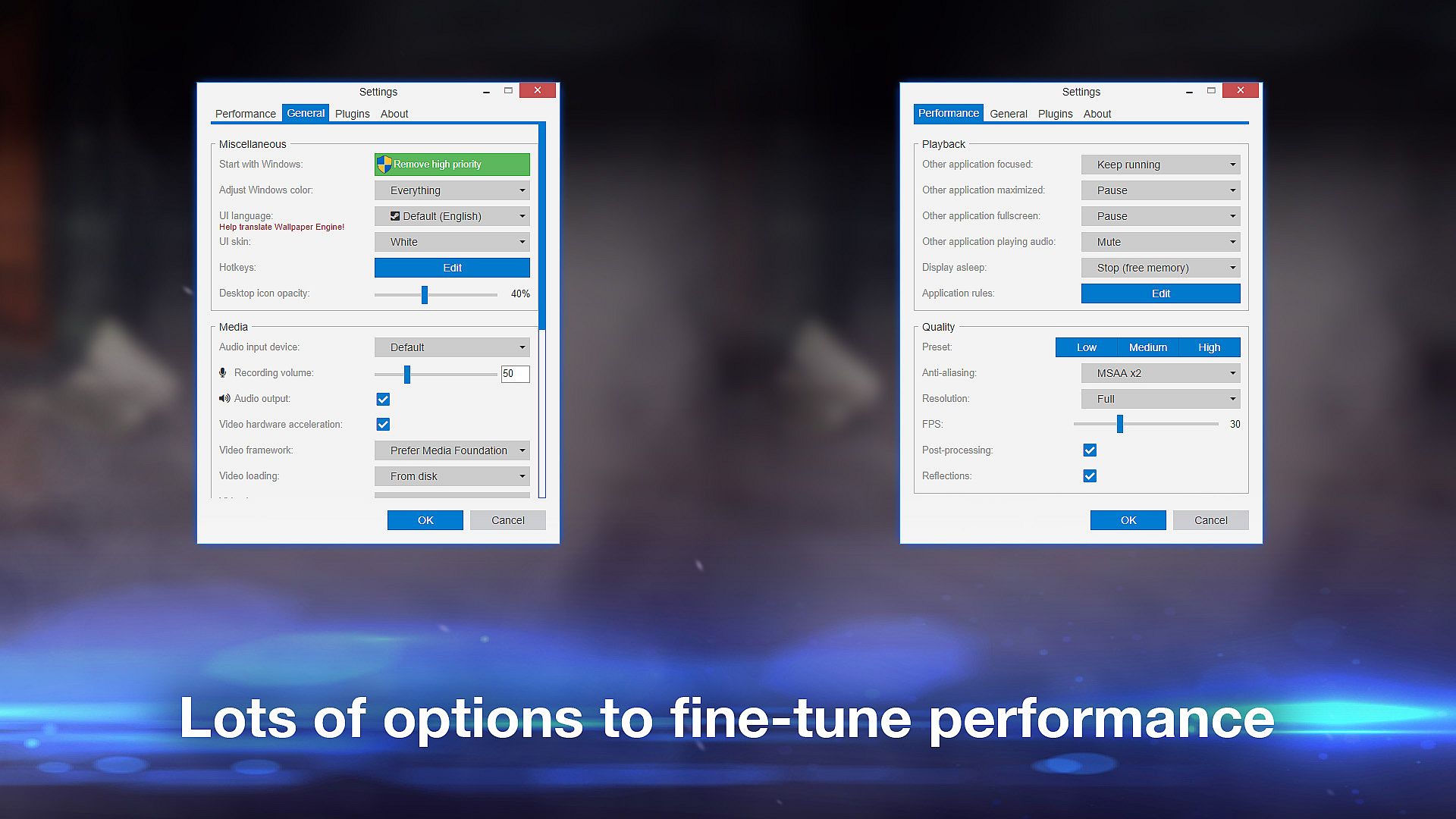
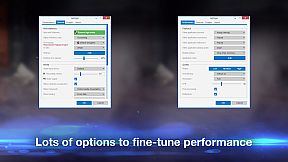
Mechanics include real-time graphics rendering, color personalization, and mouse-controlled interactions for certain wallpapers. Performance is a key focus, with options to pause animations during fullscreen applications or games, ensuring minimal resource usage. It supports multi-monitor setups and various aspect ratios, such as 16:9 and 21:9, while integrating with hardware like Razer Chroma for synchronized lighting effects.
Game Modes
Wallpaper Engine doesn't feature traditional game modes, but it offers different operational styles based on wallpaper types and usage scenarios. For instance, you can set up animated screensavers that activate when you're away from your computer, providing a passive viewing experience.
Interactive modes allow wallpapers to respond to mouse inputs, creating engaging desktop environments. Video-based modes support local files in formats including avi and mov, while application modes embed functional elements like mini-games or tools directly into the background. These variations let users switch between resource-light 2D animations for everyday use and more demanding 3D or website integrations for creative projects.
Current State and Updates
As of 2026, Wallpaper Engine remains actively supported, with ongoing community contributions through the Steam Workshop. The free Android companion app, introduced as a newer feature, enables seamless transfer of wallpapers to mobile devices running Android 8.1 or later.
System requirements are modest, starting with a 1.66 GHz processor and integrated graphics, though a dedicated GPU is recommended for optimal performance with complex wallpapers. Recent videos and community discussions highlight its continued popularity for making desktops feel dynamic without significant hardware strain.
Is It Worth Playing?
Wallpaper Engine boasts overwhelmingly positive reception, with 98% of 899,207 reviews rating it favorably overall, and 97% positive from 8,612 recent reviews in the last 30 days. Players appreciate its low resource impact and extensive customization options, making it ideal for anyone into desktop personalization or creative tools.
If you enjoy utilities that enhance your computing environment without demanding constant attention, this tool is worth trying, especially for its free Workshop content and editor. However, those with lower-end hardware might stick to simpler 2D wallpapers to avoid performance hits. Overall, its strong community support and efficiency make it a solid pick for casual users and designers alike.