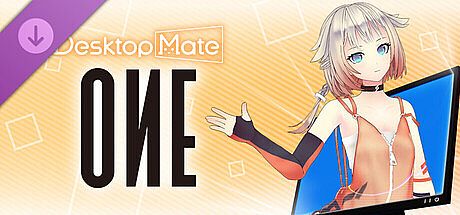


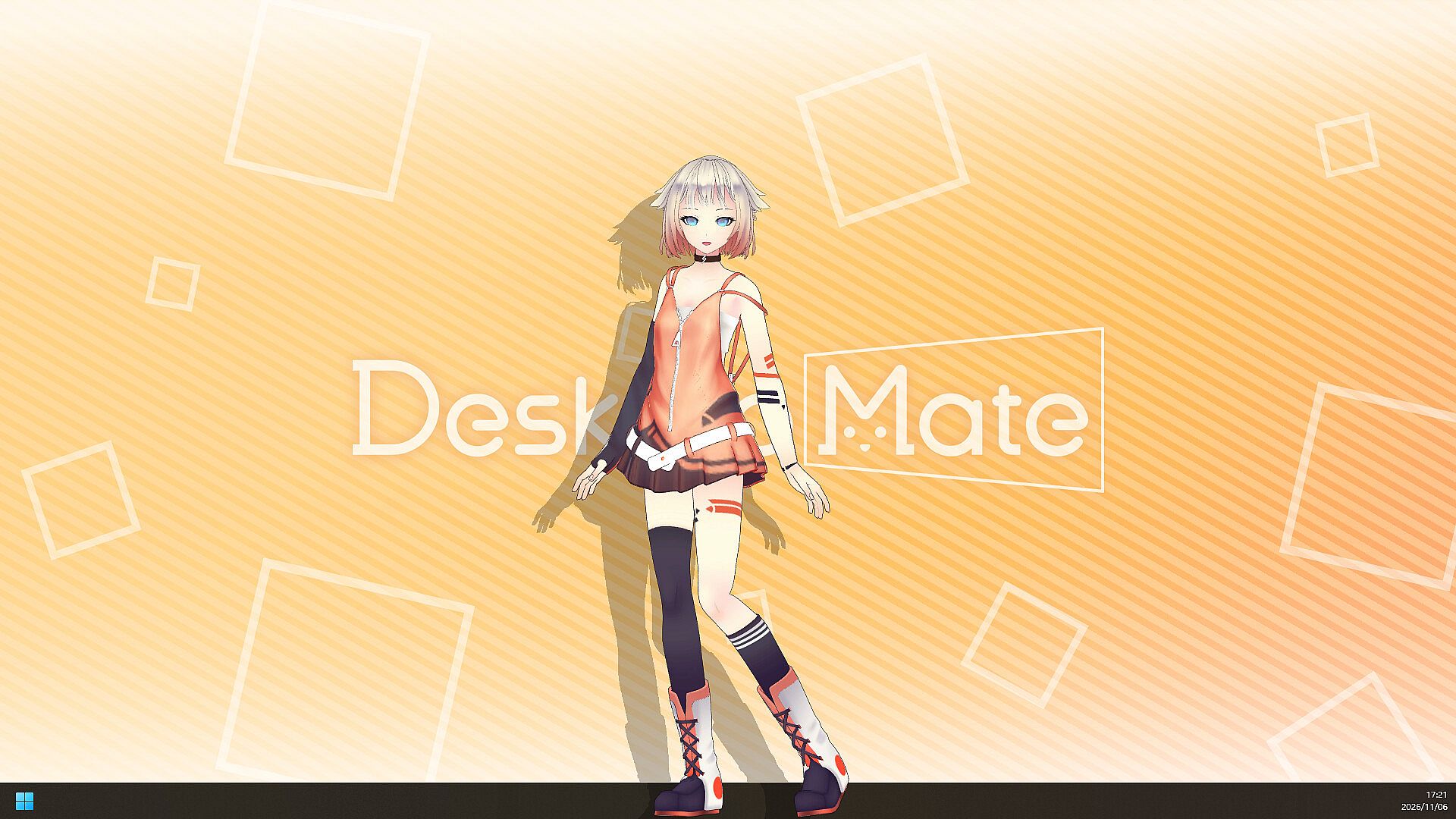
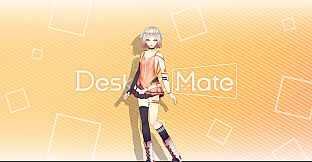
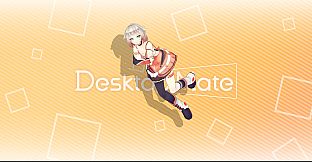
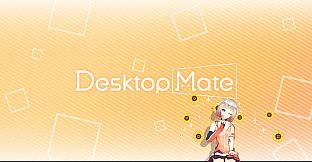
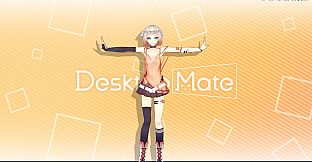
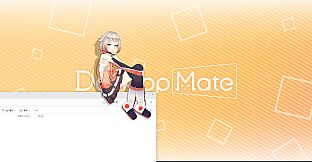
Desktop Mate OИE DLC adds the virtual artist OИE to the Desktop Mate platform on PC. This free-to-play utility focuses on placing officially licensed 3D characters directly onto the desktop environment, where they perform animations and respond to basic mouse inputs while other applications run in the background.
Gameplay
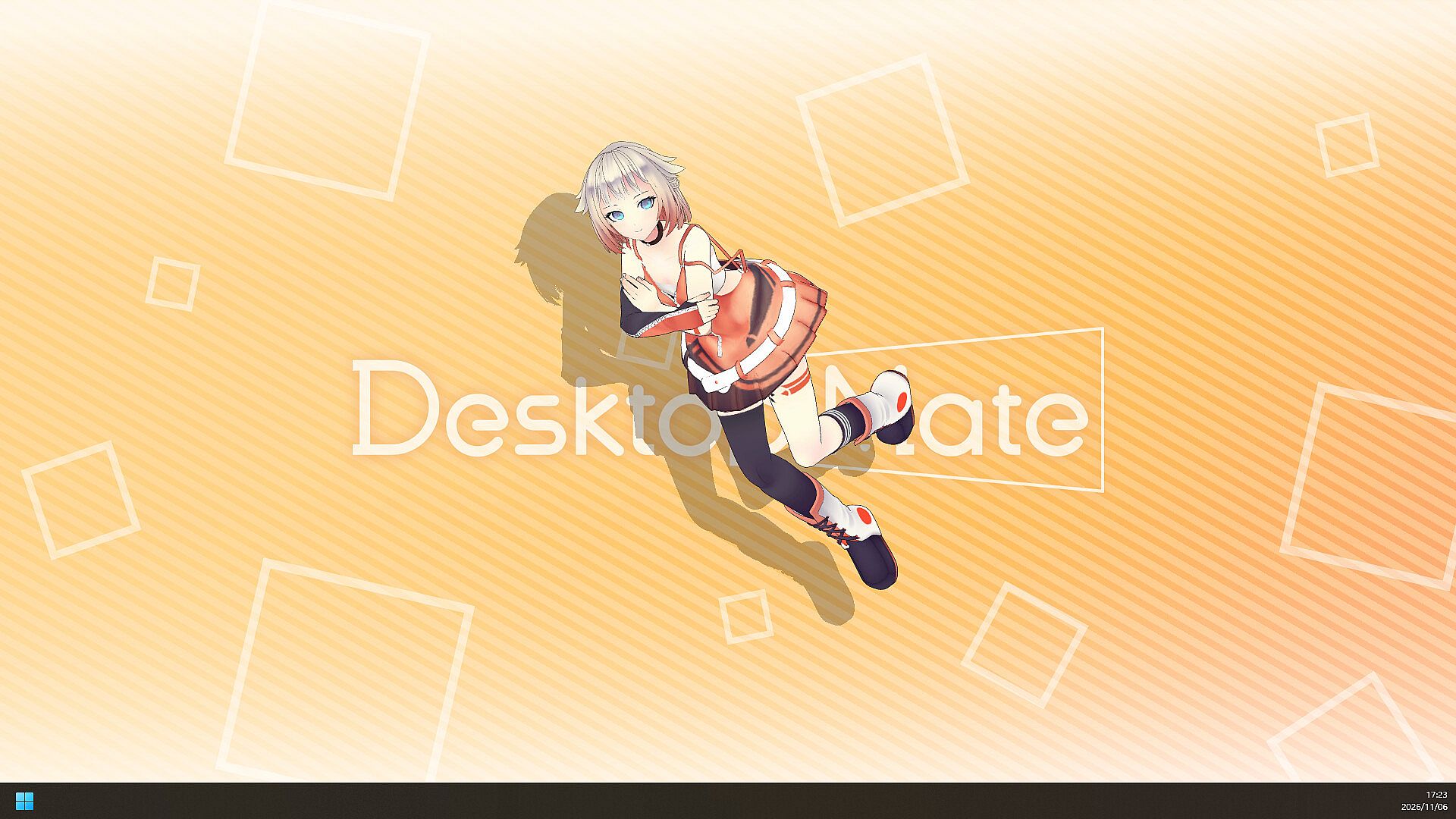
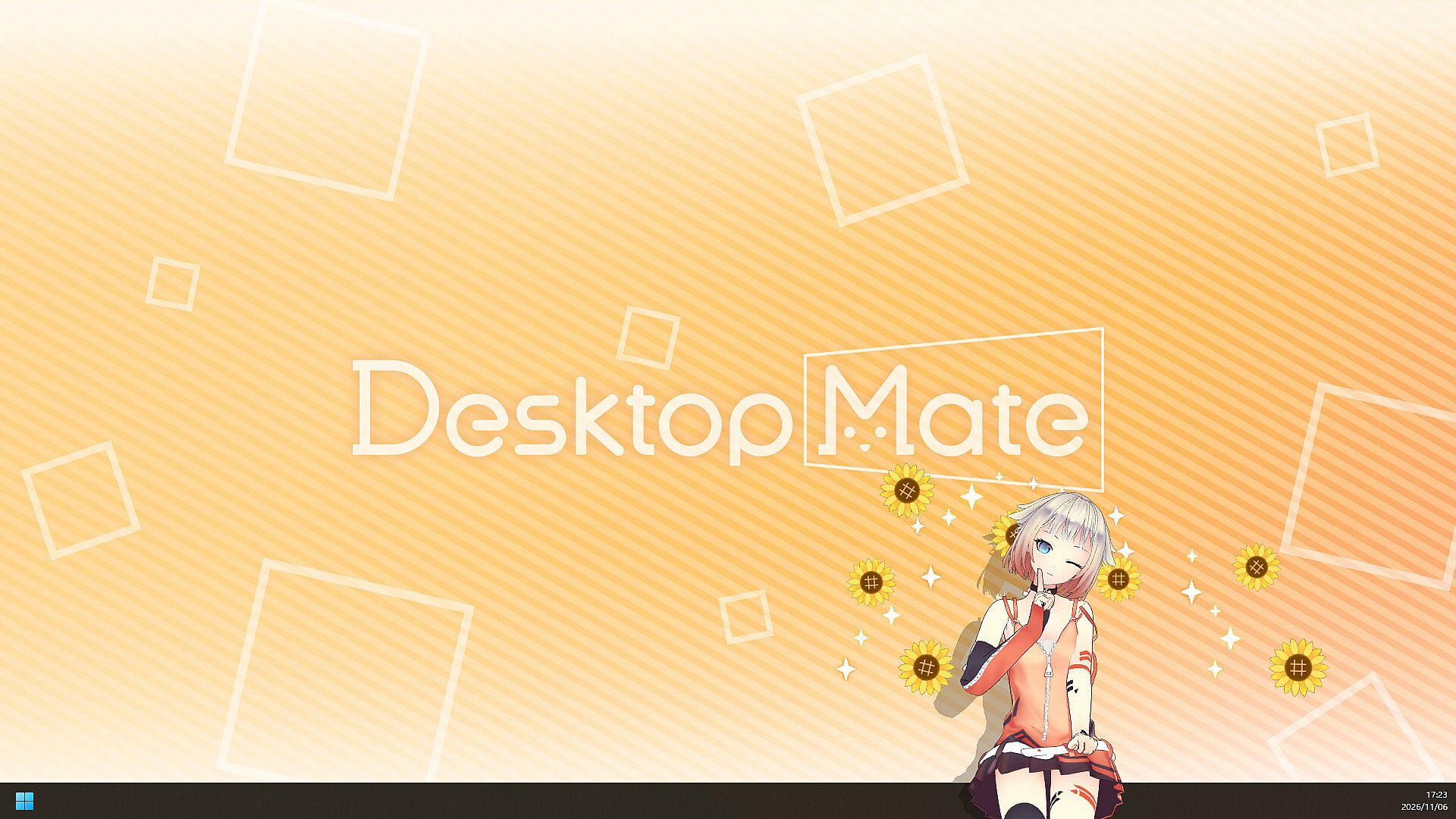
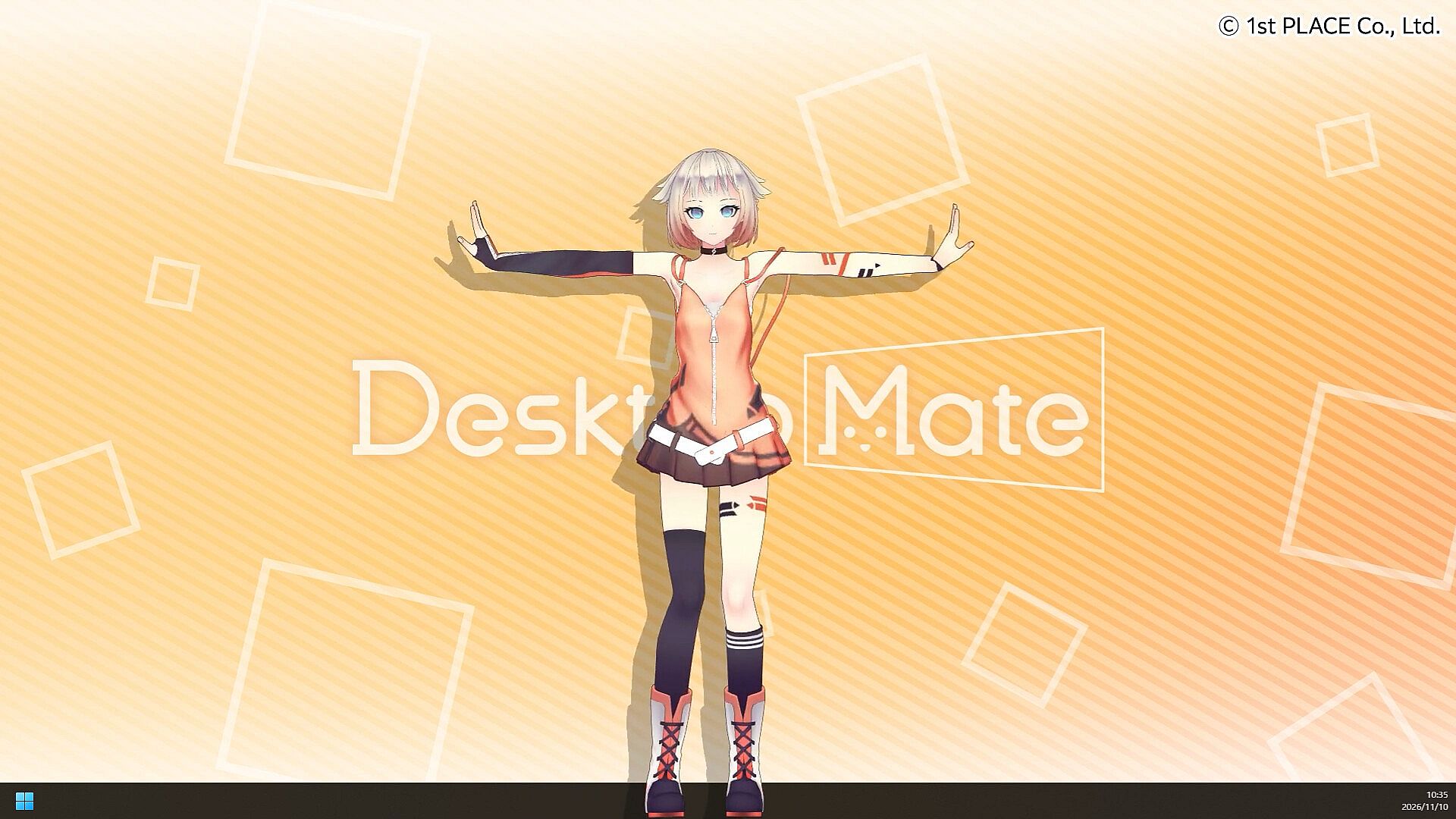
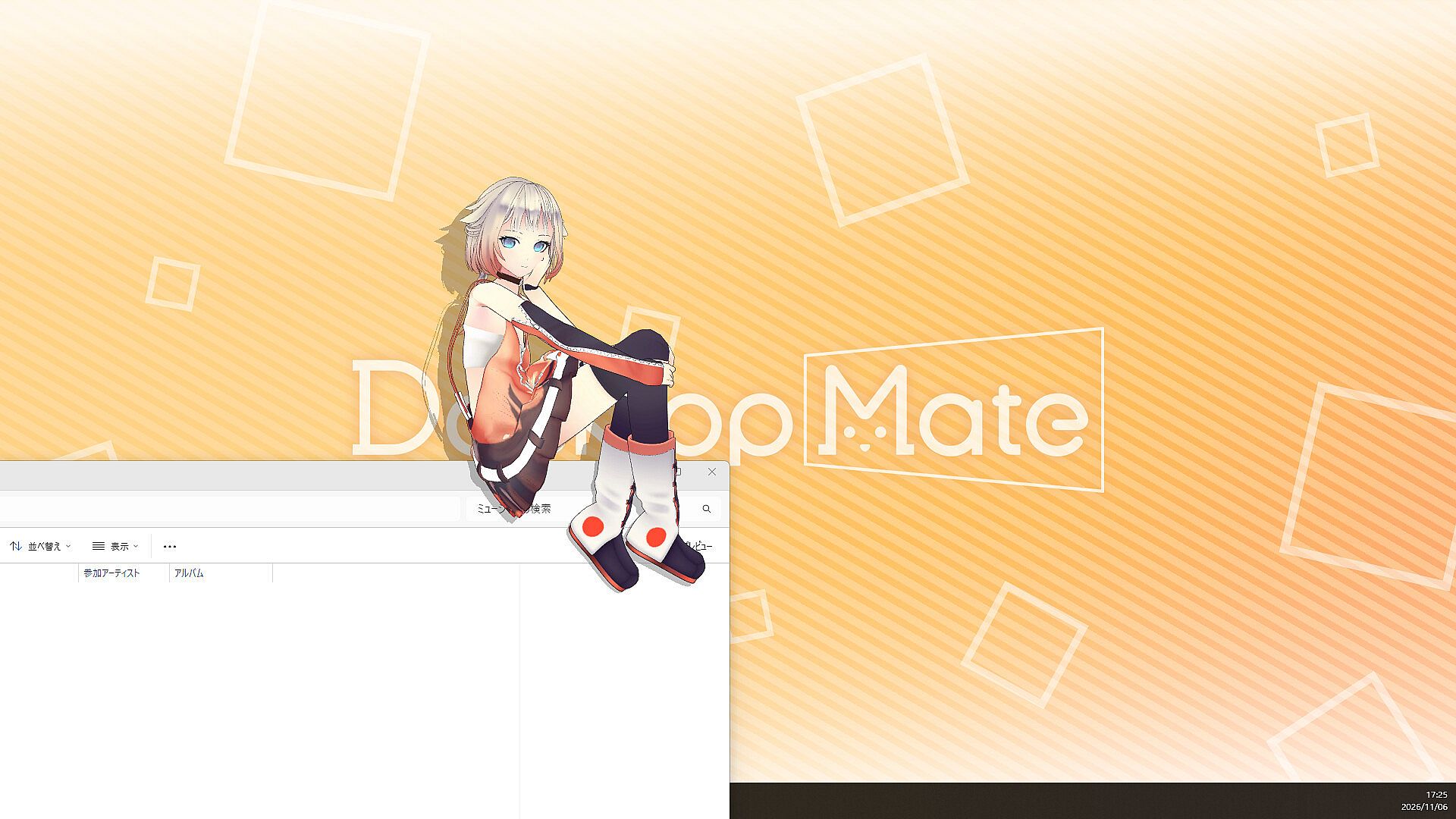
OИE appears using her official 3D model and performs a series of character-specific motions powered by VoiSona Talk voice lines. She enters wrapped in glowing orbs and strikes a pose drawn from her voice synthesis software artwork, then greets users with the line "Hello, Darling! It's OИE!" When emerging from the screen edge she waves after a brief gaze. Standing animations include a spinning dance with text and heart effects. Seated sequences show her holding a controller and leaning forward in focus before a small fist pump, or resting with knees hugged and chin in hand. Lying down poses allow relaxed idle states.
Clicking the character triggers a jump followed by a finger-to-lips "shh" gesture and the line "Eek! Whew, you surprised me. Don't tell my big sister about that, okay?" Patting produces blushing and fidgeting reactions, sometimes accompanied by the pout "Hey! You're treating me like a kid!" The alarm feature causes her to rise from the bottom of the screen with a check-in message such as "Good work, it's time! Wait... you're not pushing yourself too hard, are you?" Morning and evening greetings are also included. Grabbing her hand leads to a swaying motion and the question "Where are you taking me, Darling?" Departure includes a small wave and the request "Call me again, okay, Darling?" Voice content remains Japanese only.
Game Modes
Desktop Mate supports single-character display as the default experience. Multi-Character Mode allows OИE to appear alongside IA when the separate IA DLC is also installed, placing the sisters from planet ARIA side by side on the same desktop. Placement options let the character sit on open windows, rest on the taskbar, or occupy the main desktop area. Size adjustment ranges across multiple steps, and dragging repositions the model freely. Alarm notifications expand the character to a larger size for visibility while delivering spoken reminders.
Character Interactions and Features
Mouse interactions drive most engagement. Hovering near the character prompts eye tracking and subtle movements. Patting and clicking produce the contrast of dependable yet slightly childish reactions that define OИE's personality. The entrance and exit sequences add visual flair with orb effects and pose work. All content follows 1st PLACE fan fiction guidelines, permitting streaming and video uploads on major platforms.
Notes for use include the requirement for the latest Desktop Mate version, separate purchase of the IA DLC for multi-character display, and current unavailability of multi-character support on the Mac open beta. The DLC itself carries a price of 2,200 yen including tax and supports both Japanese and English interface languages on Windows 10/11 and macOS Tahoe 26 or later.
Is It Worth Playing?
Desktop Mate as a platform receives mixed reception overall, with recent review aggregates showing roughly 58 percent positive ratings across thousands of user submissions. Many players value the high-quality official models and idle animations that keep a favorite character visible during normal computer use. Others note limited functionality beyond visual presence and alarms, along with the cost of individual DLC purchases.
This OИE DLC suits fans of the virtual artist who want her specific motions, voice lines, and "Darling" interactions on their desktop. It pairs naturally with the IA DLC for sister-themed setups. Users seeking only occasional visual companionship or alarm reminders may find the base application sufficient without additional purchases. Those who already enjoy Desktop Mate's existing character roster and appreciate OИE's cheerful personality will likely find the added content a direct extension of the platform's core appeal.