




Buy AvaKit PC

AvaKit is free to play! Download it on Steam and start playing instantly.

Release: 05 May 2023
Steam:
Mixed (75)
Official
Unavailable
Keyshops
Unavailable
Buy in Official Store:
Unavailable
Buy in Keyshops:
Unavailable

No entries, but don''t worry, we will inform you once the new offer appears.

Create Alert Create deal Alert

About AvaKit

AvaKit - about the game
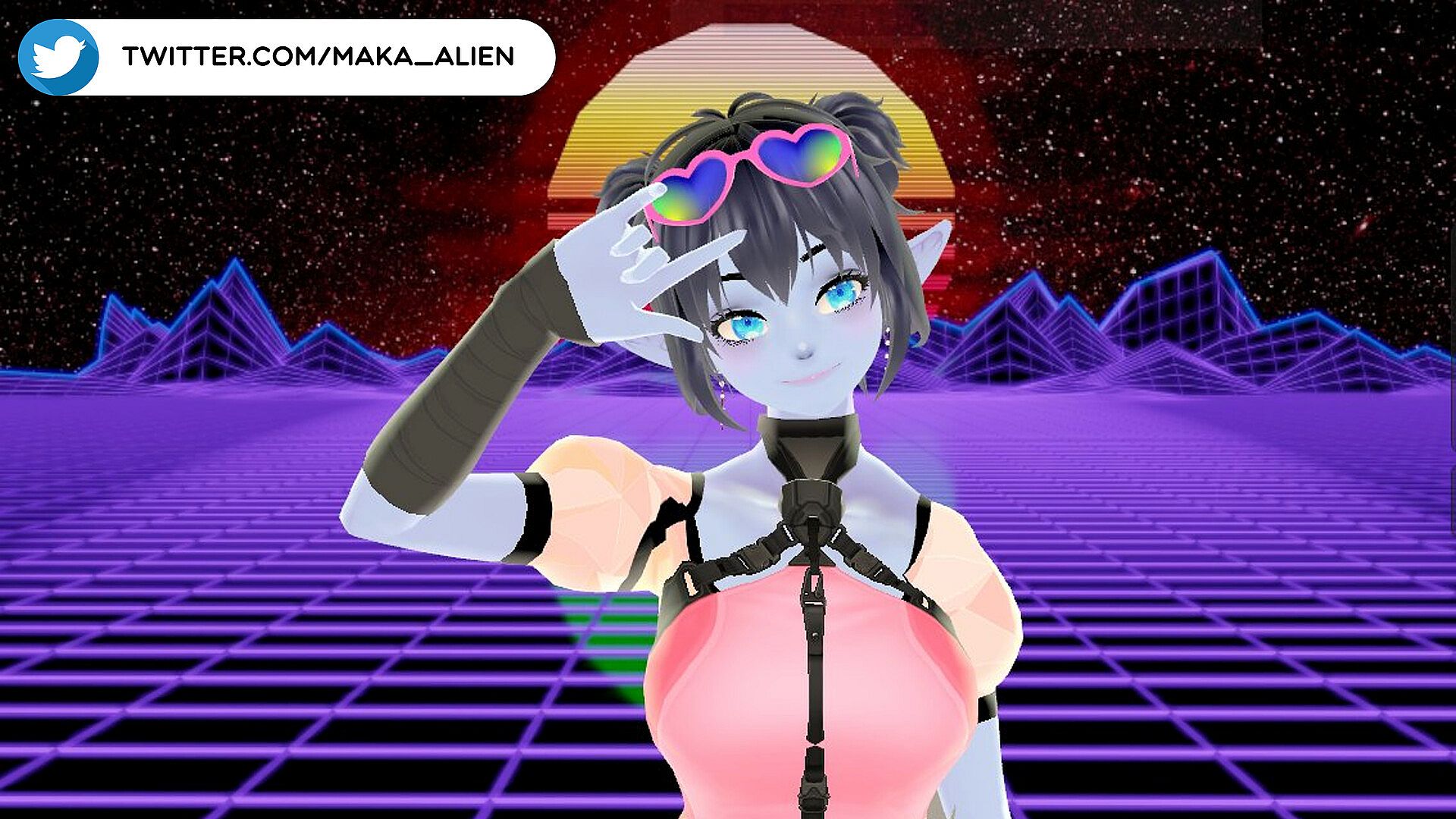
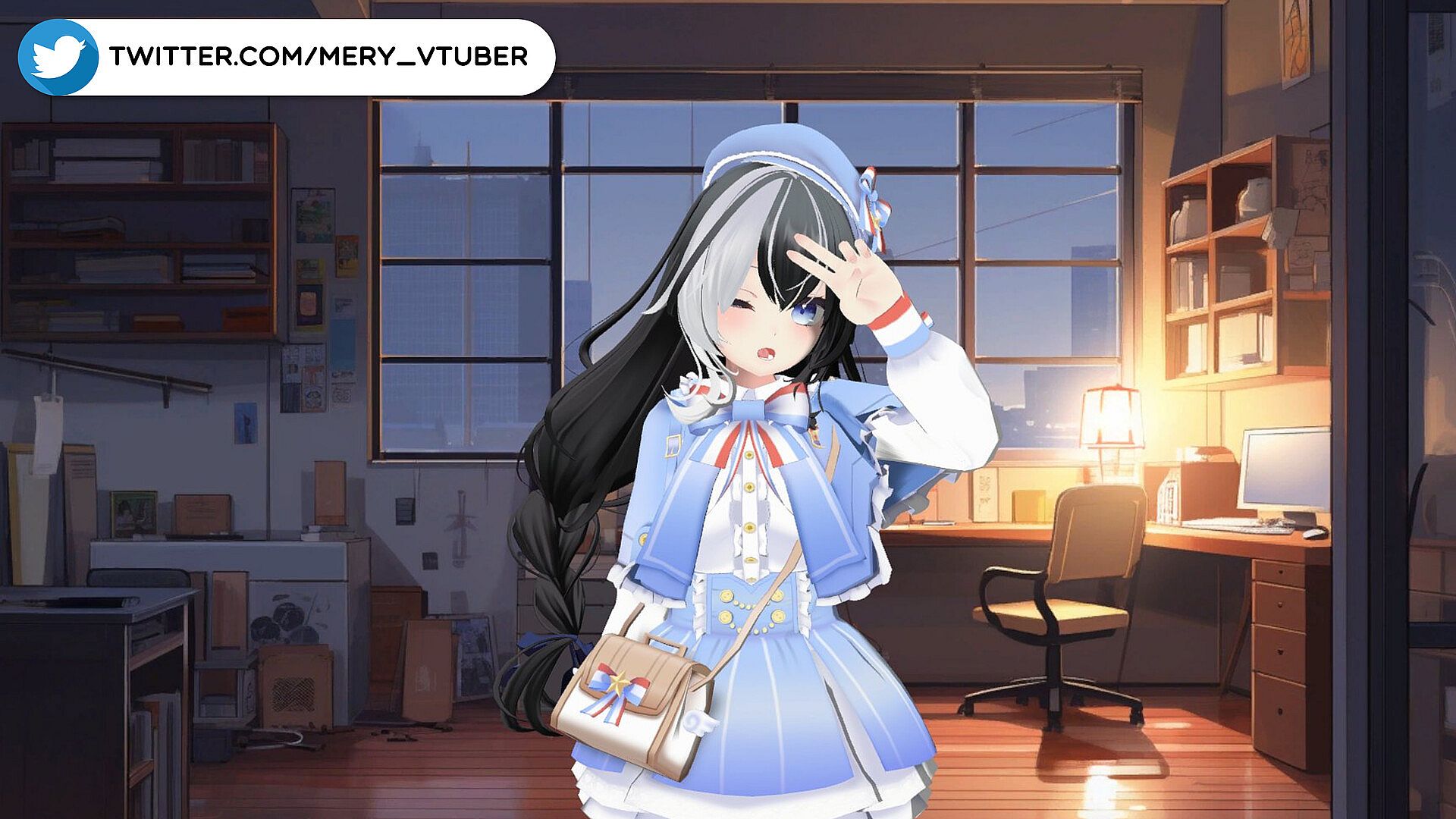
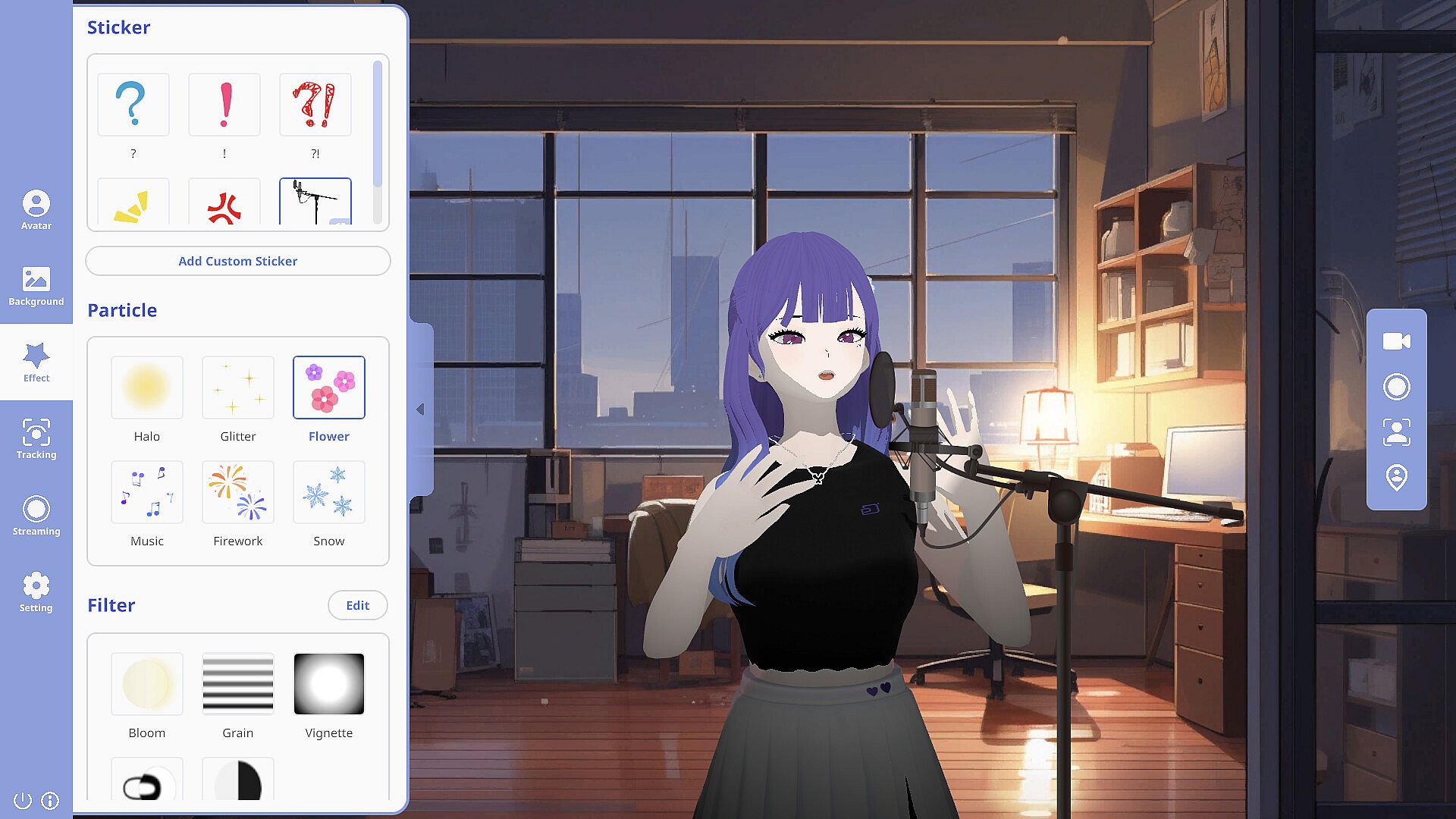
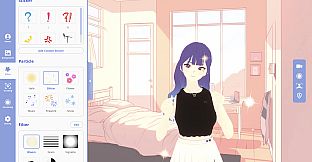
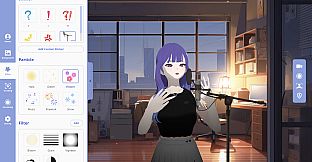
VTubers gain real-time motion capture for VRM files using just a single webcam in this Early Access animation and modeling tool. Connect any camera, launch AvaKit, and complete two calibration steps to track hands, arms, iris, facial expressions, and body. Load your VRM avatar or use the default Rua-chan mascot, then stream with OBS Studio plugins like Spout2 Capture and Syphon. Lip sync follows microphone input, while hot keys trigger shape keys for blendshapes, costumes, and hair. Tweak tracking parameters, adjust avatar position and size, import PNG props, apply chroma key, backgrounds, lights, particles, and beauty filters. NDI support aids YouTube and Twitch broadcasts on Windows and MacOS, perfect for newcomers building live streams.

No more expensive mo-cap gears! AvaKit IS HERE!
AvaKit, which finishes its CBT(closed beta test) starts an Early Access in Steam!
VTubers can start their real-time motion capture of their VRM files through AvaKit.

Just a single camera is okay to start.
The only thing to start AvaKit is just a single, common webcam.
No iPhone or Leapmotion needed.
SINGLE CAMERA and AvaKit are only things that you need to become a VTuber.
Then hand, arm, iris, facial expression, and body tracking is available in AvaKit.
Any type of camera - laptop webcam, smartphone, external webcam - is okay for us.

Easy to start your own live-streaming
What you need to do before start is so simple:

(1) Connect your camera
(2) Start the AvaKit
(3) and implement two types of calibration.

After these three procedures, you can enjoy our complete tracking solution.
If you have your own VRM files, you can change the avatar model and start live-streaming.
(AvaKit officially supports the plugins of OBS Studio - Spout2 Capture & Syphon)

We provide you default VRM character, Rua-chan!
You can try features of AvaKit with our cute mascot characeter, 'Rua-chan'.
Also, AvaKit only supports the VRM file for 3DVTubers currently,
but we plan to expand our spectrum to Live2D model.
Whenever there are any issues or difficulties related to playing AvaKit,
please let us know through our official .
Newcomers are always welcome!
Why you have to choose AvaKit
AvaKit provides the optimized features to livestream in YouTube and Twitch for VTubers.
Currently, the major features that AvaKit supports are as follows.

  • Easiest and fastest real-time facial expression, hands, body tracking to start
  • Microphone-based lip sync (both audio-based and video-based are available)
  • High-quality rendering through AvaKit pipeline(shader applying other than MToon)
  • Shape key implementation through hot key registration - blendshape, costume, hair, etc.
  • Precise setting related to tracking parameters and avatar movement available
  • Position, rotation and size modification of avatar available
  • Prop import (Available to import PNG file as a prop)
  • Chroma key - green background, Spout2 Capture and Syphon Client available
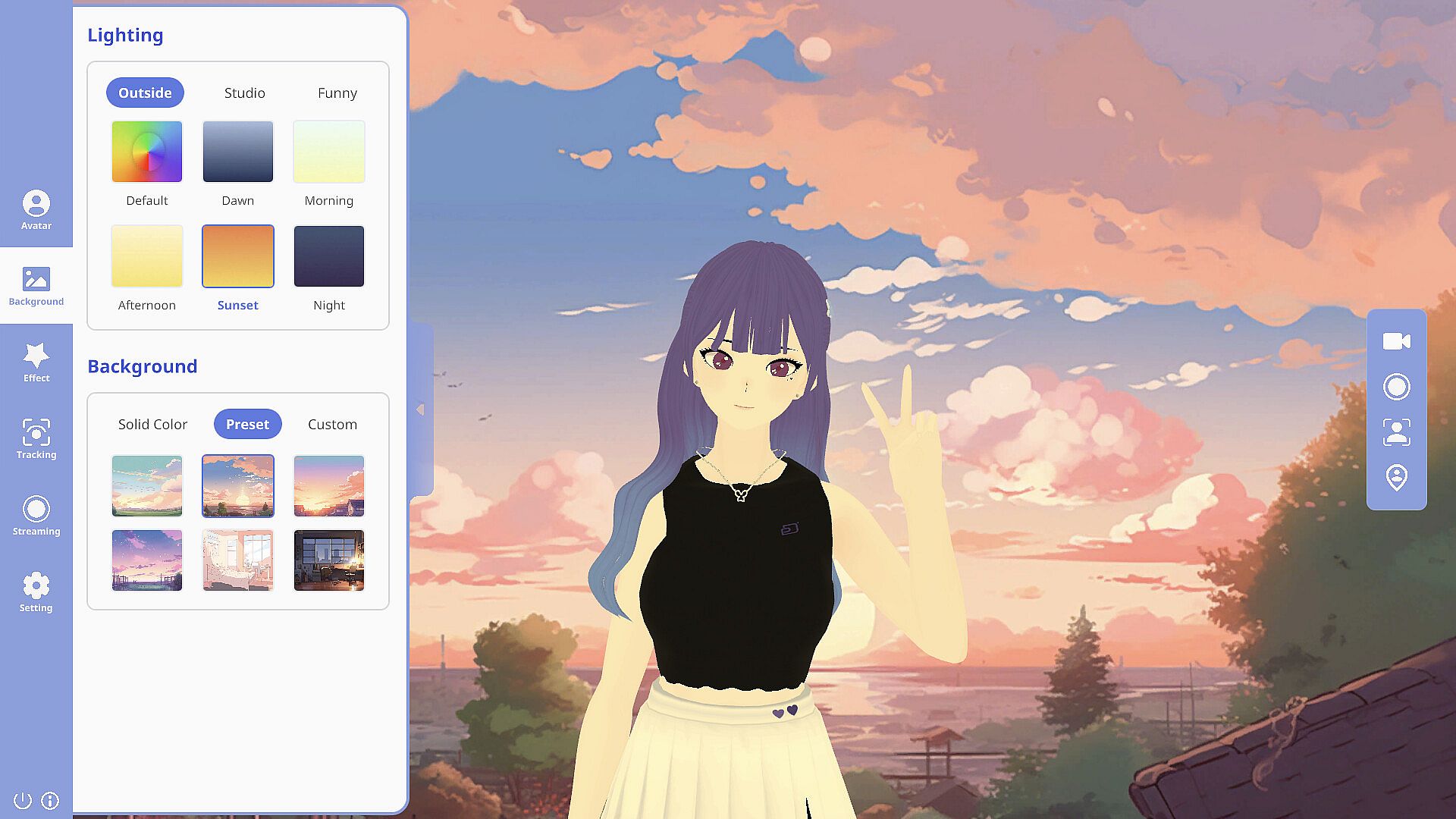
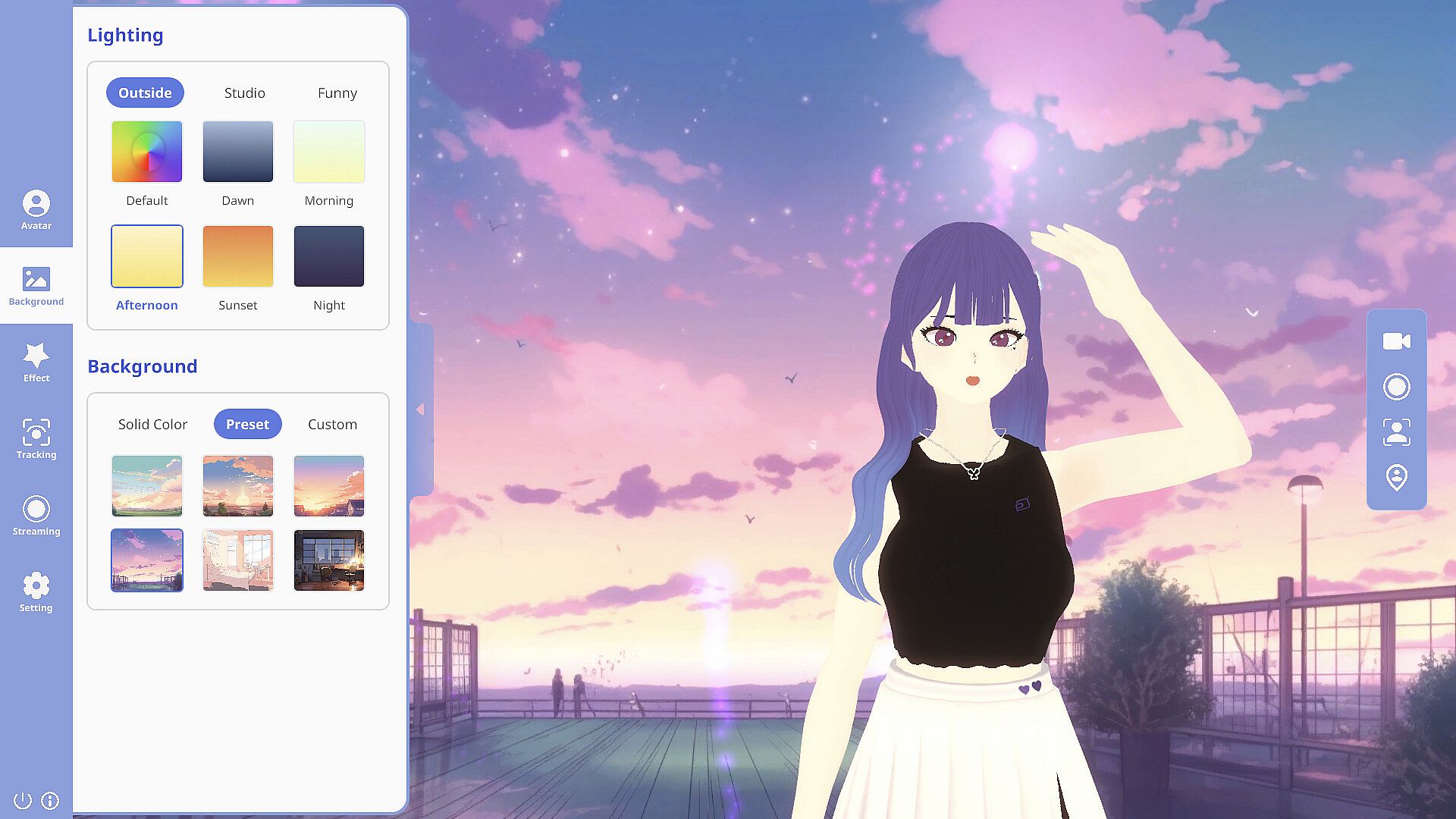
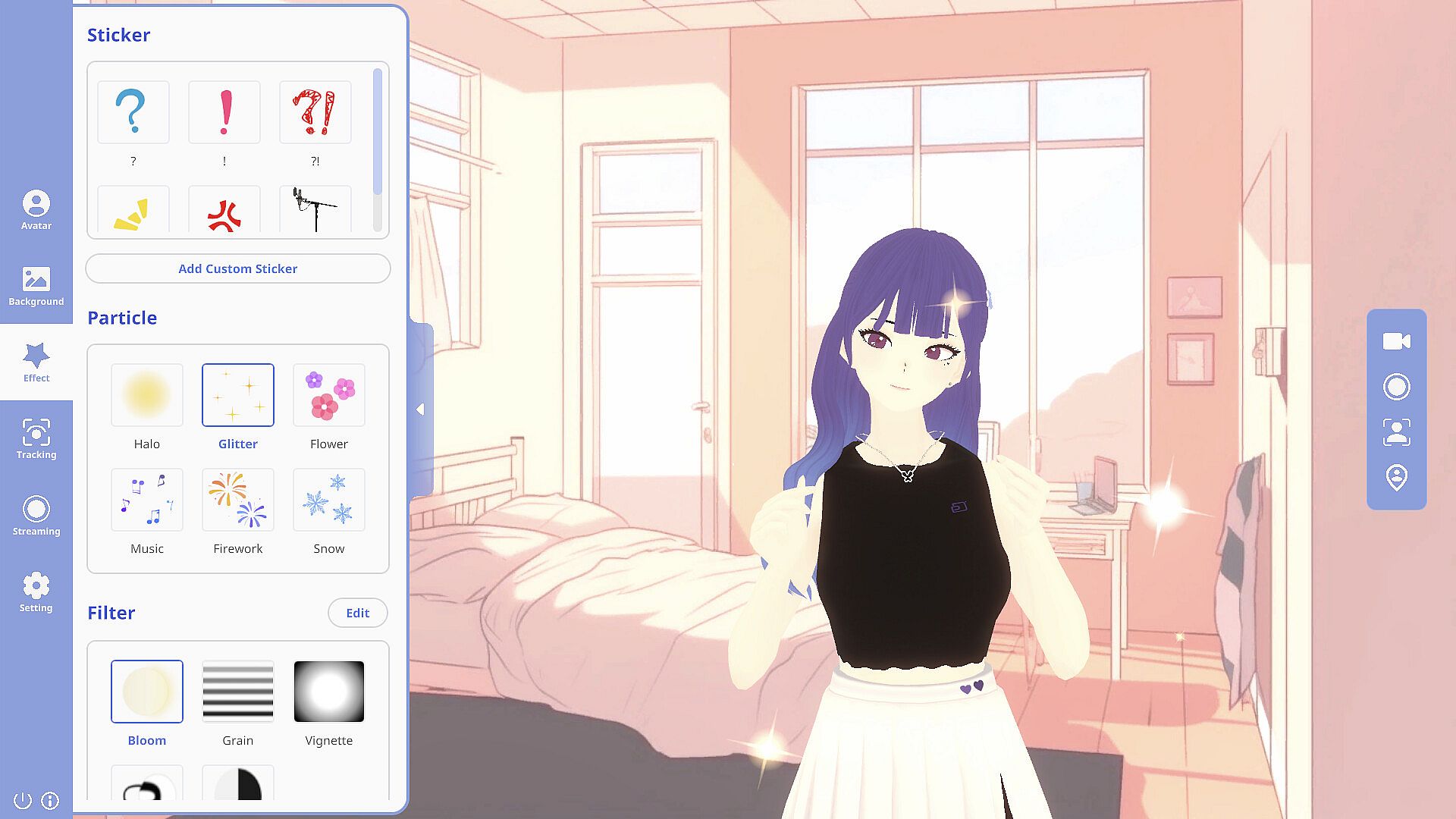
  • Various backgrounds, lightings, particle effects, and beauty filters
  • NDI support available
  • Available both on Windows and MacOS!

There are much more features that AvaKit wants to show you. We really tried hard to develop.
We are always open to your suggestions, so please feel free to say to us at our !
Features that will be updated
Also, features that are planned to be developed through previous tests are as follows.

  • Interaction plugin between VTuber and viewers by linking with Twitch and YouTube
  • Sticker and illustration auto-generation
  • Closet mode(This will help you change your costumes easily without shape key registration)
  • More various rendering filter(shader) types
  • Inner camera for avatar selfie like VRChat
  • ...and many more through our exclusive plugins!

How to make a contact with dev
There is our .
Also, we are consistently our development procedures through our official Twitter account,
so you can also communicate with us through this channel.
We look forward to communicating with you!
Credit
There are several 3D asset presets in AvaKit for throwing-object-feature.
Thanks for your contribution.
@FelineEntity @zuzu @RenAtlach

Interface:
EnglishJapaneseKorean

Age rating

Unavailable
Steam:
Mixed (75)

Minimum:

  • OS: Windows 10 (x64)
  • Processor: Intel / AMD CPU running at 2.5 GHz or higher
  • Memory: 4 GB RAM
  • Graphics: NVIDIA / AMD GPU with at least 2GB VRAM
  • Storage: 2 GB available space
  • Additional Notes: x64 processor and OS needed / camera(webcam, smartphone, etc.) required to implement motion tracking

Recommended:

  • OS: Windows 10 (x64)
  • Processor: Intel / AMD CPU running at 3.5 GHz or higher
  • Memory: 8 GB RAM
  • Graphics: NVIDIA / AMD GPU with at least 4GB VRAM
  • Storage: 4 GB available space
  • Additional Notes: x64 processor and OS needed / camera(webcam, smartphone, etc.) required to implement motion tracking

Minimum:

  • OS: Big Sur
  • Processor: Intel core that can run at 2.5GHz or higher
  • Memory: 4 GB RAM
  • Graphics: 2GB VRAM
  • Storage: 2 GB available space
  • Additional Notes: camera(webcam, smartphone, etc.) required to implement motion tracking

Recommended:

  • OS: Monterey 12.6.3
  • Processor: M1/M2
  • Memory: 8 GB RAM
  • Graphics: 4GB VRAM
  • Storage: 4 GB available space
  • Additional Notes: camera(webcam, smartphone, etc.) required to implement motion tracking
Historical low
Price history from official stores
-
-
-
Price history from keyshops
-
-
-

FAQ

8 questions

Before you start looking for a cheap AvaKit key, check the essentials. Developed by PLUME.D. Published by PLUME.D. PC released date: 05 May 2023. Genres: Early Access, Animation & Modeling, Video Production.

Q

Where to buy a cheap AvaKit Steam key?

AvaKit is free to play! Download it on Steam and start playing instantly.

AvaKit is completely free on Steam. No purchase needed - just download and play. If you are looking for premium DLC or in-game items, check the offers table above.

Our price tracker covers both official retailers and key marketplaces, so you can find AvaKit on sale even outside seasonal promotions. We currently detect 0 active offers from official stores and keyshops. Check the table above, compare against the historical low, and set an alert so you never miss the next price drop.

Based on our data, AvaKit is not currently available on GeForce NOW. You will need to run it locally on your PC. Browse games available on GeForce NOW.

Yes. AvaKit has an official page on the Steam Store, but we currently don't track any third-party offers with Steam DRM. Check back later or set a price alert.

Not at this time. Valve marks AvaKit as Unsupported on Steam Deck. Keep an eye on XD.deals - we track Proton updates and community fixes. Browse games that are Steam Deck Verified or Steam Deck Playable.

AvaKit does not appear to be available on PC Game Pass, EA Play, Ubisoft+ or any other PC subscription service at this time. Your only option is purchasing the game - use XD.deals to find the best price.

No - XD.deals is not a store. We are a price-comparison service that tracks the best AvaKit deals across official stores and verified keyshops. Click "Go to Store" next to any offer and you will be redirected to the retailer's website to complete your purchase.

Want to buy at the best moment? Set a price alert on XD.deals and get notified when AvaKit hits its next historical low.

Create Alert
Join our Discord
Get instant help from our community and stay updated on the latest deals
Set Price Alerts
Get notified by email when game prices drop to your target
Create Free Account
Unlock wishlists, price alerts, and Steam sync