





Crosshair X is a crosshair customization tool designed for PC gamers who want to enhance their aiming precision in action and indie titles. This utility software overlays a customizable crosshair on top of any game, helping players achieve better accuracy without relying on in-game options that might be limited or absent.
Gameplay
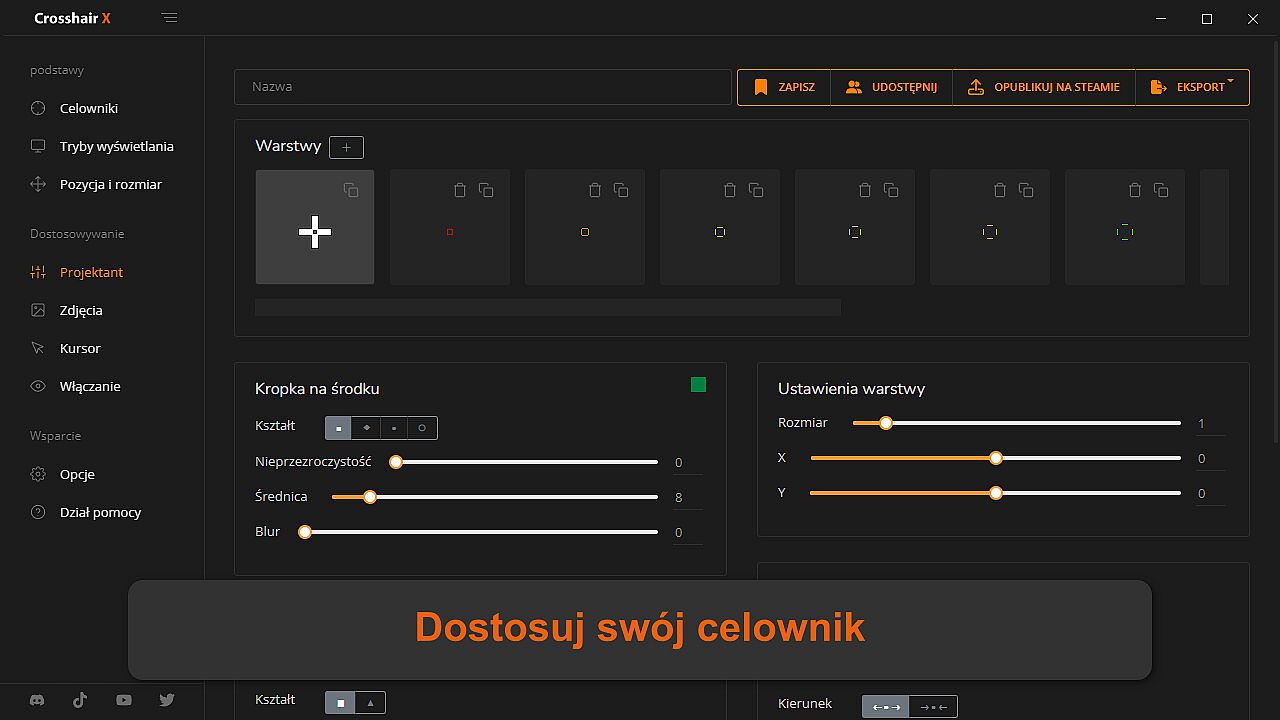
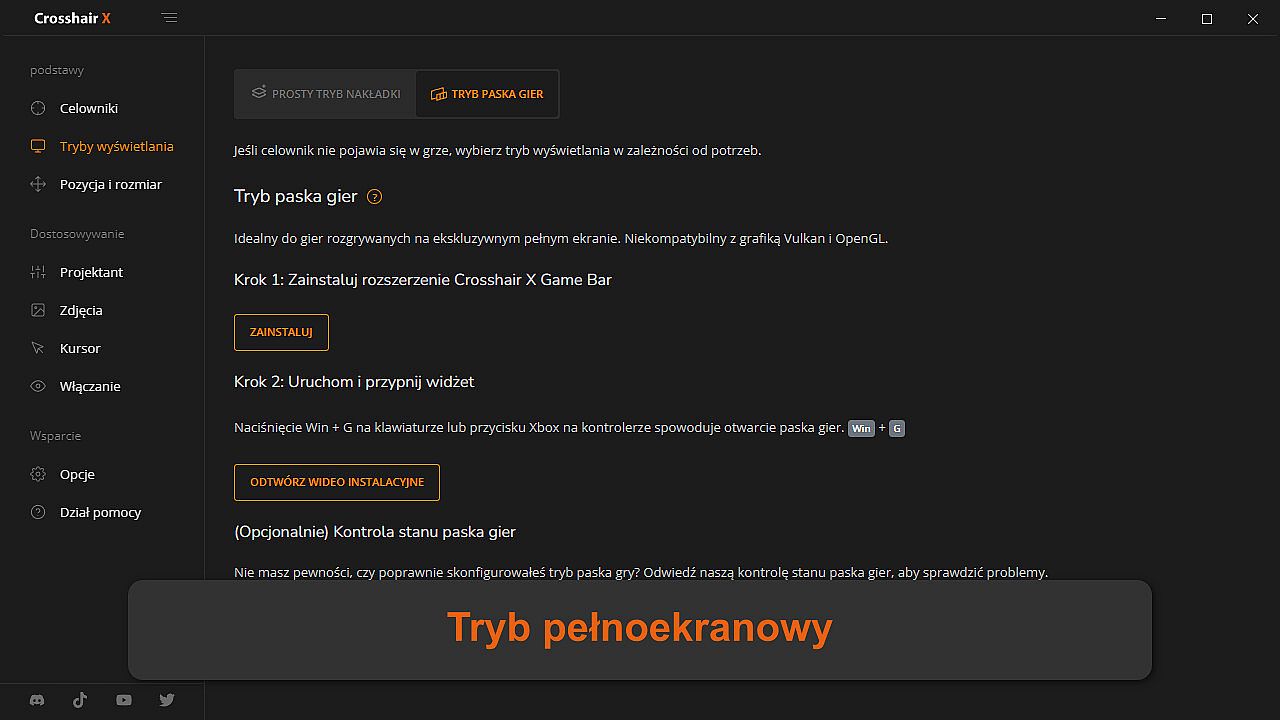
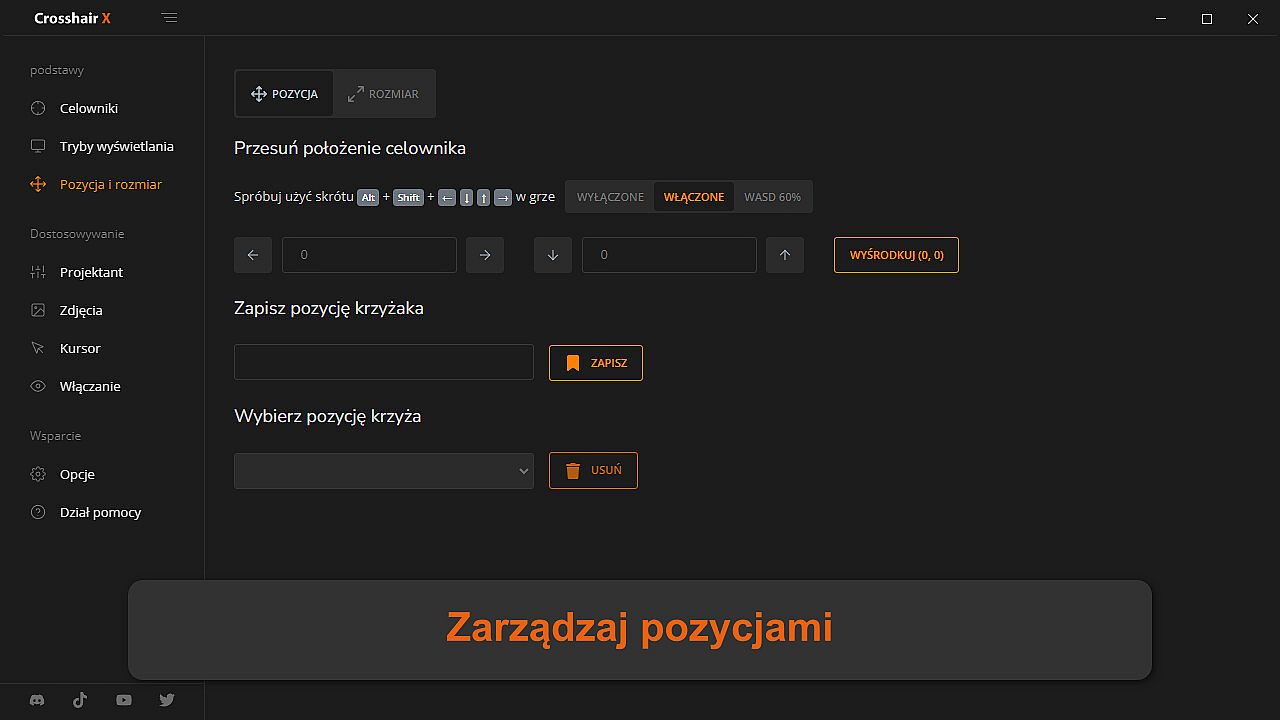
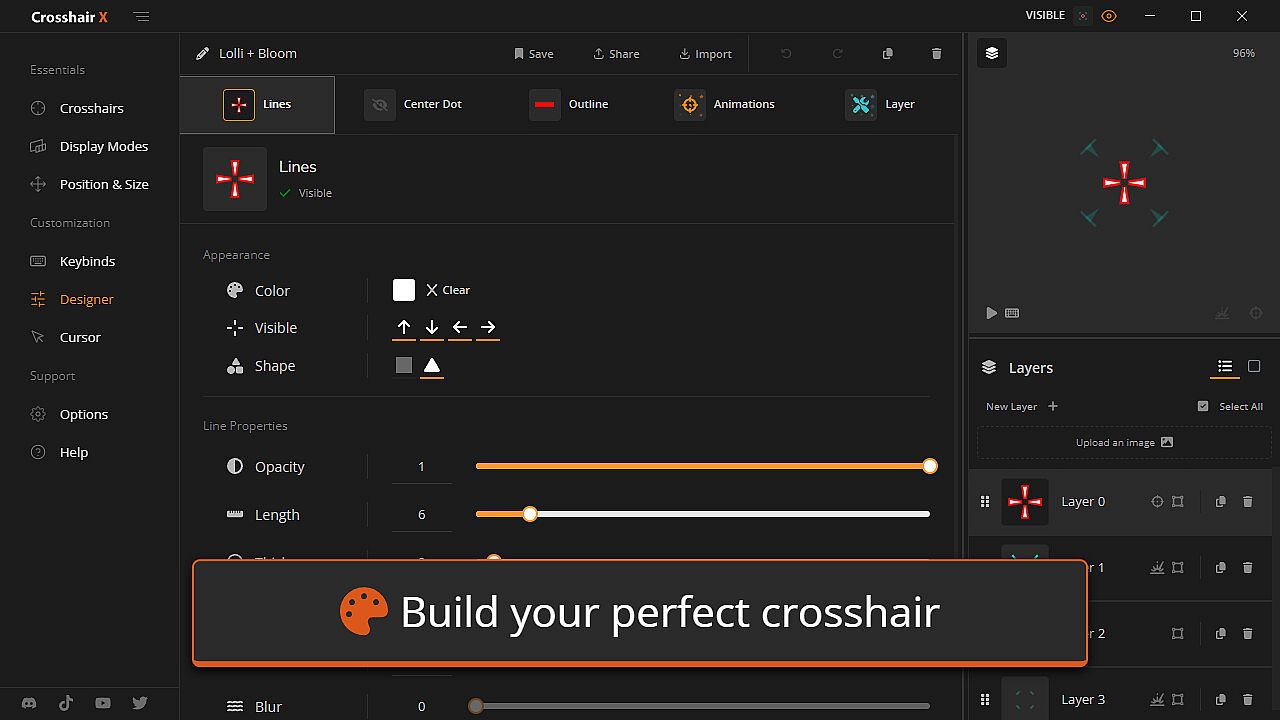
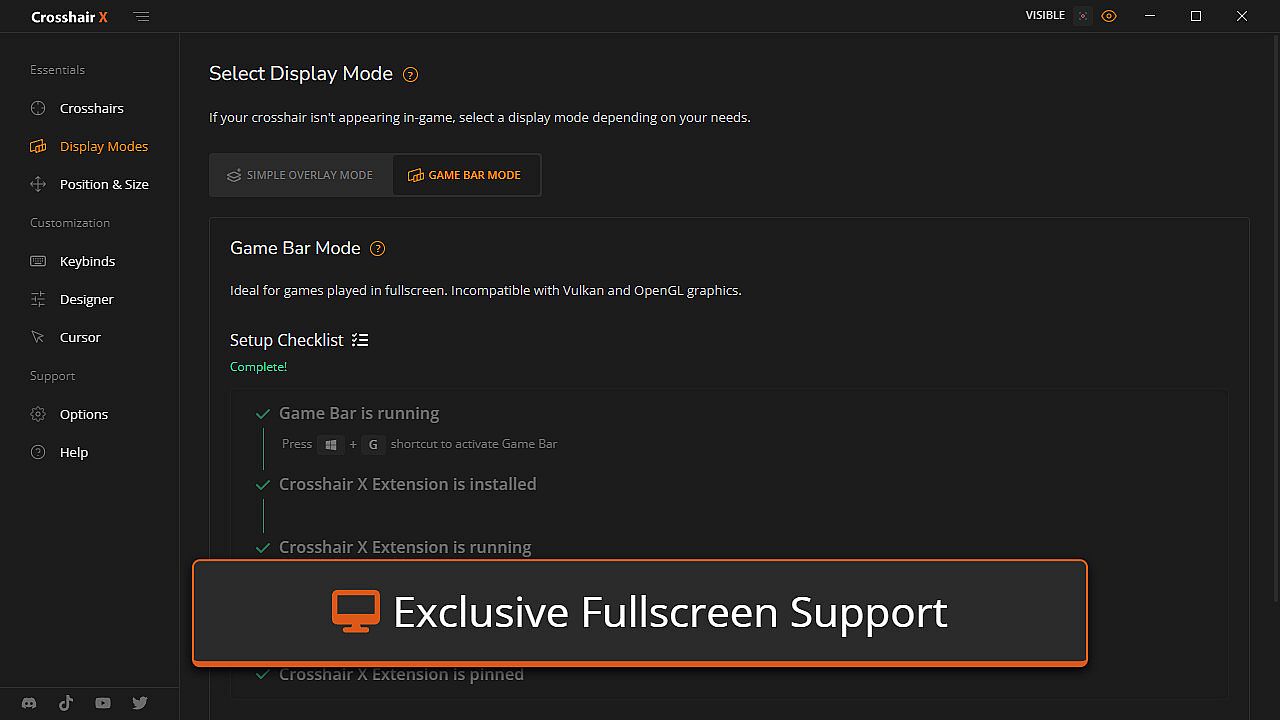
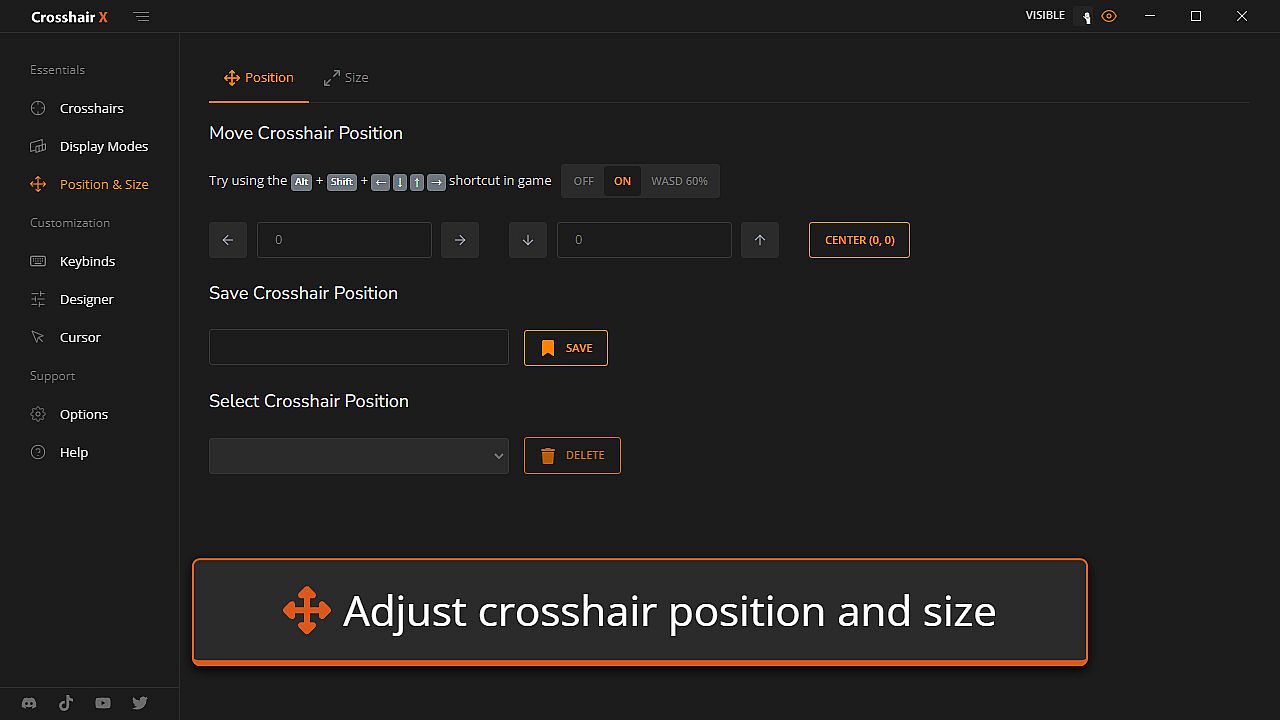
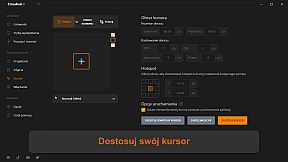
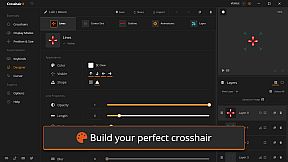
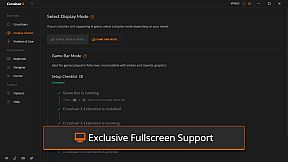
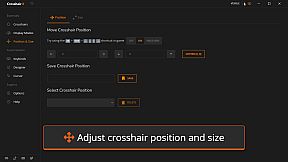
At its core, Crosshair X functions as an overlay that runs alongside your games, providing a persistent crosshair that's visible even in titles without native support. Users can adjust various elements like line opacity, length, width, offset, color, blur, and rotation to fit their preferences. A center dot offers options for opacity, size, color, and blur, while outlines can be tweaked for opacity, thickness, color, and blur. The tool includes a T-shape feature to remove the top arm of the crosshair either never, always, or only when firing. Bloom effects make the crosshair spread during gunfire, and users can fine-tune the X and Y coordinates for precise placement. It supports fullscreen mode through the Game Bar extension, ensuring a secure overlay built on Microsoft's platform.
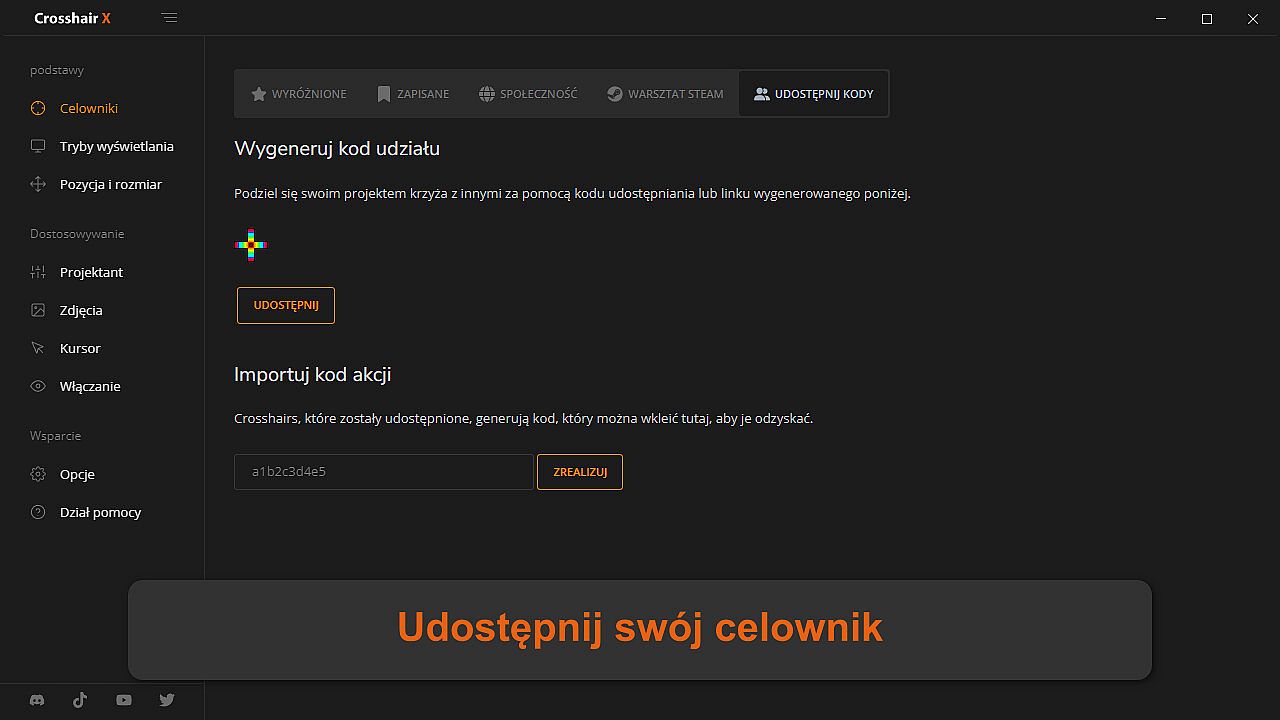
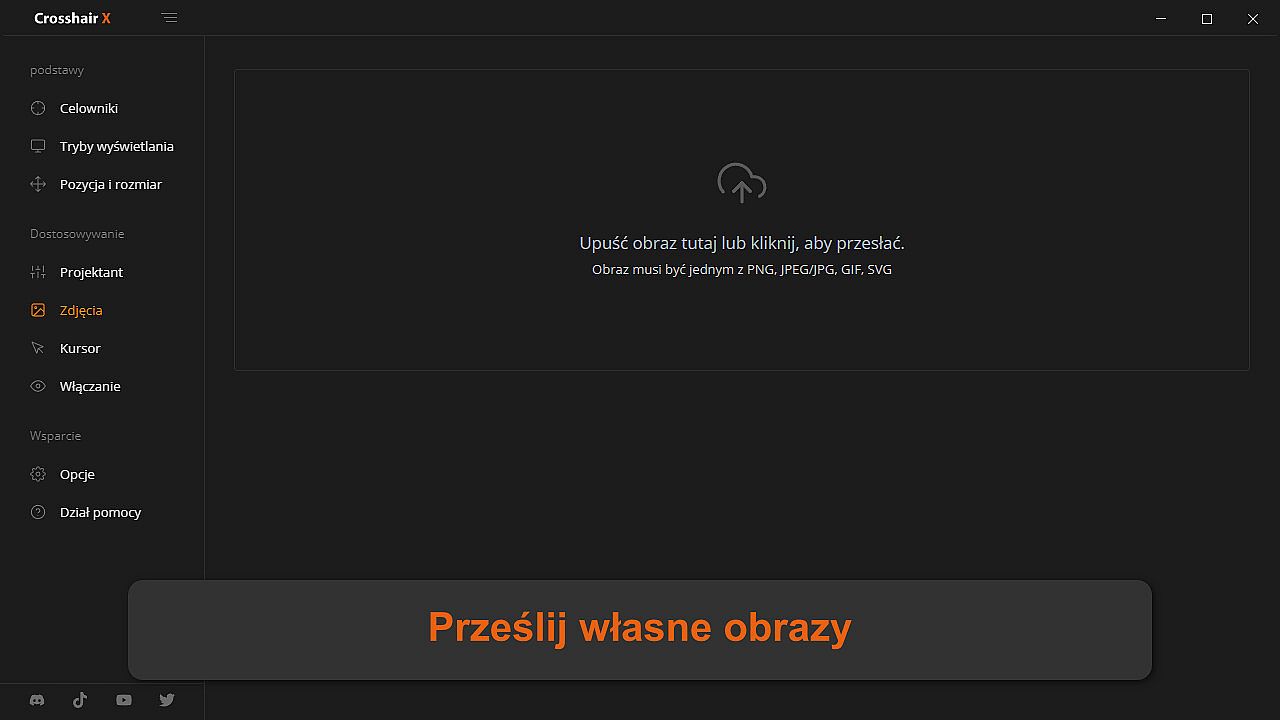
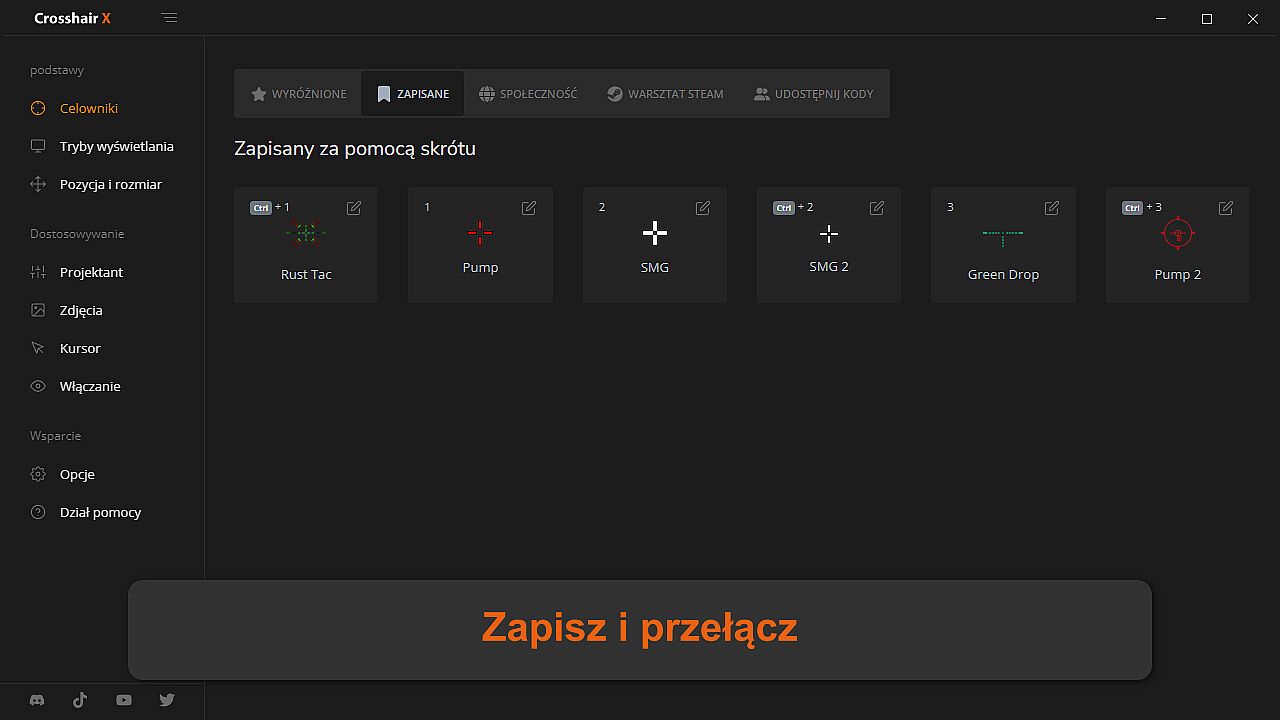
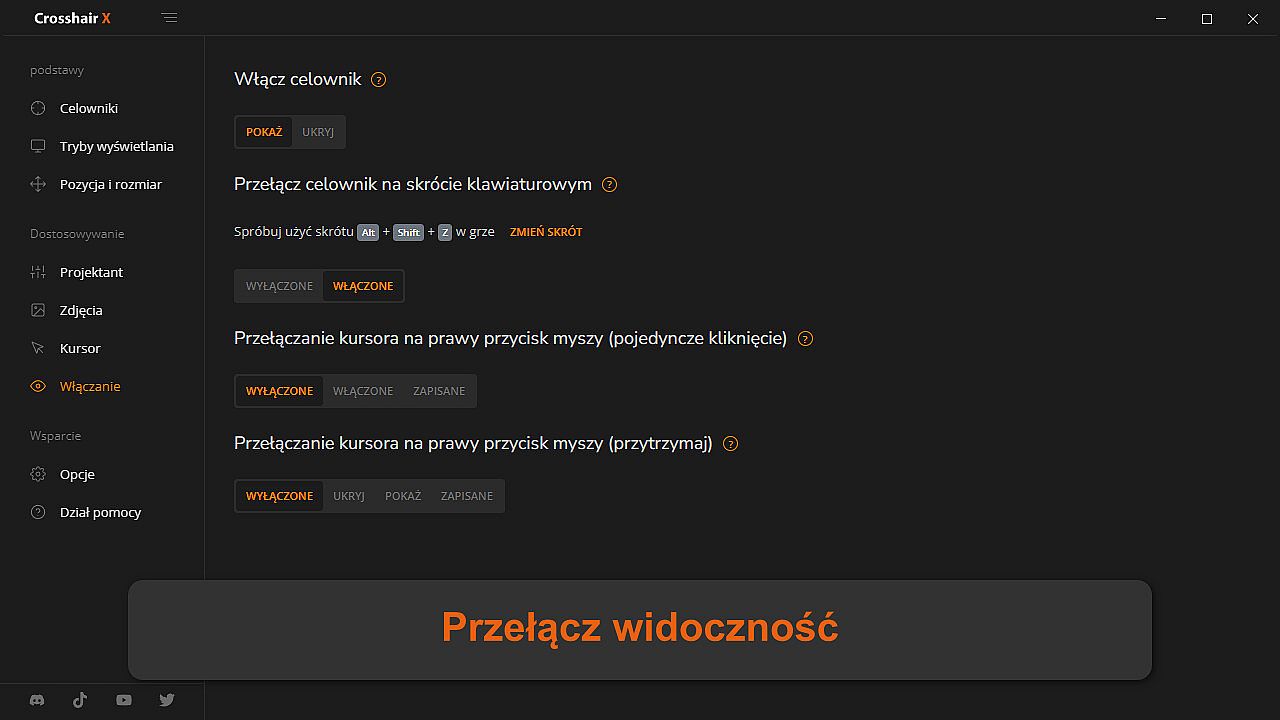
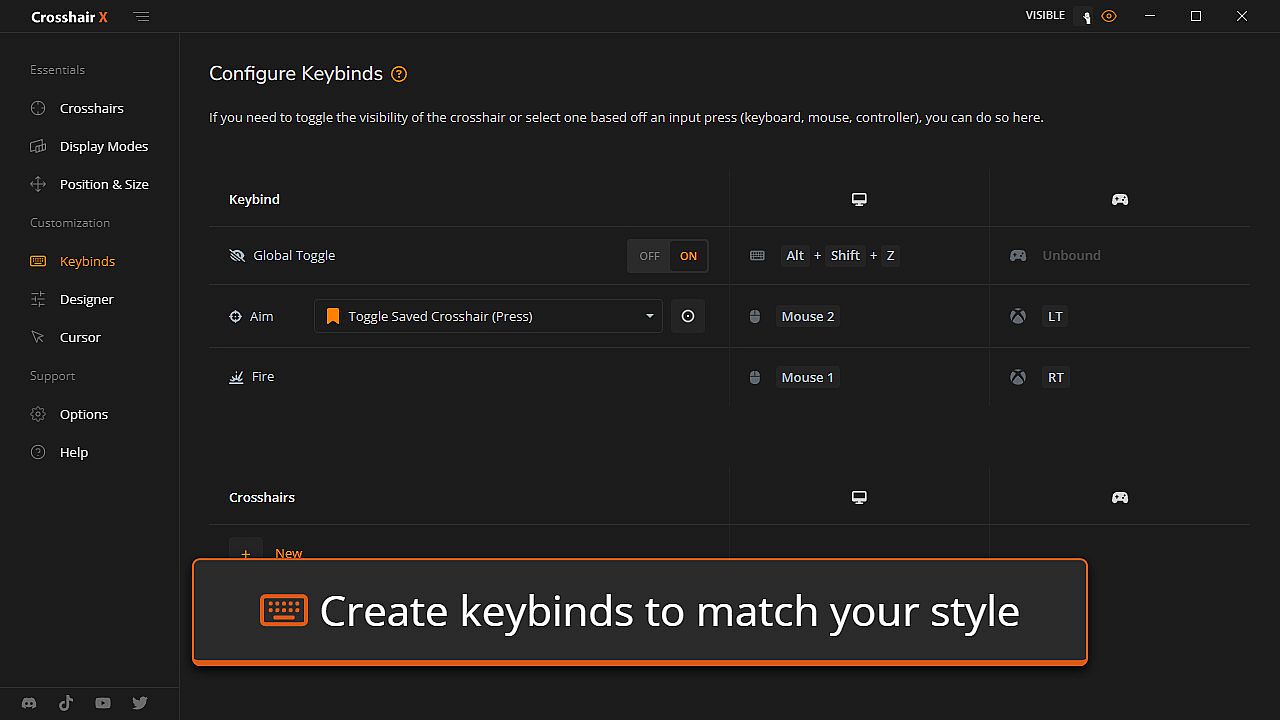
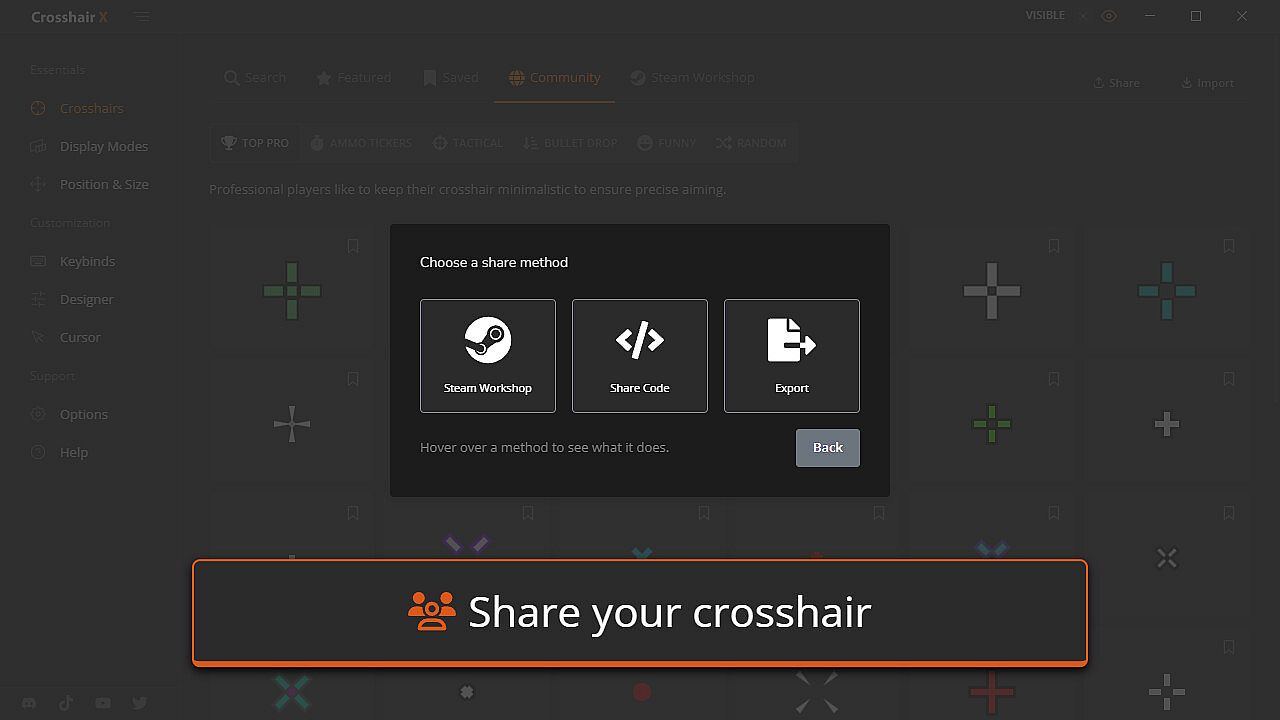
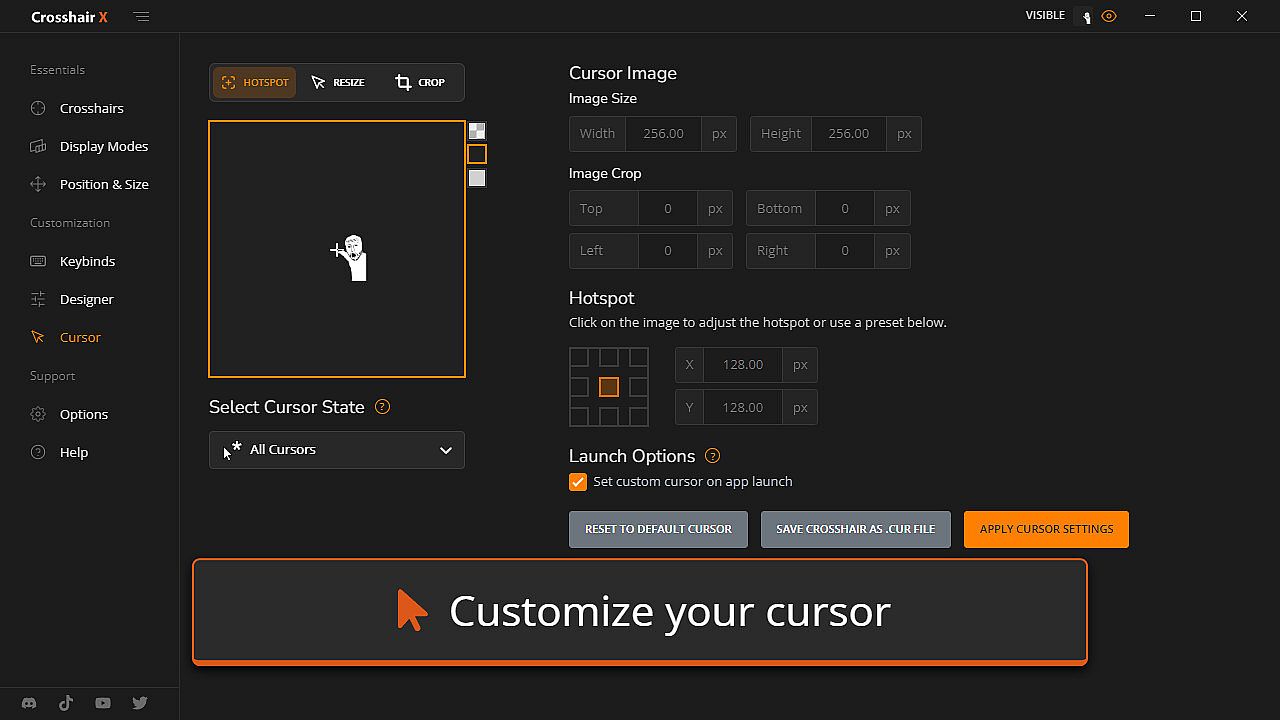
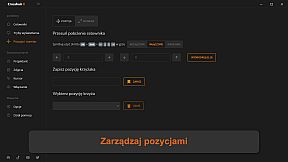
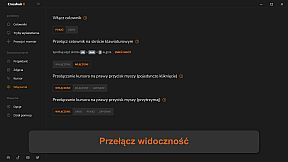
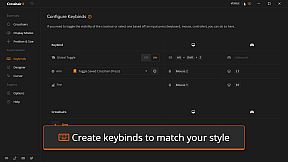
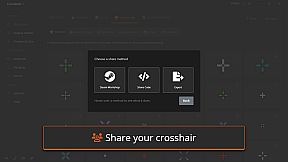
Integration works by toggling visibility with mouse states or keyboard shortcuts, and it allows positioning on any monitor with saved setups for different games. Players can upload custom images as crosshairs, export designs as PNG or SVG files, and share them with others. This setup caters to competitive play, where a clear and precise crosshair can make a significant difference in fast-paced scenarios.
Game Modes
Crosshair X does not feature traditional game modes, as it is primarily a utility tool rather than a standalone game. Instead, it emphasizes flexible usage across various titles, supporting custom configurations that adapt to different gaming contexts. For instance, the bloom option activates during firing in supported scenarios, and the T-shape adjustment provides conditional visibility changes based on in-game actions.
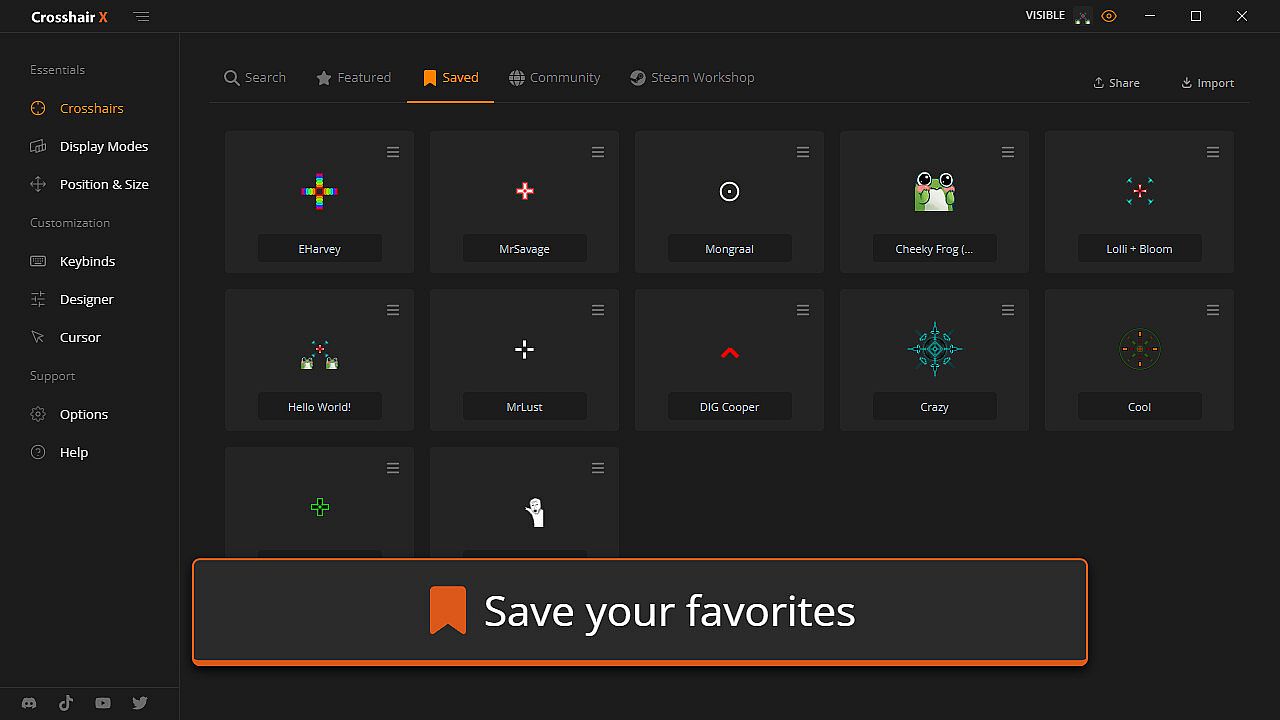
Users can manage multiple saved positions for crosshairs, tailoring them to specific games or monitors. This approach allows seamless integration into multiplayer shooters or single-player adventures where aiming precision matters.
Features and Customization
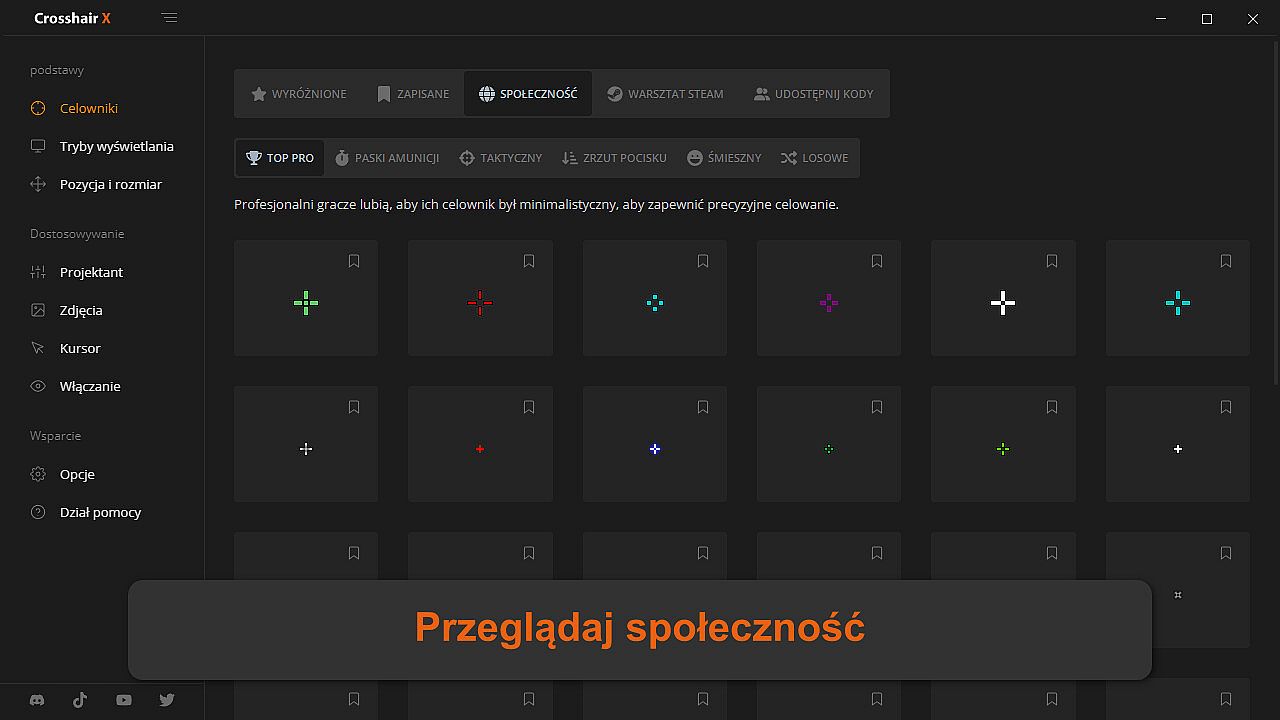
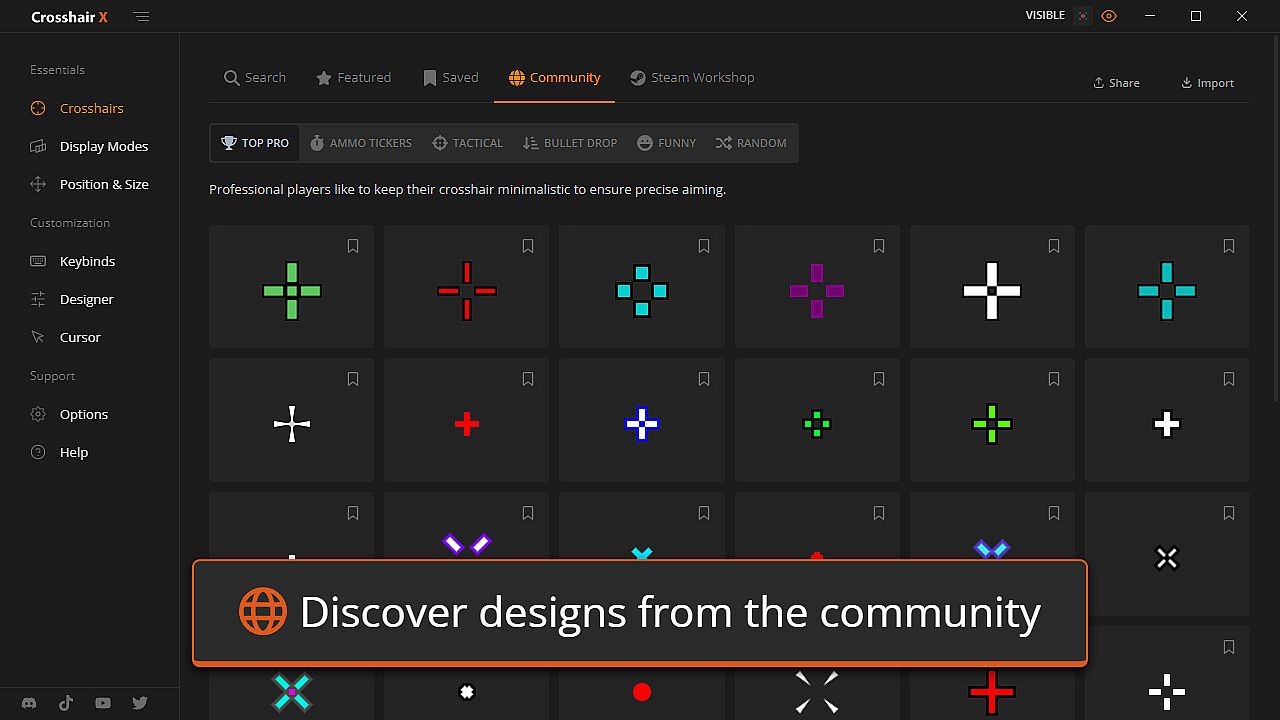
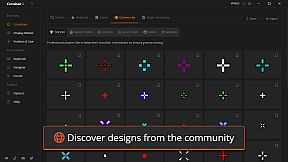
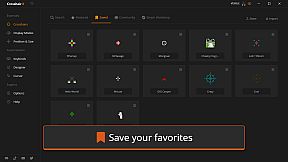
The tool draws from a community library of thousands of designs, including featured pro crosshairs, which users can modify using intuitive sliders. Security is a key aspect, with the overlay relying on Microsoft's Game Bar to avoid risks associated with third-party injections.
- Community exploration for pre-made designs
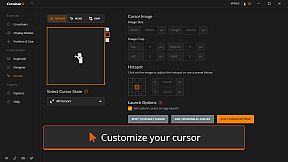
- Image uploads for personalized overlays
- Export options in PNG or SVG formats
- Toggle controls via keyboard or mouse
Updates and Current State
Crosshair X remains active with ongoing support, as evidenced by a recent update focused on improved setup instructions and a new support page to ensure compatibility across games. Concurrent player counts have reached highs of 89,033, with current live users around 33,662, indicating strong ongoing engagement.
Is It Worth Playing?
For gamers focused on competitive edges in action titles, Crosshair X offers real value through its detailed customization that can elevate aiming performance. Steam reviews reflect this, with 93% of recent user feedback being positive out of 845 reviews in the last period. If you play FPS games or any genre requiring precise targeting, and find default crosshairs lacking, this tool provides a reliable solution without ongoing costs beyond the initial purchase. It's particularly suited for those who switch between multiple games and need consistent overlay options.