


Buy Desktop+ PC

Desktop+ is free to play! Download it on Steam and start playing instantly. Looking for Desktop+ DLC, in-game currency, or other add-ons? Browse the DLC list and compare 0 offers on XD.deals.

Release: 01 Jan 2021
Steam:
Very Positive (672)
Official
Unavailable
Keyshops
Unavailable
Buy in Official Store:
Unavailable
Buy in Keyshops:
Unavailable

No entries, but don''t worry, we will inform you once the new offer appears.

Create Alert Create deal Alert

About Desktop+

Desktop+ - about the game
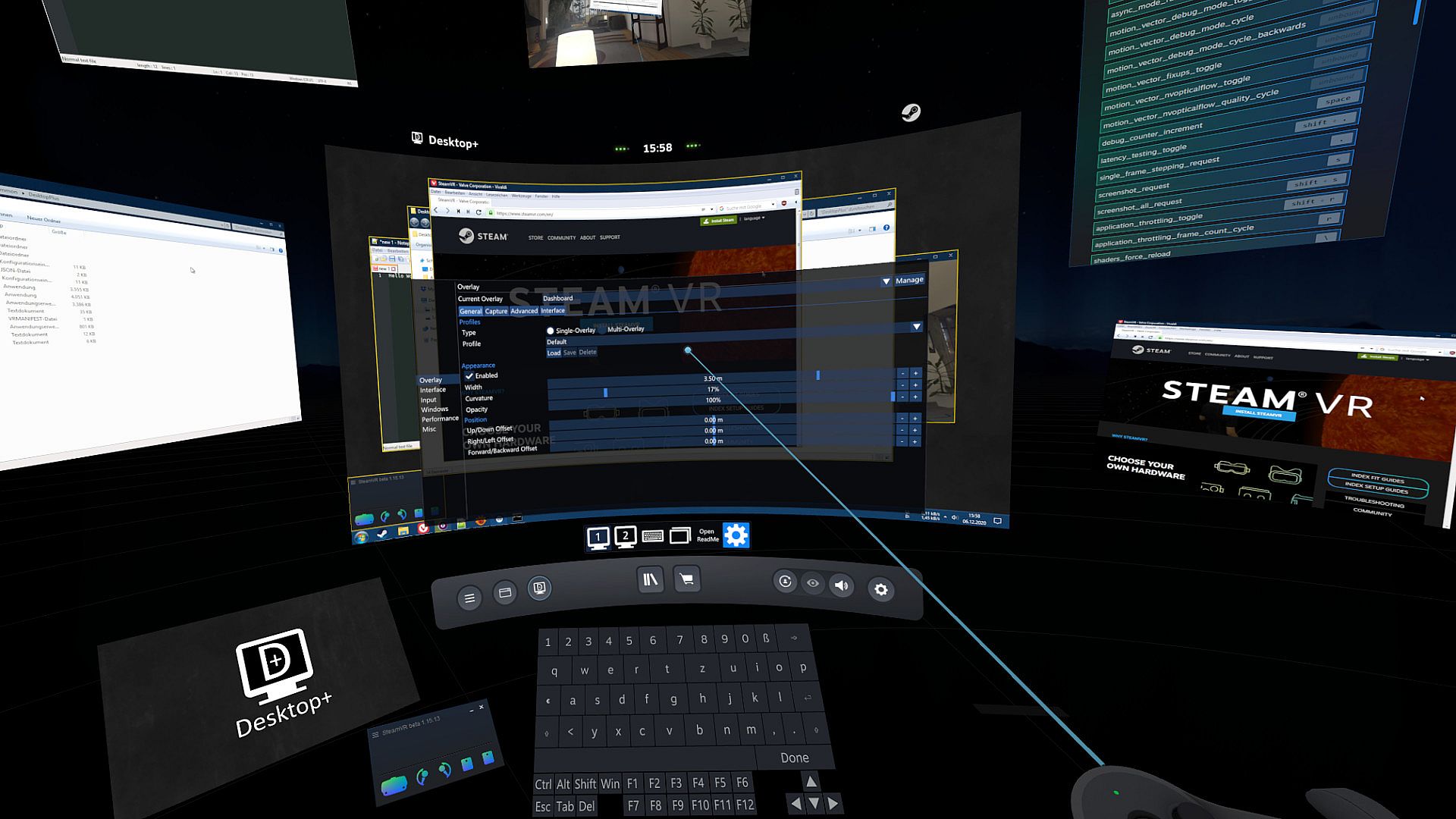
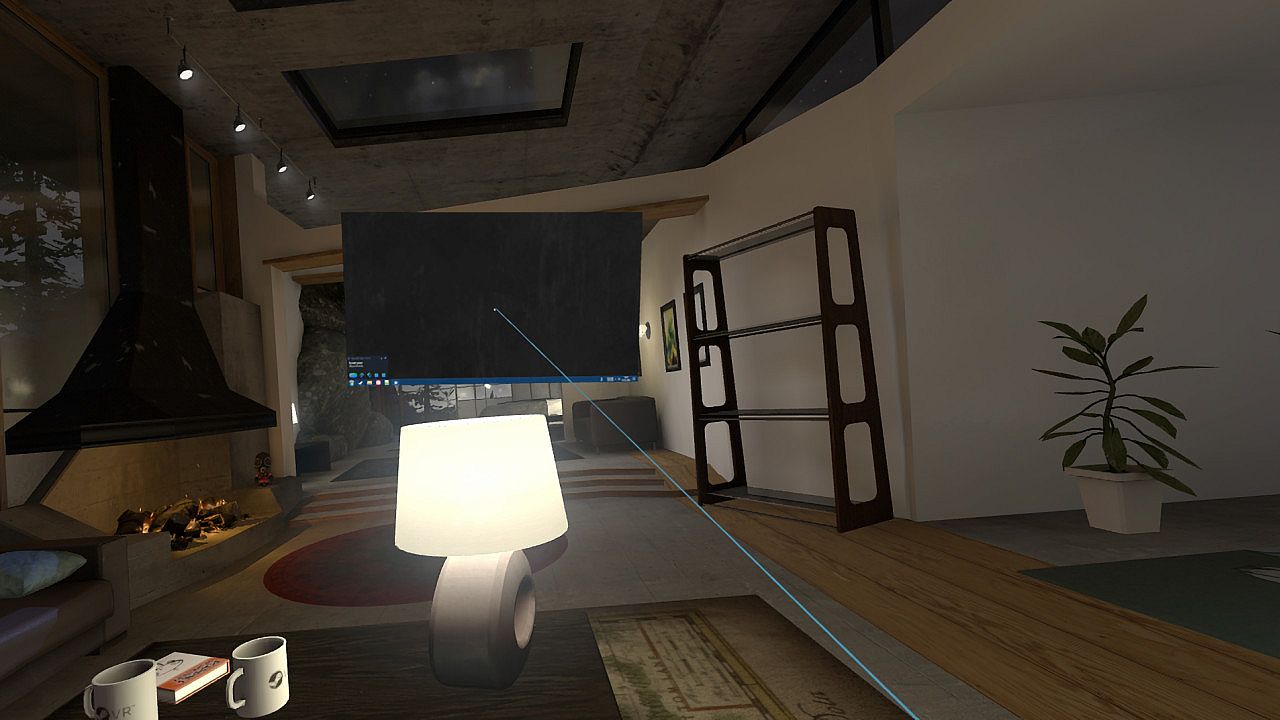
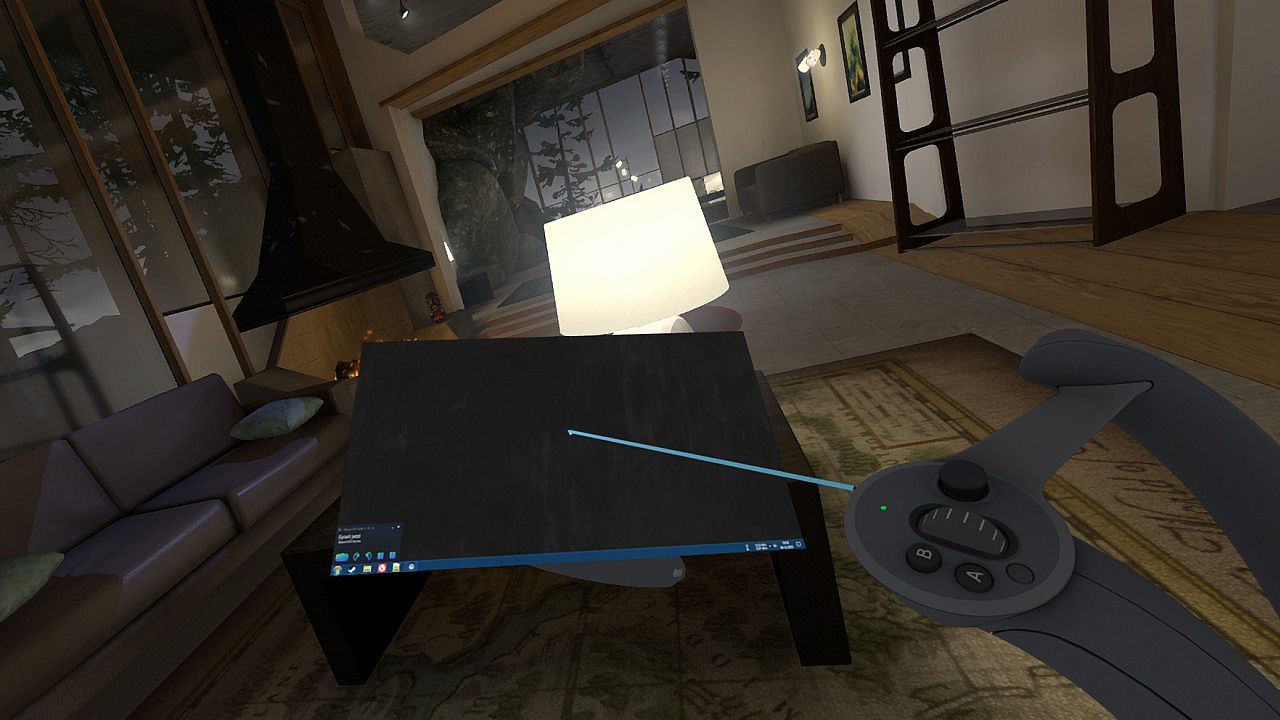
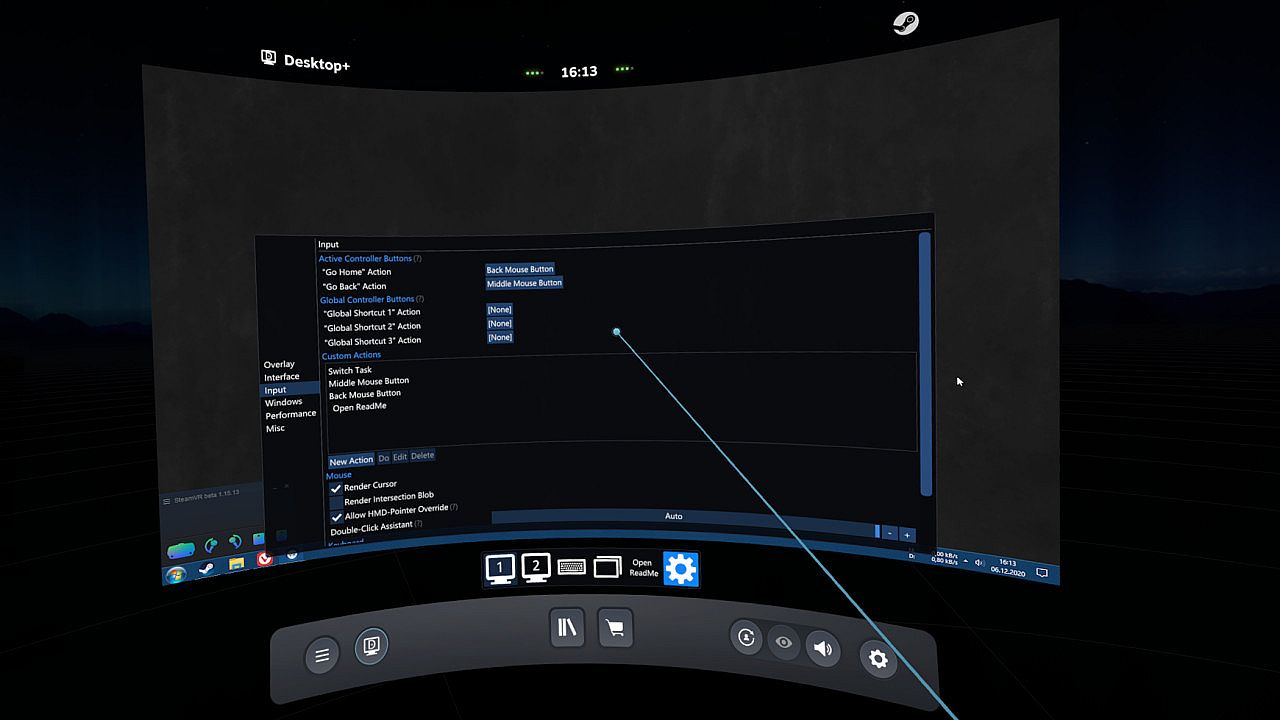
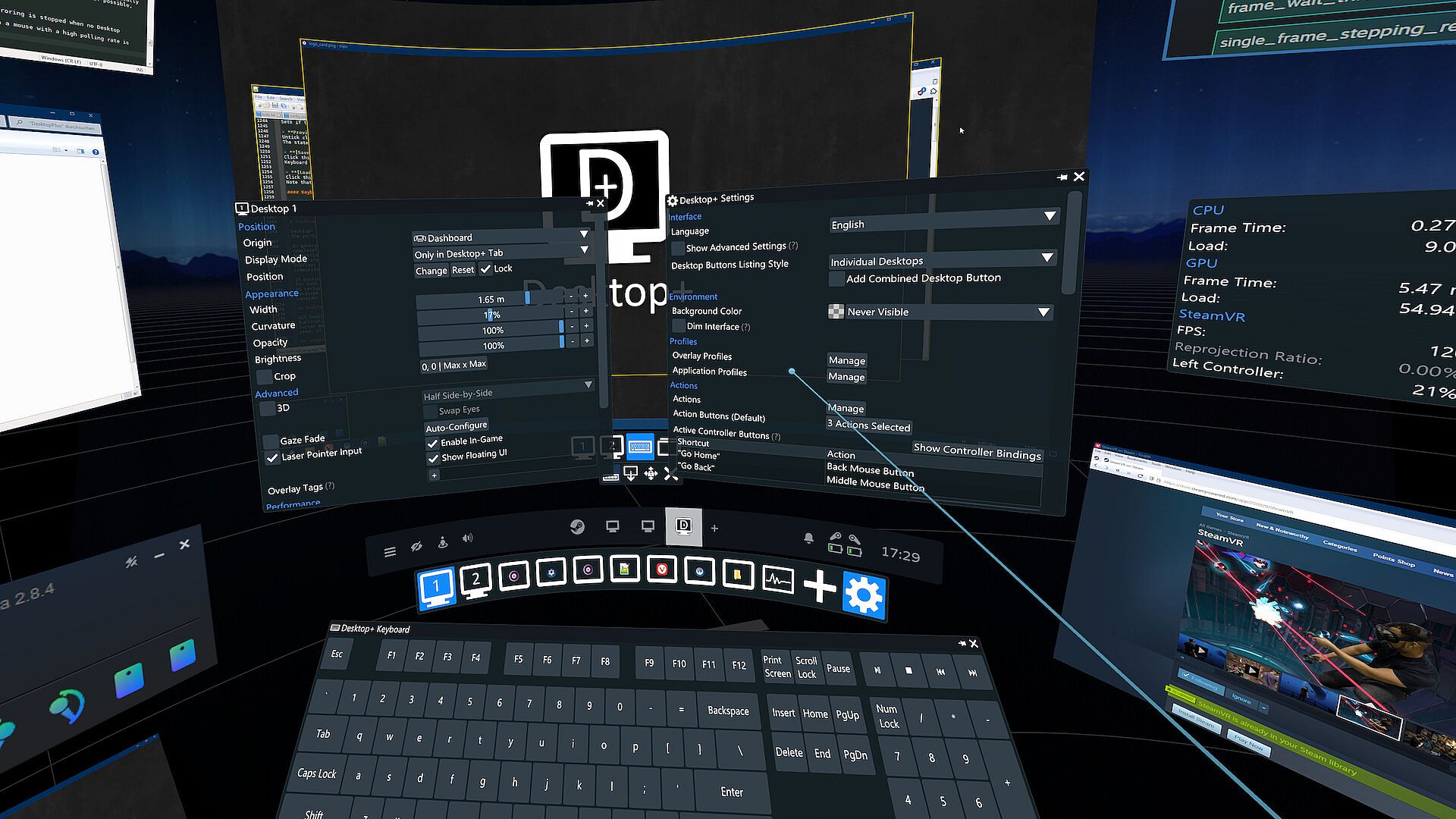
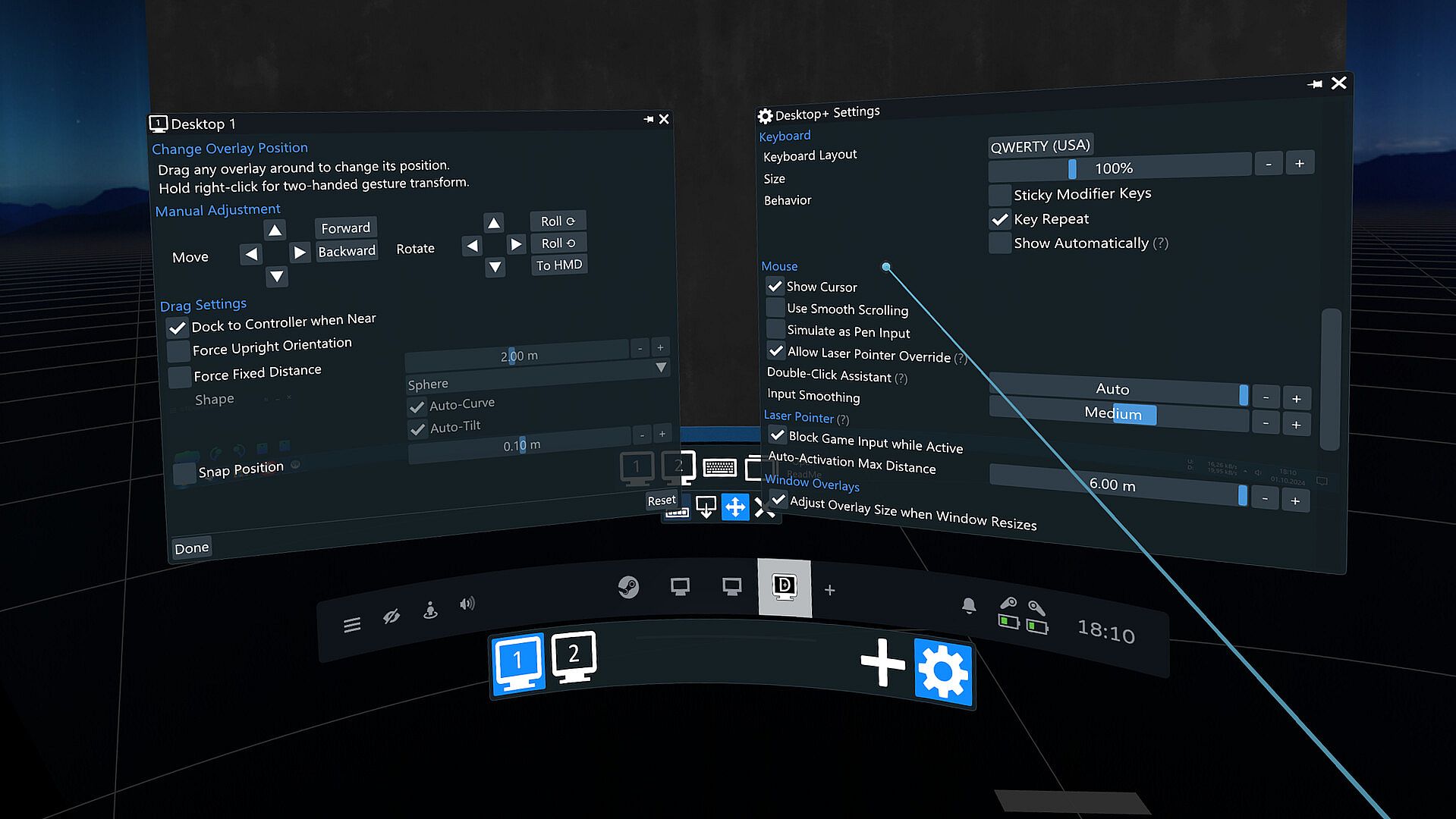
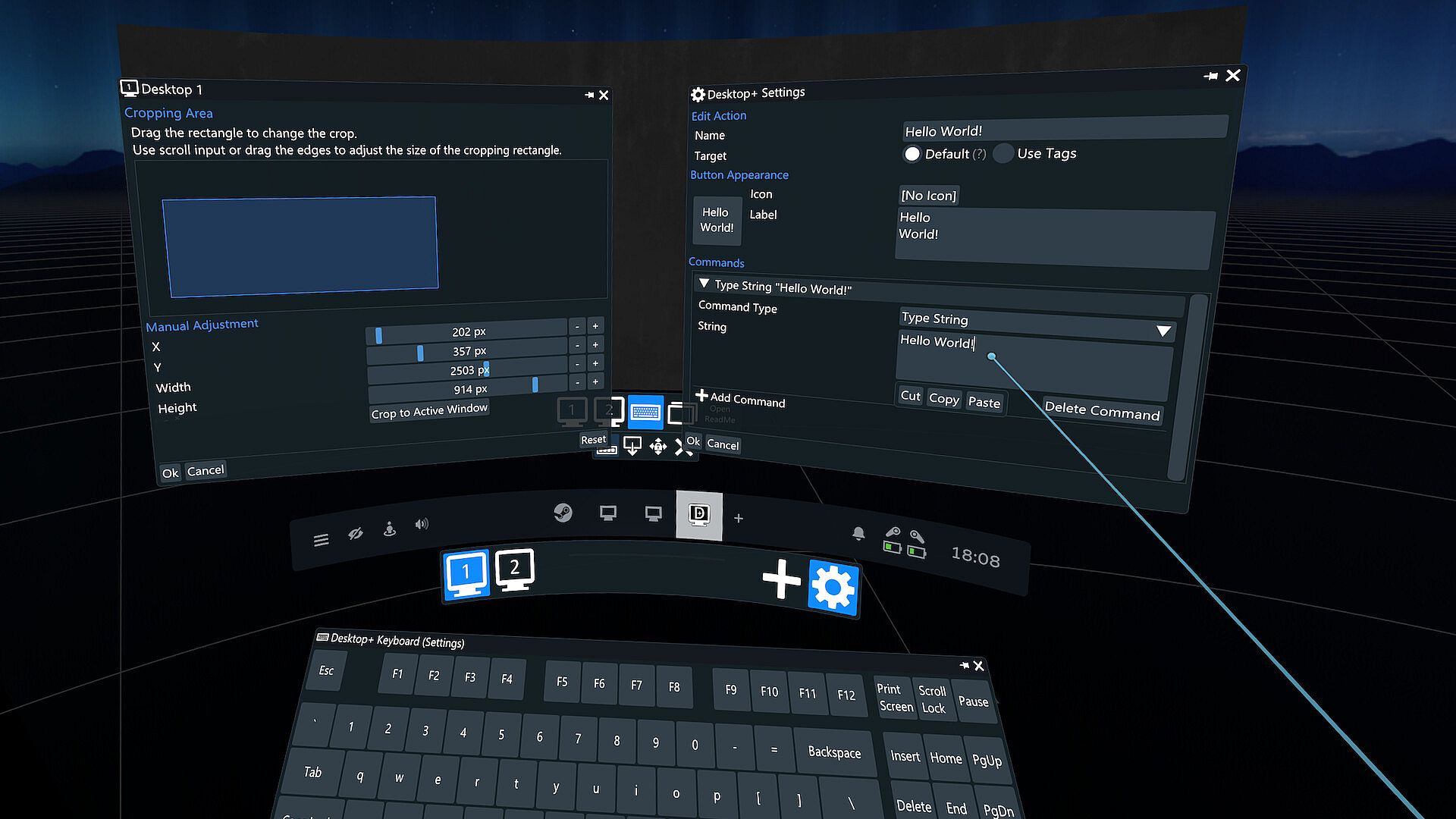
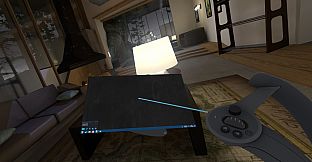
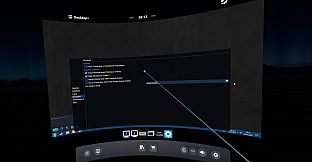
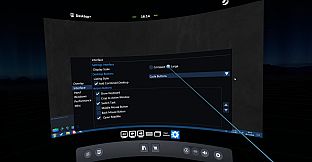
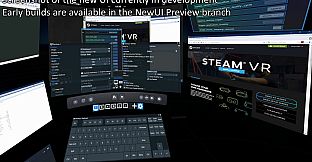
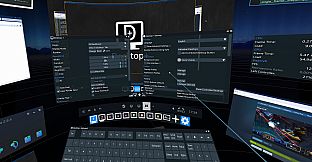
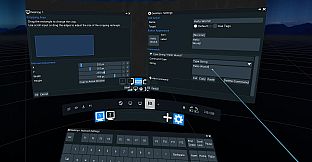
Bring your desktops and windows into SteamVR with this lightweight utilities tool. Access a user interface for real-time tweaks right in VR or on desktop, while enjoying smooth, low-latency mirroring and minimal performance hit. Create multiple overlays with customizable width, position, curvature, opacity, brightness, and cropping, plus switchable profiles and 3D modes like SBS or OU. Attach overlays to play space, seated position, dashboard, HMD, controllers, trackers, or SteamVR Theater Screen for flexible visibility during gameplay. Bind actions like input simulation or app launching to buttons, use a laser pointer for interaction, and manage windows with gaze fade, focus shifts, or title bar drags. VR users running complex multi-overlay setups or needing reliable dashboard views get precise control through profiles, keyboard customization, and performance monitoring.

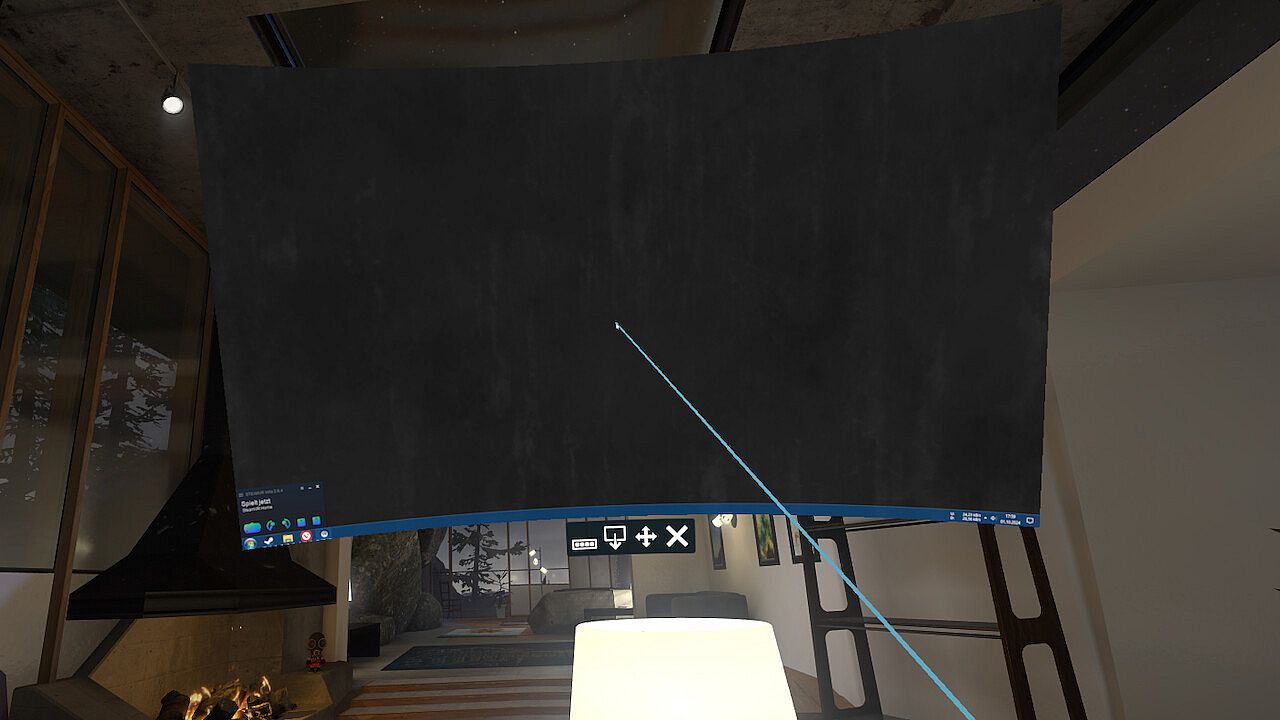
Desktop+ is a powerful, yet lightweight tool for SteamVR bringing your desktops and windows into the VR world. No matter if you just need a more reliable desktop view in your dashboard or a complex context-aware multi-overlay setup with custom shortcuts, Desktop+ offers a wide array of tweakable settings to make the overlays fit your needs.
Features
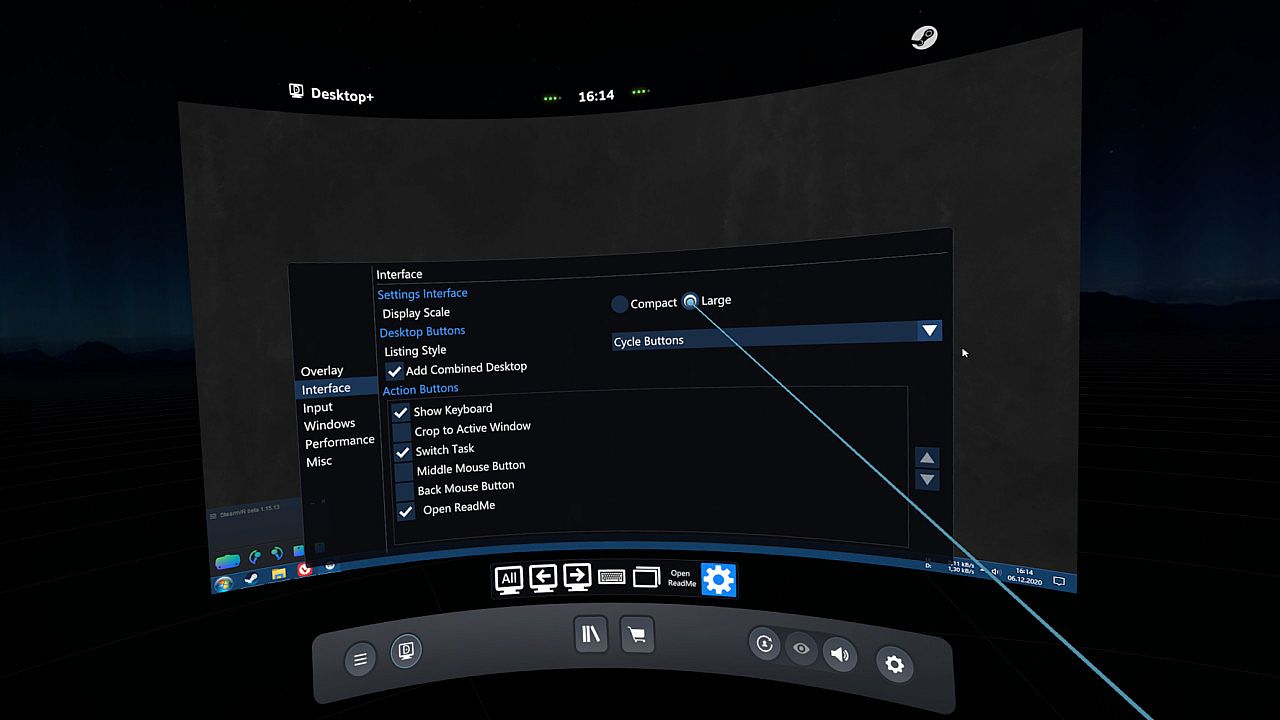
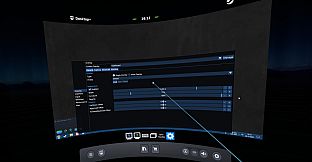
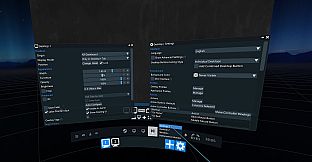
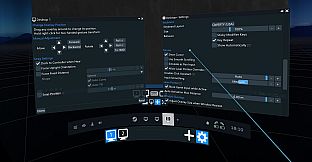
  • User interface with real-time adjustments accessible in VR or on desktop
  • Smooth, low-latency mirroring of desktops and windows
  • Low memory footprint and performance impact
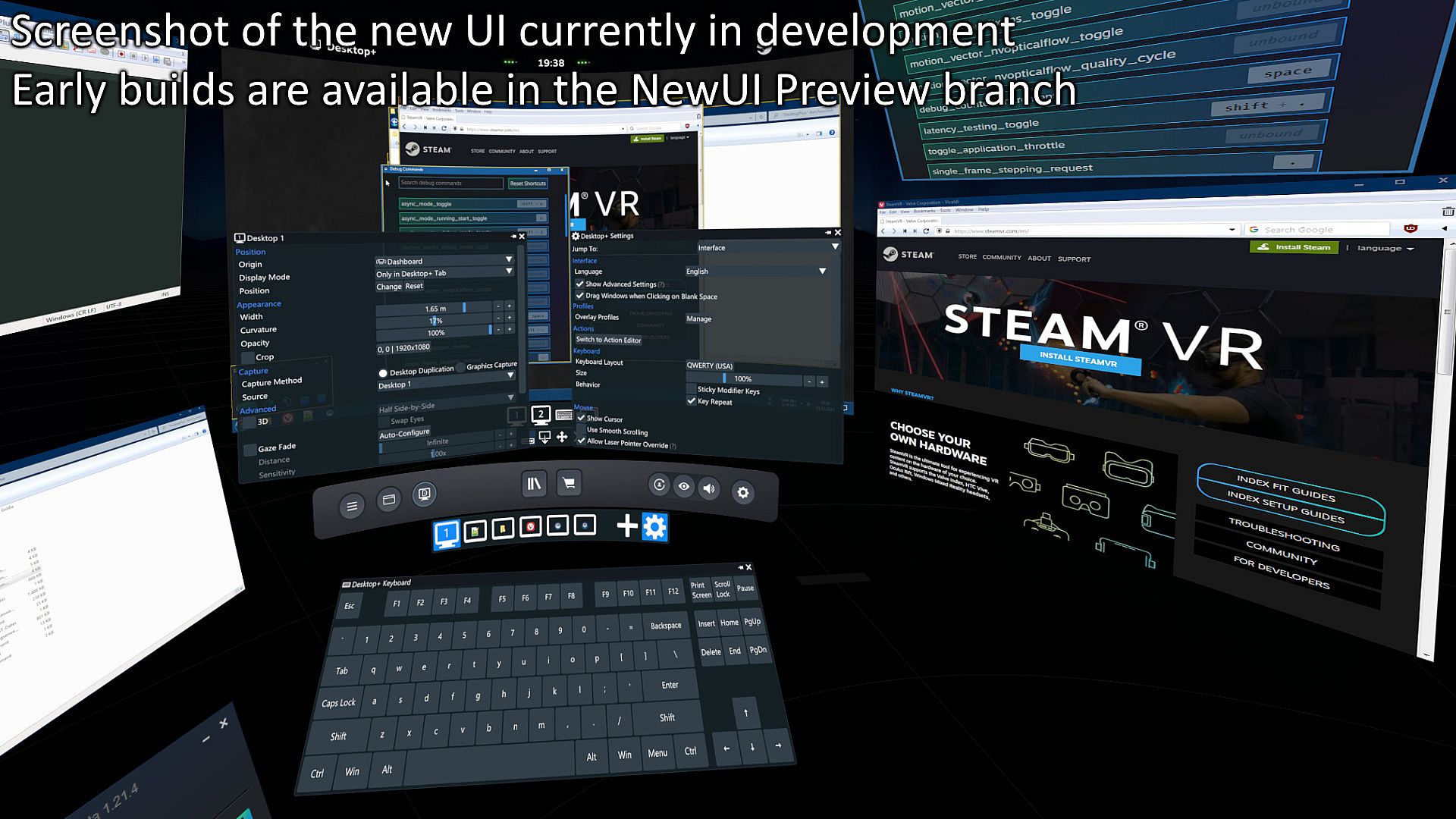
  • Support for creating as many overlays as SteamVR allows at once
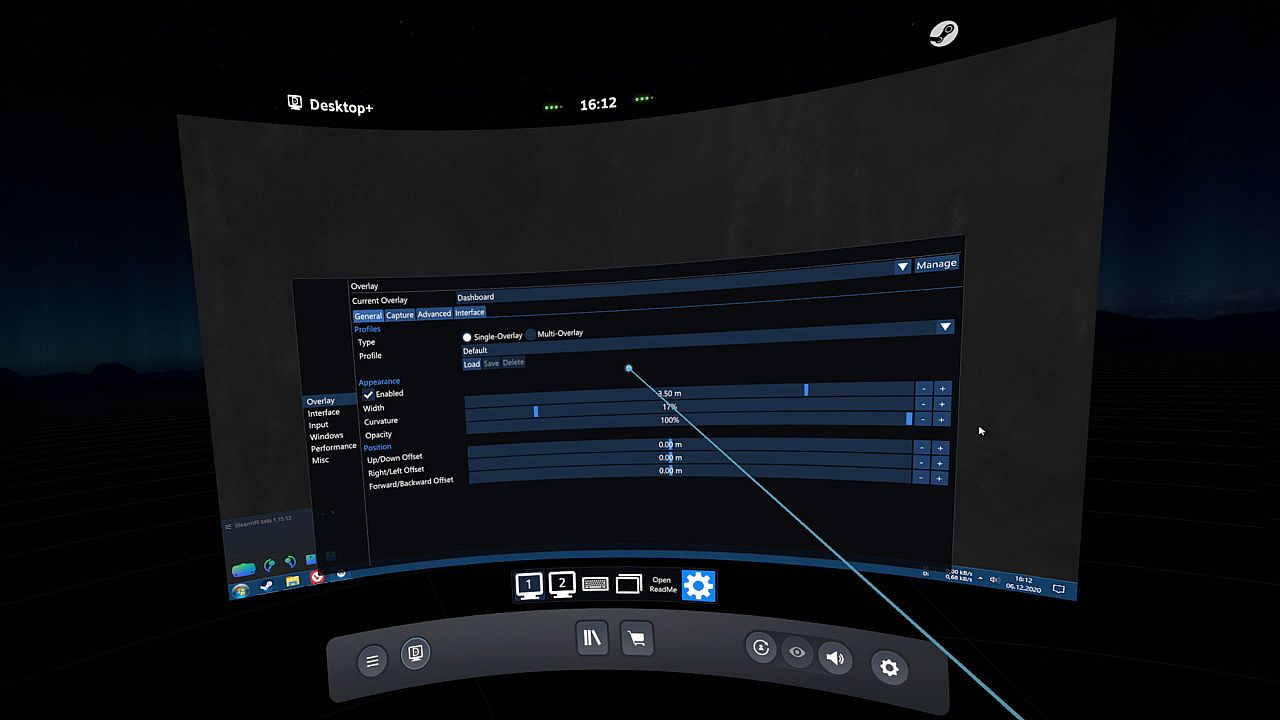
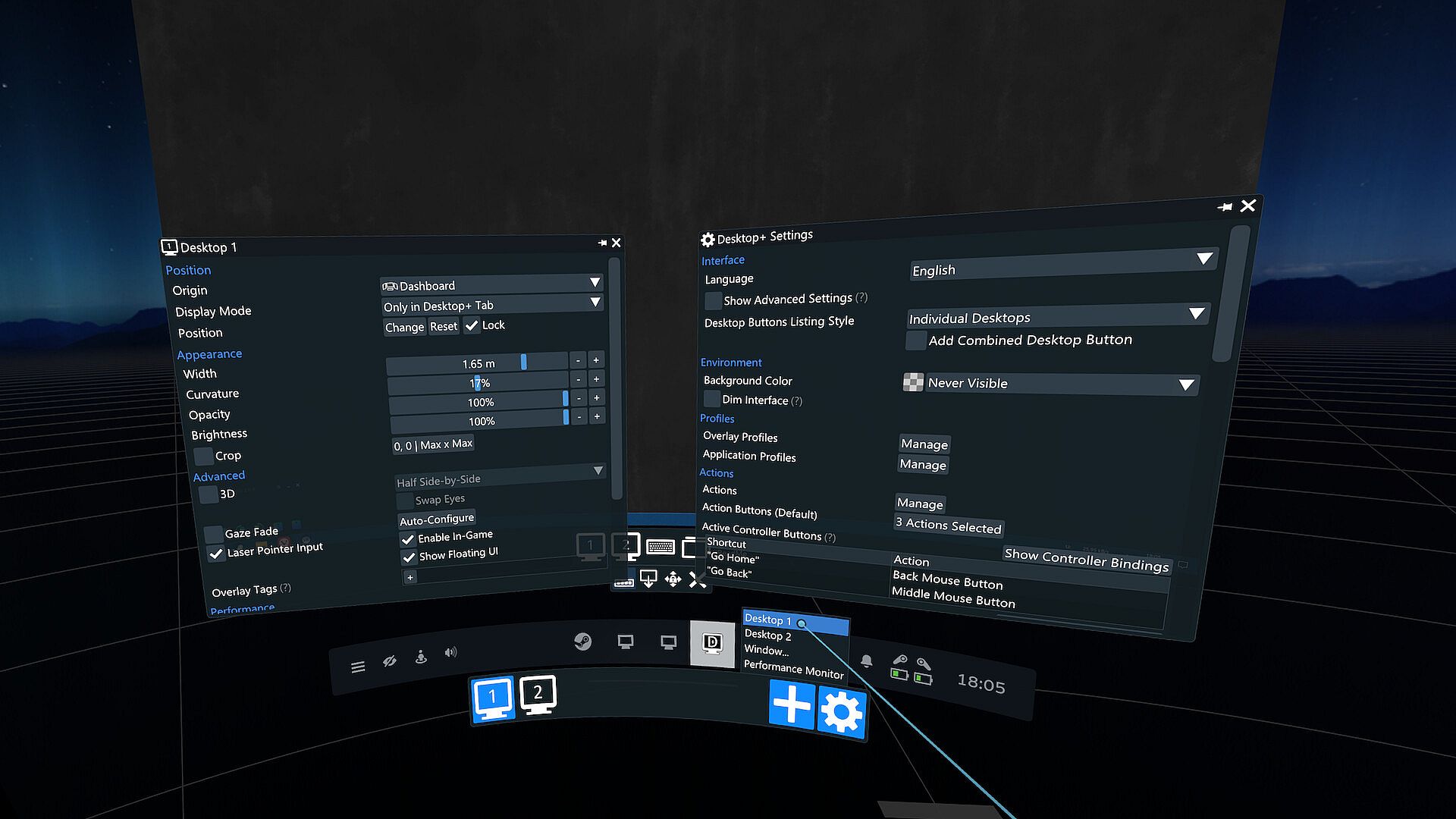
  • Customizable overlay settings (width, position, curvature, opacity, brightness, cropping), with switchable profiles
  • 3D support (SBS, HSBS, OU, HOU)
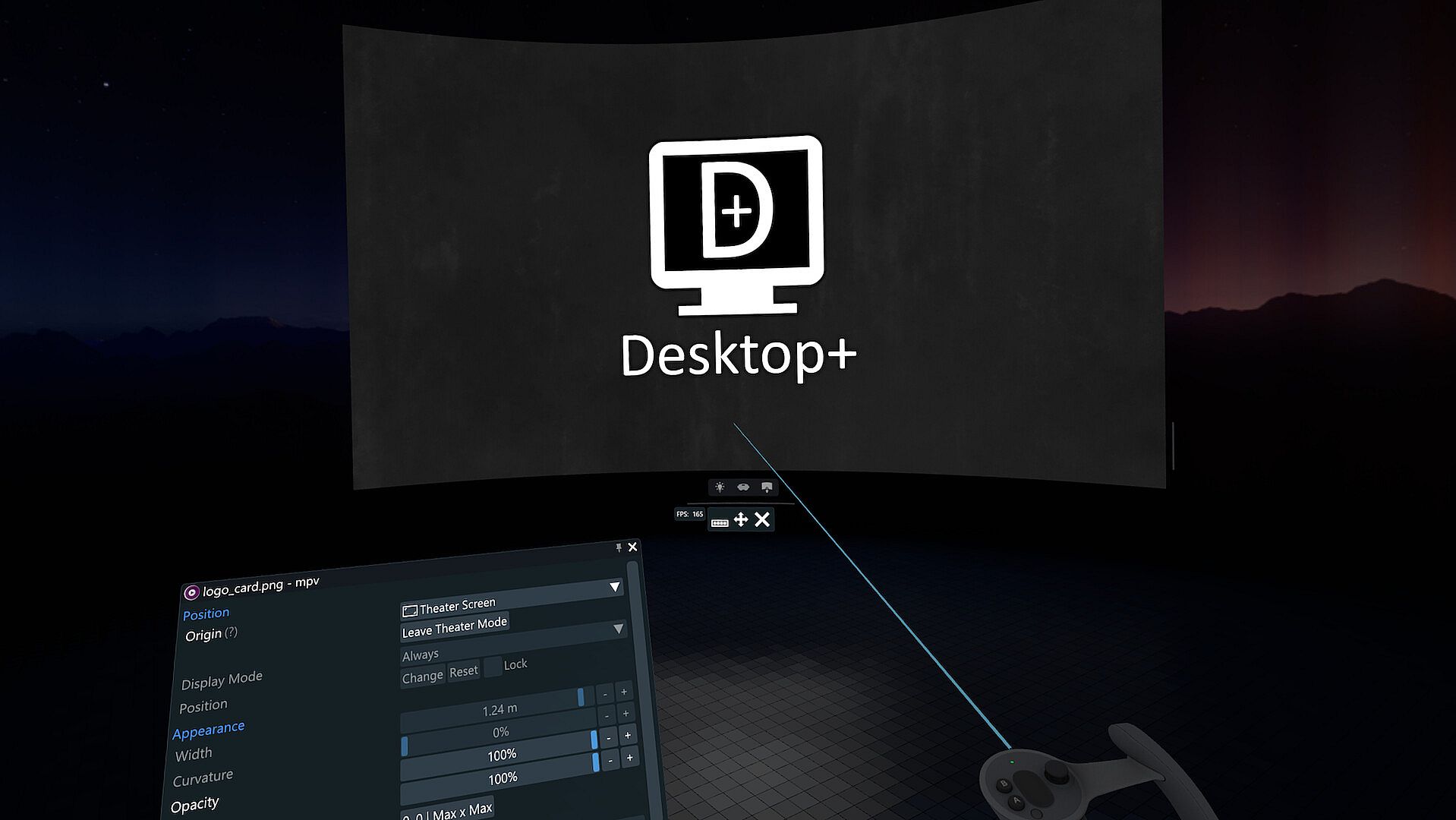
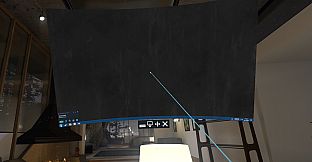
  • Overlay visibility and origin settings: Display a desktop/window during gameplay or attach it to a different origin (play space, seated position, dashboard, HMD, controllers, tracker, SteamVR Theater Screen)
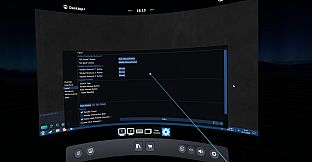
  • Actions: User-definable functions (input simulation, running applications, overlay control) which can be bound to controller or UI buttons
  • Custom laser pointer implementation, allowing for non-blocking overlay interaction during gameplay
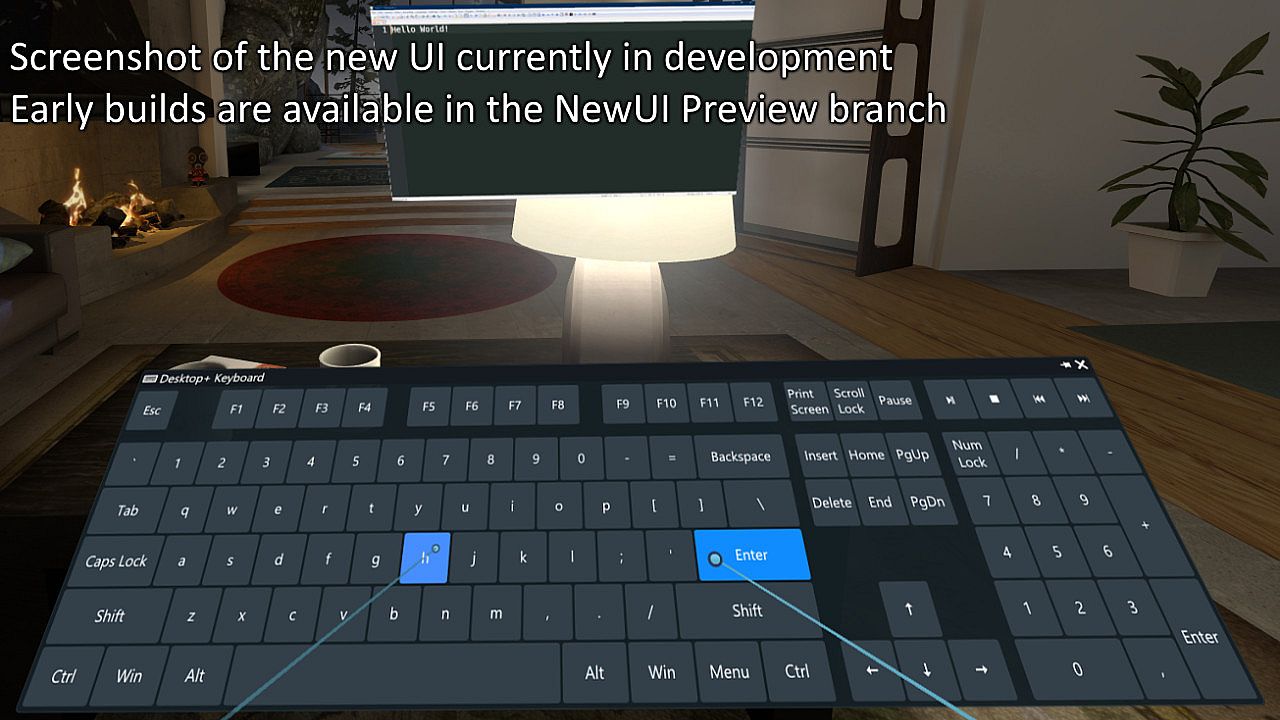
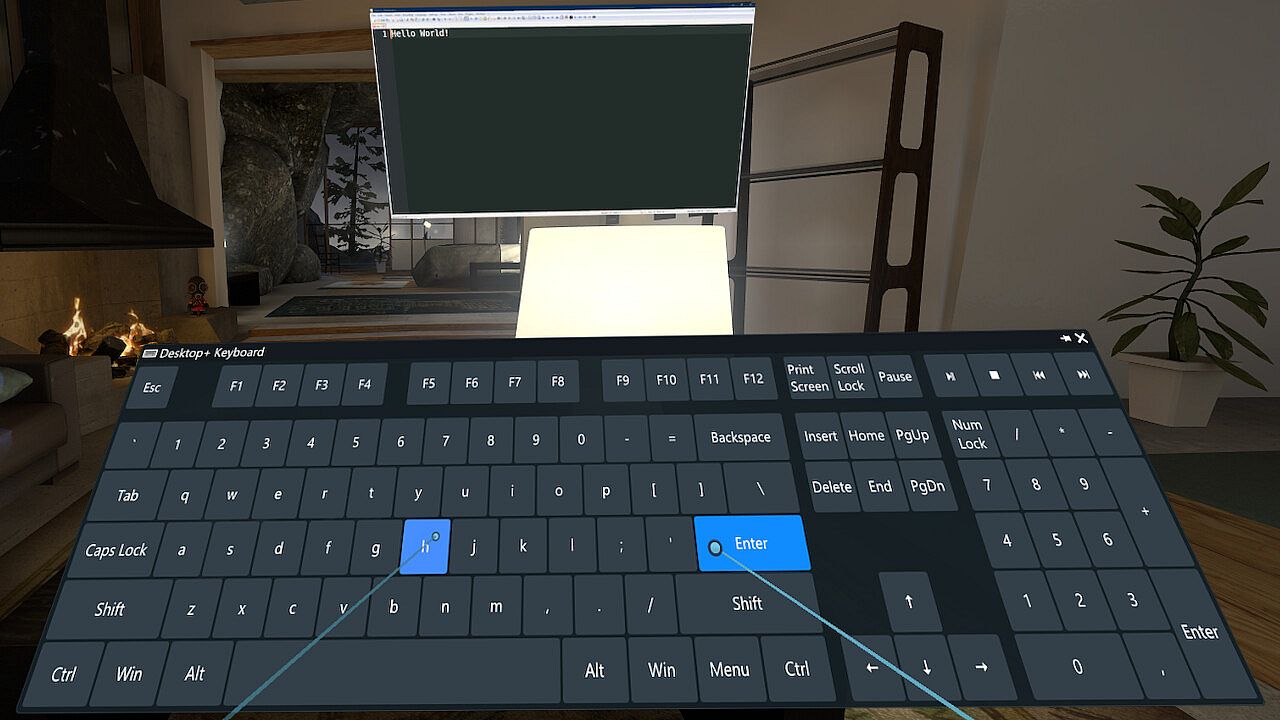
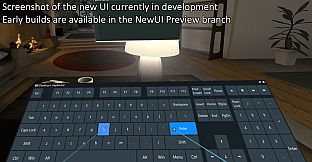
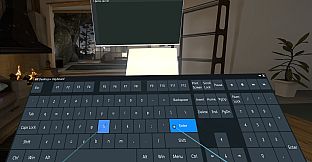
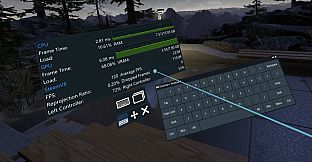
  • Configurable PC-style VR keyboard with various layouts and a keyboard layout editor for deeper customization, appearing automatically when detecting text input widget focus
  • Elevated access toggle, making it possible to deal with UAC prompts and other UIP-restricted UI in VR without using full admin-access at all times
  • Gaze Fade: Fade-out overlay when not looking at it
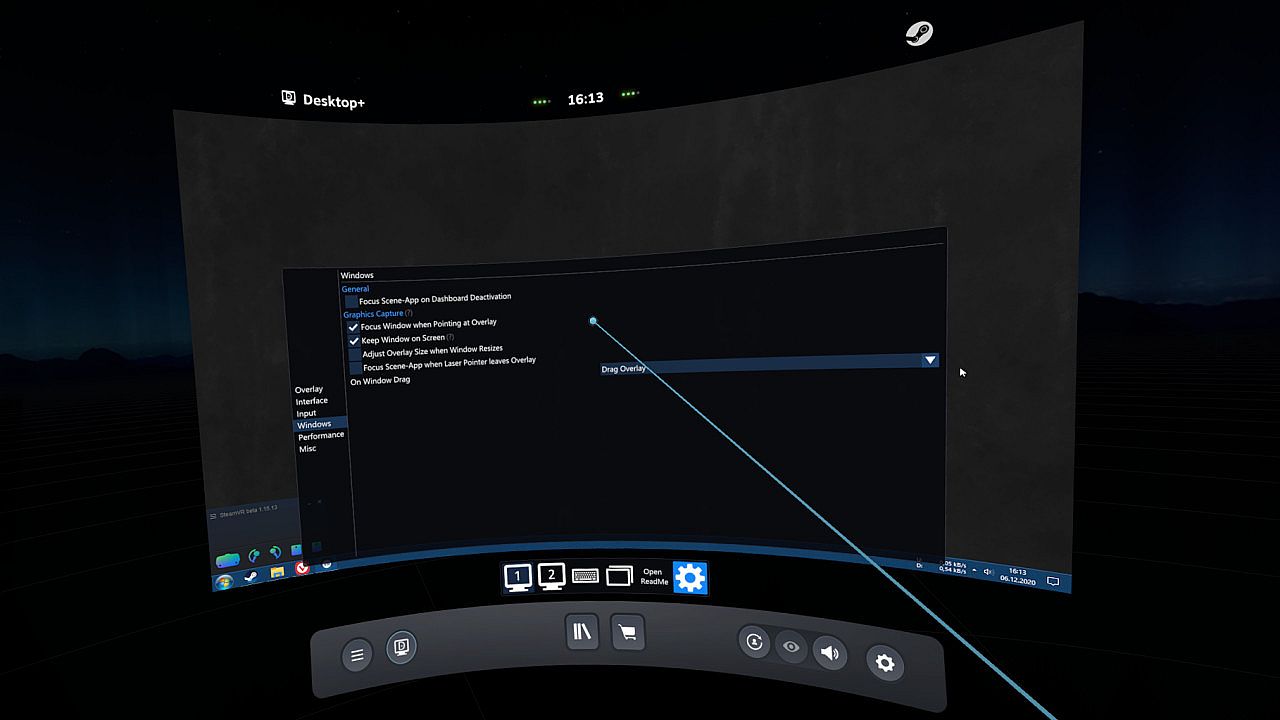
  • Window management: Change window focus depending on overlay/dashboard state or drag overlays when dragging the title bar of a mirrored window
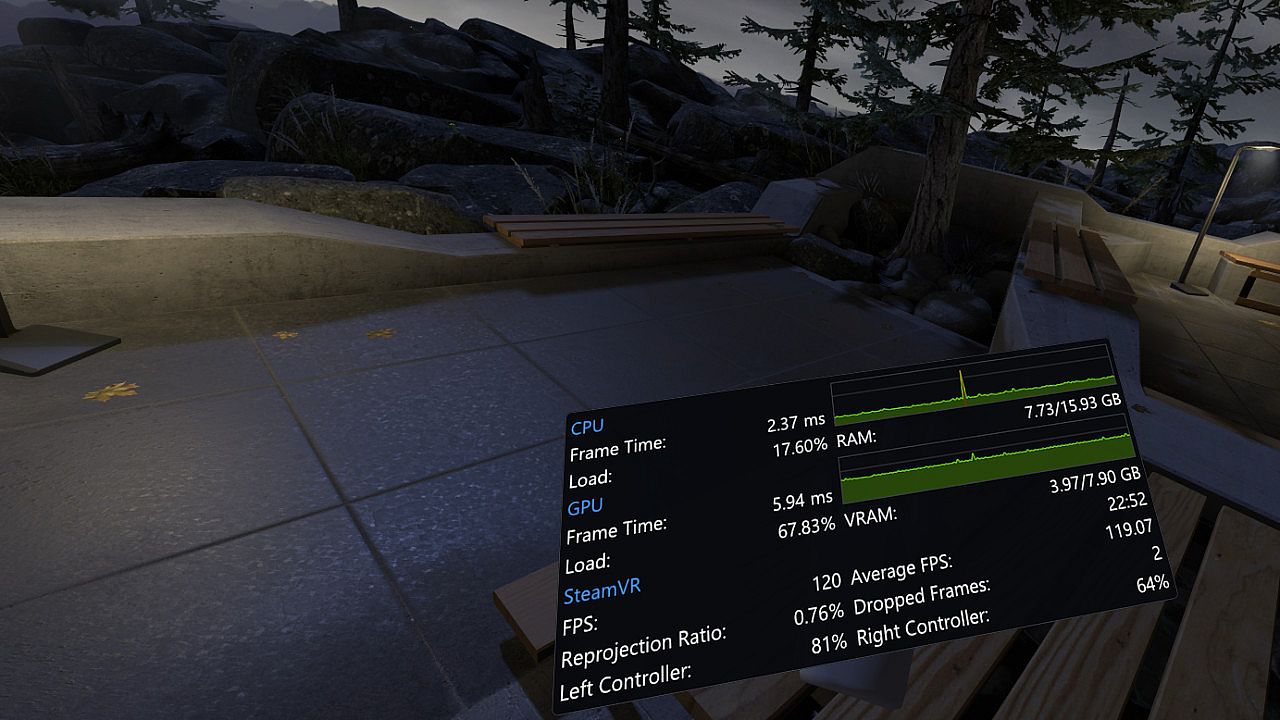
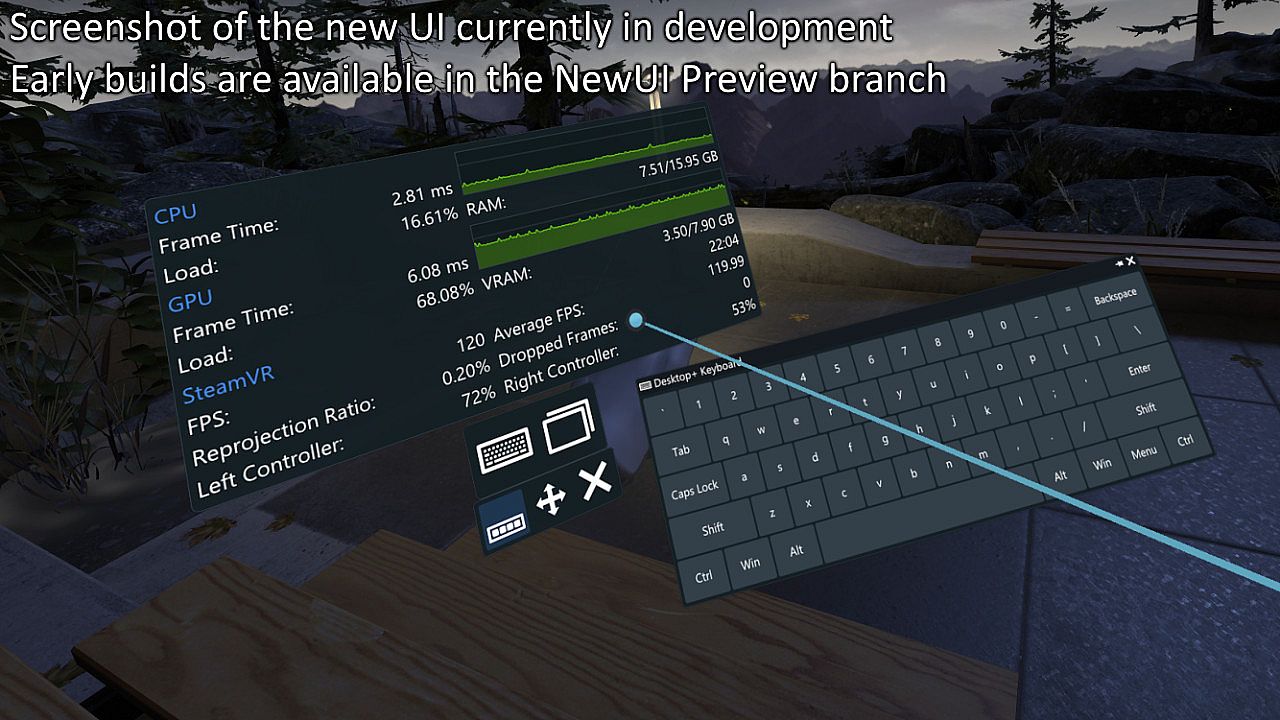
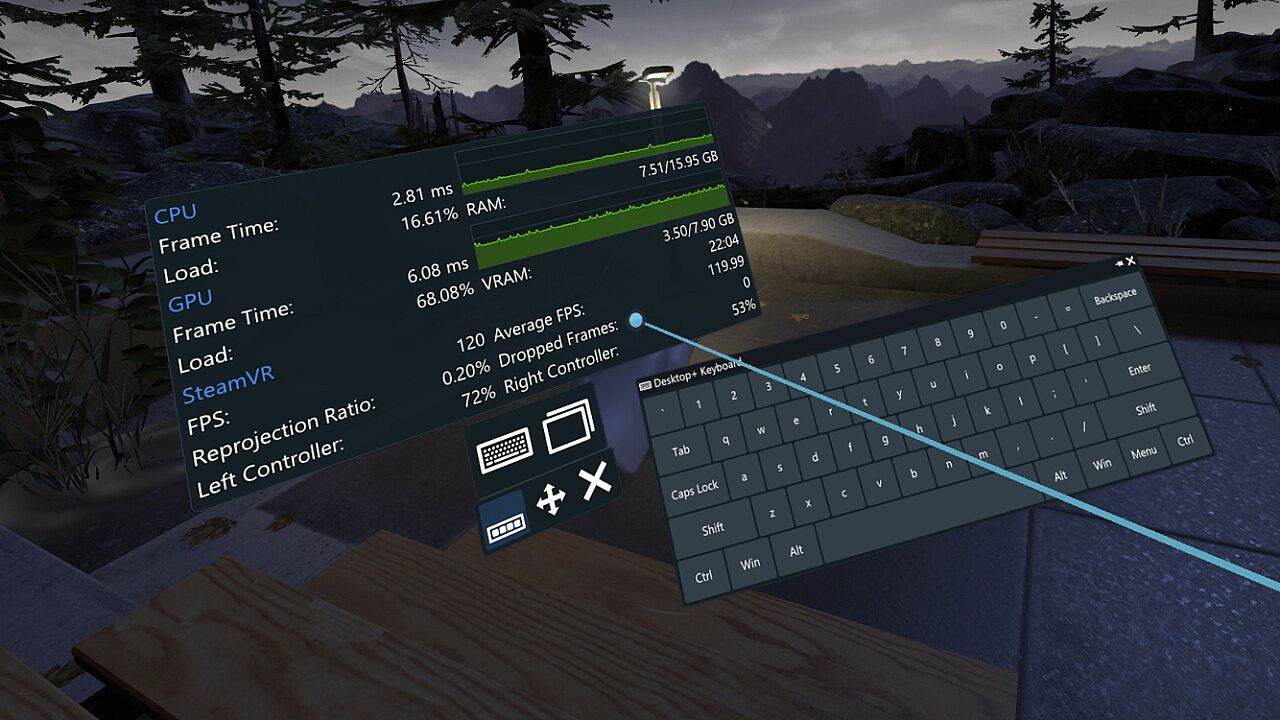
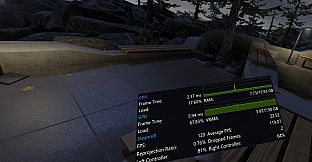
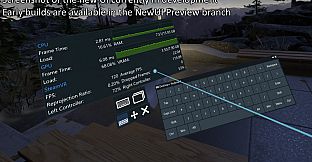
  • Performance Monitor: View system performance in real-time
  • Application profiles: Automatically switch overlay profiles when a specific VR application is being run

Interface:
GermanEnglishJapanese

Age rating

Unavailable
Steam:
Very Positive (672)

Minimum:

  • Processor: Intel Core i5-4590/AMD FX 8350 equivalent or better
  • Memory: 4 GB RAM
  • Graphics: NVIDIA GeForce GTX 970, AMD Radeon R9 290 equivalent or better
  • DirectX: Version 10
  • Storage: 5 MB available space
  • Additional Notes: Window capture requires Windows 10 version 1803 or newer

Recommended:

  • OS: Windows 10 version 2004 or newer
Historical low
Price history from official stores
-
-
-
Price history from keyshops
-
-
-

FAQ

8 questions

Before you start looking for a cheap Desktop+ key, check the essentials. Developed by elvissteinjr. Published by elvissteinjr. PC released date: 01 Jan 2021. Genres: Utilities. Categories: Steam Cloud, Tracked Controller Support, VR Only.

Q

Where to buy a cheap Desktop+ Steam key?

Desktop+ is free to play! Download it on Steam and start playing instantly. Looking for Desktop+ DLC, in-game currency, or other add-ons? Browse the Desktop+ DLC list and compare 0 offers on XD.deals.

Desktop+ is completely free on Steam. No purchase needed - just download and play. If you are looking for premium DLC or in-game items, check the offers table above.

Our price tracker covers both official retailers and key marketplaces, so you can find Desktop+ on sale even outside seasonal promotions. We currently detect 0 active offers from official stores and keyshops. Check the table above, compare against the historical low, and set an alert so you never miss the next price drop.

Based on our data, Desktop+ is not currently available on GeForce NOW. You will need to run it locally on your PC. Browse games available on GeForce NOW.

Yes. Desktop+ has an official page on the Steam Store, but we currently don't track any third-party offers with Steam DRM. Check back later or set a price alert.

Yes. Desktop+ is Steam Deck Verified - it launches out-of-the-box, displays correct controller glyphs and runs stable. Desktop+ works perfectly on Steam Deck.

Desktop+ does not appear to be available on PC Game Pass, EA Play, Ubisoft+ or any other PC subscription service at this time. Your only option is purchasing the game - use XD.deals to find the best price.

No - XD.deals is not a store. We are a price-comparison service that tracks the best Desktop+ deals across official stores and verified keyshops. Click "Go to Store" next to any offer and you will be redirected to the retailer's website to complete your purchase.

Want to buy at the best moment? Set a price alert on XD.deals and get notified when Desktop+ hits its next historical low.

Create Alert
Join our Discord
Get instant help from our community and stay updated on the latest deals
Set Price Alerts
Get notified by email when game prices drop to your target
Create Free Account
Unlock wishlists, price alerts, and Steam sync