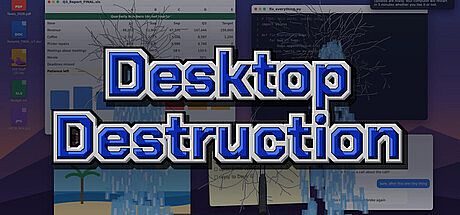


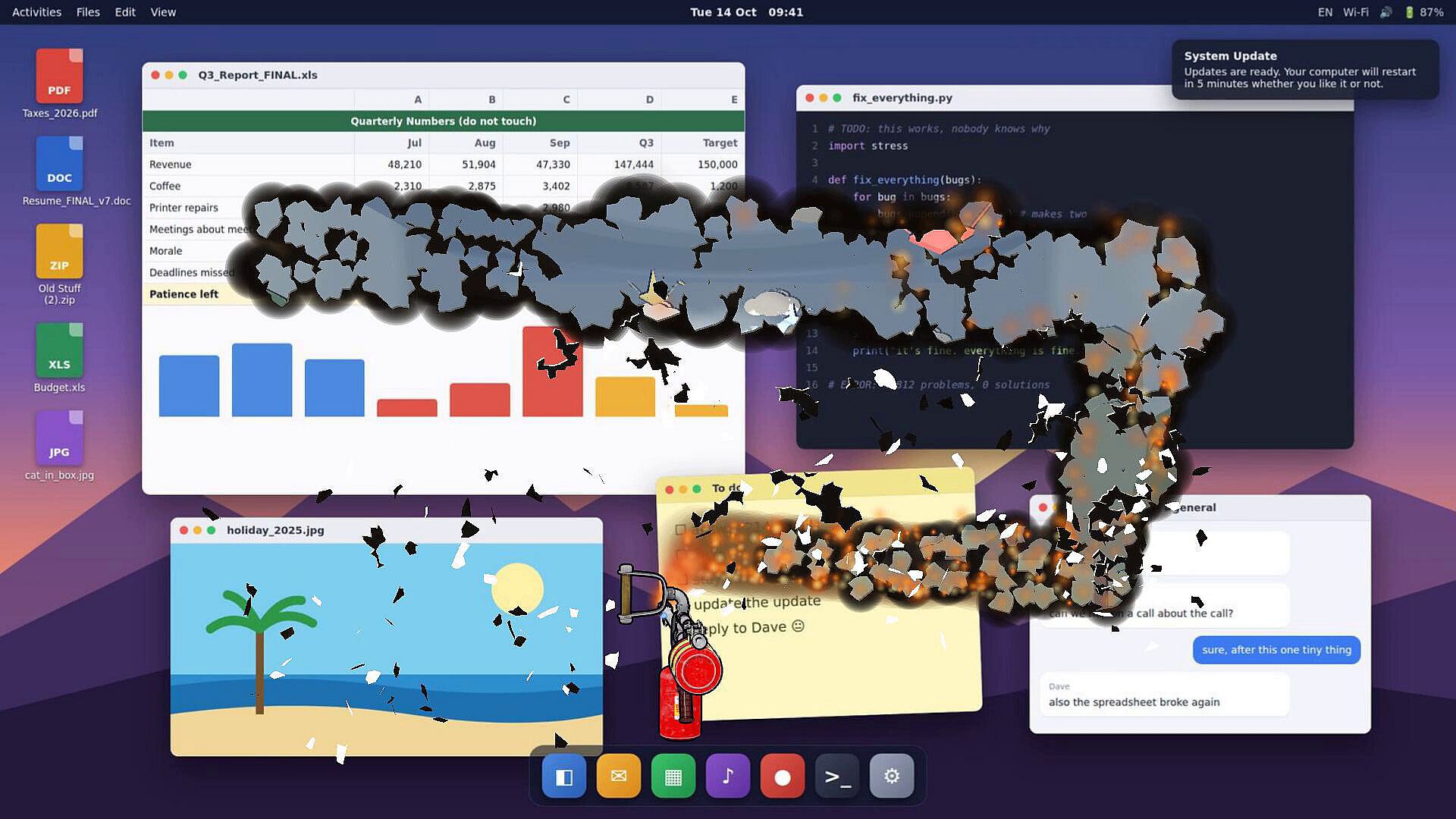
Desktop Destruction is an indie casual simulation game built around turning a player's real desktop into a destructible surface. The core loop involves capturing the screen, applying different materials, and using a growing arsenal of tools to break, cut, burn, or reshape it in realistic ways. Icons, wallpapers, and open windows become part of the scene, and the experience stays grounded in single-player sandbox play on PC.
Gameplay
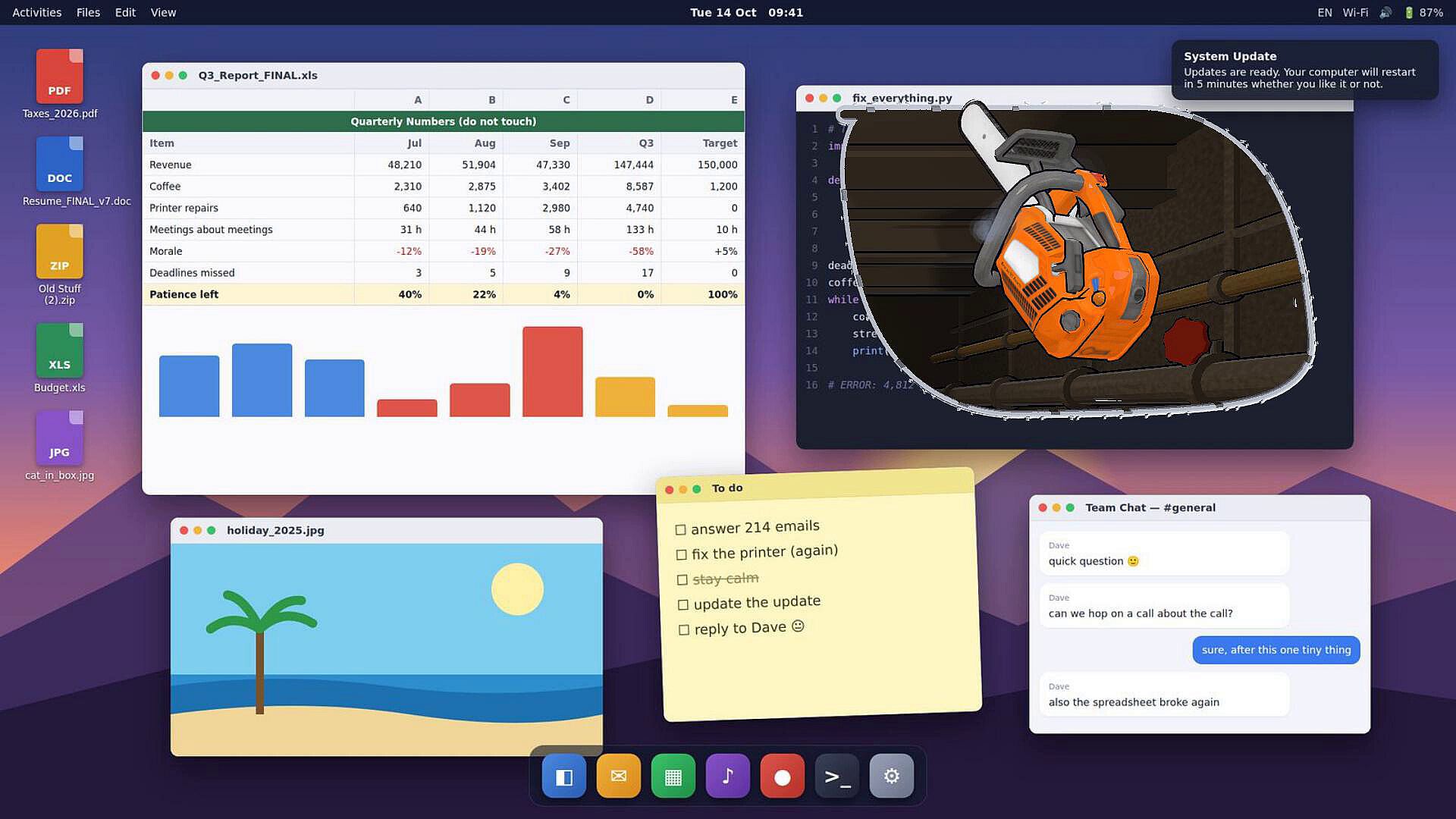
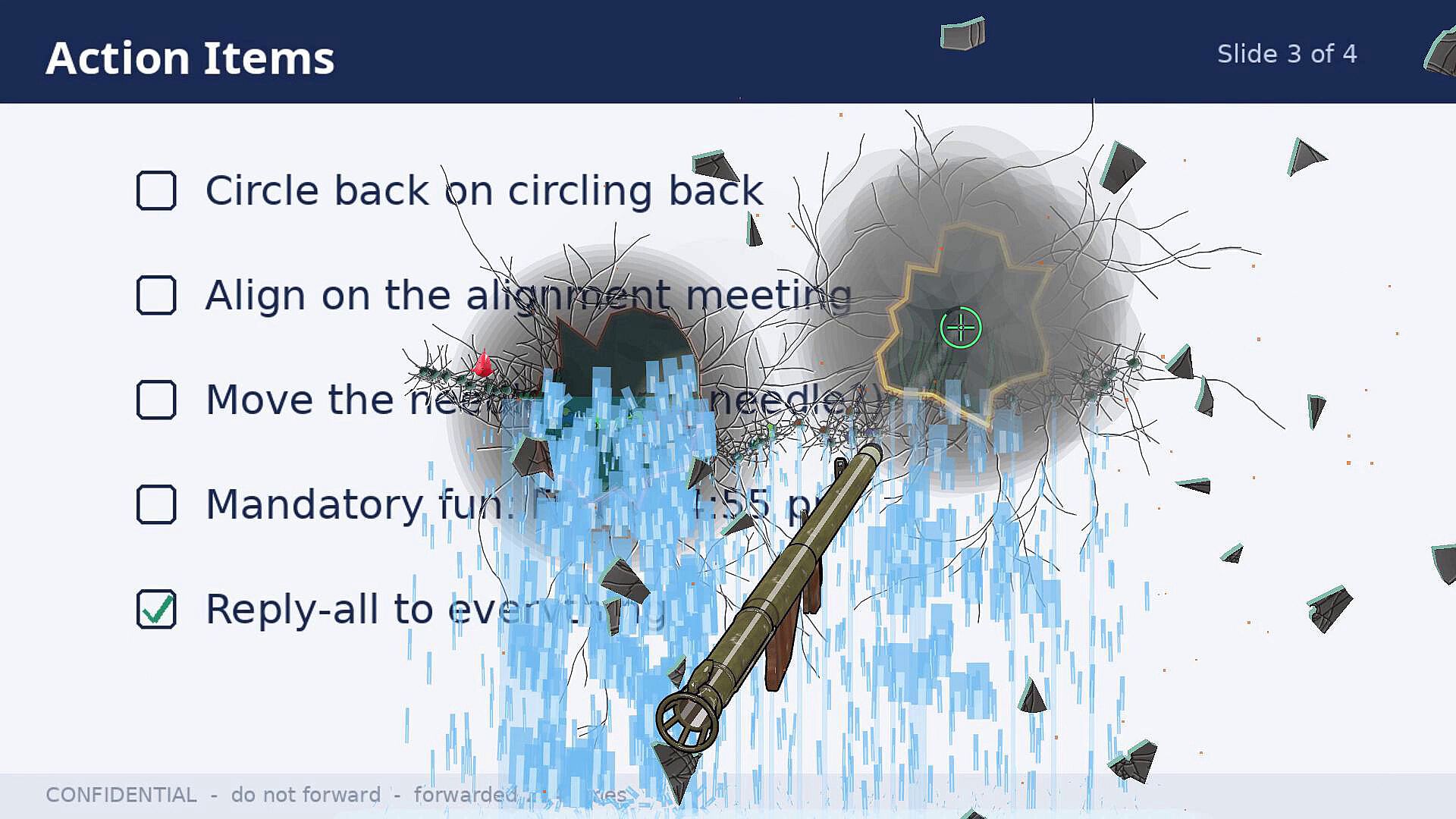
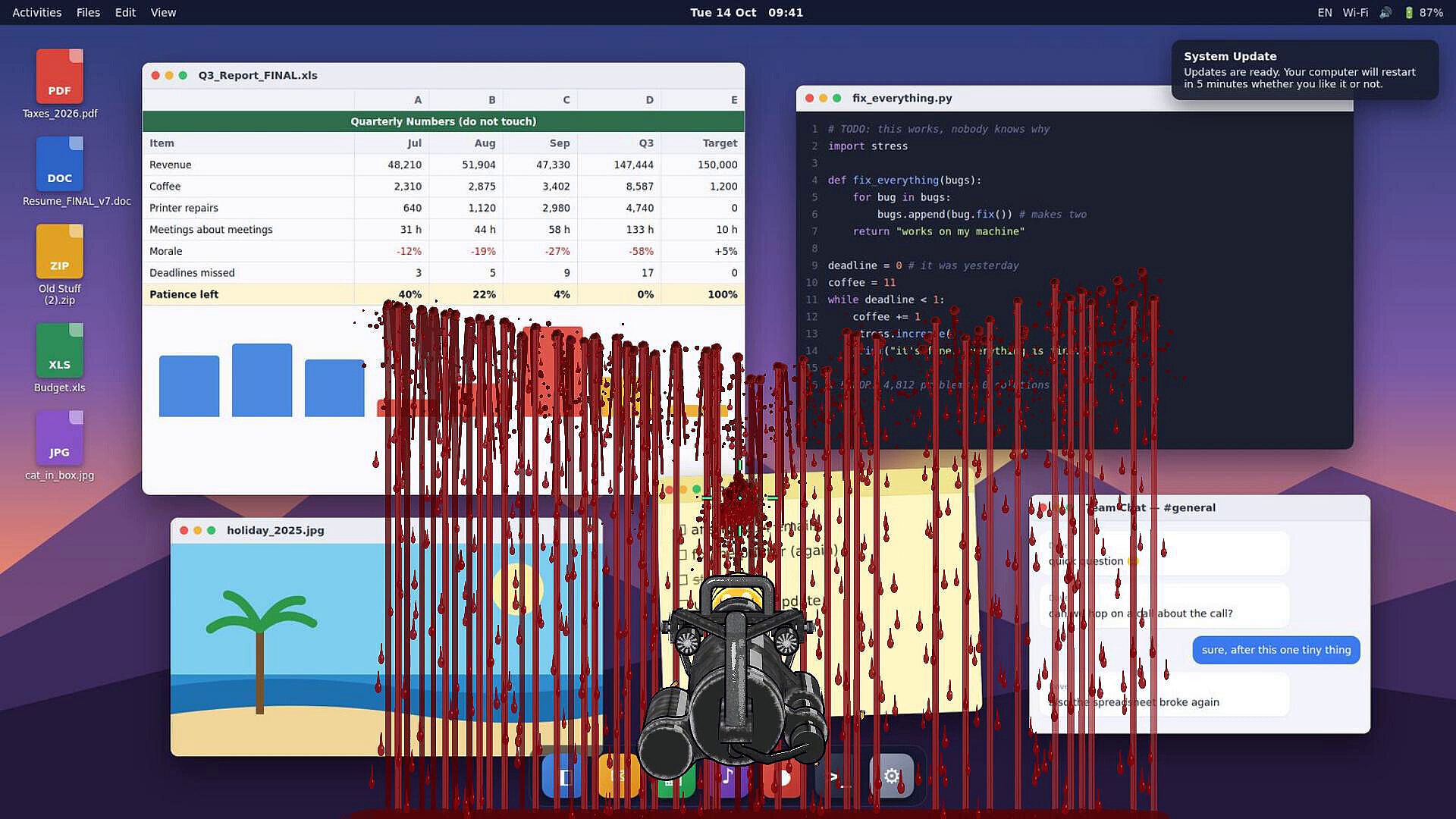
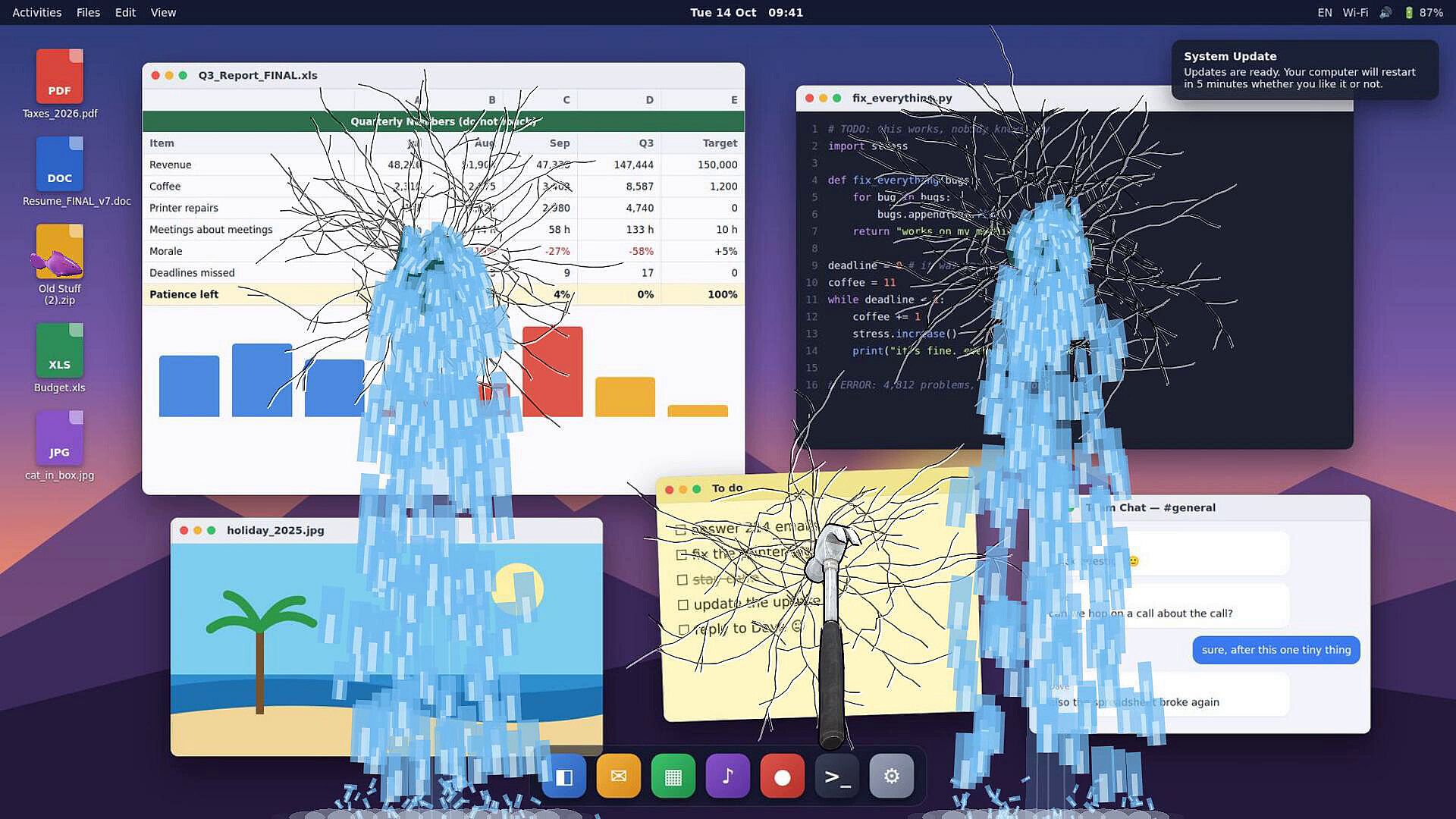
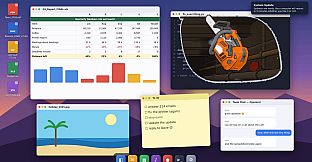
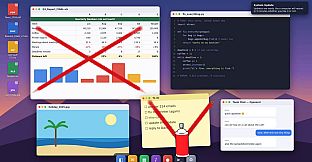
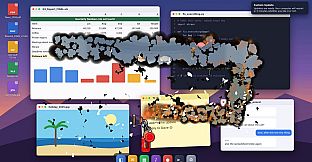
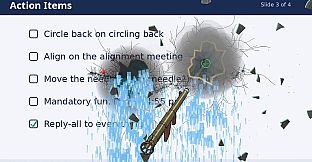
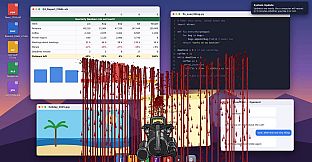
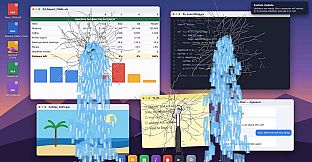
The game freezes the desktop into an image that can be treated as glass, wood, metal, paper, concrete, or even flesh. Each material reacts distinctly: glass cracks and shatters into shards, wood splits along its grain, metal dents and tears, paper burns and curls, concrete crumbles, and flesh shows bruises and splits. Players start with basic tools and progress through timed challenges to unlock the full set of seventeen options. These include a hammer for cracking and breaking, a chainsaw for cutting through surfaces, a flamethrower for ignition, a minigun for rapid fire, and a bazooka for explosive impact. Every tool interacts with every material according to its properties, so the same chainsaw produces different results on wood versus metal.
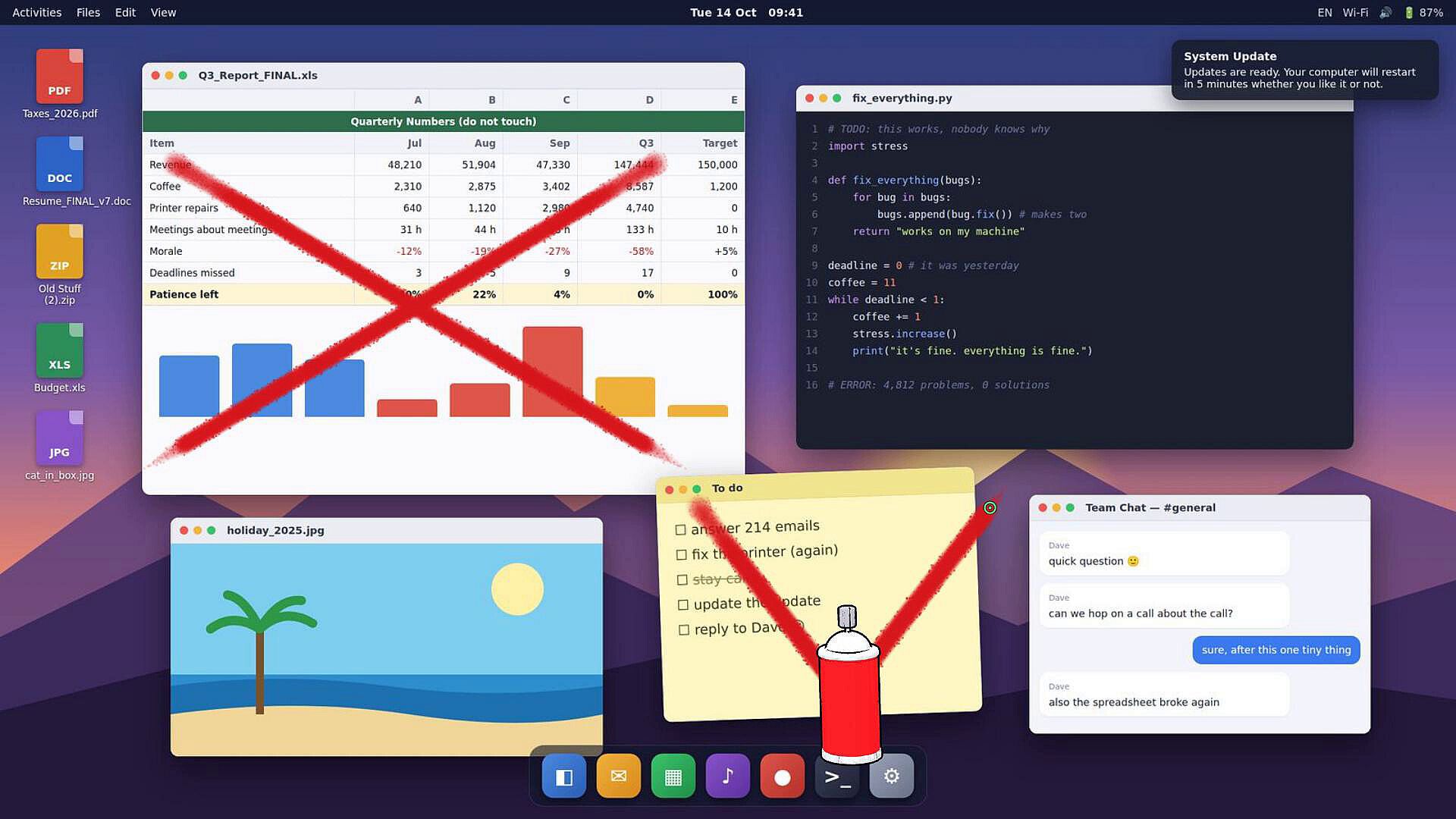
Any open window, video, or stream can remain active while destruction happens on top of it. A television overlay can also be placed on the desktop for additional layers of interaction. Faces on the screen can be tagged with custom labels such as actor, politician, or boss, which then trigger tailored challenges. Players can add details like a moustache or shades before proceeding. Once tools are unlocked, everything moves into Sandbox mode for unrestricted experimentation, including the ability to punch through the surface and reveal a room behind the screen.
Game Modes
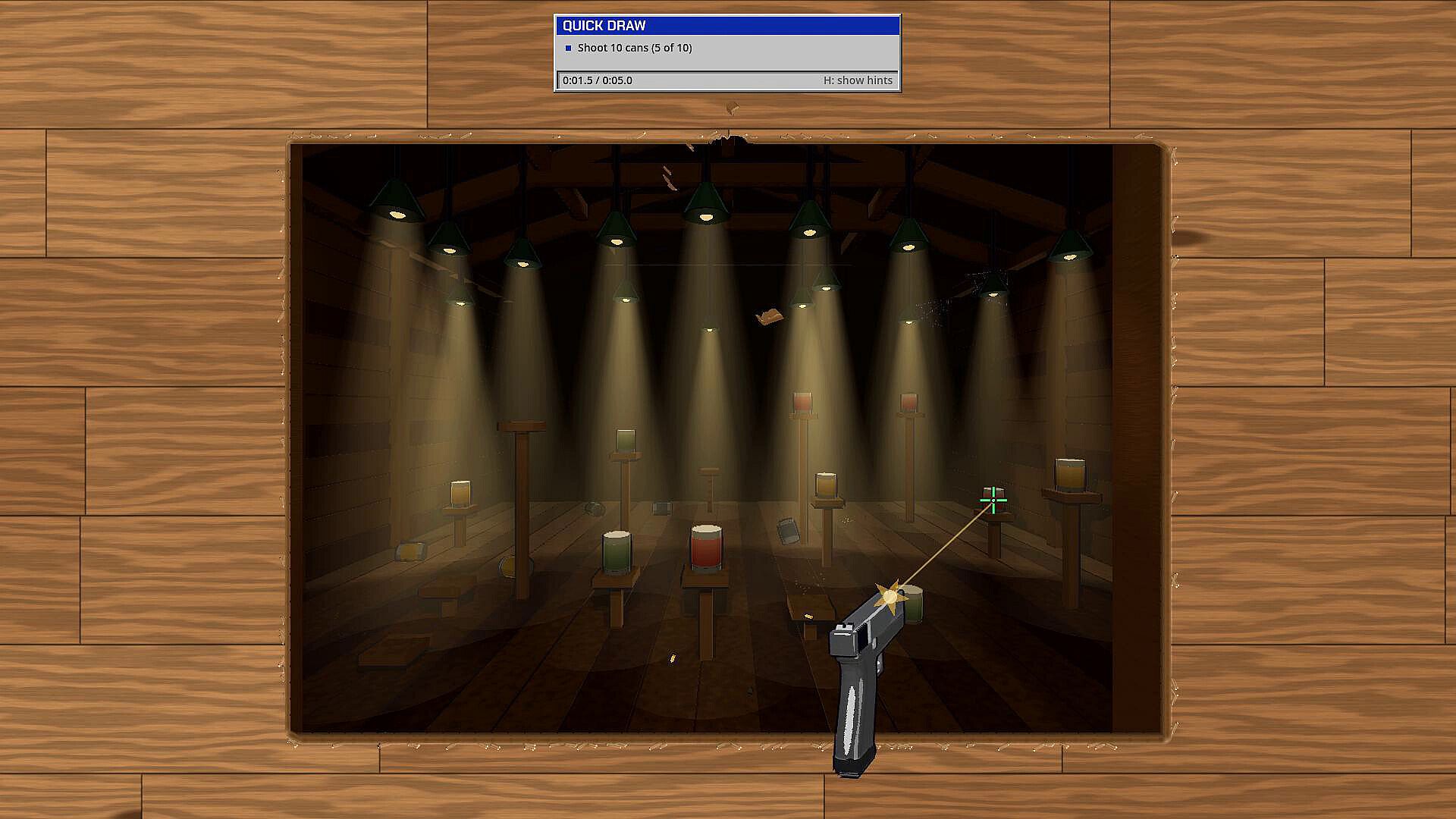
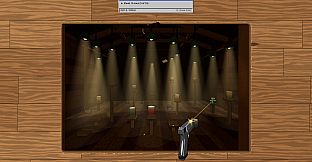
Two primary ways to play exist. Challenge mode presents quick, timed tasks that must be completed to earn new tools. Examples include shooting ten cans within five seconds, breaking out of a glass screen, or sniping targets in a specific setting. Completing these paths grants access to the full toolkit. Sandbox mode then serves as the free-form area where all seventeen tools are available without restrictions, allowing players to combine materials, test interactions, and create extended scenes at their own pace.
No additional modes such as multiplayer or campaign structures are present. The focus remains on single-player desktop interaction and progressive tool access.
Materials and Tool Interactions
Six distinct materials shape every session. Glass produces progressive cracks that end in full shattering. Wood follows natural grain patterns when cut or split. Metal responds with dents and petal-like tears under impact. Paper catches fire and burns away to reveal the layer beneath. Concrete develops pockmarks and crumbles under repeated strikes. Flesh shows bruising, splitting, and bleeding effects. These reactions stay consistent across all tools, so a flamethrower applied to paper creates spreading flames and ash while the same tool on metal produces different scorching results.
Tool variety encourages experimentation. The hand allows slapping, grabbing, and throwing. The laser creates fine cuts or fades. Sculpting tools raise or sink sections of the surface. A power washer cleans away effects. Each new tool adds fresh ways to layer damage or create specific visual outcomes in Sandbox.
Is It Worth Playing?
Desktop Destruction suits players who enjoy casual, single-player simulation experiences centered on creative destruction and stress relief. The progression from timed challenges to open Sandbox provides a clear structure without overwhelming complexity. Those who like experimenting with material properties and tool combinations will find repeated value in the realistic interactions. The game remains a focused desktop toy rather than a deep narrative or competitive title, so expectations should align with short to medium sessions of visual experimentation. Availability on PC makes it accessible for anyone with a Windows setup interested in this style of casual indie simulation.