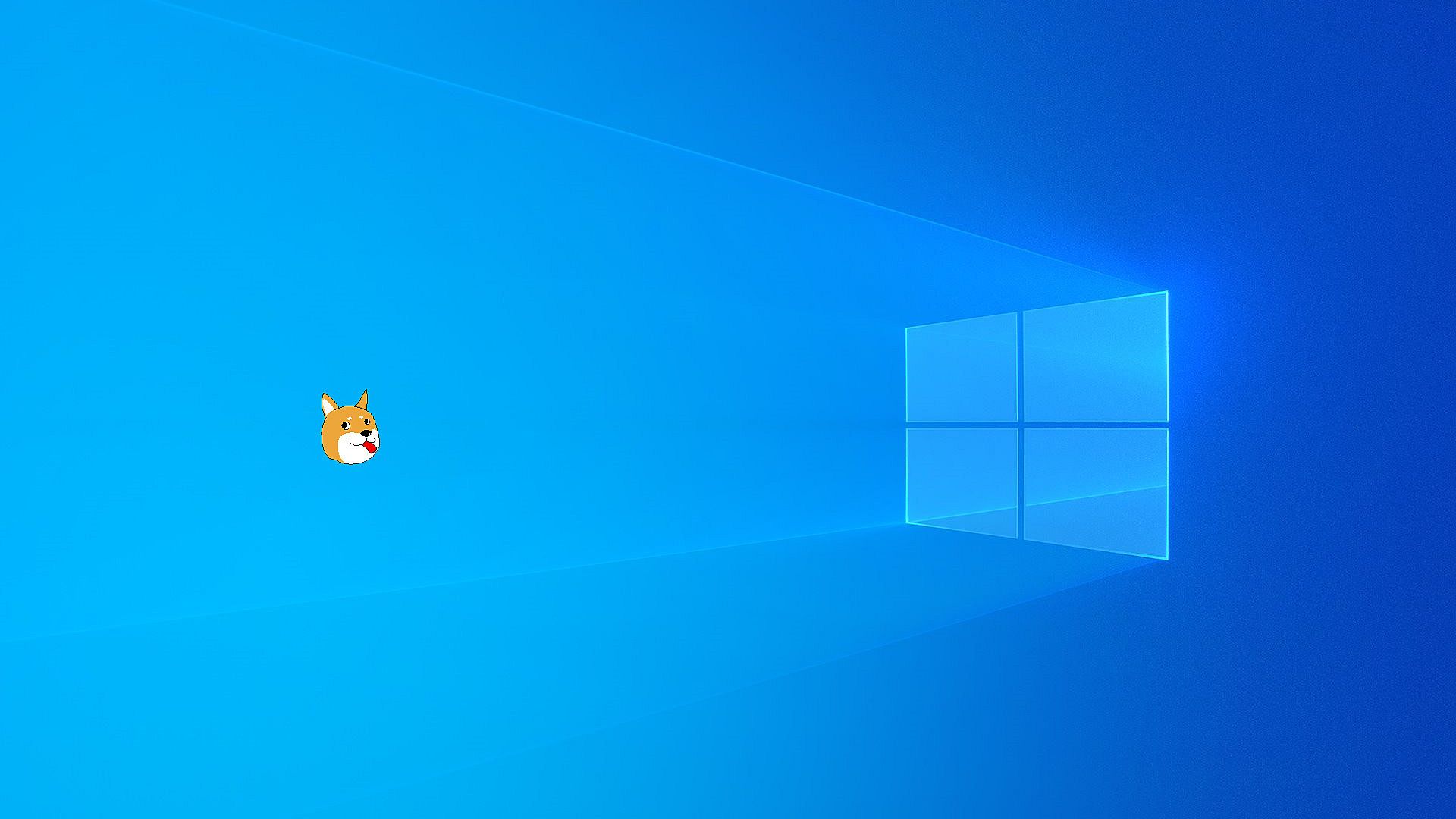
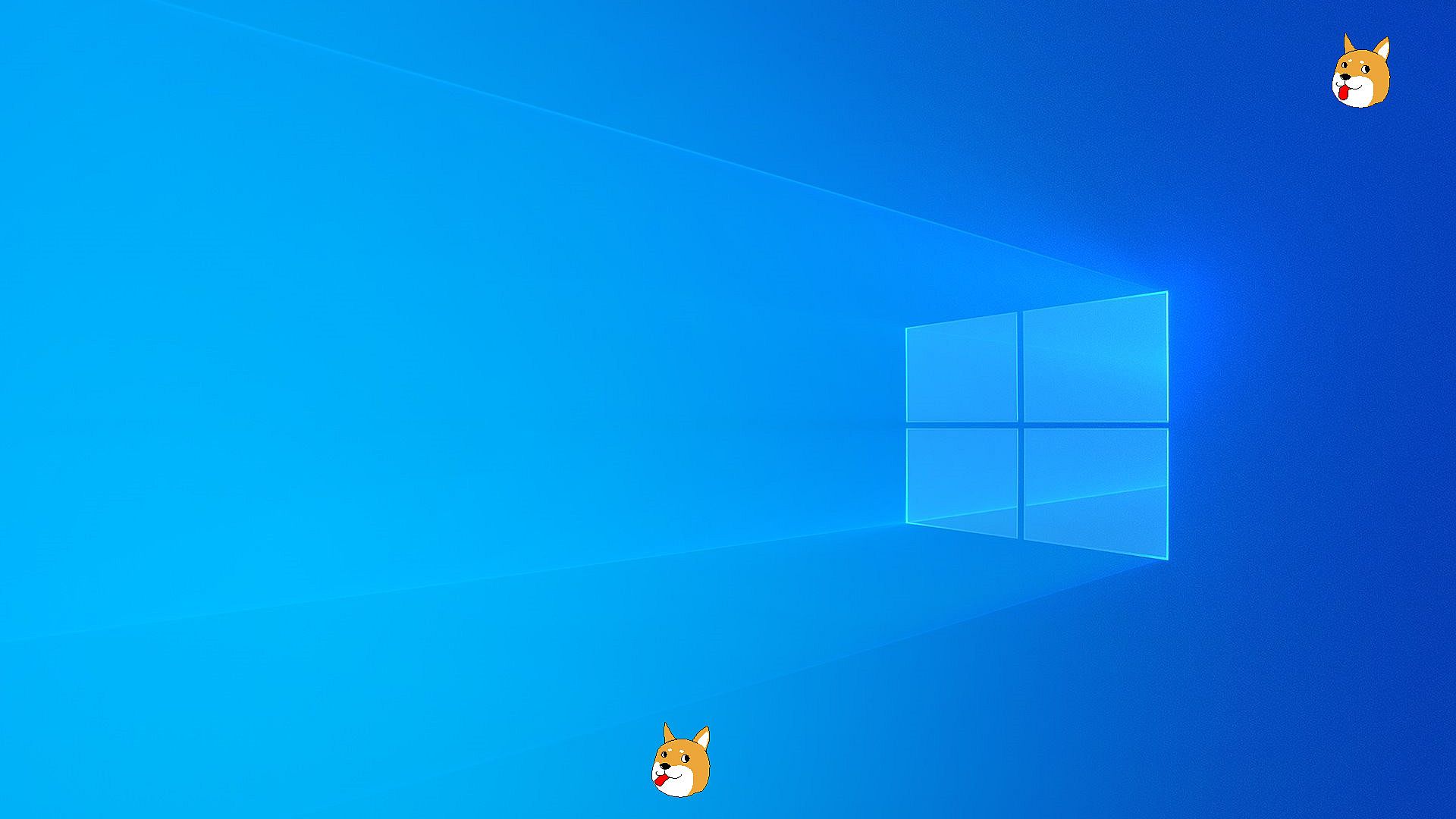
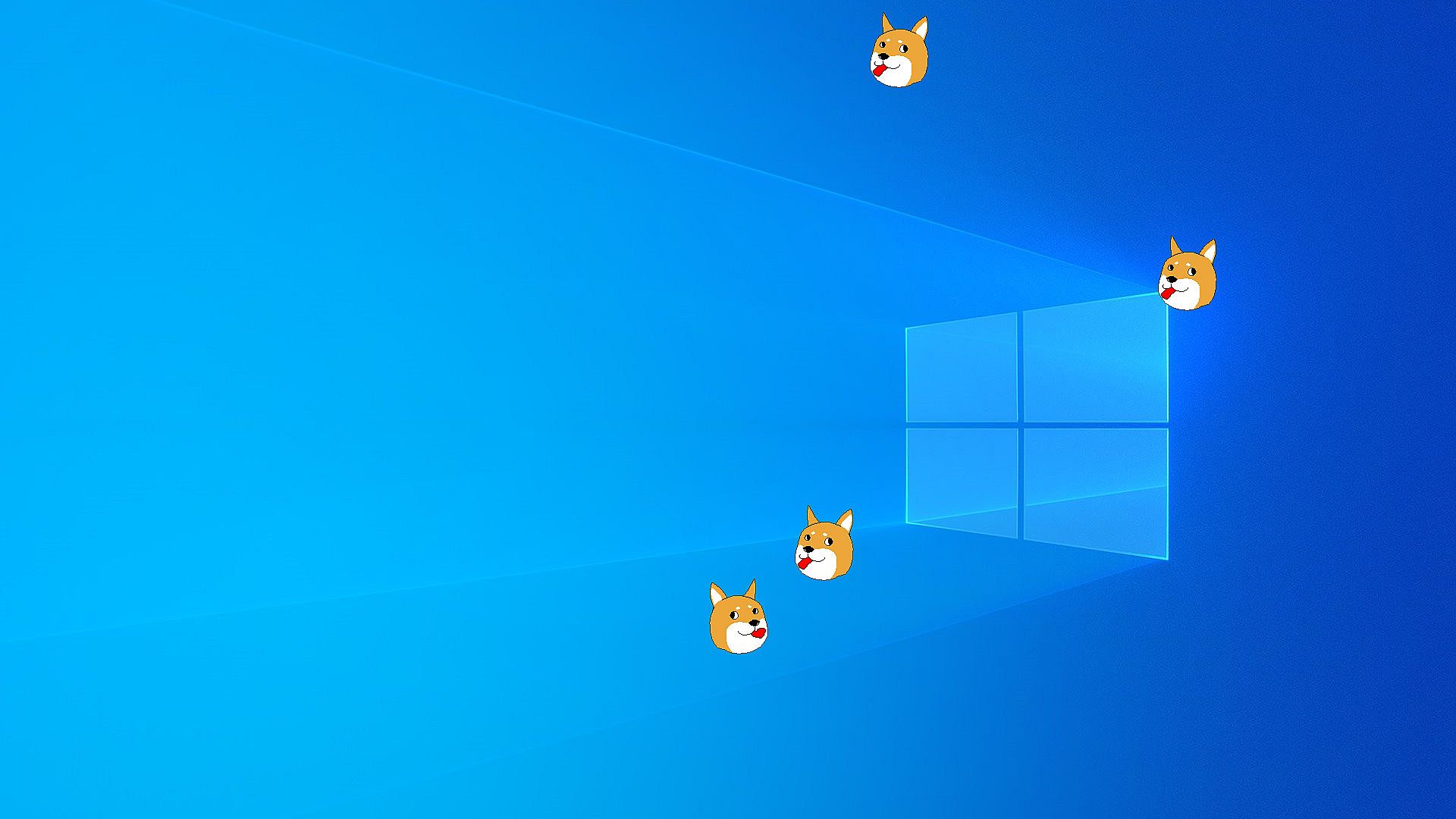
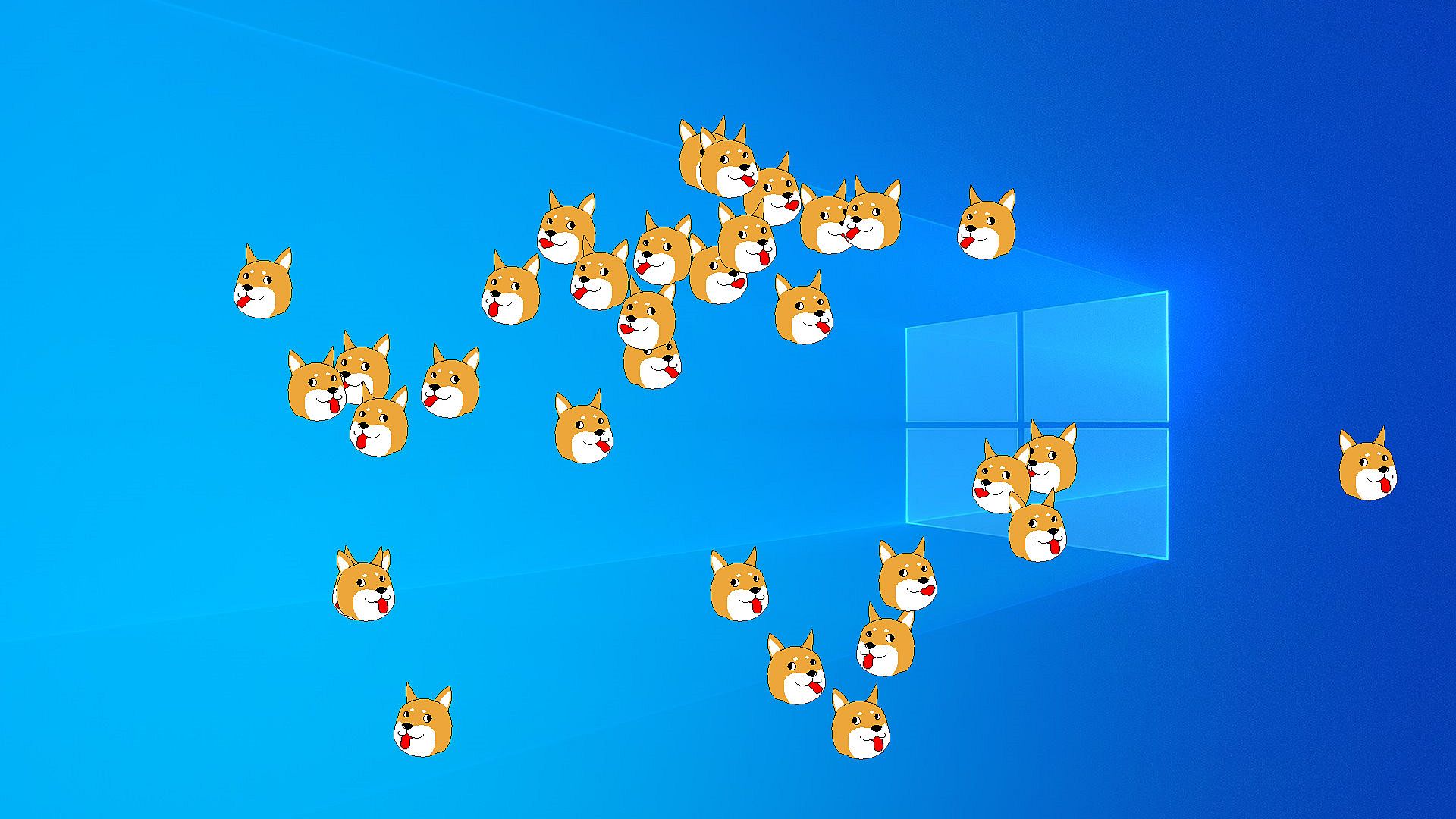
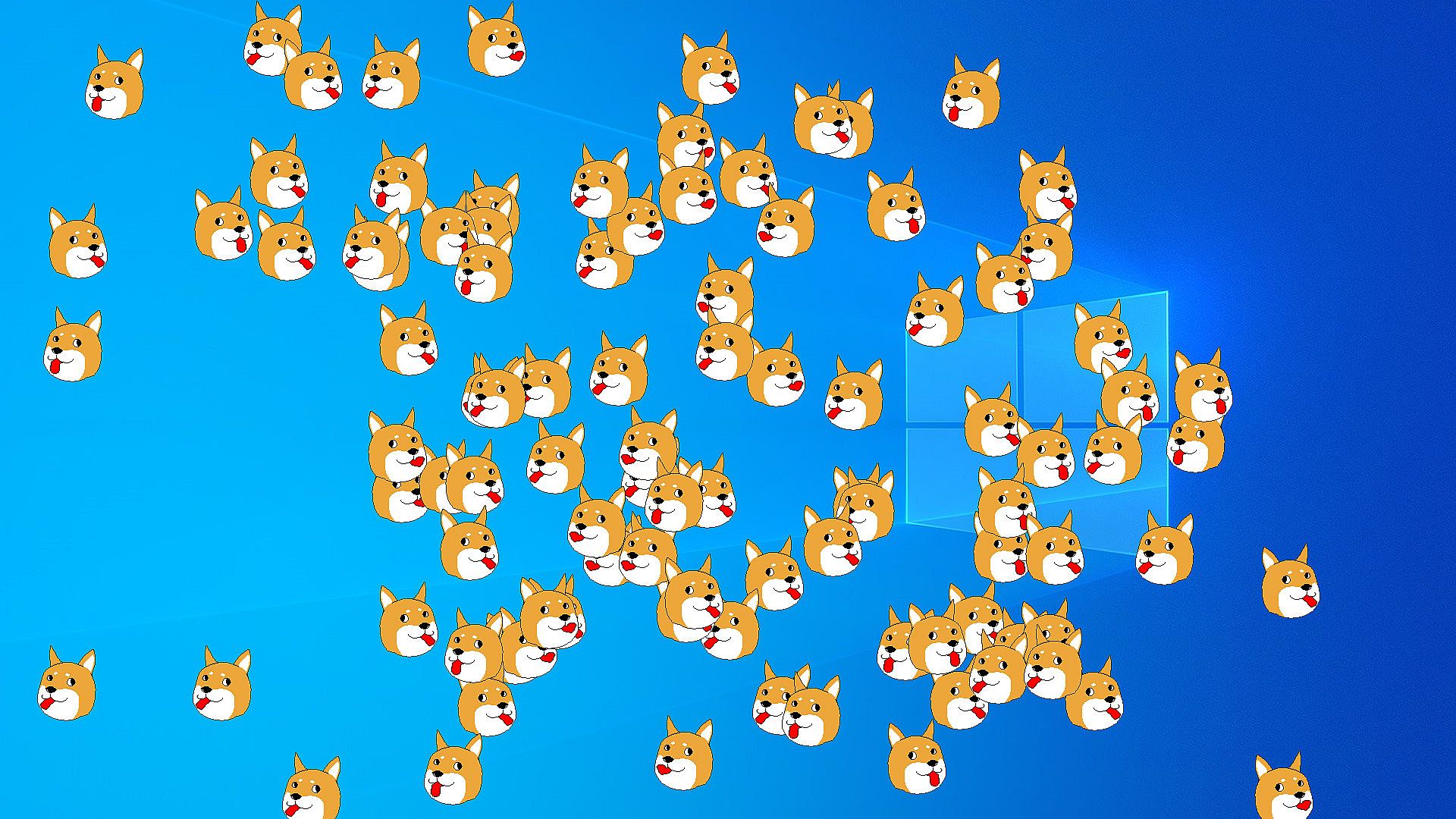
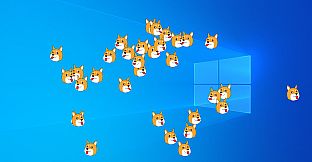
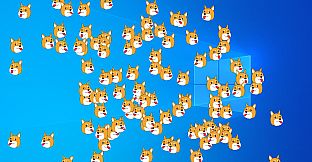
Animated licking doge screenmates bring casual fun to your desktop. These simple sprite animations move randomly across the screen as a top-level window. The utility runs on Windows 10 and 11 with DirectX 12 and Feature Level 12_0 support.
Launch multiple instances through command-line options, specifying quantities from 1 to 666 or triggering a Gaben easter egg. Access properties via general launch options and exit by clicking the taskbar icon. Fans of quirky utilities enjoy the lighthearted desktop companion that prompts uninstalls with humorous reviews if incompatible.
INU is animated licking doge screenmate application.
Feature
- Simple sprite animation.
- Random-moving on screen, as top level window always.
- Support Windows 11 and Windows 10 (need for DirectX 12, Feature level 12_0).
CommandLine Option
Usage:inu.exe [quantity] [gaben]
Option:quantity: Much INU (1-666).
gaben: Such easter egg.
INU Properties > GENERAL > LAUNCH OPTIONSHow to exit
Click the INU icon on taskbar-corner.
If you see of the following window
Unfortunately, your computer can't execute for INU application, let's uninstall and post much humorous review!