
Buy Mavis Beacon Teaches Typing Family Edition PC

Where can you buy the cheapest Mavis Beacon Teaches Typing Family Edition key for {6}? Check and compare prices from 1 stores among 1 offers on XD.deals. The lowest Mavis Beacon Teaches Typing Family Edition price on keyshops is at £22.99 (0% off).

Release: 14 Mar 2014
Metacritic:
tbd tbd
Steam:
Mixed (30)
Keyshops
Unavailable
Buy in Official Store:
£22.99
Buy in Keyshops:
See price history

Official Stores (1)

DRM:
Steam
Steam
Steam
Mavis Beacon Teaches Typing Family Edition
Windows
+1
1y ago
DRM:
Steam
Steam
£22.99
Historical Low Deal
Historical low

About Mavis Beacon Teaches Typing Family Edition

Mavis Beacon Teaches Typing Family Edition - about the game
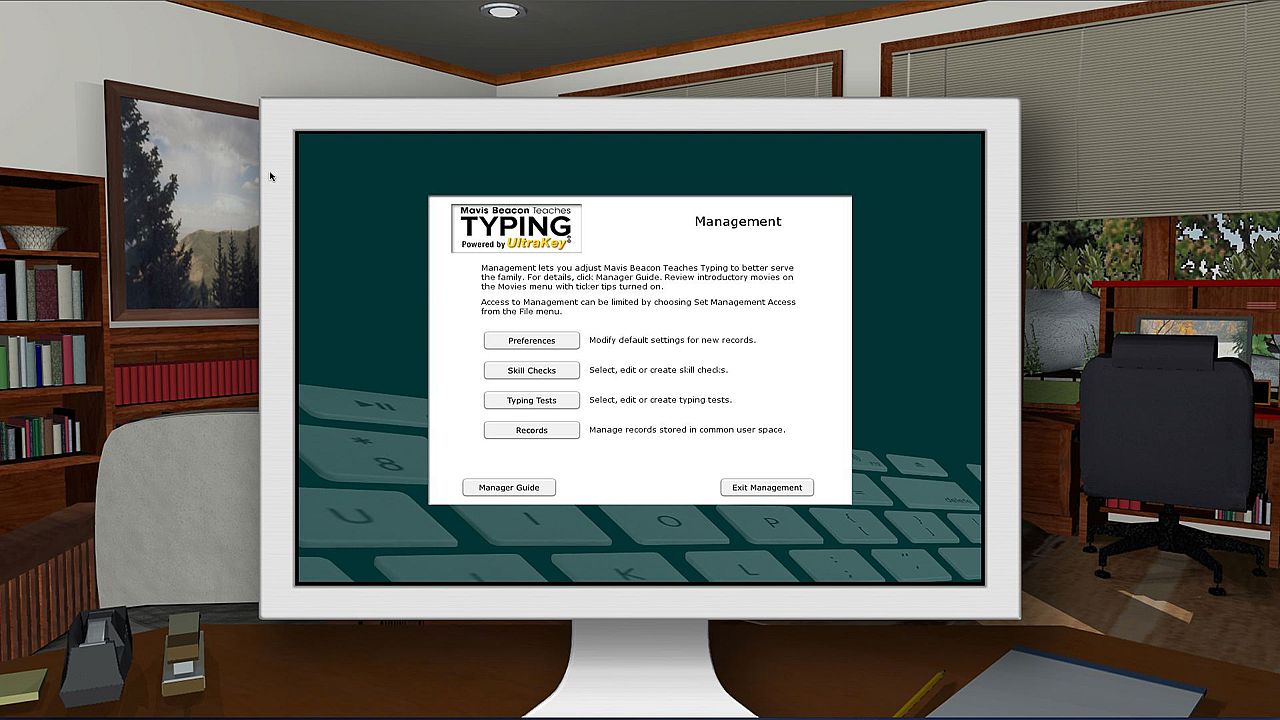
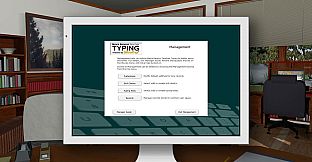
Mastering typing fundamentals becomes straightforward with this education software powered by UltraKey. Set personal goals for speed and accuracy, then follow guided steps: learn proper posture through 3D models, master techniques with videos and graphics, introduce new keys gradually, build skills via real-word challenges, test progress with timed sessions, and track results for resumes. Bite-sized 20-minute lessons adapt to your pace, with voice instruction, 12 themes, over 100 skill checks, and tips to avoid repetitive strain injuries. Users ages 8 to 88 thrive on this success-based approach, choosing their learning path across Windows or Macintosh systems.

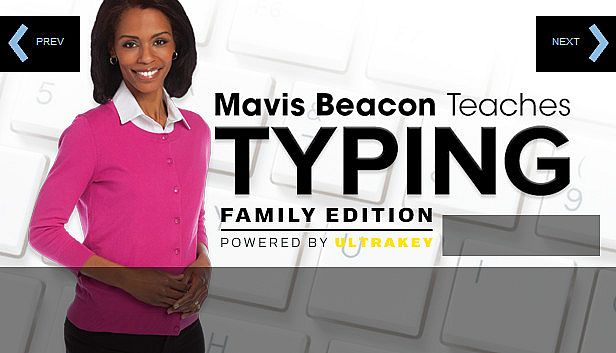
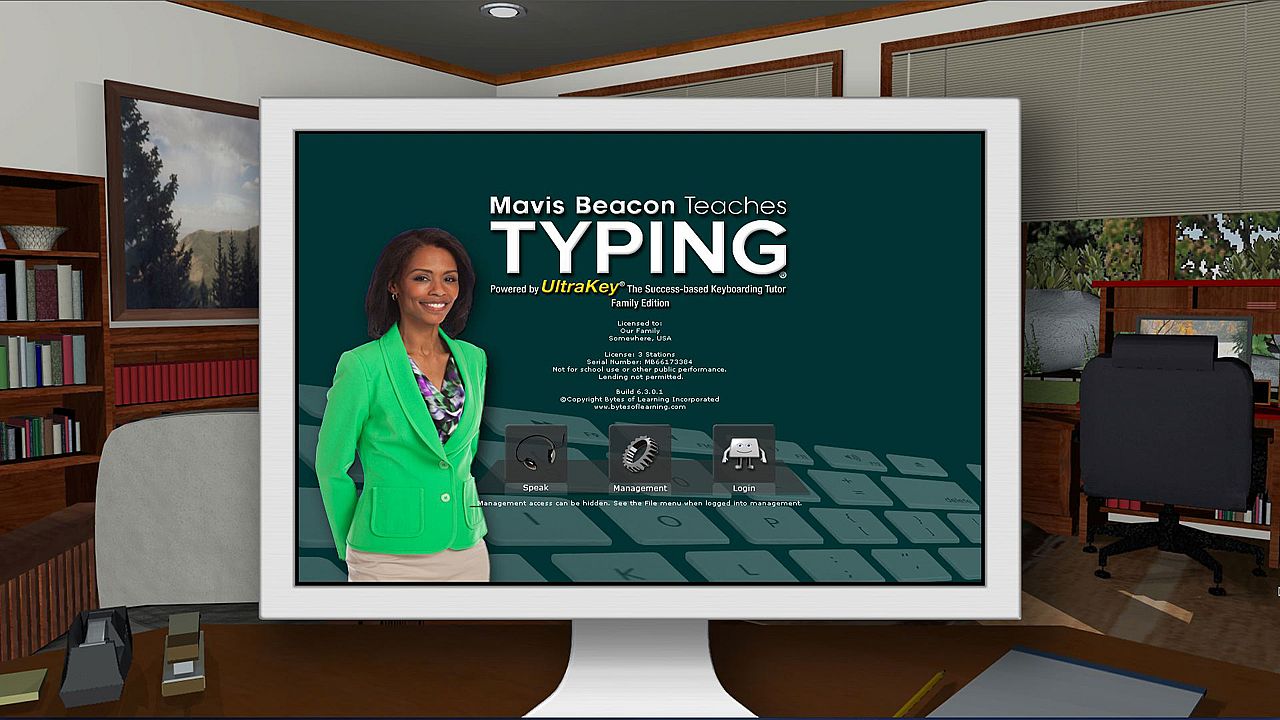
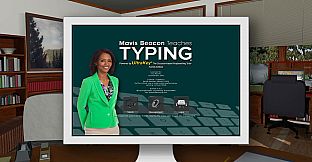
Mastering typing has never been easier than with the all-new edition of Mavis Beacon Teaches Typing Powered by UltraKey! The award-winning software program provides the most efficient way to learn and master typing fundamentals. Designed by educators, Mavis Beacon Teaches Typing Powered by UltraKey uses a success-based approach to typing instruction. This powerful and motivating way to learn provides a clear path to learning a new skill by setting personal goals and progressing along guided roadmaps.

Just follow these seven easy steps to achieve your typing success!

Step 1: Set Your Personal Goal

Success-based learning begins with setting a personal challenge level for speed and accuracy that you seek as you complete lessons.

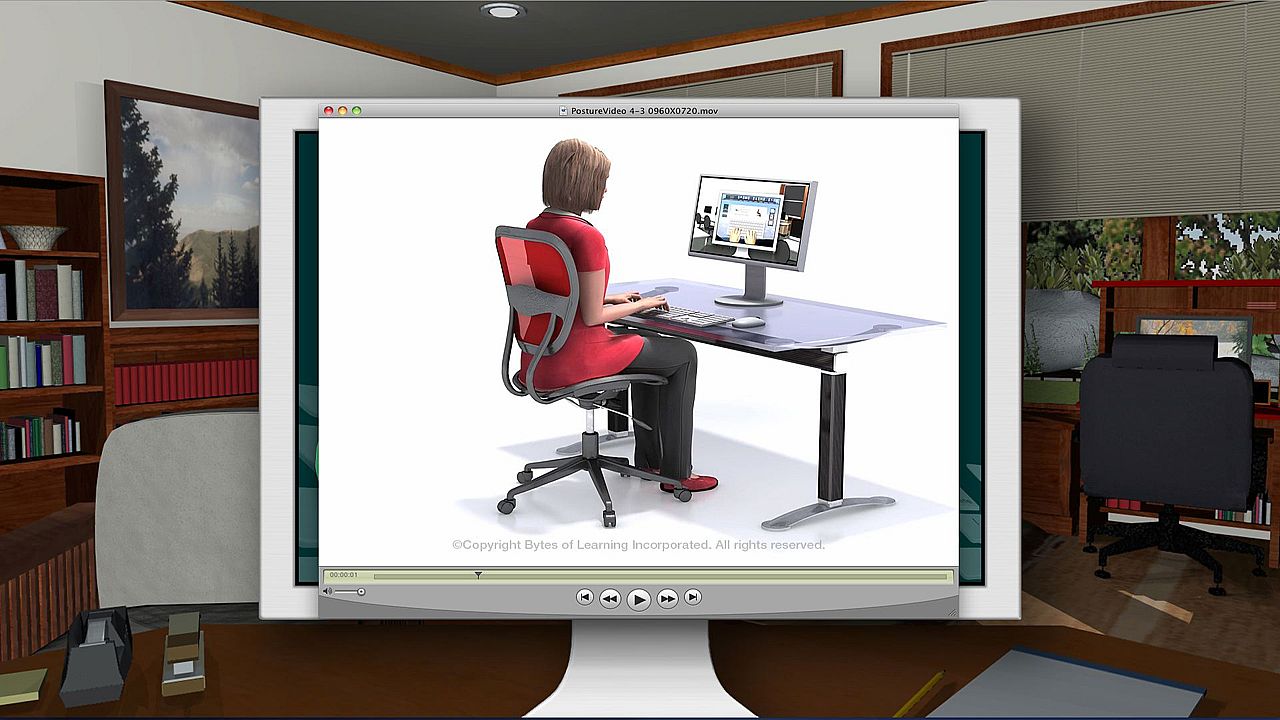
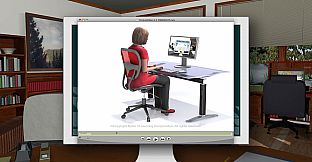
Step 2: Learn Good Posture Habits

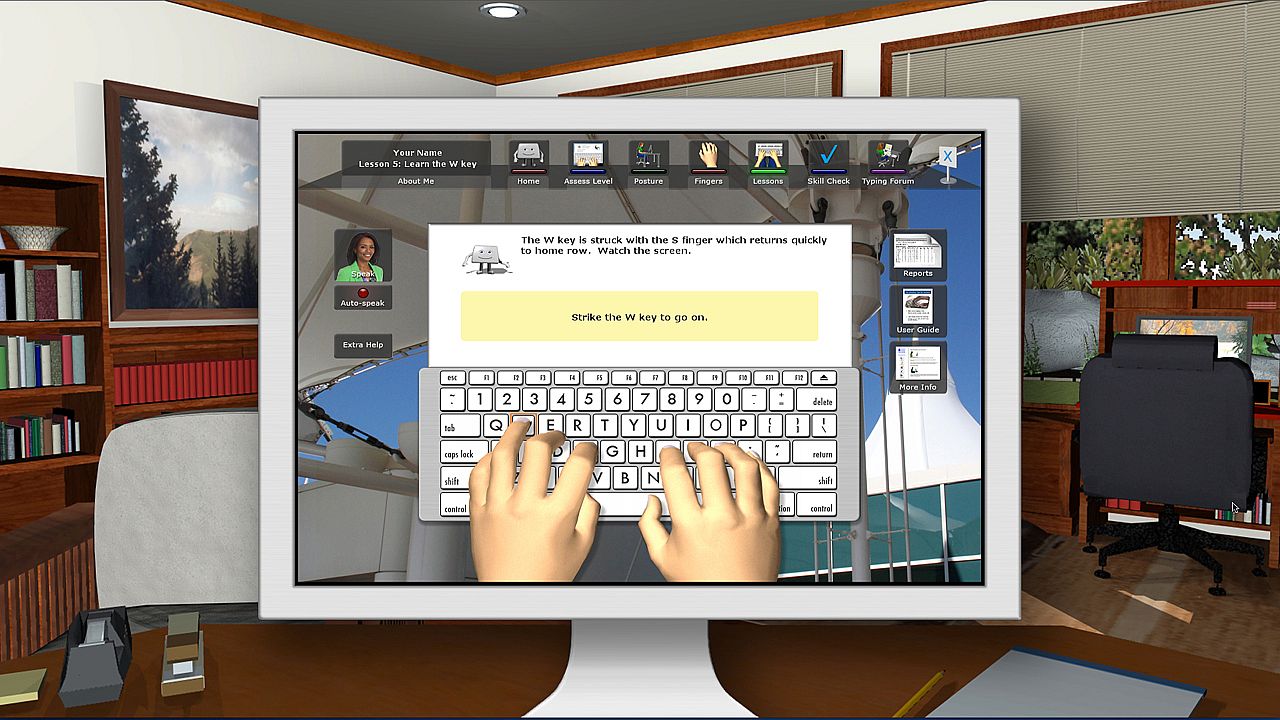
A virtual reality model demonstrates correct body and hand position.

Step 3: Typing Technique

Video and interactive graphics teach you typing technique, finger names and home row position.

Step 4: Learn New Keys One Stage at a Time

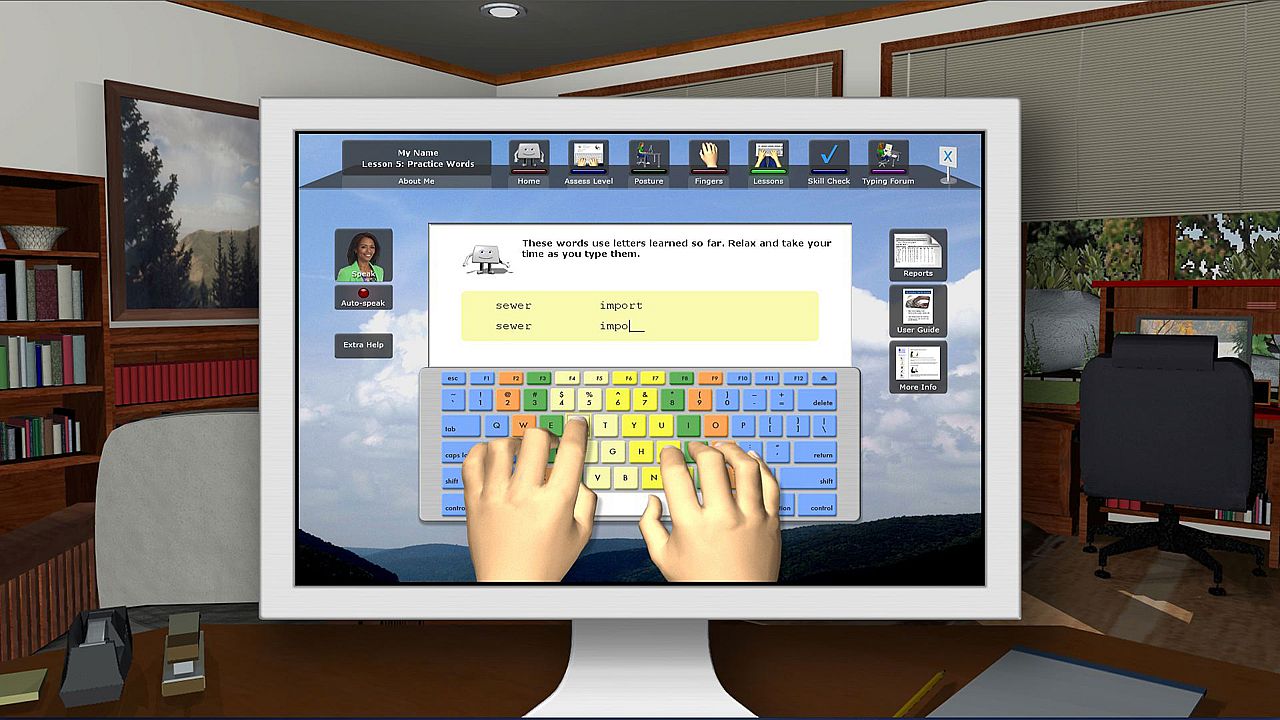
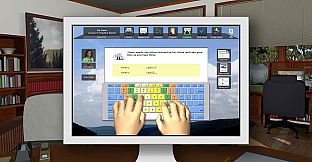
Systematically develop new keystrokes, blending them into pairs, chains, words and sentences.

Step 5: Build Your Skill by Using It

For each lesson you complete, a corresponding skill check uses real-word typing challenges to ensure your progress.

Step 6: Practice Excellent Typing at all Times

Timed typing tests give standardized performance results that you can put on your resume!

Step 7: Celebrate Your Success!

After just 8 hours of using this software, you can master typing basics and more!

Features:

  • Success-based approach: structured learning determined by user’s own plan and timetable
  • Three types of instruction: Voice, videos and animated graphics
  • Users set a personal pace and choose their own path of learning
  • 12 interface themes and numerous options adapt to age, personal needs and learning style
  • More than 100 skill checks and typing tests
  • 18 exciting videos introduce typing activities and demonstrate proper stretch break techniques
  • Specific tips for improvement based on unique typing pattern assessments
  • Short, bite-sized, 20 minute sessions containing sequence lessons and skill development activities
  • Stunning 3D graphics to demonstrate correct posture and typing techniques
  • More Information Resource: Provides important information on correct body posture, tips for avoiding repetitive strain injuries (RSIs), typing actions, enrichment ideas, additional in-depth concepts and more
  • User-friendly system for everyone ages 8 to 88
  • Engineered for all current Windows and Macintosh computers; operates identically on both systems with cross-platform progress records.

NOTE: this title is English only. Specific localized versions (grammar and keyboards) will be delivered to customers in the UK, Australia and New Zealand. All other regions will get North American English.

Interface:
English
Audio:
English

Age rating

Unavailable
Metacritic:
tbd tbd
Steam:
Mixed (30)

Minimum:

  • Processor: Pentium® or AMD Athlon™ Processor
  • Memory: 512 MB RAM
  • Storage: 600 MB available space

Minimum:

  • OS: Mac® OS X 10.6 – 10.8
  • Processor: Intel® Core™ Processor
  • Memory: 512 MB RAM
  • Graphics: 600
  • Storage: 600 MB available space
Historical low
Price history from official stores
-
-
-
Price history from keyshops
-
-
-

FAQ

8 questions

Before you start looking for a cheap Mavis Beacon Teaches Typing Family Edition key, check the essentials. Developed by Bytes of Learning. Published by Encore. PC released date: 14 Mar 2014. Genres: Education, Software Training.

Q

Where to buy a cheap Mavis Beacon Teaches Typing Family Edition Steam key?

Using our price comparison and verified discount codes, you can buy a Mavis Beacon Teaches Typing Family Edition key for as low as £22.99. This deal is available at Steam and is among the cheapest offers on the market. All keys listed on XD.deals are delivered digitally and eligible for instant download after payment. Prices already include processing fees and applied promo codes, so you always see the lowest Mavis Beacon Teaches Typing Family Edition price on PC. Check the Mavis Beacon Teaches Typing Family Edition price history to buy at the best moment.

As of our last update (we refresh Steam pricing multiple times a day), the Mavis Beacon Teaches Typing Family Edition Steam price is £22.99. You can save an extra ~6% by paying with a discounted Steam gift card.

Our price tracker covers both official retailers and key marketplaces, so you can find Mavis Beacon Teaches Typing Family Edition on sale even outside seasonal promotions. We currently detect 1 active offer from official stores and keyshops. Check the table above, compare against the historical low, and set an alert so you never miss the next price drop.

Based on our data, Mavis Beacon Teaches Typing Family Edition is not currently available on GeForce NOW. You will need to run it locally on your PC. Browse games available on GeForce NOW.

Yes. Mavis Beacon Teaches Typing Family Edition has an official page on the Steam Store. You can also buy a Mavis Beacon Teaches Typing Family Edition Steam key from third-party sellers. Our price comparison currently includes 1 offer with Steam DRM. Pick one to ensure your Mavis Beacon Teaches Typing Family Edition download happens on Valve's platform.

Not at this time. Valve marks Mavis Beacon Teaches Typing Family Edition as Unsupported on Steam Deck. Keep an eye on XD.deals - we track Proton updates and community fixes. Browse games that are Steam Deck Verified or Steam Deck Playable.

Mavis Beacon Teaches Typing Family Edition does not appear to be available on PC Game Pass, EA Play, Ubisoft+ or any other PC subscription service at this time. Your only option is purchasing the game - use XD.deals to find the best price.

No - XD.deals is not a store. We are a price-comparison service that tracks the best Mavis Beacon Teaches Typing Family Edition deals across official stores and verified keyshops. Click "Go to Store" next to any offer and you will be redirected to the retailer's website to complete your purchase.

Best prices for Mavis Beacon Teaches Typing Family Edition

1 Steam Steam Official
£22.99

Want to buy at the best moment? Set a price alert on XD.deals and get notified when Mavis Beacon Teaches Typing Family Edition hits its next historical low.

Create Alert
Join our Discord
Get instant help from our community and stay updated on the latest deals
Set Price Alerts
Get notified by email when game prices drop to your target
Create Free Account
Unlock wishlists, price alerts, and Steam sync