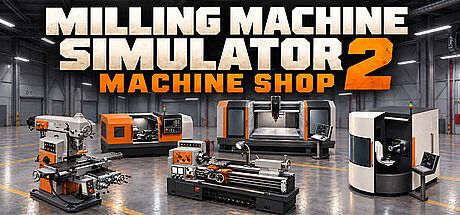


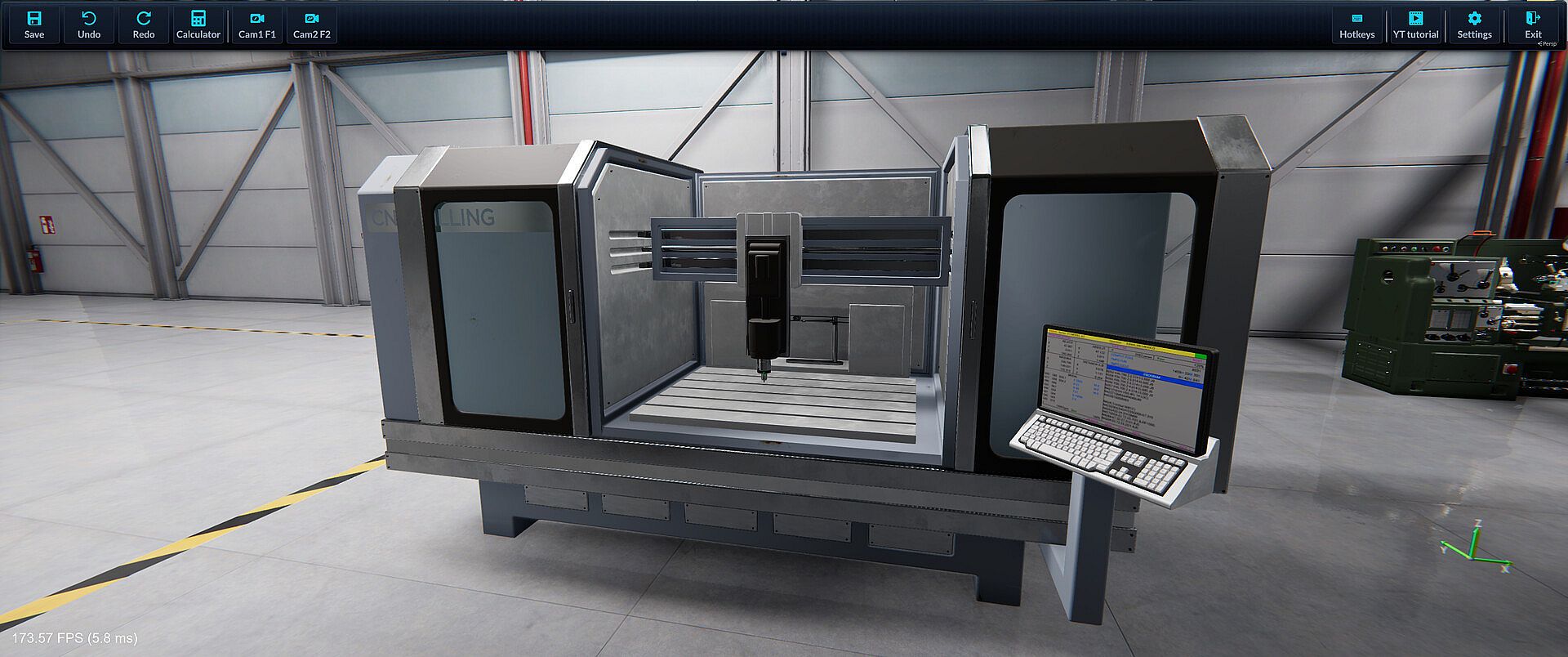
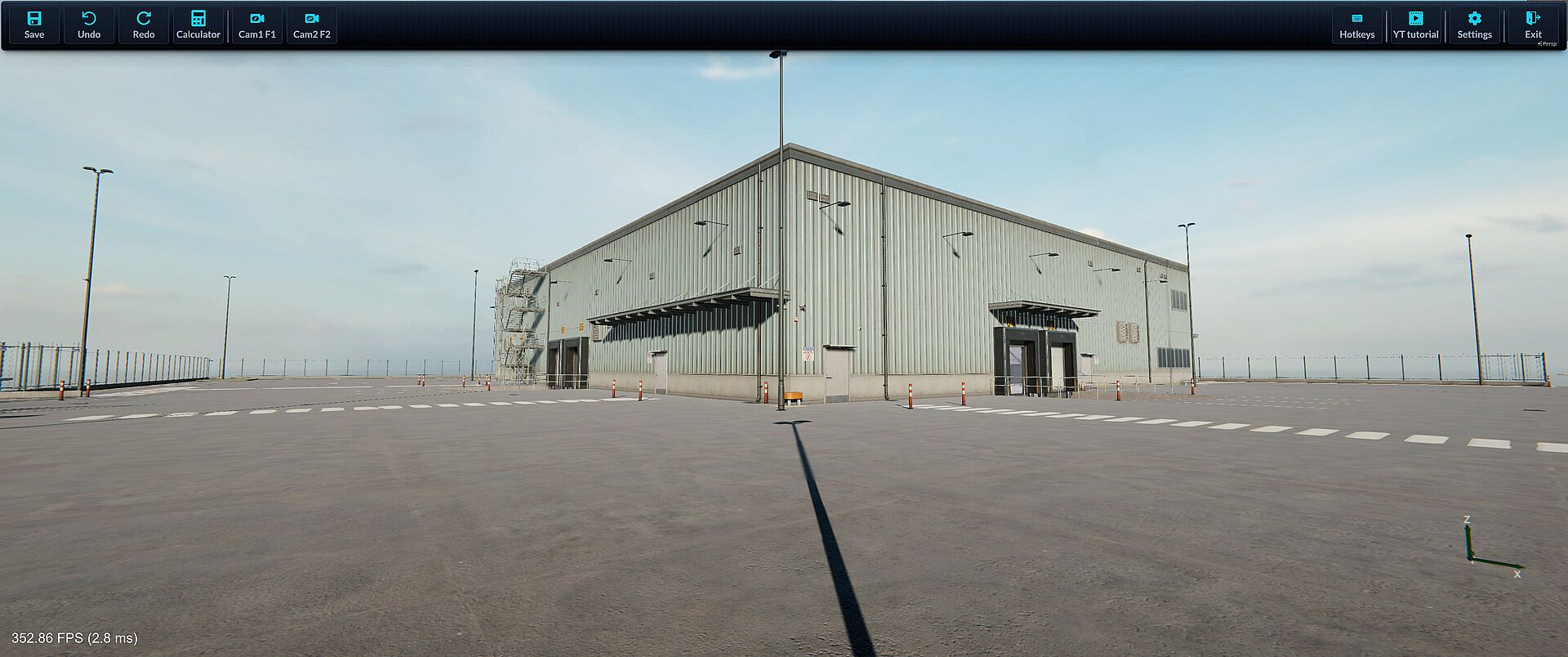
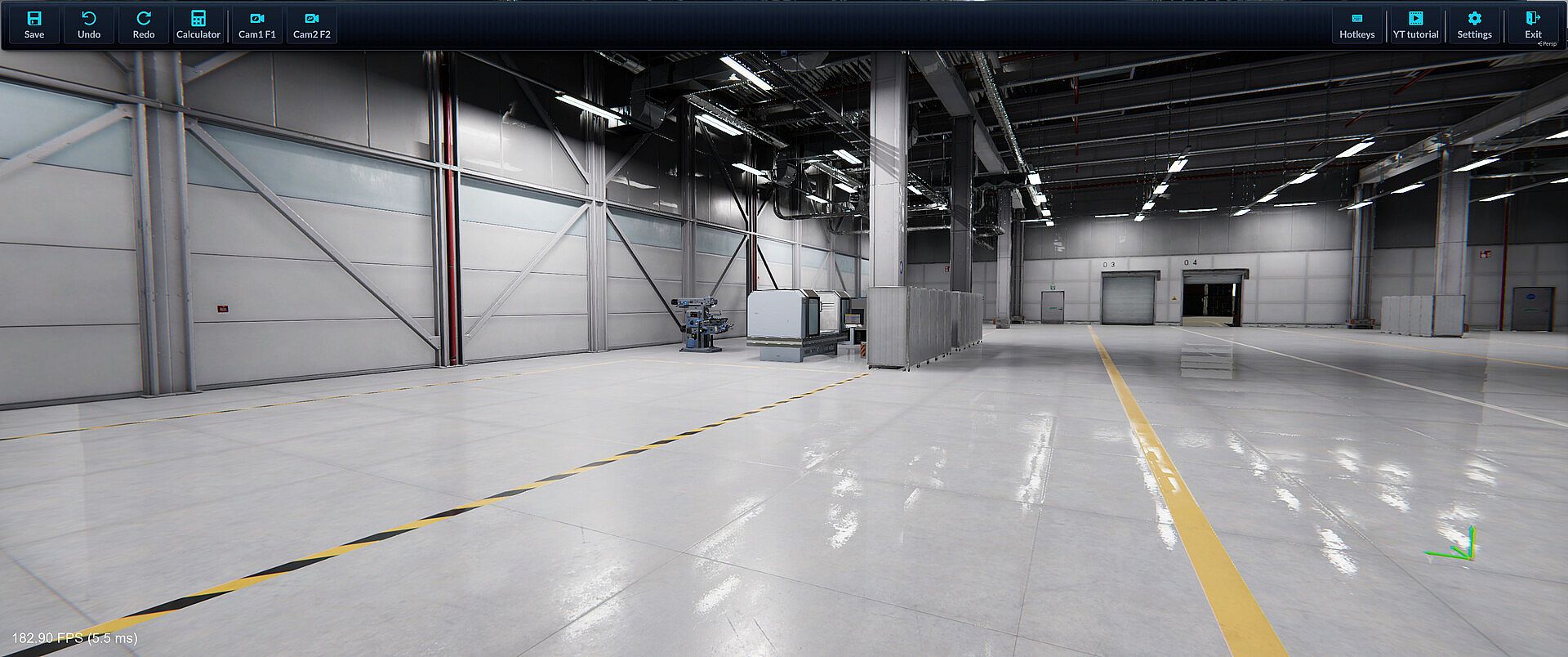
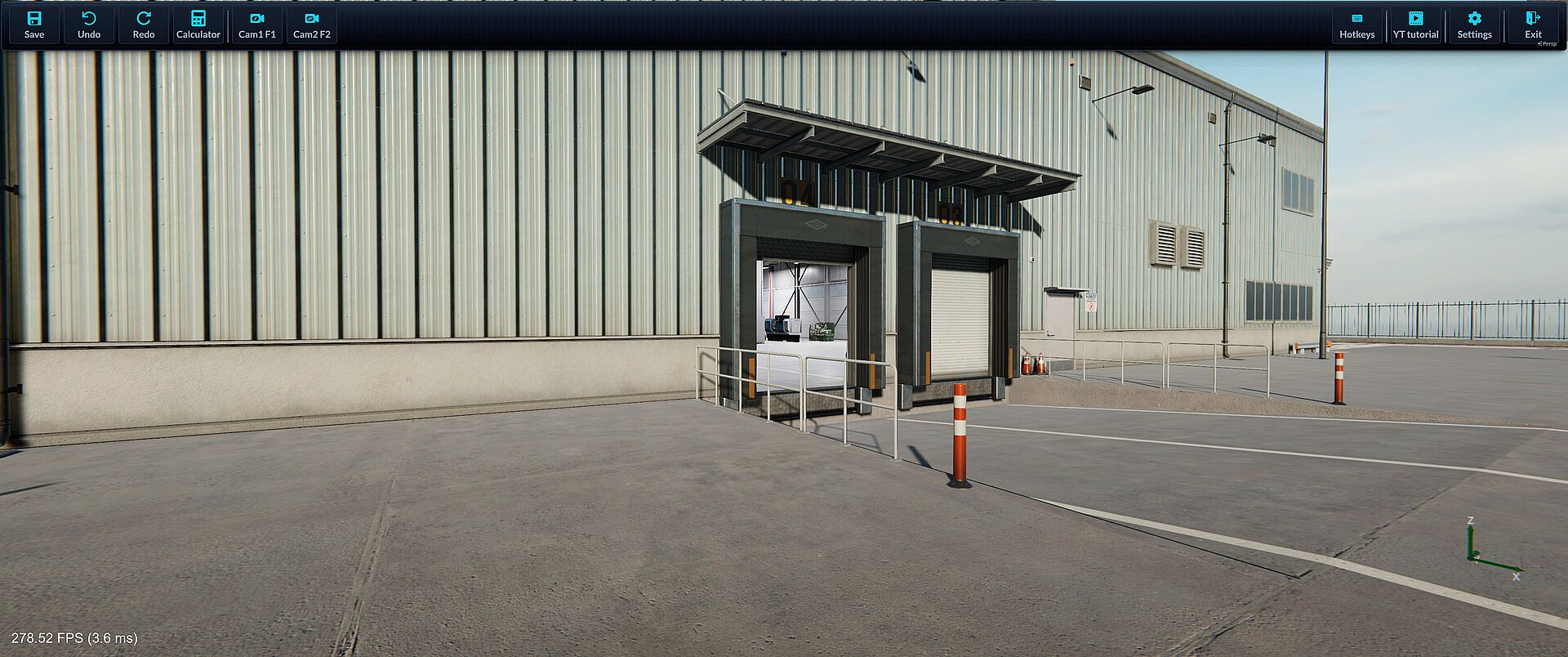
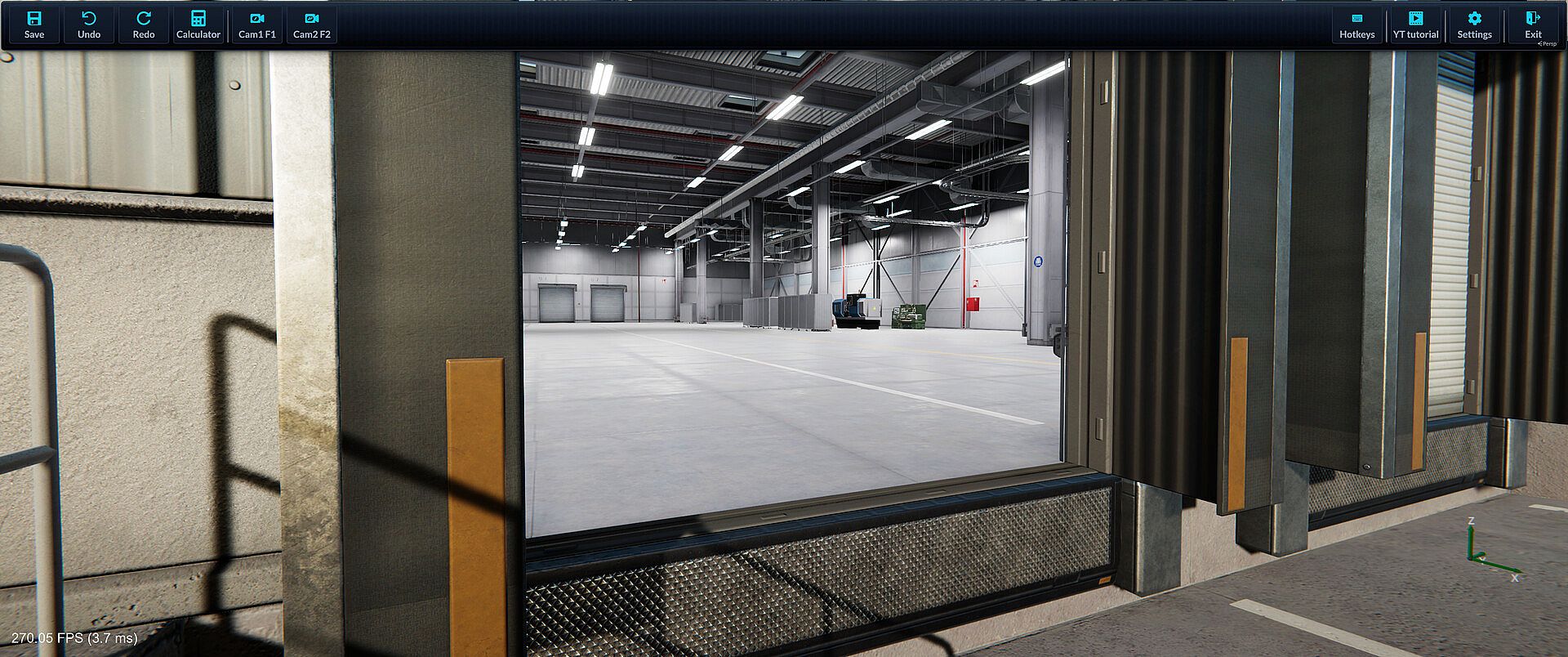
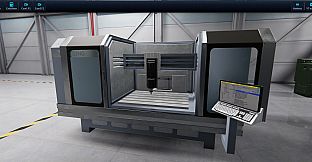
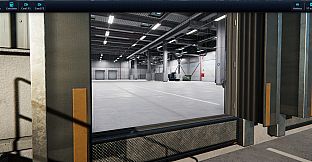
Milling Machine Simulator 2: Machine Shop is a simulation game that places players in a detailed industrial workshop to perform manual and CNC machining operations on PC. The experience centers on transforming raw stock into finished parts through precise cutting, tool selection, and programming sequences.
Gameplay
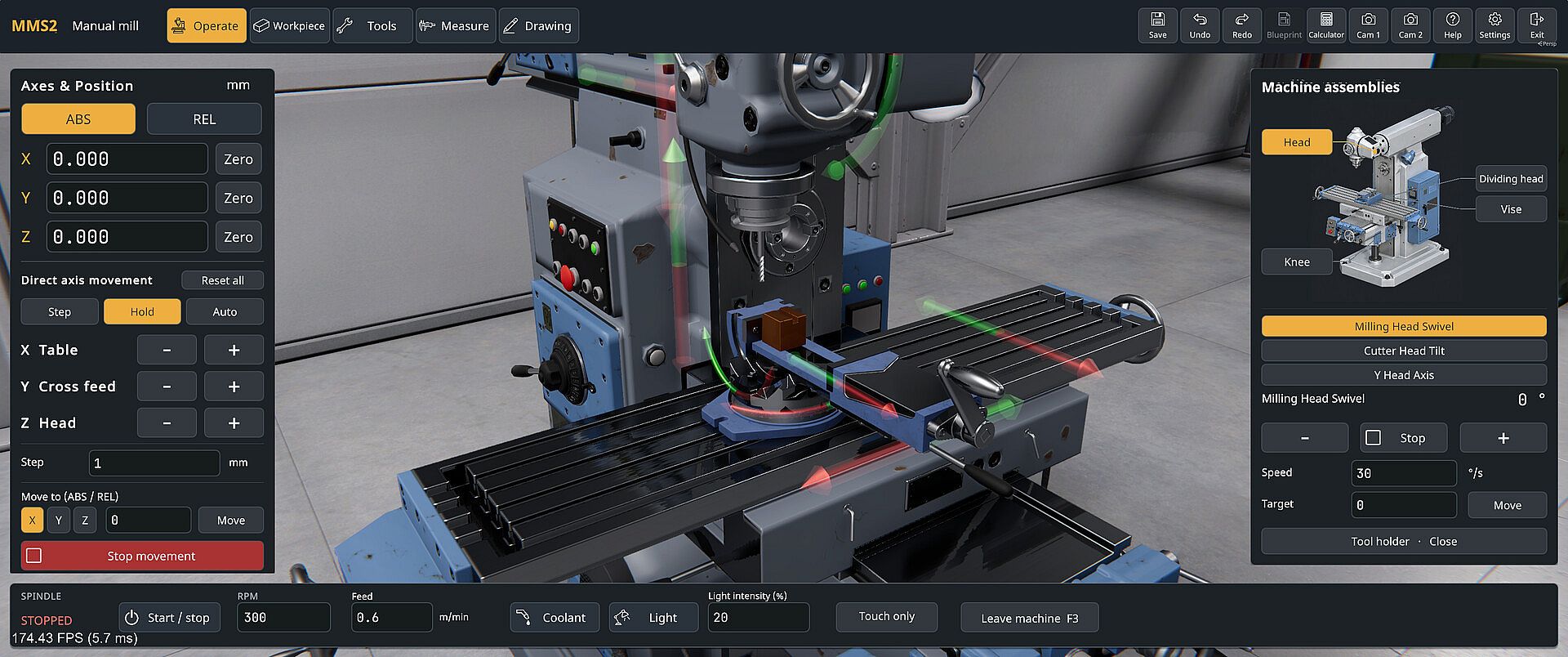
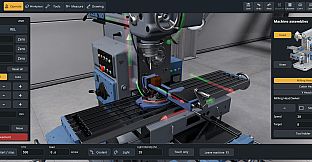
Players begin by securing a workpiece in a vise or chuck, selecting appropriate tools, and adjusting parameters such as spindle speed and feed rate. Real-time material removal shows the effects of each pass as surfaces are milled, pockets cut, holes drilled, or profiles turned. The five machines included in the base game allow movement between manual and automated setups. Manual operations rely on handwheels for direct control, while CNC machines accept Fanuc-style G-code entered via MDI or a full editor. Toolpaths can be previewed before execution, and supported commands cover rapid positioning with G0 and G1, arcs with G2 and G3, work offsets G54 through G59, tool compensation, and cycles for drilling, roughing, finishing, and threading. Macro features enable variables, mathematical functions, conditional logic, and subprogram calls. Material removal uses voxel-based simulation for accurate results across metric or imperial units.
Game Modes
Free Play provides an open environment to experiment with techniques, create custom parts, and switch freely between manual and programmed operations without time pressure. Career Mode presents defined machining objectives that test setup accuracy, programming skill, and cutting precision through structured tasks. Both modes support saving workpieces for later return and exporting finished geometry in OBJ or STL formats for use outside the workshop. Tool modding extends the available collection with custom options tailored to specific projects.
Machines and Programming
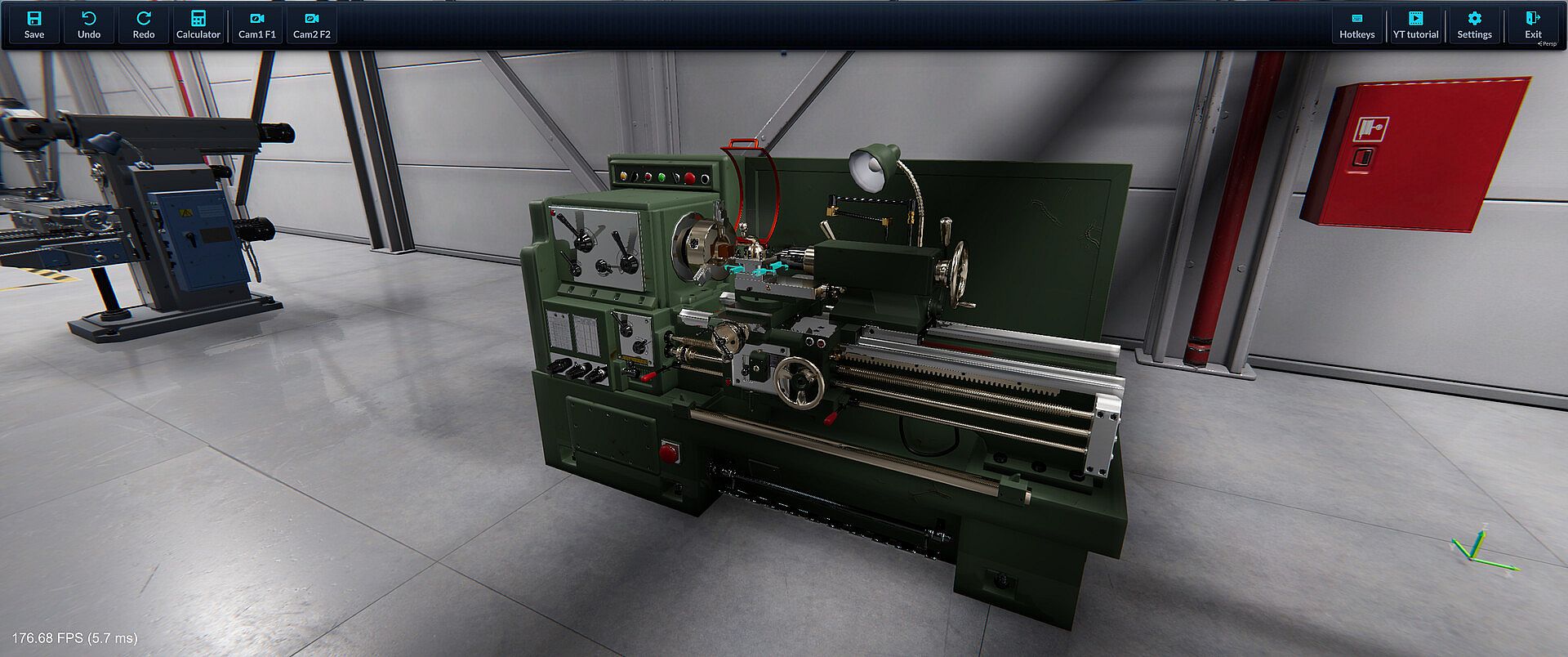
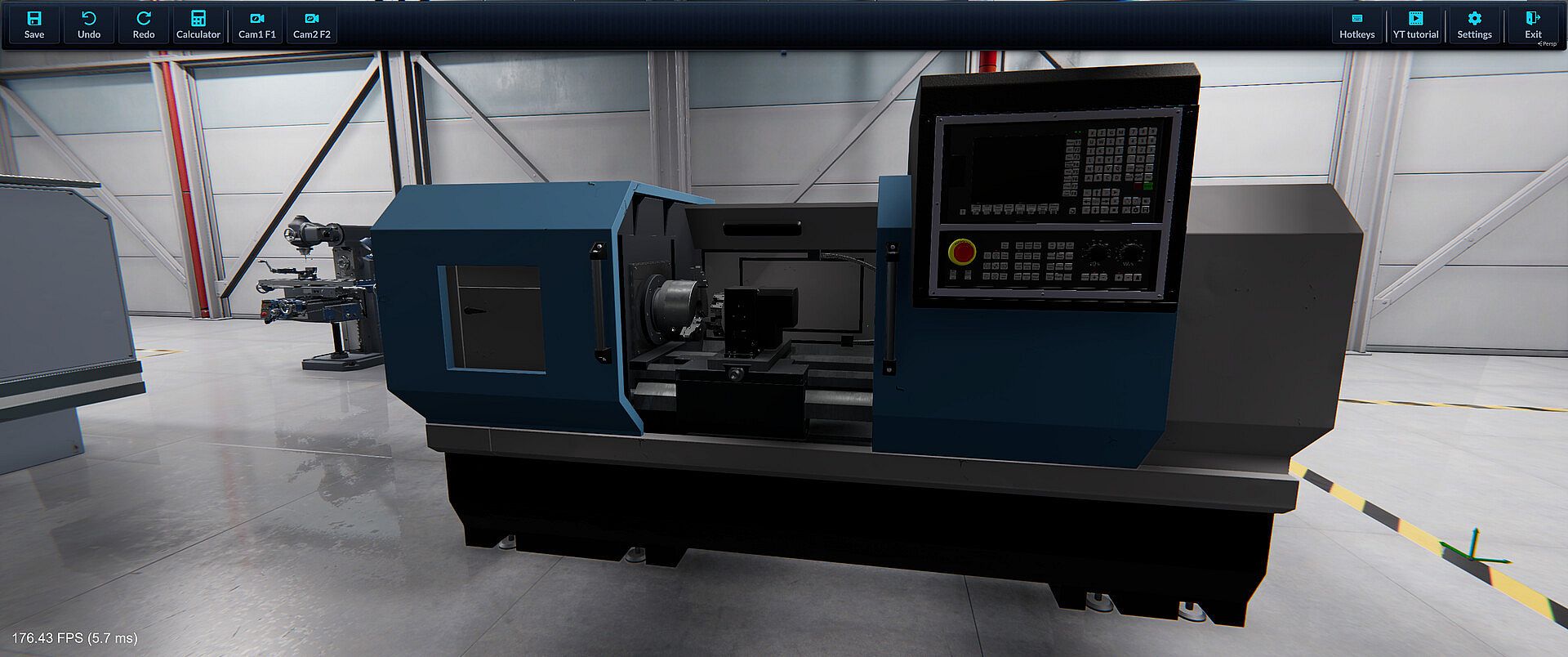
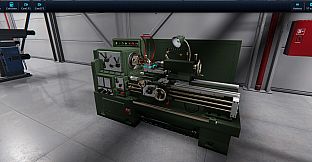
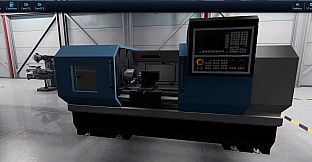
The workshop features a manual milling machine for handwheel-driven cuts, a manual lathe for turning diameters and profiles, a CNC milling machine for programmed milling and drilling, a CNC lathe for turning cycles including roughing and threading, and a 5-axis CNC milling machine for multi-angle approaches. G-code support includes motion commands, plane selection, constant surface speed, coolant controls, and advanced macro elements such as trigonometric functions and WHILE loops. Operations available depend on the selected machine, with preview tools helping refine programs before running them.
Is It Worth Playing?
This title suits players interested in realistic machining workflows, CNC programming practice, or seeing raw material shaped into precise components. The combination of manual control and full G-code editing delivers a focused simulation experience that rewards careful setup and iterative refinement. Free Play encourages exploration at any pace, while Career Mode adds structured challenges. Those who value technical detail in industrial processes will find repeated value in experimenting with parameters, tool choices, and program adjustments. The base game includes all five machines without additional requirements for core content.