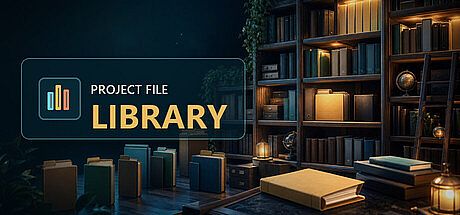



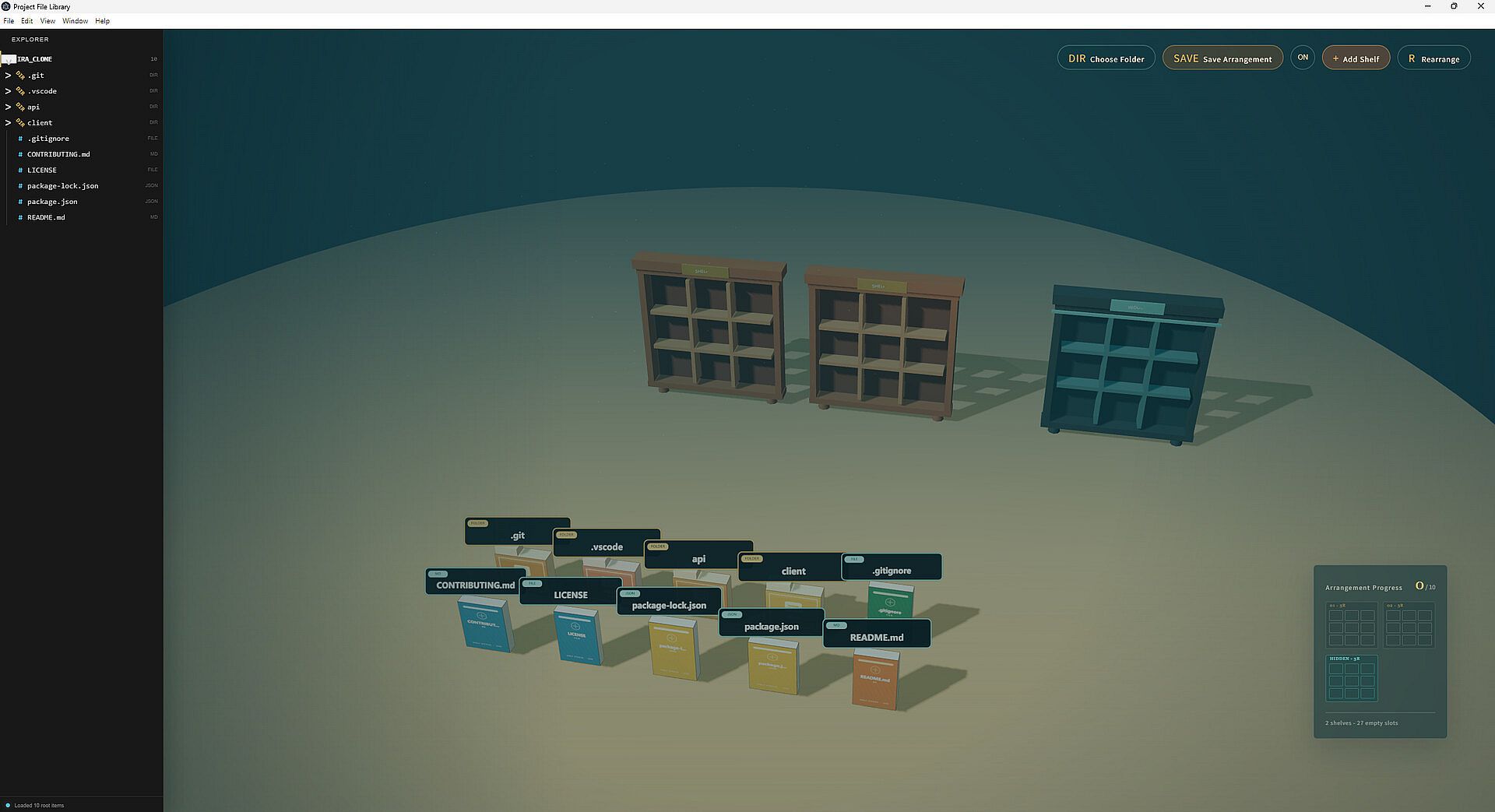
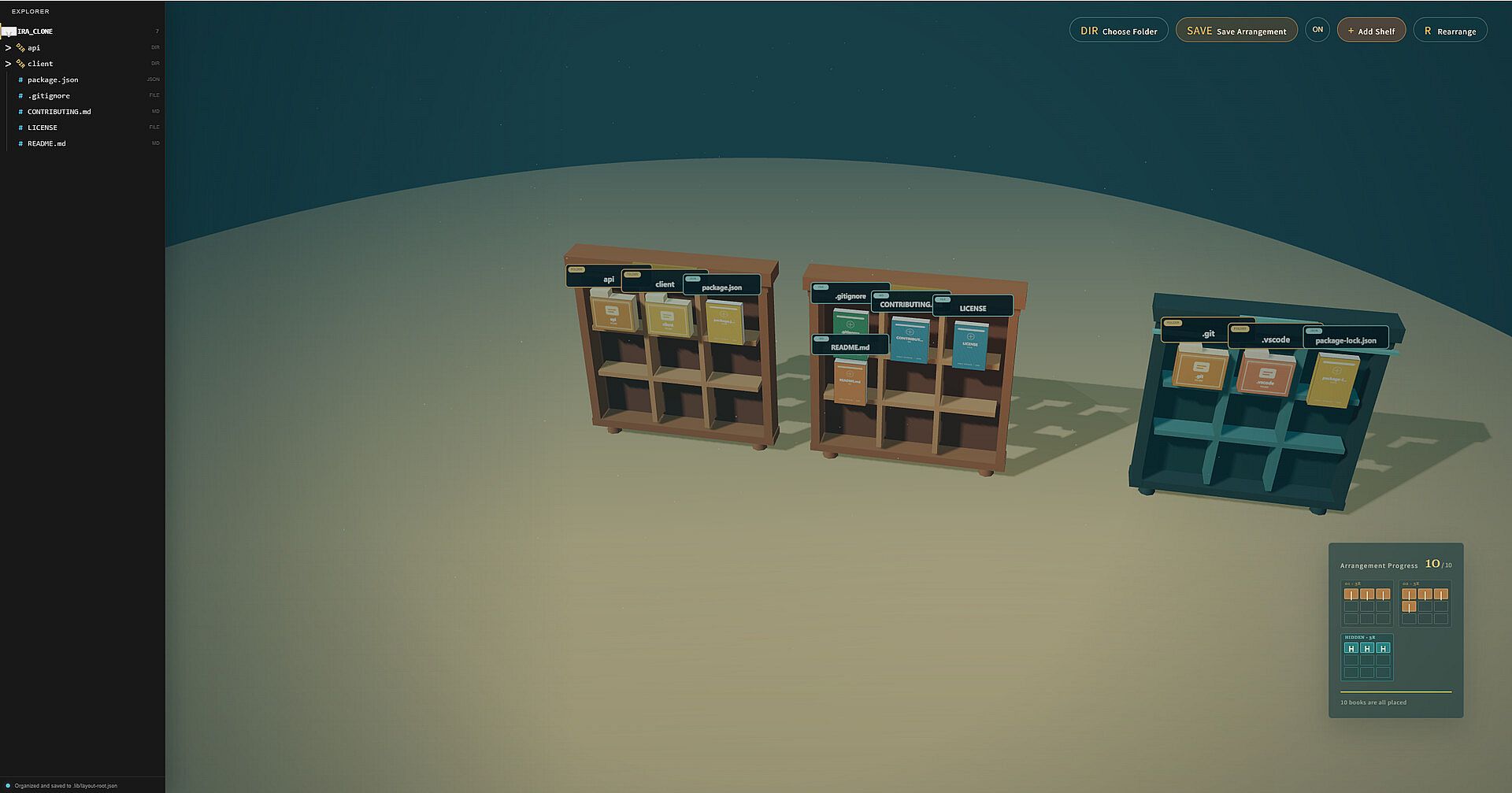
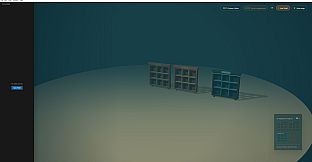
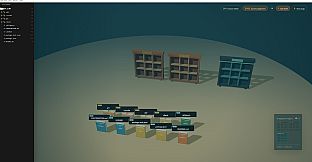
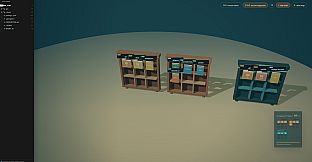
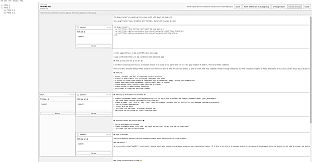
Project File Library is a free to play simulation game available on PC that turns ordinary computer folders into an interactive 3D library. Files and subfolders appear as physical books that users can arrange, edit, and revisit on shelves or the floor of a virtual space. The experience focuses entirely on local file management without any online accounts or cloud features.
Gameplay
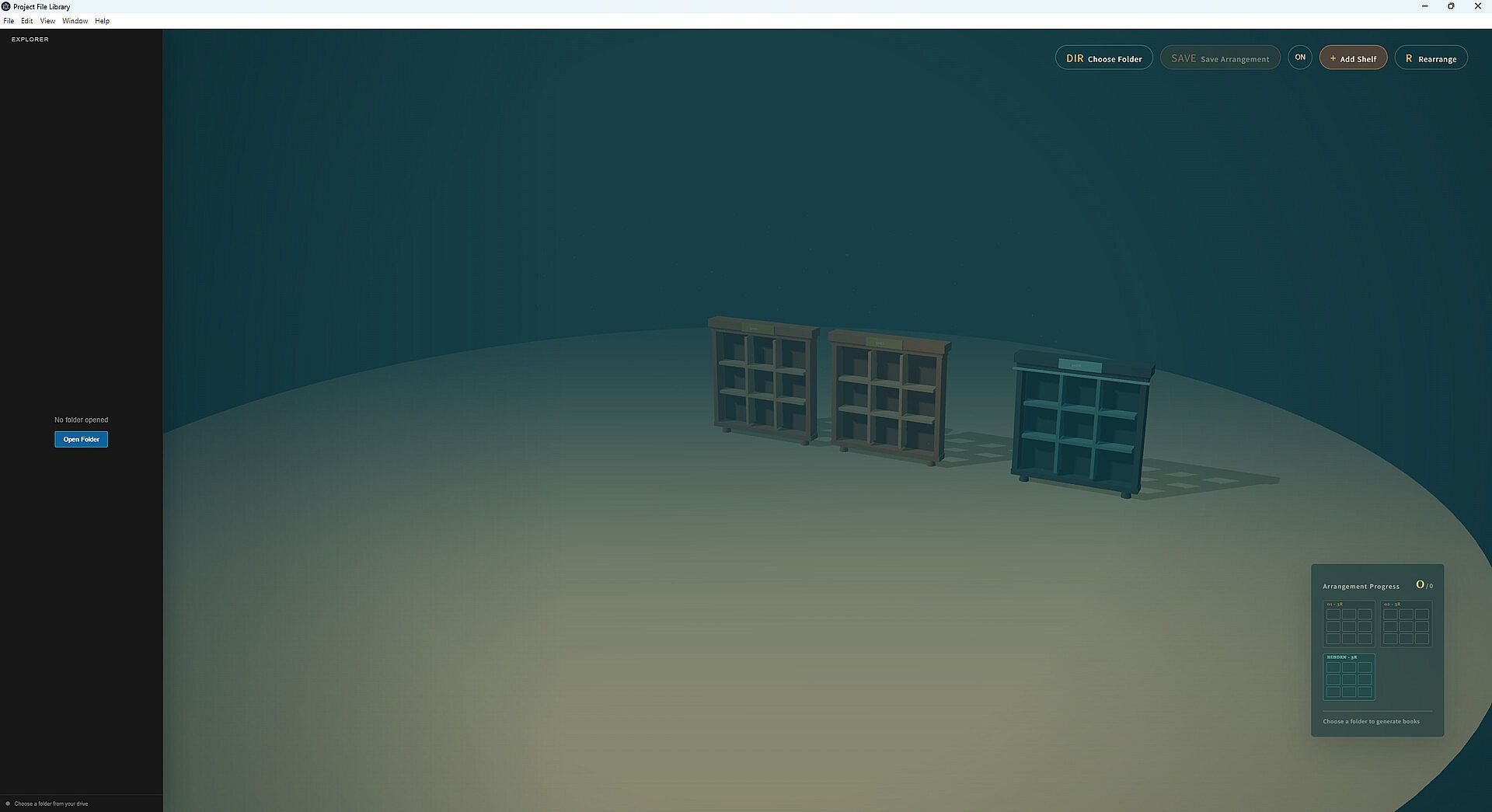
The core loop centers on selecting a project folder from the user's computer. The application converts its contents into a small 3D scene where each file or folder becomes a book. Users move these books between ordinary shelves, a special hidden shelf, and the floor area. Additional shelves can be added as the project expands, and multiple arrangements can be saved for different folders. Previous layouts restore automatically from data stored locally in a .lib folder inside the project root.
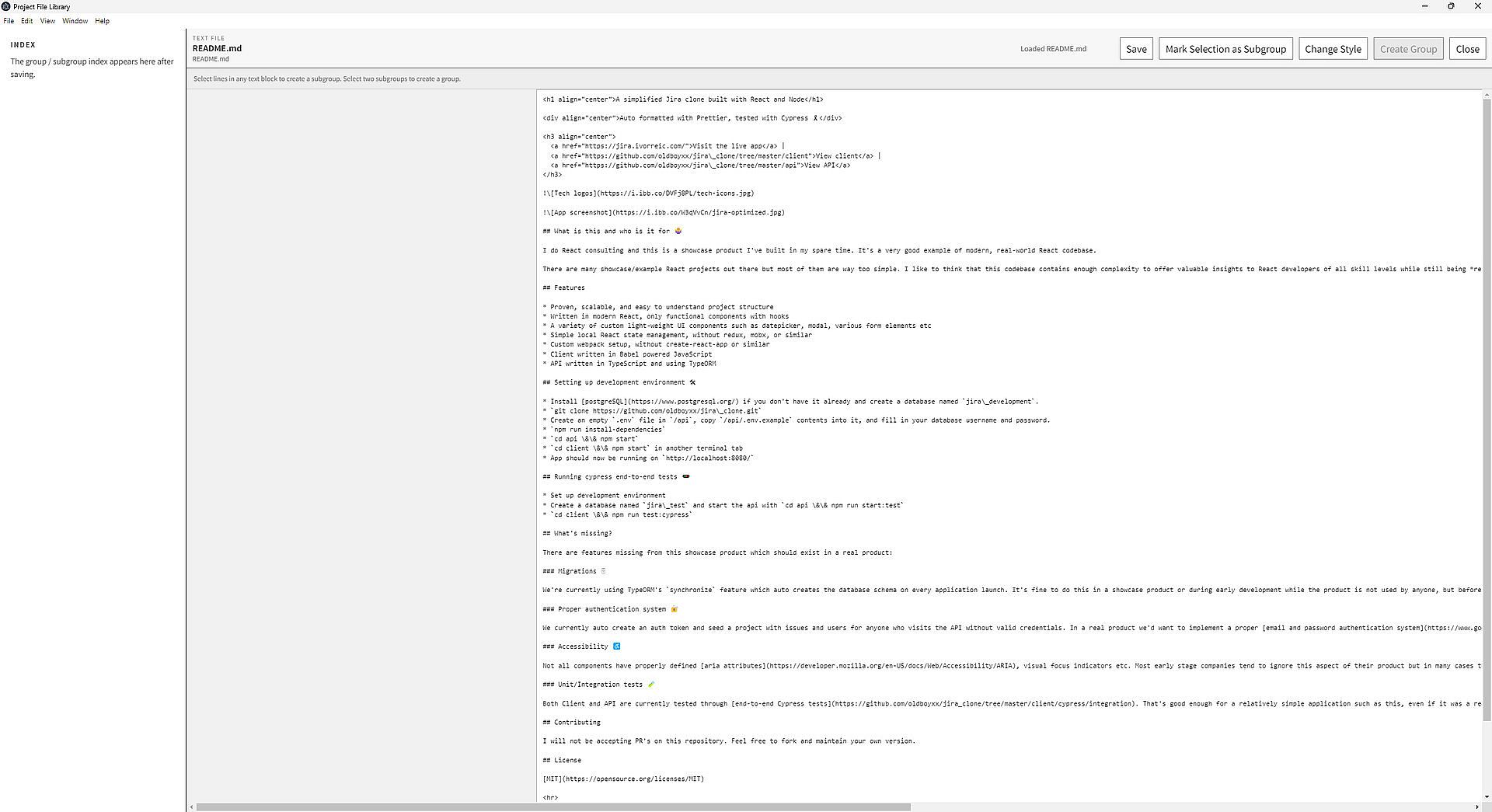
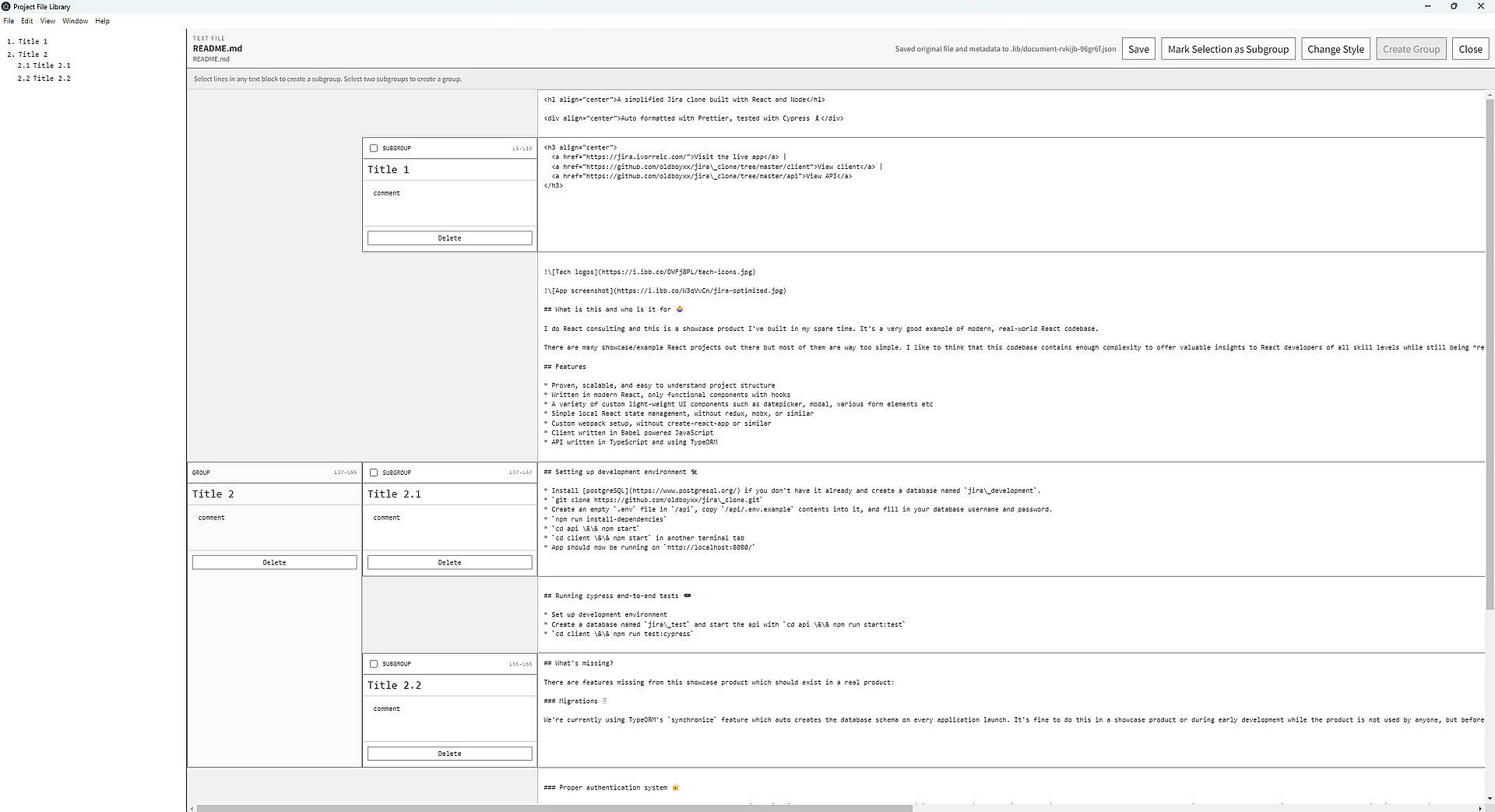
Exploration happens through an integrated file tree view. Double-clicking a text file opens it for direct editing inside the app. Longer documents split into custom subgroups that combine back into larger groups for simpler navigation. All changes to text, groupings, layouts, and editor style settings save locally without leaving the selected folder structure.
Game Modes
The simulation offers three primary activity areas that function like distinct modes. The first centers on building and expanding the library by choosing folders and generating books from their contents. The second focuses on browsing and editing through the file tree, text modifications, and subgroup organization. The third maintains a local workspace where all arrangement data, grouping information, and style preferences remain stored inside the project folder itself.
These areas overlap naturally during use. A user might begin by loading a folder in the building phase, then switch to editing text files while adjusting shelf positions, all while the workspace mode keeps everything saved locally for the next session.
Key Features and Mechanics
Everything operates on the user's own computer files. No external servers or accounts are involved. Arrangement data, text grouping details, and visual style settings stay inside a dedicated .lib folder at the project root. This design supports offline work and keeps all organization tied directly to the original folder location.
Text editing remains straightforward with support for splitting long files into manageable subgroups. Subgroups merge back together when needed. Style settings for the editor also save locally, allowing consistent appearance across sessions without any external dependencies.
Is It Worth Playing?
Project File Library suits users who want a visual, spatial approach to organizing project folders on their PC. The free to play simulation delivers a focused tool for turning file structures into rearrangeable books without requiring internet access or accounts. Its local-only design appeals to those who prefer complete control over their data and workspace.
Players who enjoy desktop utilities that blend file management with light 3D interaction will find the core loop engaging. The absence of multiplayer or online elements keeps the experience private and straightforward. Those seeking traditional game progression or competitive elements may find the simulation too specialized, while anyone managing multiple text-heavy projects could benefit from the grouping and layout tools.
The current state emphasizes steady local functionality with no reported seasonal updates or additional content layers. Availability remains free on PC, making it easy to try for anyone interested in alternative file organization methods.