

Buy Sticky Apps :: Monitor Ping PC

Where can you buy the cheapest Sticky Apps :: Monitor Ping key for {6}? Check and compare prices from 1 stores among 1 offers on XD.deals. The lowest Sticky Apps :: Monitor Ping price on keyshops is at £2.89 (0% off).

Release: 08 May 2019
Steam:
Positive (36)
Keyshops
Unavailable
Buy in Official Store:
£2.89
Buy in Keyshops:
See price history

Official Stores (1)

DRM:
Steam
Steam
Steam
Sticky Apps :: Monitor Ping
Windows
1y ago
DRM:
Steam
Steam
£2.89
Historical Low Deal
Historical low

About Sticky Apps :: Monitor Ping

Sticky Apps :: Monitor Ping - about the game
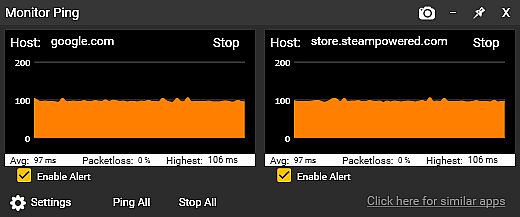
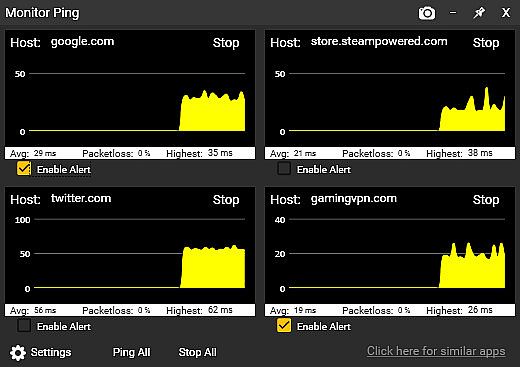
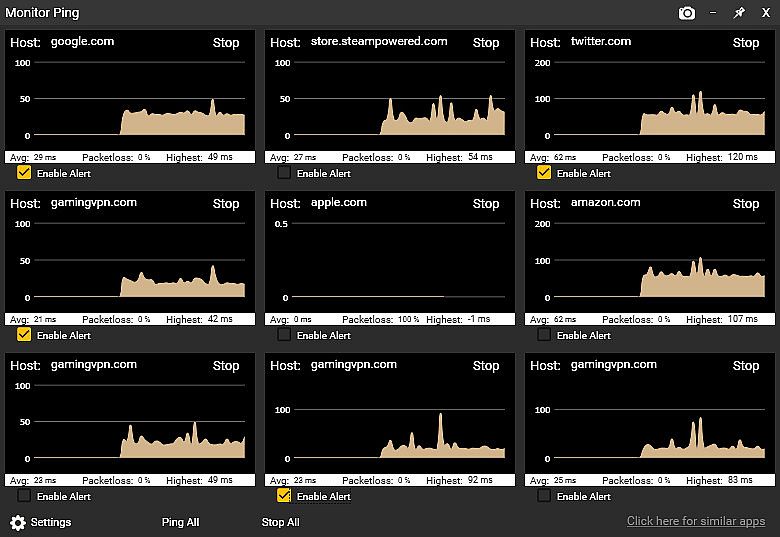
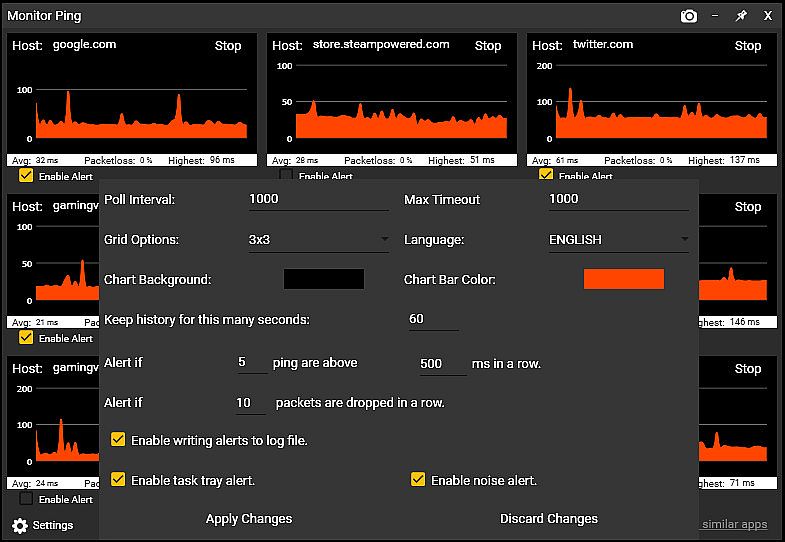
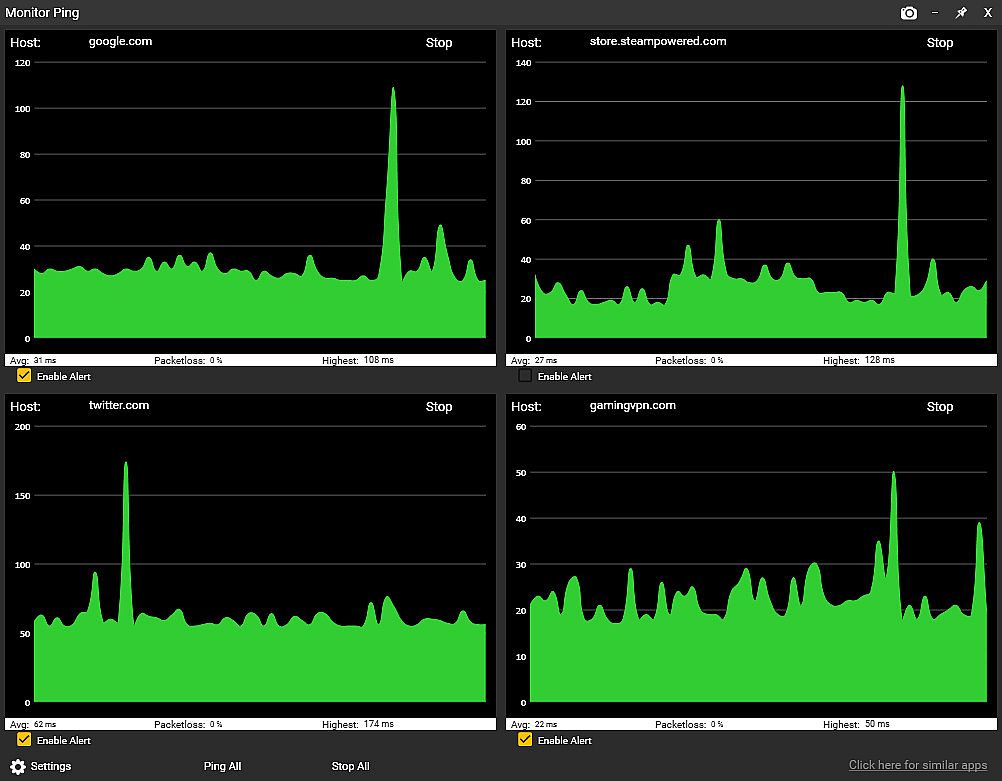
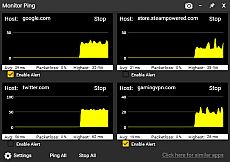
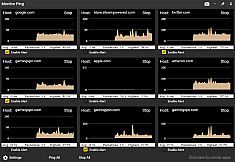
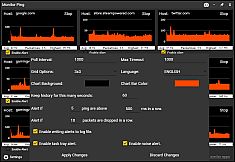
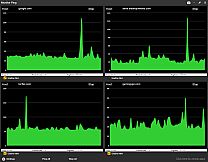
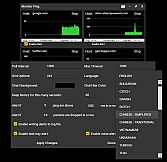
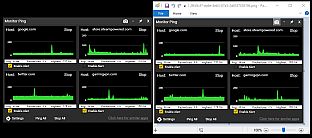
Sticky Apps :: Monitor Ping lets you track network latency and packet loss to multiple internet servers right from your PC desktop. Stick the graphical monitors anywhere for quick glances at pings to game servers, streaming sites, or your ISP. Adjust destination counts, color schemes, graph history from 60 seconds to 60 minutes, and set alerts for high latency or packet loss via task tray icons, audio, or logs. This utility beats command prompt tools by polling saved locations at once, exporting PNG graphs with one click, and logging issues continuously-all while using minimal bandwidth at 32 bytes per second per monitor. Gamers and streamers check router, ISP hops, reliable hosts like 8.8.8.8, and game servers to pinpoint lag sources, from WiFi glitches to backbone problems.


Sticky Apps :: Monitor Ping is an application to view your network connection to multiple systems on the Internet. This is a great way to monitor your PING/network to game servers, video streaming servers, or your ISP in general. This software is titled "Sticky Apps" as each application can be stickied to your desktop, allowing for easy viewing of information.
MONITOR YOUR PING

  • Monitor your ping to various servers on the Internet
  • Change the number of destinations you monitor
  • Change colors scheme to fit your needs
  • Provide alerts if latency/ping gets too high
  • Provide alerts if packet-loss exists
  • Sticky this anywhere on your desktop
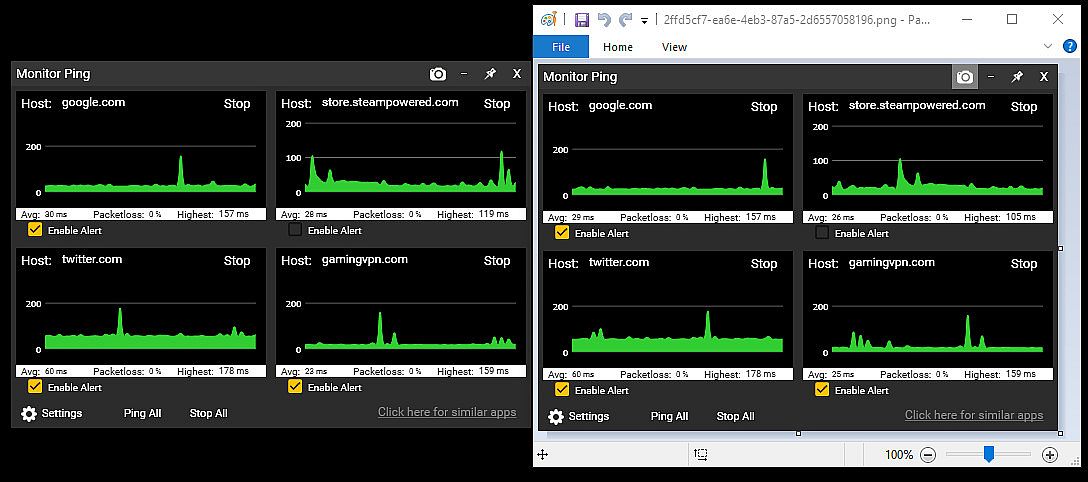
  • Export an image of your ping statistics


What is the difference between this and command prompt ping?
The built-in Windows command prompt ping is more of a real-time latency checker to a single host. This Monitor Ping application improves upon that in several ways:
  • Ping multiple locations at once with a simple click (it saves locations)
  • Has a graphical interface that you can scale in size to give an immediate, visual representation of latency
  • Can alert you if packet-loss exceeds a certain threshold
  • Can alert you if real-time latency exceeds a certain threshold
  • Provides an ongoing log-file of packet-loss and excess latency
  • Tracks packetloss in an ongoing fashion
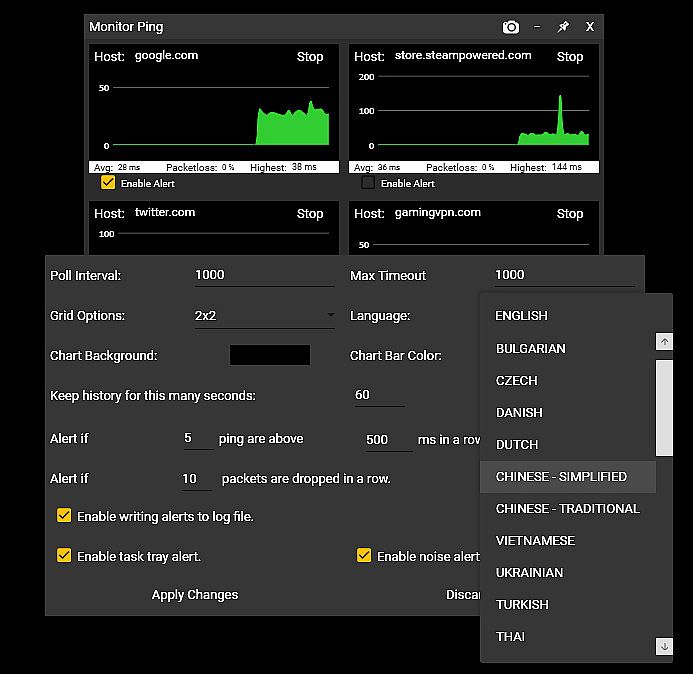
  • Has options to enable the tracking graph size (eg, 60 seconds of history vs 60 minutes)
  • Is visually pleasing
  • Can 1-click export the graph into an image (PNG)

Won't this use up a lot of bandwidth?
Not at all! Each monitor uses approx. 32 bytes of traffic per second in/out. To put that in perspective, you can poll a server 32,000 times before it uses even 1 MB in/out. By comparison, just watching a single second (1 second) of 1080p video on Youtube uses roughly 100,000 times more bandwidth than each monitor you have running.

Why would I use this?
This is a great way to decide "Is it me?" by doing the following:

  • Set up Monitor #1 to be your router (ie, 192.168.0.1 / 10.0.0.1 or such).
  • Set up Monitor #2 to be your next-up hop of your ISP (do a tracert to determine this).
  • Set up Monitor #3 to be something typically very reliable. I suggest 8.8.8.8 or google . com
  • Set up Monitor #4 to be an online game server you typically play on.

Now let's say you're getting drops from your favorite game server, or experiencing lag. Just by looking at the Monitor Ping app, you can now confirm some very important information.

  • Is it between your PC and your router (such as bad wifi?). Well, just check Graph #1 and that will answer it. No packetloss + steady latency = not a wifi problem.
  • Is it your connection between your home and your ISP such as a cable model issue? Well, cheeck Graph #2 and that will answer it.
  • Is it your ISP backbone? Well, Graph #3 will help answer that.
  • Is it the actual game server's network? Graph #4 will help that.
This application is a great first step in determining network connectivity issues, as well as just having an overall monitor to see how things are operating.
RECENT UPDATES

New Alerts System!


You can now receive alerts/notification of packetloss as well as high latency by the following methods:
  • Windows task tray icon alert
  • Audio alert
  • Log-file entry of the alert

Support For 25+ Languages!

The application now supports all supported Steam languages!

Interface:
ArabicBulgarianCzechDanishGermanGreekEnglishSpanish - SpainSpanish - Latin AmericaFinnishFrenchHungarianItalianJapaneseKoreanDutchNorwegianPolishPortuguese - PortugalPortuguese - BrazilRomanianRussianSwedishThaiTurkishUkrainianVietnameseSimplified ChineseTraditional Chinese

Age rating

Unavailable
Steam:
Positive (36)

Minimum:

  • Processor: Any CPU
  • Memory: 150 MB RAM
  • Graphics: Any semi-modern GPU

Recommended:

  • Processor: Any CPU
  • Memory: 150 MB RAM
  • Graphics: Any semi-modern GPU
Historical low
Price history from official stores
-
-
-
Price history from keyshops
-
-
-

FAQ

8 questions

Before you start looking for a cheap Sticky Apps :: Monitor Ping key, check the essentials. Developed by Tim Sullivan. Published by Tim Sullivan. PC released date: 08 May 2019. Genres: Utilities, Design & Illustration. Categories: Stats, Steam Achievements.

Q

Where to buy a cheap Sticky Apps :: Monitor Ping Steam key?

Using our price comparison and verified discount codes, you can buy a Sticky Apps :: Monitor Ping key for as low as £2.89. This deal is available at Steam and is among the cheapest offers on the market. All keys listed on XD.deals are delivered digitally and eligible for instant download after payment. Prices already include processing fees and applied promo codes, so you always see the lowest Sticky Apps :: Monitor Ping price on PC. Check the Sticky Apps :: Monitor Ping price history to buy at the best moment.

As of our last update (we refresh Steam pricing multiple times a day), the Sticky Apps :: Monitor Ping Steam price is £2.89. You can save an extra ~6% by paying with a discounted Steam gift card.

Our price tracker covers both official retailers and key marketplaces, so you can find Sticky Apps :: Monitor Ping on sale even outside seasonal promotions. We currently detect 1 active offer from official stores and keyshops. Check the table above, compare against the historical low, and set an alert so you never miss the next price drop.

Based on our data, Sticky Apps :: Monitor Ping is not currently available on GeForce NOW. You will need to run it locally on your PC. Browse games available on GeForce NOW.

Yes. Sticky Apps :: Monitor Ping has an official page on the Steam Store. You can also buy a Sticky Apps :: Monitor Ping Steam key from third-party sellers. Our price comparison currently includes 1 offer with Steam DRM. Pick one to ensure your Sticky Apps :: Monitor Ping download happens on Valve's platform.

Not at this time. Valve marks Sticky Apps :: Monitor Ping as Unsupported on Steam Deck. Keep an eye on XD.deals - we track Proton updates and community fixes. Browse games that are Steam Deck Verified or Steam Deck Playable.

Sticky Apps :: Monitor Ping does not appear to be available on PC Game Pass, EA Play, Ubisoft+ or any other PC subscription service at this time. Your only option is purchasing the game - use XD.deals to find the best price.

No - XD.deals is not a store. We are a price-comparison service that tracks the best Sticky Apps :: Monitor Ping deals across official stores and verified keyshops. Click "Go to Store" next to any offer and you will be redirected to the retailer's website to complete your purchase.

Best prices for Sticky Apps :: Monitor Ping

1 Steam Steam Official
£2.89

Want to buy at the best moment? Set a price alert on XD.deals and get notified when Sticky Apps :: Monitor Ping hits its next historical low.

Create Alert
Join our Discord
Get instant help from our community and stay updated on the latest deals
Set Price Alerts
Get notified by email when game prices drop to your target
Create Free Account
Unlock wishlists, price alerts, and Steam sync