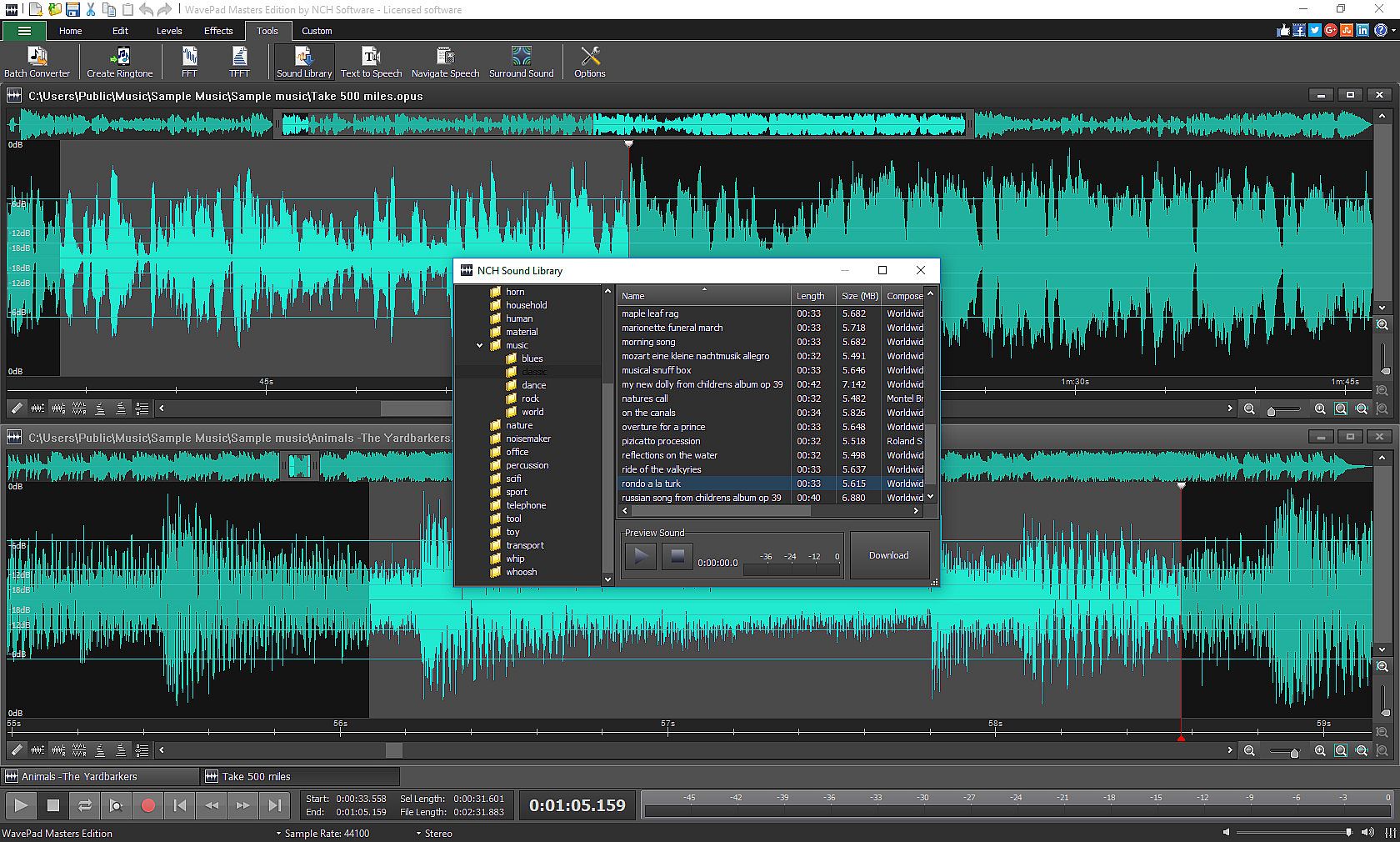
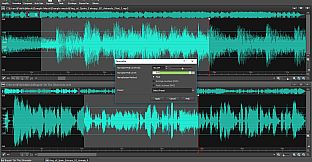
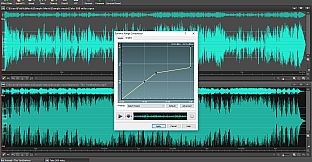
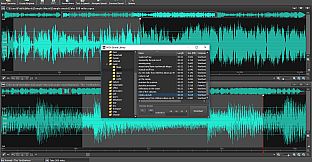
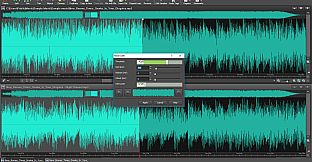
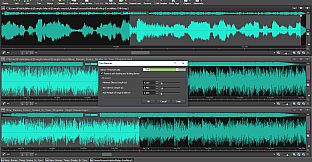
Create professional audio and music clips with WavePad Audio Editor, an intuitive tool for audio production on PC. Drag and drop existing recordings, capture your own voice or music, or generate clips via text-to-speech, spectral analysis, and voice changer features. Pull from the NCH Sound Library to build projects, then refine them using tools like pitch shift, auto-trim, split, batch join, silence removal, and basic cut-copy-paste operations.
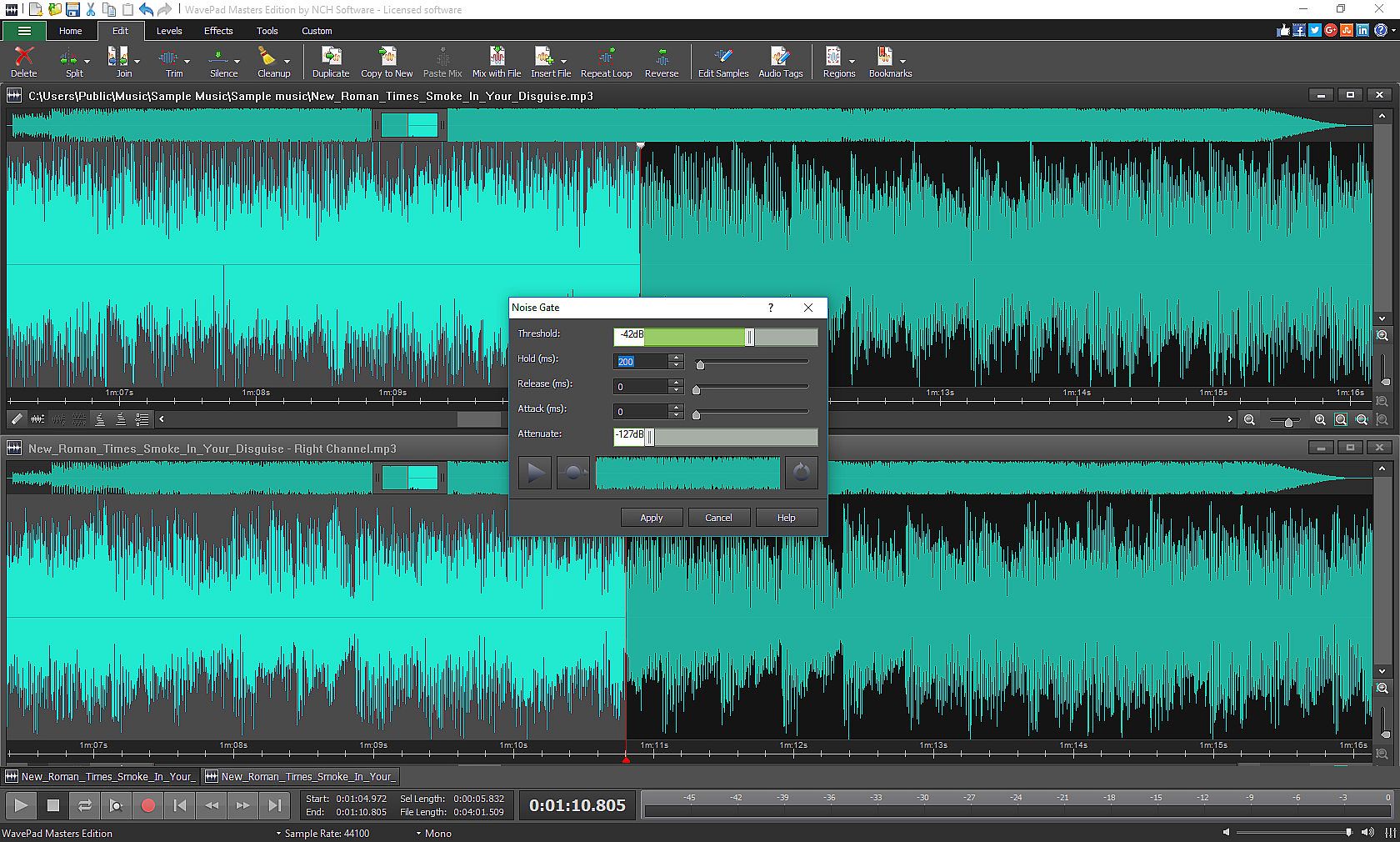
Enhance clips with effects such as amplify, normalize, equalizer, envelope, reverb, echo, and reverse, plus restoration options for noise reduction and click pop removal. Adjust speed and pitch, chain multiple effects together, or tap into VST and DirectX plugins for thousands more. Batch process files, bookmark regions, and customize settings for recording, playback, and keys, supporting sample rates up to 192kHz in stereo or mono. Audio enthusiasts and producers gain efficient ways to edit and assemble sounds.
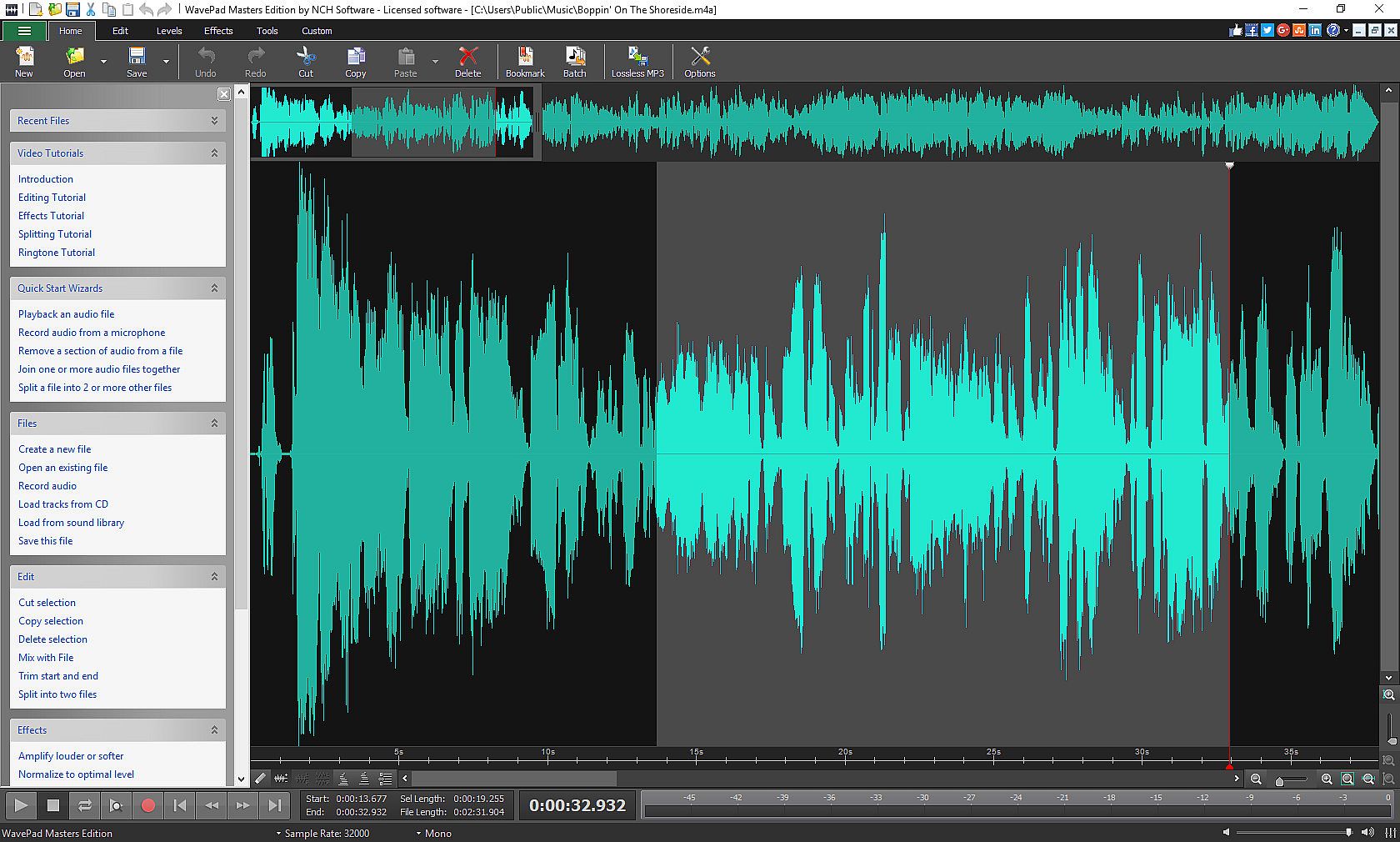
Designed to be intuitive, WavePad is a fully-featured audio and music editor that allows you to create professional audio and music clips.
- Drag and drop previously recorded audio and music clips
- Record your own audio, voice and music clips
- Use text-to-speech, spectral analysis, or the voice changer tools create your clips
- Pull clips from long list in the NCH Sound Library
Customize your project by applying a wide selection of sound editing tools and audio effects.
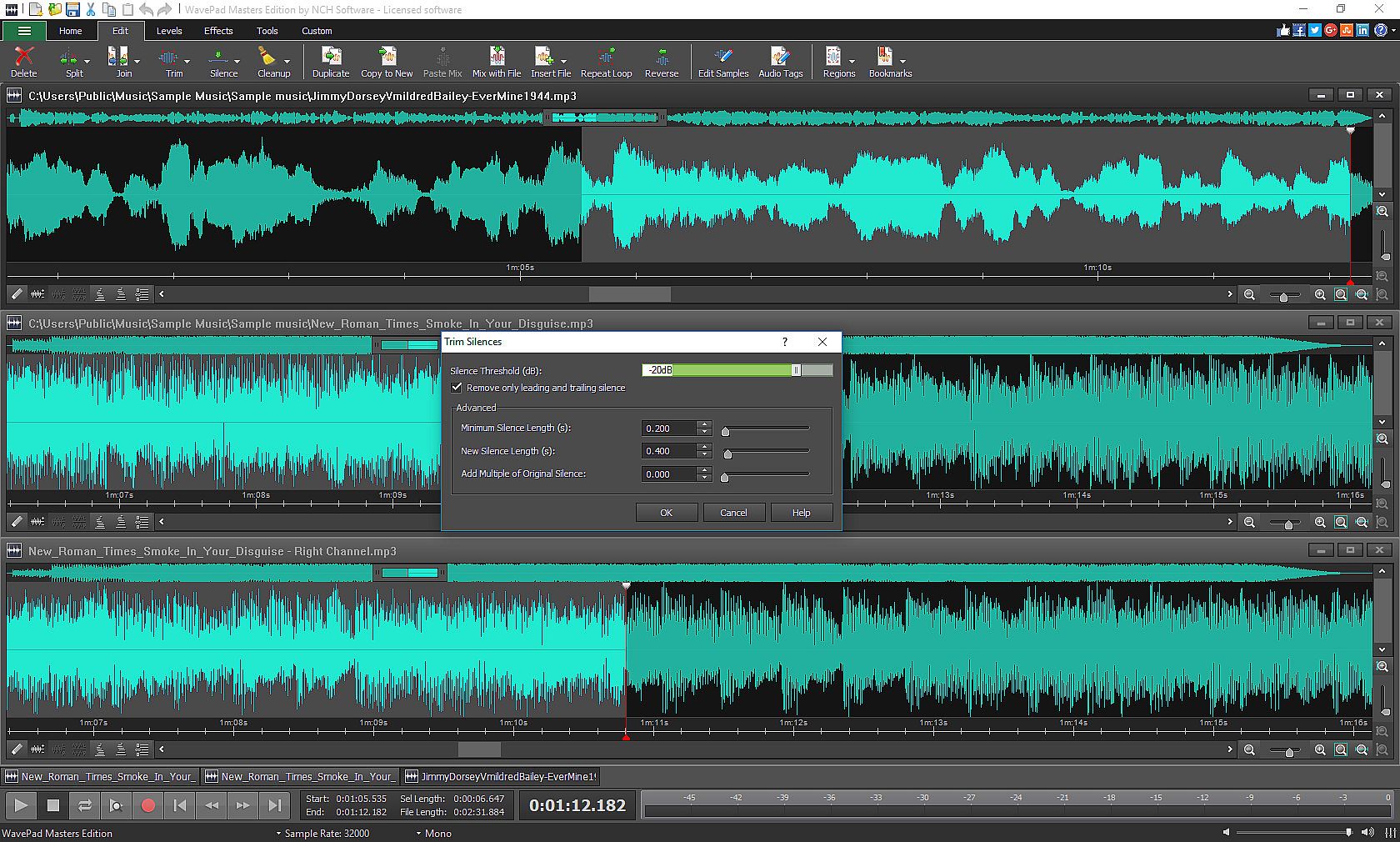
- Edit clips with tools, like pitch shift, auto-trim, split, batch join, silence, copy, cut, paste, delete, insert and more
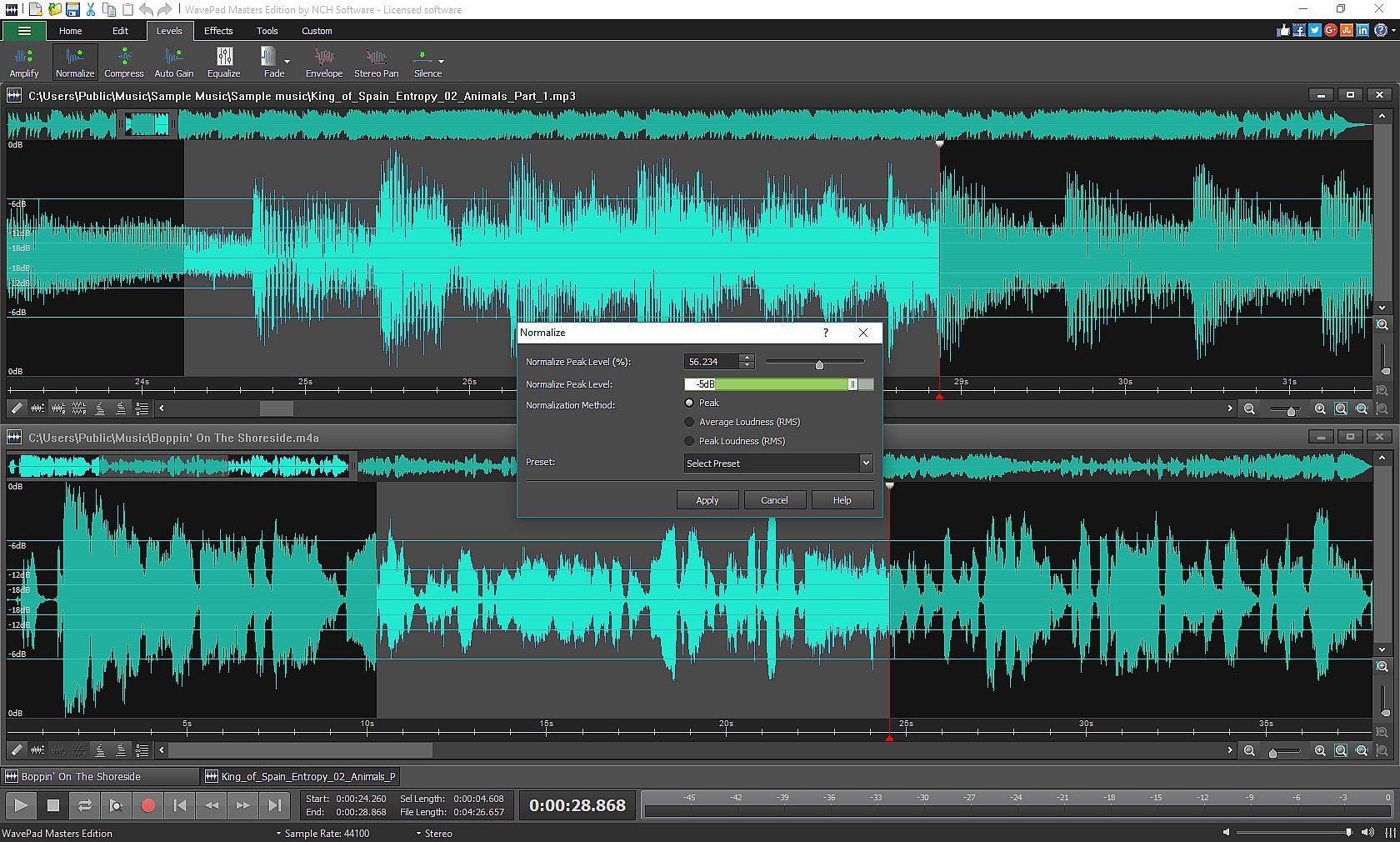
- Customize clips using special effects, including: amplify, normalize, equalizer, envelope, reverb, echo, reverse and many more
- Restore your audio by using the restoration features
- Apply speed and pitch adjustments
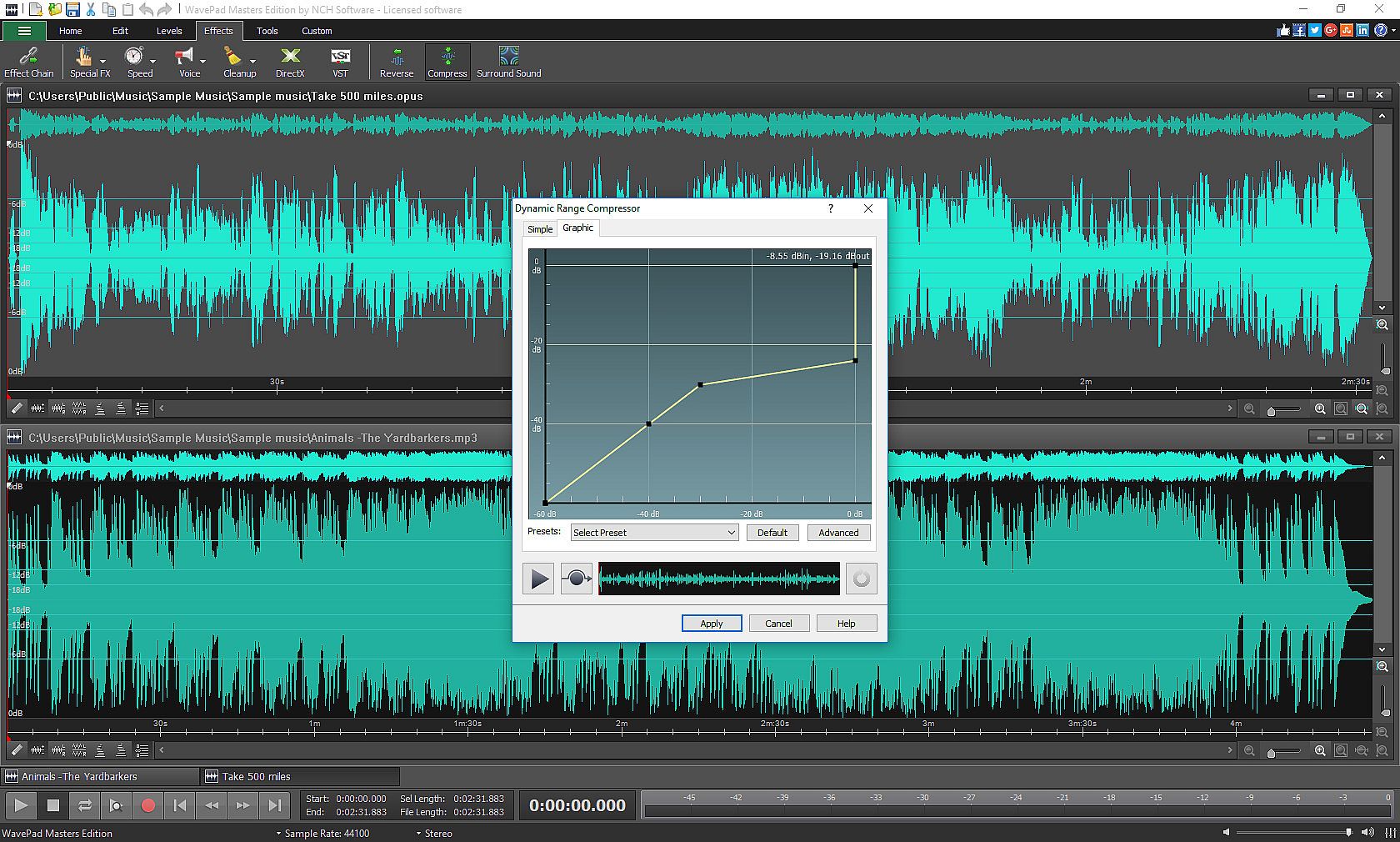
- Use the Effect Chain tool to apply multiple effects at once
- Use the Virtual Studio Technology DLL (VST) and DirectX to get access to more than a thousand effects and tools
- Audio restoration features including noise reduction and click pop removal
WavePad offers many quick and easy ways to edit and create your sound clips efficiently.
- Use batch processing to convert or apply effects to many audio files at one time
- Bookmark and create regions to find and connect segments into long clips
- Customize your application by selecting your personalized audio, recording, appearance, playback, and key assignment settings
- Enjoy sample rates from 6 to 192kHz, stereo or mono, 8, 16, 24 or 32 bits