


Desktop Pet Studio is an indie casual simulation game for PC that lets players design and maintain custom desktop companions. Users create animated characters that live on the Windows desktop, reacting to daily routines while providing reminders and light care mechanics.
Gameplay
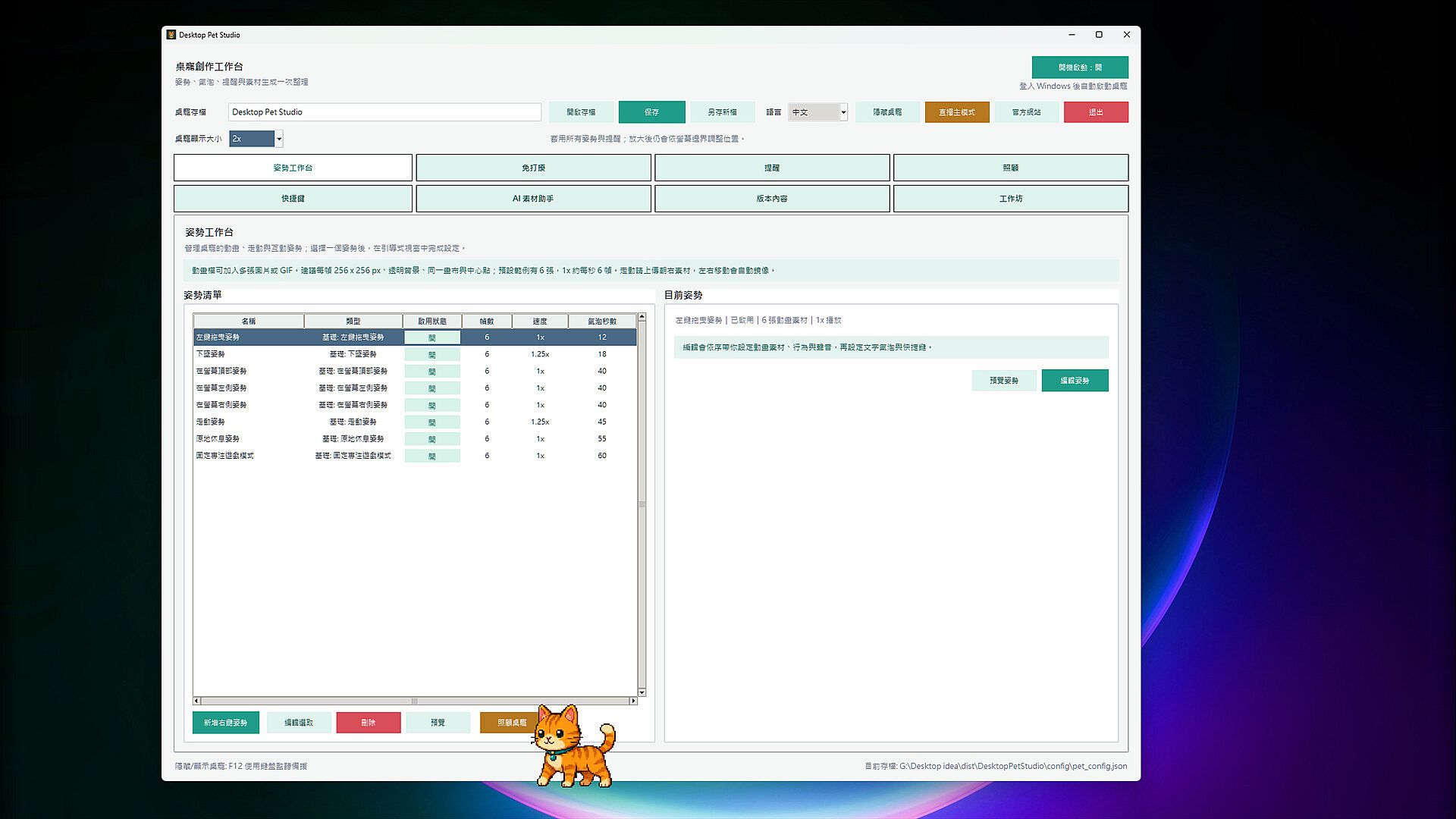
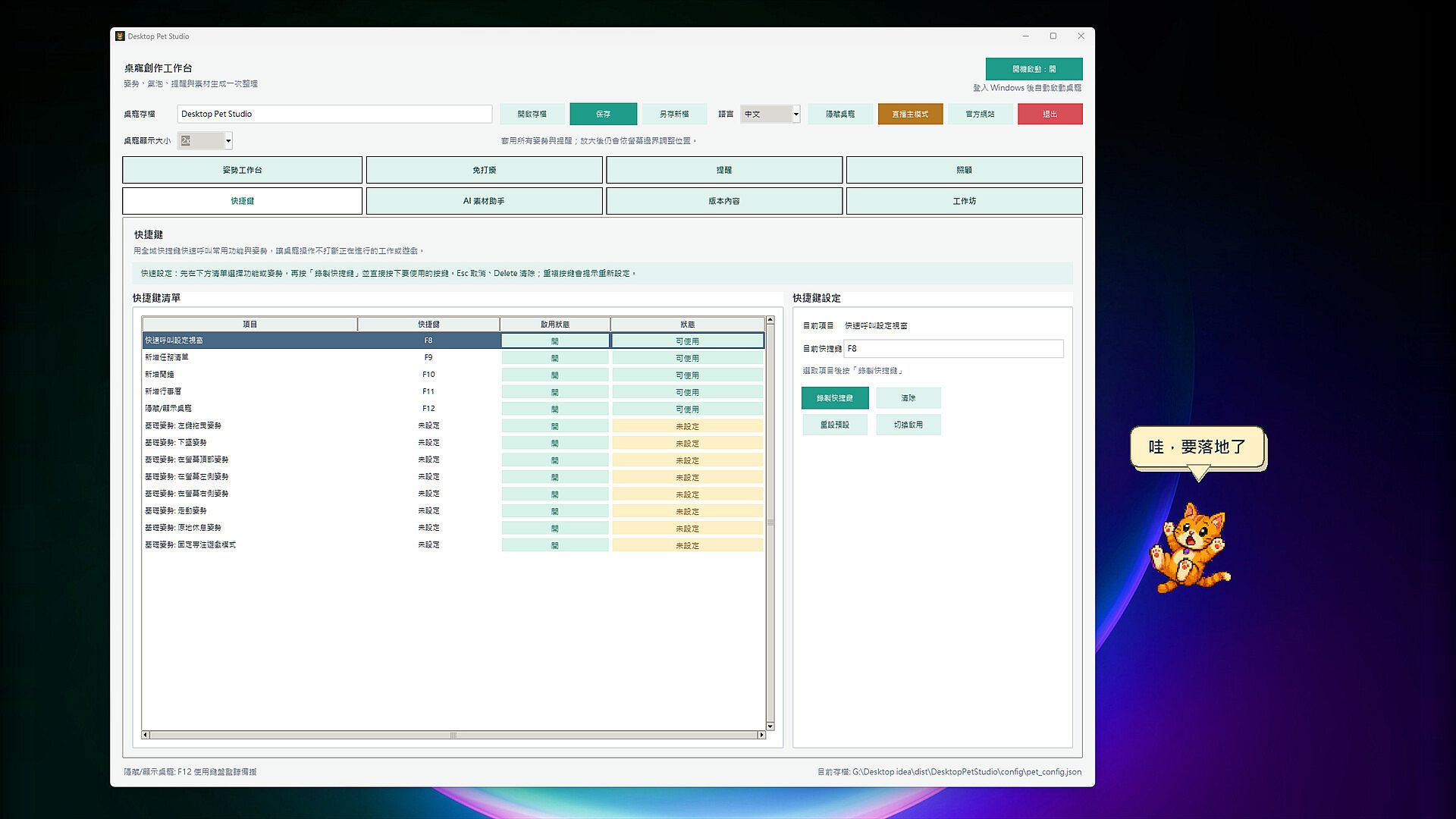
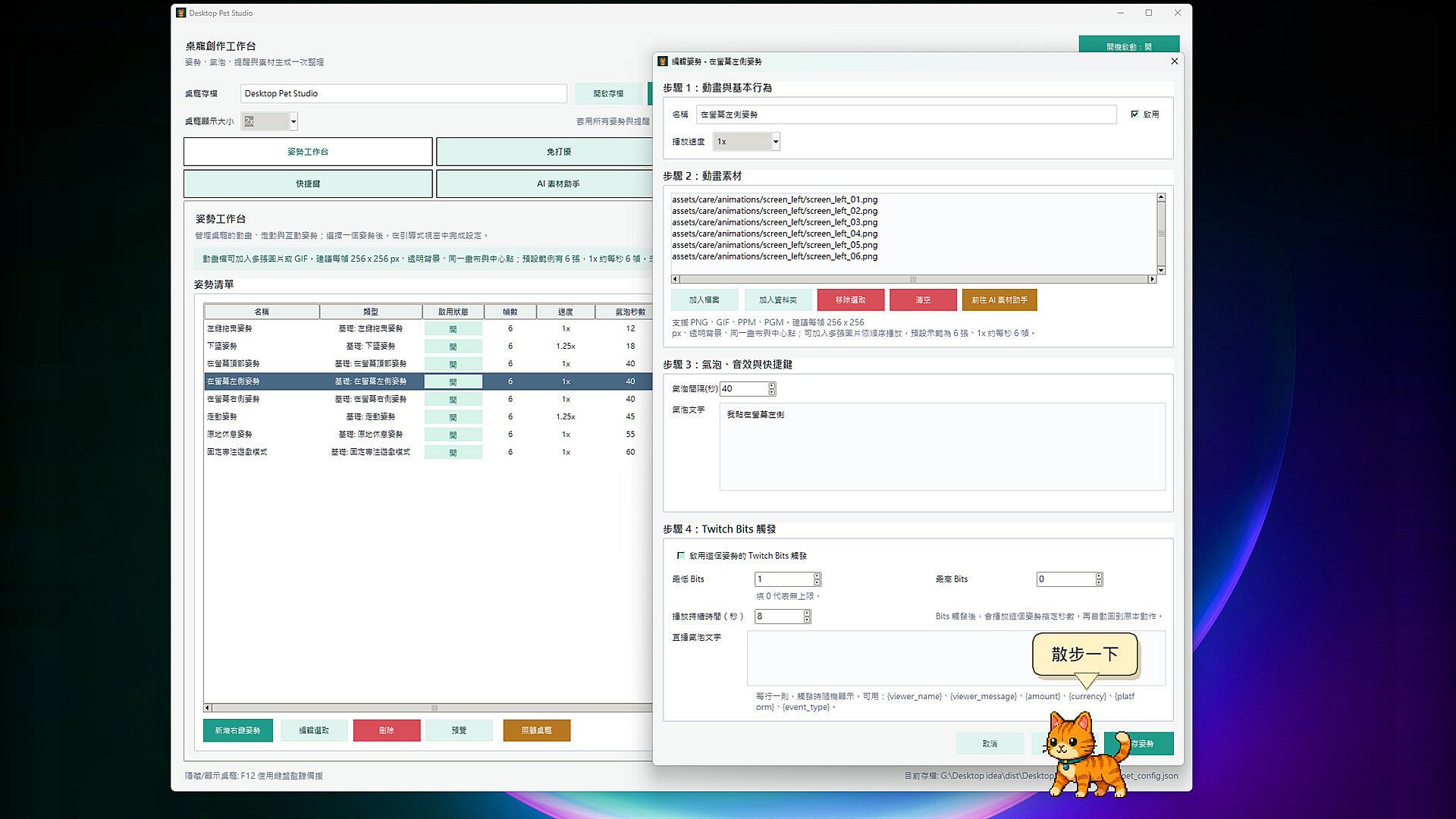
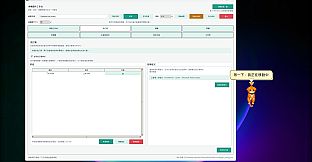
The core loop centers on building and interacting with personalized pets using imported animation assets. Players upload multi-frame PNG sequences, GIFs, or other supported formats to define idle, walking, resting, and edge-clinging behaviors. Each pose supports independent settings for playback speed, size scaling, speech bubbles, sound effects, and hotkey triggers. Walking animations automatically mirror right-facing frames when the pet moves left, while physics allow natural falling with a diminishing bounce upon landing.
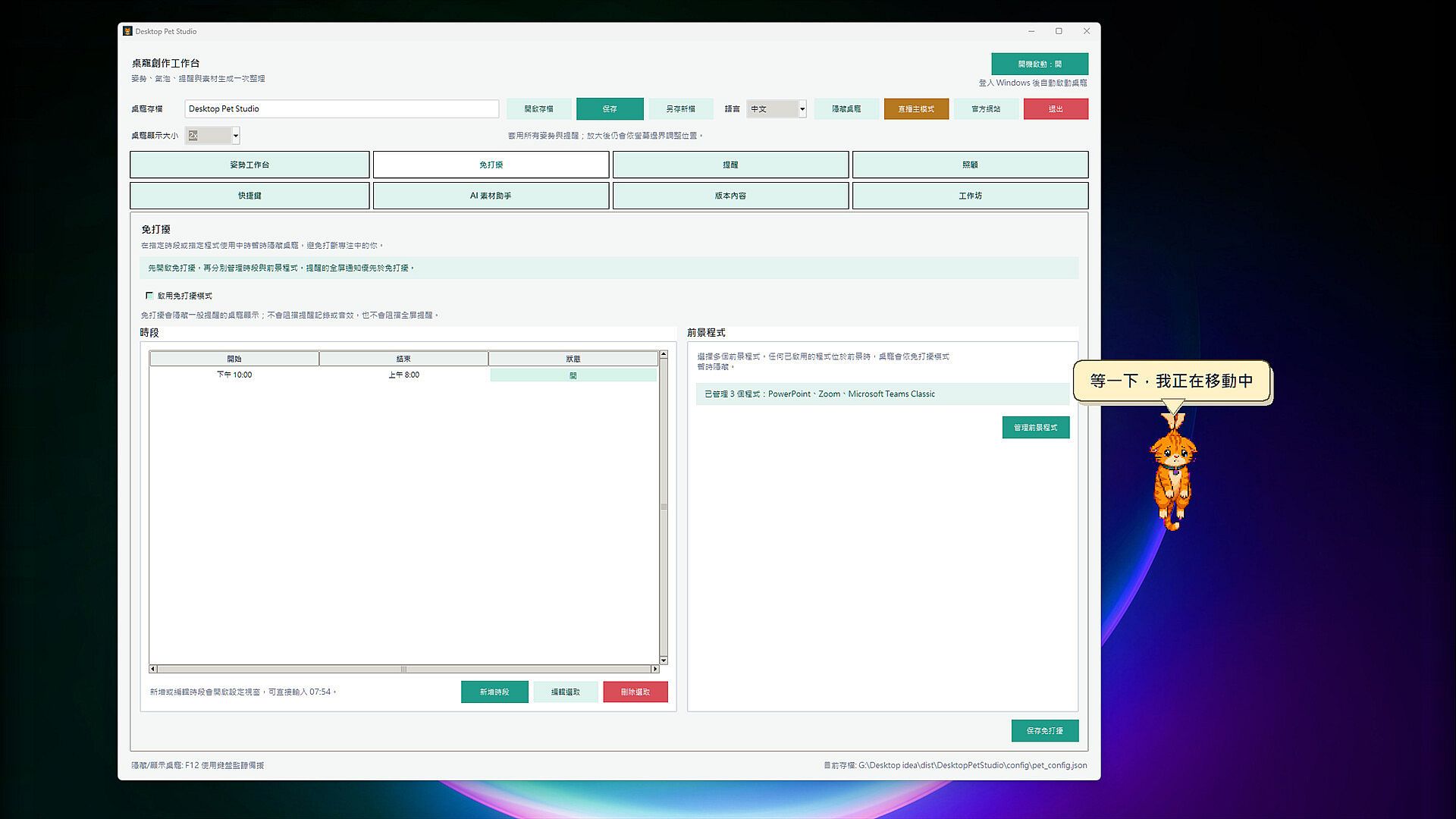
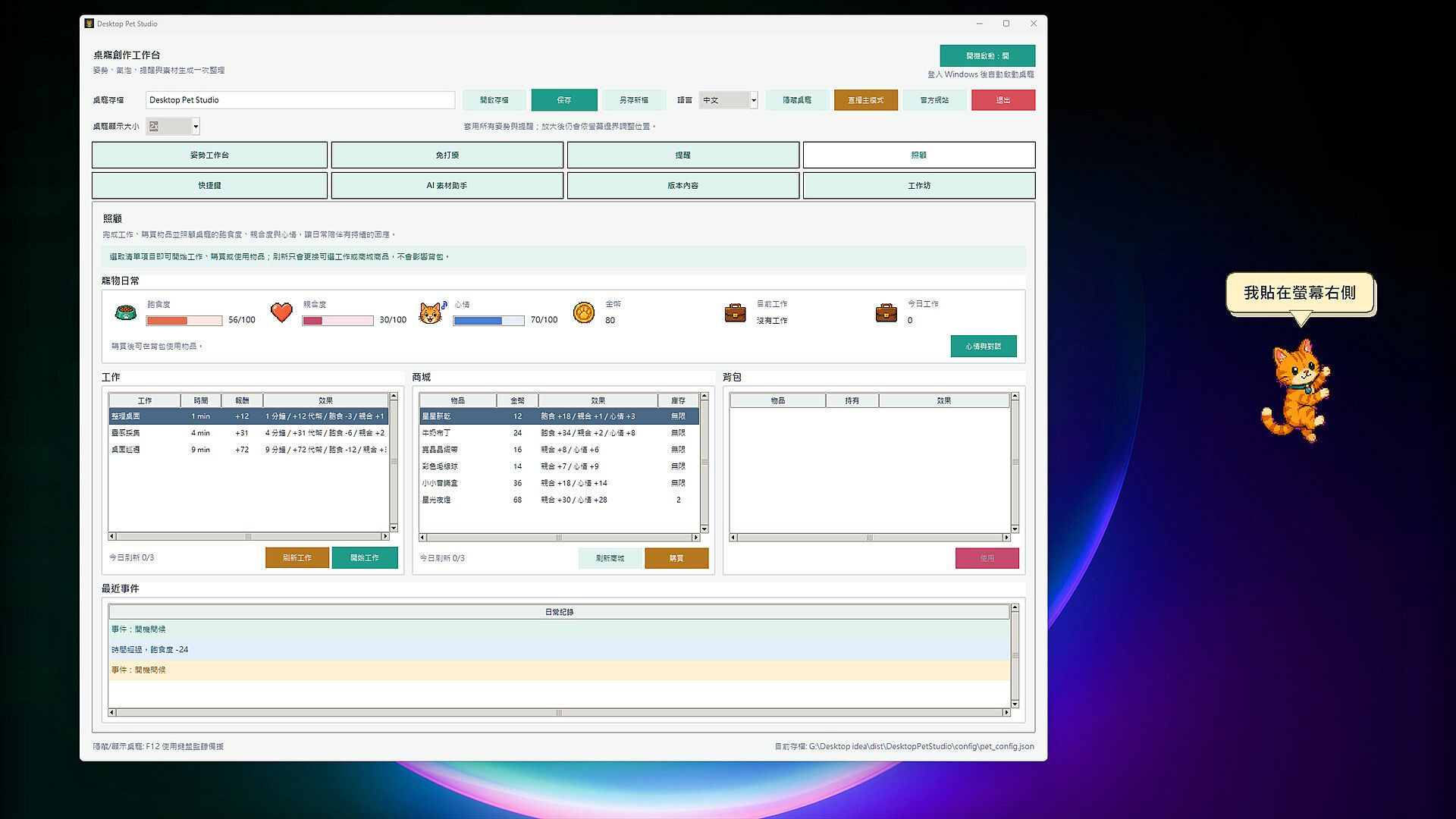
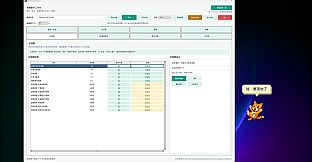
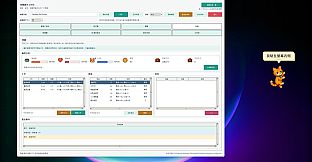
Interaction rules extend to left-click dragging, fixed focus positioning, and edge-clinging on screen borders. Pets respond to hunger, affinity, and mood levels with context-specific speech bubbles. A shop and inventory system handles purchases of food, gifts, and mood items using in-game coins earned through assigned jobs. Reminders integrate calendar imports from ICS, ICAL, or CSV files, with options for Google Calendar sync, task deadlines, and escalating notifications that persist past due dates. Do Not Disturb scheduling automatically conceals the pet during set hours or when specific foreground applications run.
Game Modes
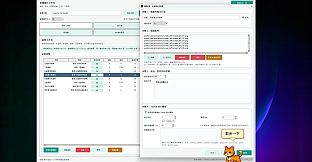
Creation tools form the foundation, allowing full customization of animations, movement patterns, bubbles, sounds, shop items, jobs, and mood rules through JSON editing or the built-in AI Asset Guide with bilingual prompt templates. Care mechanics operate as a persistent simulation layer where players manage pet stats and send companions on jobs for coin rewards. Reminder and task systems function independently as productivity overlays, supporting batch editing and fullscreen effects tied to specific alerts.
Twitch Bits integration activates during streams, mapping viewer donations to pose triggers, speech bubbles that display names and amounts, and timed reactions that resume prior actions afterward. A local test mode verifies setups without real transactions. Steam Workshop support enables packaging and sharing complete pets, individual poses, or care elements, with subscription, enablement, and import options. Cloud syncing preserves settings, assets, and unpublished libraries across multiple Windows devices on the same account.
Customization and Community Features
Asset flexibility stands out as a defining strength. Players work with any transparent-background frames they have rights to use, whether original designs, commissioned work, or existing character assets. Multi-language support covers Traditional Chinese, Simplified Chinese, English, Japanese, French, German, Spanish, Russian, Portuguese, and Korean interfaces. The AI Asset Guide assists with prompt templates for generating six separate animation frames per character.
Workshop content expands possibilities without requiring advanced skills, while JSON customization offers deeper control for creators. All transactions remain strictly in-game with no real-money elements involved.
Is It Worth Playing?
Desktop Pet Studio suits users seeking a lightweight desktop companion that blends creative expression with practical reminders and light simulation elements. The emphasis on user-uploaded assets and detailed pose controls appeals to those who enjoy building rather than playing preset content. Productivity features like task lists, calendar integration, and Do Not Disturb options add utility for work or study sessions, while Twitch support targets streamers wanting reactive on-screen elements.
Reception centers on the freedom to craft original characters and the seamless integration into daily computer use. The game runs as a persistent background presence without demanding constant attention, making it a fit for players who value customization depth over traditional progression systems. Availability on PC with Steam Workshop and cloud features supports ongoing engagement through community creations and cross-device access. Those interested in simulation games focused on personal creation and companion management will find the verified mechanics align closely with relaxed, ongoing use.