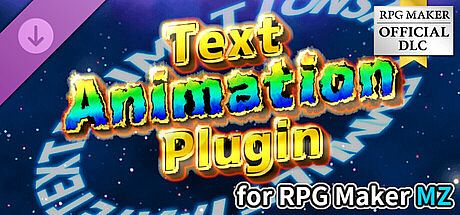




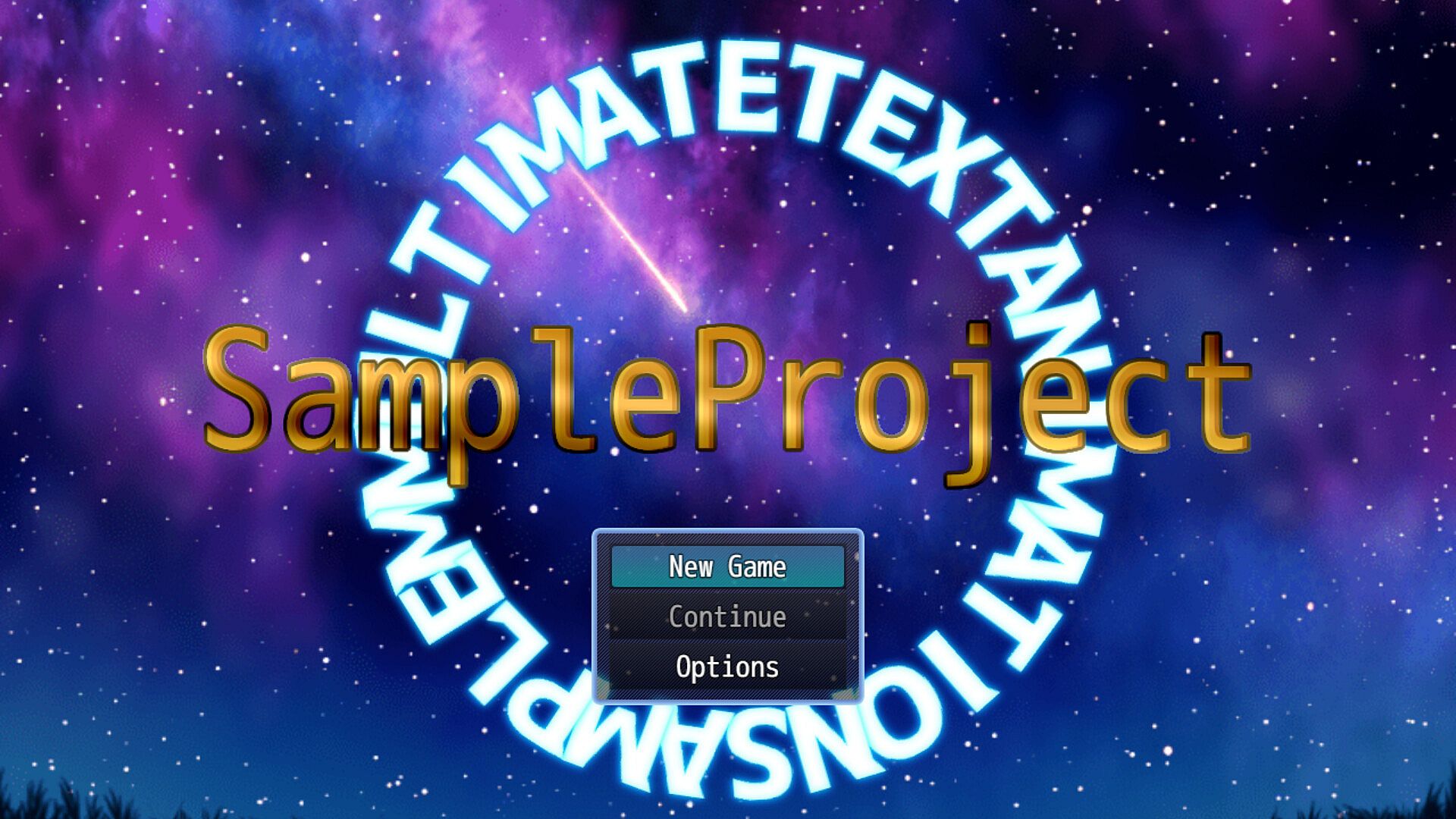
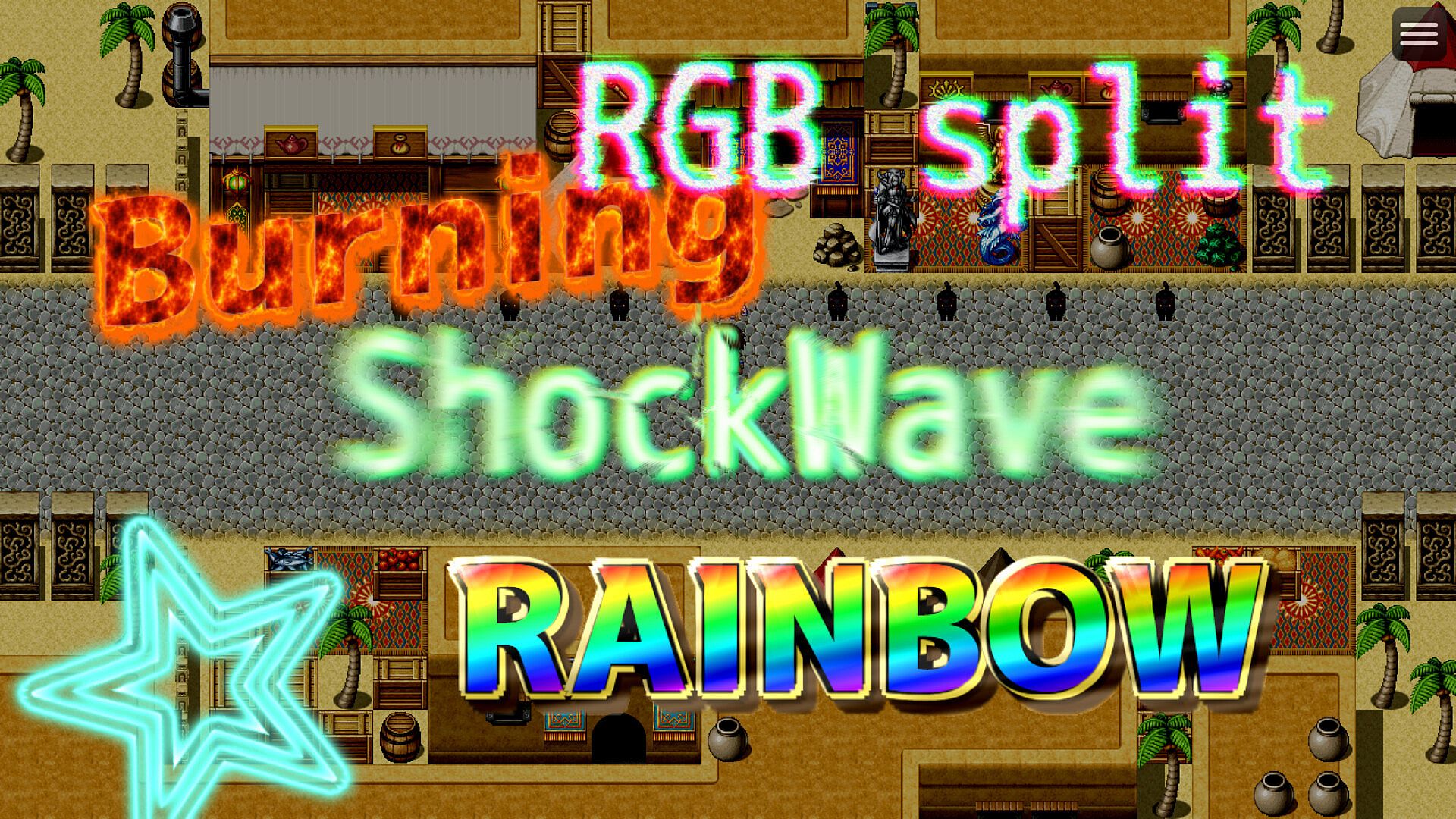
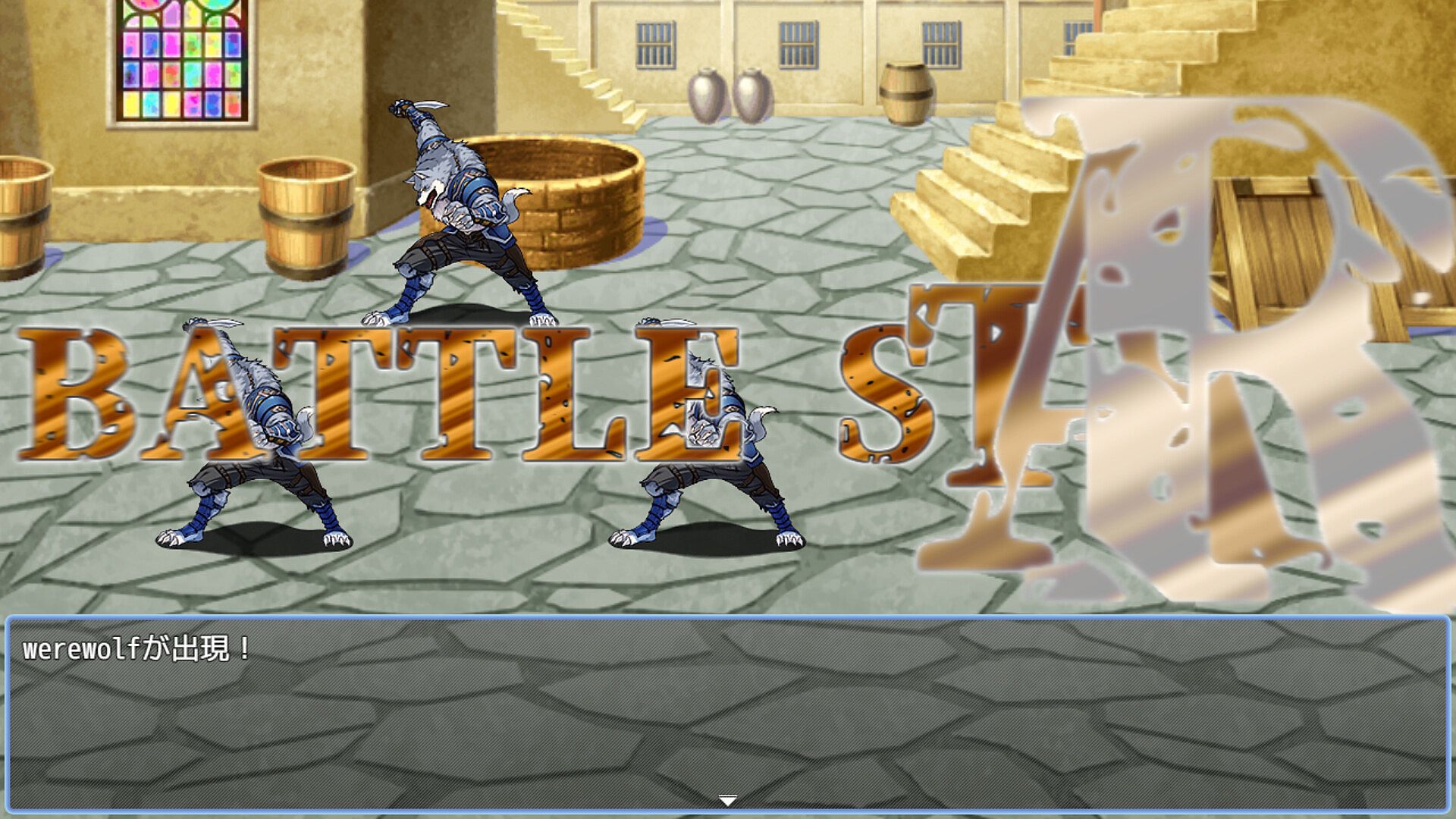
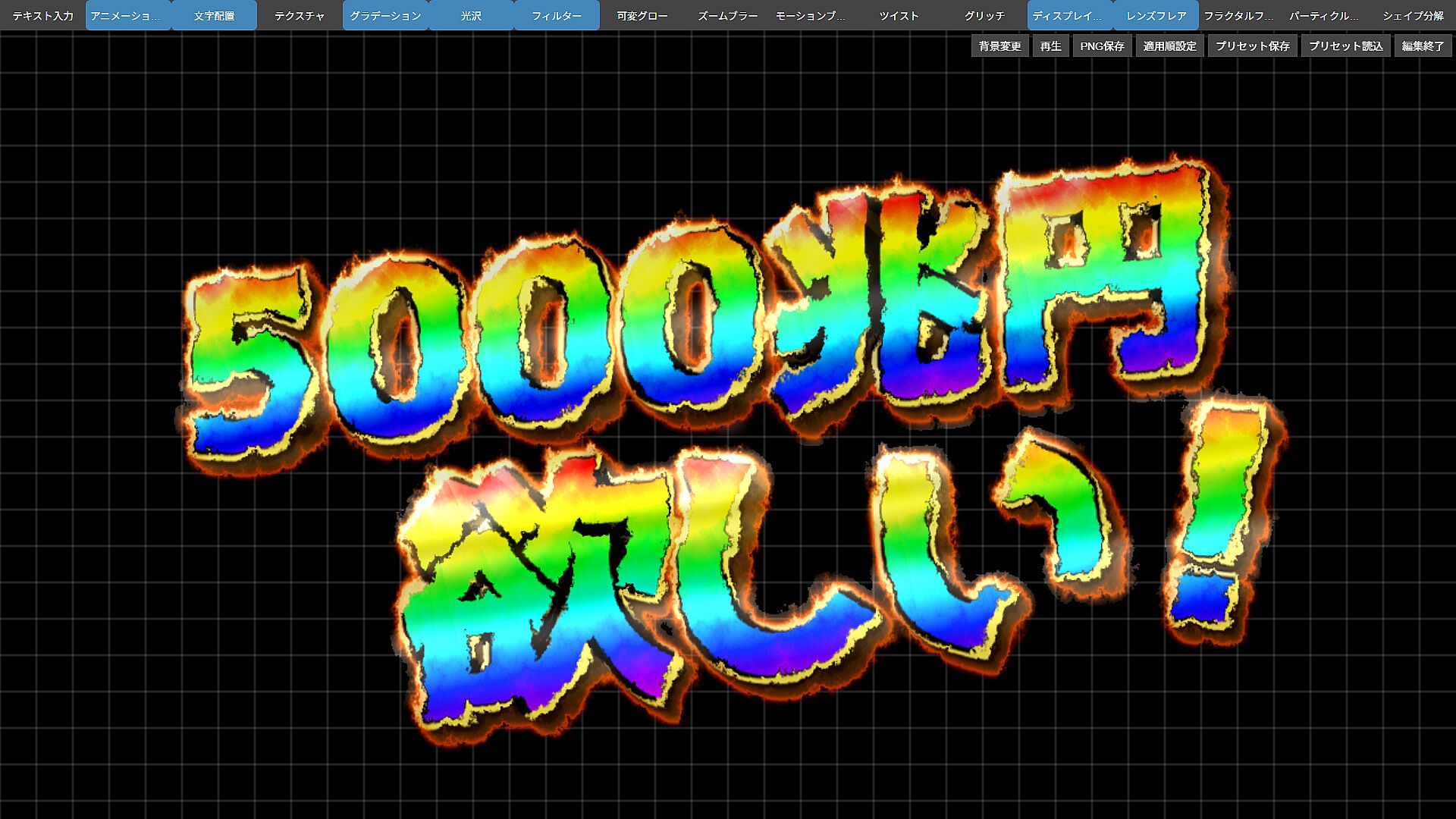
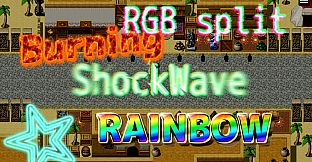
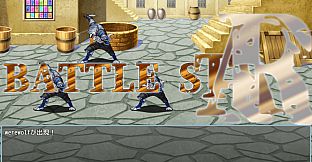

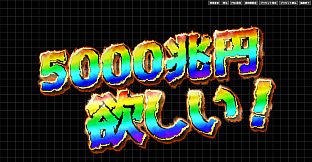
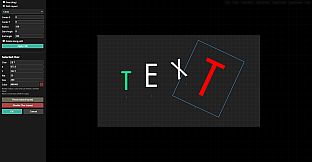
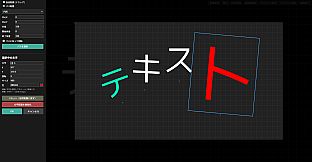
The RPG Maker MZ Text Animation Plugin delivers a specialized set of tools designed specifically for adding dynamic text displays and animations to projects built in RPG Maker MZ. This plugin addresses limitations in the engine's default event system by allowing precise control over text appearance, movement, and effects across multiple game contexts without requiring external image files or complex scripting.
Gameplay
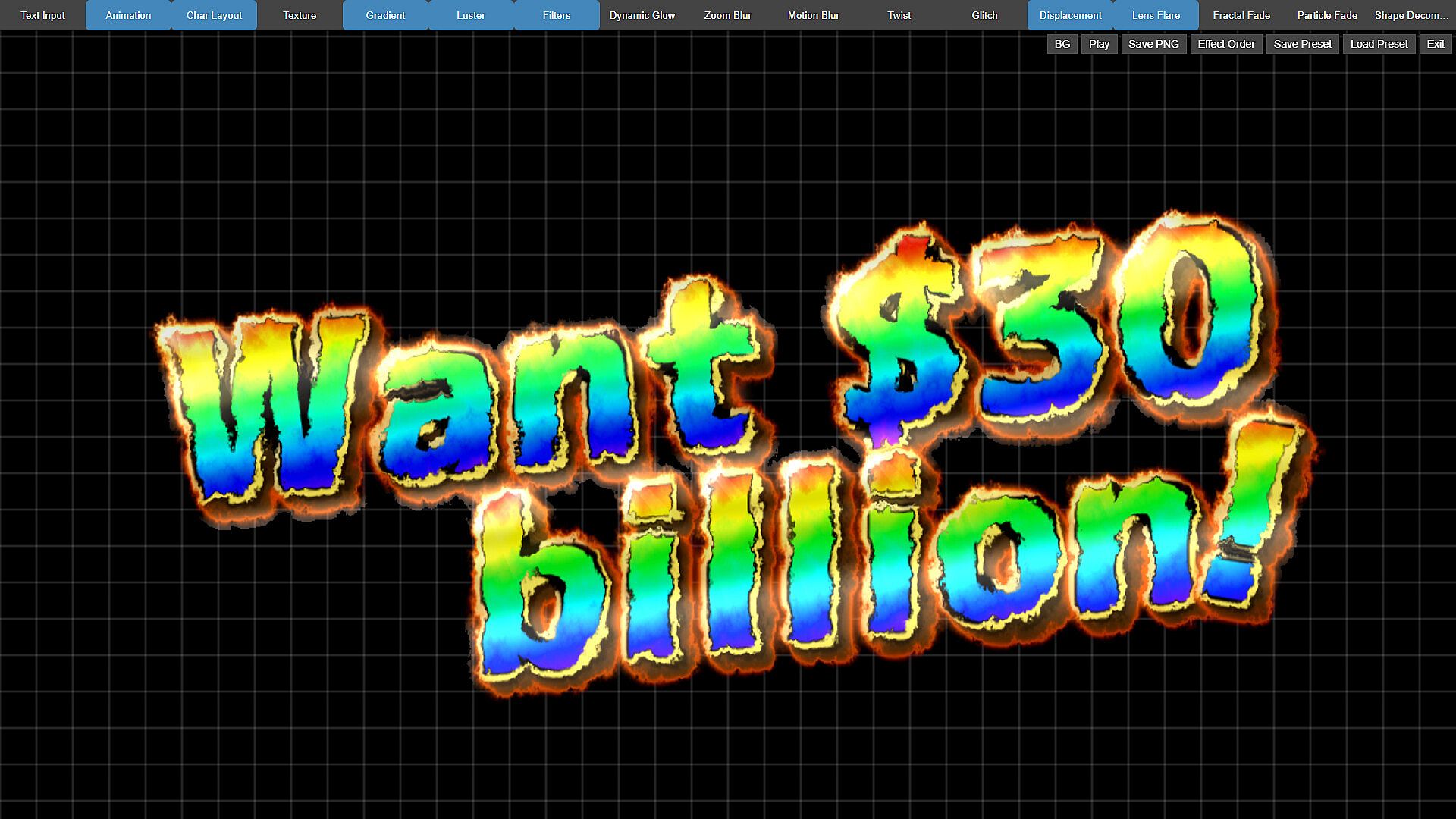
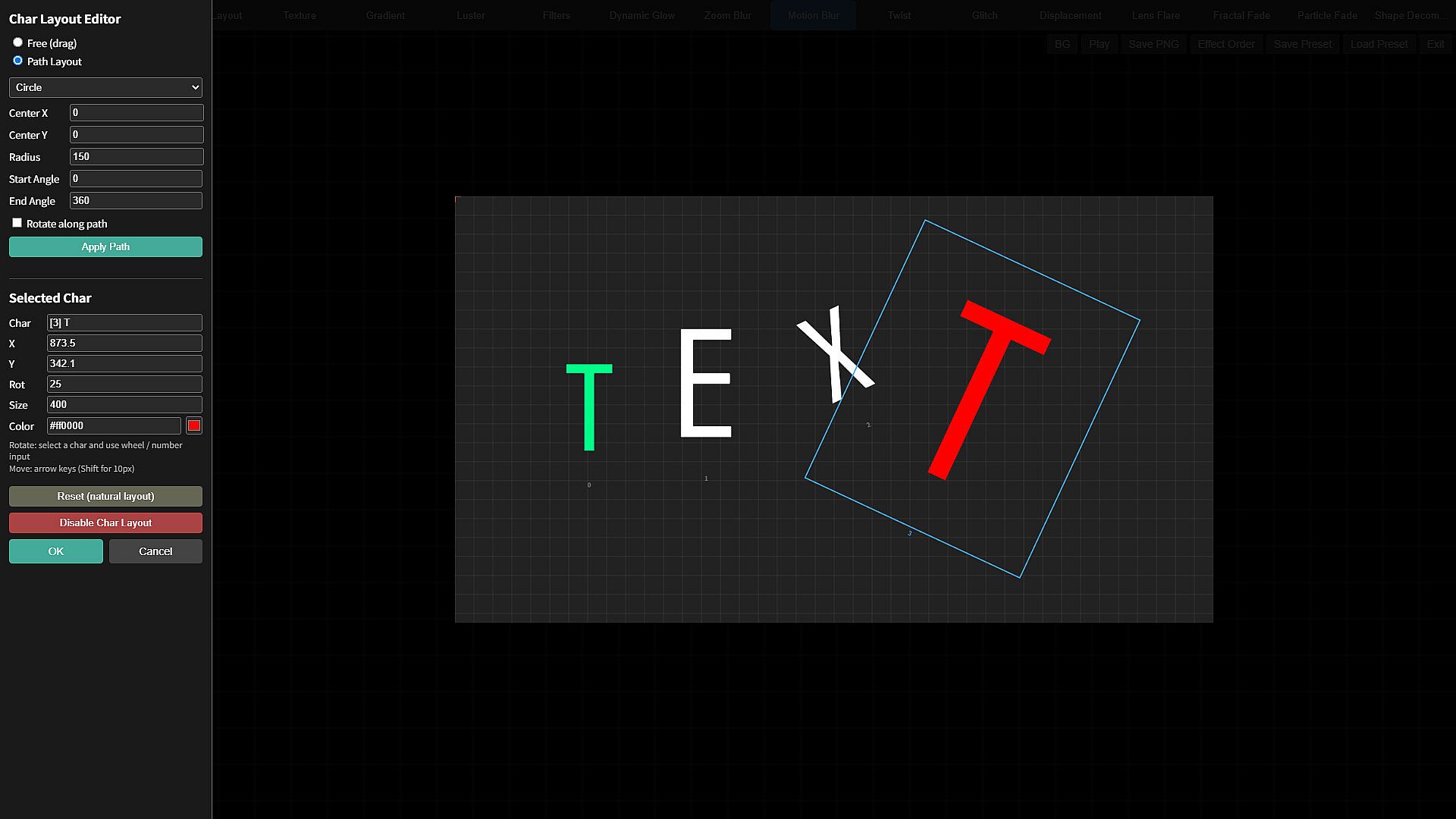
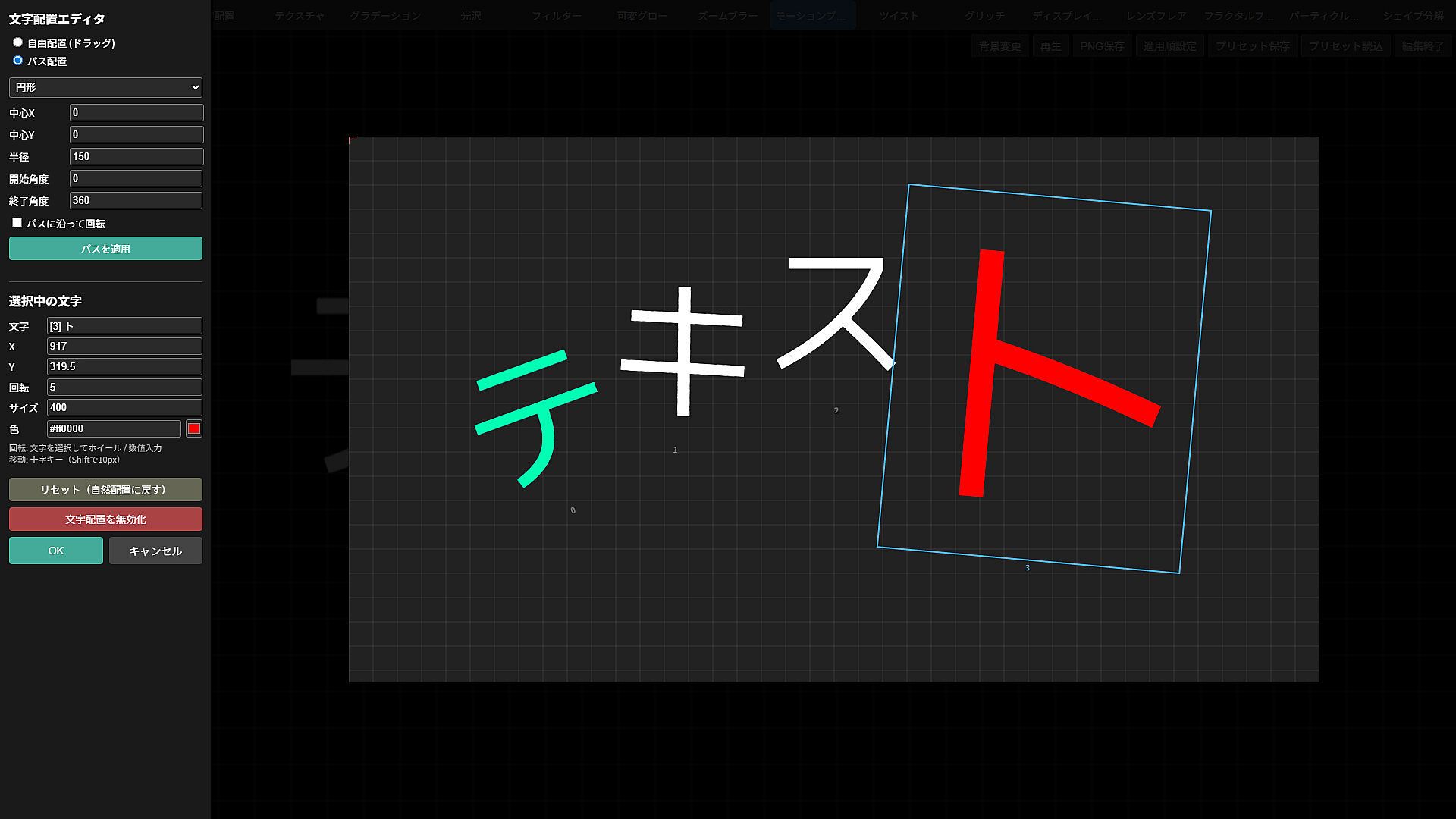
Integration begins with plugin commands that handle text creation and animation directly within events or scenes. Users define text content, position, and behavior through parameters, then apply reusable presets for consistent results. The included dedicated GUI launches during test play, providing real-time visual adjustments to animations, filters, and effects while previewing changes on screen. This setup supports both quick preset application for beginners and detailed customization for advanced developers working on projects in fantasy, modern, horror, or sci-fi settings.
Text can appear as standalone elements or layered with other visuals, such as during skill activations or item acquisitions. Presets handle common behaviors like fades, slides, glows, shakes, and popups, which carry over between projects when exported and imported. Over forty ready-to-use presets come bundled, covering immediate needs for title sequences, chapter captions, and result screens. The system also permits font registration and supports export of displayed text as transparent PNG files for further asset work.
Game Modes
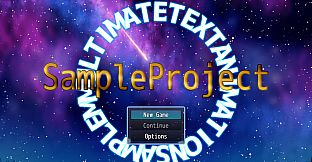
Application spans several core development scenarios in RPG Maker MZ projects. Title screen text receives animated treatments that integrate with existing menu elements. Map name displays update automatically or per location with custom positioning. Battle sequences incorporate popup effects for damage numbers, miss indicators, and special attack cut-ins. Scene transitions and narrative moments use flashback captions or chapter titles that trigger via preset commands at the start of events.
Additional contexts include treasure chest interactions with acquisition messages, battle start and end sequences, and result summaries. The plugin operates independently of specific genres, enabling effects in comedy timing, horror tension builds, or sci-fi interface styles. Preset reuse across these areas maintains visual consistency while allowing text swaps or ID adjustments through simple event calls.
Plugin Features and Workflow
Core files include the main animation script, a manager component, easing library, and a detailed manual PDF alongside a sample project. Setup requires placement of supporting libraries in the project folder, after which commands become available for text handling. The GUI streamlines preset management with import and export options, reducing time spent on repetitive parameter entry. Developers can modify assets for personal game use while maintaining compatibility with commercial RPG Maker projects.
Workflow efficiency improves through the ability to create a preset once and deploy it repeatedly by referencing its ID. This approach suits long-term creators building multiple titles, as custom effects transfer without recreation. The system avoids reliance on picture-based text images, keeping file sizes manageable and edits straightforward.
Is It Worth Playing?
Creators focused on RPG Maker MZ who need text effects beyond standard event capabilities will find this plugin directly addresses those gaps. It supports a range of presentation needs from simple popups to elaborate sequences, with the GUI lowering the barrier for users new to animation parameters. The included presets and cross-project compatibility provide immediate value for ongoing development work.
Those building games that emphasize narrative presentation, battle feedback, or polished menus benefit most from the reusable tools and visual editor. The plugin remains available for commercial use in RPG Maker titles, with modification permitted for individual projects. Developers seeking precise control over text timing and style without additional external dependencies will see practical gains in production speed and visual quality.