


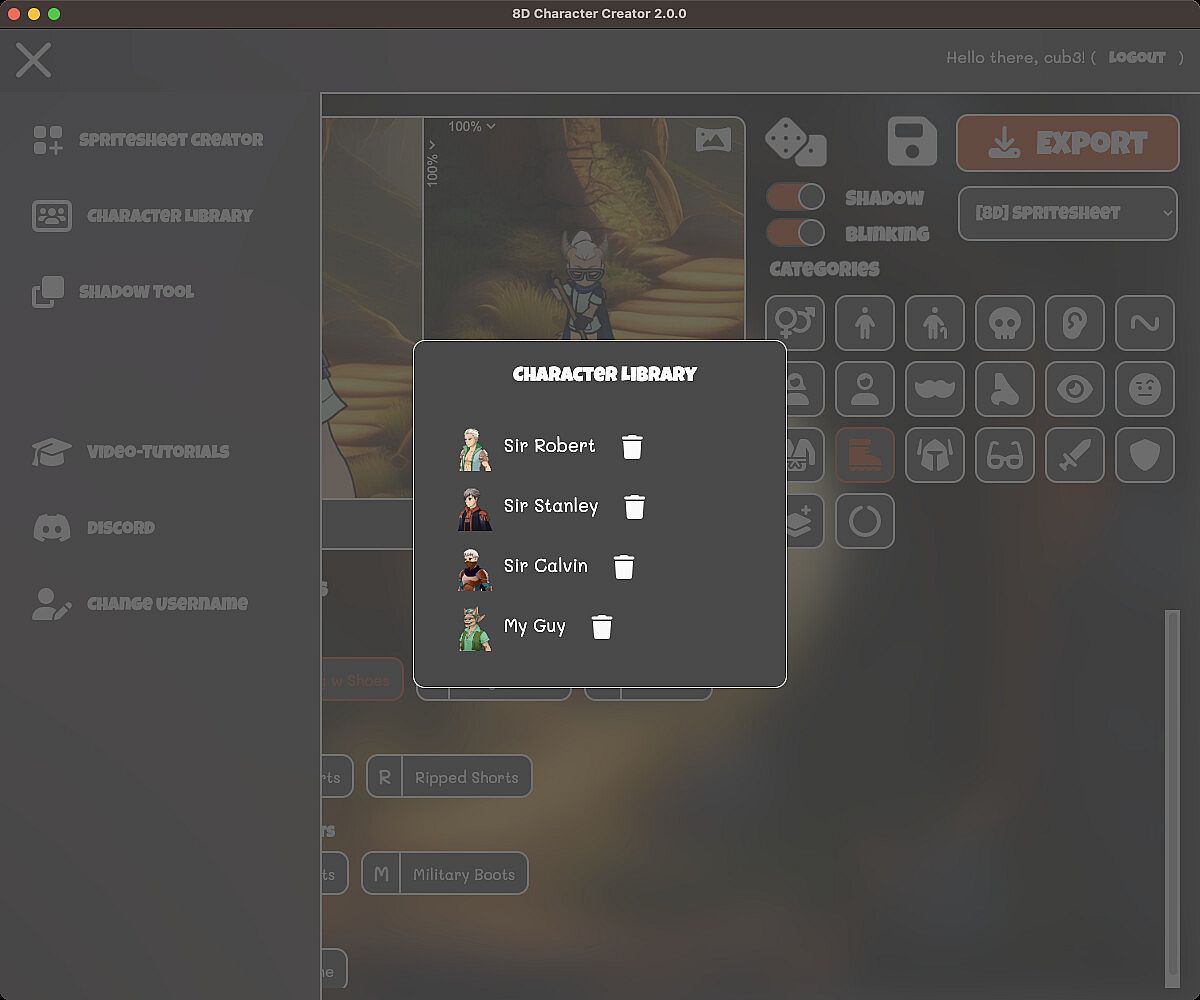
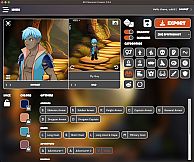
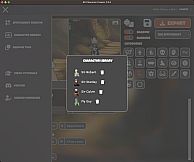
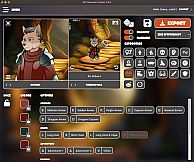
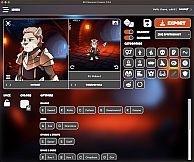
If you're a game developer, graphic novelist, or just someone passionate about designing characters, 8D Character Creator stands out as a versatile PC tool in the animation and modeling space. This software blends design and illustration with game development, allowing users to build detailed 2D characters complete with busts and spritesheets that integrate seamlessly into various engines.
Gameplay
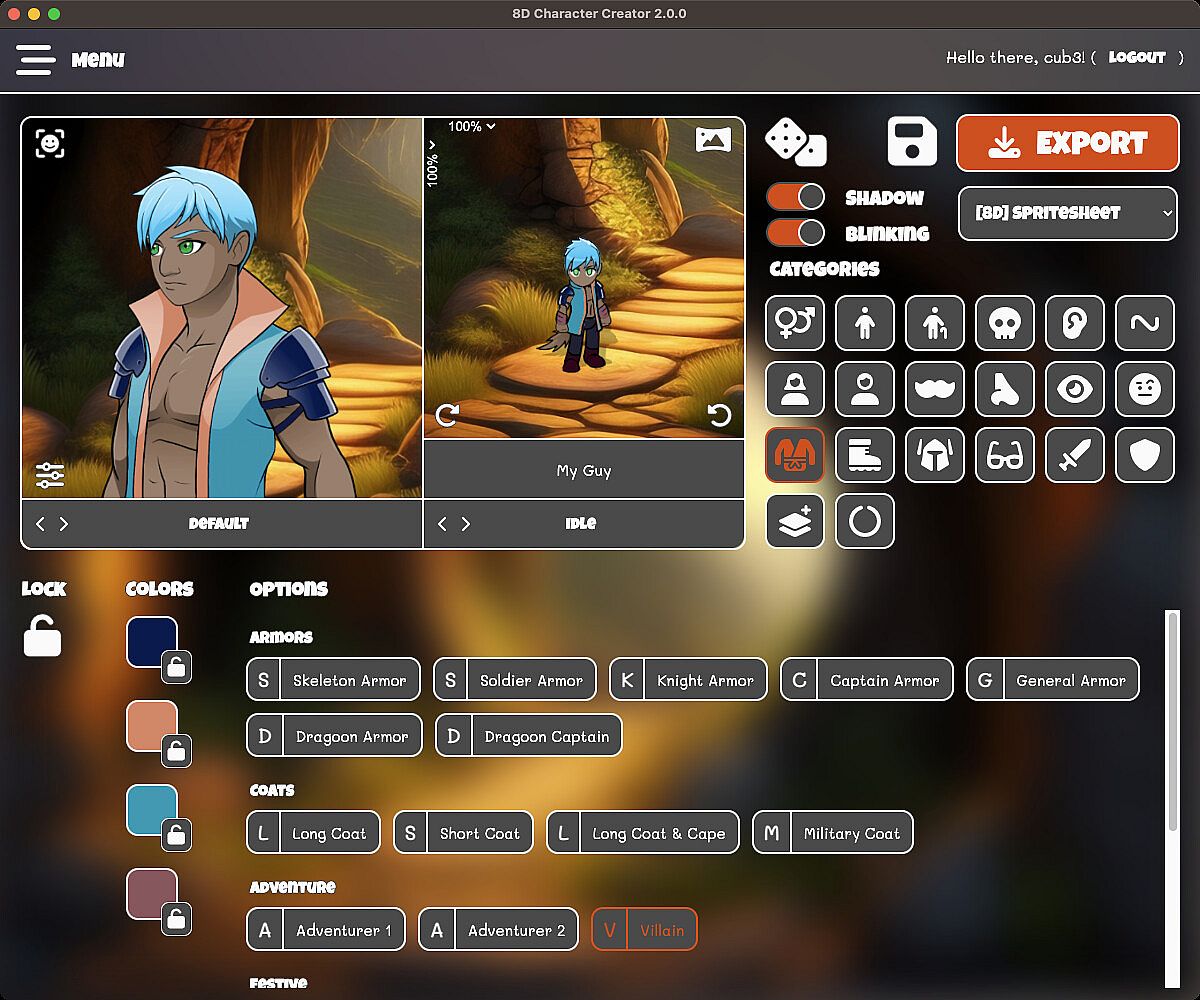
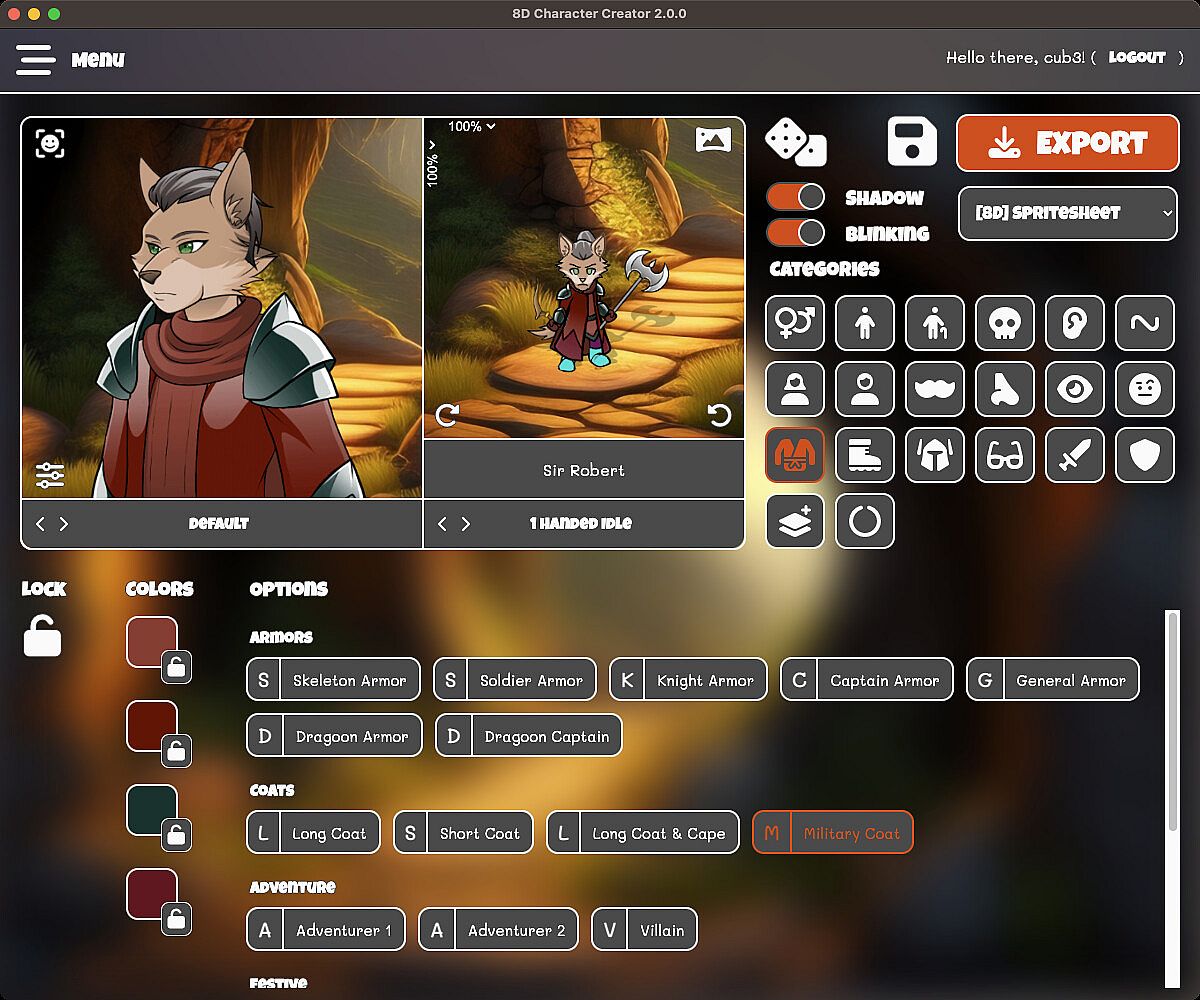
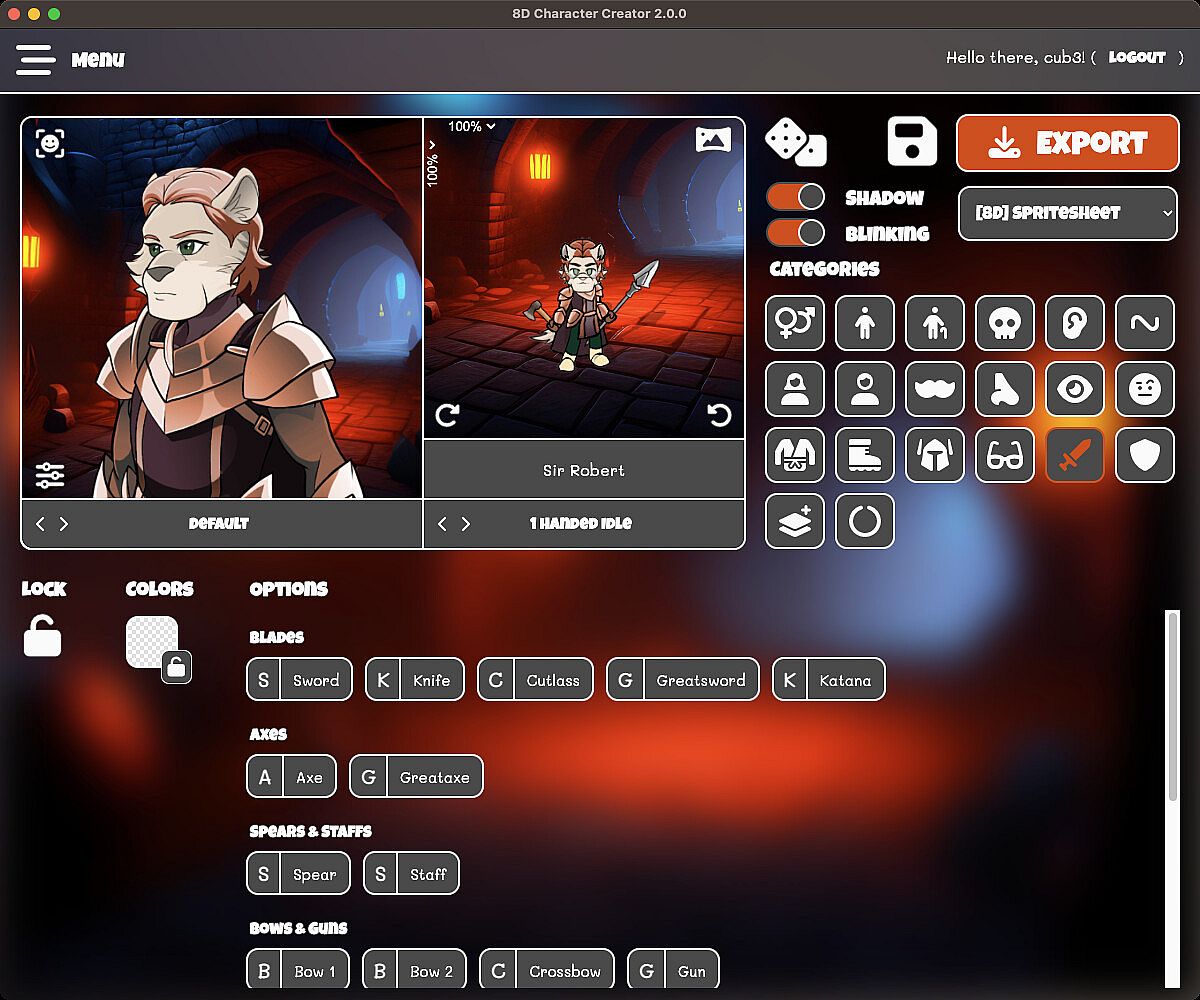
The core of 8D Character Creator revolves around a straightforward yet deep customization process. Users start by selecting from eight races, including options for furries, monsters, and now dragons added in recent updates. From there, you layer on elements like 19 hair styles, nine bangs variations, and seven facial hair options. Outfits number 42, with additional pants and headwear choices, while weapons and tools provide practical variety, such as swords, wands, crossbows, brooms, or rakes.
Recoloring is a standout mechanic, letting you adjust every part of the character for a personalized look. The tool supports body type adjustments for adults, elderly, teens, children, or dwarves, ensuring flexibility. Animations bring characters to life with 39 total options, including 26 that work in eight directions, using either seven frames for fluid motion or three for compatibility with specific engines.
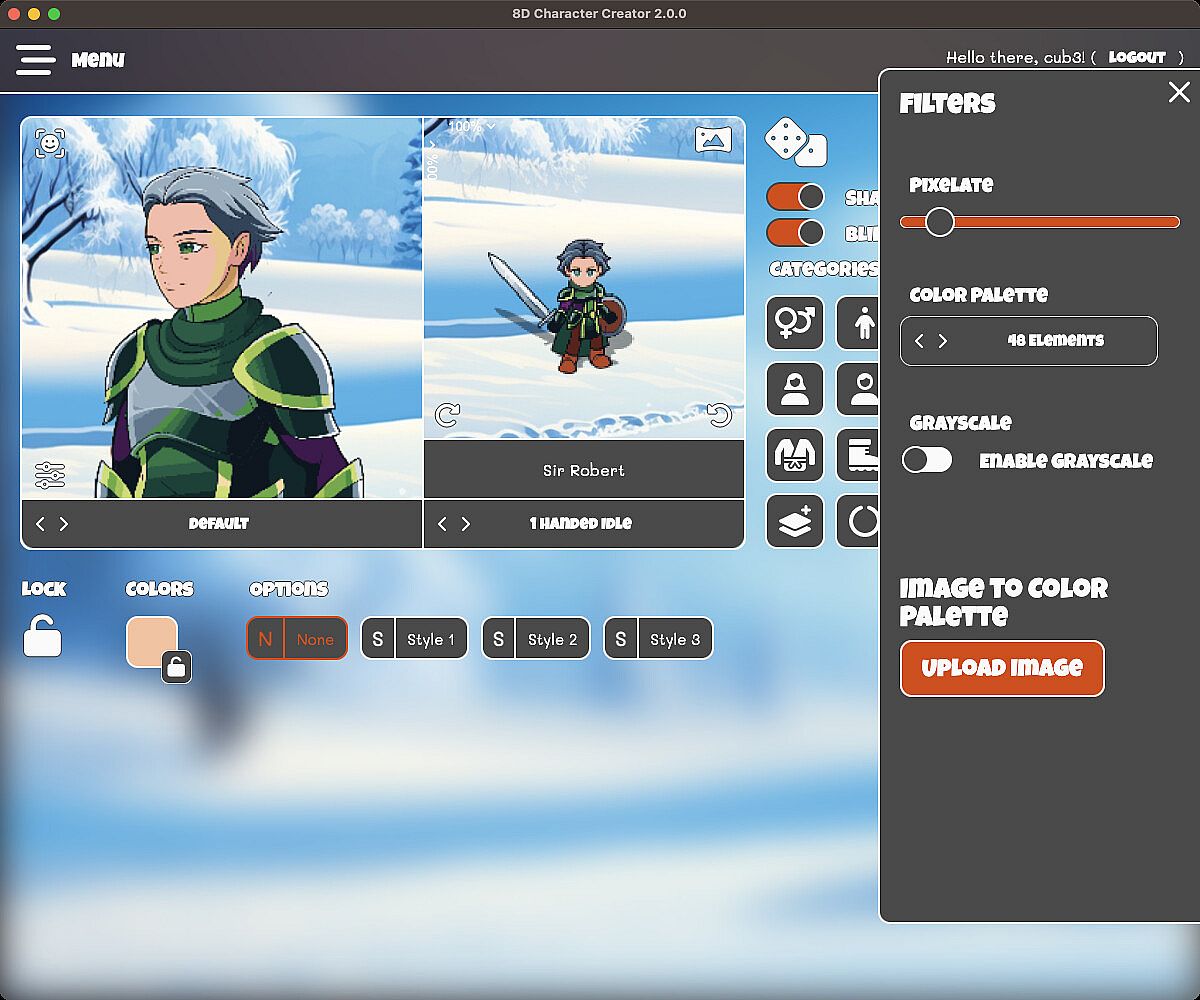
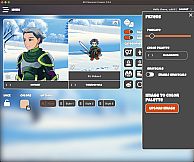
Exporting is handled through a drag-and-drop spritesheet creator, supporting formats for engines like Unity, Godot, Unreal, and RPG Maker. You can apply filters such as pixel art effects, color palette reduction, or grayscale, and even upload images to match your character's style. Minification optimizes spritesheets for performance, and busts come with 16 emotions at up to 500x500 pixels.
Game Modes
8D Character Creator operates through distinct creation workflows rather than traditional modes, but it includes specialized setups like the RPG Maker mode introduced in update 1.1. This mode tailors animations and exports specifically for RPG Maker users, with three-frame animations per direction to fit that engine's requirements.
The bust and spritesheet creator functions as a combined mode, where you build both portrait-style images and top-down sprites in one session. A randomization feature, enhanced in version 2.0, allows quick generation of varied characters by mixing elements automatically. For broader utility, the tool offers a shadow creator for spritesheets and image conversion using custom color palettes, available even in the demo version.
Features and Updates
Ongoing development keeps 8D Character Creator evolving, with a growing library of outfits, accessories, and weapons. The 2.0 update brought massive additions like furry and dragon races, full randomization, and options for blood effects or new face details. Later patches, such as 2.0.2, fixed color issues in hair styles and introduced minor features alongside bug corrections.
Compatibility extends to Windows and Mac, making it accessible for a wide range of creators. The ability to adjust frame sizes from 400px down to 120px gives fine control over output, while filters help stylize art to match your project's aesthetic.
Is It Worth Playing?
For aspiring game makers or illustrators seeking an efficient way to produce 2D characters, 8D Character Creator delivers real value through its extensive options and engine-agnostic exports. Player feedback highlights its ease of use for quick prototyping, especially with updates adding more races and customization depth. If your work involves character design for RPGs or other genres, this tool streamlines the process without needing advanced skills, making it a solid choice for both hobbyists and professionals. However, those focused solely on 3D modeling might find it less essential.