








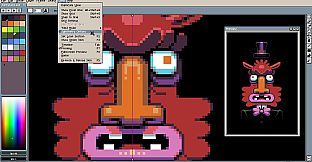
Aseprite stands out as a specialized pixel art editor and animation software tailored for crafting 2D sprites and animations, making it a go-to choice for game developers and digital artists working in retro styles.
Gameplay
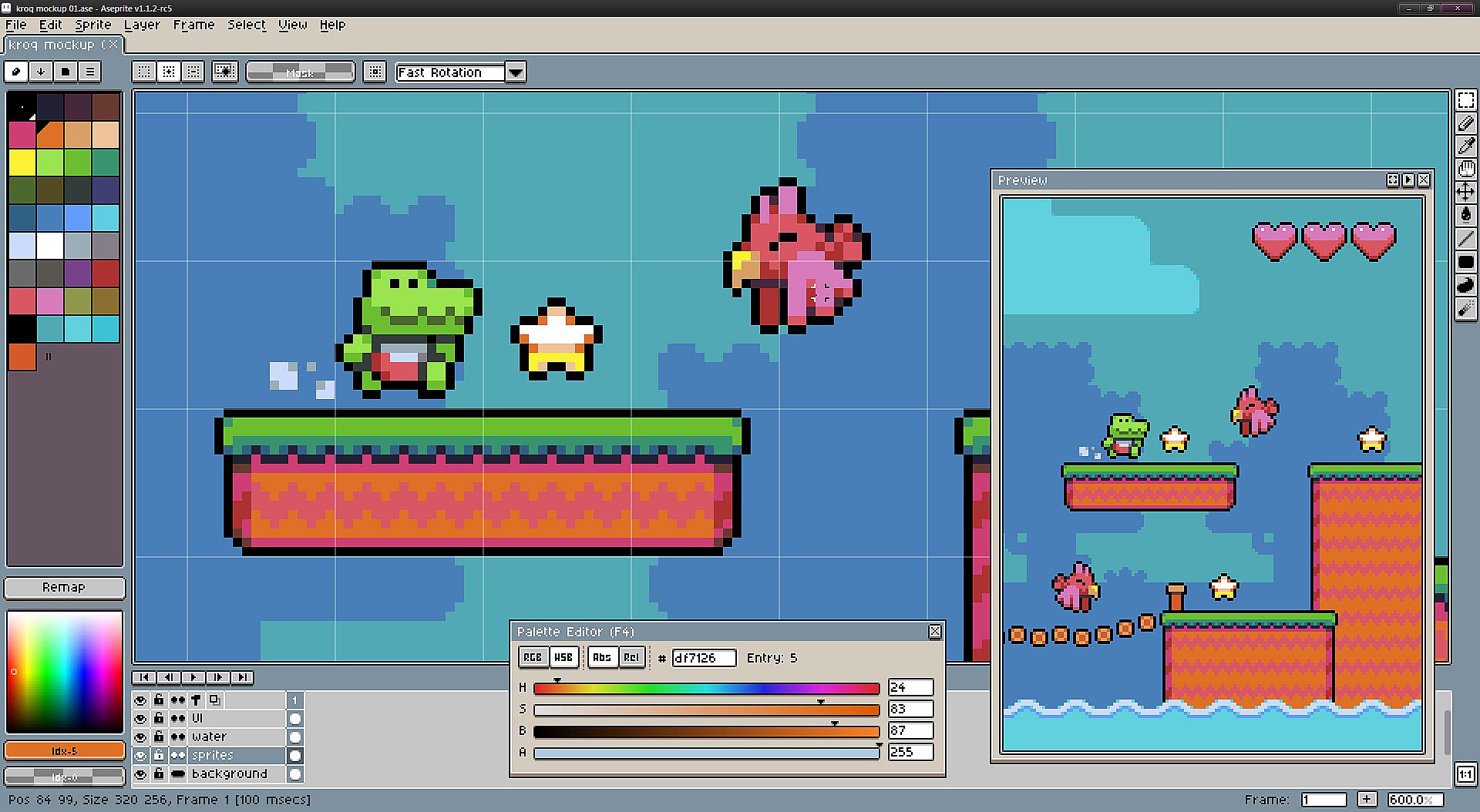
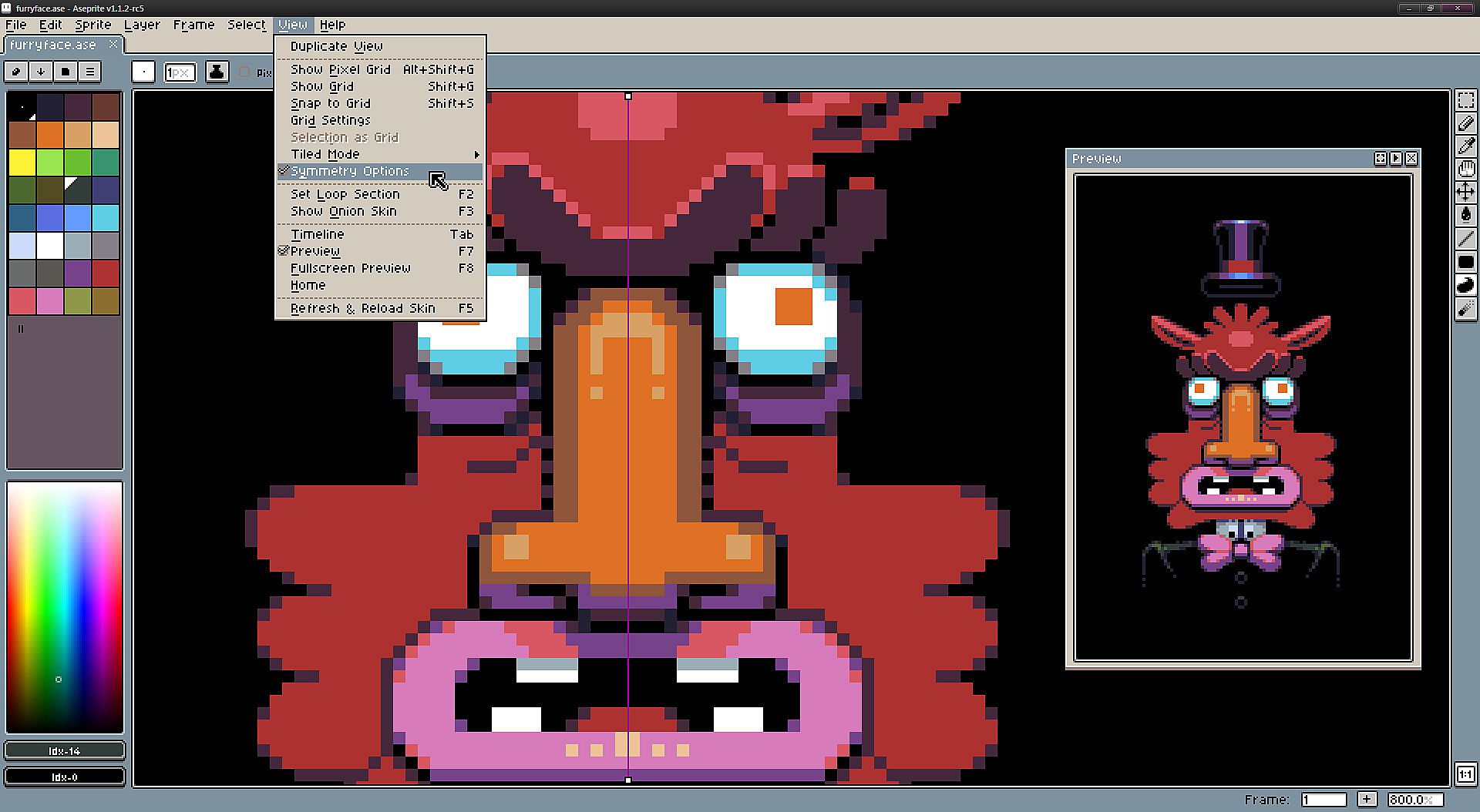
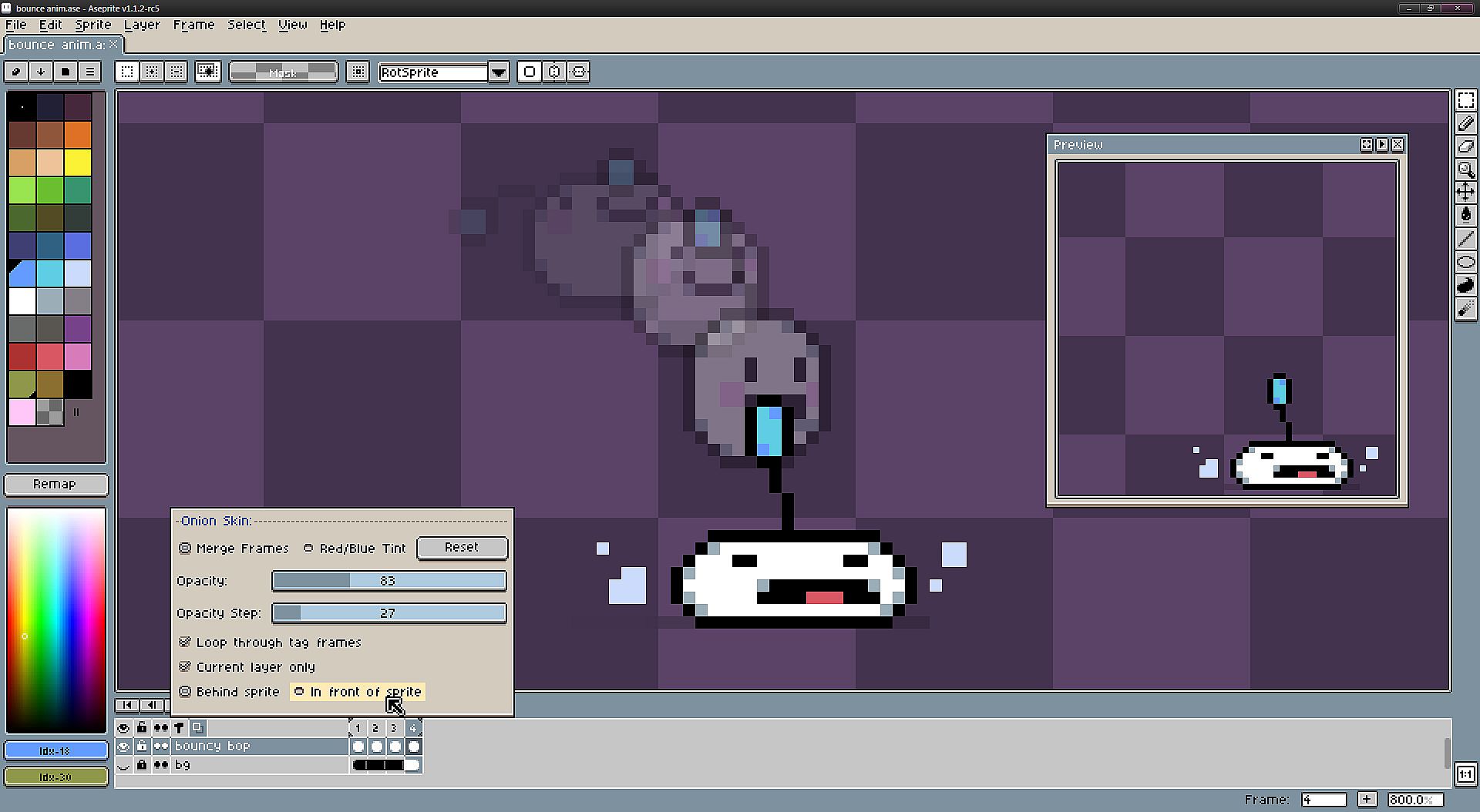
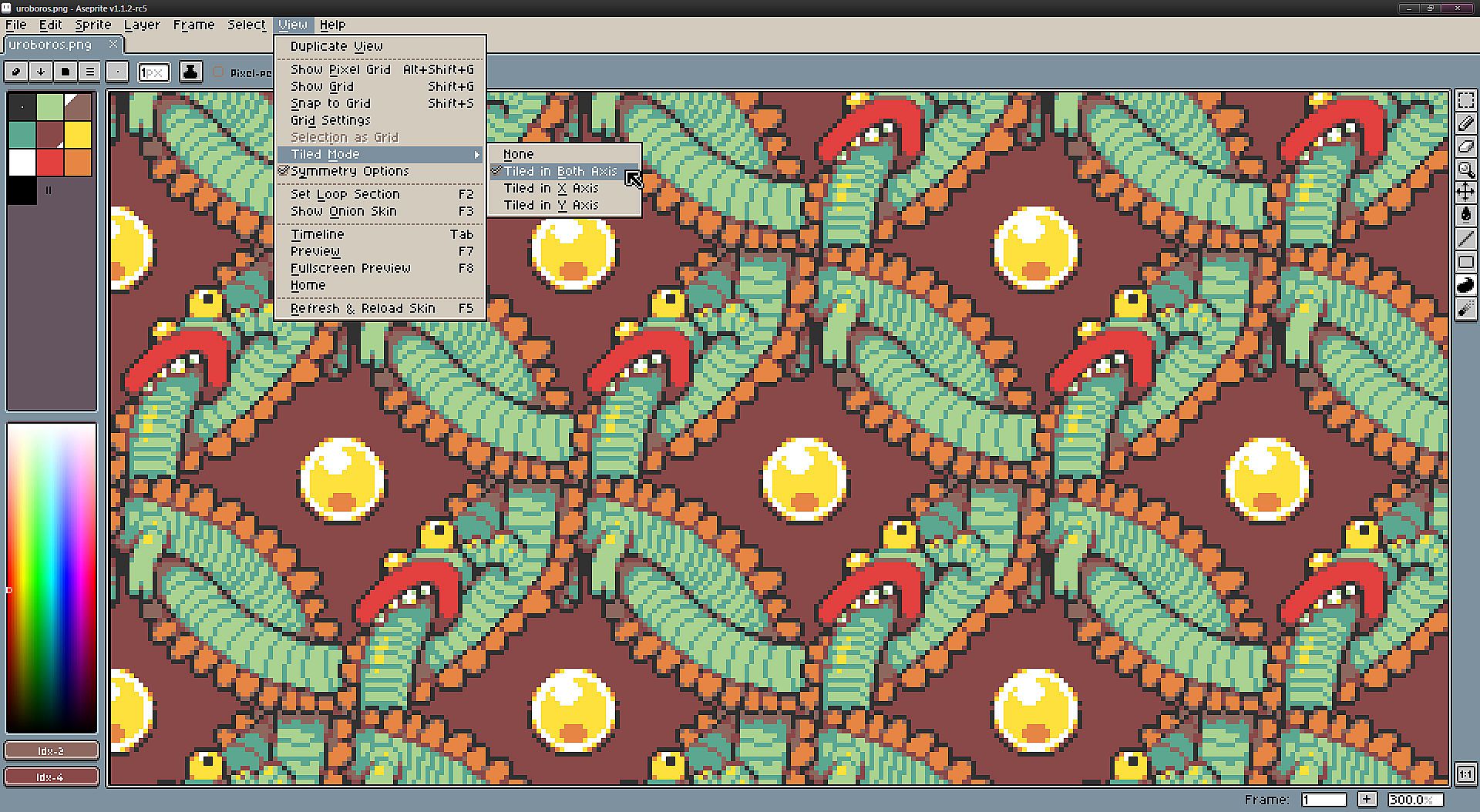
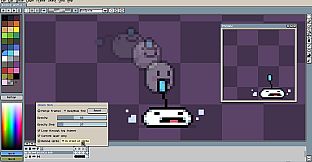
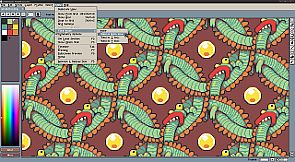
At its core, Aseprite revolves around building sprites through a combination of layers and frames, treating them as distinct elements for precise control. Users compose images in RGBA or Indexed color modes, with tools that support real-time animation previews, onion skinning to reference nearby frames, and frame tagging for organizing multiple animations within a single file. Pixel-specific features include shading modes for adding light and shadow effects, pixel-perfect strokes to maintain crisp lines, RotSprite rotation to minimize distortion on small sprites, tiled mode for seamless pattern creation, and filled contours for quick shape filling. The timeline allows copying, moving, or linking layers and frames, while a command-line interface enables automation for batch processing and sprite sheet generation.
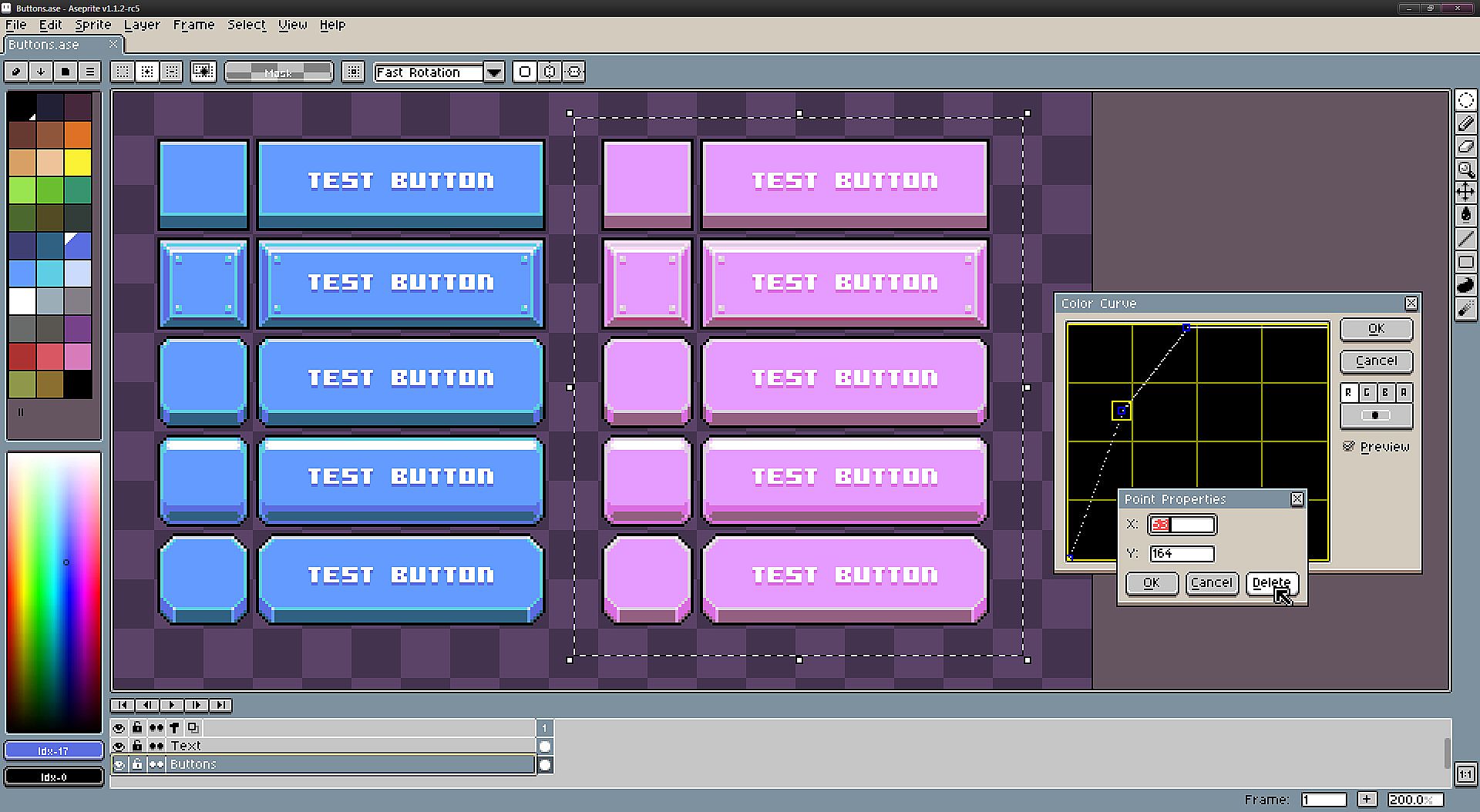
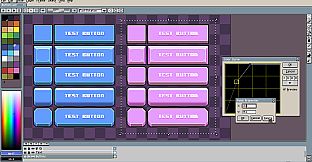
Beyond basic drawing, the software offers palette management with drag-and-drop functionality, alpha channel adjustments, and a color wheel for exploring harmonies. Blend modes let users composite layers effectively, and custom brushes support dithering patterns. Import and export options cover GIF animations, PNG sequences, and sprite sheets in PNG and JSON formats, including texture atlases for packing multiple animations efficiently.
Game Modes
Aseprite operates through various editing configurations rather than traditional game modes, adapting to different creative needs. In RGBA mode, artists work with full color depth and transparency, ideal for detailed, modern pixel art. Indexed mode limits colors to a palette, mimicking classic game constraints and optimizing for retro aesthetics. Tiled mode repeats drawings in a 3x3 grid, perfect for designing seamless backgrounds or textures. Onion skinning provides reference overlays in standard or red/blue variants, aiding animation workflows. Playback modes include forward, reverse, and ping-pong loops with adjustable speeds for testing animations on the fly.
Updates and Current State
Aseprite continues to evolve with regular updates, reaching version 1.3.18-beta1 as of early 2026. Recent changes focus on usability enhancements, such as adding search fields in preferences, faster undo and redo operations, and new commands like Widget Zoo for testing themes. Fixes address issues like brush rotations, crashes during exports, and improved support for mouse buttons in tool assignments. The development team has introduced features like rounded rectangle selections, IME support for text input, and customizable UI elements, ensuring the tool remains responsive to user needs. Ongoing support includes Lua API expansions for scripting, reflecting a commitment to long-term refinement.
Is It Worth Playing?
For anyone interested in pixel art creation or 2D game asset development, Aseprite proves highly worthwhile due to its specialized toolkit and strong community backing. It holds an Overwhelmingly Positive rating on platforms with nearly 20,000 reviews, including 97 percent positive feedback in recent months, highlighting its reliability and effectiveness. The software suits beginners learning pixel techniques as well as professionals needing robust animation features, with active updates keeping it current. If your work involves designing sprites, animations, or retro-inspired graphics, this tool delivers exceptional value without unnecessary complexity.