

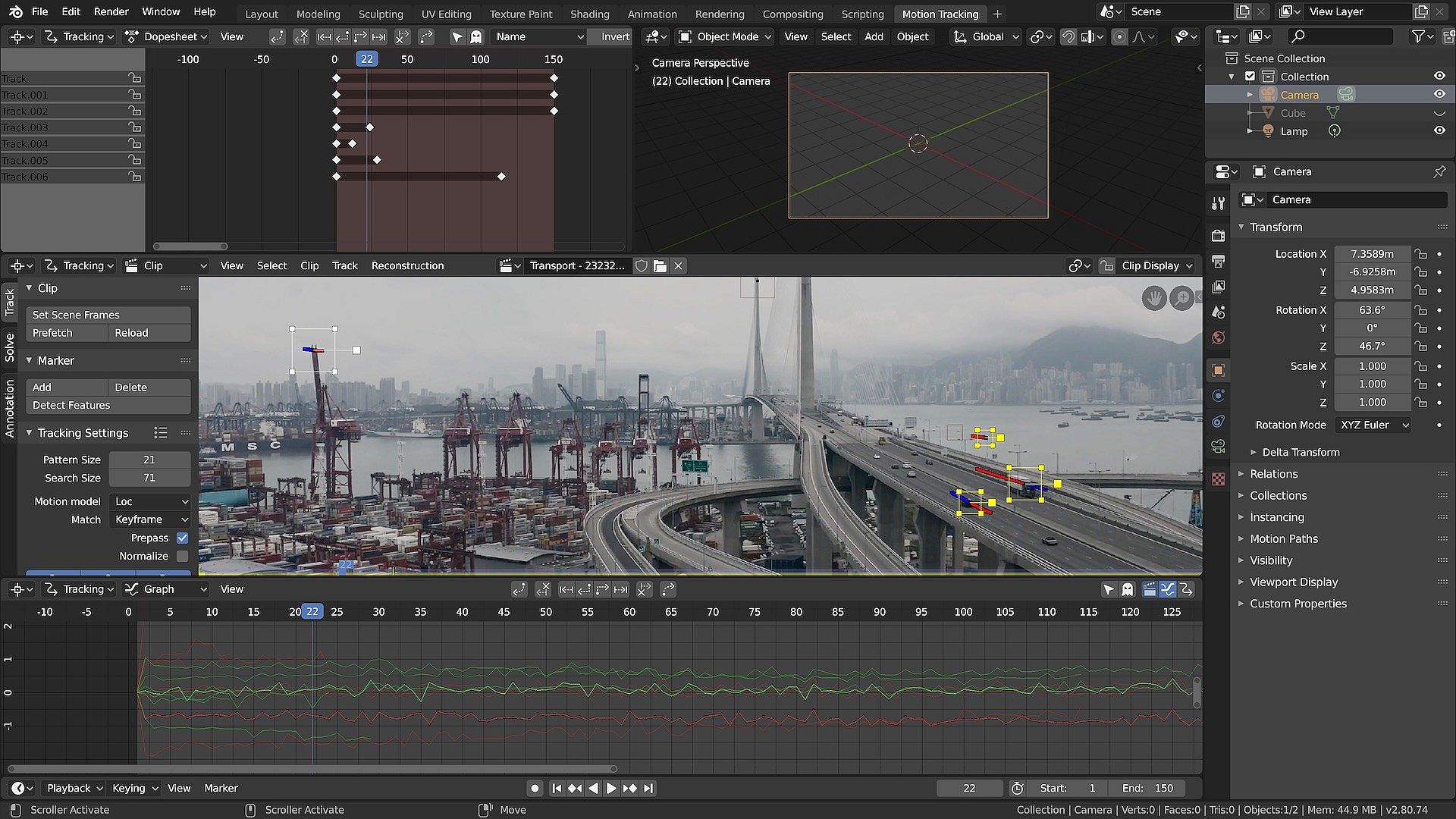
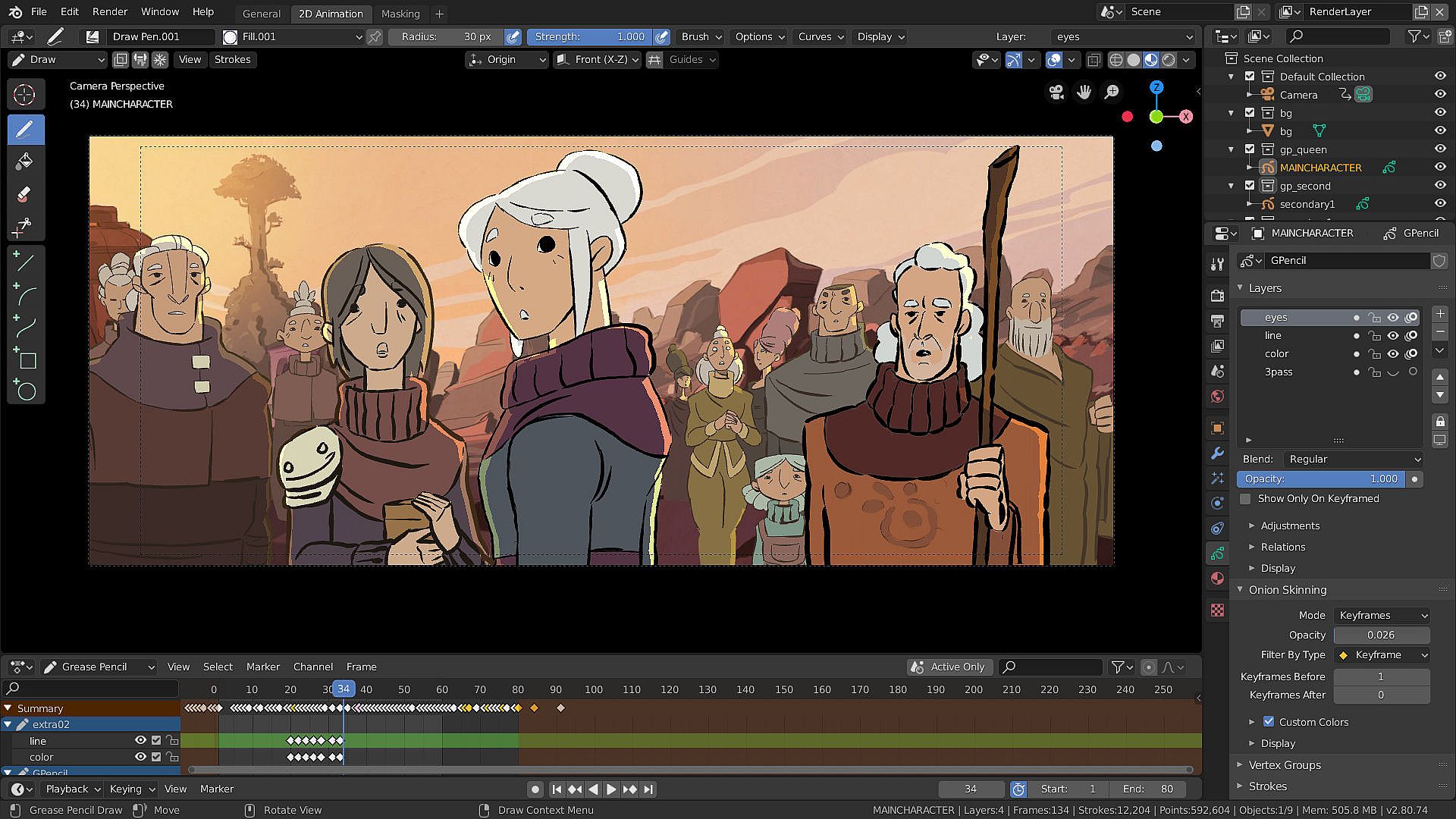
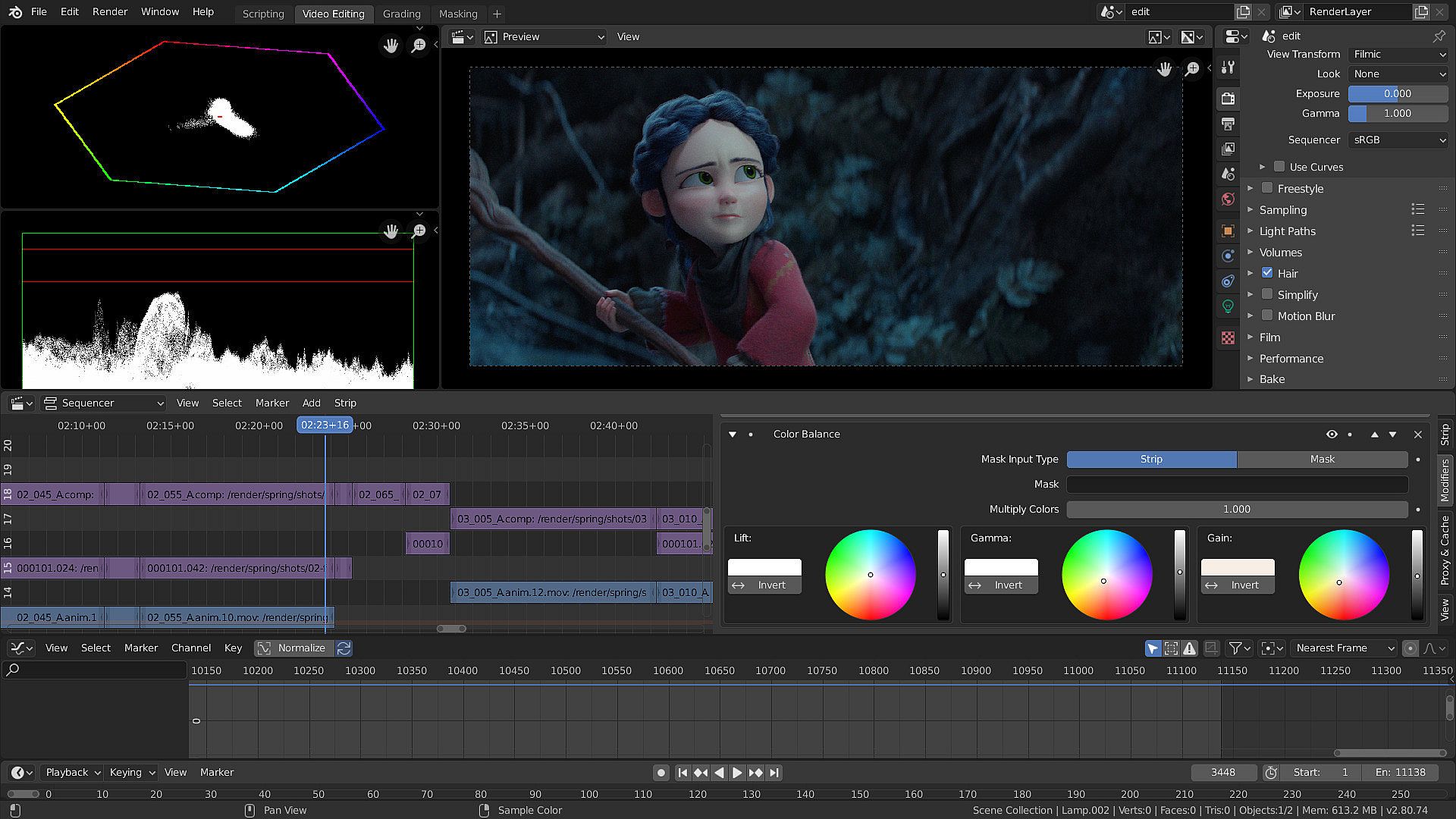
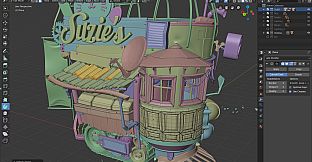
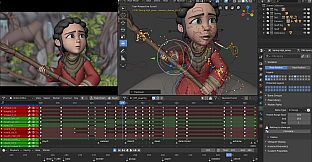
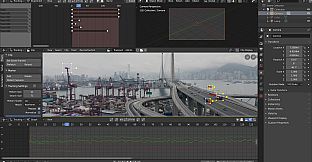
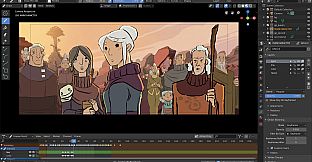
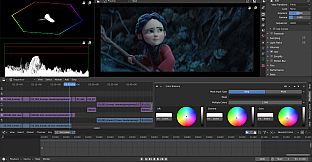
Blender stands out as a comprehensive 3D creation suite that's entirely free and open-source, catering to artists, designers, and hobbyists who want to dive into modeling, animation, and more without any cost barriers. This PC-based software covers the full spectrum of 3D production, from initial concepts to final renders, making it a go-to tool for both beginners learning the ropes and professionals handling complex projects. With its unified pipeline, users can seamlessly transition between tasks like sculpting detailed models or editing video sequences, all within one application. Its cross-platform compatibility ensures it runs smoothly on various operating systems, appealing to a wide audience in animation, video production, and design fields.
Gameplay
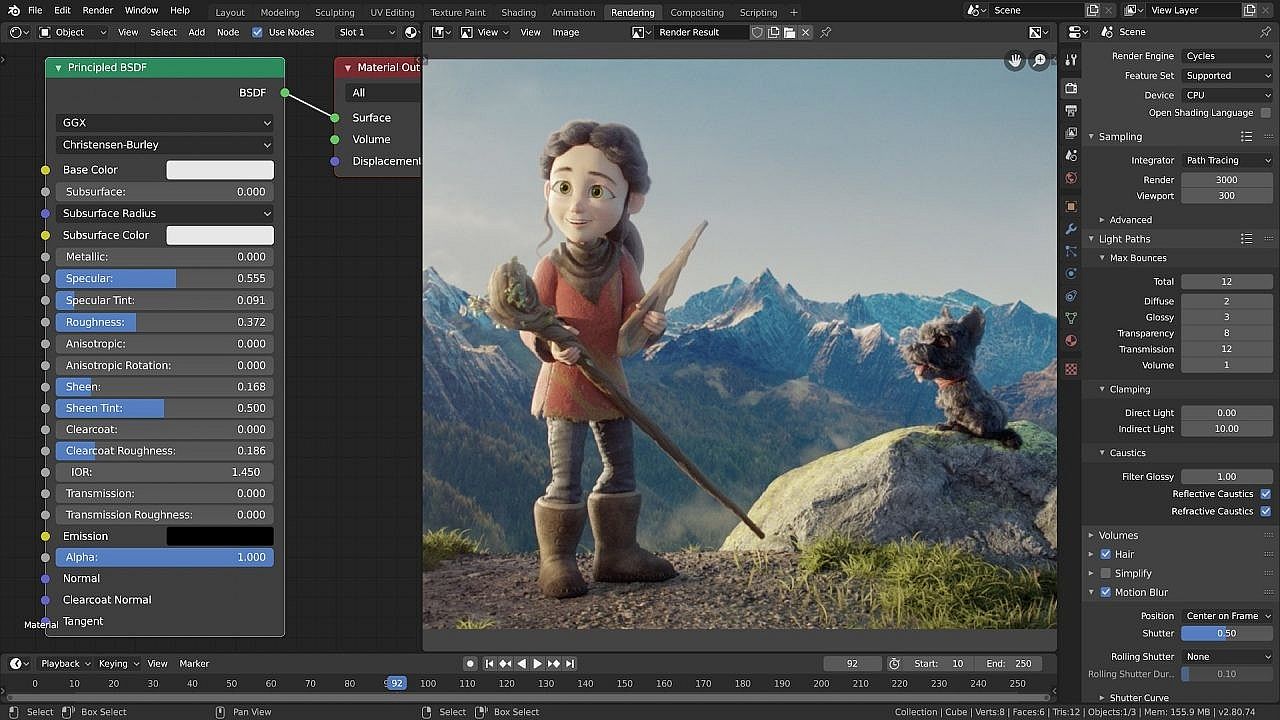
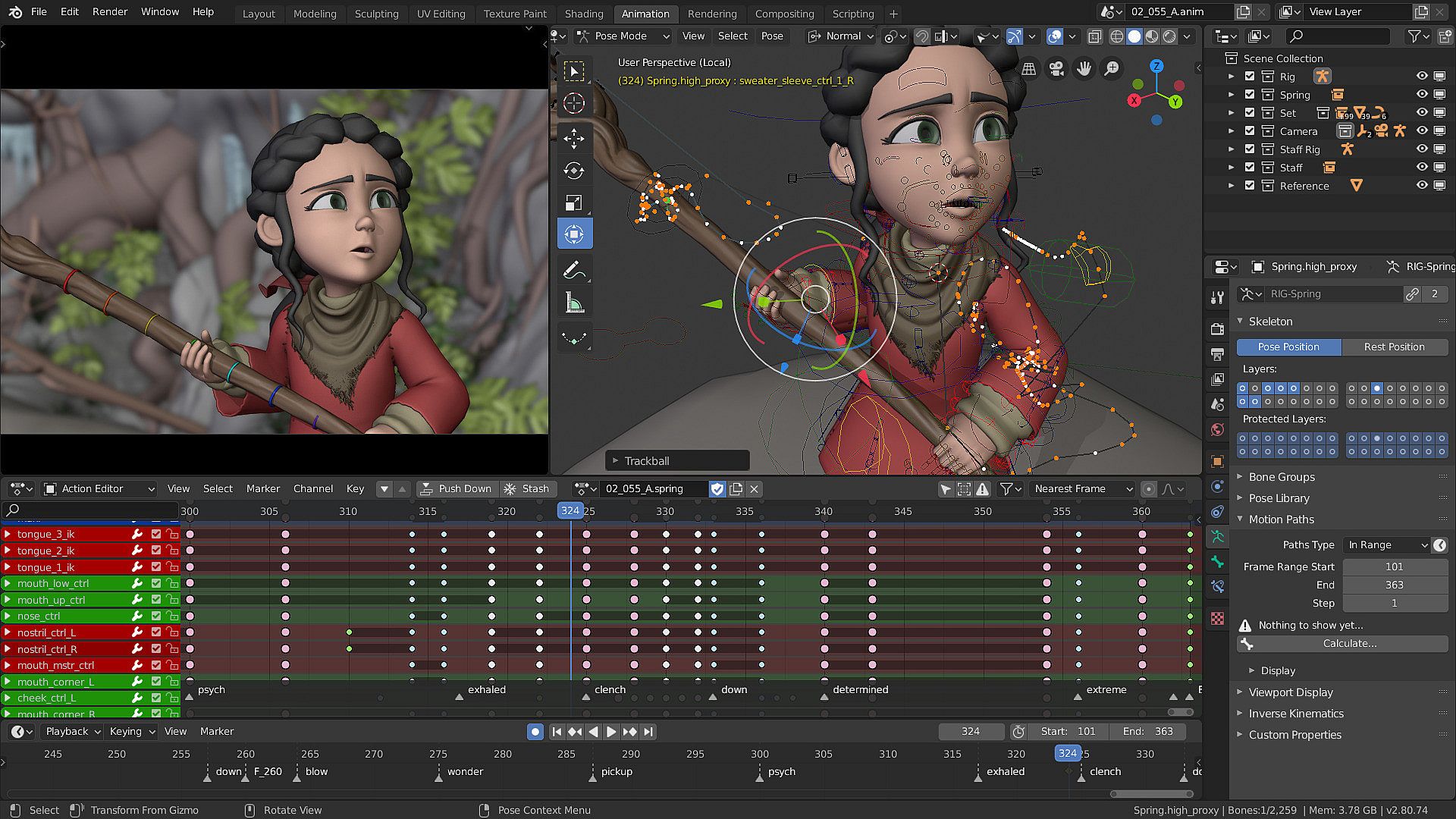
The core of Blender revolves around a versatile set of tools that handle every stage of 3D content creation. Users start with modeling, where they can build and refine shapes using features like face snapping, knife tools, and boolean operations for precise edits. Rigging allows for setting up skeletons to control movements, while animation tools enable keyframing and timeline management to bring scenes to life. Simulation options cover physics-based effects such as cloth, fluids, or particles, adding realism to projects. Rendering produces high-quality images or videos, with compositing for layering elements and motion tracking for integrating real footage. The Python API lets advanced users script custom tools, extending functionality for specific needs. This integrated approach keeps the workflow efficient, especially for small teams or individual creators who value speed and customization.
Game Modes
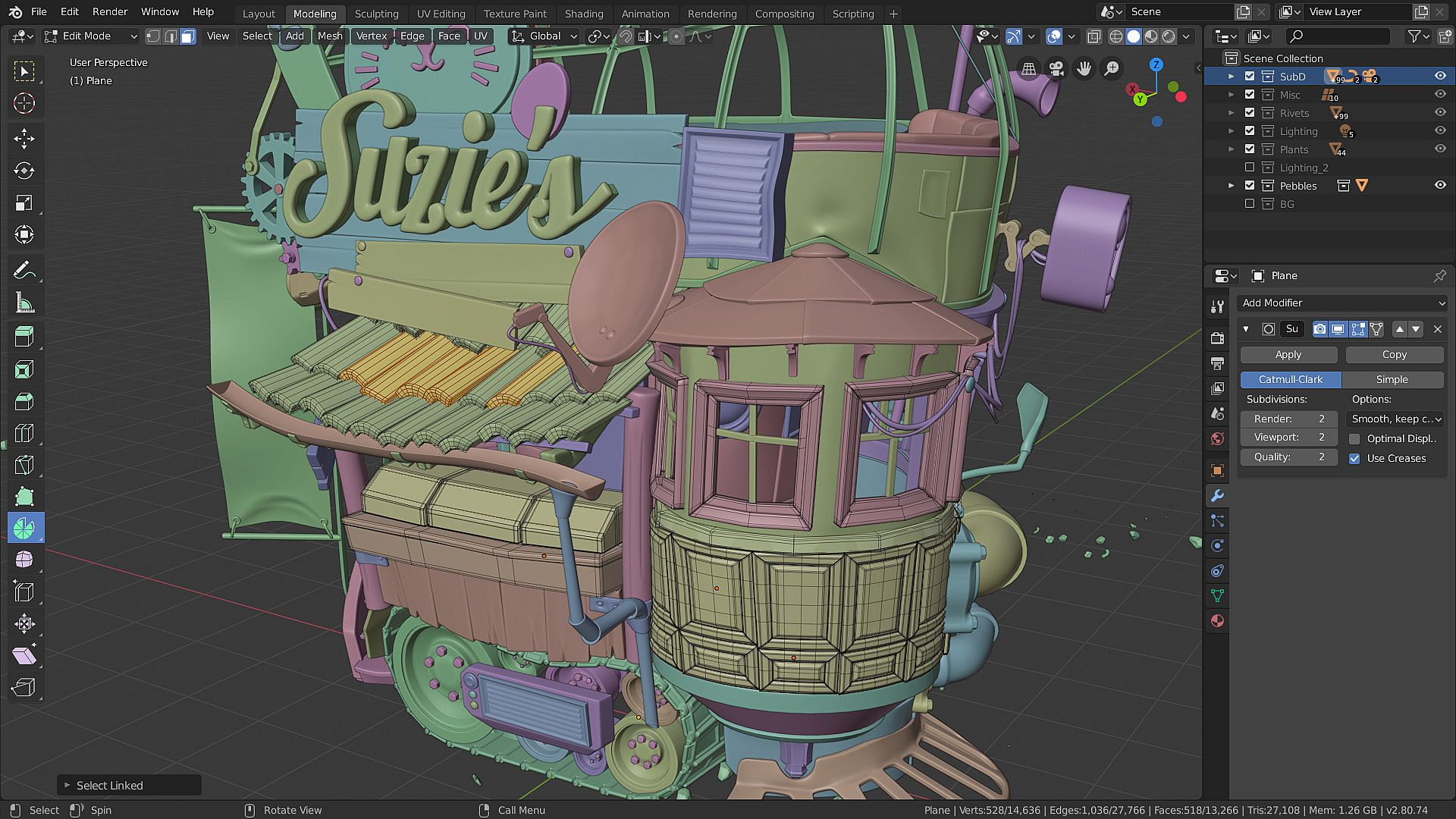
Blender organizes its features into distinct modes that focus on specific aspects of 3D work, allowing users to switch contexts easily. Object Mode handles overall scene management, like positioning and scaling items. Edit Mode dives into mesh adjustments, enabling vertex, edge, and face manipulations. Sculpt Mode offers brush-based detailing for organic shapes, with tools for pulling, smoothing, or inflating surfaces. Paint Mode supports texturing directly on models, while Shader Nodes provide a node-based system for material creation. Geometry Nodes introduce procedural modeling through node graphs, including new volumes and SDF nodes for advanced shapes. These modes ensure a structured yet flexible environment, where creators can iterate quickly on ideas.
Recent Updates and Current State
Blender continues to evolve with community input, leading to regular enhancements that keep it competitive. In 2026, developments include an ACES pipeline for better color management, improved HDR capabilities for vivid visuals, and UV Sync for streamlined texturing workflows. Storyboarding templates have been added to support pre-production planning, making it easier to outline animations or films. The user interface has seen quality-of-life improvements, alongside updates to nodes, sculpting, and painting tools. This responsive development process results in bug fixes and new features that reflect user needs, maintaining Blender's relevance in a fast-changing field.
Is It Worth Playing?
For anyone interested in 3D modeling, animation, or video production, Blender proves highly worthwhile due to its zero-cost entry and robust capabilities. It earns consistent praise with user satisfaction rates of 96-97% and average scores between 4.6 and 4.7 across platforms, highlighting its reliability and power. The software receives ongoing support through updates like those in 2026, ensuring it stays current without subscription fees. It's particularly suited for independent creators or small studios who appreciate the open-source model and community-driven improvements. If you enjoy hands-on digital artistry and want a tool that grows with your skills, Blender delivers excellent value and is definitely worth exploring.