





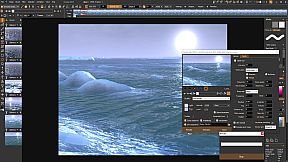
PD Howler 21 stands out as a versatile digital painting and animation software designed for PC users who want to blend creativity with powerful tools. This indie program combines elements of photo editing, video production, and 3D modeling in a single package, making it a go-to choice for artists, illustrators, and educators looking to create stunning visuals without needing multiple applications.
Gameplay
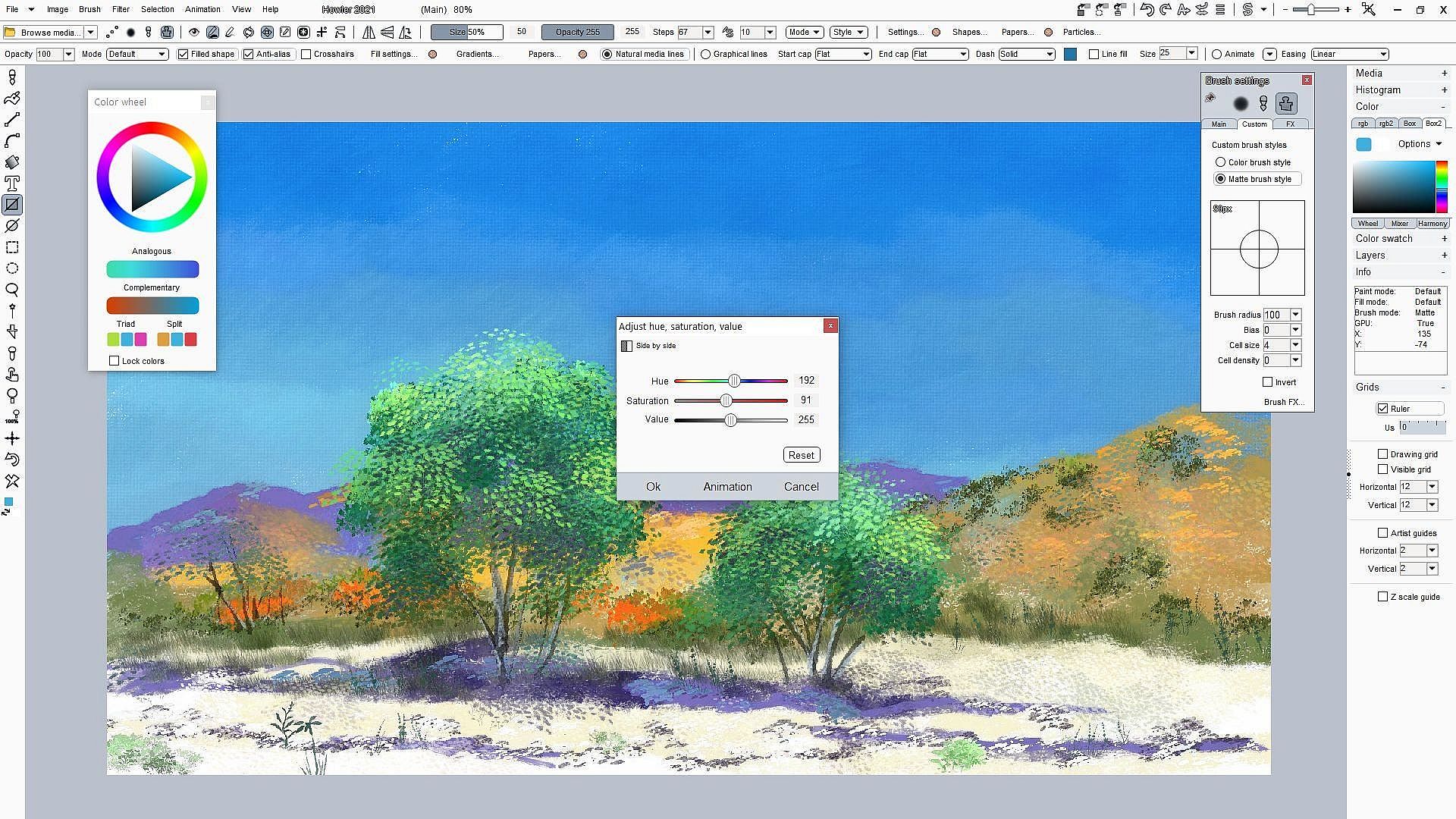
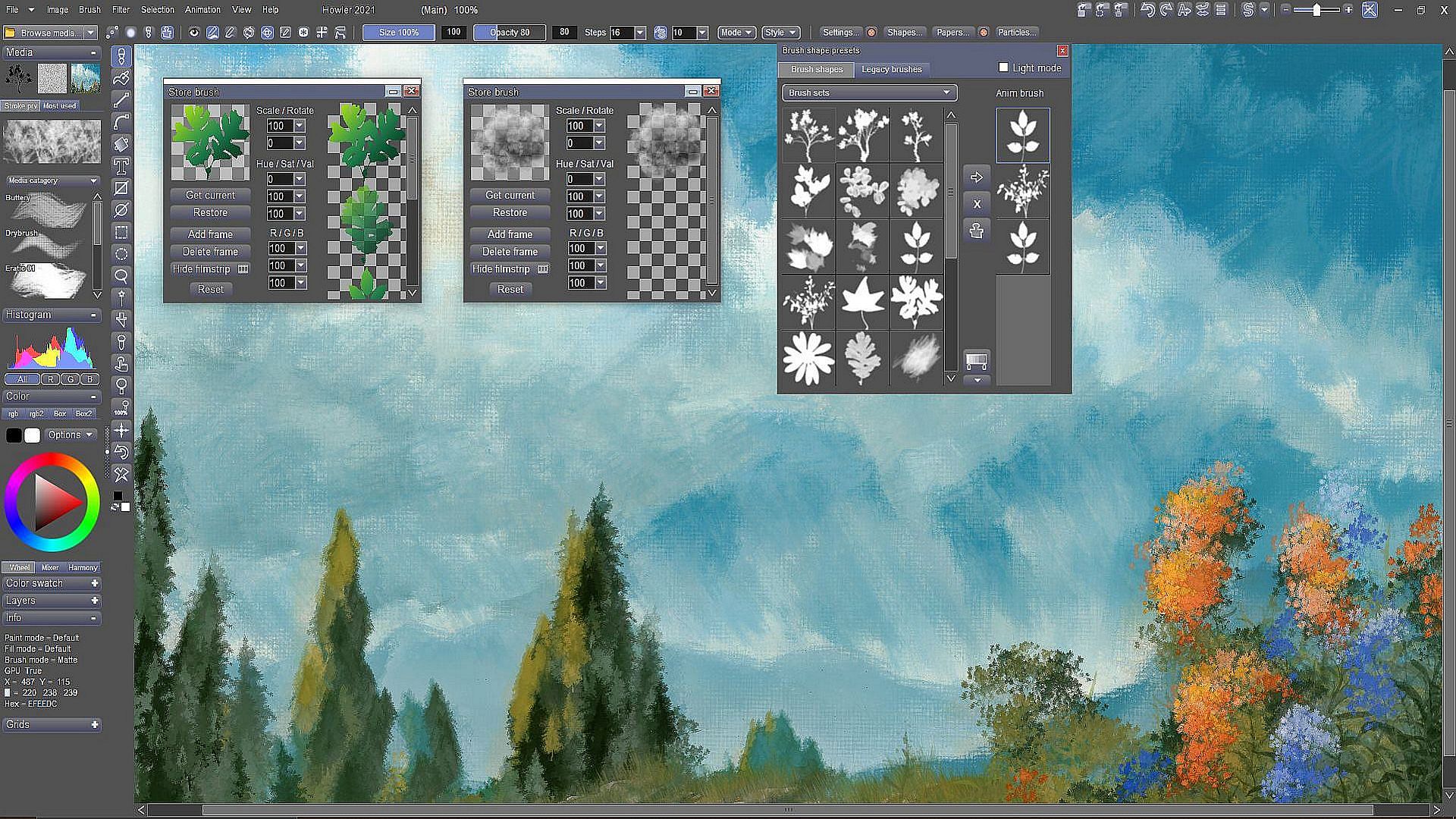
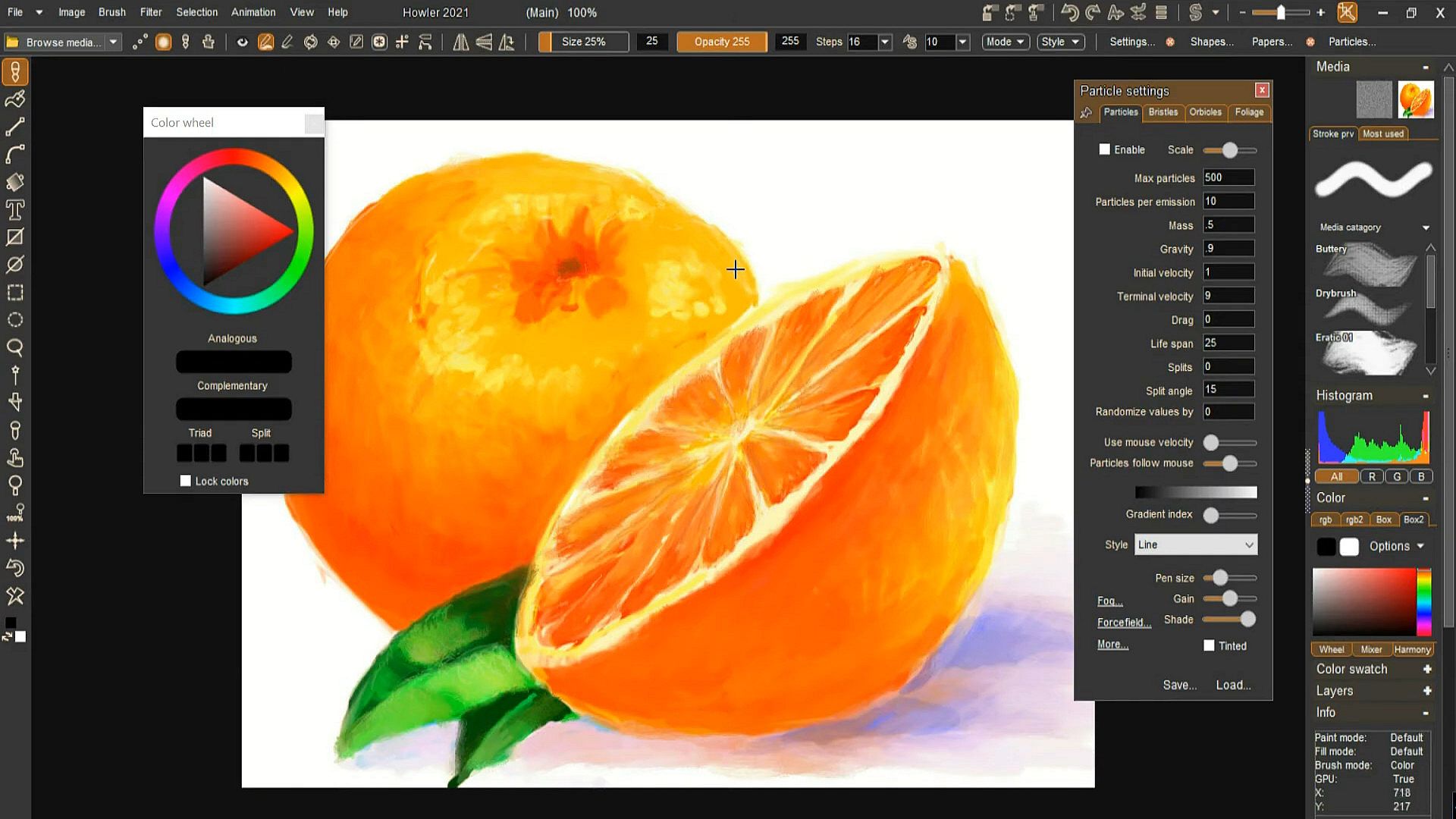
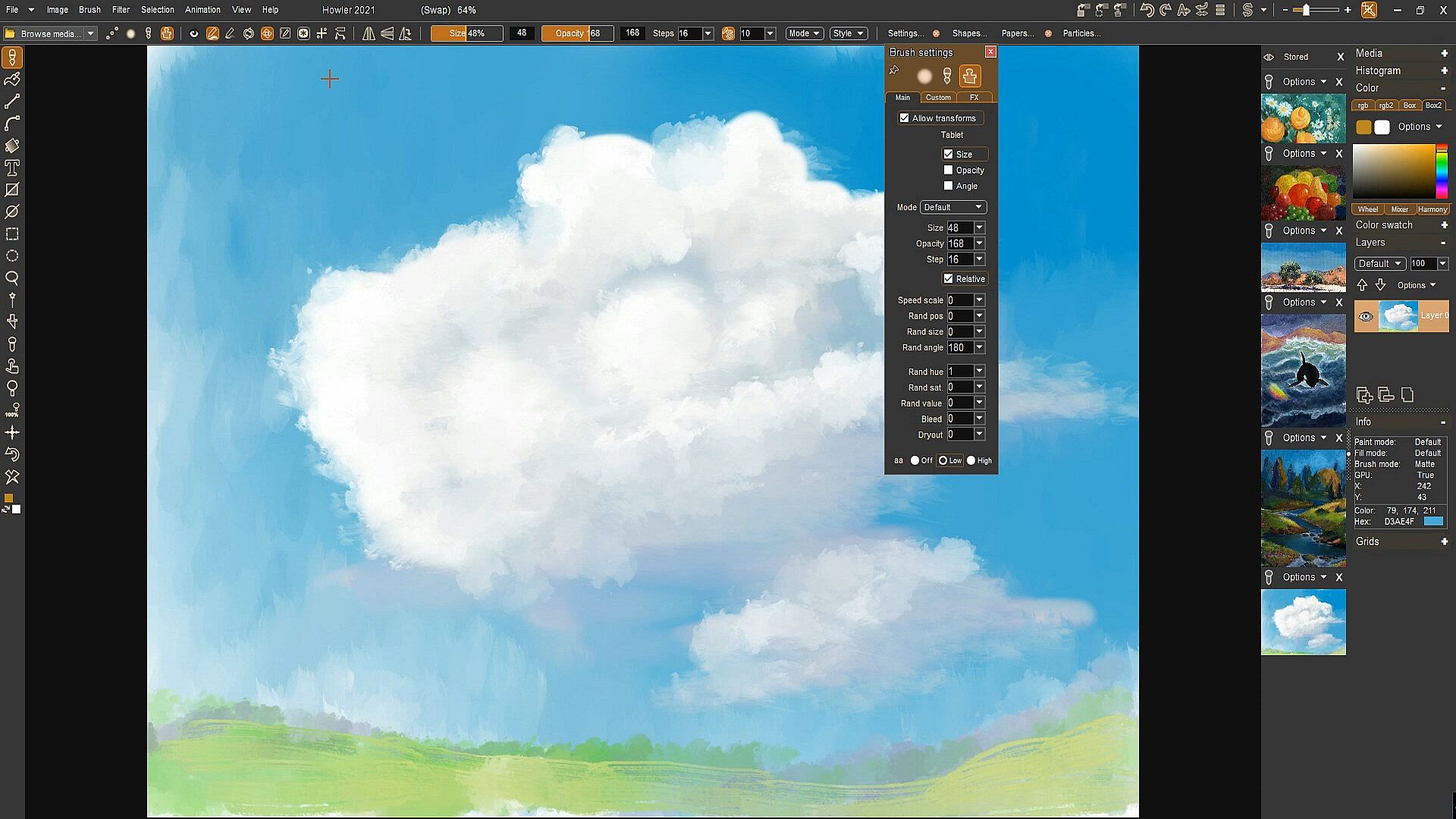
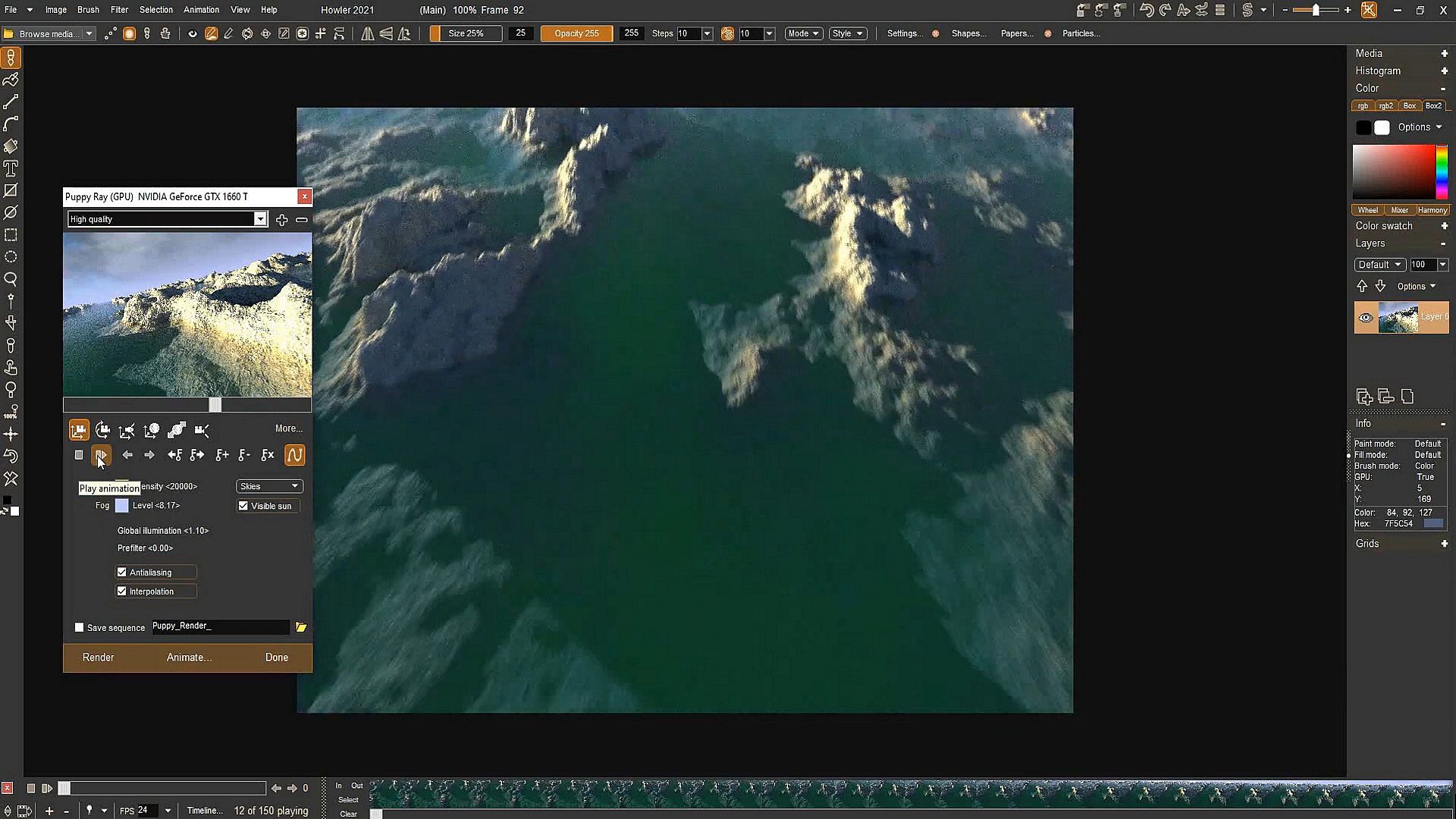
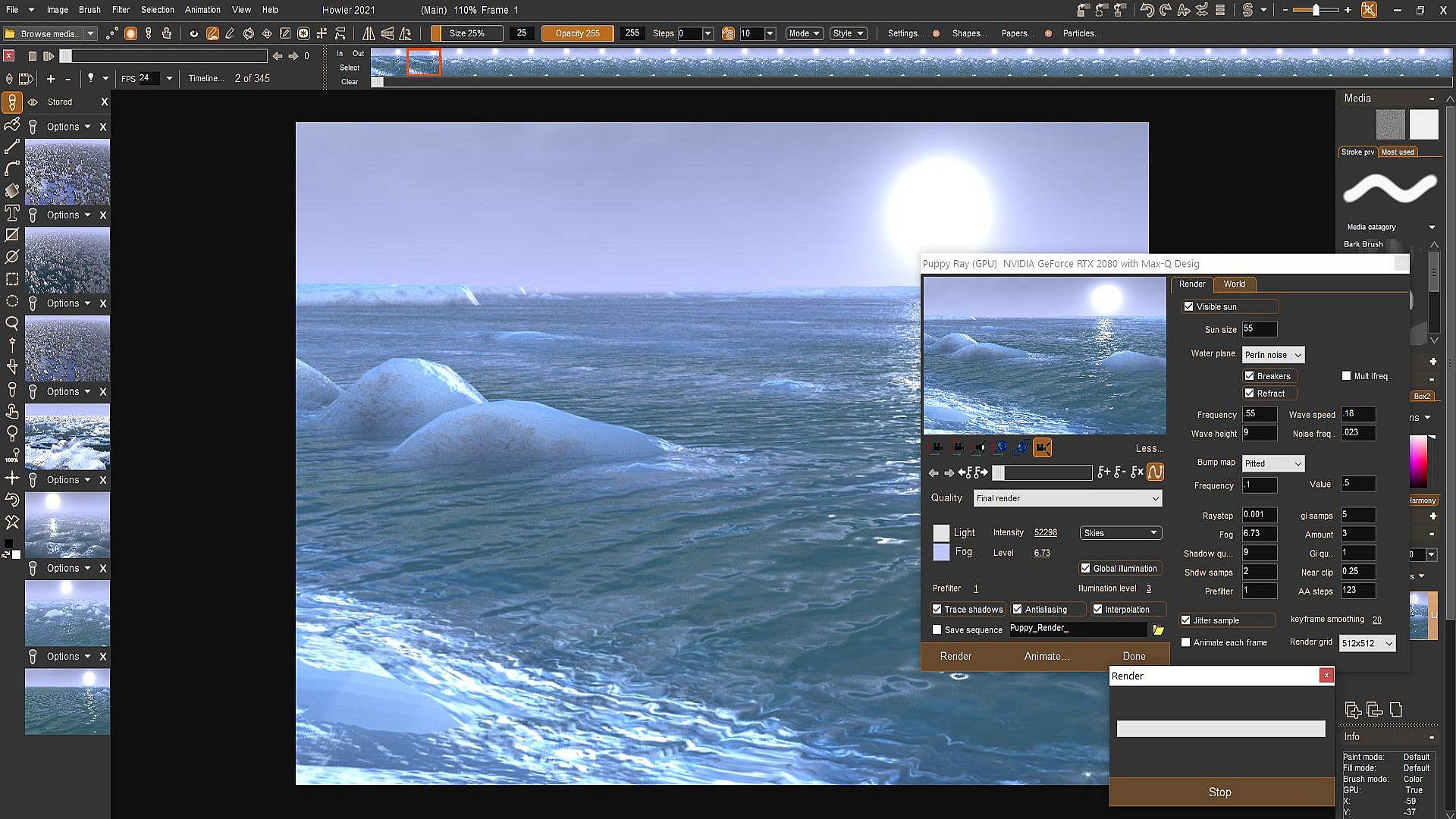
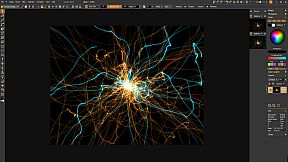
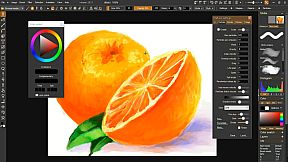
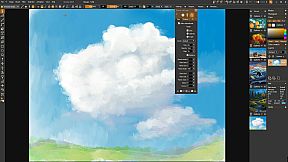
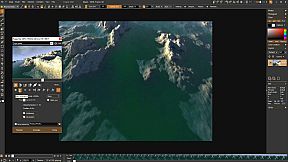
At its core, PD Howler 21 revolves around a responsive painting system that simulates natural media like watercolors and bristle brushes, complete with effects such as dryout, translucency, and pigment lifting. Users can work on large images with improved performance, thanks to GPU acceleration for tasks like 3D landscape generation and path tracing rendering. The software includes specialized brushes, including particle brushes for dynamic effects, foliage brushes for natural scenery, and orbicle brushes for unique patterns. Animation comes alive through an exposure sheet for frame-by-frame work, motion tracking for syncing elements, and video-on-video painting for layering content directly onto footage. Tools like image stabilization and rotoscoping enhance video editing, while filters for special effects, such as lens flares and particle sparks, add polish to final outputs.
Beyond basics, the program supports custom animated brushes and user-defined tools, allowing for personalized workflows. Features like time stretching with motion-estimated interpolation ensure smooth animations, and the revamped eyedropper tool makes color selection precise, even across multiple monitors. Sliders are optimized for drawing tablets, improving control during sessions.
Game Modes
PD Howler 21 organizes its features into distinct modes that cater to different creative needs. The painting mode focuses on digital artistry with tools for realistic media simulation and custom brush creation, including options to flip, rotate, and invert alpha for animated sequences. Animation mode provides an exposure sheet for lip-synched cartooning and frame painting, alongside loopable video creation for seamless outputs.
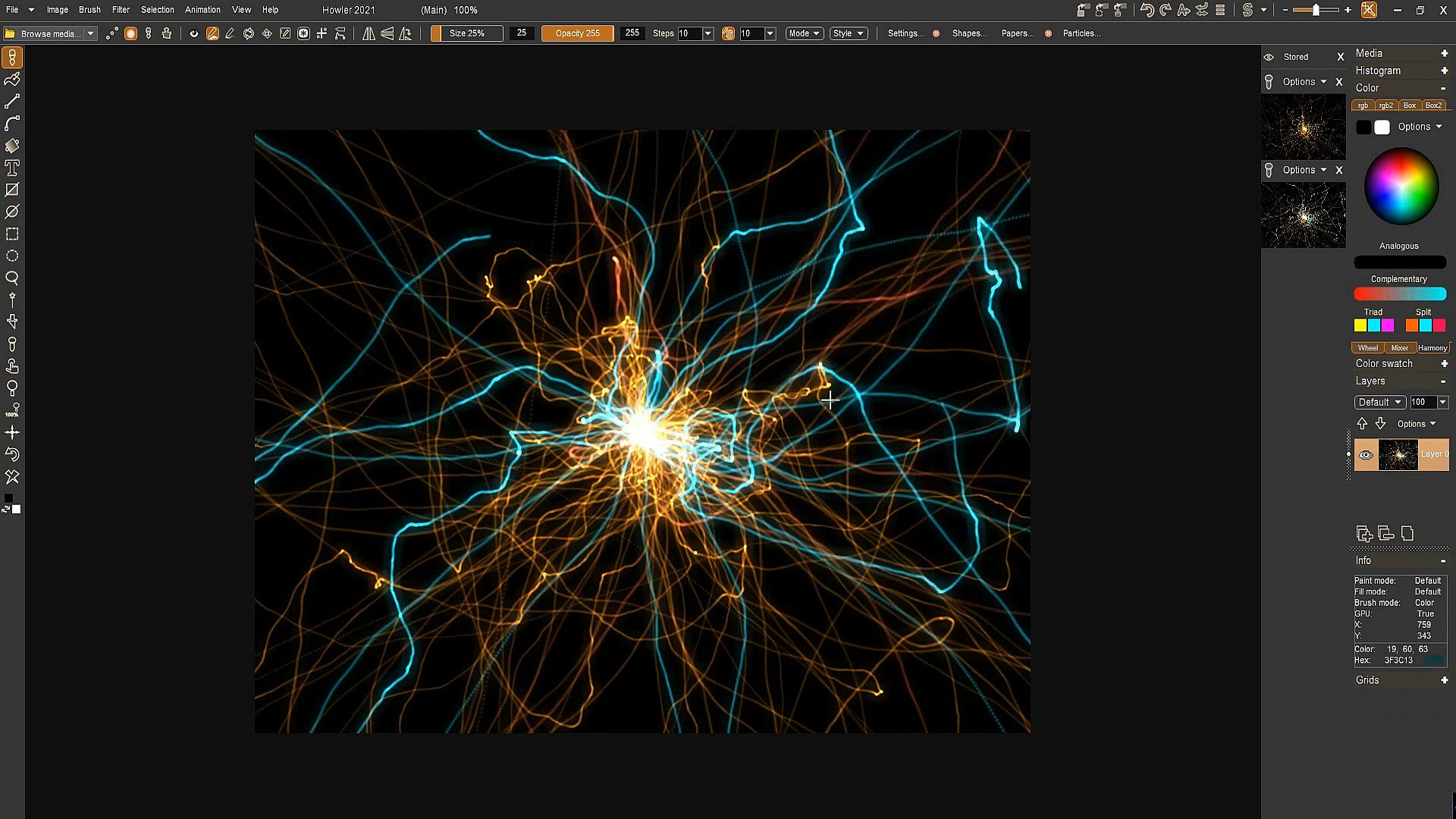
Visual effects mode integrates 3D tools like landscape generation and rendering, plus post-production filters such as box fitting and Lorenz attractor for abstract designs. Video production mode handles motion tracking, stabilization, and rotoscoping, making it suitable for editing and enhancing footage. Additionally, the software includes education-oriented modes with artist guides and software training elements, ideal for learning design and illustration techniques.
Updates and Current State
Since its release, PD Howler 21 has evolved through ongoing updates, with the series continuing into versions like Howler 2026. Recent builds have introduced tools such as a lathe tool for 3D shaping, a curve editor for precise adjustments, and warp nodes for advanced distortions. The interface has seen extensive improvements, including a rich text system and better multi-monitor support. Bug fixes and performance enhancements ensure stability, while features like multi-file selection and reorganized panels streamline workflows.
The software remains actively developed, with updates addressing user feedback and adding capabilities like new filters and improved loading of animation sequences. This commitment keeps it relevant for modern creative tasks.
Is It Worth Playing?
For those interested in digital art and animation, PD Howler 21 offers substantial value through its comprehensive toolset that rivals more expensive alternatives. Its blend of painting, 3D, and video features suits hobbyists and professionals alike, especially if you enjoy experimenting with brushes and effects in a fast, GPU-optimized environment. User feedback highlights its speed and versatility, making it a strong option for PC-based creators seeking an all-in-one solution without subscription fees. If your focus is on natural media simulation or quick video edits, this software delivers reliable performance and creative freedom.