
Buy PhotoPad PC

Interested in PhotoPad? We're tracking prices from trusted stores. Add PhotoPad to your wishlist and we'll notify you when deals become available.

Steam:
Overwhelmingly Negative (9)
Official
Unavailable
Keyshops
Unavailable
Buy in Official Store:
Unavailable
Buy in Keyshops:
Unavailable

No entries, but don''t worry, we will inform you once the new offer appears.

Create Alert Create deal Alert

About PhotoPad

PhotoPad - about the game
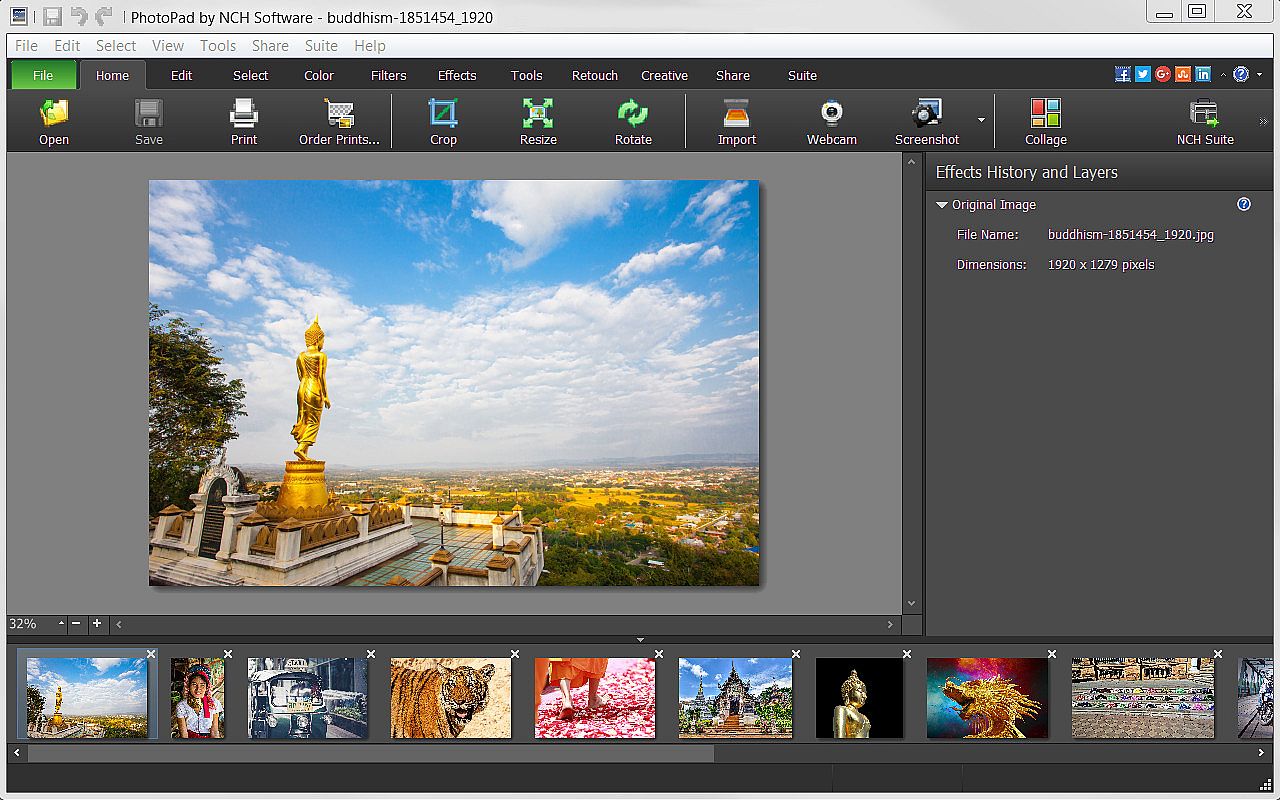
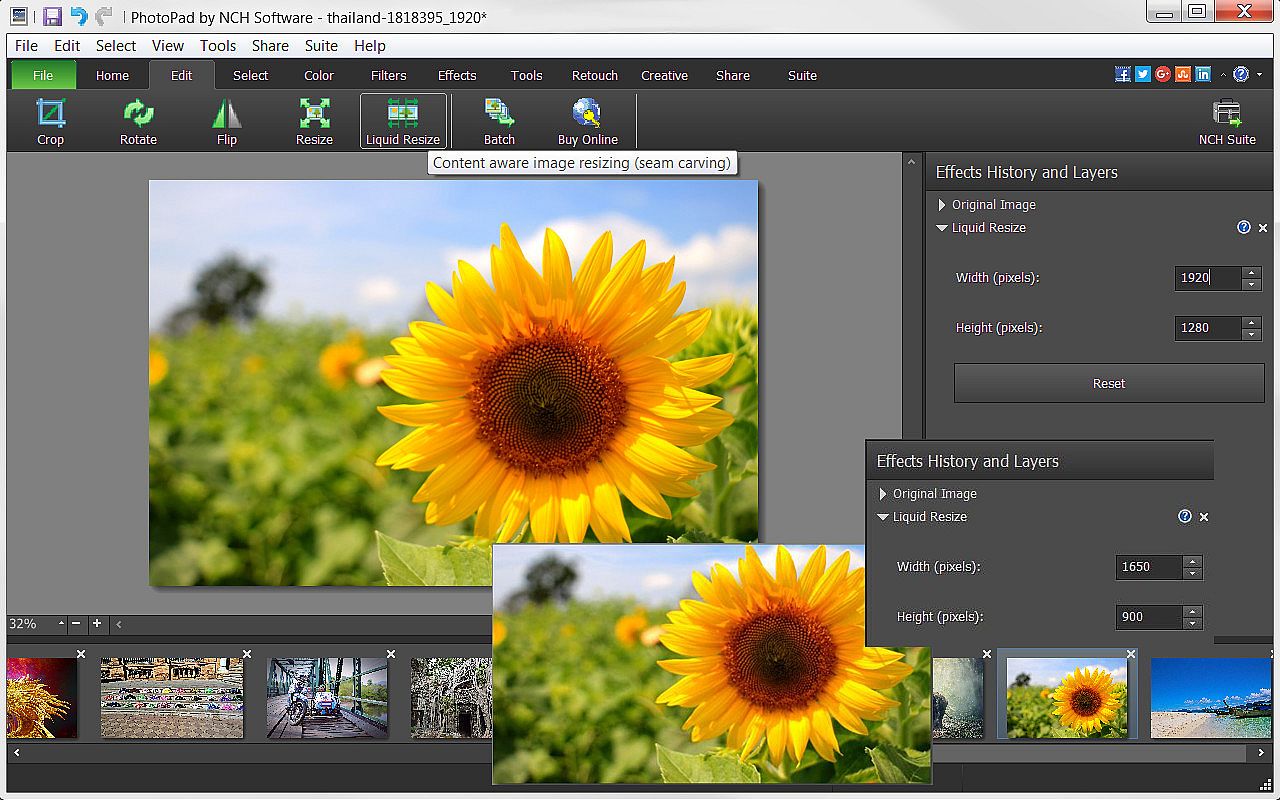
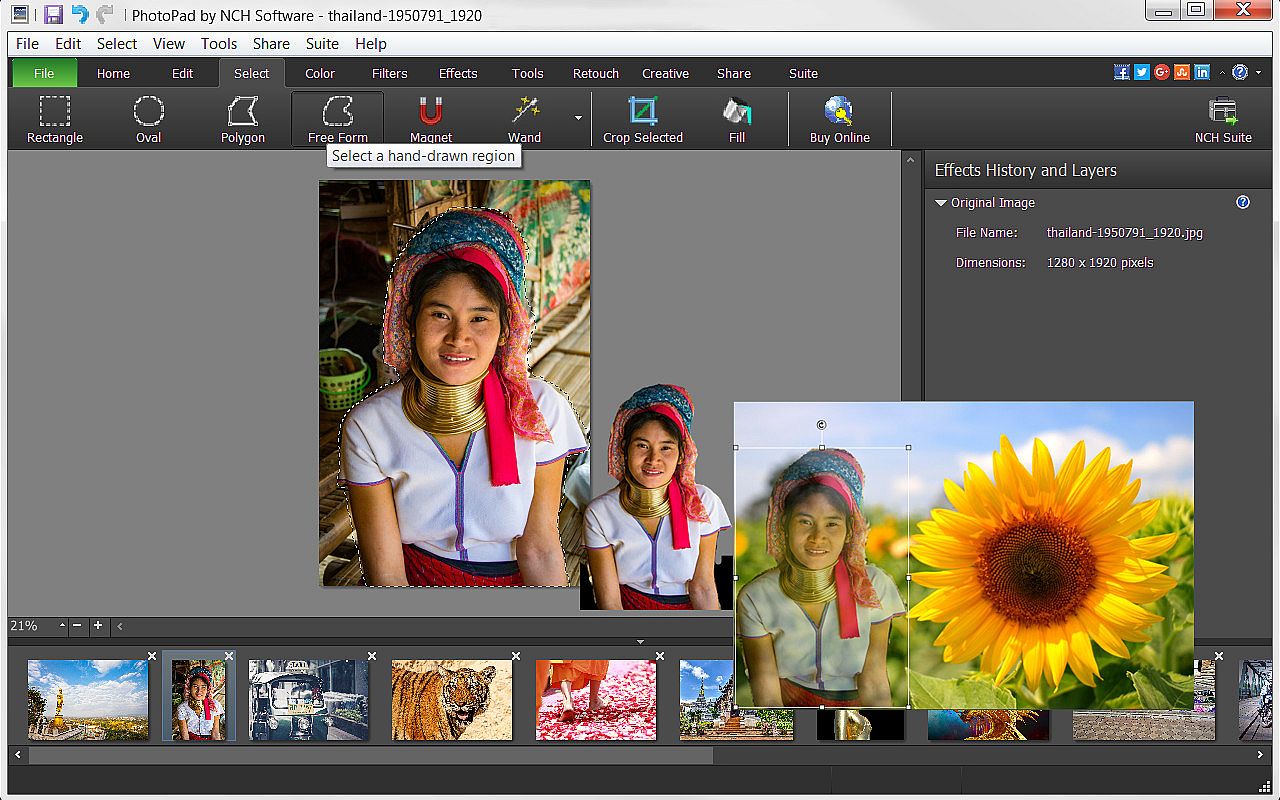
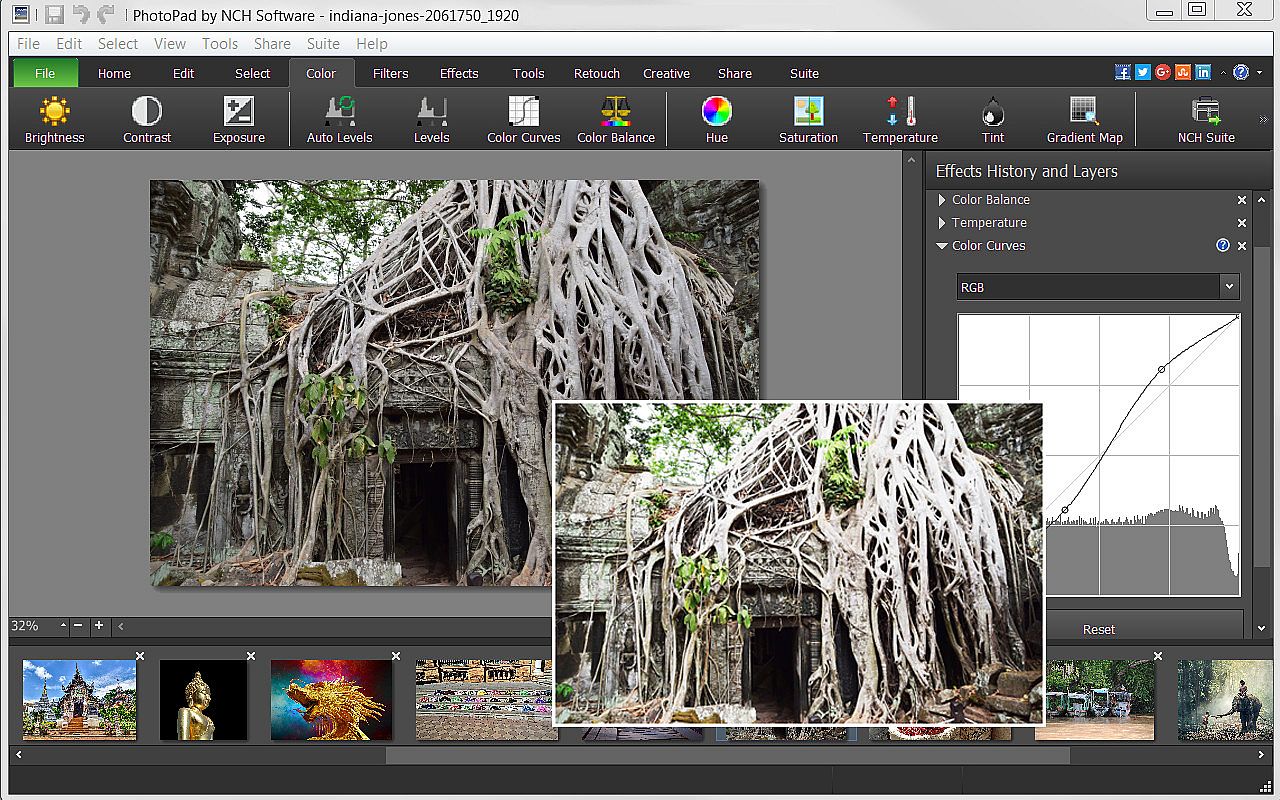
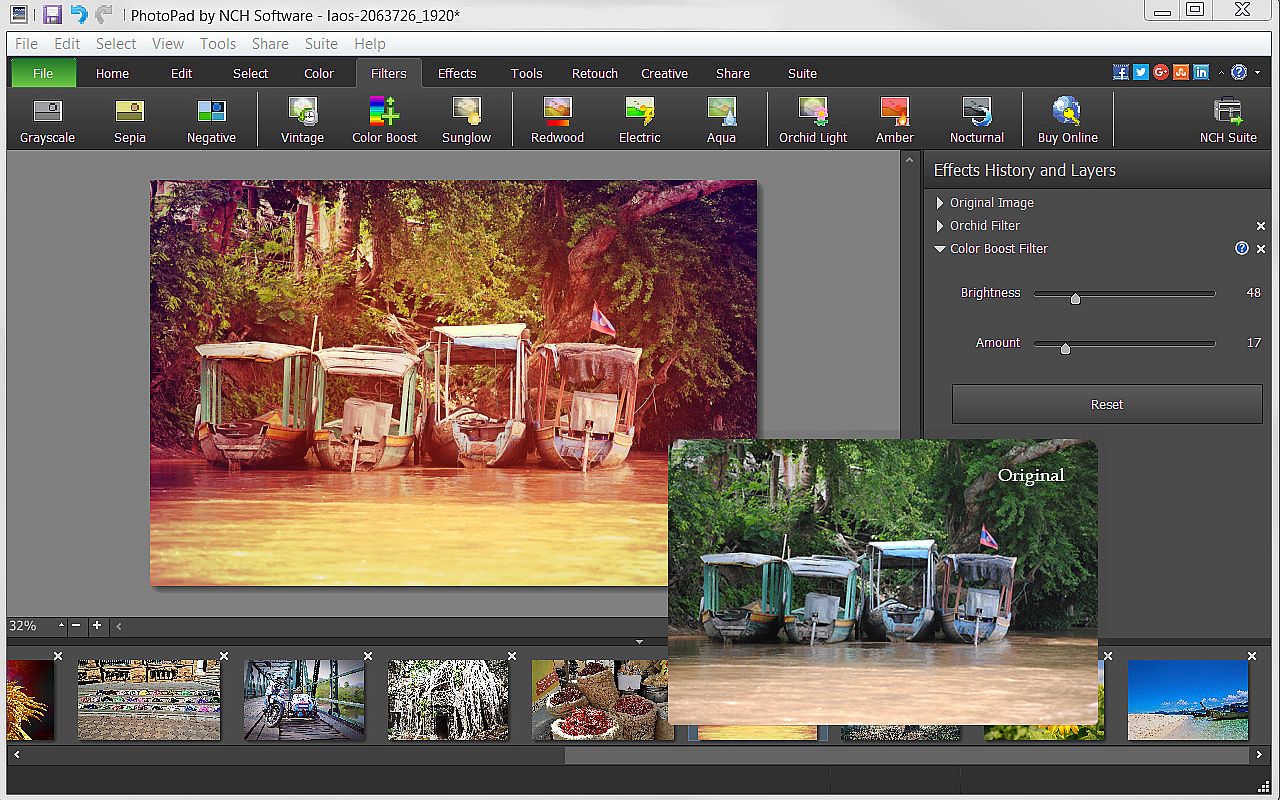
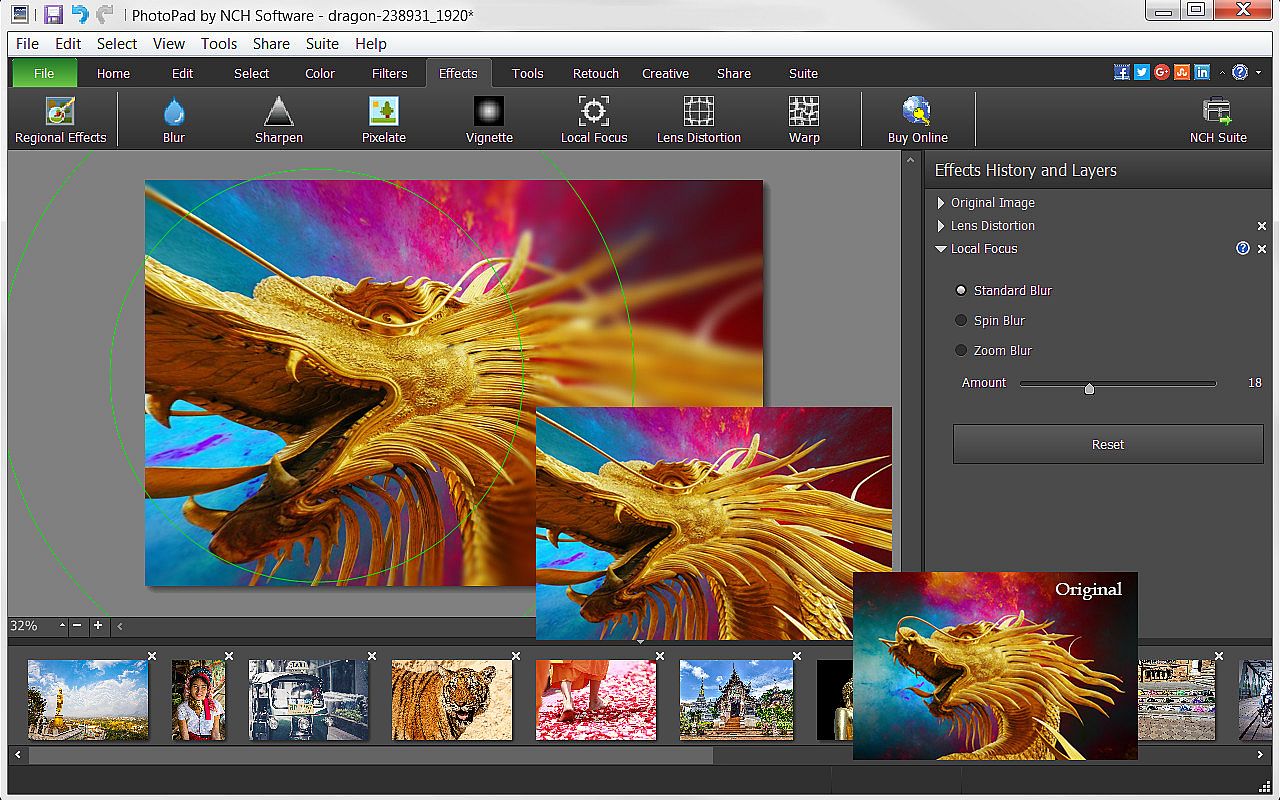
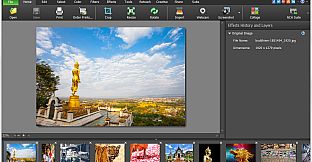
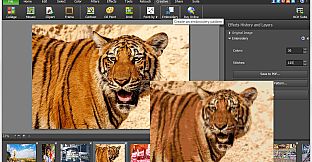
Elevate your images with PhotoPad Photo Editor on PC, a versatile tool for design and illustration that handles everything from basic tweaks to advanced photo editing. Rotate, crop, flip, and resize photos with liquid precision, or select areas using wand, magnet, and free-form tools to recolor, transfer pixels, and reshape elements. Apply filters, effects like sharpen, distort, or cartoon styles, and retouch with noise reduction, red-eye fixes, and color curves for professional results. Draw custom art, clone elements, or batch-process multiple images at once, then stitch panoramas, build collages, or create embroidery designs. Add text, borders, and backgrounds before exporting to Dropbox, Google Drive, or directly to Facebook and Flickr. Beginners and pros alike edit photos effortlessly with these robust features.

PhotoPad Photo Editor is a photo editing software for Windows that allows you take your images to the next level and create stunning photos to share with your friends and family. Whether a beginning editor or a seasoned editor, PhotoPad is easy-to-use but robust enough to do intricate photoshop work. With PhotoPad, you can use many editing, effect, quality enhancement and coloring tools to customize your photos.

PhotoPad Features Include:

Editing & Effects
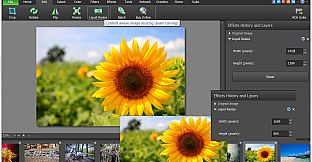
  • Edit your photos using liquid resize, flip, rotate, crop and other editing tools.
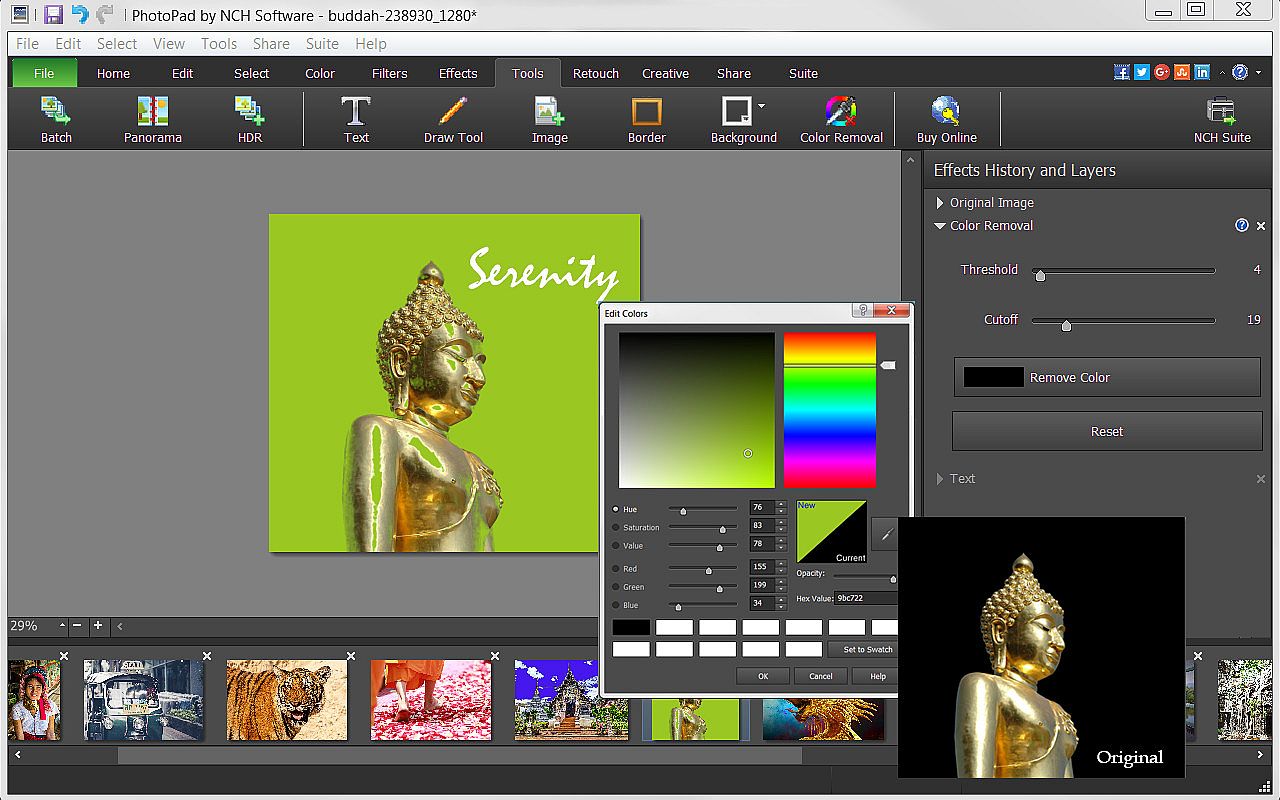
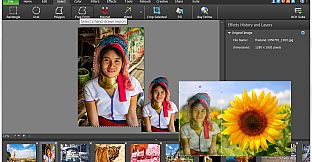
  • Manipulate image shapes, pixel/element transfers and recoloring with selection tools, like wand, magnet, free form and other shape options.
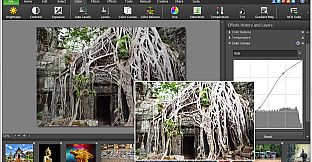
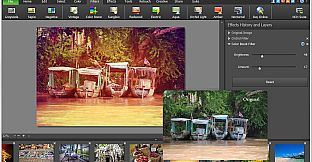
  • Brighten or change exposure, color curves and balance, hue and other color features.
  • Apply one or more of the many filters available to make photos more interesting.
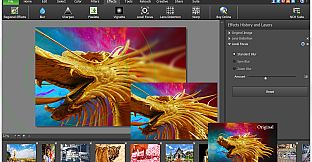
  • Use sharpen, pixelate, focus, distort or one of the many other effects to change your photo’s perspective.
  • Turn your photo into a cartoon or oil painting.
  • Add borders, background or fill colors to give your photo a more complete look.
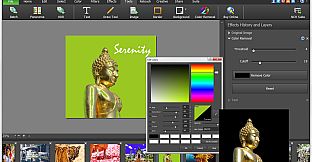
  • Include text to give your photo narration.
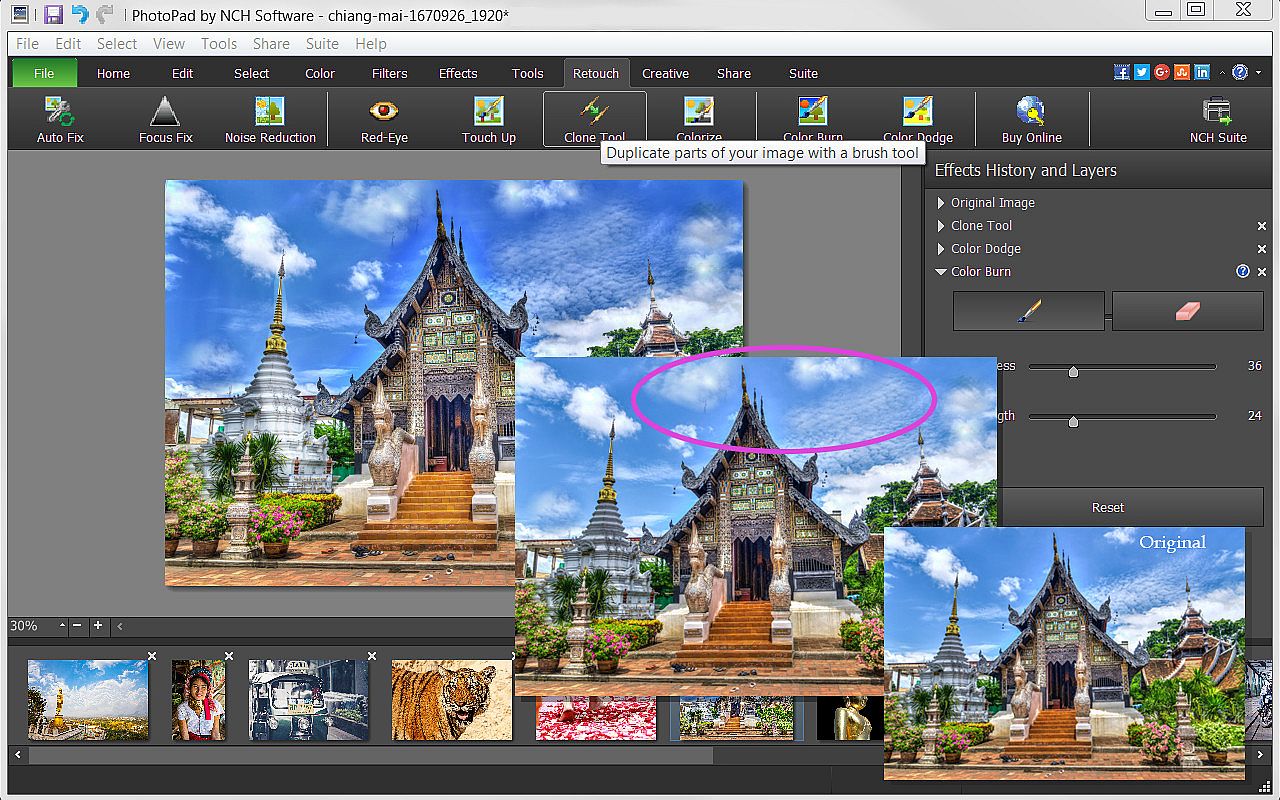
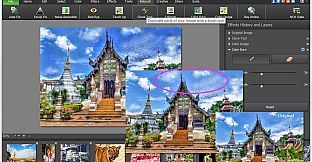
  • Retouch photos with noise reduction, red-eye, colorize, focus fix and other retouching tools.

Useful Tools
  • Be creative and use the Draw Tool to create your own art, illustration or notes on your photo.
  • Mimic colors, shapes and other elements or correct your photos with the Clone Tool.
  • Use the Batch Tool to apply effects to many photos at one time.
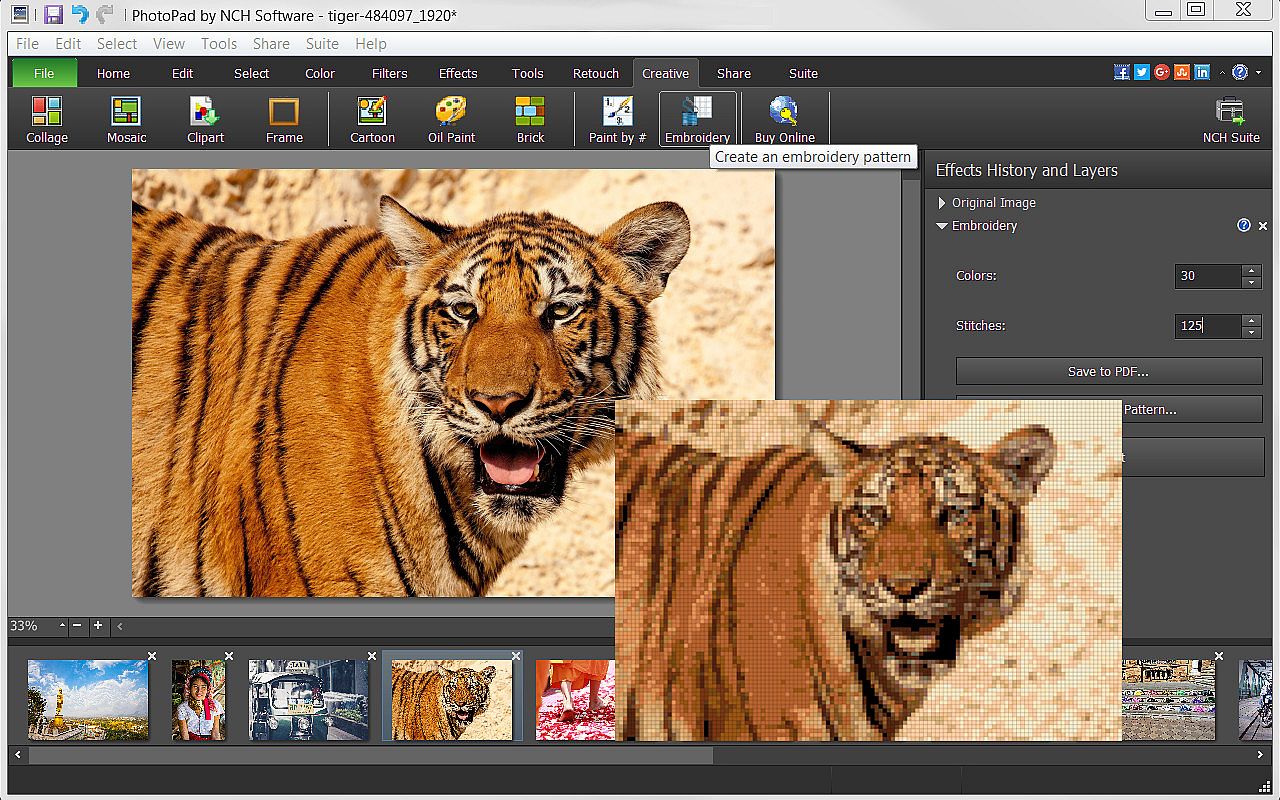
  • Turn your photo into a fun Embroidery or Paint-by-Numbers project.
  • Create a collage or Mosaic with one of the many layouts available.
  • Take advantage of other useful photo applications, like Pixillion Image File Conversion, that can be used through PhotoPad.
  • Stitch photos together to make a Panorama.

Export and Import Options
  • Import images directly from your camera and other digital devices.
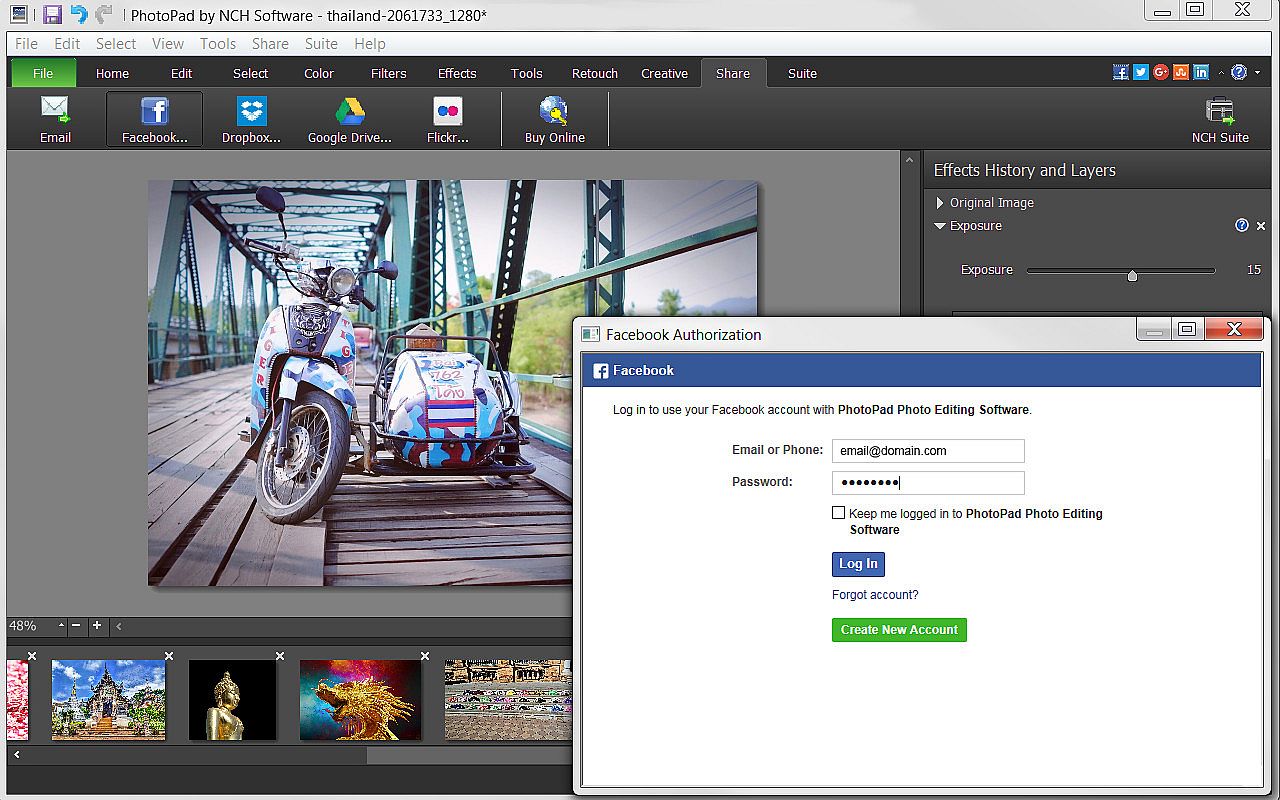
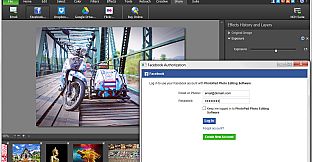
  • Share with friends via Facebook and Flickr.
  • Upload photos to online cloud storage sites, including Dropbox and Google Drive.
  • Email photos to loved ones or clients.
  • Order prints instantly from the PhotoPad interface.

Interface:
English

Age rating

Unavailable
Steam:
Overwhelmingly Negative (9)

Minimum:

  • Processor: Windows 10, XP, Vista, 7, 8 and 8.1
  • Memory: 4 GB RAM
  • Storage: 100 MB available space
  • Additional Notes: PhotoPad is designed to be usable with minimal resources.
Historical low
Price history from official stores
-
-
-
Price history from keyshops
-
-
-

FAQ

8 questions

Before you start looking for a cheap PhotoPad key, check the essentials. Developed by NCH Software. Published by NCH Software. PC released date: 05 May 2017. Genres: Design & Illustration, Photo Editing.

Q

Where to buy a cheap PhotoPad Steam key?

There are currently no active offers for PhotoPad. Set a price alert on XD.deals and we will notify you the moment a deal becomes available.

We don't have a current Steam Store price for PhotoPad. The game may be temporarily unavailable or not yet listed on Steam.

Our price tracker covers both official retailers and key marketplaces, so you can find PhotoPad on sale even outside seasonal promotions. We currently detect 0 active offers from official stores and keyshops. Check the table above, compare against the historical low, and set an alert so you never miss the next price drop.

Based on our data, PhotoPad is not currently available on GeForce NOW. You will need to run it locally on your PC. Browse games available on GeForce NOW.

Yes. PhotoPad has an official page on the Steam Store, but we currently don't track any third-party offers with Steam DRM. Check back later or set a price alert.

Not at this time. Valve marks PhotoPad as Unsupported on Steam Deck. Keep an eye on XD.deals - we track Proton updates and community fixes. Browse games that are Steam Deck Verified or Steam Deck Playable.

PhotoPad does not appear to be available on PC Game Pass, EA Play, Ubisoft+ or any other PC subscription service at this time. Your only option is purchasing the game - use XD.deals to find the best price.

No - XD.deals is not a store. We are a price-comparison service that tracks the best PhotoPad deals across official stores and verified keyshops. Click "Go to Store" next to any offer and you will be redirected to the retailer's website to complete your purchase.

Want to buy at the best moment? Set a price alert on XD.deals and get notified when PhotoPad hits its next historical low.

Create Alert
Join our Discord
Get instant help from our community and stay updated on the latest deals
Set Price Alerts
Get notified by email when game prices drop to your target
Create Free Account
Unlock wishlists, price alerts, and Steam sync