


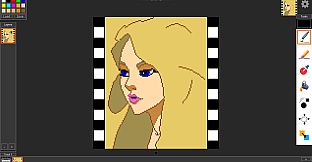
Retro Sketch - Pixel Art & Animation stands out as a dedicated pixel art creation and animation tool for PC users interested in design, illustration, and game development. This software caters to artists who enjoy crafting detailed pixel-based images and bringing them to life through simple animations, blending ease of use with a range of specialized features.
Gameplay
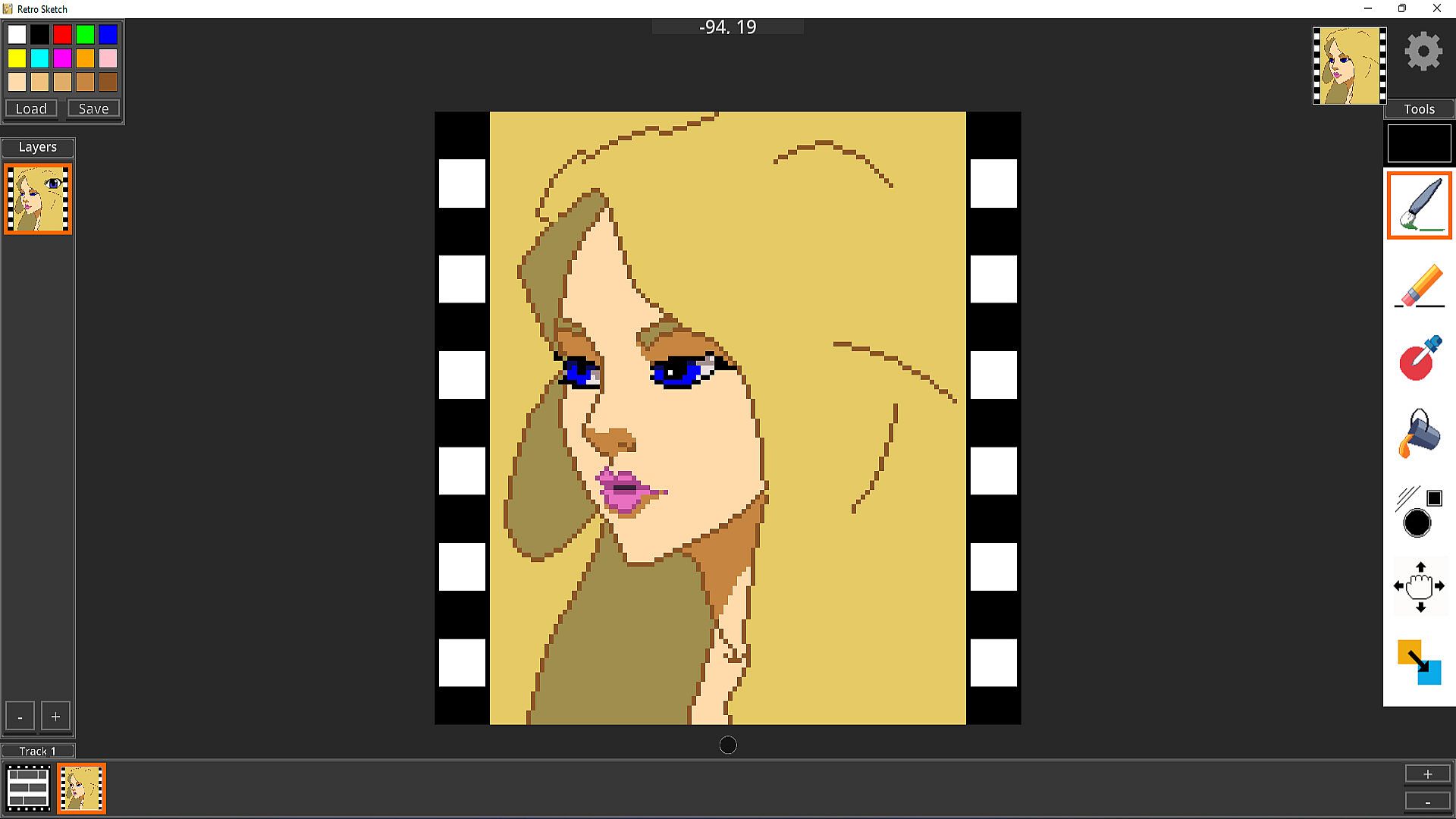
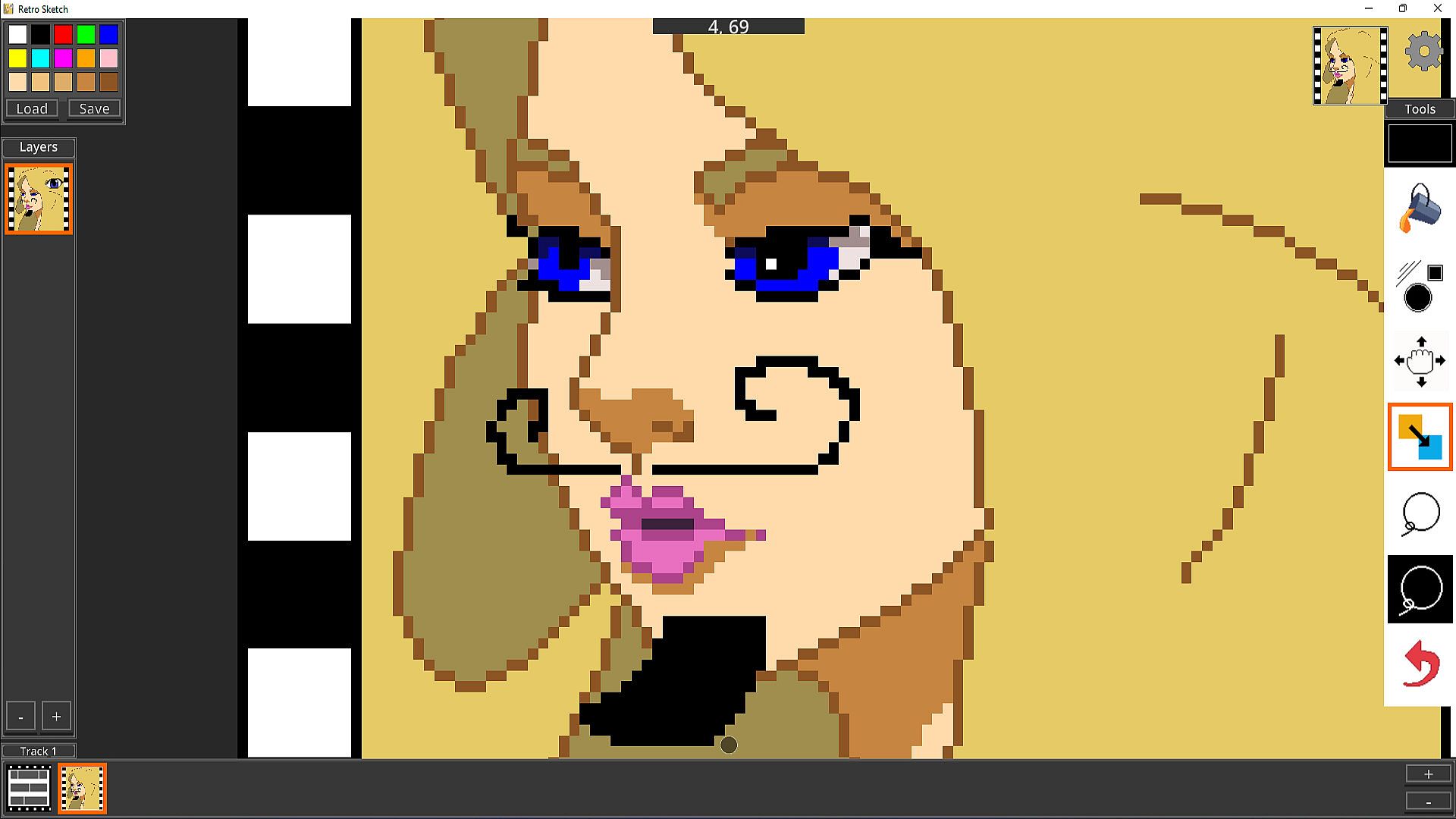
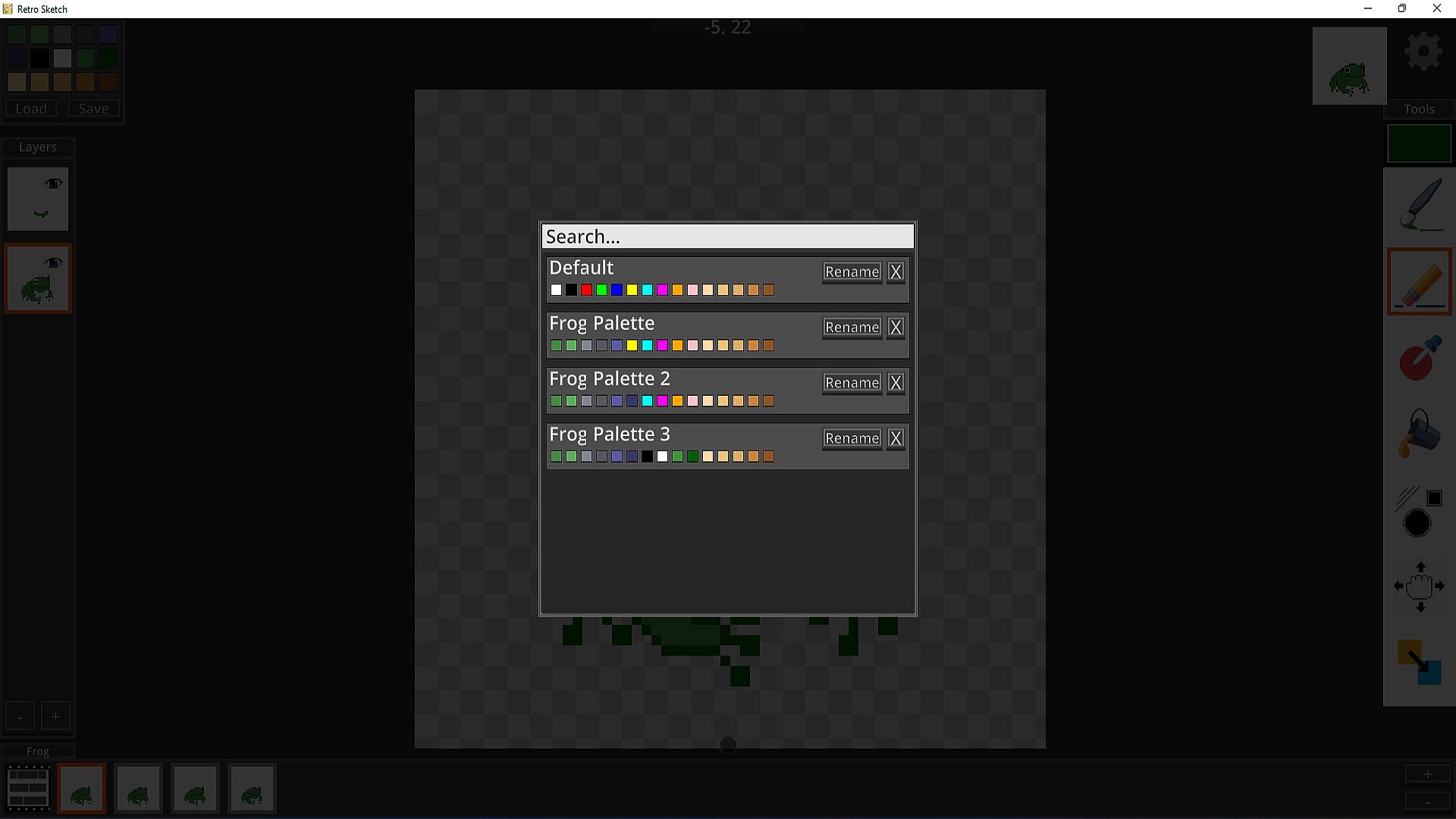
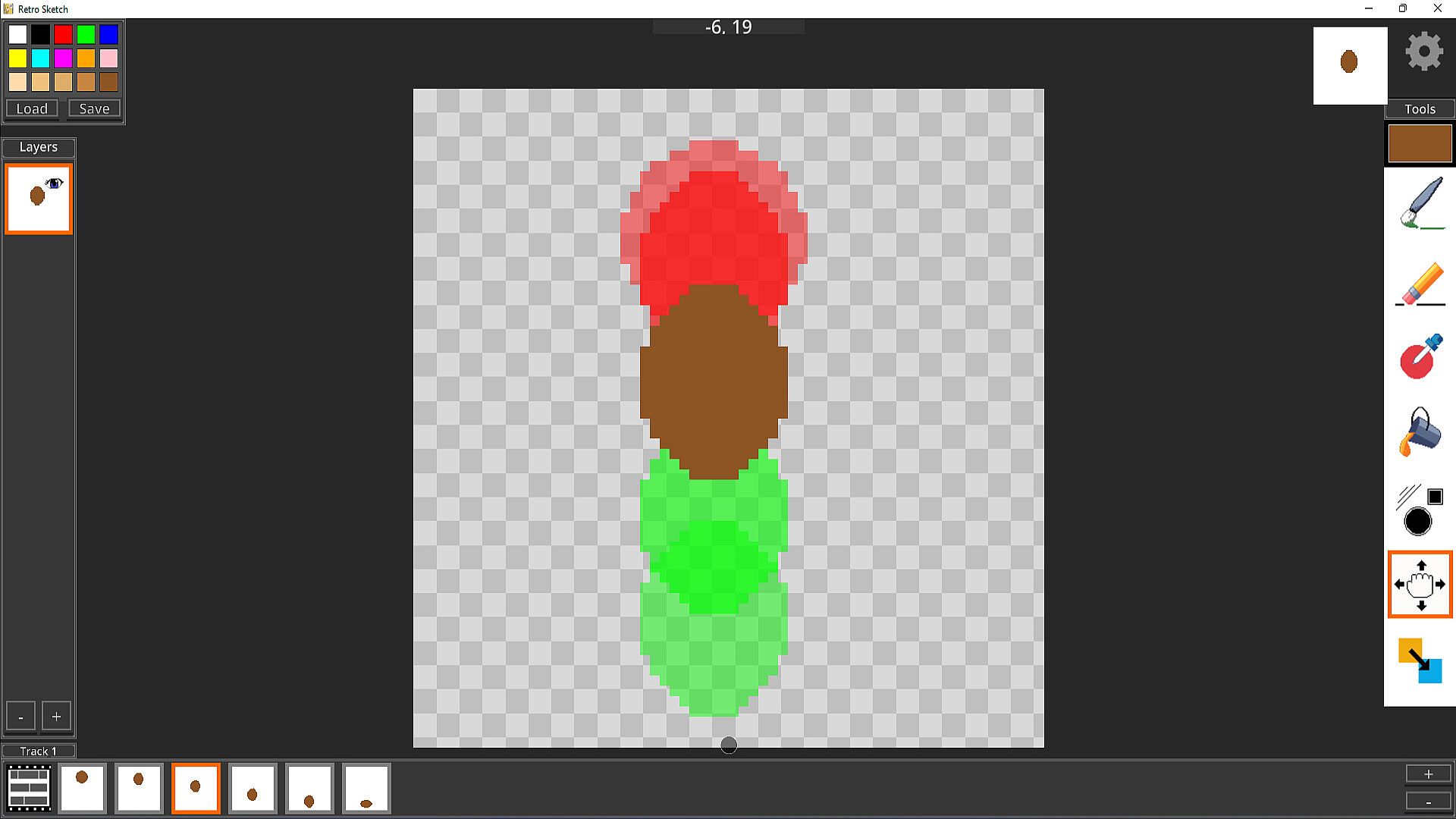
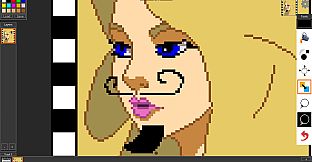
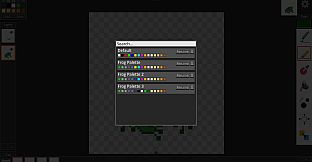
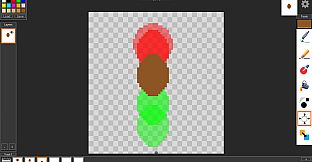
At its core, Retro Sketch focuses on providing a straightforward environment for drawing pixel art and building animations. Users start by sketching with tools like the pixel art brush and eraser, which allow precise control over individual pixels. A color sampler helps pick shades from existing work, while color swap lets you replace hues across the canvas quickly. Flood fill speeds up coloring large areas, and a pixel grid ensures alignment for that classic retro look.
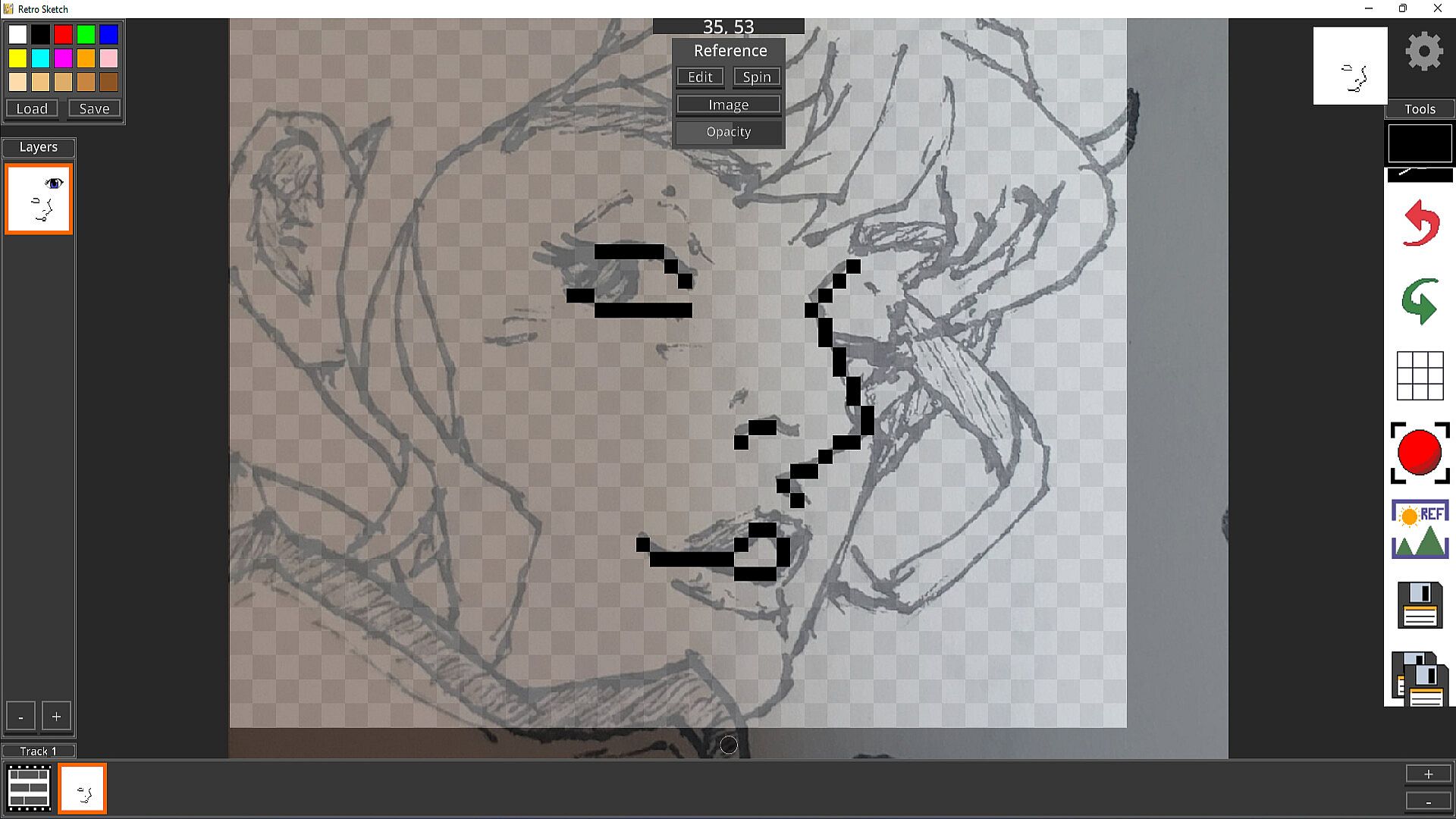
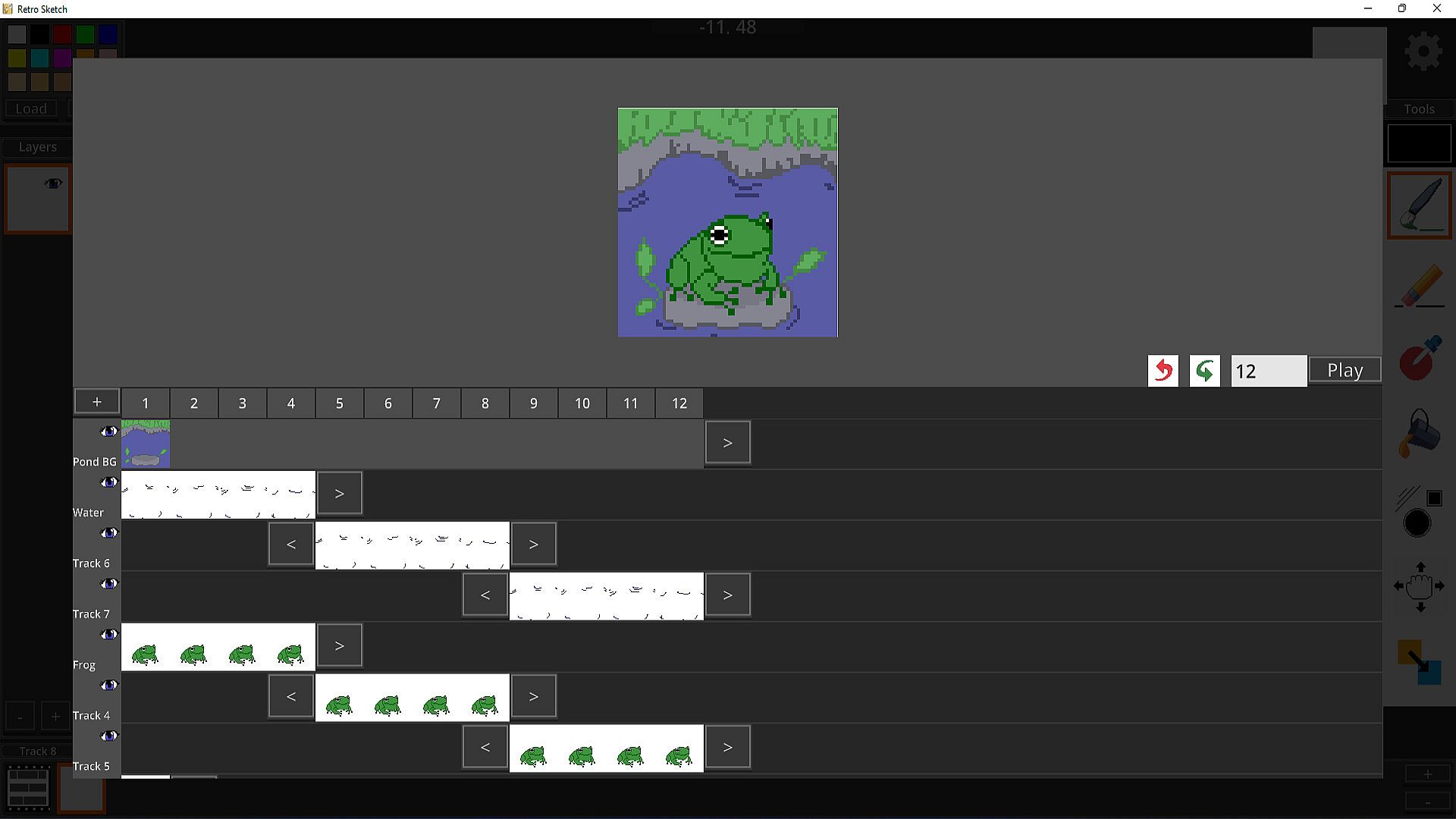
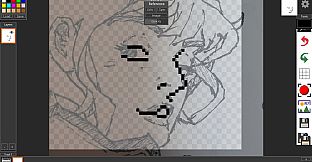
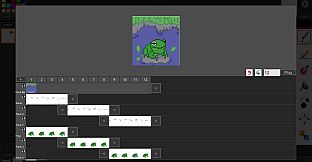
Layers play a key role, letting you organize elements separately to avoid clutter. For animations, the timeline editor uses tracks to sequence frames, making it simple to create smooth sequences. Import PNG images as references for tracing or rotoscoping, which involves drawing over real-life photos to animate movements accurately. Shape tools assist in creating basic forms, and selection tools enable precise editing of specific parts.
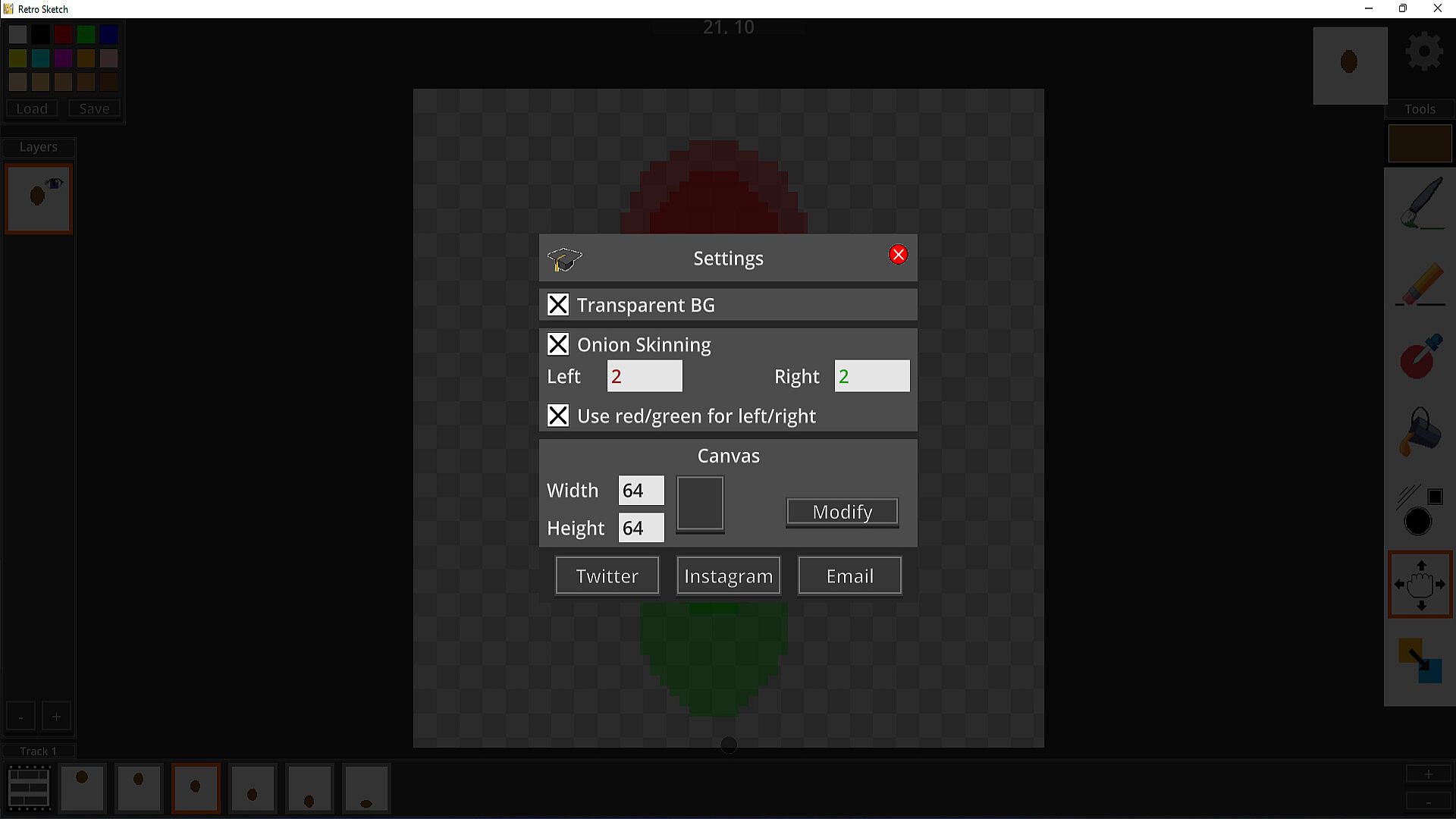
A robust undo and redo system keeps mistakes in check, while grid positioning aids in accurate placement. Project management features allow saving and loading work, with export and import options for sharing files. Stylus support works with devices like s-pens and surface pens, and touch drawing ensures accessibility without a pen.
Game Modes
Retro Sketch does not feature traditional game modes, as it functions primarily as a creative tool rather than a competitive or narrative-driven experience. Instead, it offers a single, focused workspace where all drawing and animation activities take place seamlessly.
Features and Tools
Beyond the basics, Retro Sketch includes frame management to handle animation sequences effectively. Animation previewing lets you see your work in motion before finalizing, helping refine timing and flow. The software integrates with desktop project files, making it easy to continue work across sessions.
- Layer management for organized artwork
- Timeline animation editor for sequencing
- Image reference tools for tracing
- Selection and shape tools for detailed editing
These elements combine to support both static pixel art and dynamic animations, suitable for photo editing or game development tasks.
Current State and Updates
Released in late 2022, Retro Sketch remains available for PC with a low entry price. The developers have indicated plans for additional features in future updates, though specific details on recent changes are not highlighted. It requires a 64-bit Windows system with basic hardware, ensuring broad compatibility.
Is It Worth Playing?
For those passionate about pixel art or needing an affordable tool for animation and design, Retro Sketch offers solid value with its array of specialized tools and user-friendly interface. It suits hobbyists and aspiring game developers who want to experiment without complex setups. However, with only one user review available, broader player reception is limited, so it appeals most to individuals seeking a niche creative outlet rather than a widely discussed title. If you enjoy hands-on digital art creation, this could be a worthwhile addition to your toolkit, especially given its support for both stylus and touch inputs.