





















Buy Simplode Suite PC

Simplode Suite is free to play! Download it on Steam and start playing instantly. Looking for Simplode Suite DLC, in-game currency, or other add-ons? Browse the DLC list and compare 0 offers on XD.deals.

Release: 29 Sept 2020
Steam:
Mixed (50)
Official
Unavailable
Keyshops
Unavailable
Buy in Official Store:
Unavailable
Buy in Keyshops:
Unavailable

No entries, but don''t worry, we will inform you once the new offer appears.

Create Alert Create deal Alert

About Simplode Suite

Simplode Suite - about the game
Unlock your PC's potential with Simplode Suite, a compact toolset packed with utilities for gaming and production tweaks. Force apps into borderless fullscreen with over-scan controls, overlay videos transparently on games for click-through access, and stabilize overclocks via dynamic thermal management. Switch power settings on the fly based on real-time app demands, or turn a Kinect V2 into a virtual touch screen for creative challenges. Tame audio chaos by adjusting speaker and mic volumes dynamically, customize mouse acceleration, and tile screens with flexible management. Launch apps via ring menus, snag partial screenshots, and hunt down hidden cursors amid hundreds of settings and actions. Casual users and power tinkerers alike gain consistent control over performance, efficiency, and workflow in this audio production and video production essential.

Simplode Suite is a toolset which lets you do more with your computer. It contains a great variety of features, all in one convenient, consistent, compatible, compact package. Alongside the large number of free features, you can choose any one of the premium features to have for free as well. You can also save on premium features by buying them all together in the All Packages bundle. This product is available natively in English, but it has automated translations for most major languages.

It can help you:
  • Force some applications to operate in borderless fullscreen mode, with over-scan and under-scan control which can sometimes help compensate for bad FOV options.
  • Overlay other applications on your windowed mode and borderless fullscreen mode games, with click through transparency support. For example, you could play a video at half transparency on top of the bottom right hand corner of your game, and still be able to click beneath the video.
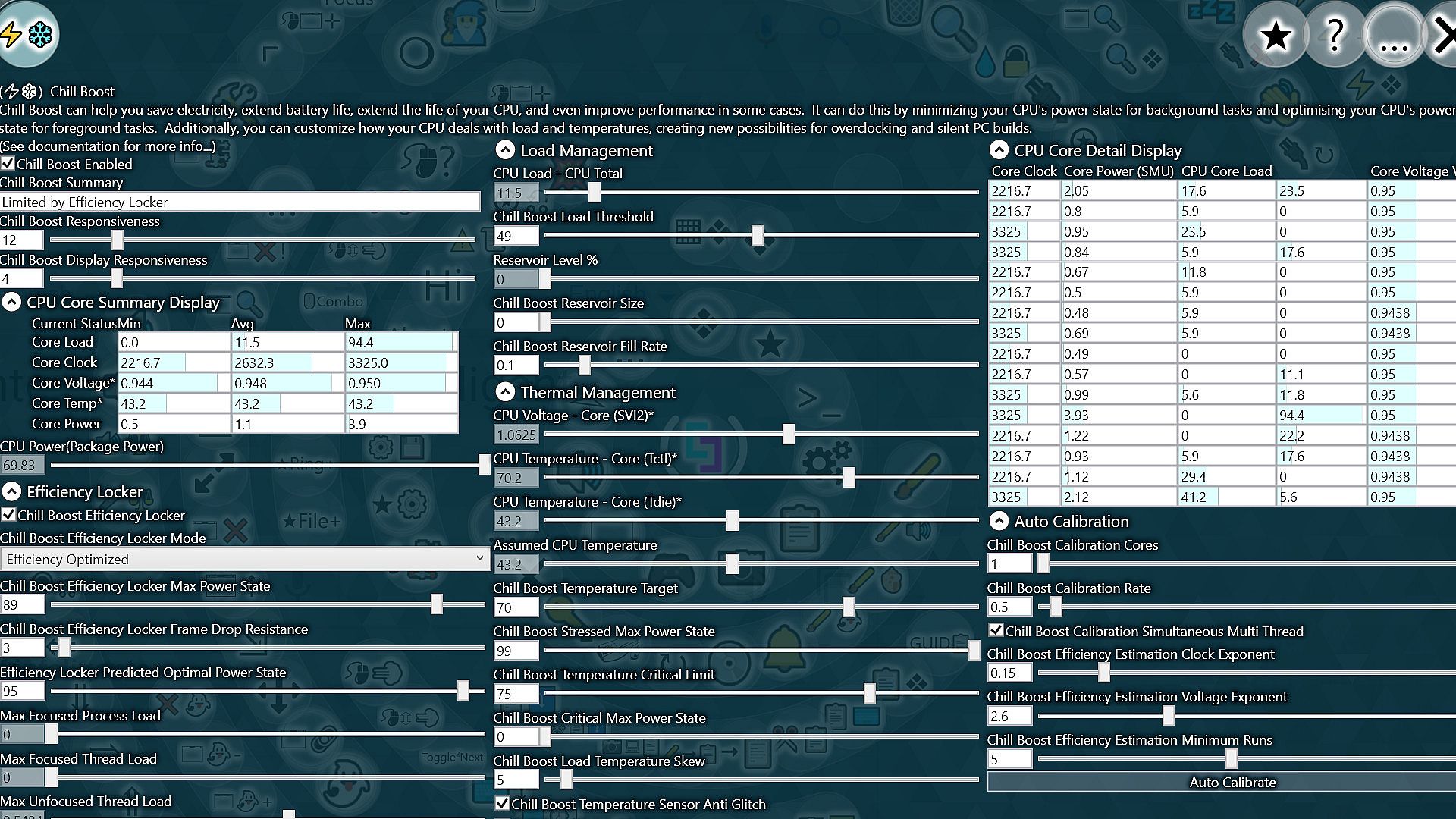
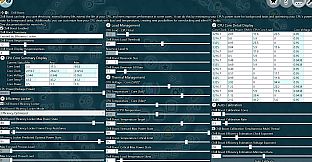
  • Stabilize CPU overclocking with configurable dynamic thermal and load based power management.
  • Dynamically switch between high performance and high efficiency power settings, with live optimization based on the real-time demands of the application or game you are using.
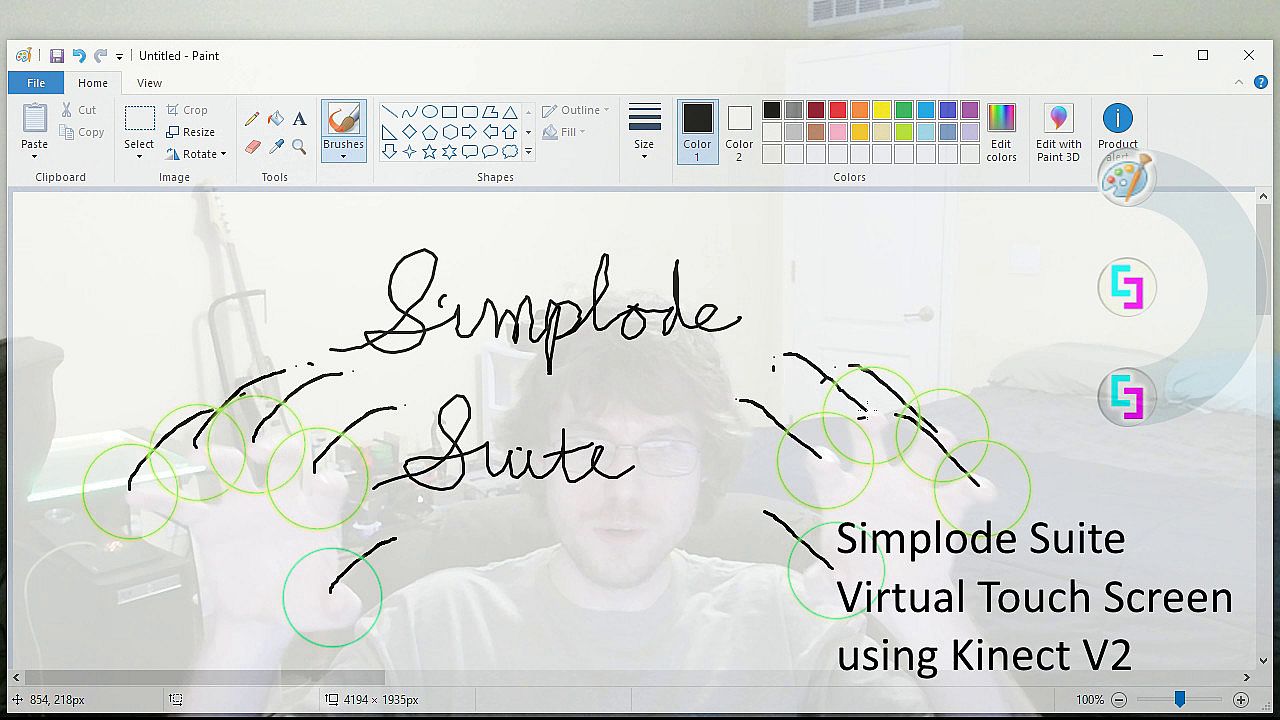
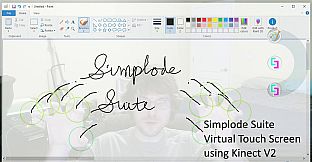
  • Use a Kinect V2 to create a virtual touch screen in front of you, which may provide an interesting challenge for some games, or just a way to spice up content creation.
  • Dynamically adjust your speaker/headphone volume in real time, to balance loud and soft noises.
  • Dynamically adjust your microphone volume in real time, so that your teammates will stop complaining about you being too loud or too quiet.
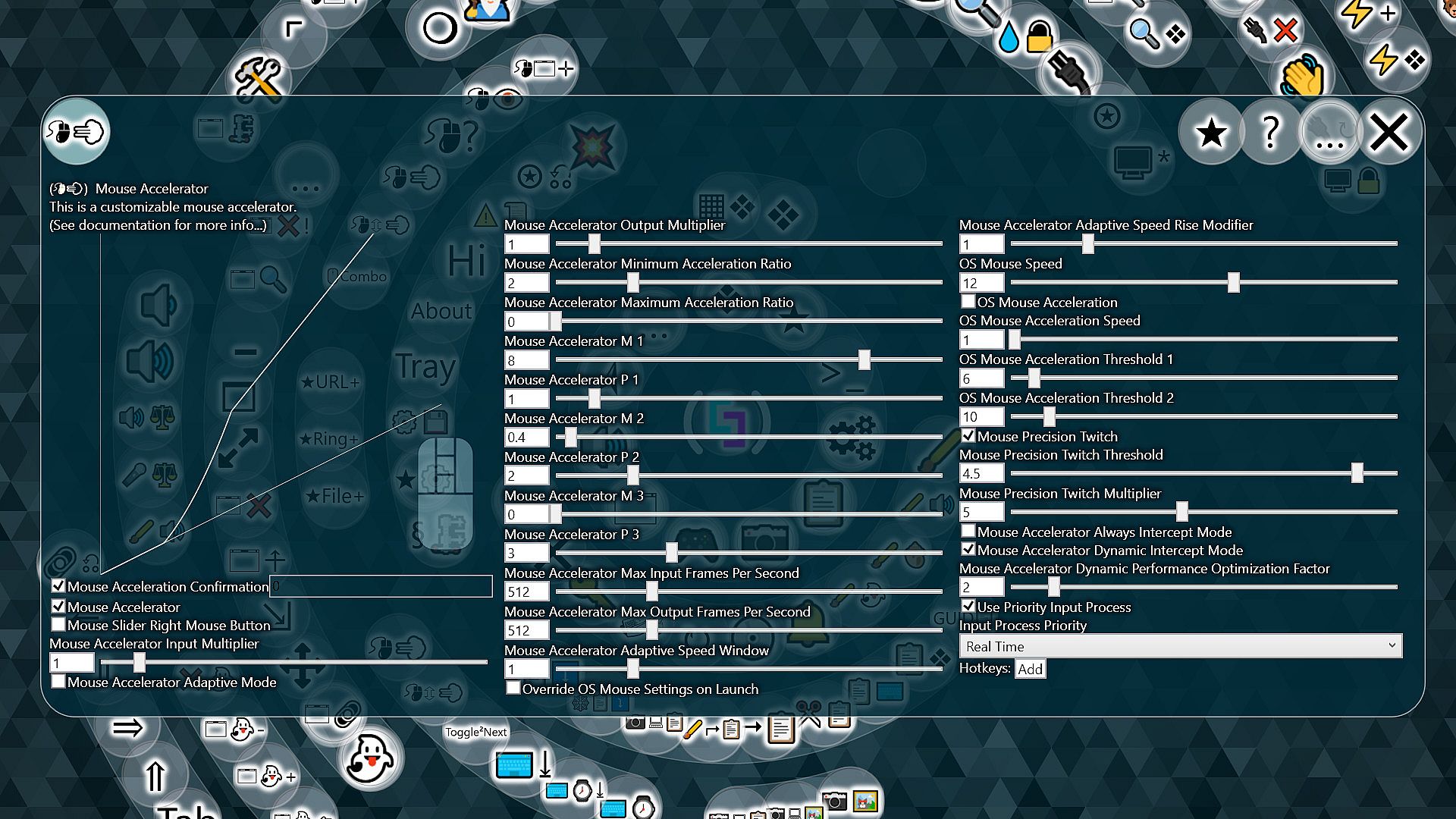
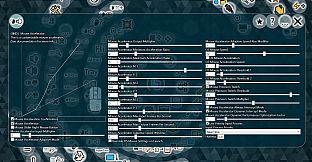
  • Use custom mouse acceleration.
  • Manage your screen space by tiling with ultimate flexibility.
  • Extend battery life / save electricity / reduce heat without sacrificing on-demand performance.
  • Use most of your existing apps with a glass-like dynamic styling.
  • Fully customize your experience within the app, including easy theme presets.
  • Quickly find running programs.
  • Quickly take partial screenshots.
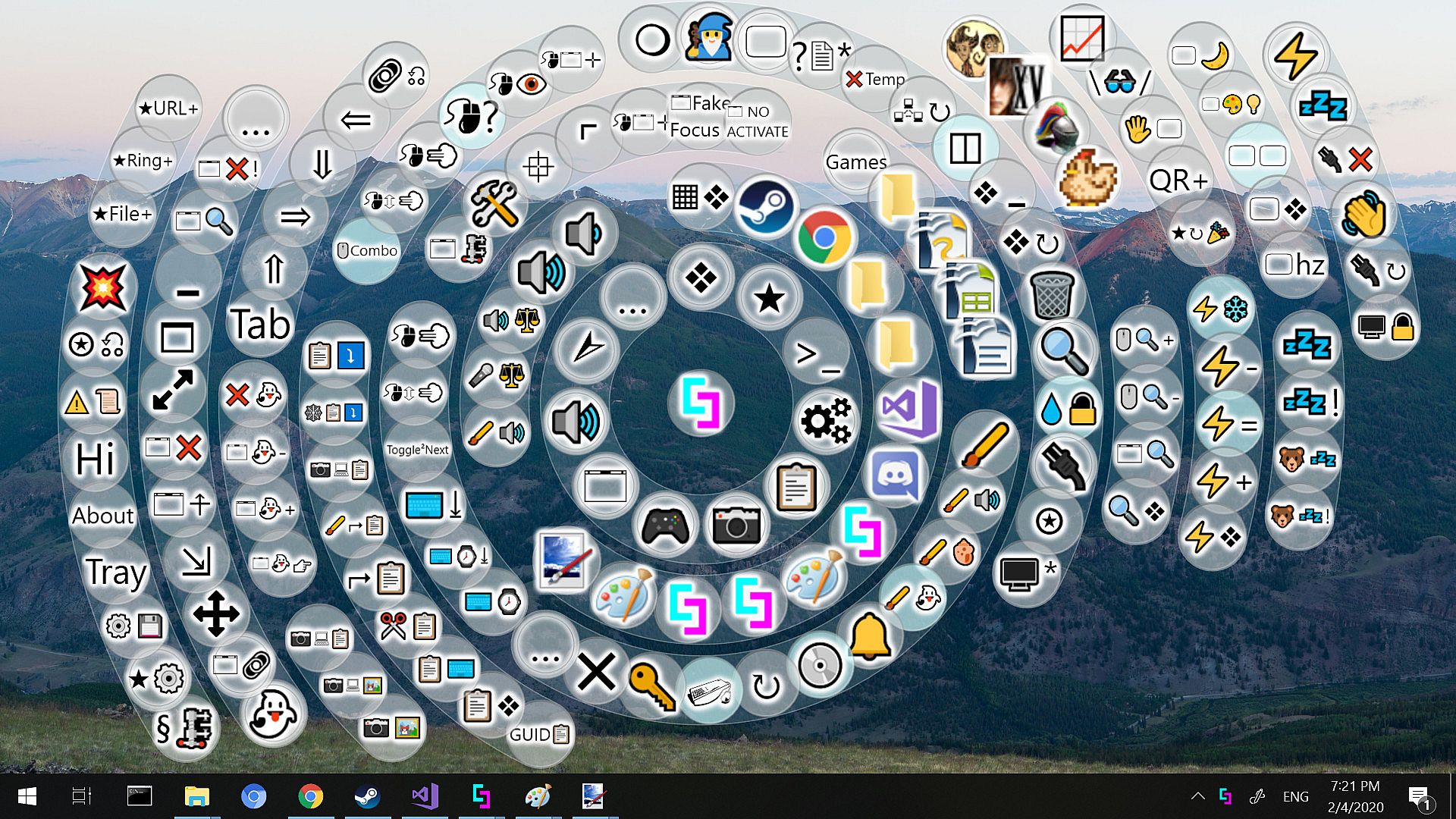
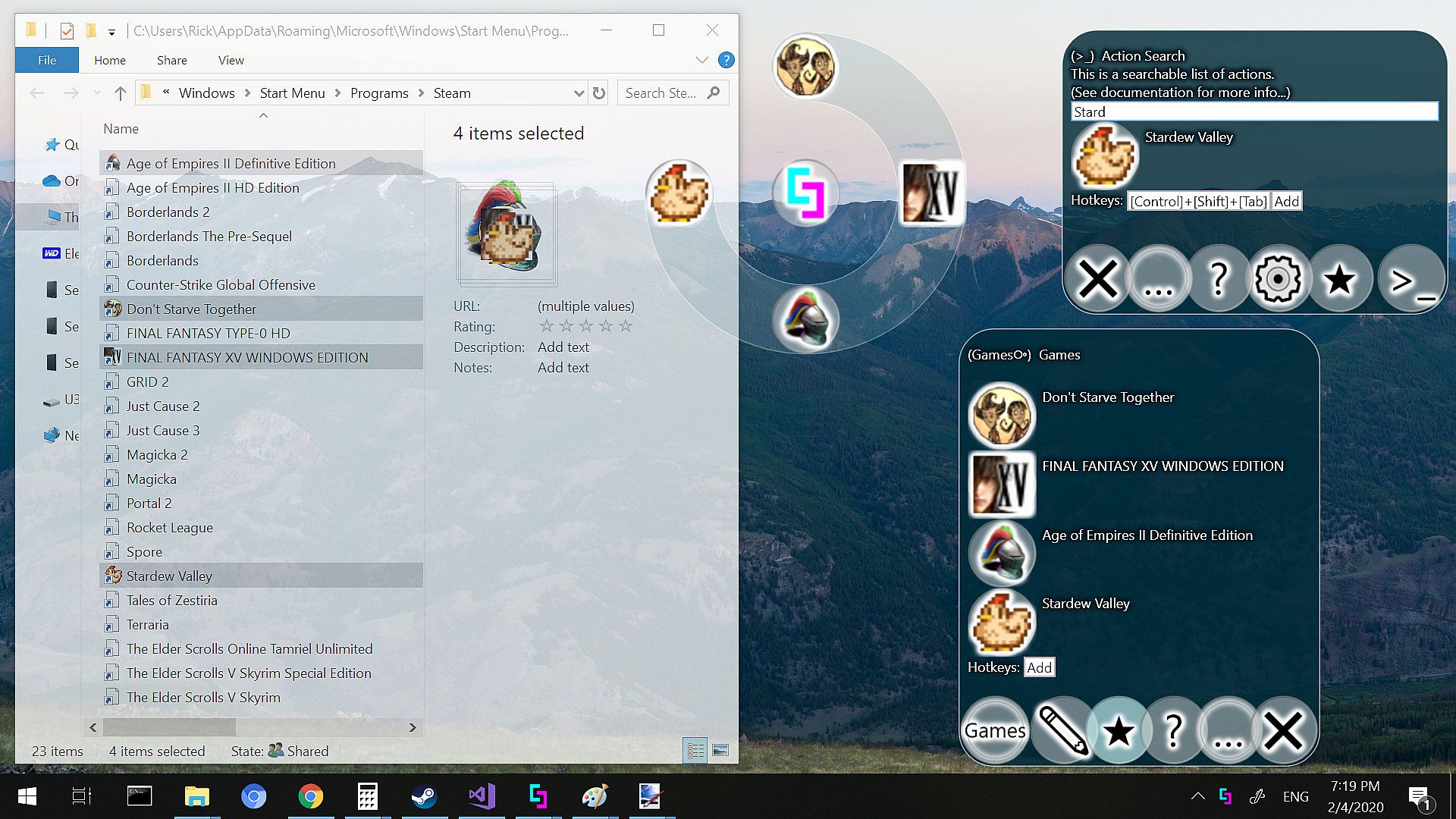
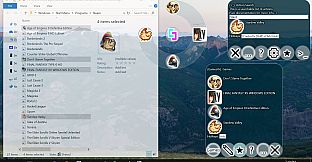
  • Use the ring menu as a nifty application launcher.
  • Figure out where your cursor is hiding.
  • Explore ~100 actions, ~30 menus and ~300 configurable settings, all with online and offline documentation, plus extensive video documentation.

This list is really just the tip of the iceberg. You can see more by checking out the individual DLCs or by visiting the product website.

Interface:
ArabicBulgarianCzechDanishGermanGreekEnglishSpanish - SpainSpanish - Latin AmericaFinnishFrenchHungarianItalianJapaneseKoreanDutchNorwegianPolishPortuguese - PortugalPortuguese - BrazilRomanianRussianSwedishThaiTurkishUkrainianVietnameseSimplified ChineseTraditional Chinese

Age rating

Unavailable
Steam:
Mixed (50)

Minimum:

  • OS: Windows 10
  • Processor: 1+ GHz
  • Memory: 1 GB RAM
  • DirectX: Version 9.0
  • Storage: 12 MB available space
  • Additional Notes: Virtual Touch Screen functionality used in videos has its own system requirements listed in its DLC page.

Recommended:

  • OS: Windows 10
  • Processor: 2+ GHz (64bit) with 2 or more cores
  • Memory: 2 GB RAM
  • Graphics: Any GPU or integrated GPU supporting DirectX 9.0 or higher
  • DirectX: Version 9.0
  • Storage: 20 MB available space
  • Additional Notes: Virtual Touch Screen functionality used in videos has its own system requirements listed in its DLC page.
Historical low
Price history from official stores
-
-
-
Price history from keyshops
-
-
-

FAQ

8 questions

Before you start looking for a cheap Simplode Suite key, check the essentials. Developed by Simplode LLC. Published by Simplode LLC. PC released date: 29 Sept 2020. Genres: Casual, Utilities, Audio Production, Video Production. Categories: Steam Achievements.

Q

Where to buy a cheap Simplode Suite Steam key?

Simplode Suite is free to play! Download it on Steam and start playing instantly. Looking for Simplode Suite DLC, in-game currency, or other add-ons? Browse the Simplode Suite DLC list and compare 0 offers on XD.deals.

Simplode Suite is completely free on Steam. No purchase needed - just download and play. If you are looking for premium DLC or in-game items, check the offers table above.

Our price tracker covers both official retailers and key marketplaces, so you can find Simplode Suite on sale even outside seasonal promotions. We currently detect 0 active offers from official stores and keyshops. Check the table above, compare against the historical low, and set an alert so you never miss the next price drop.

Based on our data, Simplode Suite is not currently available on GeForce NOW. You will need to run it locally on your PC. Browse games available on GeForce NOW.

Yes. Simplode Suite has an official page on the Steam Store, but we currently don't track any third-party offers with Steam DRM. Check back later or set a price alert.

Yes. Simplode Suite is Steam Deck Verified - it launches out-of-the-box, displays correct controller glyphs and runs stable. Simplode Suite works perfectly on Steam Deck.

Simplode Suite does not appear to be available on PC Game Pass, EA Play, Ubisoft+ or any other PC subscription service at this time. Your only option is purchasing the game - use XD.deals to find the best price.

No - XD.deals is not a store. We are a price-comparison service that tracks the best Simplode Suite deals across official stores and verified keyshops. Click "Go to Store" next to any offer and you will be redirected to the retailer's website to complete your purchase.

Want to buy at the best moment? Set a price alert on XD.deals and get notified when Simplode Suite hits its next historical low.

Create Alert
Join our Discord
Get instant help from our community and stay updated on the latest deals
Set Price Alerts
Get notified by email when game prices drop to your target
Create Free Account
Unlock wishlists, price alerts, and Steam sync