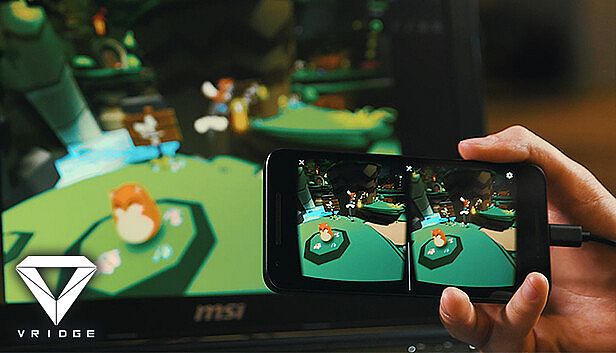
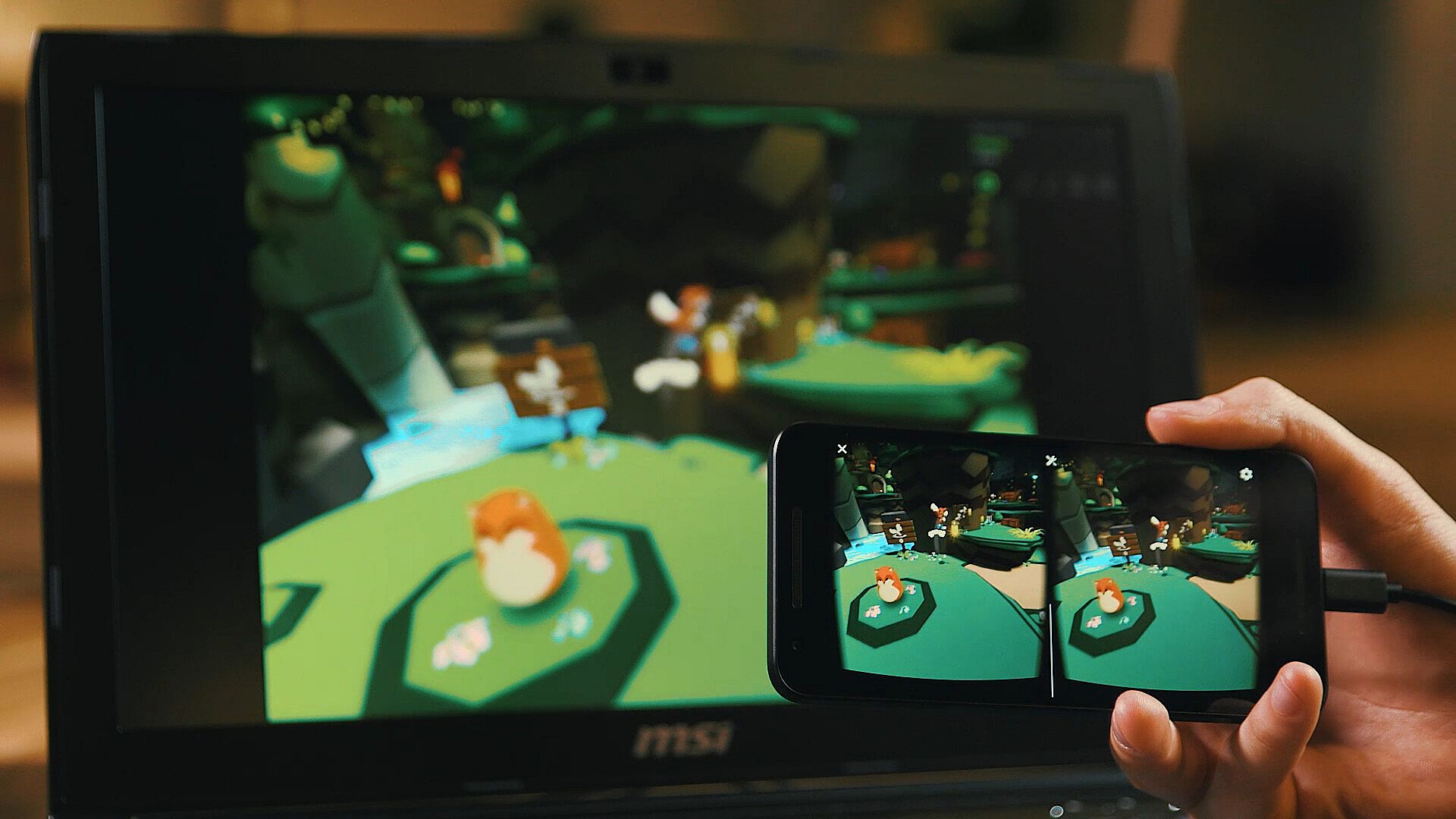
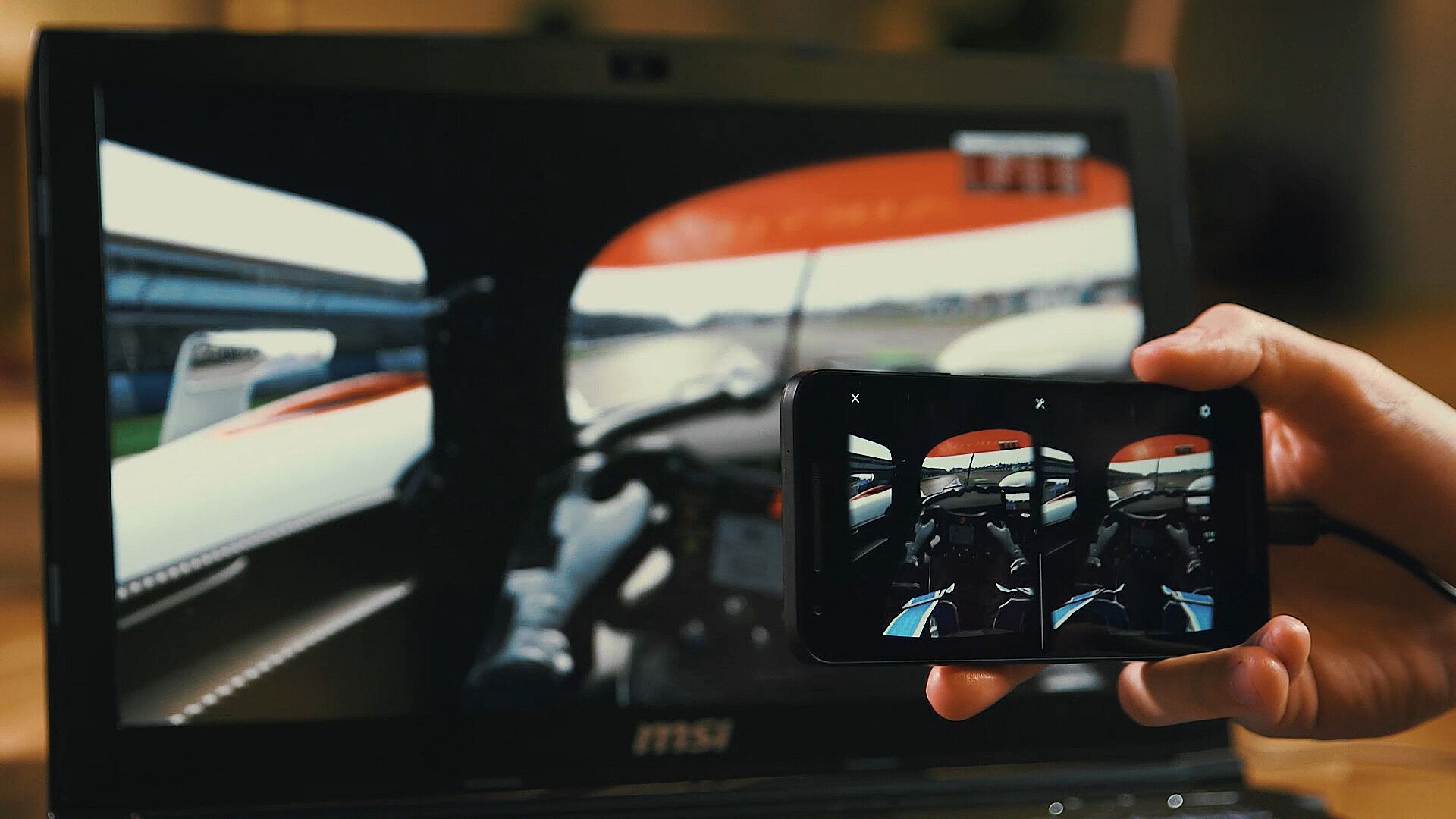
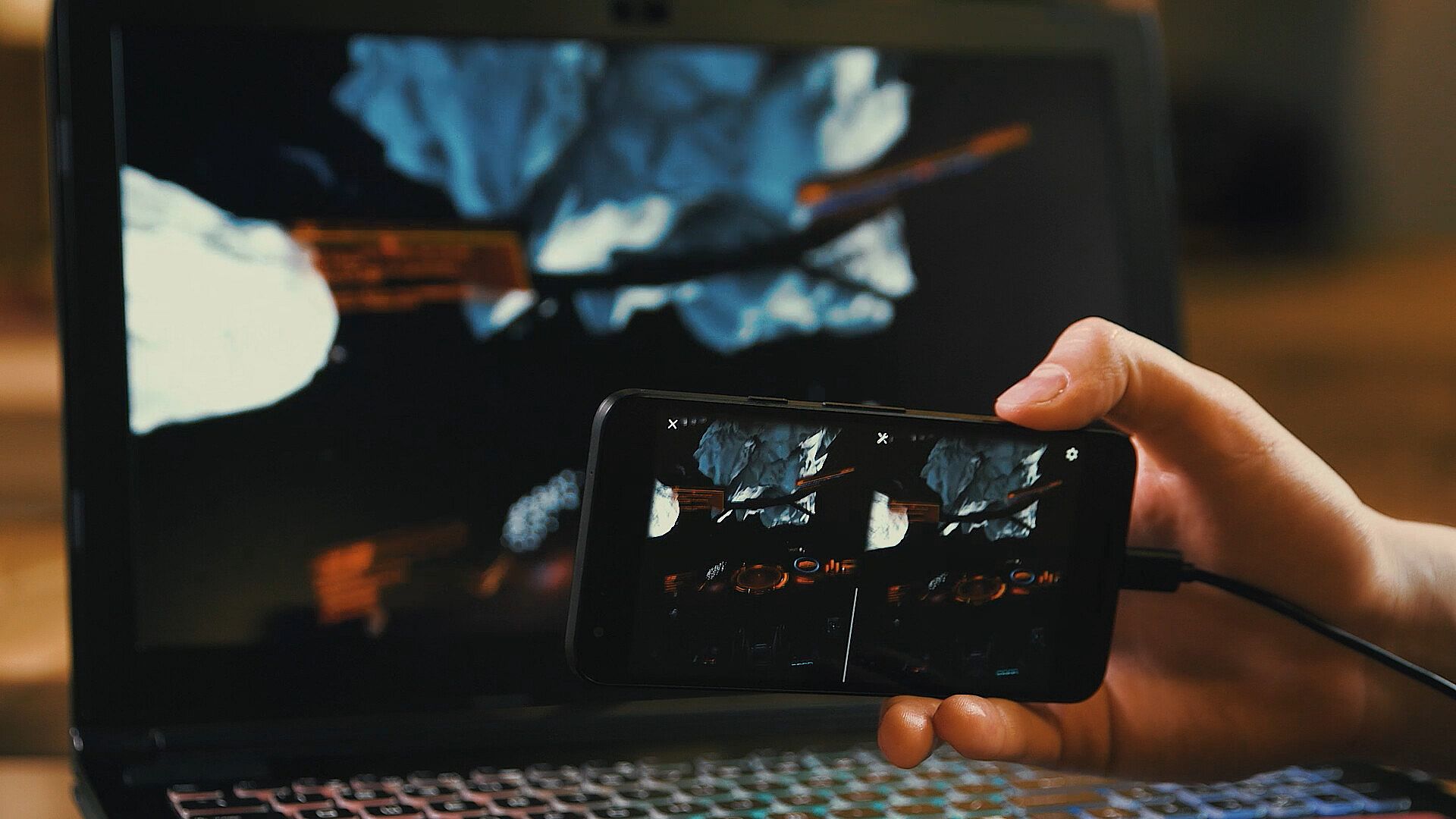
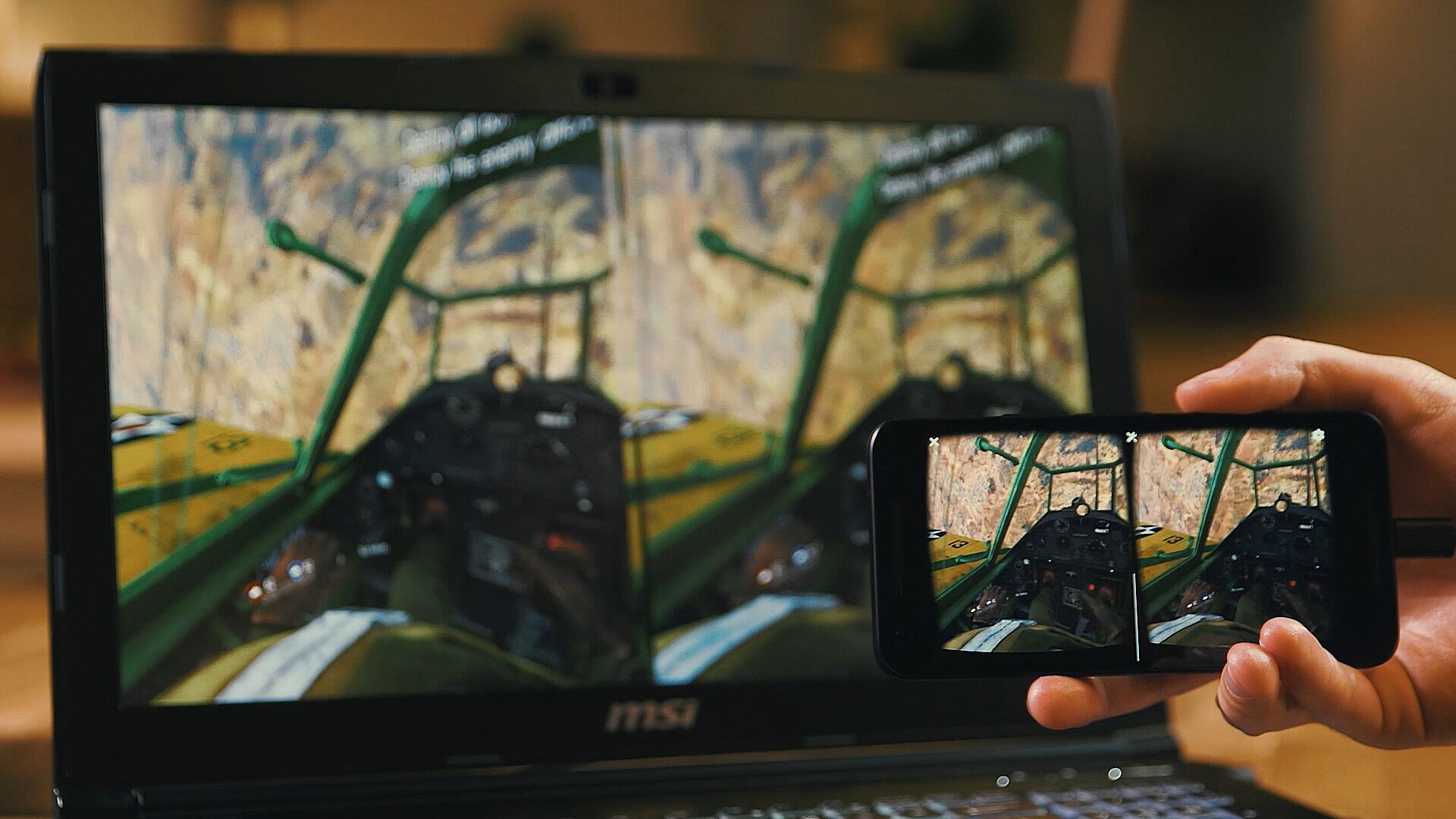
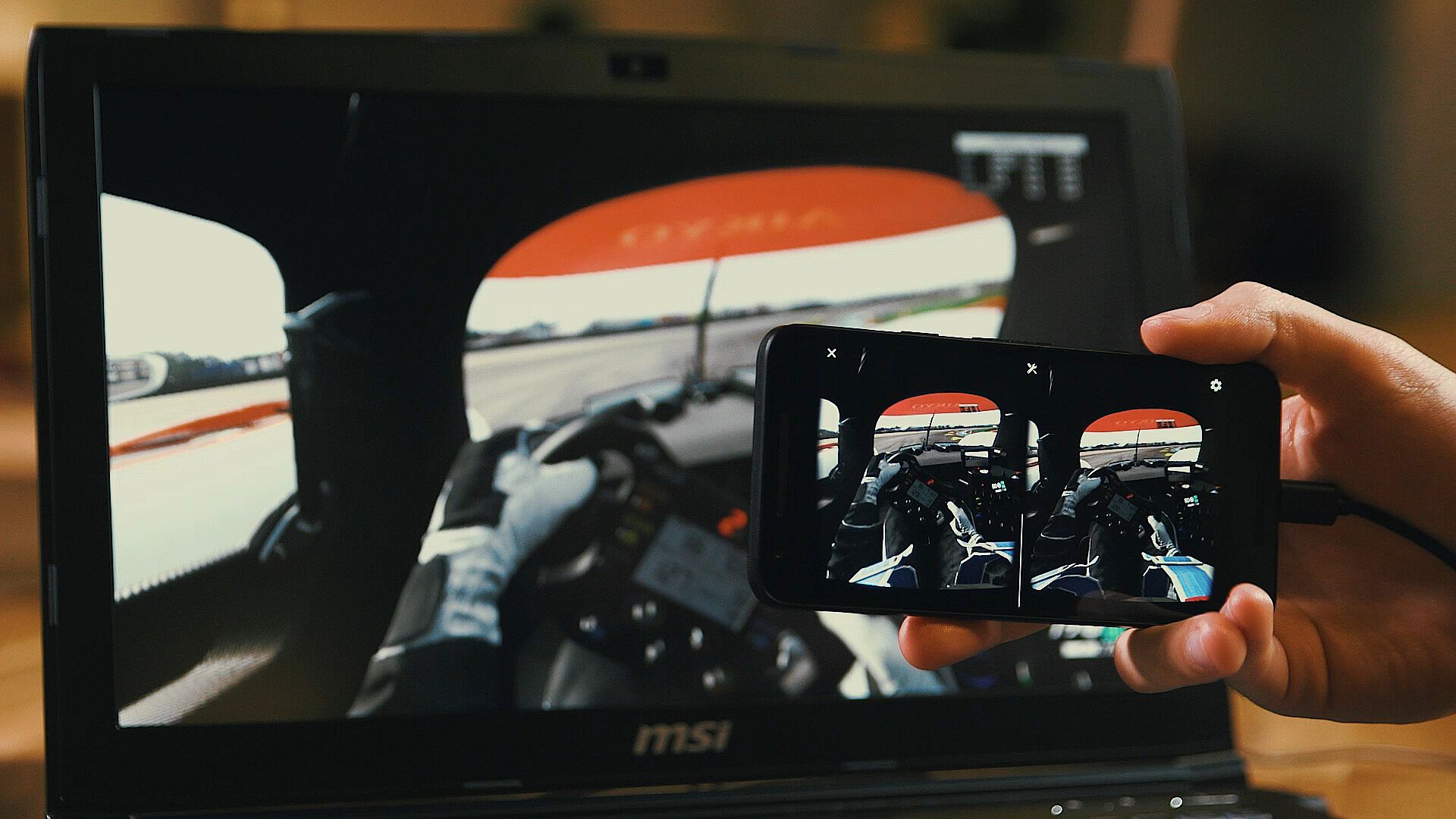
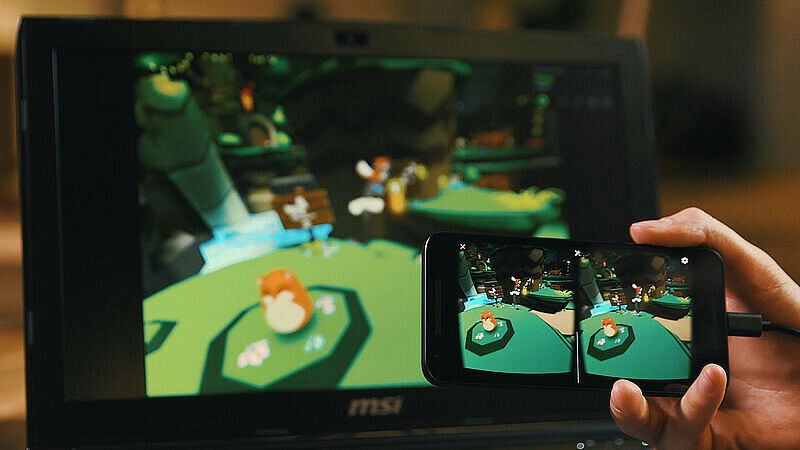
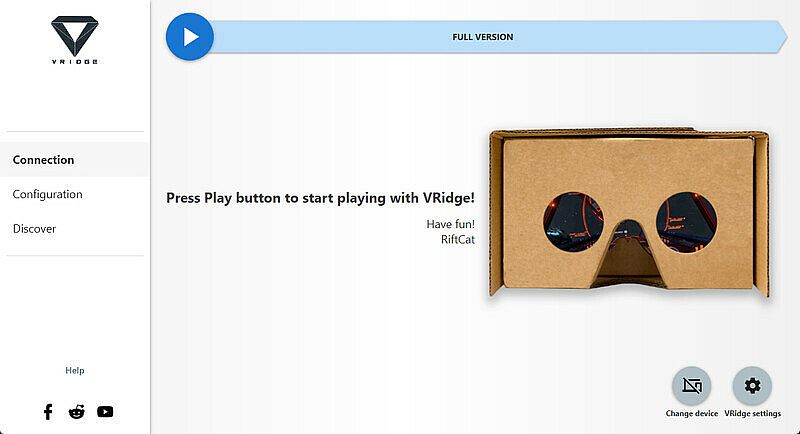
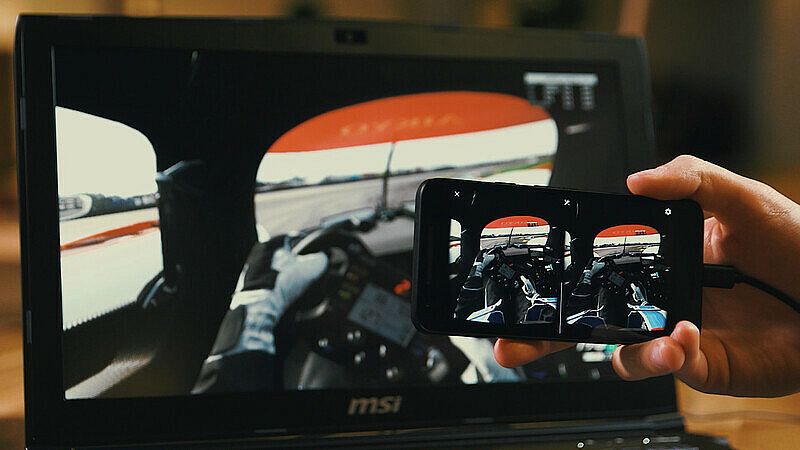
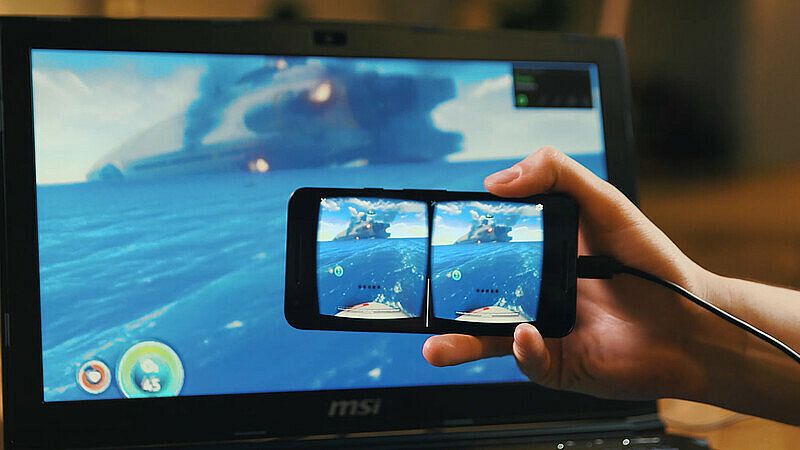
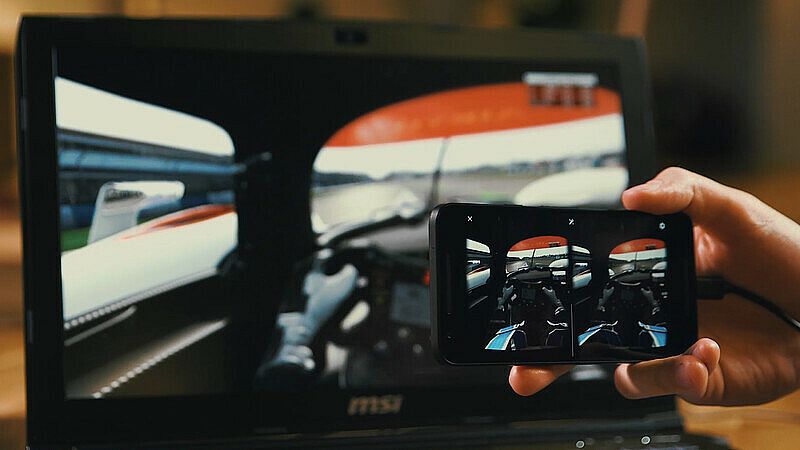
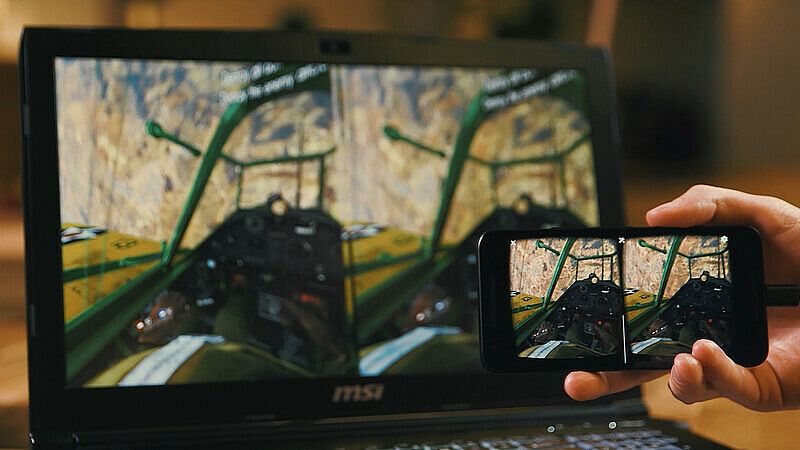
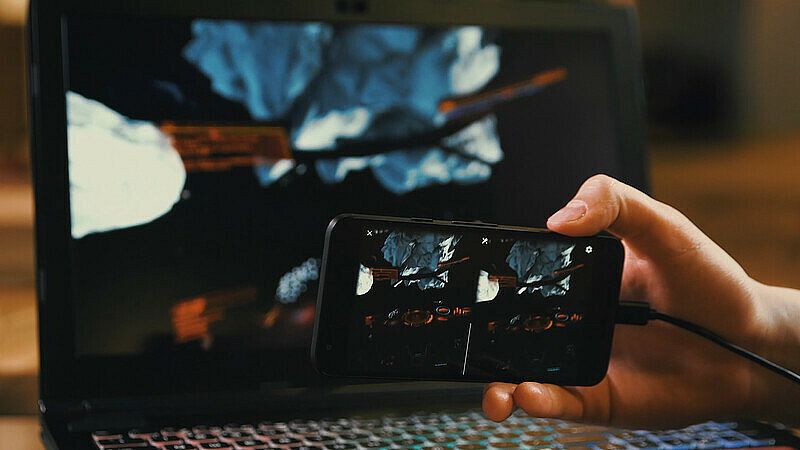
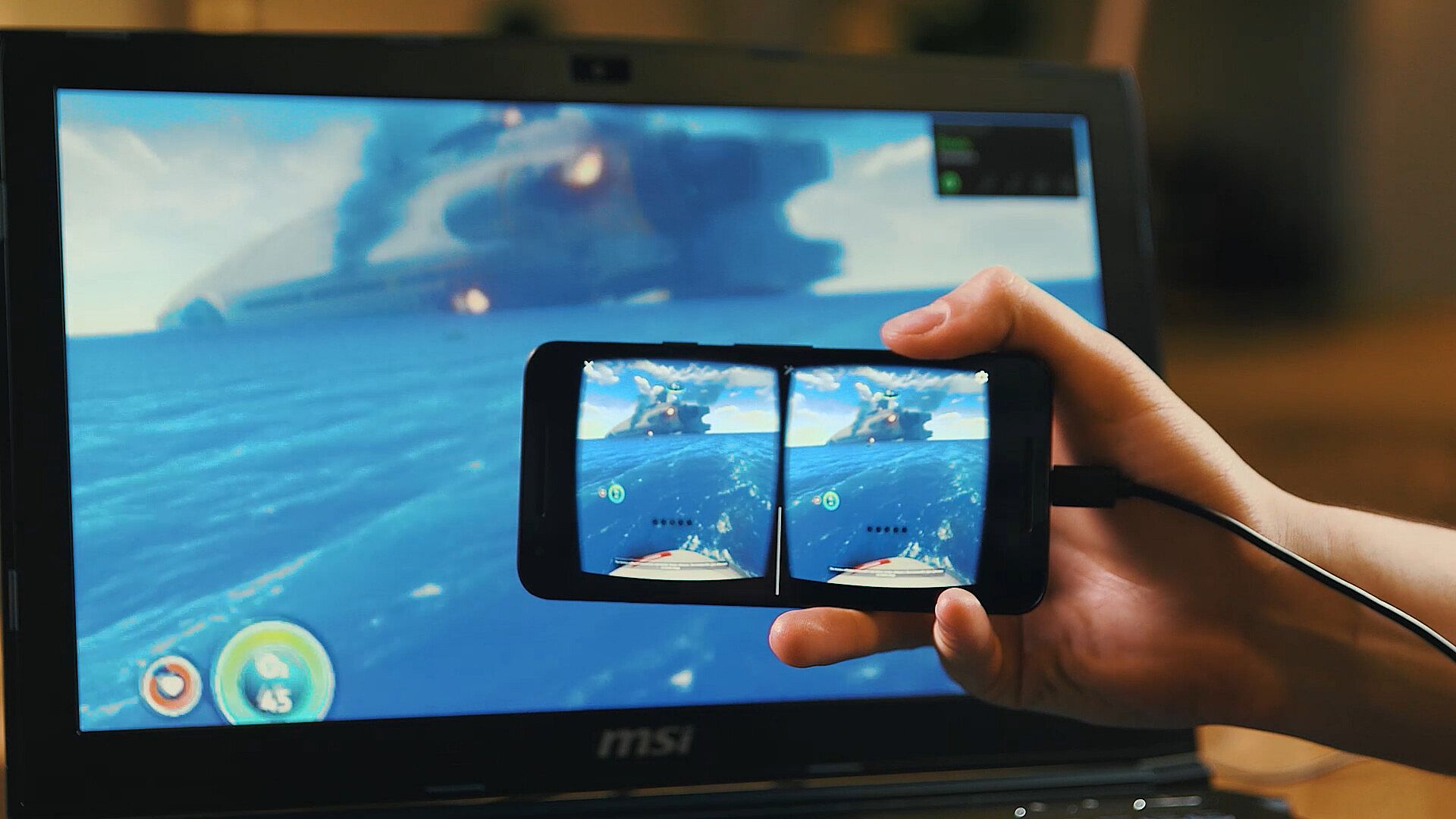
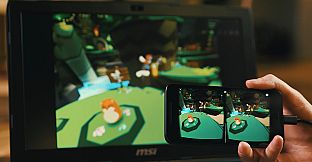
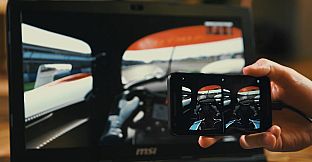
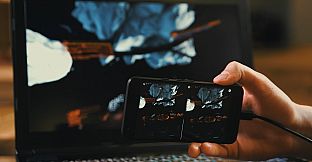
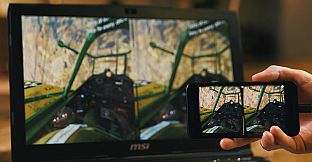
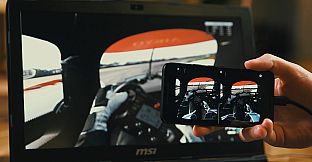
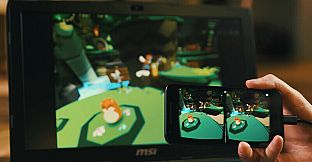
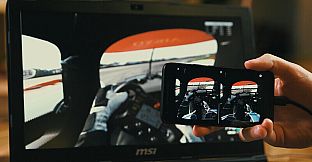
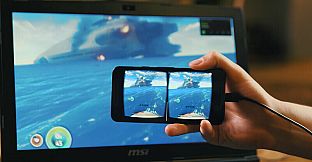
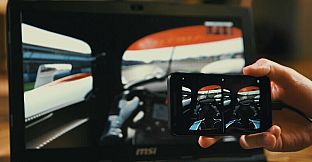
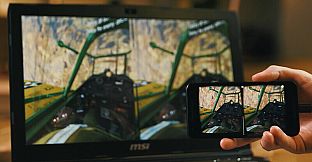
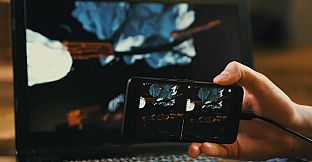
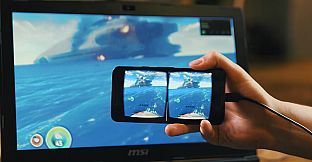
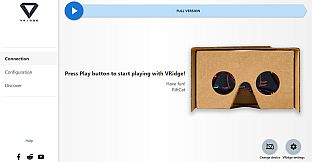
VRidge links your mobile device to a PC, turning it into a SteamVR-compatible headset. It streams SteamVR apps as high-performance video with complete head and controller tracking. Pair it with a mobile or cardboard VR viewer for instant access.
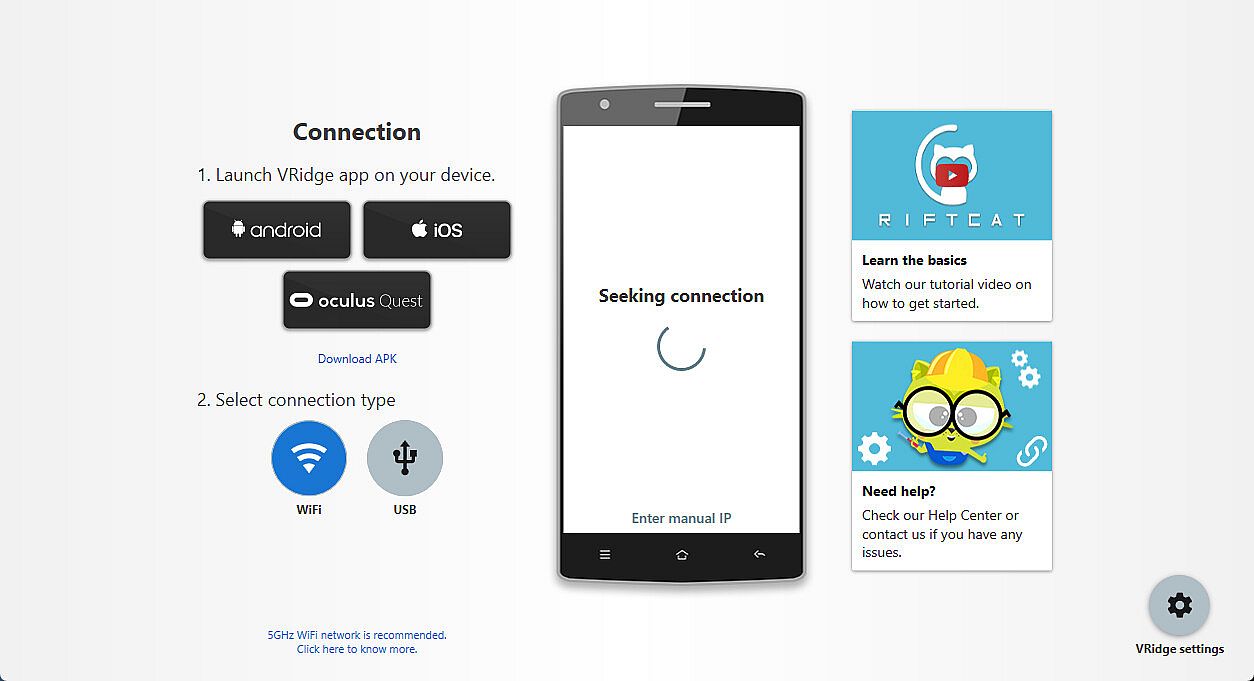
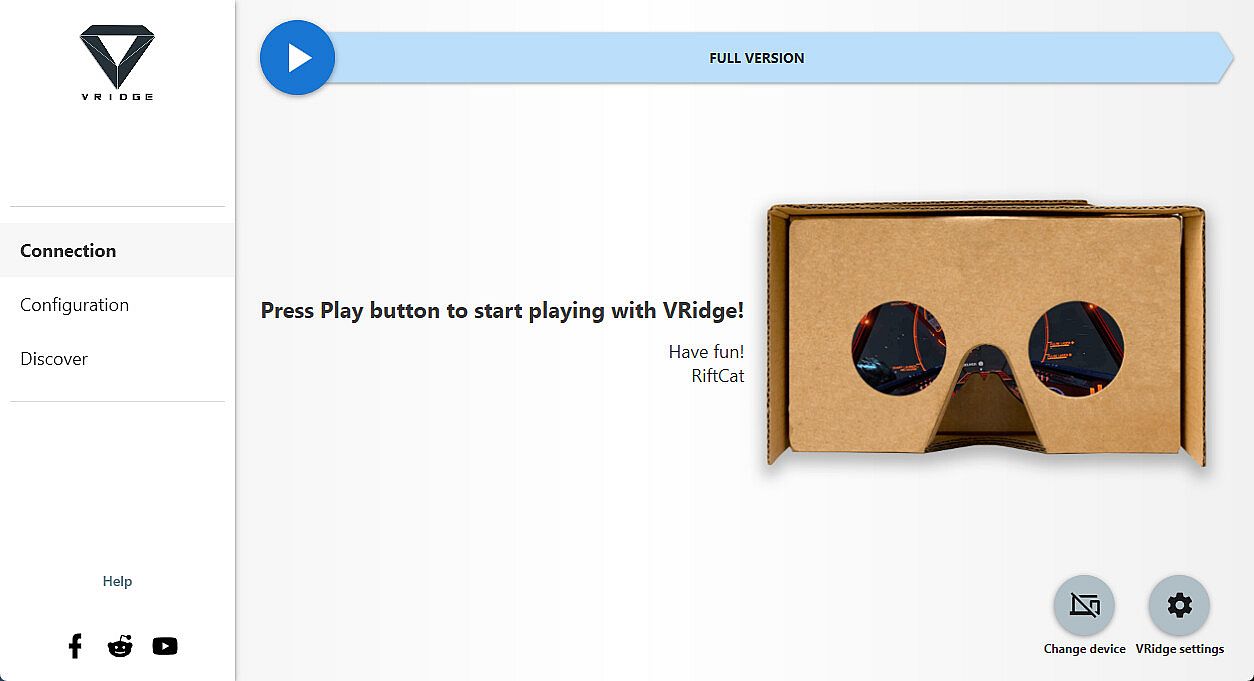
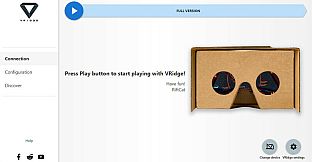
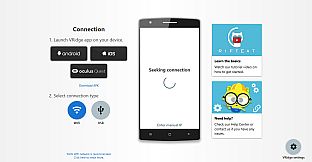
Install the RiftCat client on your PC through Steam, then load VRidge on your mobile device inside the viewer. Launch both, connect over WiFi using the app's guides, and start playing. Test the setup with the demo first to confirm smooth performance. VR utilities like this suit PC owners seeking mobile VR without extra hardware.
VRidge connects your mobile device to your PC, transforming it into a powerful SteamVR-compatible virtual reality headset. It will then stream SteamVR apps to your mobile device as a high-performance video with full head and controller tracking. All you need is a mobile or cardboard VR viewer to enjoy the experience!
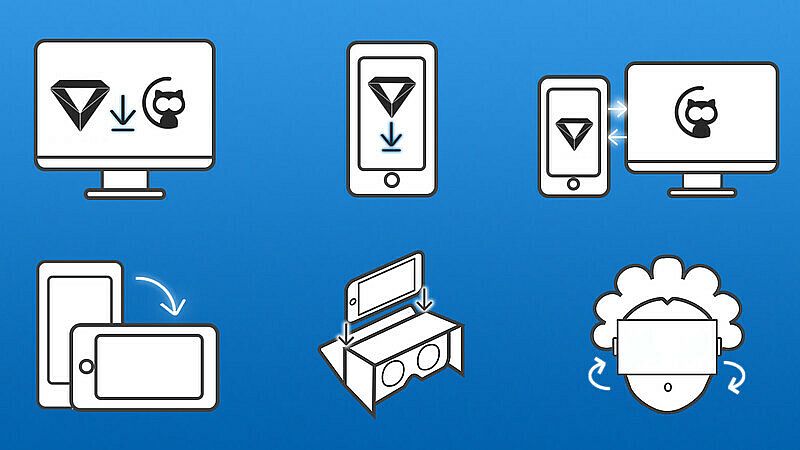
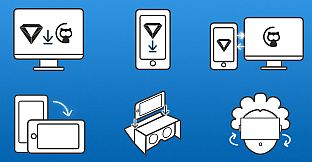
Getting started
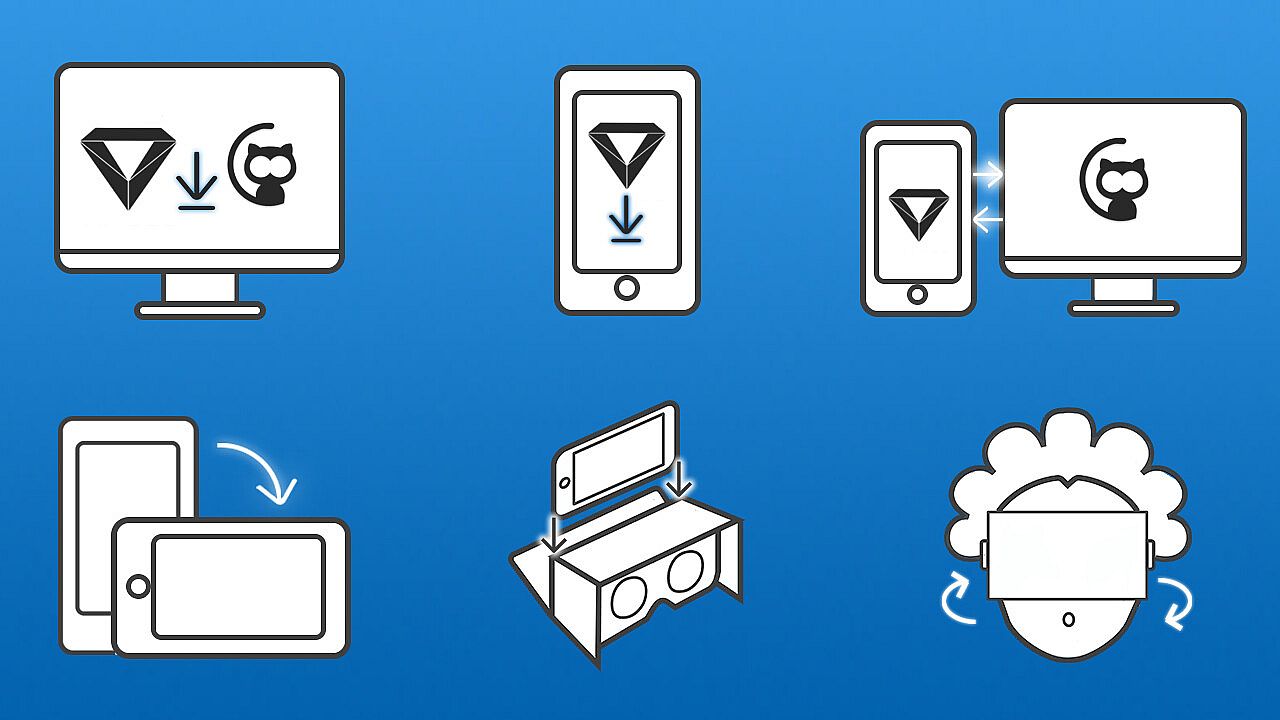
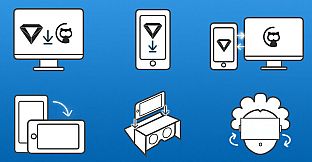
- Install RiftCat client application on your computer via Steam.
- Install VRidge on your mobile device and place it inside your mobile VR viewer.
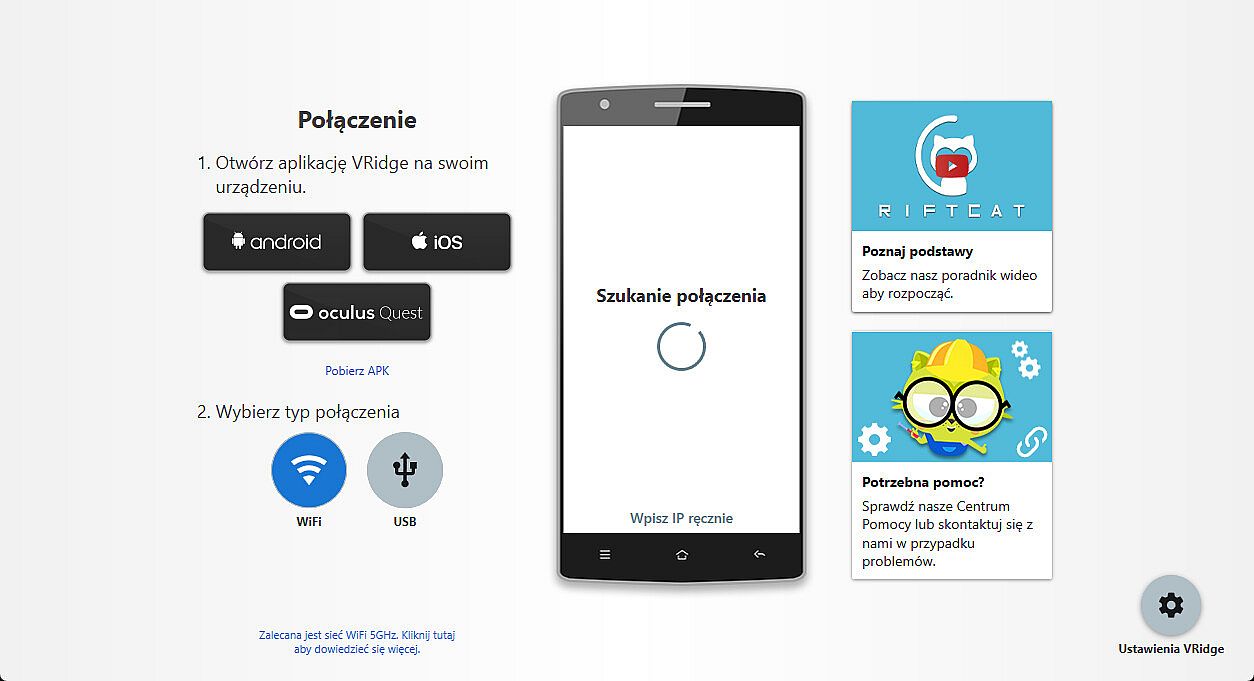
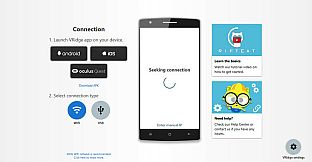
- Launch both apps.
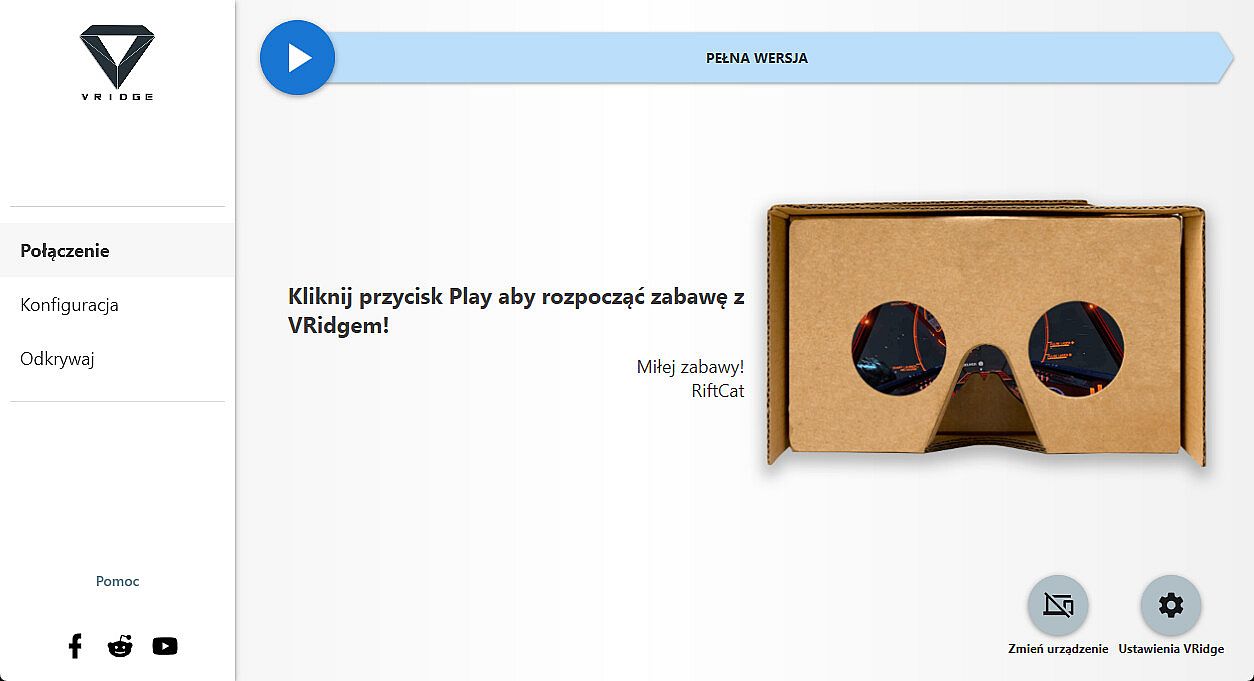
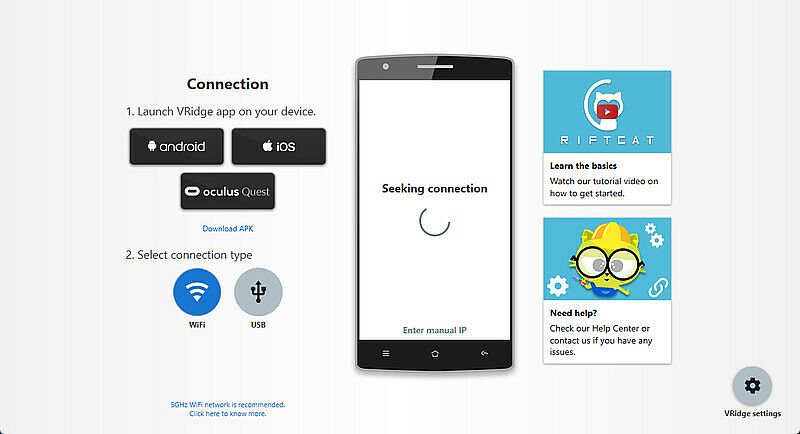
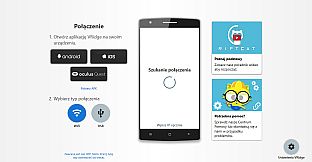
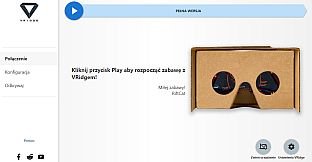
- Follow the built-in instructions in the RiftCat application to connect them via WiFi.
- Enjoy!
Test your setup first
Try out your
VRidge hardware setup with the
Demo version to ensure everything works correctly before making a purchase.