


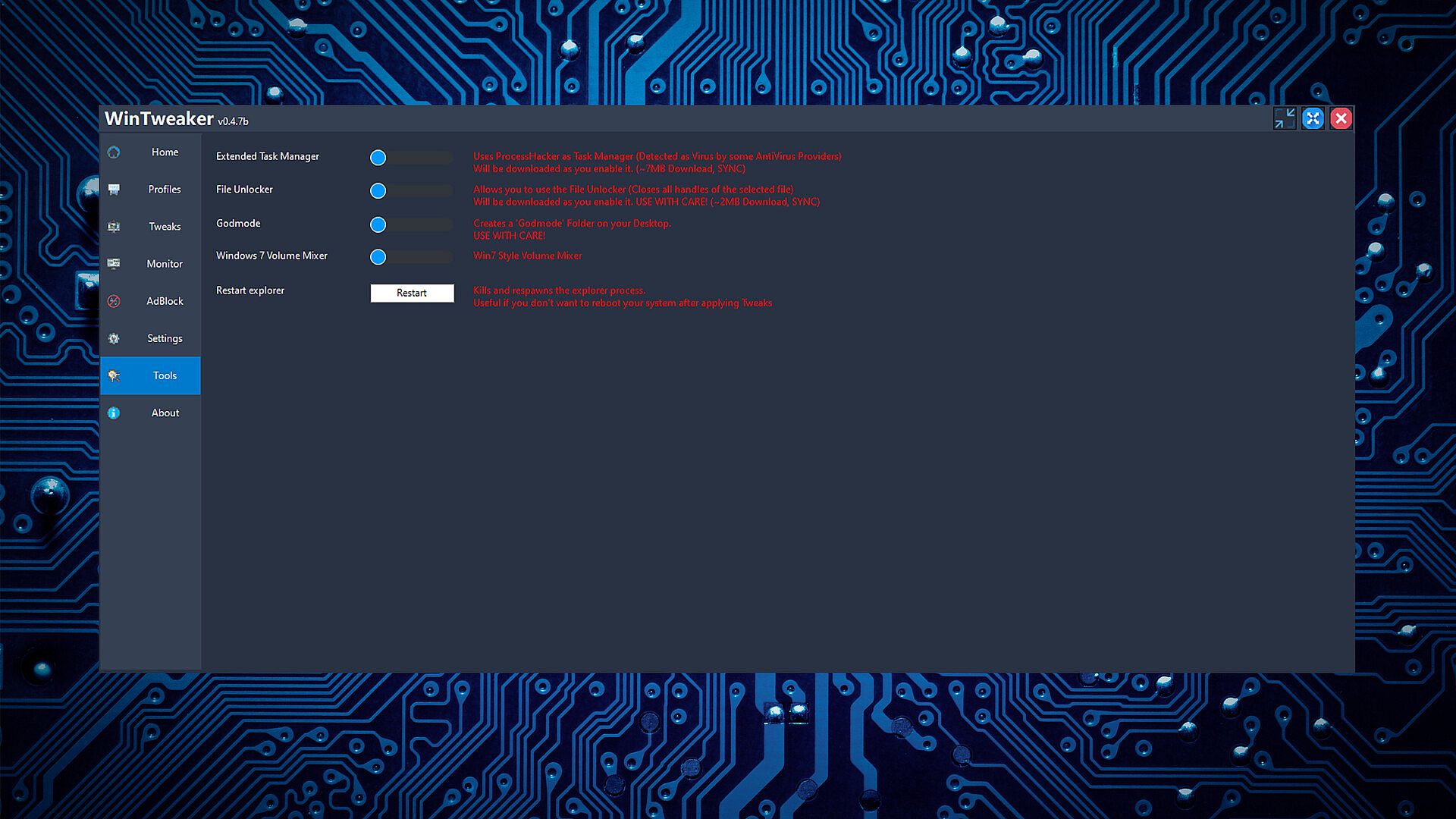
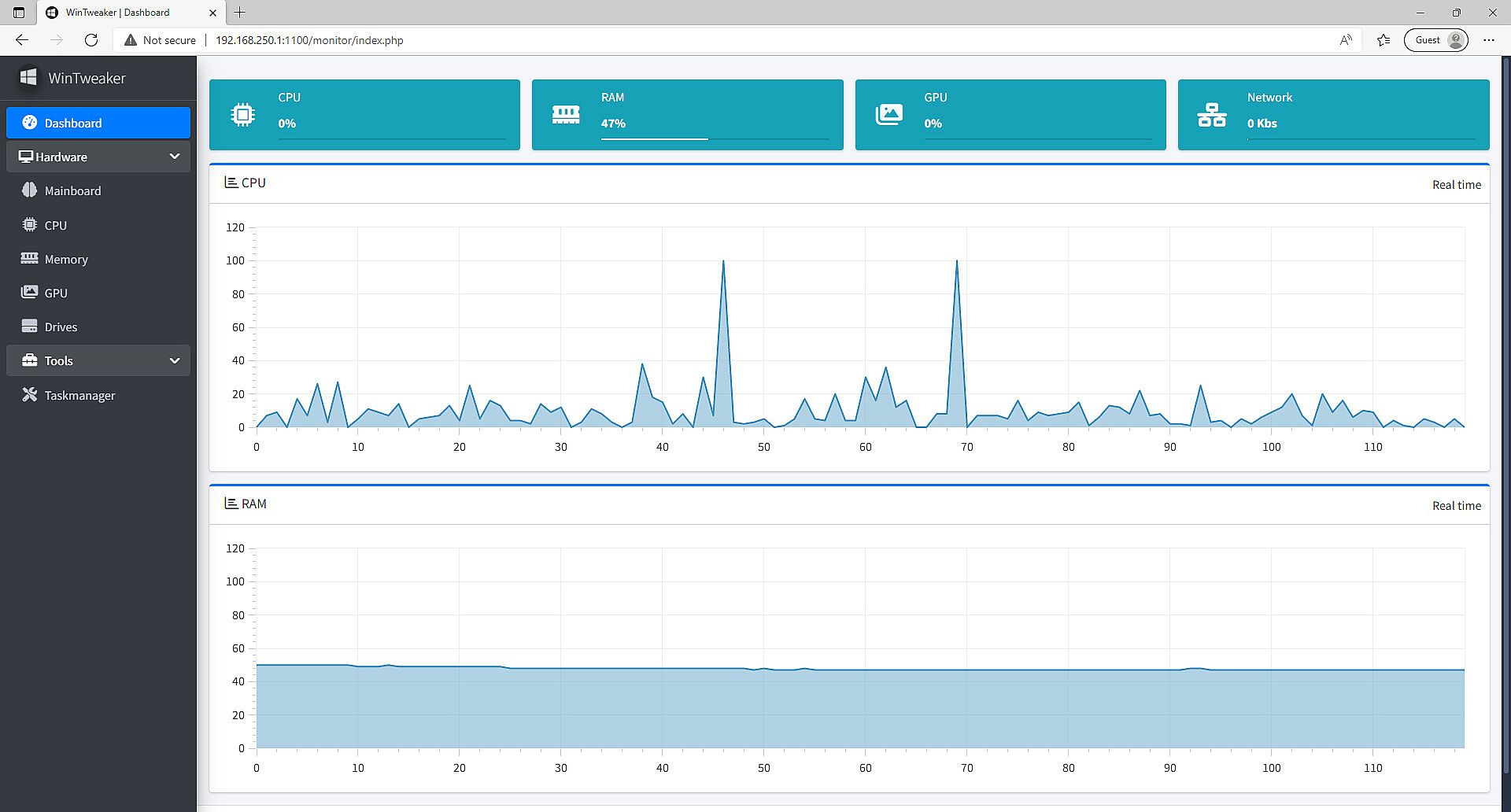
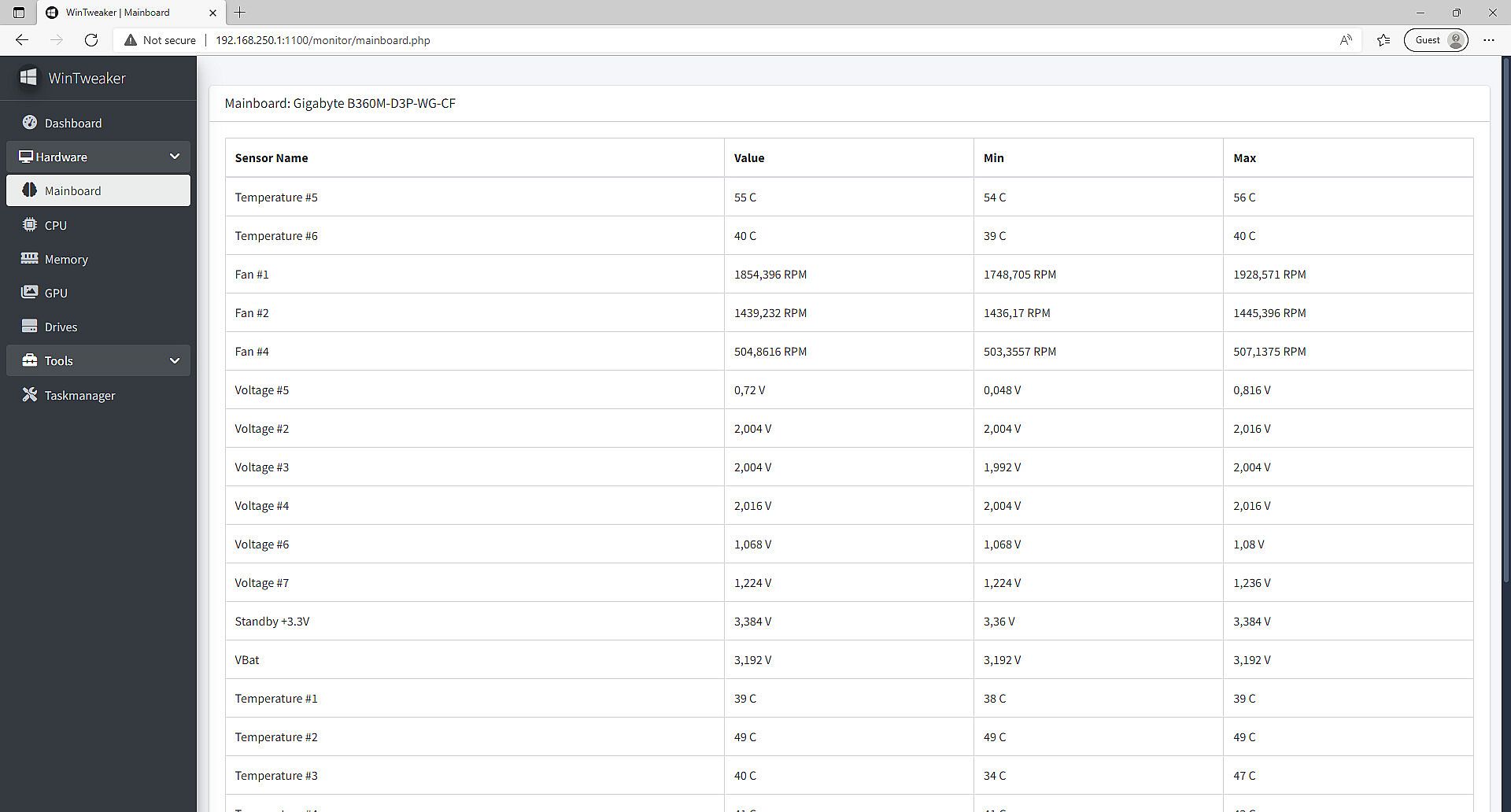
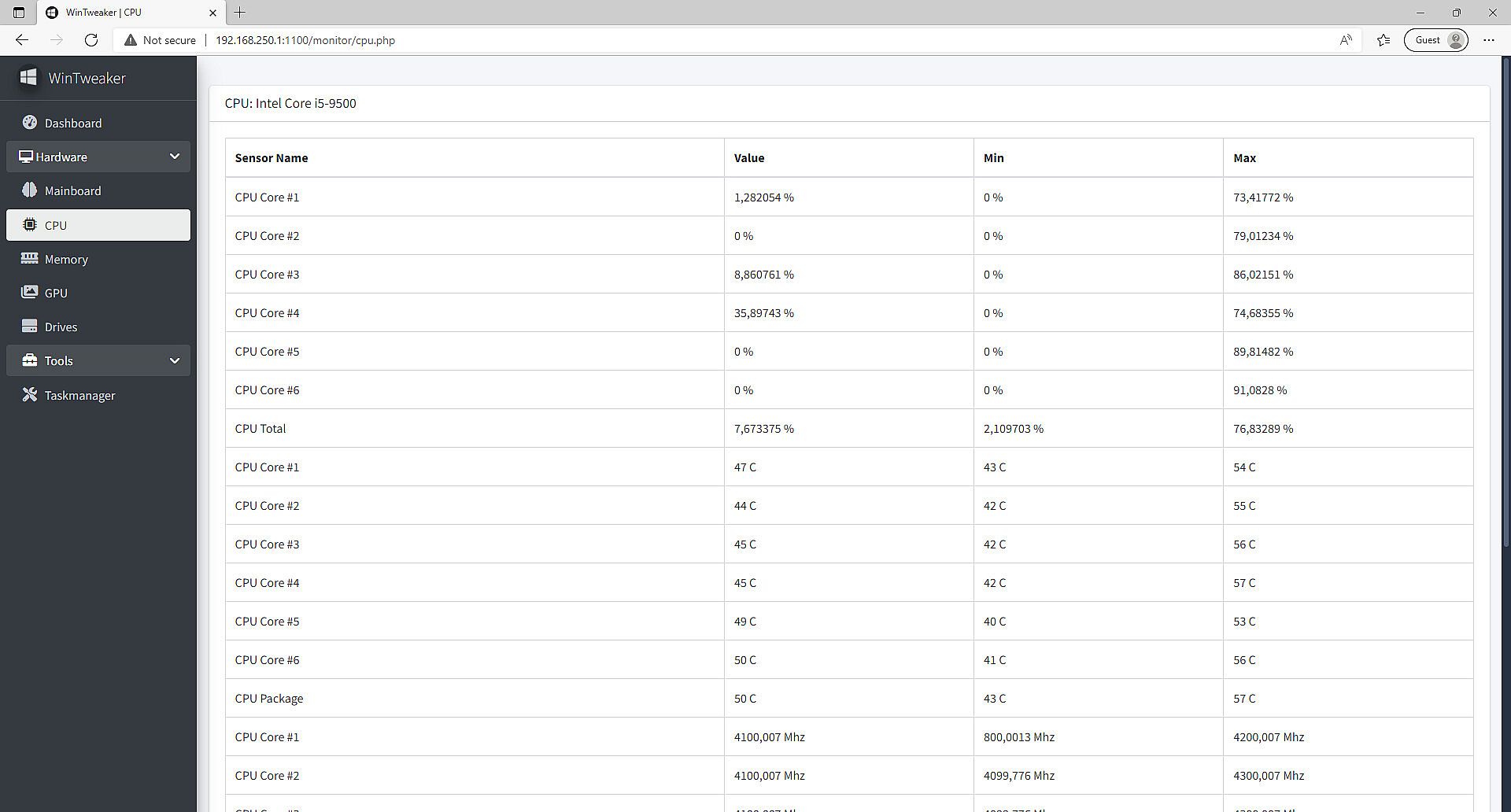
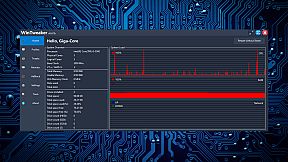
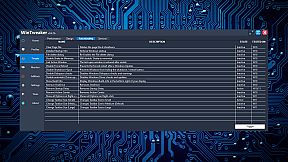
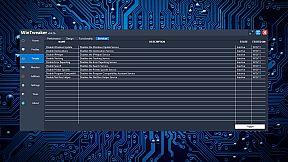
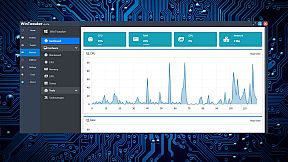
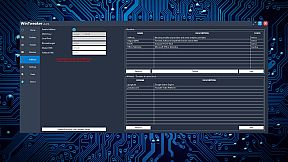
WinTweaker is a PC utility software available in early access, designed for users who want to fine-tune their Windows operating systems for better performance and customization. This tool targets tech enthusiasts and those frustrated with default system behaviors, offering a suite of options to monitor hardware, manage processes, and enhance browsing speeds without heavy resource use.
Gameplay
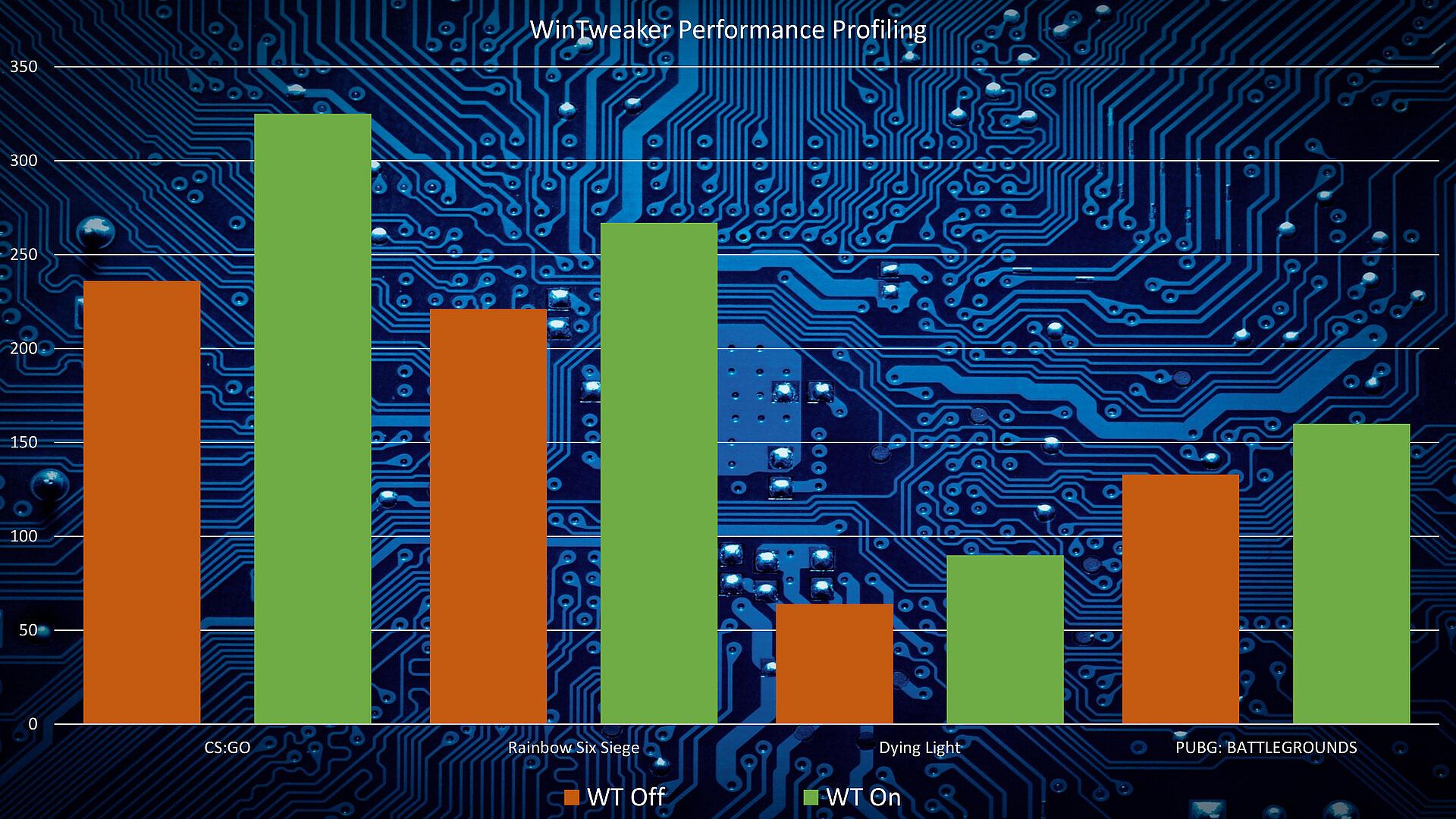
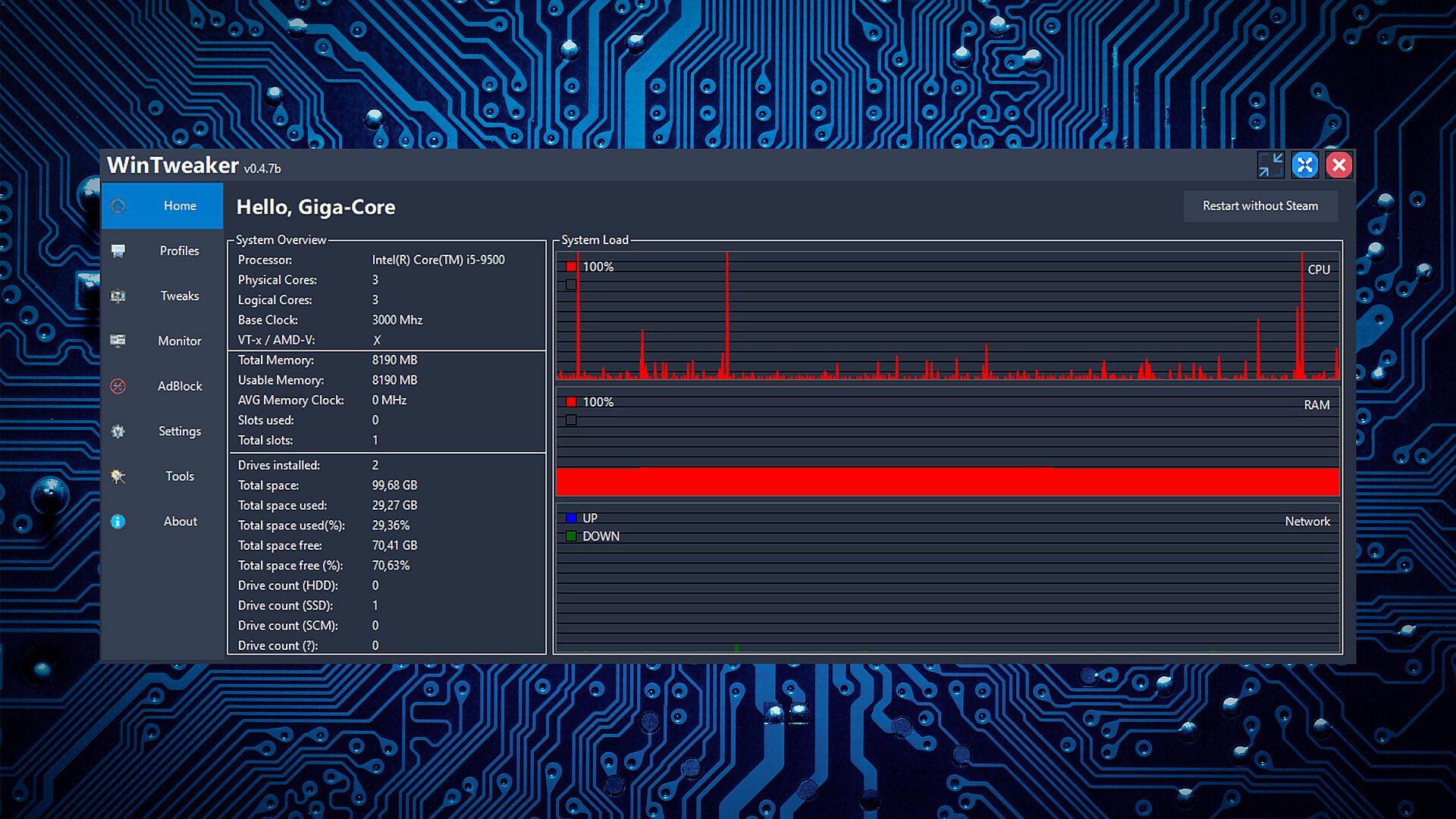
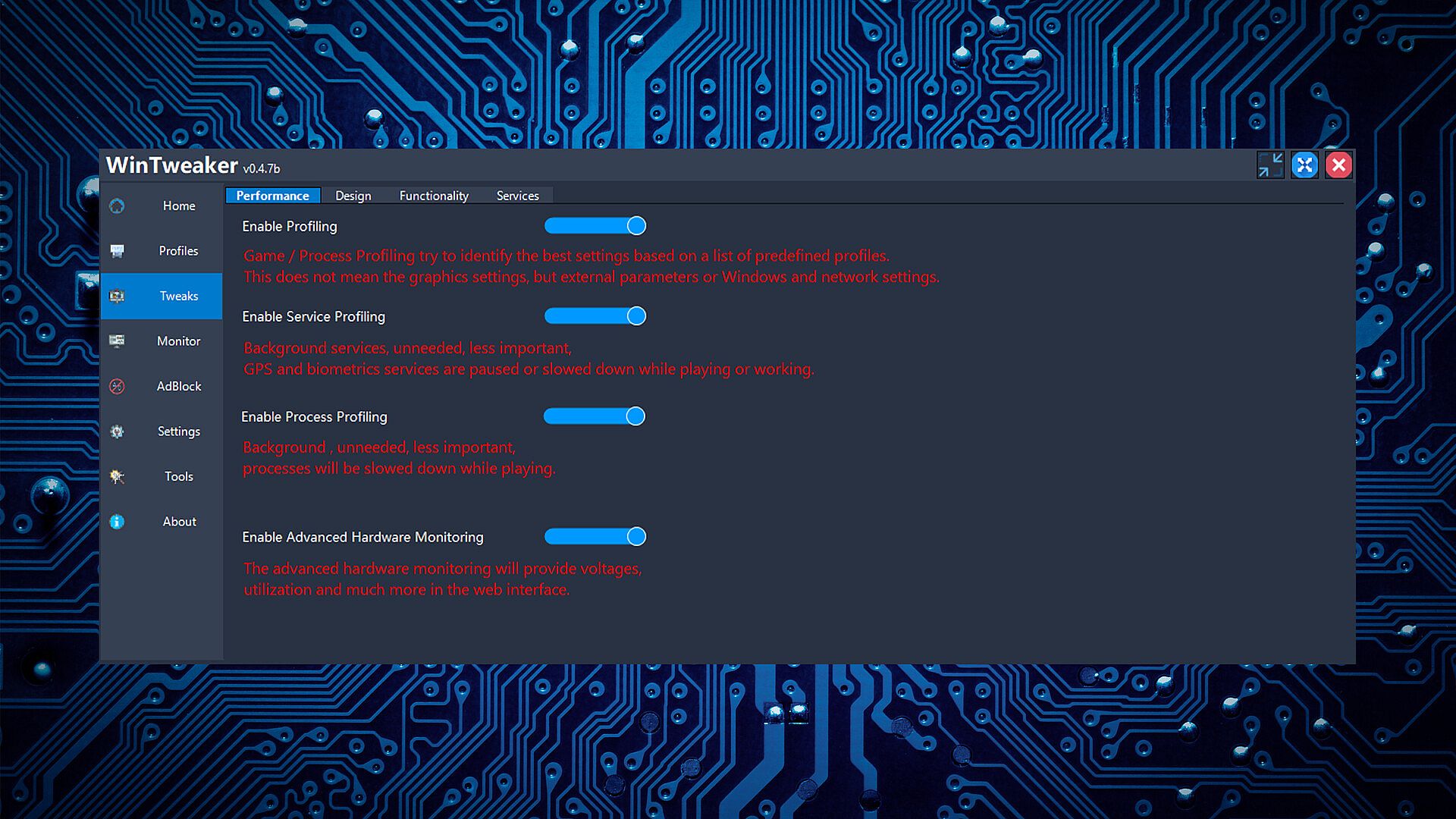
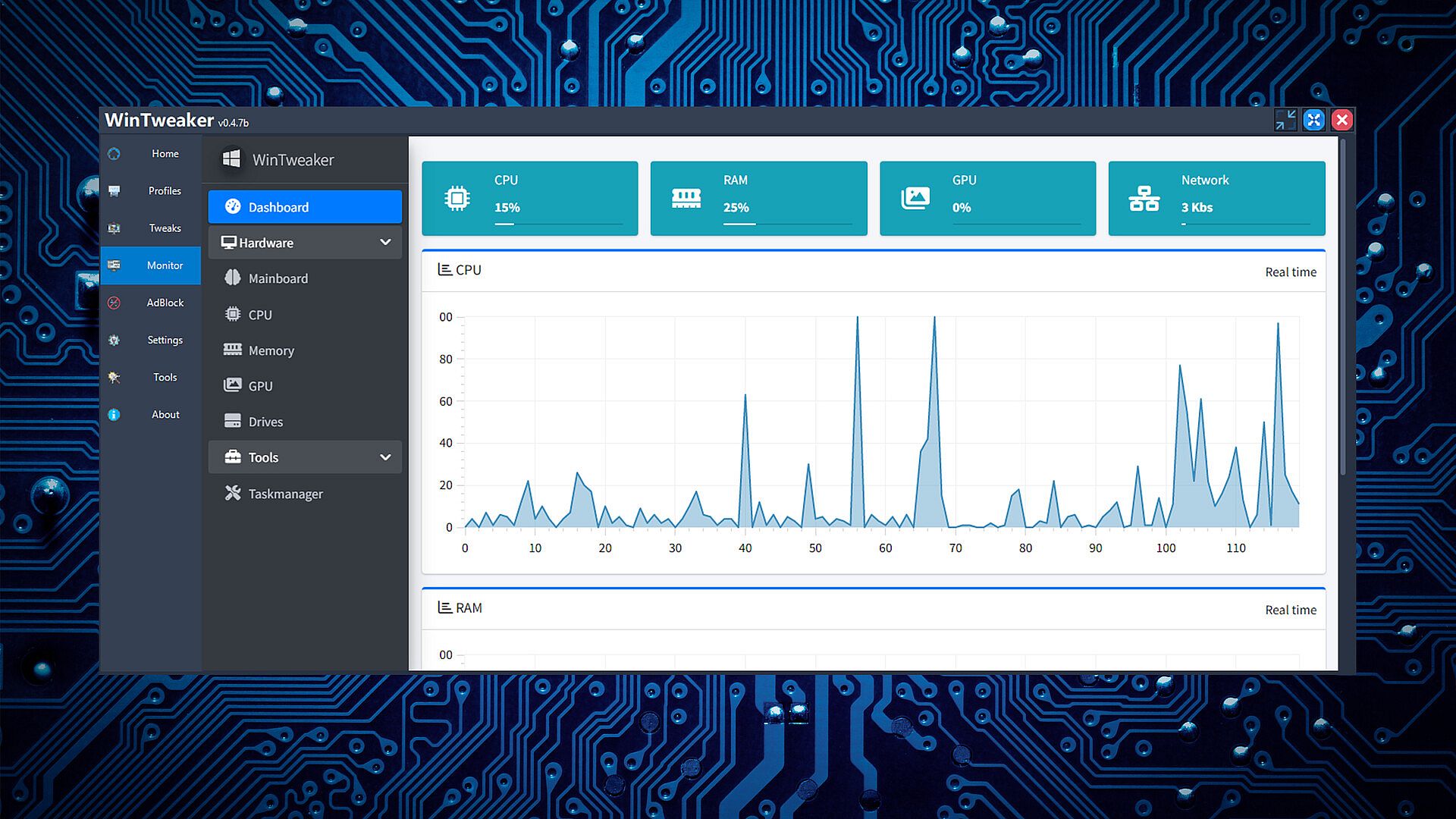
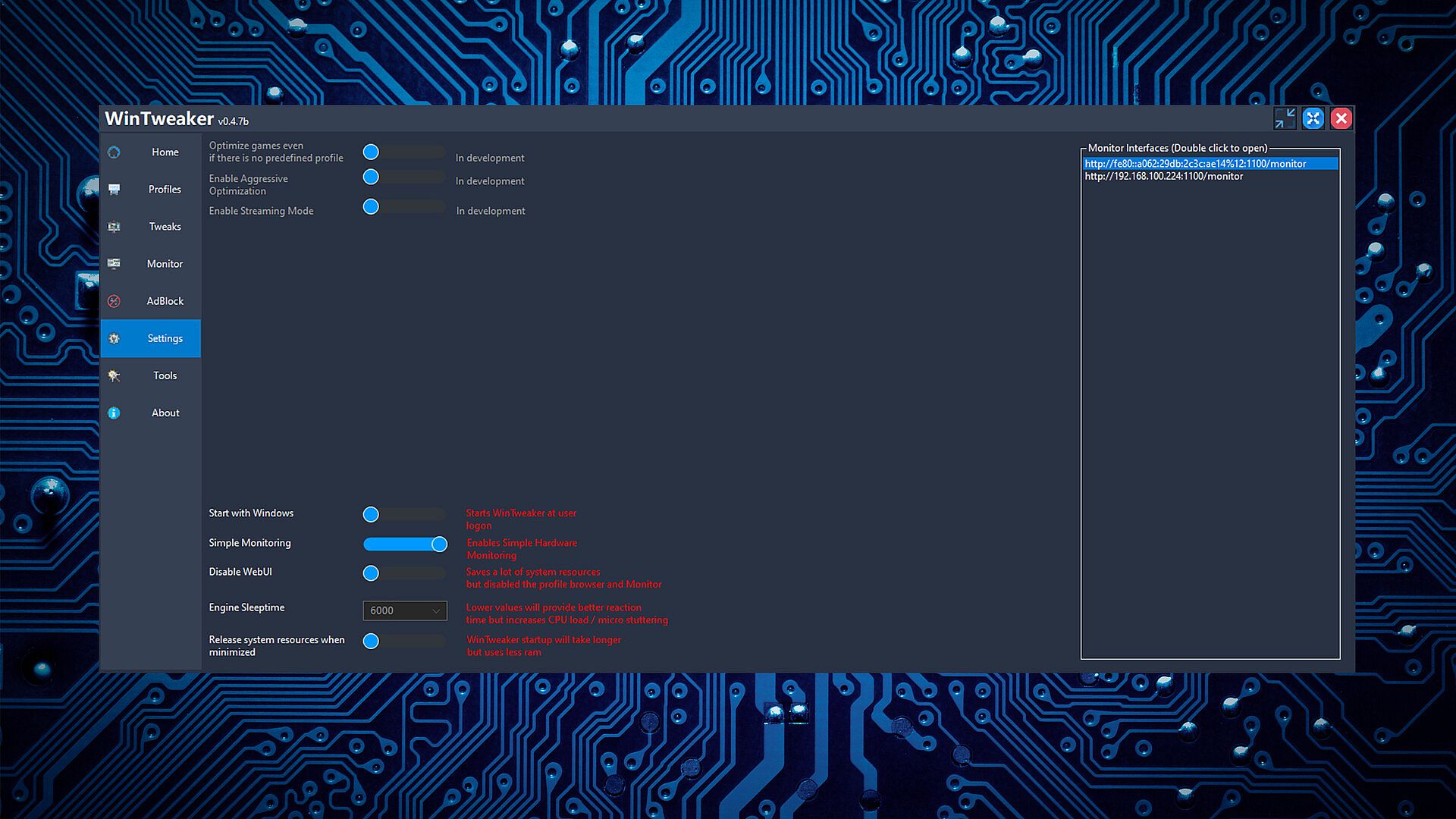
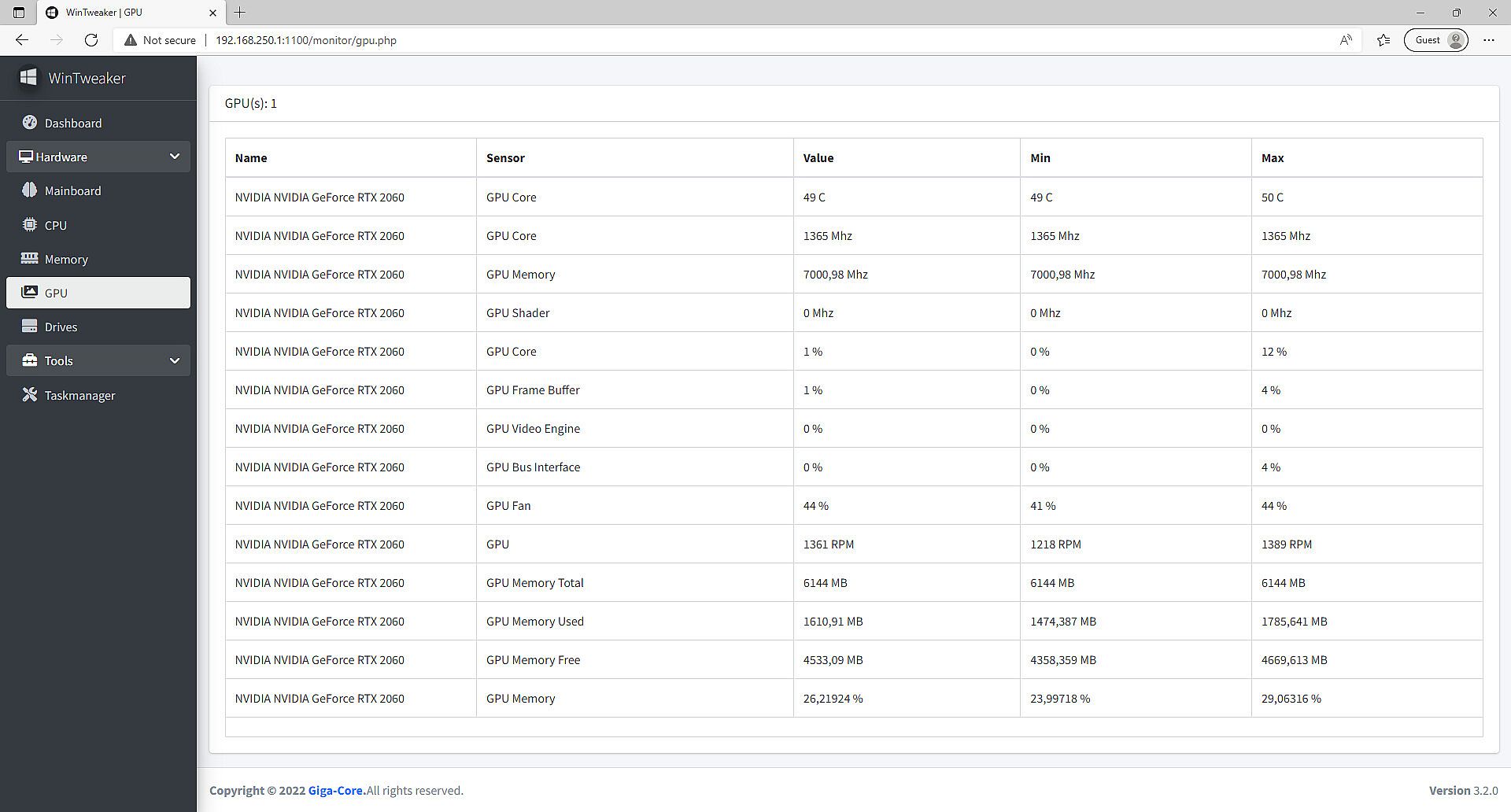
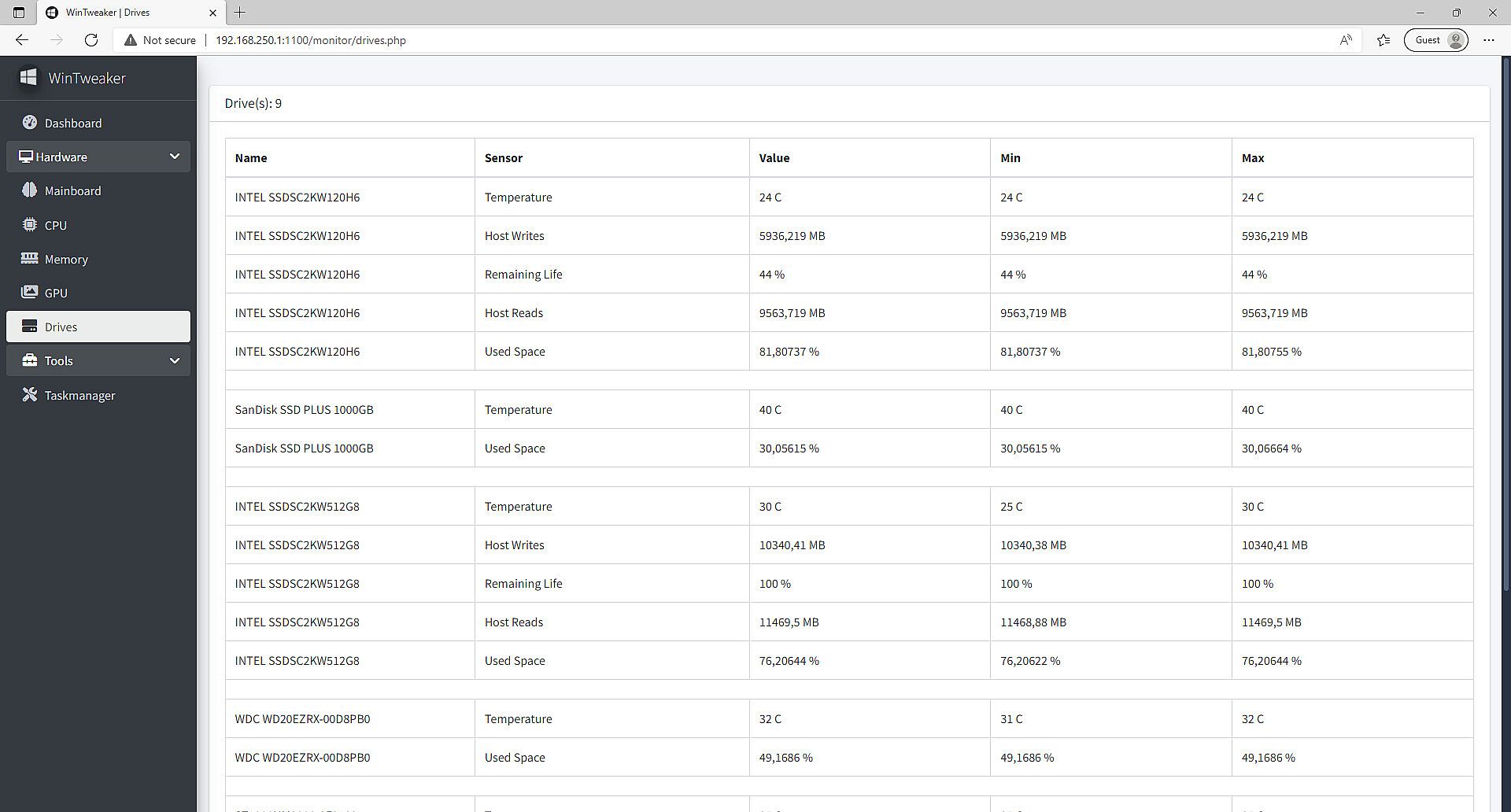
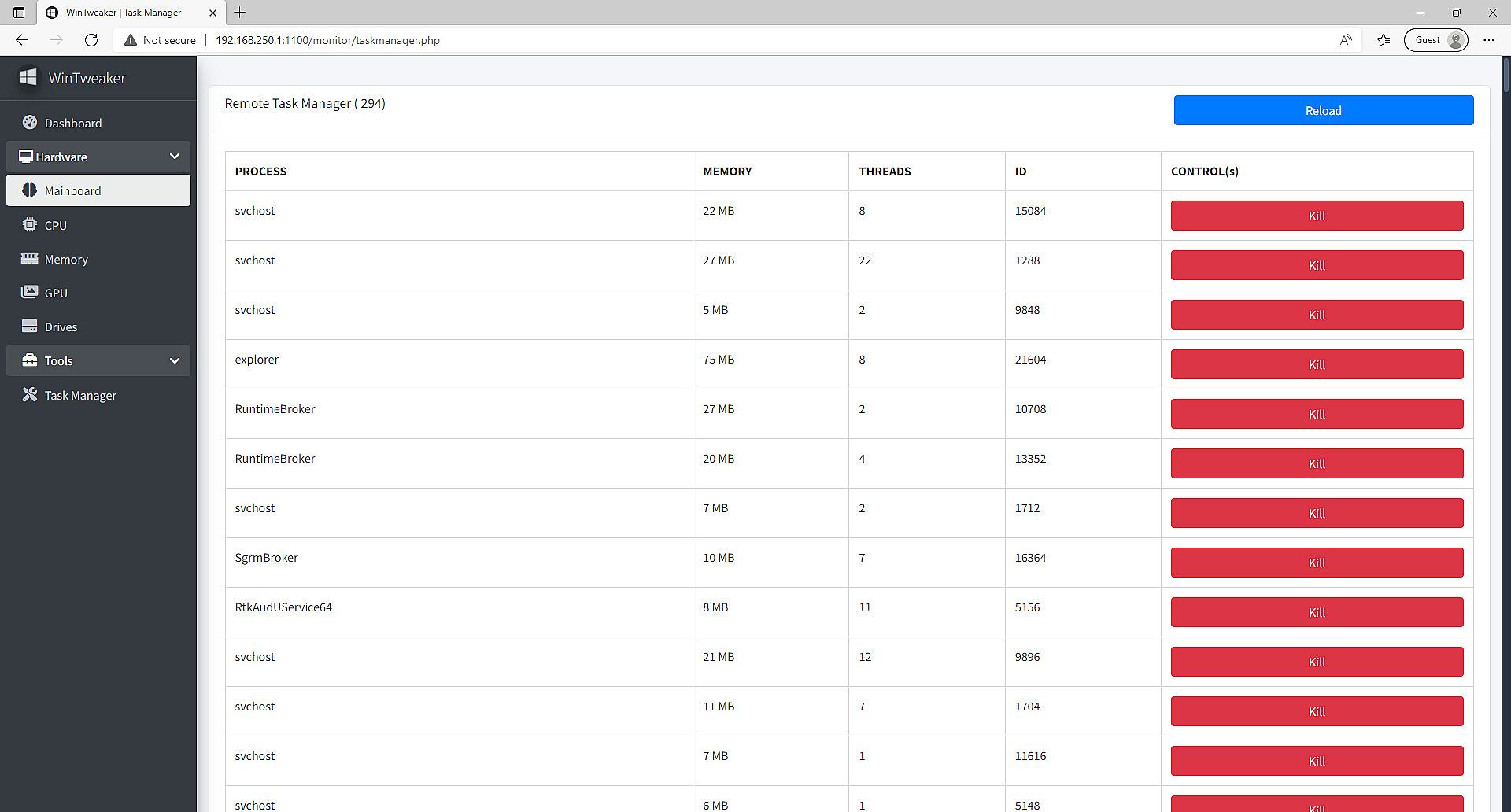
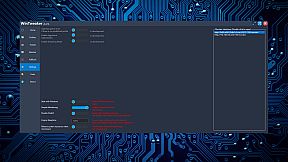
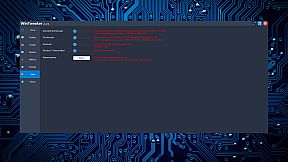
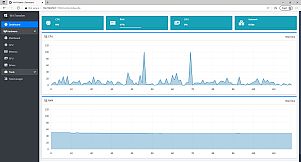
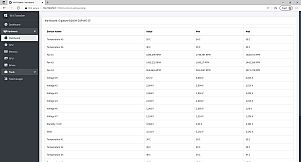
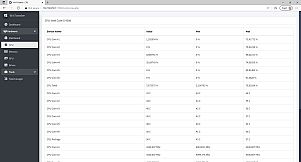
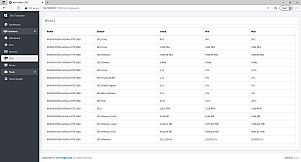
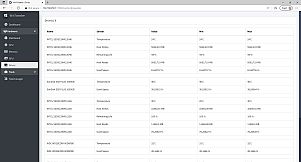
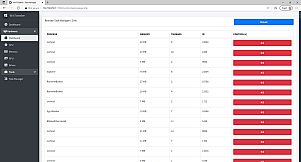
At its core, WinTweaker focuses on system optimization through a performance engine that pushes hardware to deliver peak output. Users can monitor hardware components both locally and remotely, keeping tabs on temperatures, usage, and other metrics in real time. The software includes a remote task manager for handling processes across devices, along with the ability to close file handles while programs are running, which helps in troubleshooting stubborn applications.
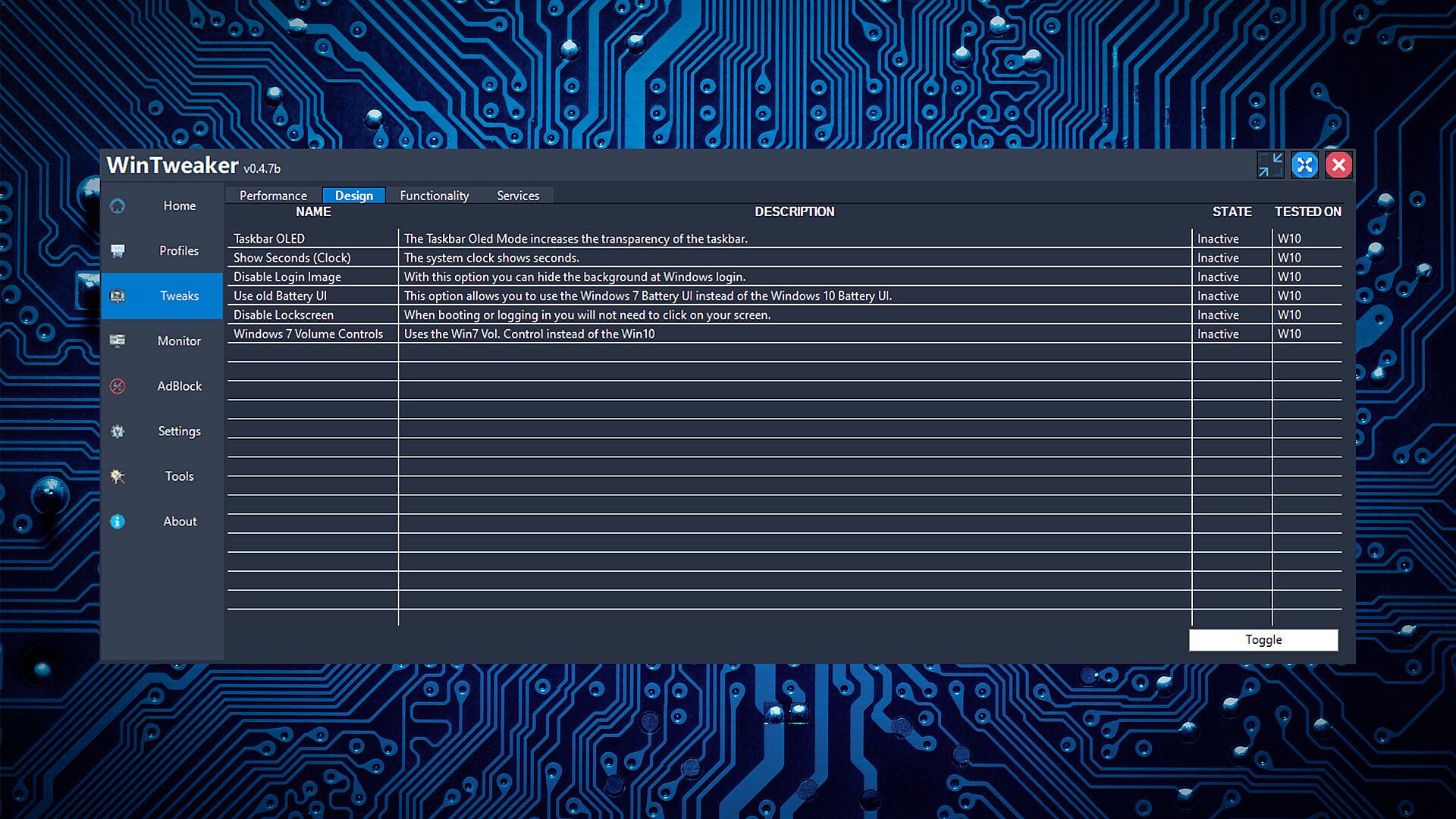
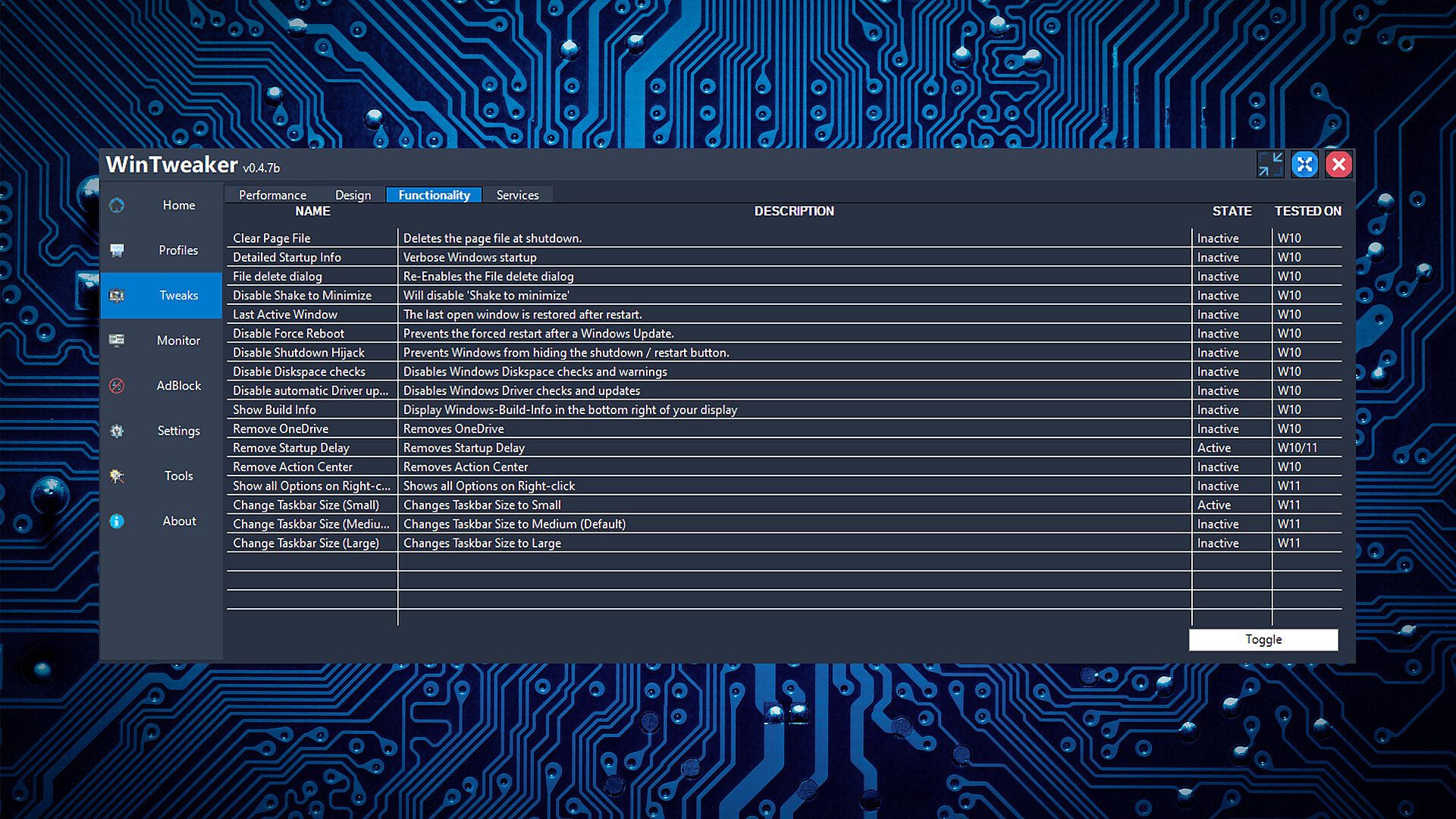
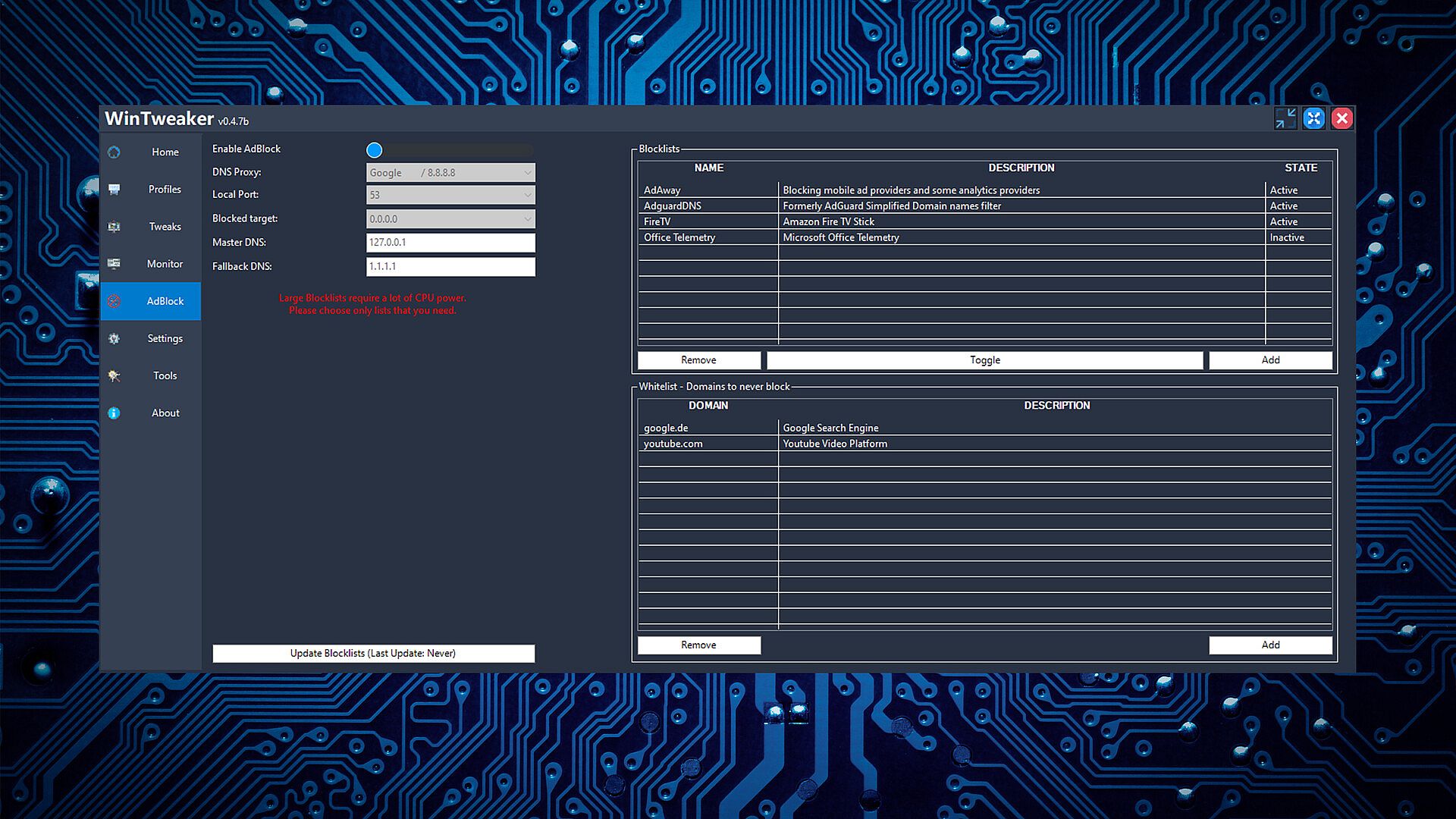
Another key aspect involves an ad blocker that strips away intrusive ads from web pages, leading to faster load times and a smoother online experience. WinTweaker also brings back the Windows 7 volume manager interface, making audio controls feel familiar even on newer systems like Windows 11. With low CPU usage and autorun capabilities independent of any launcher, it runs efficiently in the background.
Game Modes
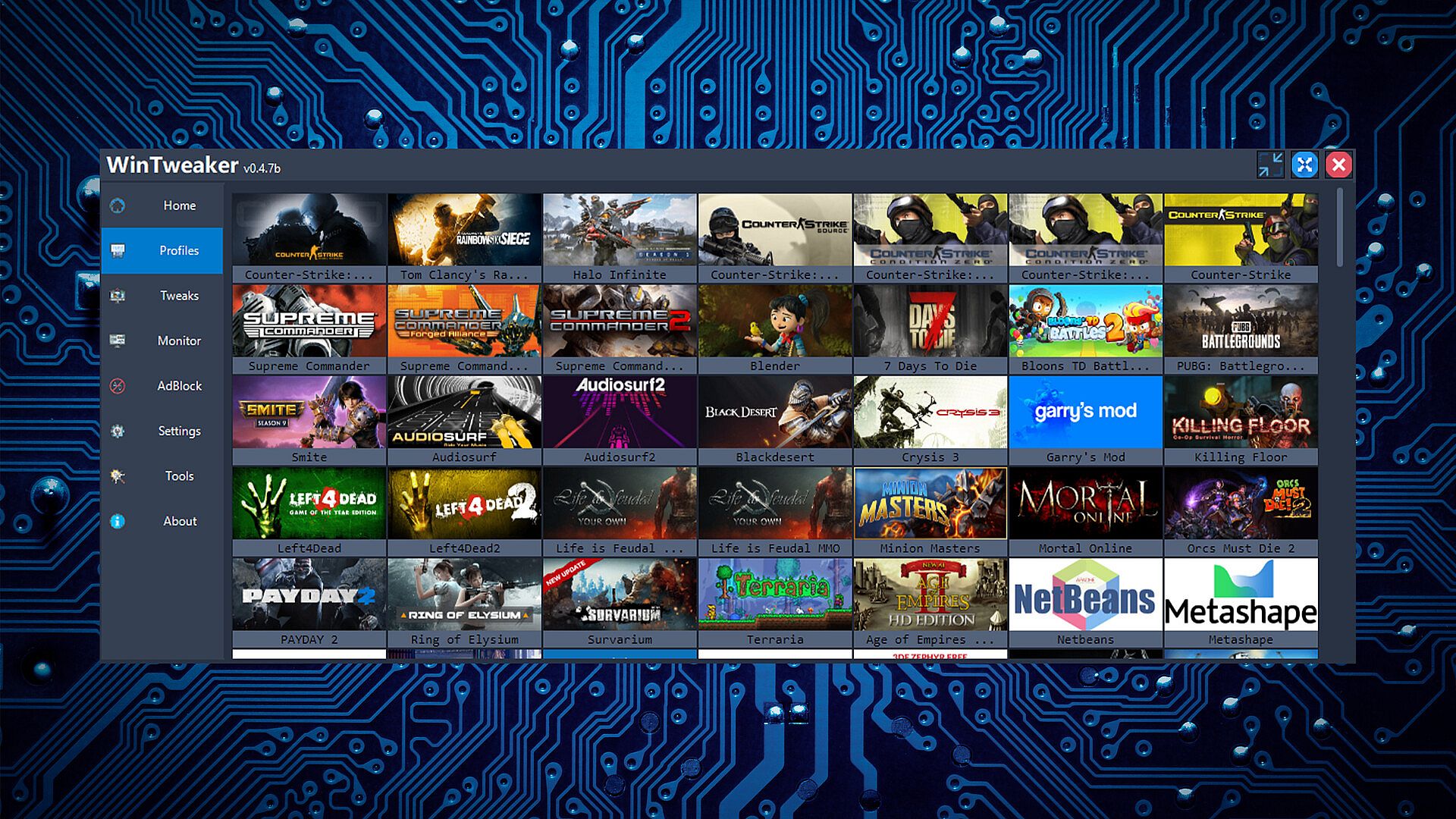
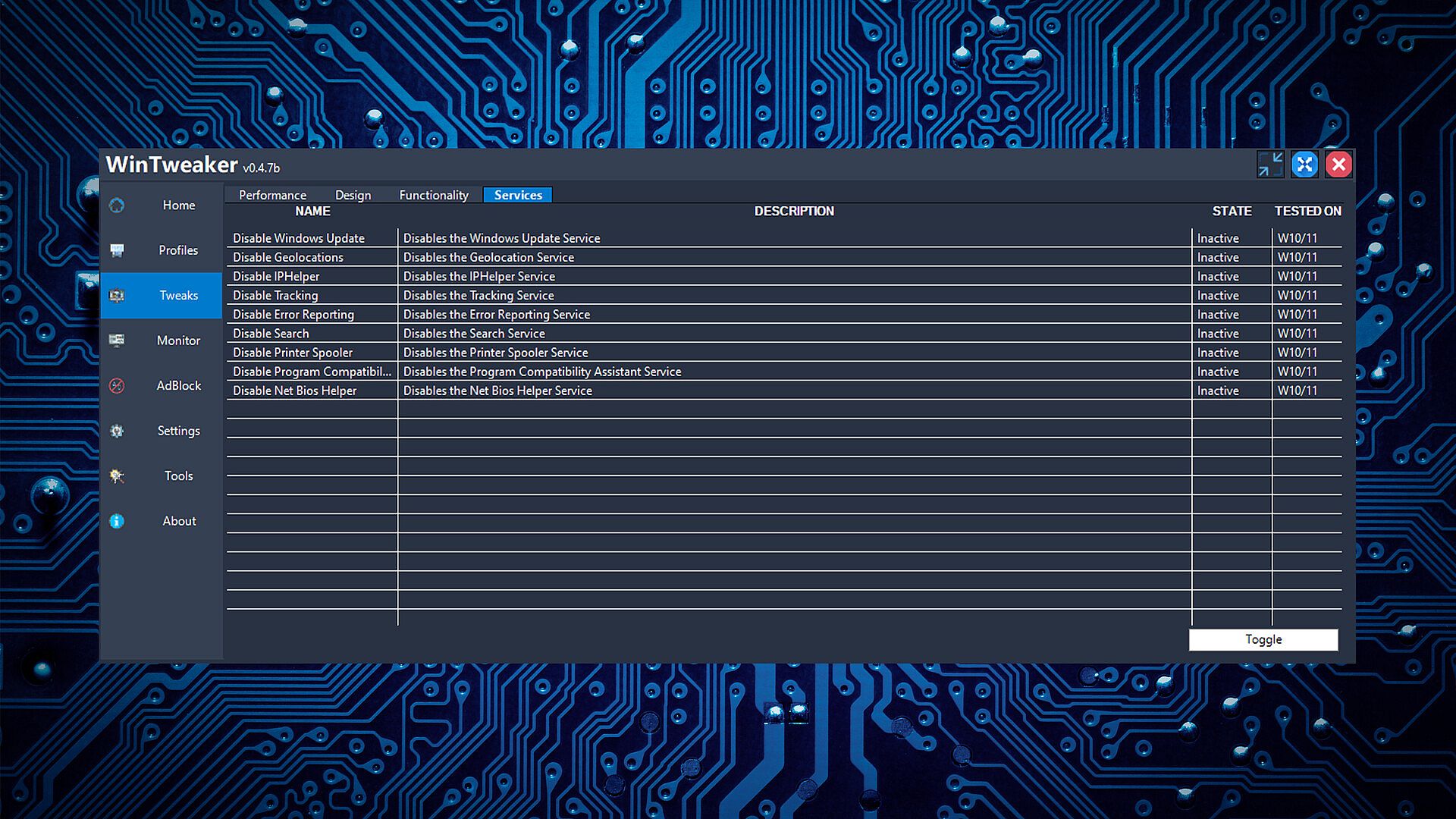
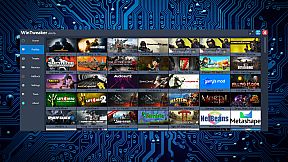
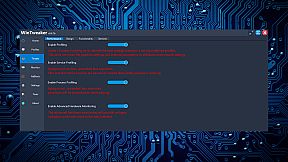
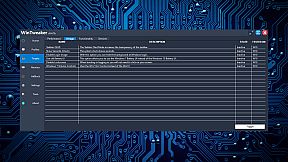
WinTweaker organizes its tools into distinct profiles and engines rather than traditional game modes. It comes with 216 process profiles, allowing users to apply specific settings to individual applications for tailored performance. There are 47 process engines that handle optimization tasks, and 30 service profiles for managing background services.
Users switch between features like the hardware monitor for oversight, the alternative task manager for process control, and the ad blocker for web enhancements. These act as modular components, letting you activate or customize them based on current needs, such as remote monitoring or runtime adjustments.
Updates and Future Plans
Since its release in December 2019, WinTweaker has remained in early access, with the last update occurring over three years ago. The developer has outlined plans for additions like Dreamscene Version 2, which would enable animated desktop backgrounds via workshop integration. Advanced cursor customization and modifiable Windows sounds are also on the roadmap, both set to leverage community-created content.
Feedback channels remain open, encouraging users to report bugs or suggest ideas directly to the team. However, the extended early access period suggests development has slowed, leaving the software in a state where core functions are available but expansions are pending.
Is It Worth Playing?
For those seeking a lightweight tool to tweak Windows settings and monitor system health, WinTweaker provides practical value through its profiles and engines. It suits users dealing with performance bottlenecks or needing remote oversight, especially if they prefer low-resource utilities.
Player reception shows 38 percent positive reviews out of 26 total, categorizing it as mostly negative. With no recent updates and an ongoing early access phase well beyond the initial six-month plan, it may not appeal to everyone expecting active support. If you need immediate, reliable tweaks without waiting for future features, alternatives might serve better, but dedicated customizers could find it useful for specific tasks.