

Buy Auto Clicker PC

Interested in Auto Clicker? We're tracking prices from trusted stores. Add Auto Clicker to your wishlist and we'll notify you when deals become available.

Release: 19 Sept 2024
Steam:
Positive (223)
Official
Unavailable
Keyshops
Unavailable
Buy in Official Store:
Unavailable
Buy in Keyshops:
Unavailable

No entries, but don''t worry, we will inform you once the new offer appears.

Create Alert Create deal Alert

About Auto Clicker

Auto Clicker - about the game
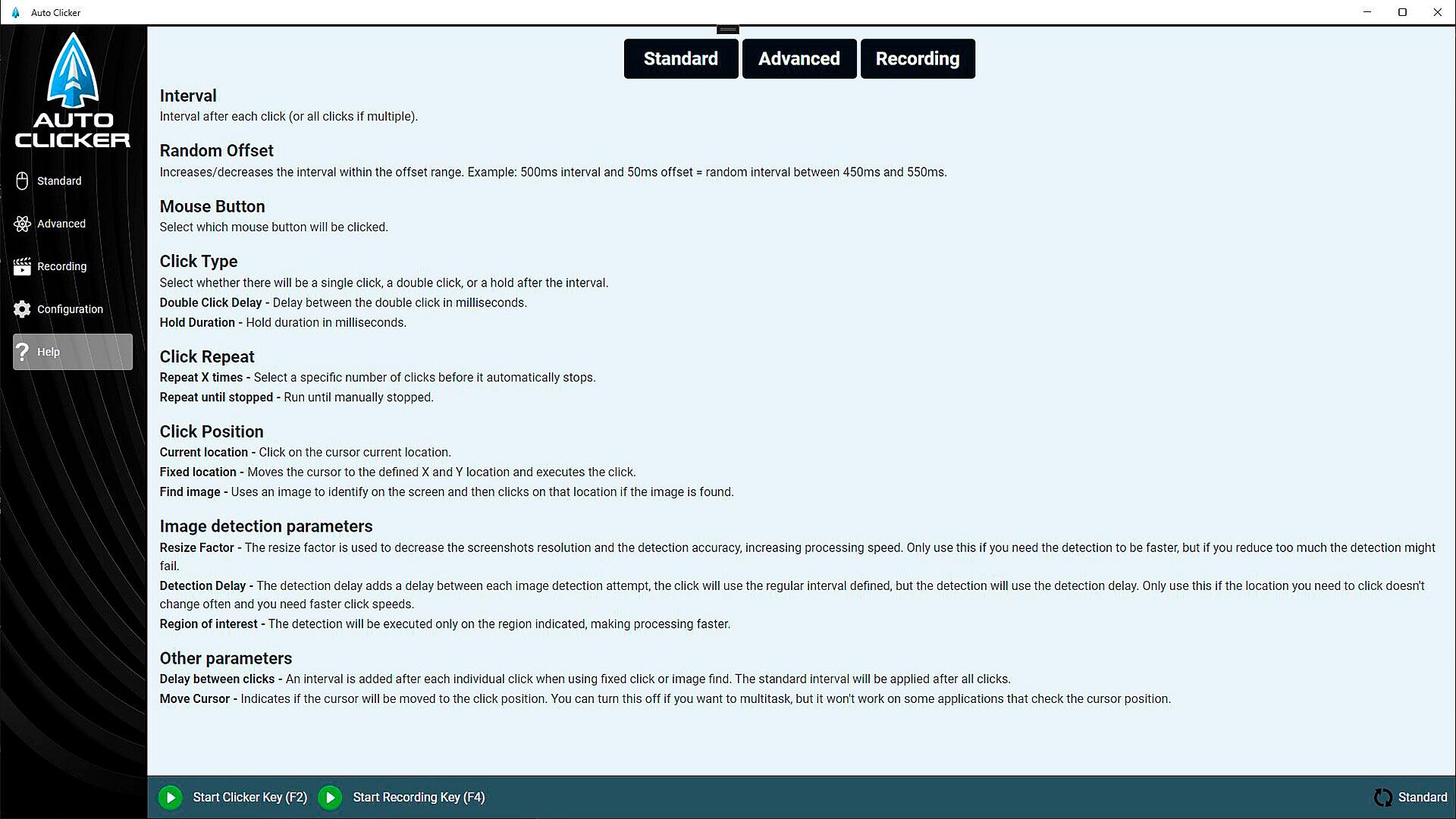
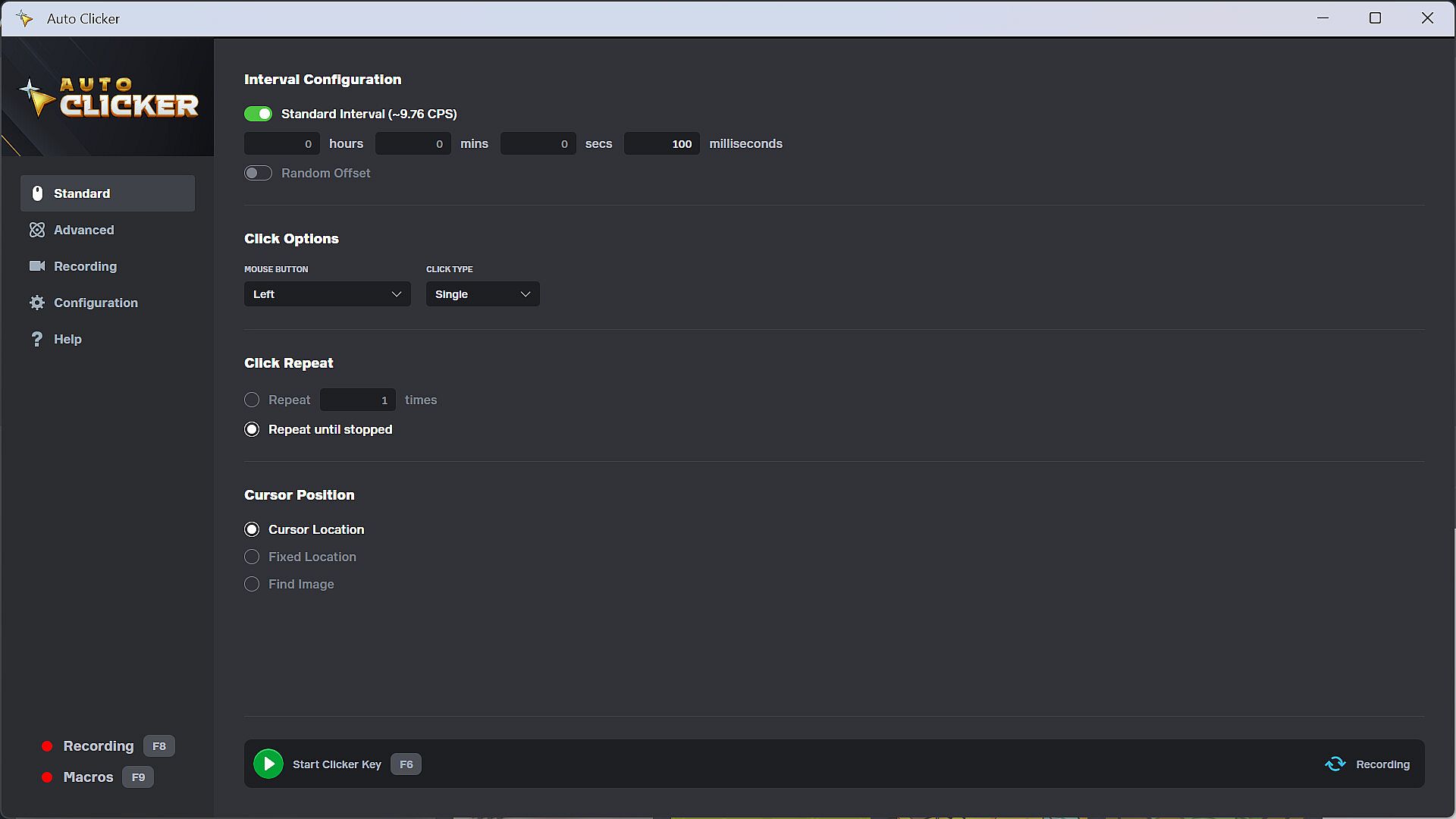
Automate clicks and inputs across Steam games, standalone PC titles, Windows apps, and web games with this trusted utility from Playsaurus. Standard Mode offers quick setup for basic needs, letting you set click intervals with random offsets, pick mouse buttons, choose single or double clicks, and target cursor spots, fixed spots, or detected images. Run a set number of clicks or keep going without end. Advanced Mode brings drag-and-drop tools to craft sequences with click, scroll, interval, repeat, detection, key, random, and custom actions. Record clicks, keys, and delays for replay or import into routines, then assign macros to hotkeys for instant triggers. PC users seeking simple or complex automation in everyday apps and games will find it essential.

Automate your clicks with Playsaurus's trusted Auto Clicker on Steam. Auto Clicker can automate clicks and other inputs in Steam games, standalone PC titles, Windows apps, and even web games.

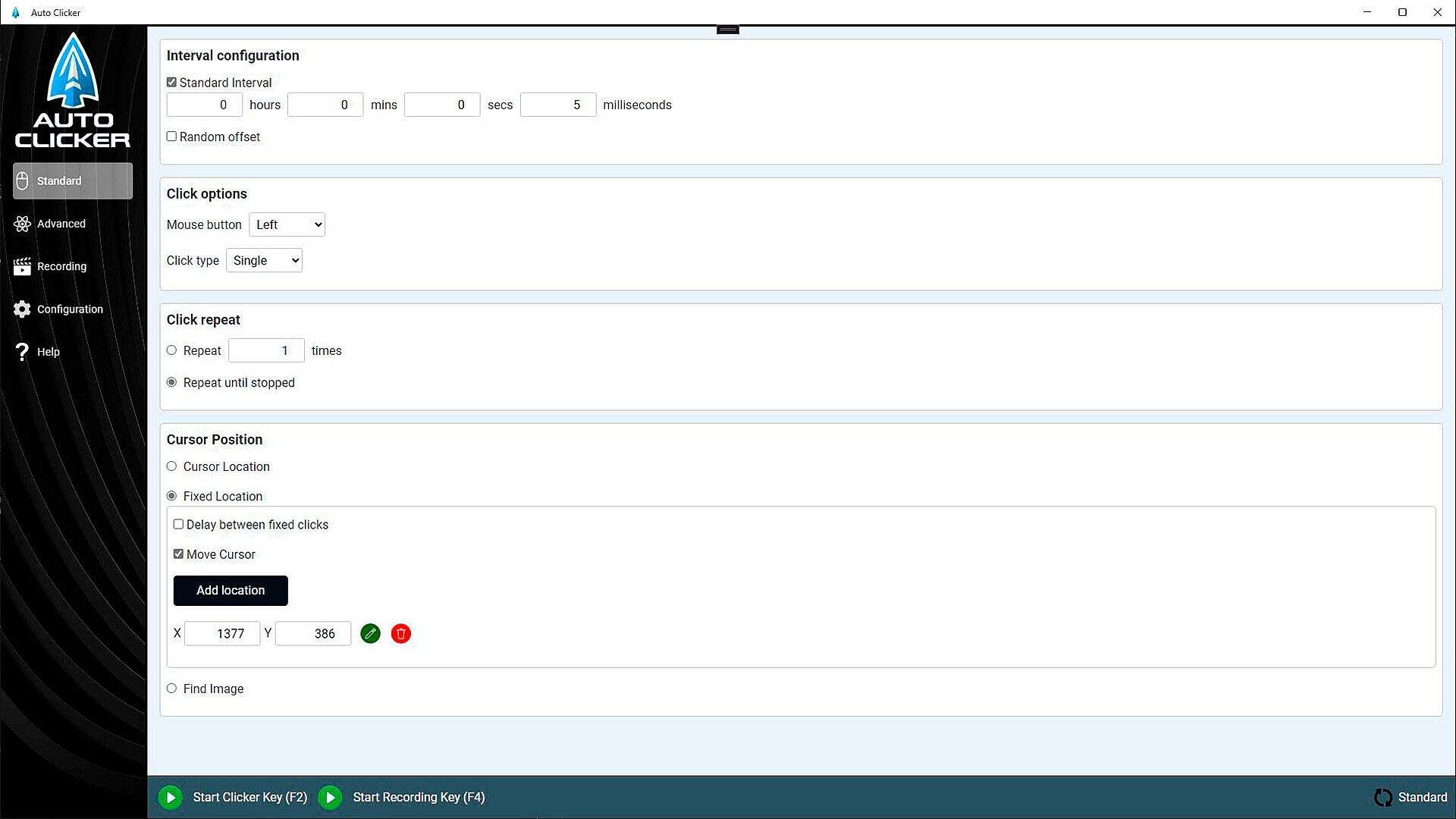
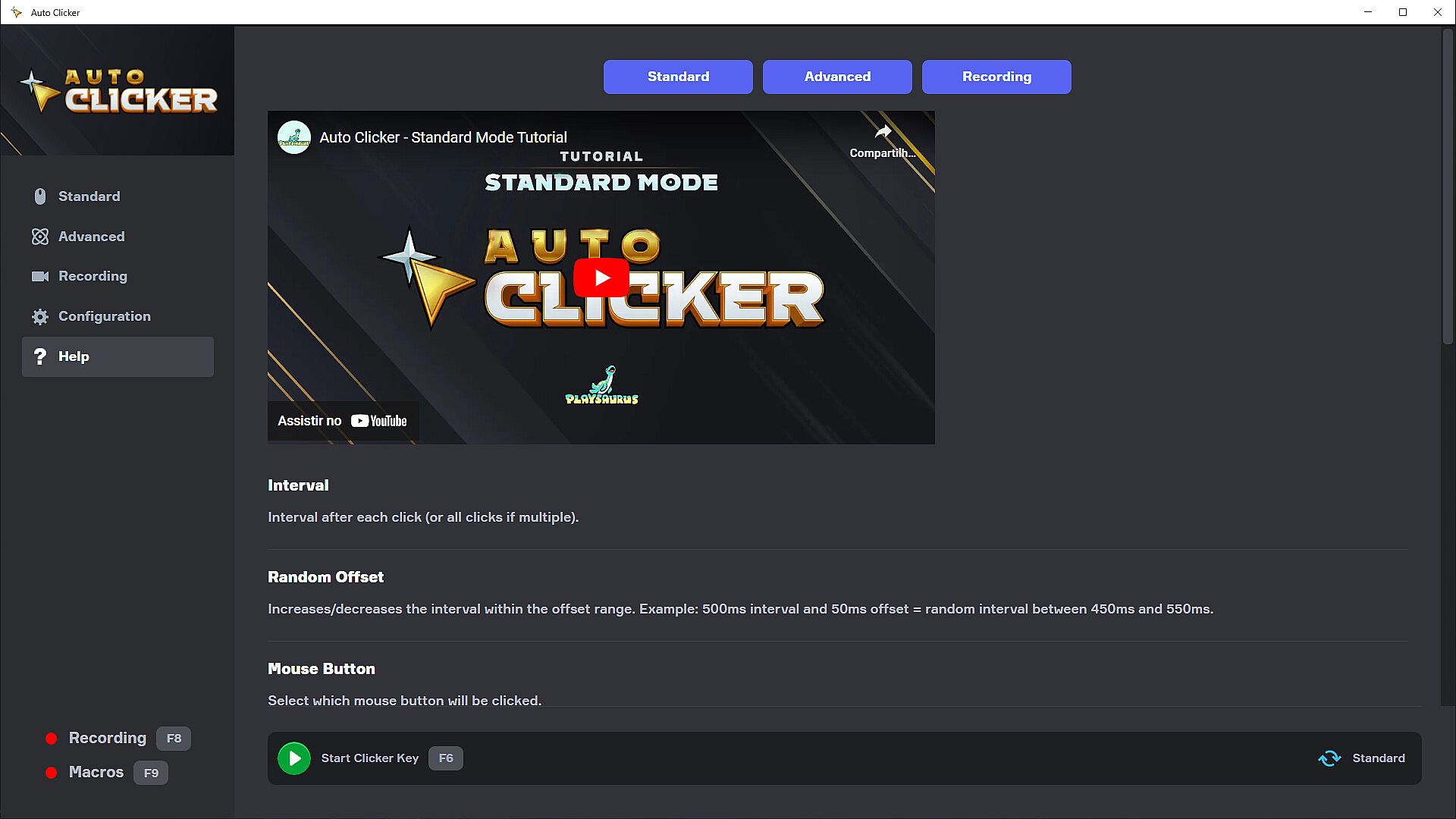
Standard Mode

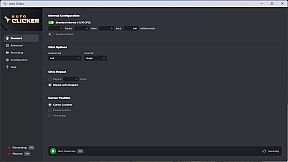
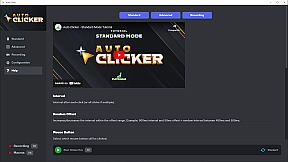
Start with Standard Mode if you need a simple auto clicker that’s quick to set up:

  • Configure intervals between clicks, including random offsets

  • Choose your mouse button type: left, right, middle, or side

  • Use single, double, and hold clicks

  • Specify a fixed number of clicks or run indefinitely

  • Click at the current cursor location, fixed coordinates, or on detected images

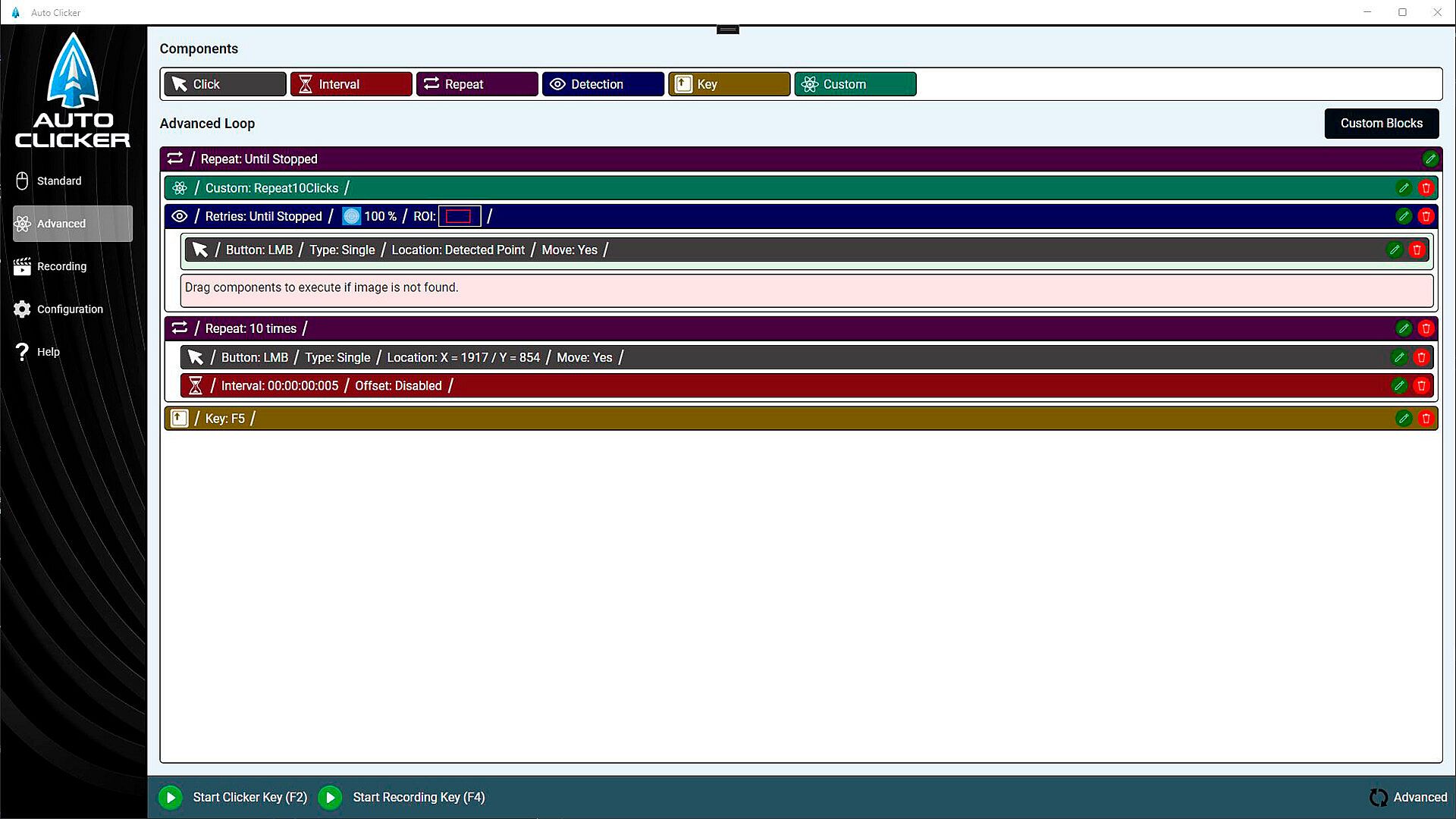
Advanced Mode

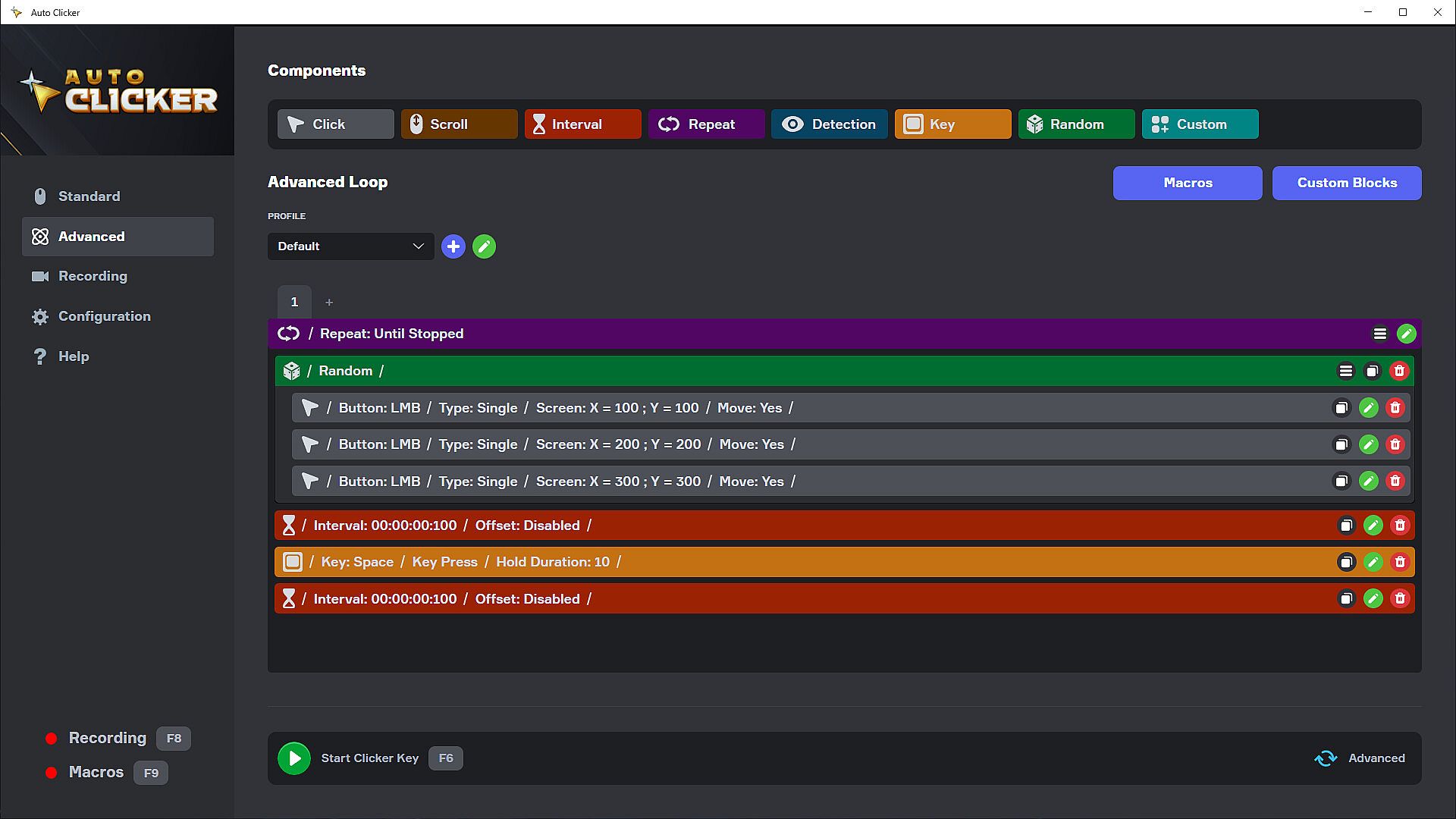
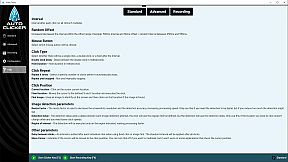
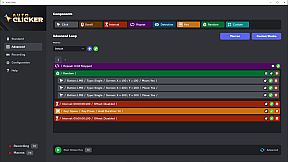
For deeper customization, Advanced Mode provides a user-friendly, drag-and-drop interface to build complex automation sequences using different types of actions:

  • Click Action: Perform specific clicks at chosen locations

  • Scroll Action: Simulate mouse wheel scrolling

  • Interval Action: Insert delays between actions

  • Repeat Action: Loop actions multiple times or until stopped

  • Detection Action: Search for images and branch your logic

  • Key Action: Simulate keystrokes

  • Random Action: Randomize your actions

  • Custom Action: Group sets of actions for reuse and organization

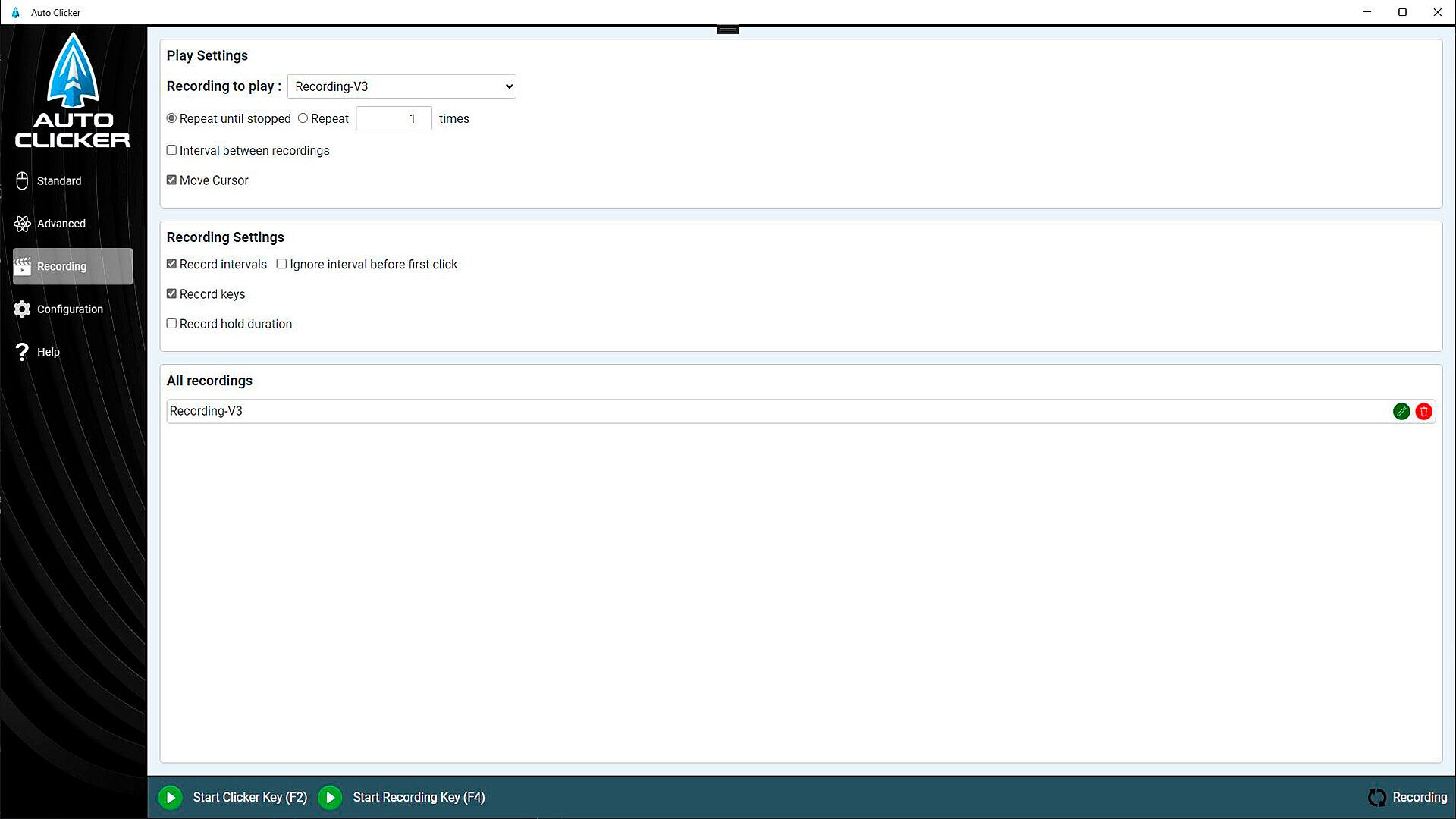
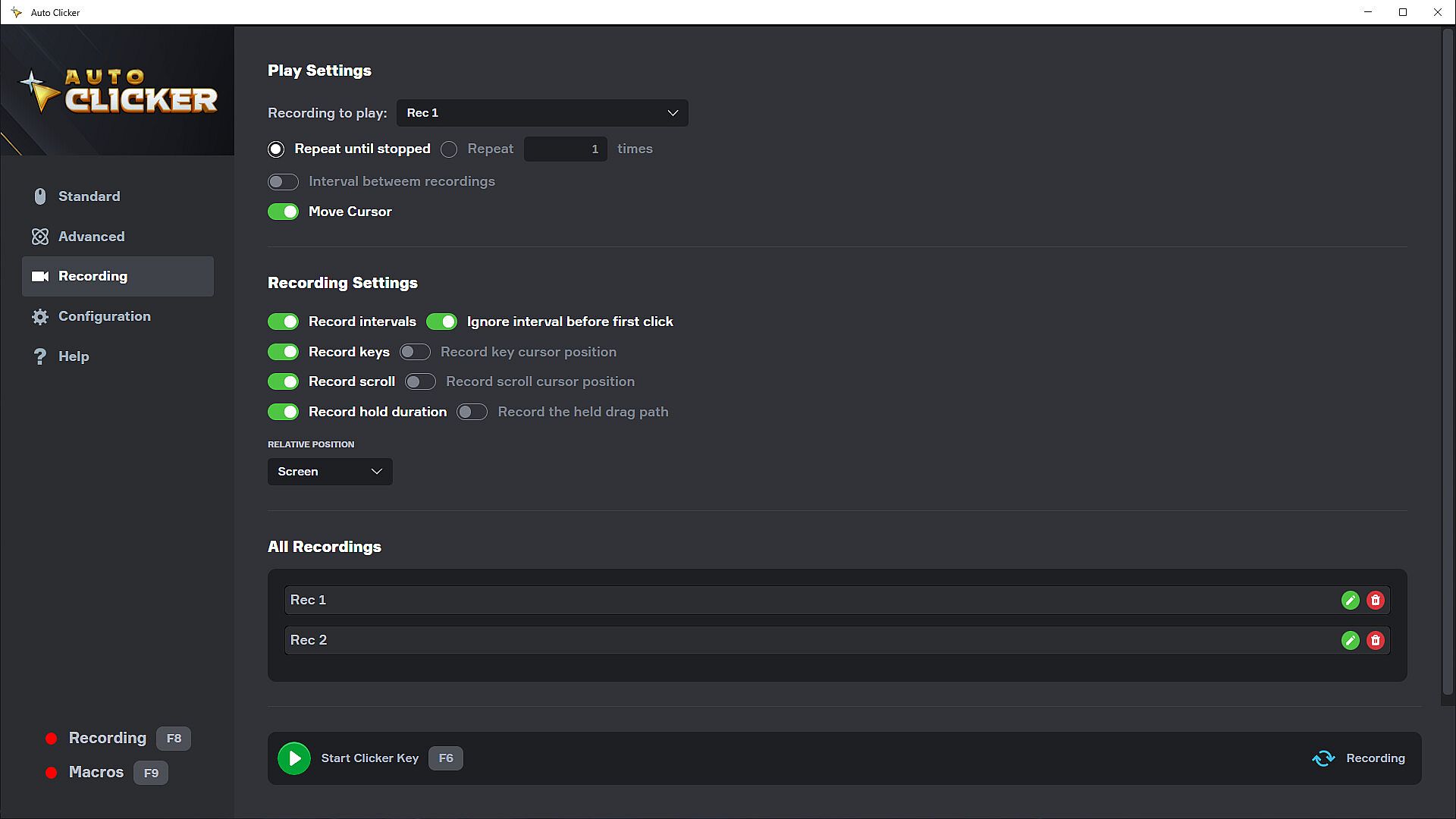
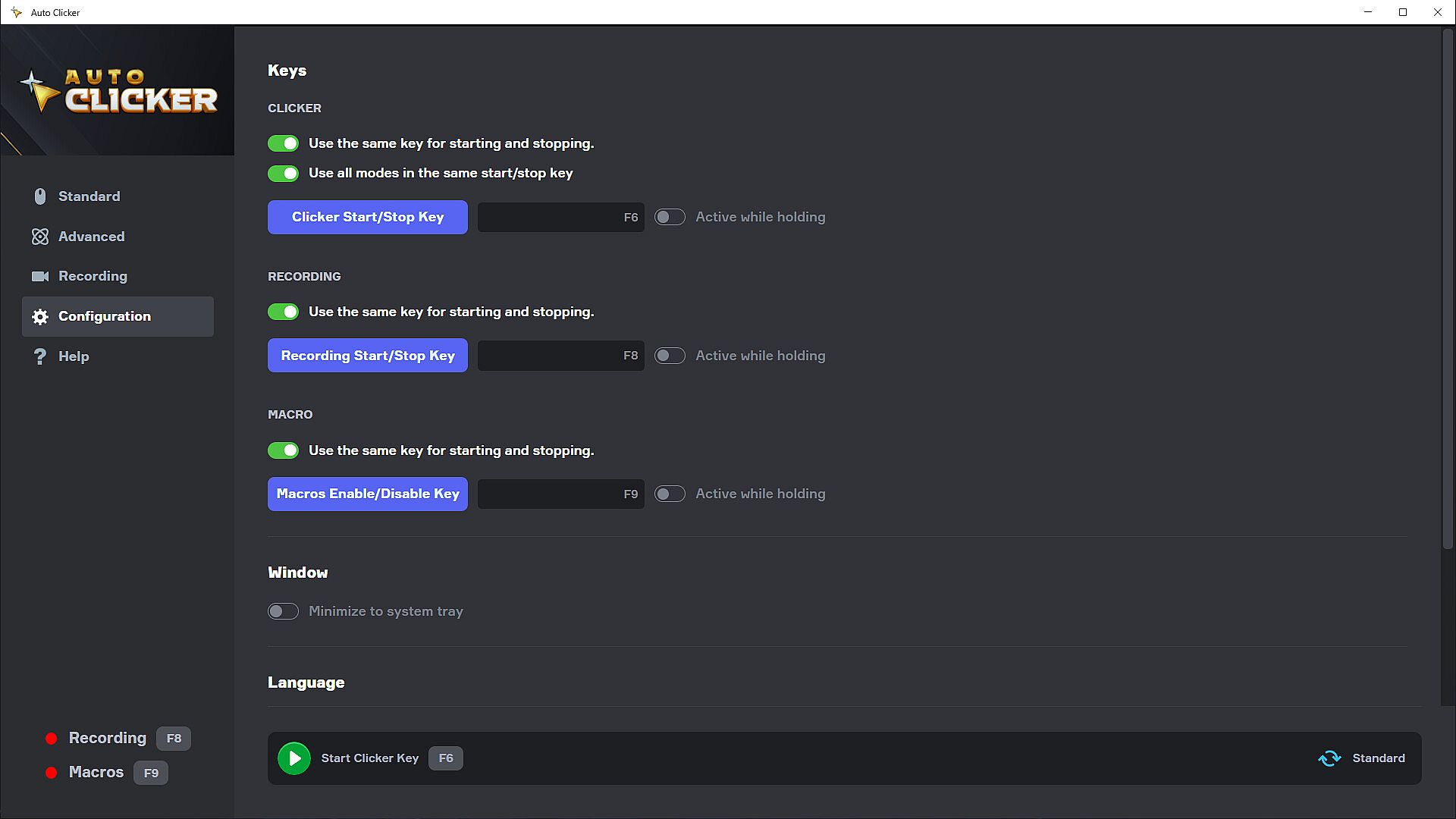
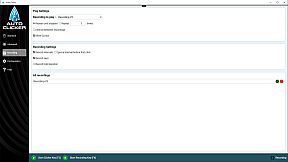
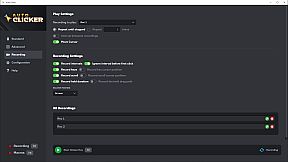
Recordings

Record all clicks, keypresses, and delays, then replay or import them into custom actions for advanced routines.

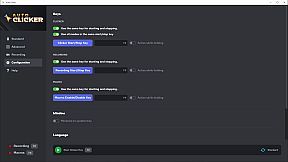
Macros

Assign any custom set of actions to a key, triggering complex sequences on demand.

About Us

Playsaurus has developed several popular clicker games including Clicker Heroes and Mr.Mine. We are also the Steam publisher of the classic game Cookie Clicker. So we are providing you a solution to the problem we created. Please enjoy!

Notes:

  • Automations like Auto Clicker may be against the terms of games and other applications, be sure to consult their terms of use

  • Image detection may fail with scaled, distorted, or rotated images

  • Compatible with Windows 10+

Interface:
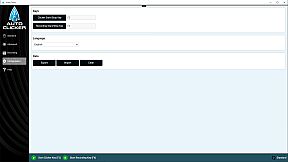
ArabicBulgarianCzechDanishGermanGreekEnglishSpanish - SpainSpanish - Latin AmericaFinnishFilipinoFrenchCroatianHungarianIndonesianItalianJapaneseKoreanDutchNorwegianPolishPortuguese - PortugalPortuguese - BrazilRomanianRussianSwedishThaiTurkishUkrainianVietnameseSimplified ChineseTraditional Chinese

Age rating

Unavailable
Steam:
Positive (223)

Minimum:

  • OS: Windows 10 (10.0.17763.0)
  • Processor: Intel Pentium Processors
  • Memory: 1 GB RAM
  • Storage: 500 MB available space
  • Additional Notes: Memory requirements may increase if you use image detection feature.

Recommended:

  • OS: Windows 10 (10.0.19041.0)
  • Processor: Intel Pentium Processors
  • Memory: 4 GB RAM
  • Storage: 500 MB available space
  • Additional Notes: Memory requirements may increase if you use image detection feature.

Minimum:

  • OS: macOS 14
  • Processor: Apple Silicon
  • Memory: 1 GB RAM
  • Storage: 500 MB available space
  • Additional Notes: Memory requirements may increase if you use image detection feature.

Recommended:

  • OS: macOS 14
  • Processor: Apple Silicon
  • Memory: 4 GB RAM
  • Storage: 500 MB available space
  • Additional Notes: Memory requirements may increase if you use image detection feature.
Historical low
Price history from official stores
-
-
-
Price history from keyshops
-
-
-

FAQ

8 questions

Before you start looking for a cheap Auto Clicker key, check the essentials. Developed by Playsaurus. Published by Playsaurus. PC released date: 19 Sept 2024. Genres: Utilities. Categories: Family Sharing, Steam Achievements, Steam Cloud.

Q

Where to buy a cheap Auto Clicker Steam key?

There are currently no active offers for Auto Clicker. Set a price alert on XD.deals and we will notify you the moment a deal becomes available.

We don't have a current Steam Store price for Auto Clicker. The game may be temporarily unavailable or not yet listed on Steam.

Our price tracker covers both official retailers and key marketplaces, so you can find Auto Clicker on sale even outside seasonal promotions. We currently detect 0 active offers from official stores and keyshops. Check the table above, compare against the historical low, and set an alert so you never miss the next price drop.

Based on our data, Auto Clicker is not currently available on GeForce NOW. You will need to run it locally on your PC. Browse games available on GeForce NOW.

Yes. Auto Clicker has an official page on the Steam Store, but we currently don't track any third-party offers with Steam DRM. Check back later or set a price alert.

Not at this time. Valve marks Auto Clicker as Unsupported on Steam Deck. Keep an eye on XD.deals - we track Proton updates and community fixes. Browse games that are Steam Deck Verified or Steam Deck Playable.

Auto Clicker does not appear to be available on PC Game Pass, EA Play, Ubisoft+ or any other PC subscription service at this time. Your only option is purchasing the game - use XD.deals to find the best price.

No - XD.deals is not a store. We are a price-comparison service that tracks the best Auto Clicker deals across official stores and verified keyshops. Click "Go to Store" next to any offer and you will be redirected to the retailer's website to complete your purchase.

Want to buy at the best moment? Set a price alert on XD.deals and get notified when Auto Clicker hits its next historical low.

Create Alert
Join our Discord
Get instant help from our community and stay updated on the latest deals
Set Price Alerts
Get notified by email when game prices drop to your target
Create Free Account
Unlock wishlists, price alerts, and Steam sync