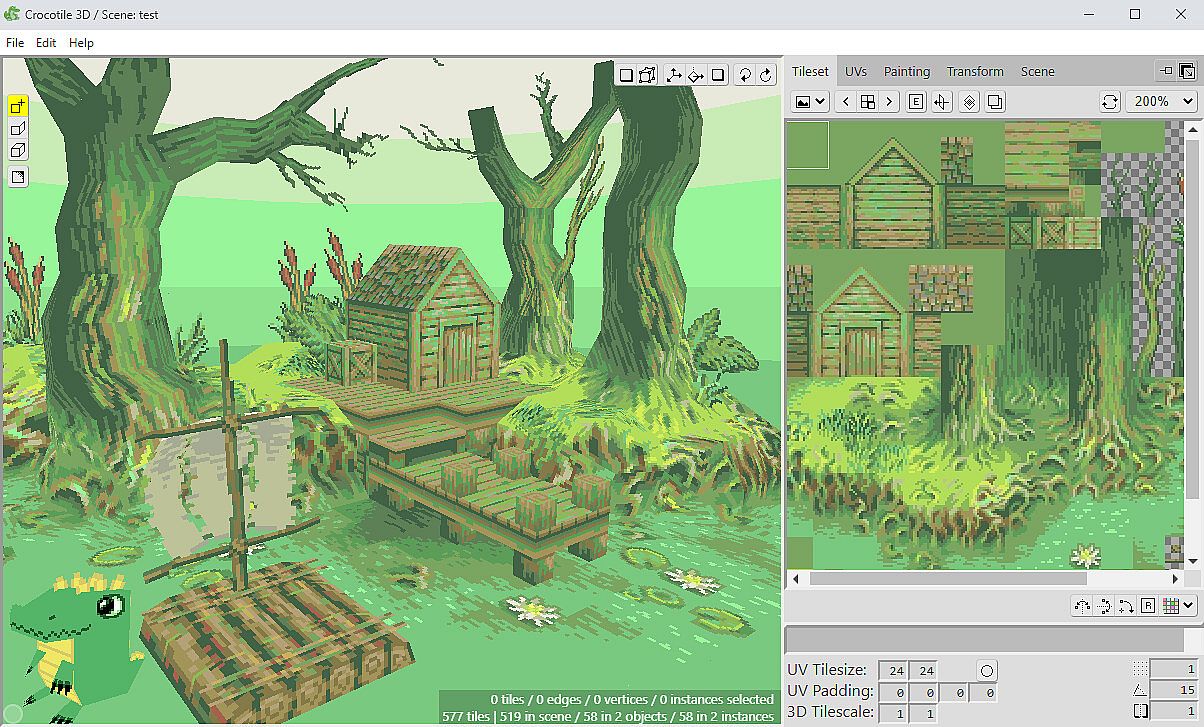
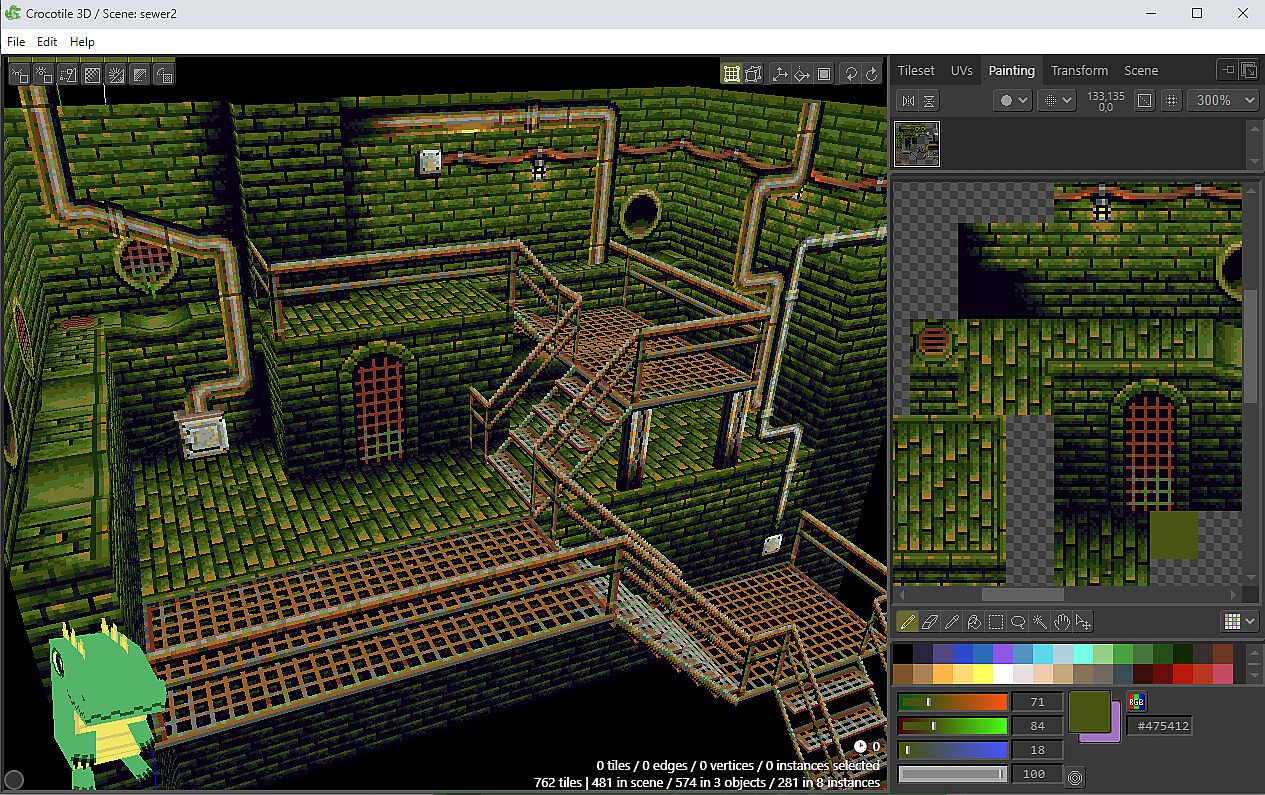
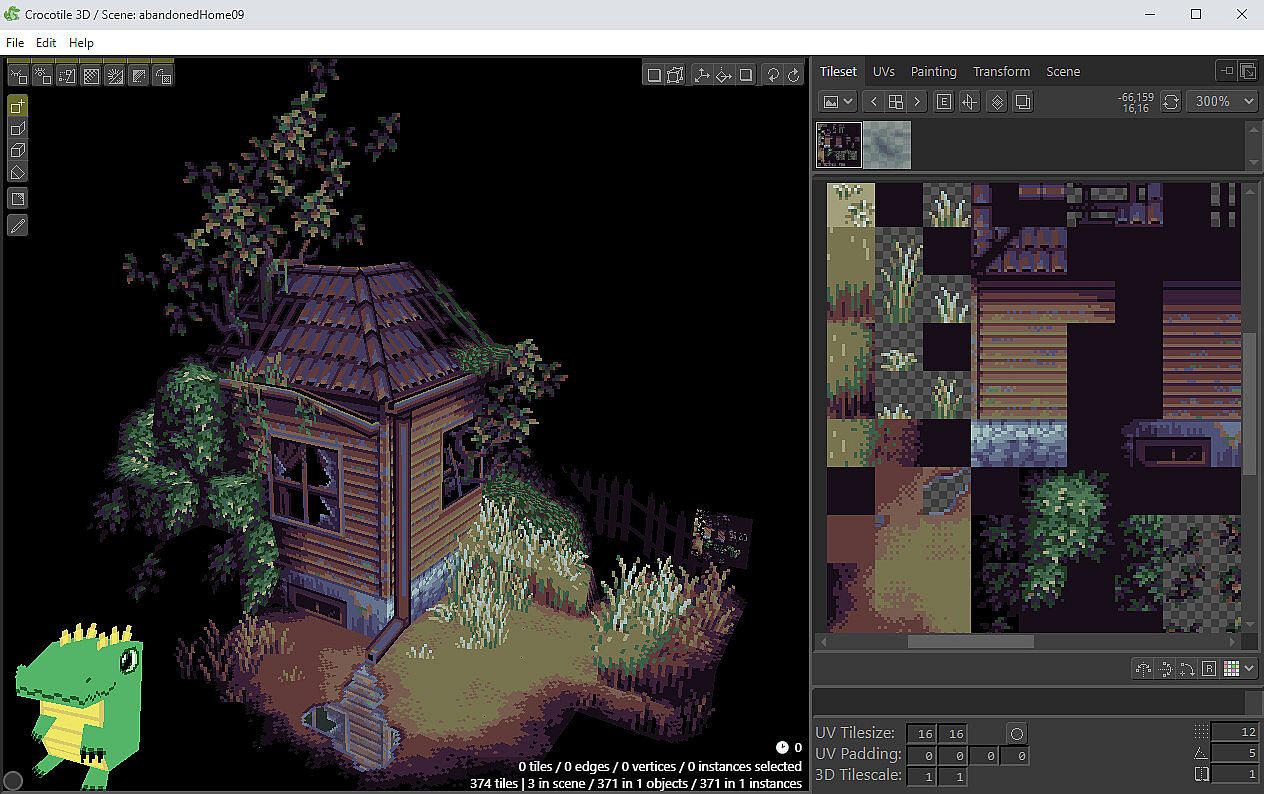
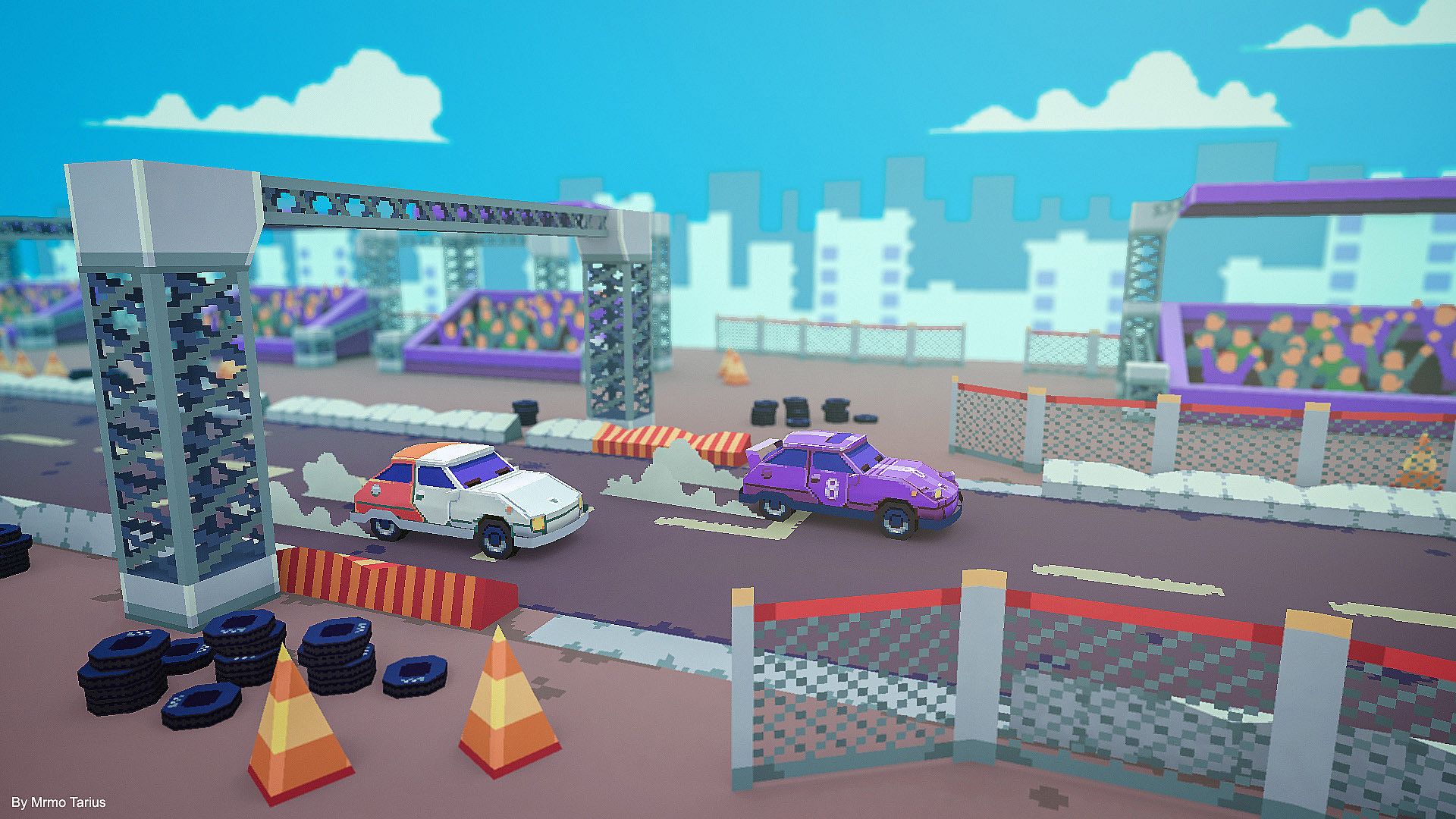
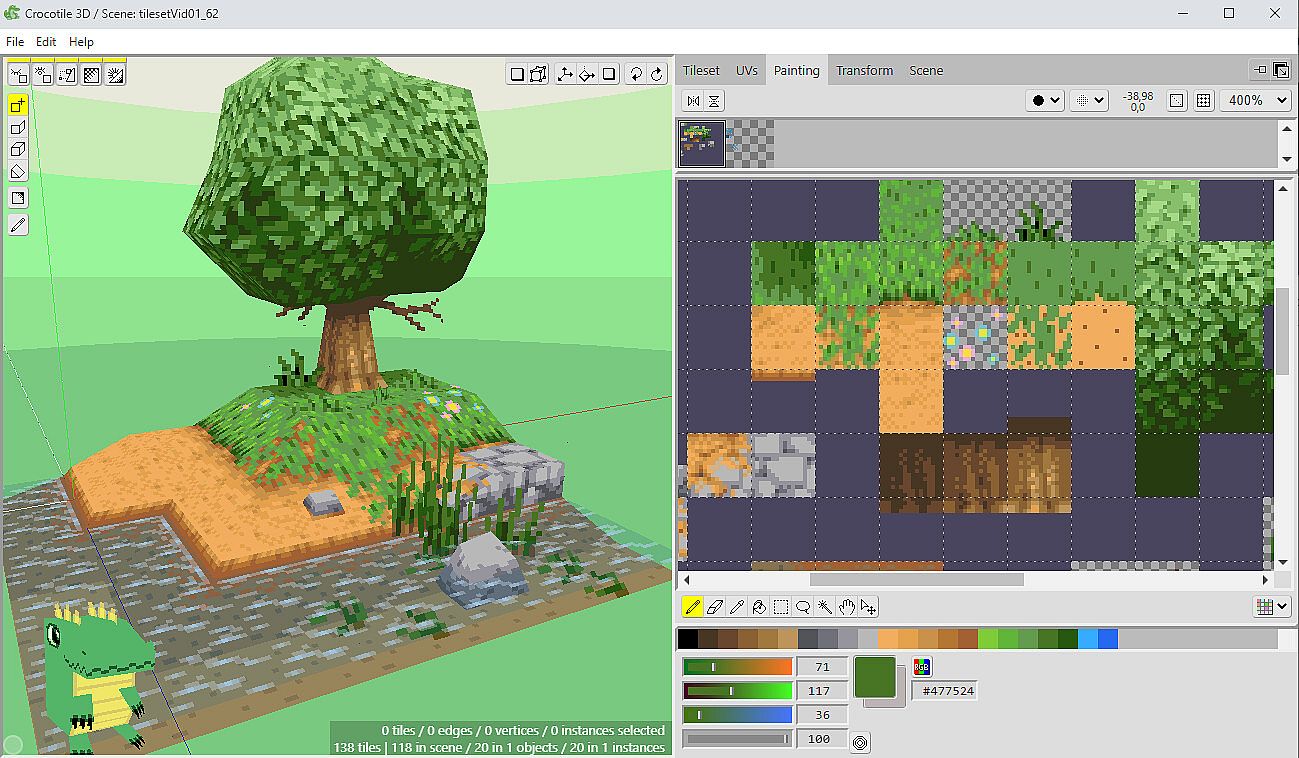
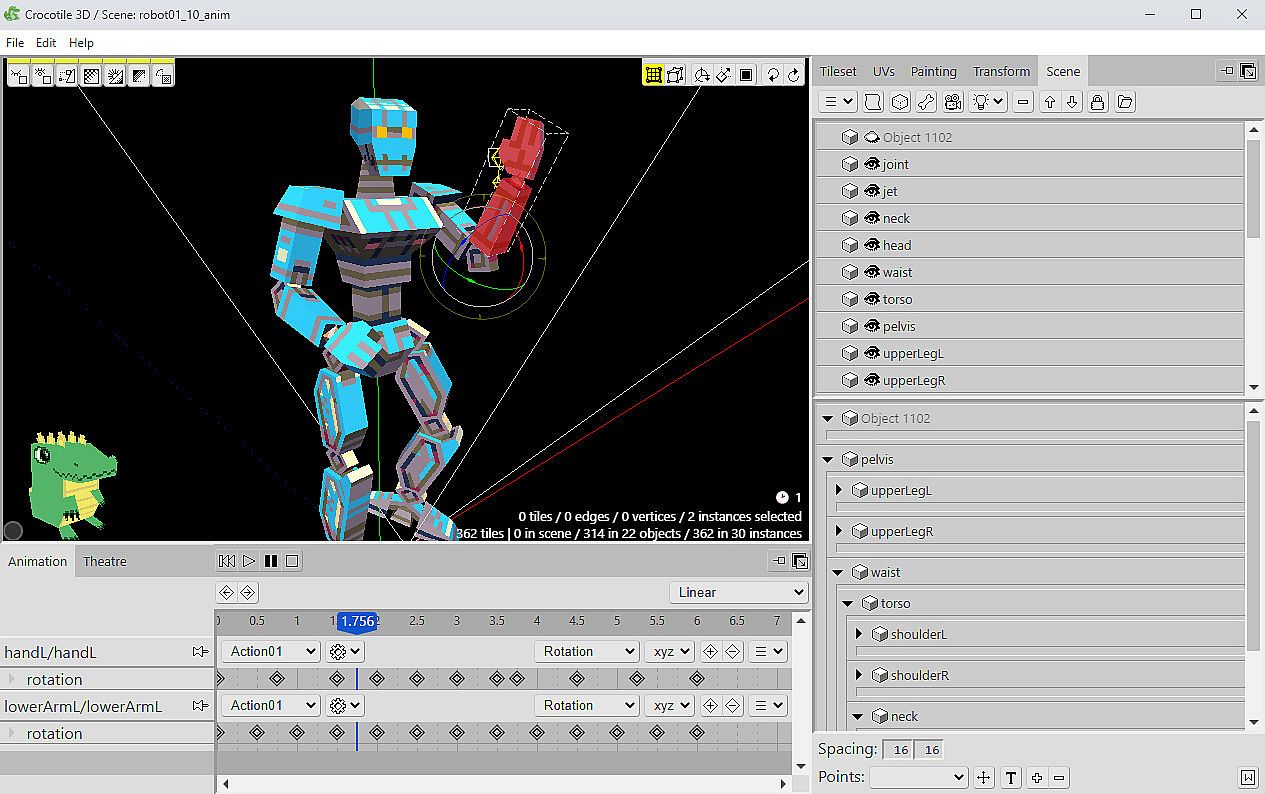
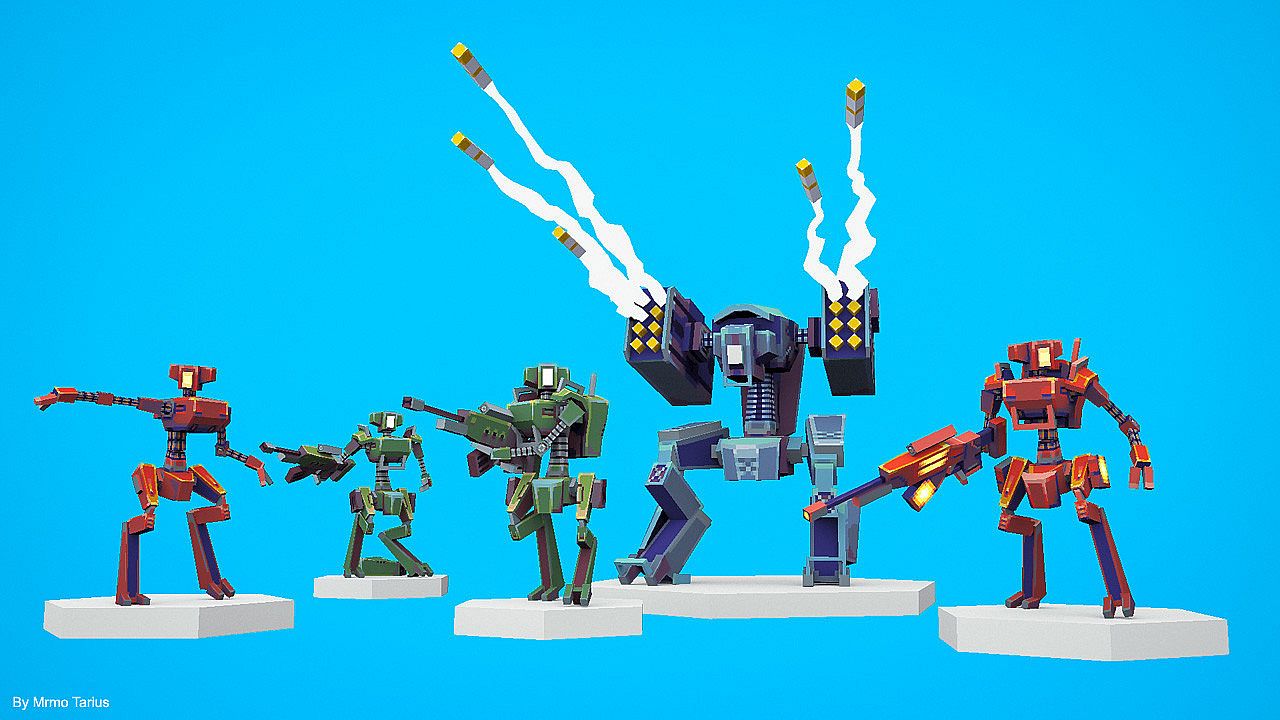
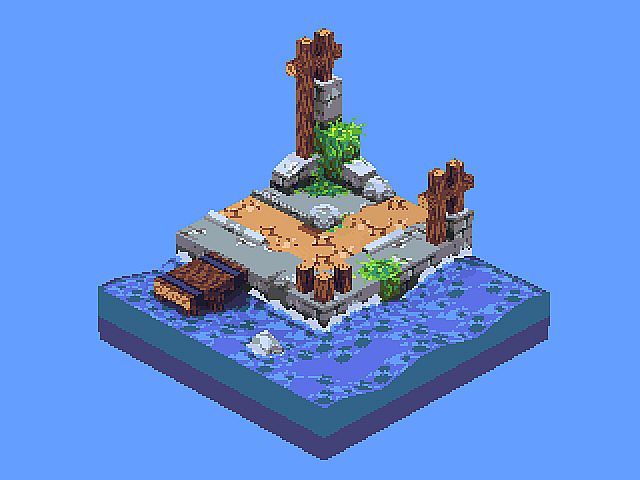
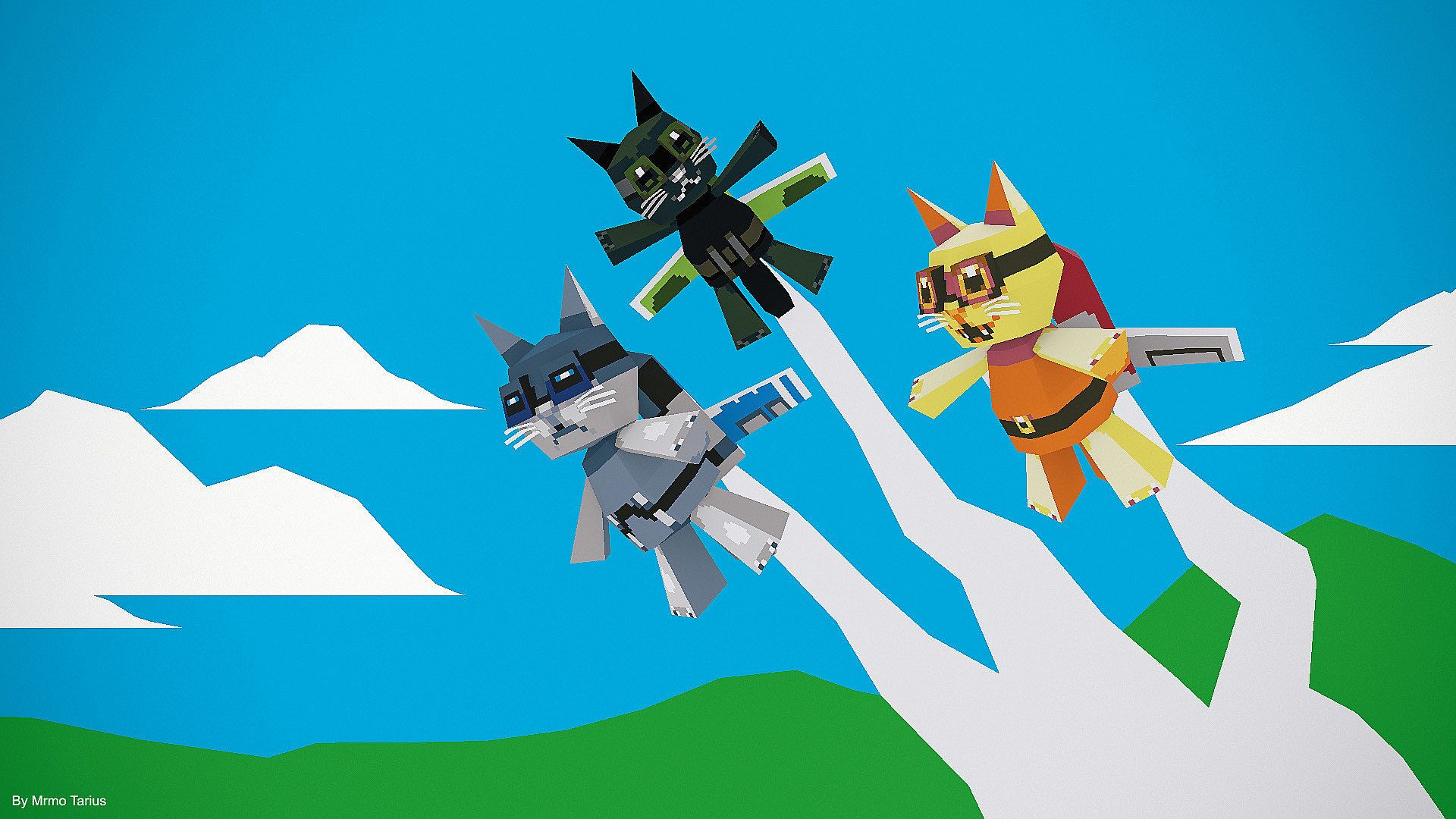
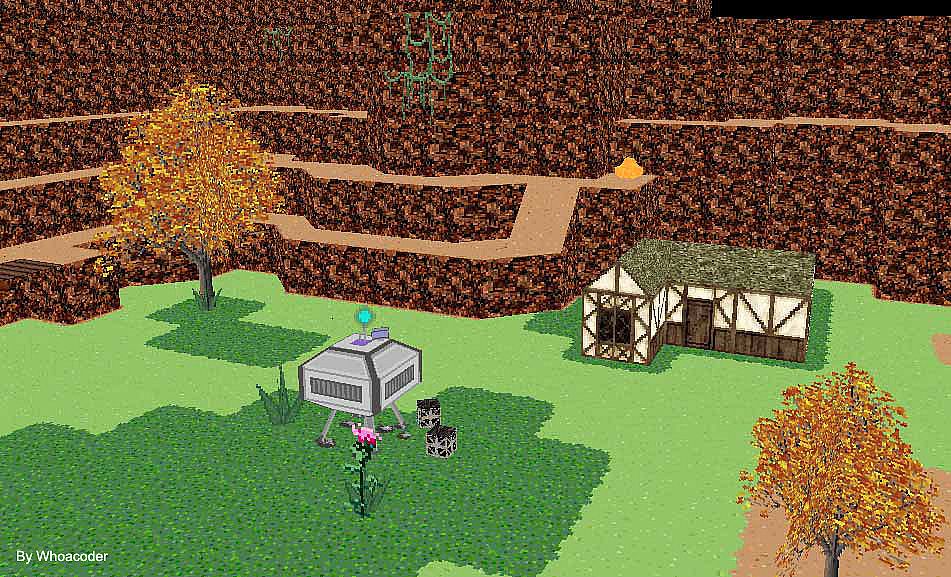
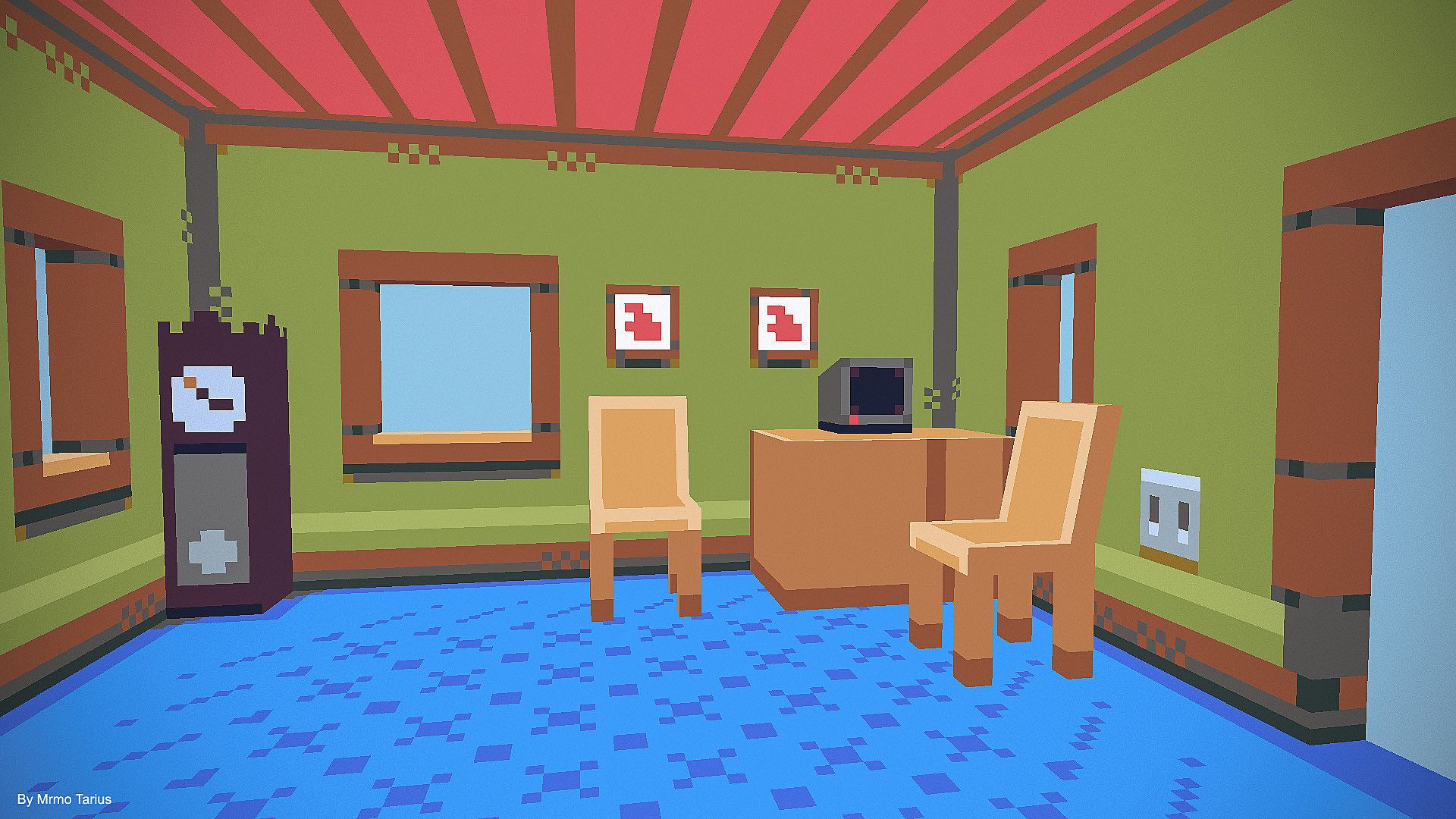
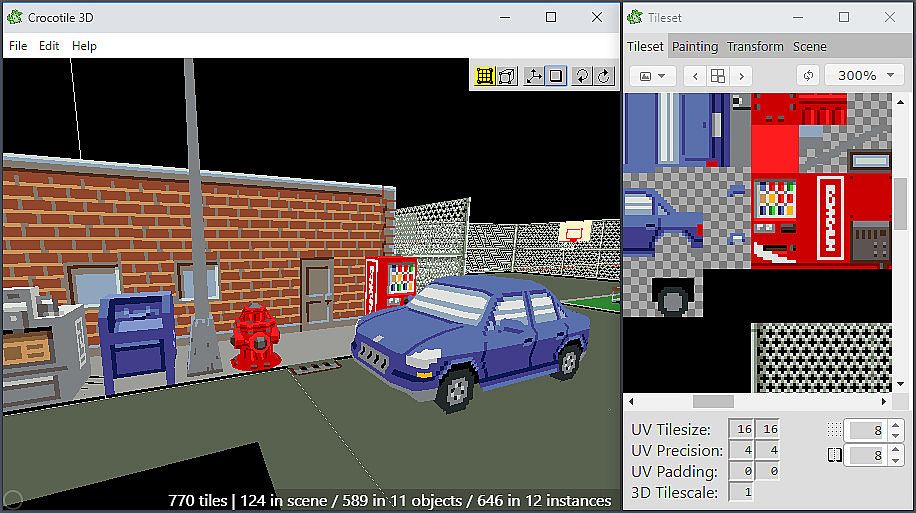
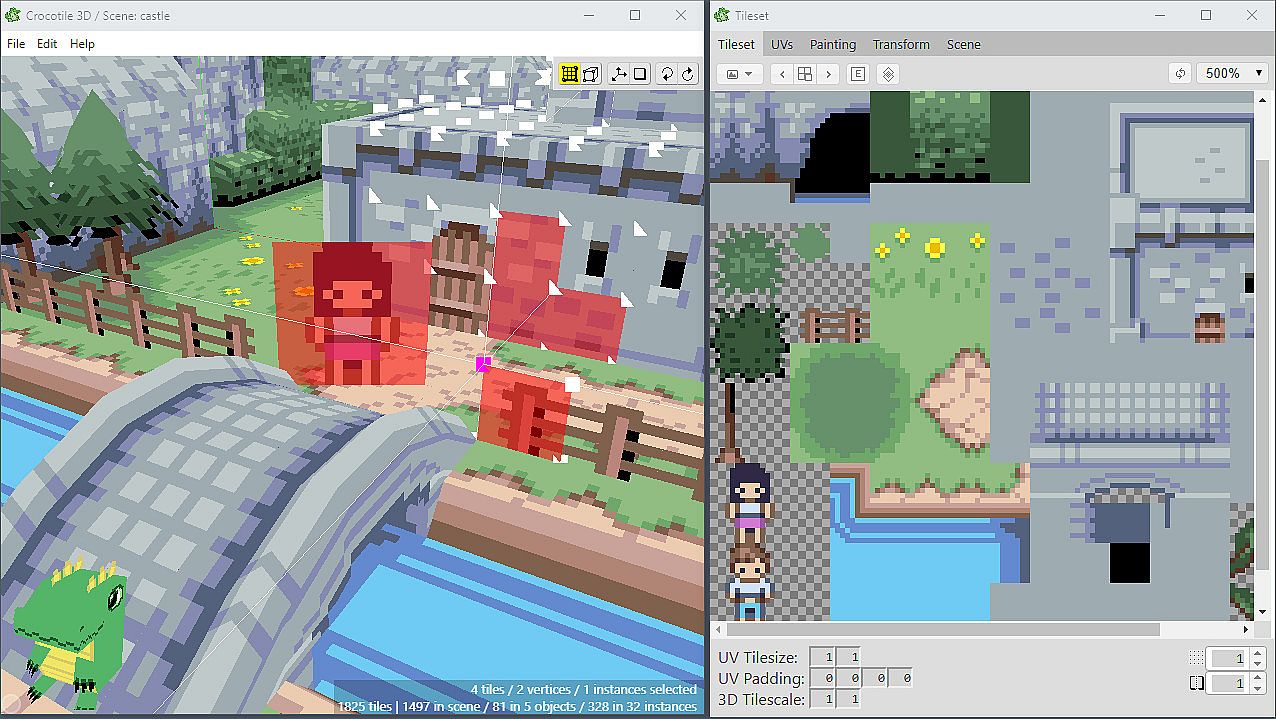
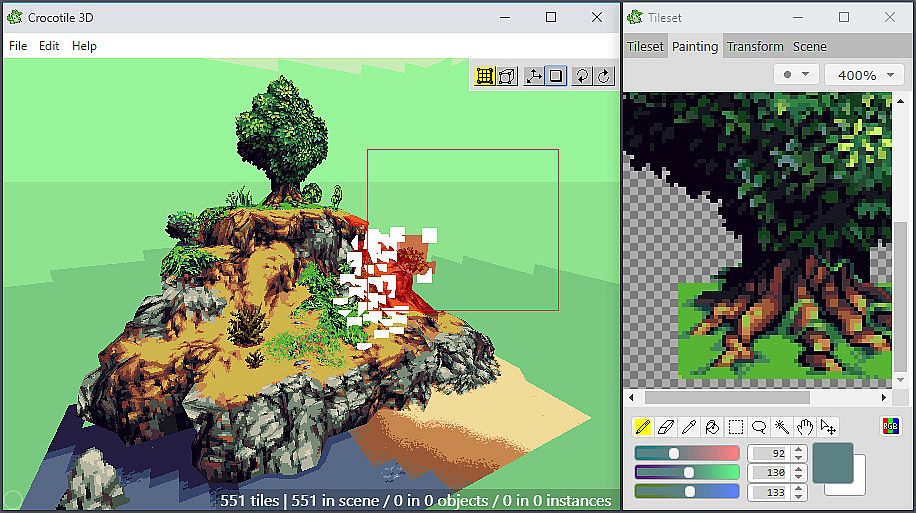
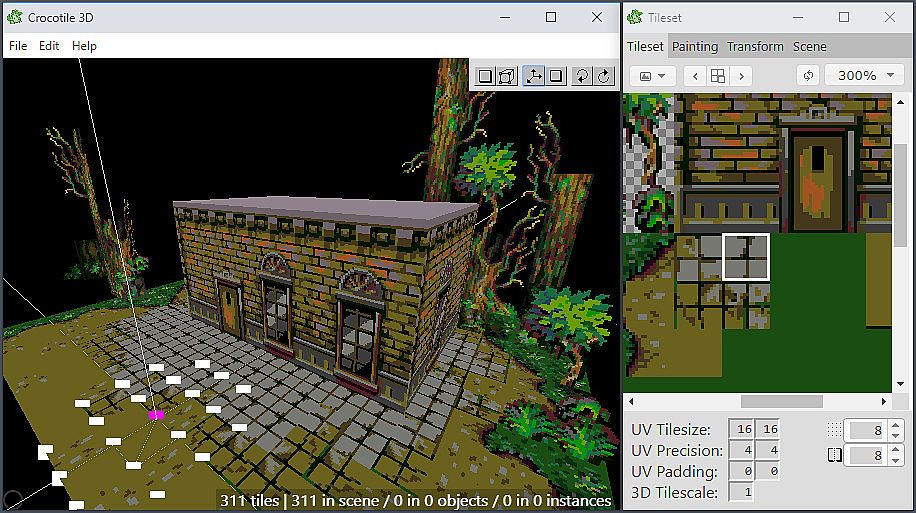
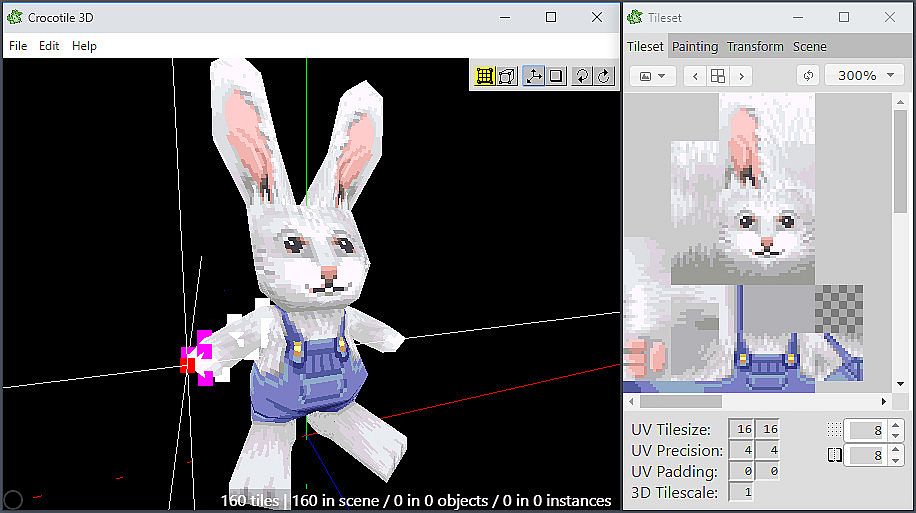
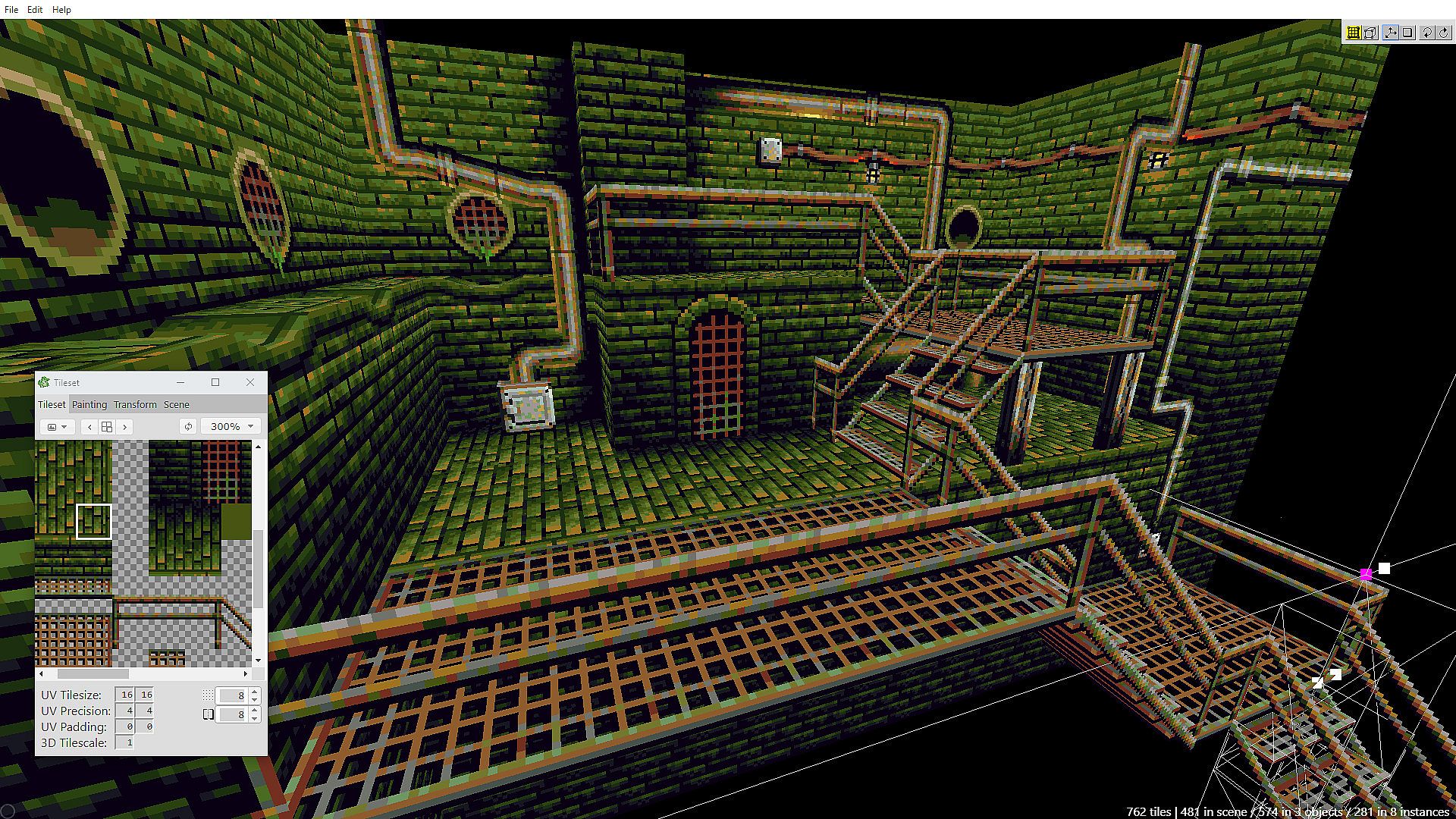
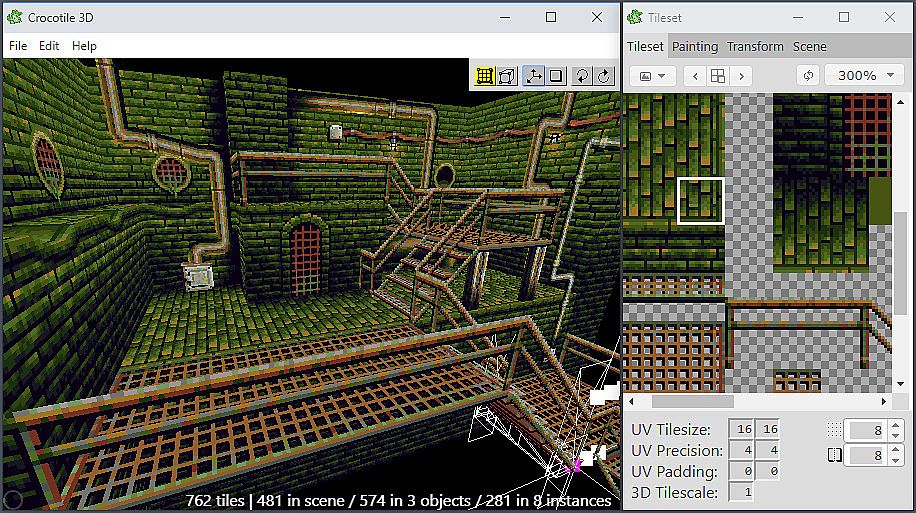
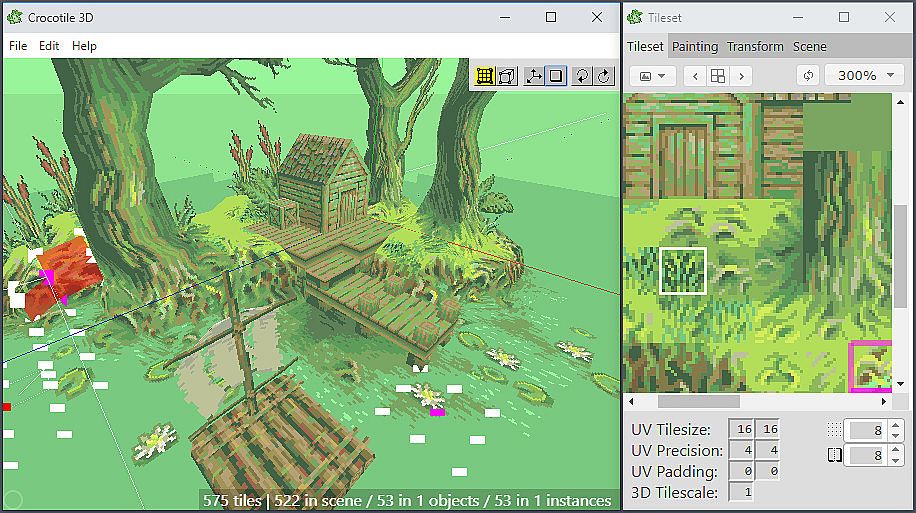
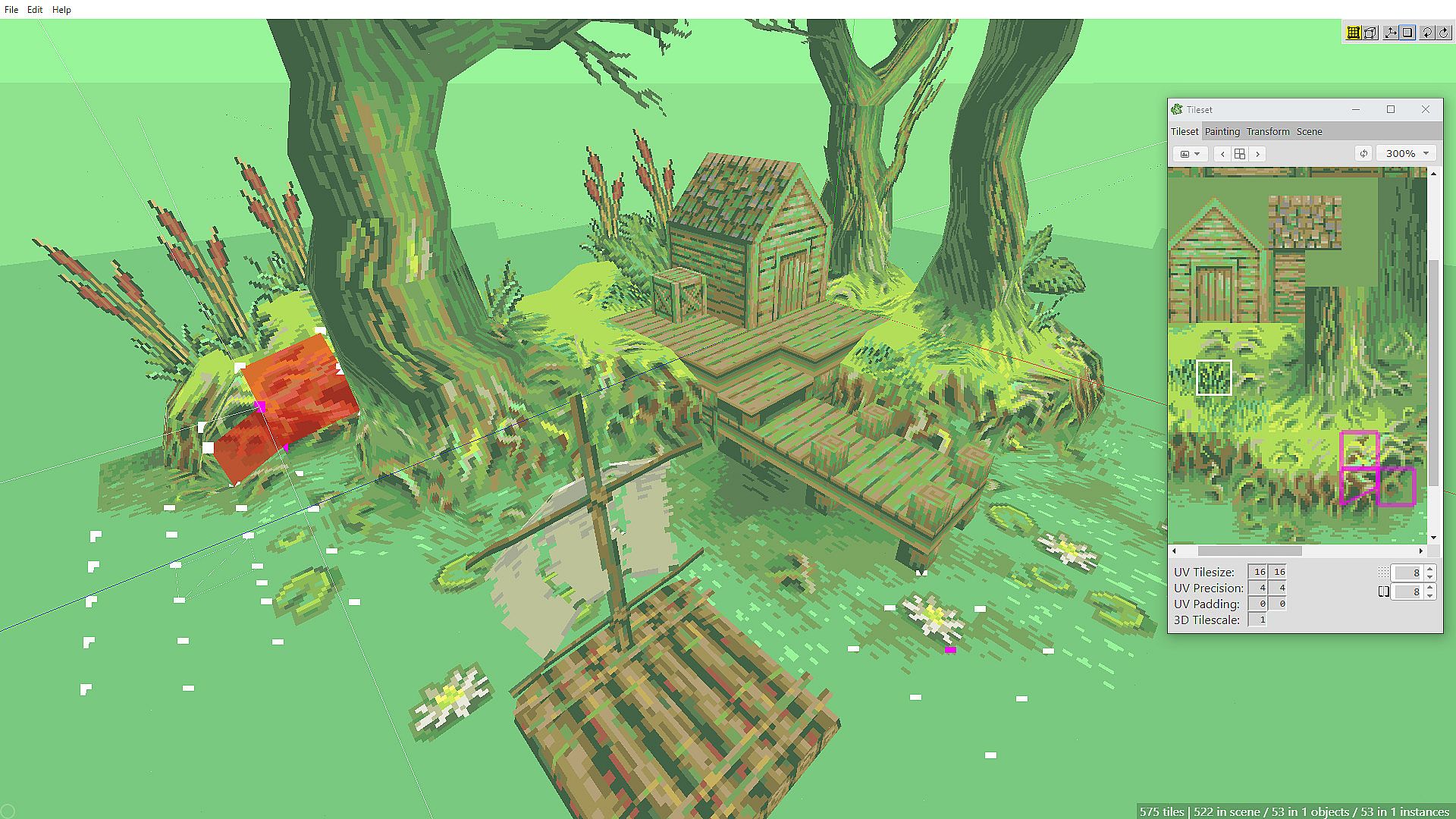
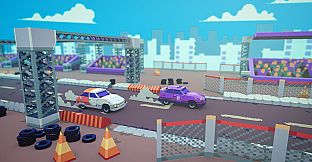
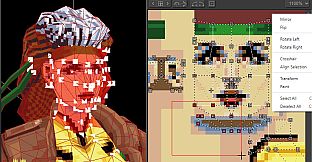
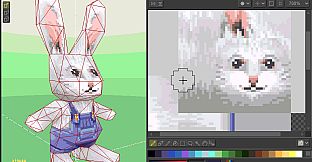
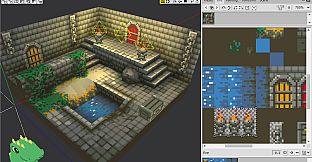
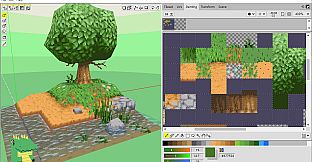
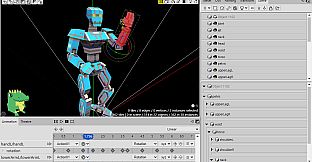
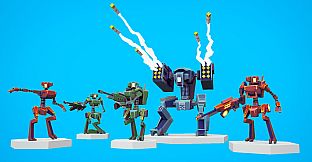
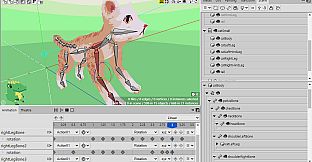
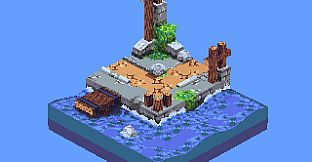
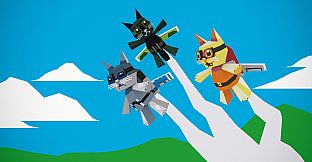
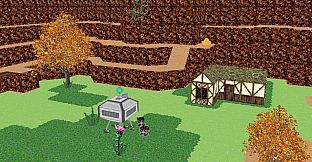
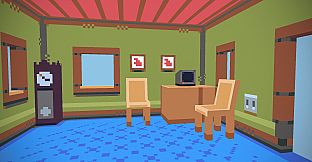
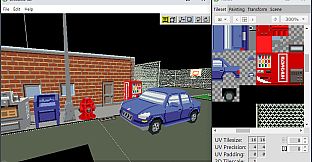
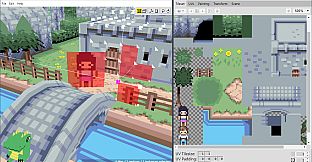
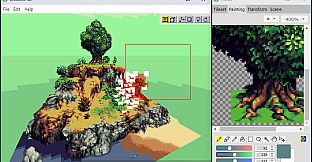
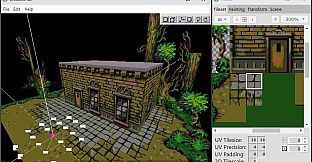
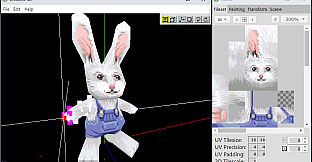
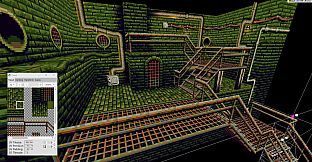
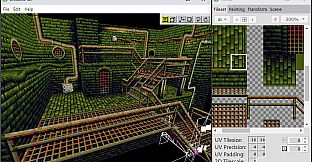
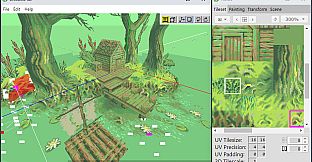
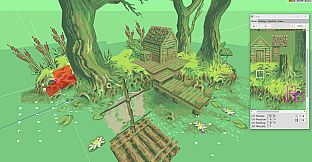
Build lowpoly 3D models and scenes using 2D pixel-art tilesets or low-res textures in this tile-based 3D modeling editor. Select tiles from tilesets and place them into scenes to add a third dimension quickly. Switch between Draw and Edit modes to add, remove, or tweak tiles in 3D space, with tools for modifying UVs, painting tilesets, rotating faces, and applying vertex colors.
Export OBJ files to integrate creations into other programs or game development, or import OBJ files to refine them further. Experiment with lights, shadows, animated tiles, skinning, rigging, and movie rendering. Game developers and animation enthusiasts craft detailed lowpoly designs with intuitive block placement and undo/redo support.
Crocotile 3D is a tile-based 3d modeling editor. Originally released back in 2015 it is the first of its kind to use 2d tiles to construct 3d scenes. In contrast to most 3d applications that are bloated and over-complicated, Crocotile 3D is a simple to use tool targeted at creating lowpoly models and scenes with pixel-art tilesets or low-res textures. Simply select tiles directly from tilesets and place them into a scene to quickly give them a third dimension. Use various tools to edit your tiles and shape your models, let your imagination go wild!
Features
- Draw and Edit modes to easily add/remove/edit tiles in 3d space.
- Perspective & Orthographic projection.
- Export to and use your creations in other programs or in your game development.
- Import files from other applications and continue working with them in Crocotile.
- Place blocks like minecraft!
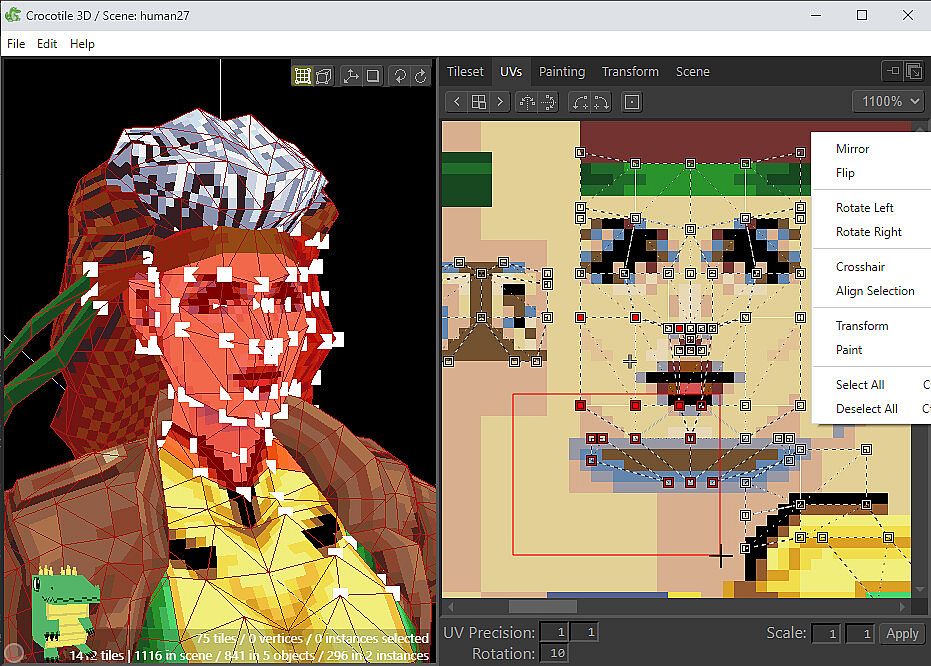
- Modify UVs on tiles, adjust tileset sizes.
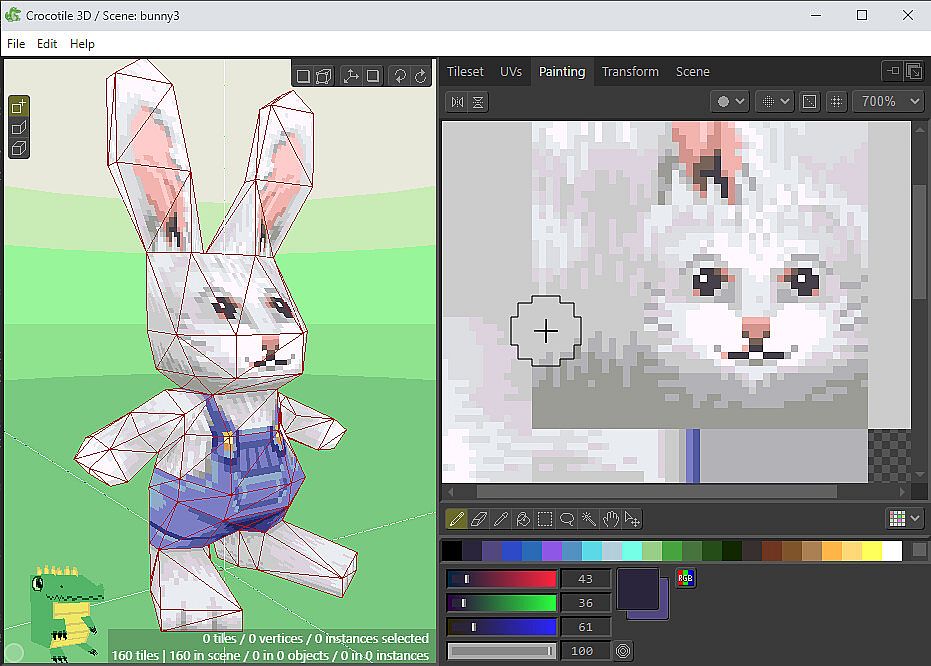
- Paint Editor tools for creating/modifying your tilesets.
- Rotate, flip, mirror, reverse faces, verts and UVs.
- Vertex colors.
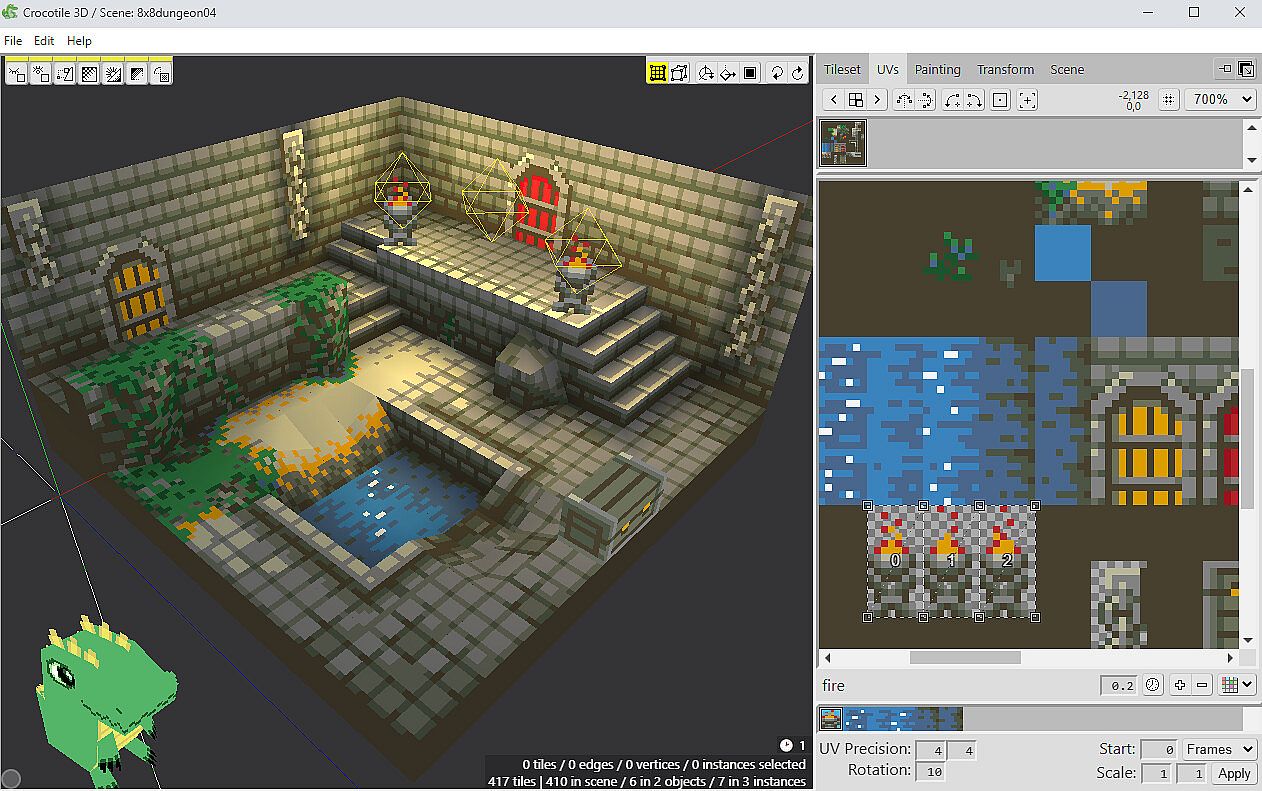
- Lights and Shadows.
- Animated Tiles / UVs
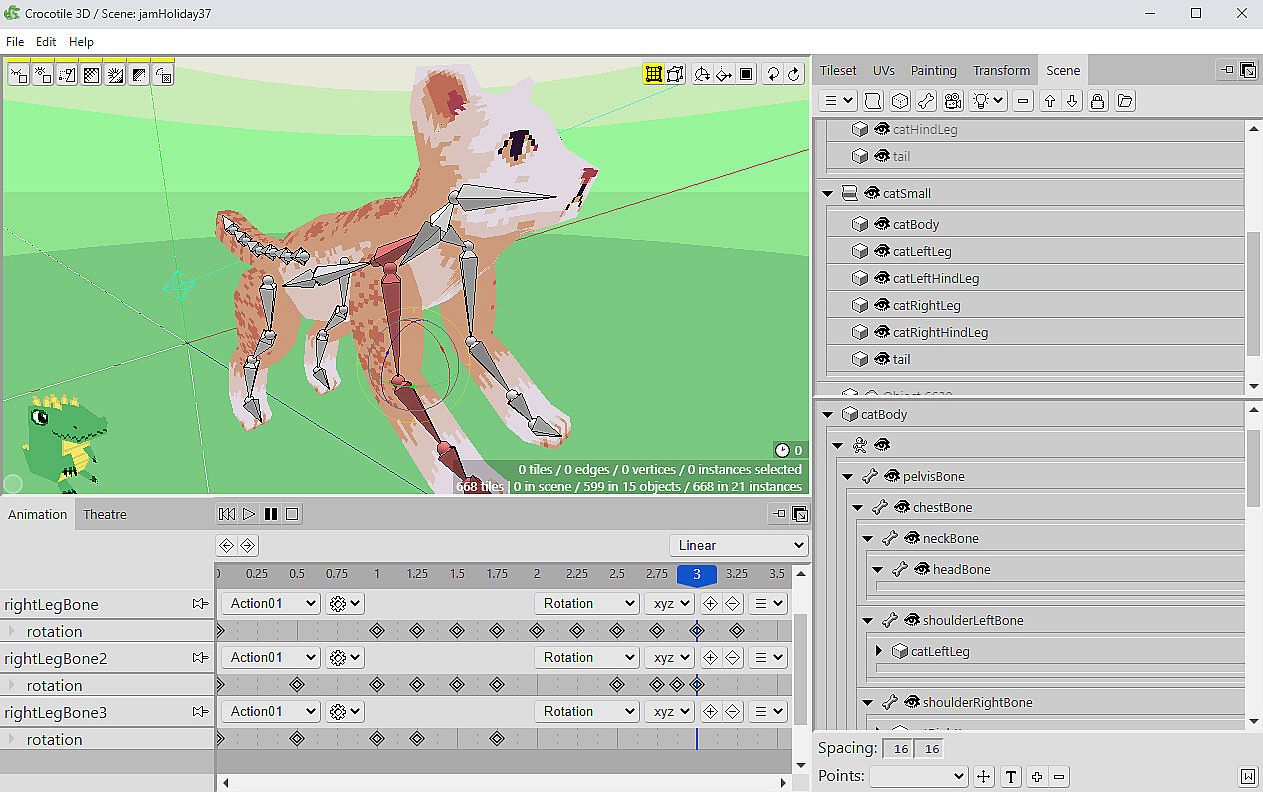
- Animation and Movie rendering.
- (NEW) Skinning and Rigging (Bones and Vertex Weights).
- Split/cut tiles.
- Copy/paste tiles.
- Group tiles into objects/prefabs.
- (New) Nested Instances.
- Translate, rotate, and resize tools.
- Undo/redo any changes.
- And much more! (Click to read the Manual)
| |