


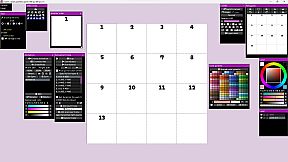
icpaint is a painting application.
Features
- Compatible with WinTab (Wacom) and TabletPC
- Layer type (drawing layer, group, adjustment layer, vector layer, text layer, pixel art layer, pixel art vector layer)
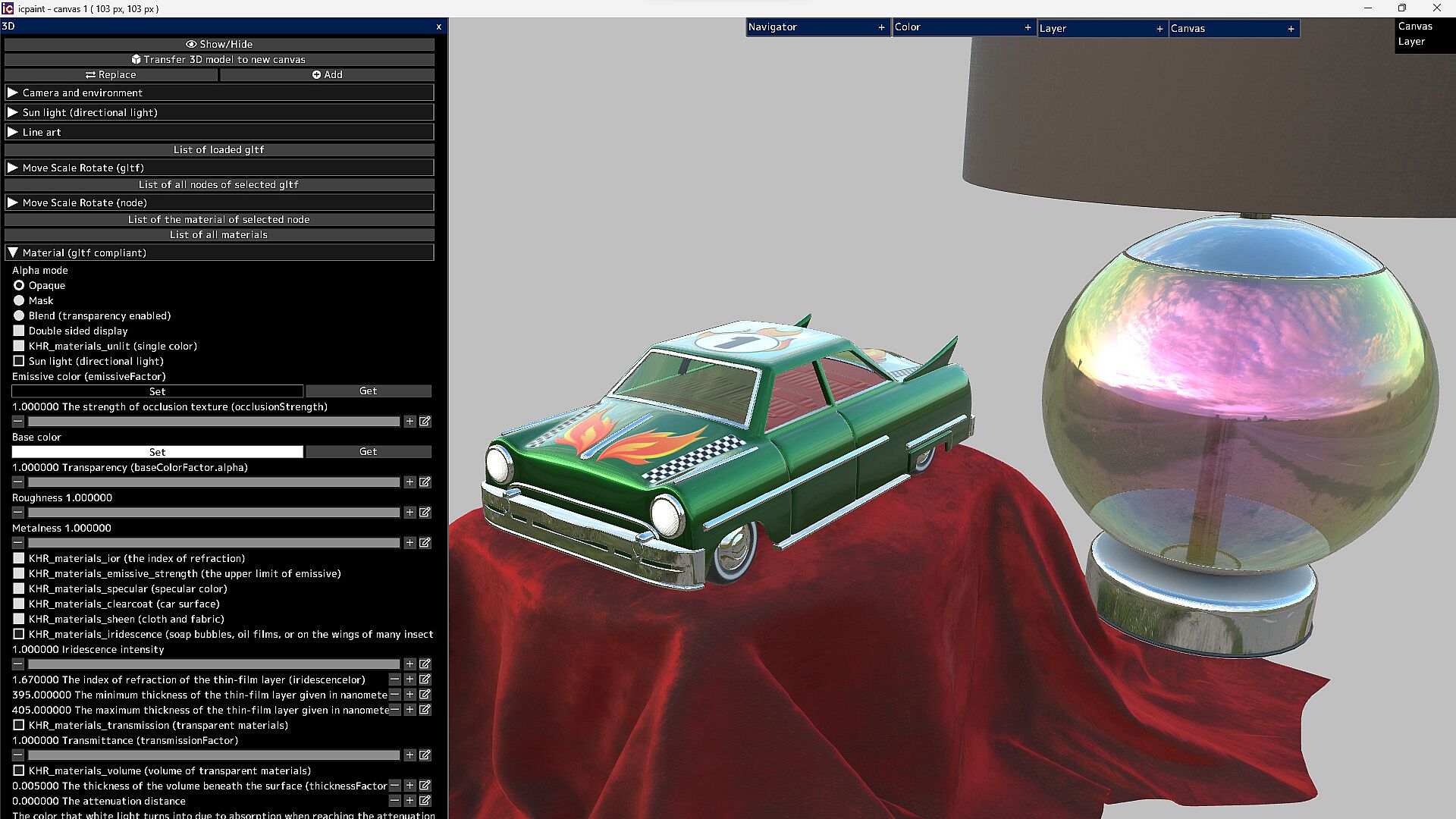
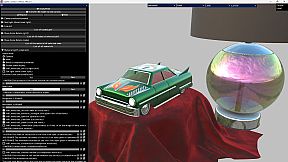
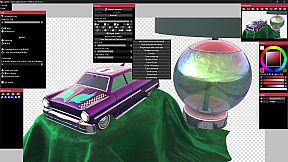
- It can display very beautiful and realistic 3D. You can transfer it to a 2D canvas
Features (canvas)
- Copy canvas to clipboard, Create canvas from clipboard
- Resize canvas, Change resolution, Change the background of the canvas (plaid or color)
- Flip horizontal, Flip vertical (canvas)
- Canvas zoom, rotation, flip horizontal (view), The Ruler tool
- Show guide (perspective ruler), Show grid, Adjust grid spacing
- Save/Open psd, png, jpg, bmp, tga, tif, webp and gif
- Save tif in CMYK for printing (RGB -> CMYK)
- Save pdf
- Save/Open a canvas in custom format (~.icpaint)
- Recently used color, Color library
- You can display the reference image
- Tools to fill with various shapes (Rectangle, Rounded rectangle, Circle, Ellipse, Lasso, Polygon)
- You can also paint on selections and layer masks in the same way
- Select the drawing area of the layer, Blur 3x3 ~ 15x15 px (selection)
- Save/Open selection, Transform selection
- Recently used file list, Favorite file list
Features (layer)
- Opacity, Clipping mask, Protected opacity, Layer mask, Lock layer
- Duplicate layer, Erase layer, Transfer to lower layer, Combine with lower layer
- Combine group, Merge all layers, Maximize layer opacity
- Convert luminance to transparency, Rasterize layer, Convert layer to pixel art (254 colors)
- Group all layers, Ungroup layers
- Fill, Reorder layers, Paper texture
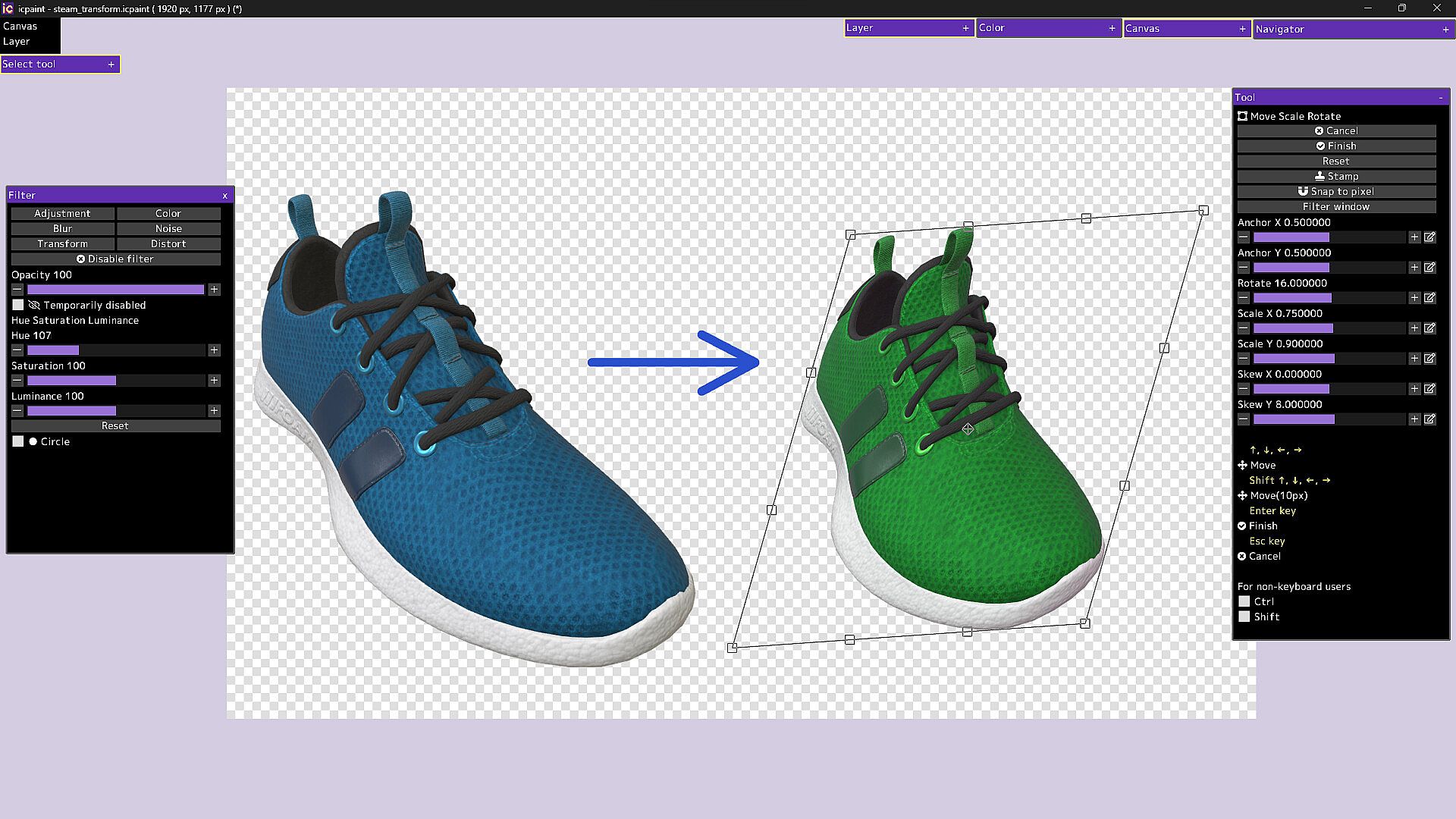
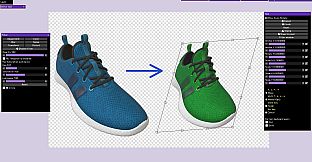
- Move, Transform, Perspective transform
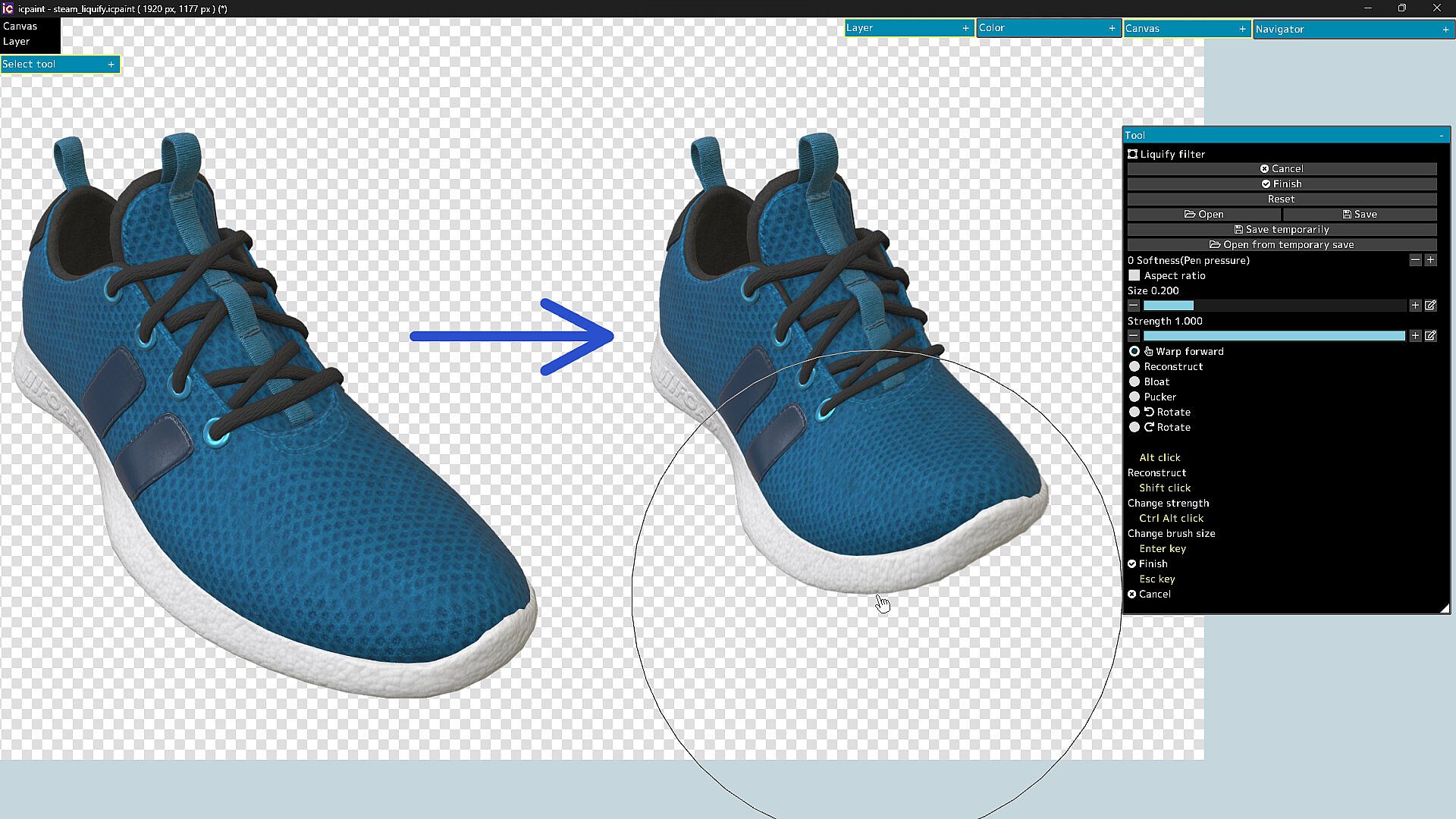
- Liquify filter, Transform by numerical input
- Resize, Flip horizontal, Flip vertical, Rotate 90°
- Noise removal, Blur 3x3 ~ 15x15 px
- Retouch filter (Clone Stamp tool)
- Copy layer to clipboard, Paste clipboard
- Create gradation (Linear or circular)
- Save/Open layer mask, Transform layer mask, Blur (layer mask)
- You can display a list of layers that draw the pixel at the cursor position by Ctrl + right-clicking
- Show layer thumbnail, Show layer mask thumbnail
- You can reorder layers by dragging and dropping layers in the layers window
29 Blending modes
- Normal, Darken, Multiply, Color Burn, Linear Burn, Subtract, Lighten, Screen
- Color Dodge, Color Dodge(Glow), Add, Add(Glow), Overlay, Soft Light, Hard Light
- Difference, Vivid Light, Linear Light, Pin Light, Hard Mix, Exclusive
- Color Darken, Color Lighten, Divide, Hue, Saturation, Color, Luminosity, Pass Through
Features (brush)
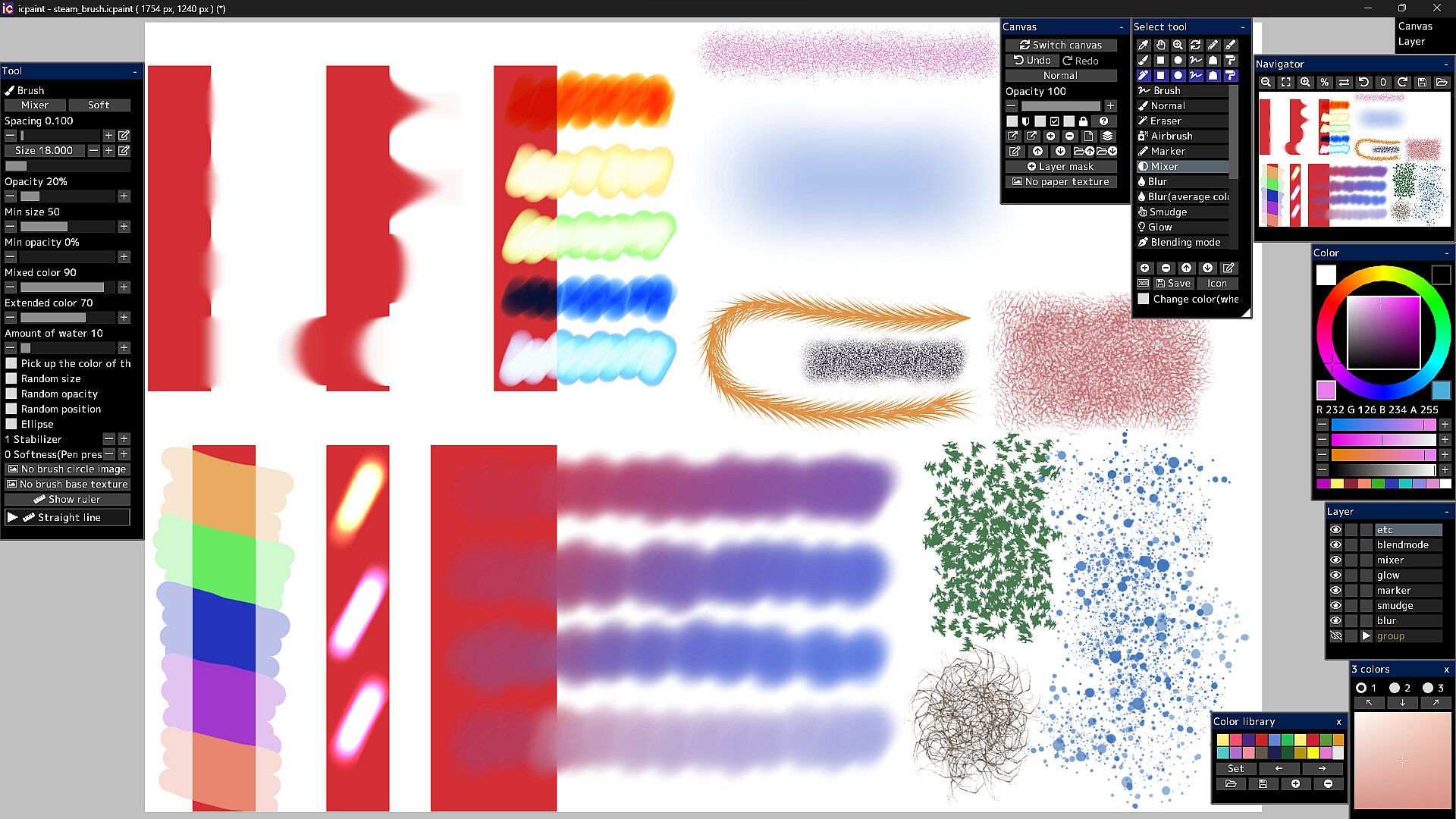
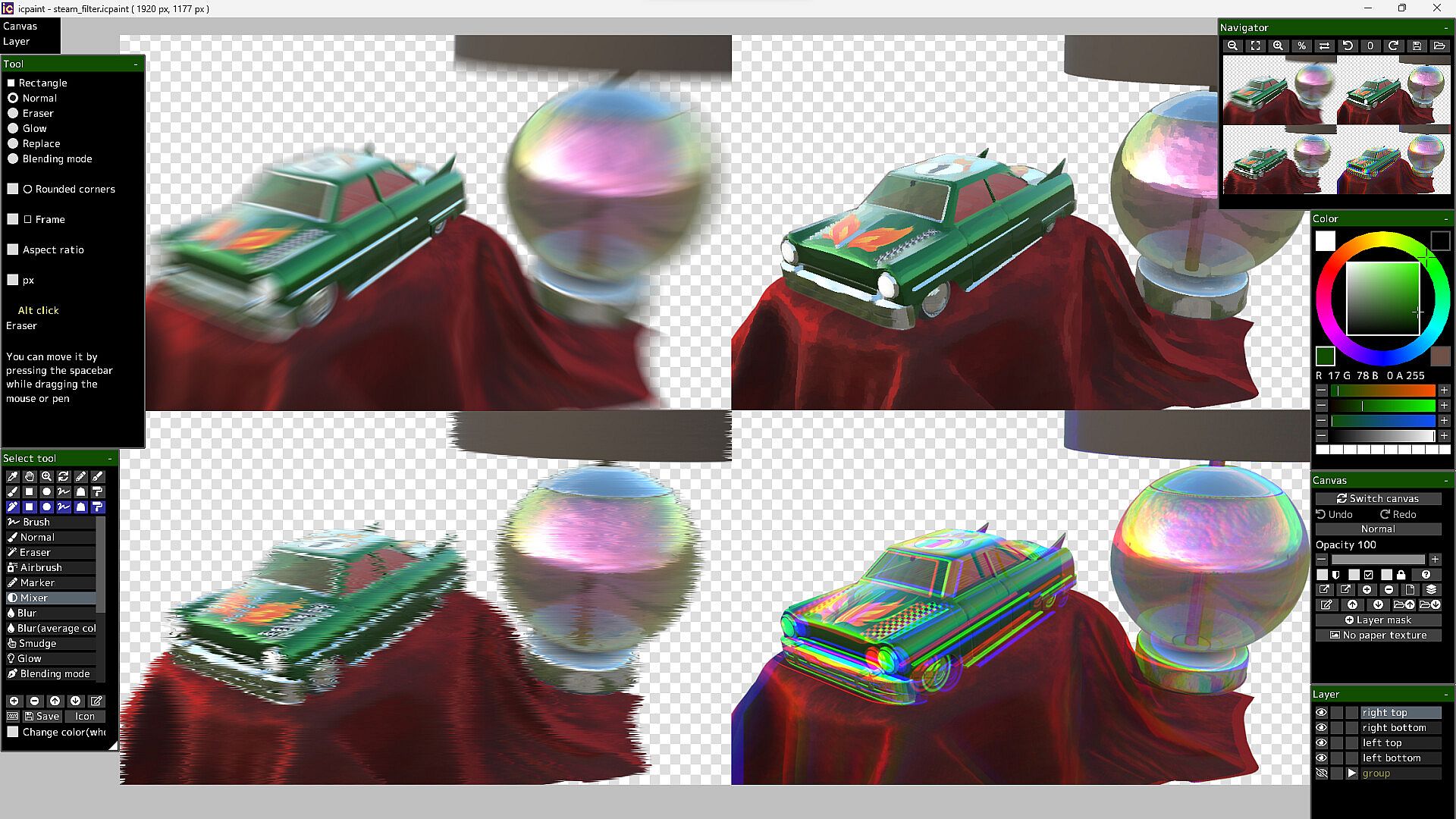
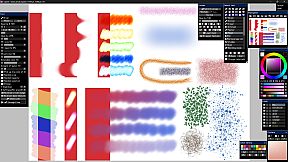
- Brush modes (Normal, Eraser, Marker, Mixer, Blur, Blur(average color), Smudge, Glow, Blending mode)
- Brush circle image, Brush base texture
- Stabilizer, Spacing, Opacity, Min size, Min opacity
- Random size, Random opacity, Random position, Random angle, Ellipse
- Mixed color, Extended color, Amount of water, Blur area, Softness
- Brush preset
- You can set a shortcut key for each brush preset
- You can draw brush strokes along the ruler
- This ruler has the same feature as curves in vector layers
Features (vector layer)
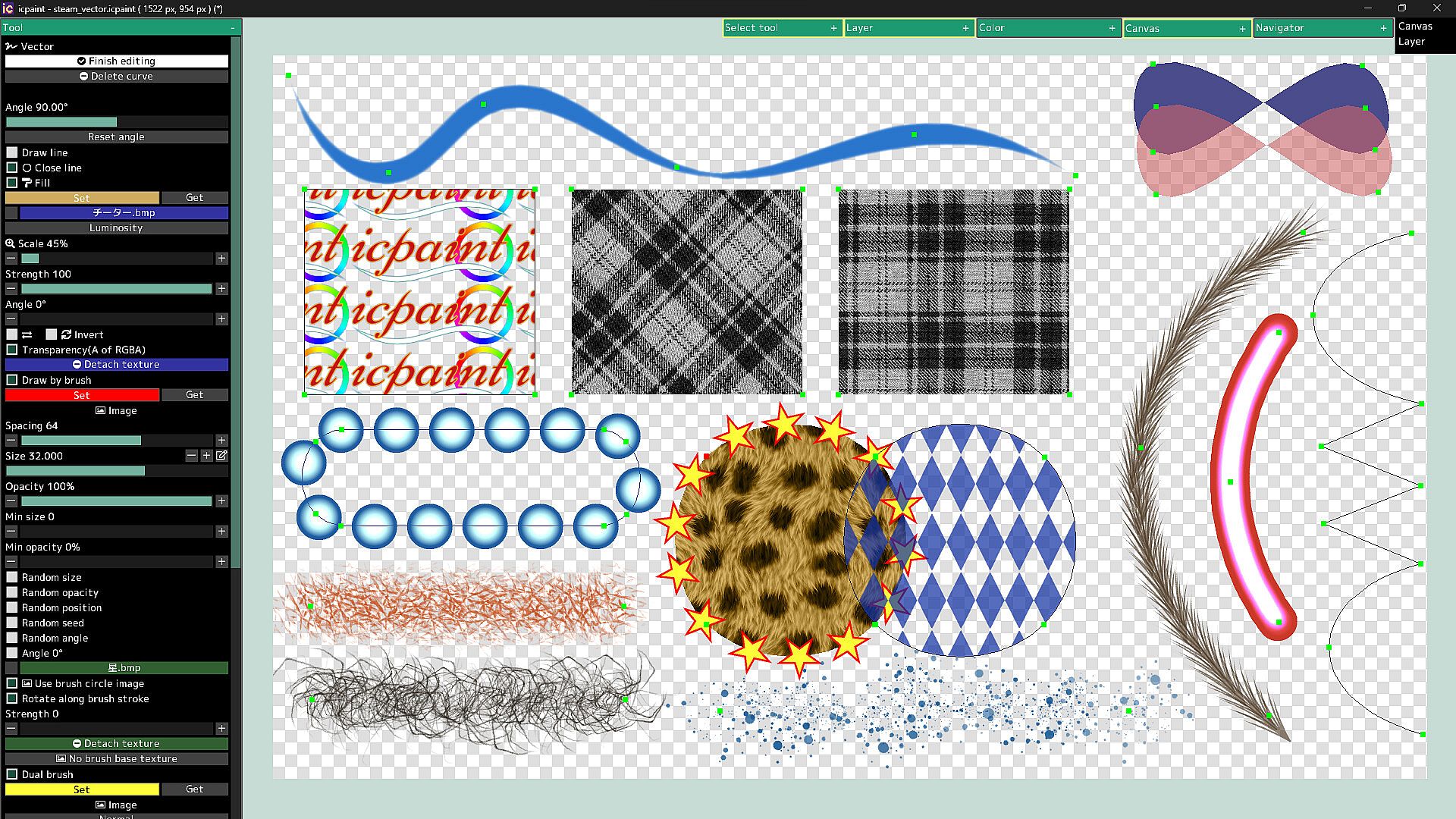
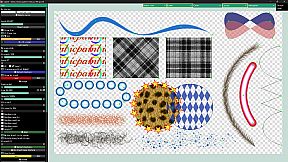
- You can draw curves and straight lines by moving control points
- You can close the curve and automatically fill the inside of the curve
- You can automatically draw along the curve with a brush
- Dual brush
- Texture for fill
- You can also fill with a gradient (linear or radial)
- You can adjust the start point, end point, mid point and color stop of the gradient
Features (text layer)
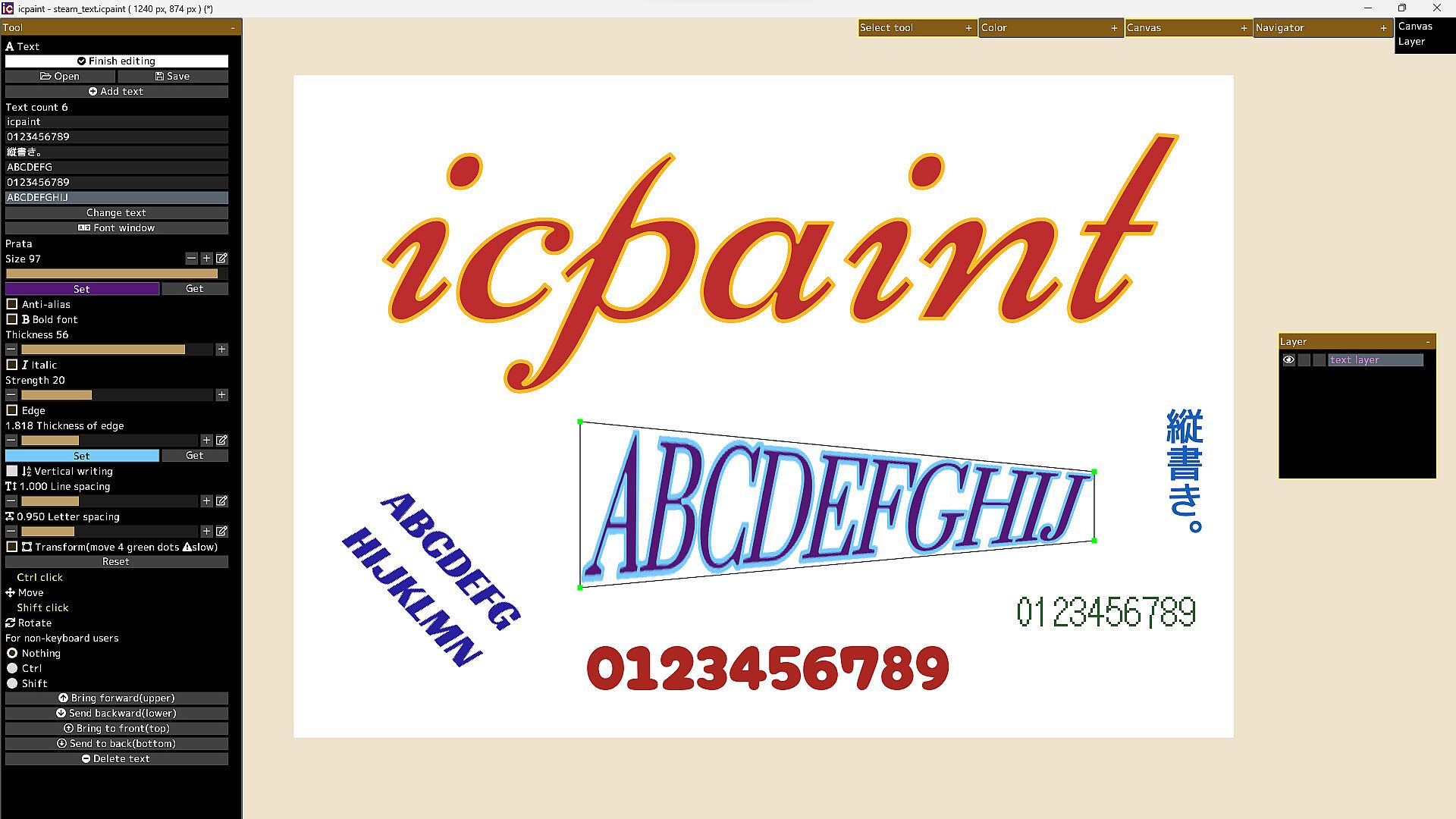
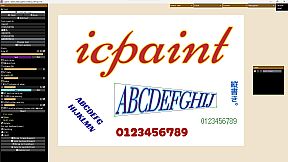
- Anti-alias, Bold font, Italic, Edge, Vertical writing, Line spacing, Letter spacing
- Open fonts (ttf, ttc, otf, otc)
- Transform/Rotate the text layer
- You can freely move the four vertices surrounding the text
Features (pixel art layer)
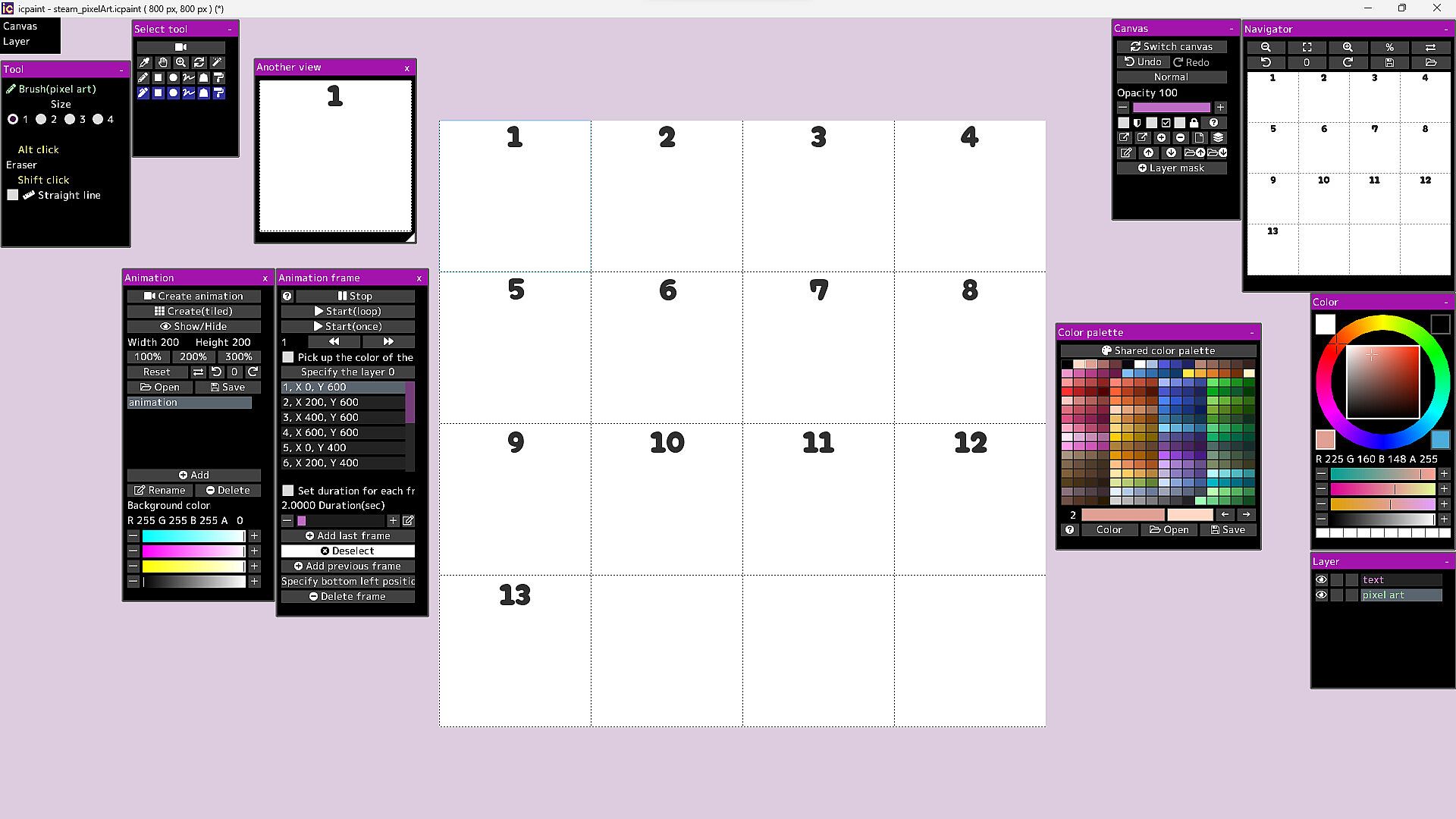
- Pixel art layer is a layer limited to transparent colors and 254 colors
- A color index is a number from 0 to 255
- The 0th color index is the transparent color
- The pixel art layer is painted with a color index and displayed in RGB corresponding to that color index
- You can freely change the colors in the canvas by changing the colors in the color palette
- You can play the animation by drawing each frame of the animation in the canvas
- You can adjust animation speed etc.
- Save/Open animation (gif, webp)
- Save/Open color palette
- Pixel grid
Features (3D)
- Open 3d model (gltf, glb)
- Multiple 3D models can be opened and placed freely
- You can adjust the material parameters of each 3D model
- You can transfer 3D model to new canvas (2D) as it is
- Line art (3D)
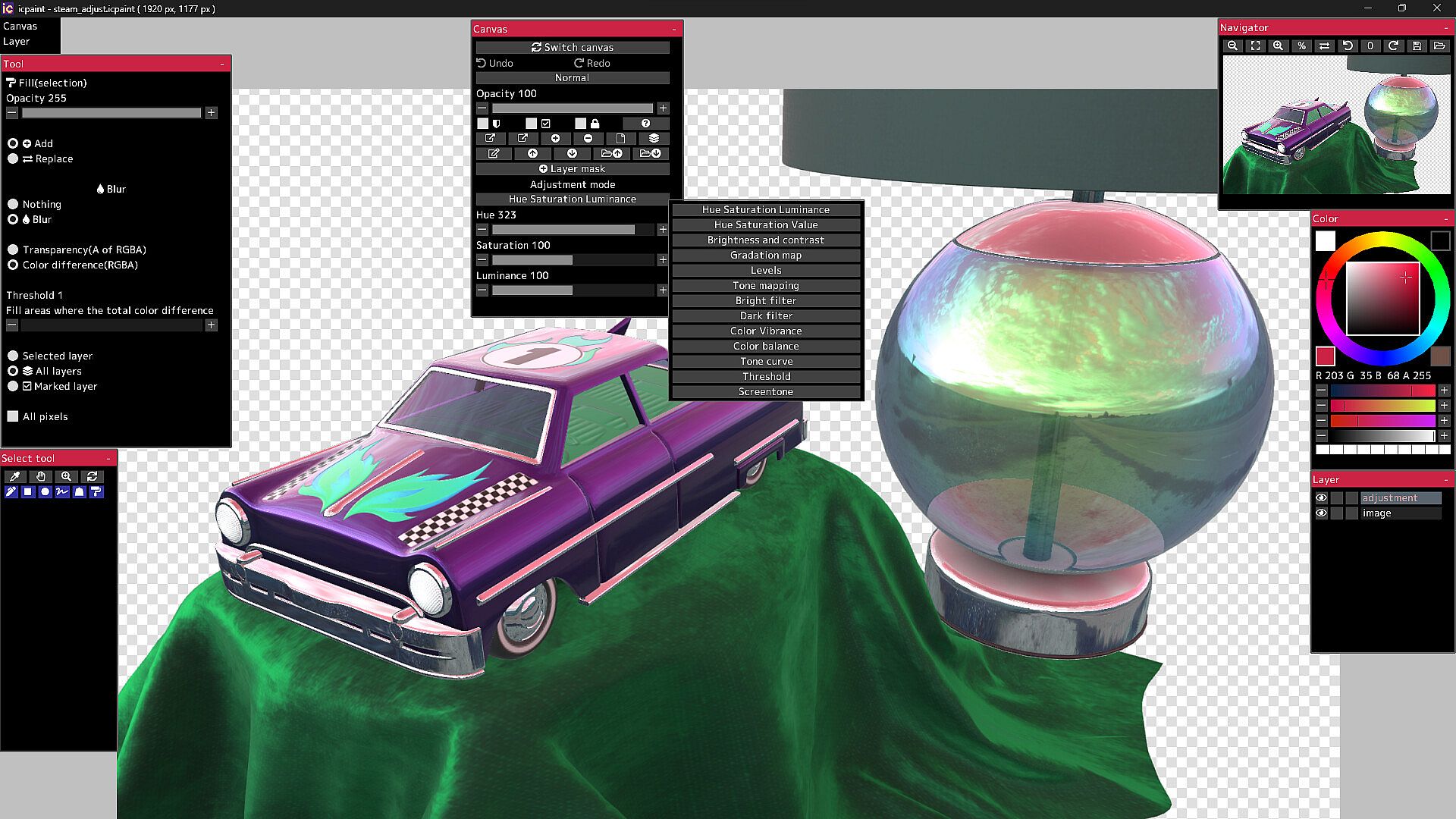
13 adjustment modes for adjustment layer
- Hue Saturation Luminance, Hue Saturation Value, Brightness and contrast
- Gradation map, Levels, Tone mapping, Bright filter, Dark filter, Color Vibrance
- Color balance, Tone curve, Threshold, Screentone
50 filters
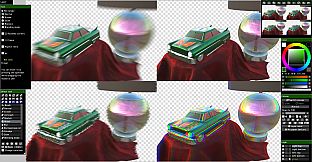
- Chromatic aberration, Directional blur, Particulate blur, Gaussian blur, Radial blur, Sharp
- Mosaic, Swirl, Ripple, FishEye lens, Water distortion, Wave, Shaking, Oil painting, etc.
It will not work on computers that do not support Vulkan.
The Guides in the Community Hub has detailed instructions.