

Buy OBS Studio PC

OBS Studio is free to play! Download it on Steam and start playing instantly.

Release: 21 Mar 2022
Steam:
Overwhelmingly Positive (38k)
Official
Unavailable
Keyshops
Unavailable
Buy in Official Store:
Unavailable
Buy in Keyshops:
Unavailable

No entries, but don''t worry, we will inform you once the new offer appears.

Create Alert Create deal Alert

About OBS Studio

OBS Studio - about the game

OBS Studio stands out as a free, open-source software tool designed for video recording and live streaming on PC. It caters to content creators, gamers, and professionals who need reliable ways to capture and broadcast footage. With its roots in community-driven development, this utility has become a staple for mixing video sources in real time, supporting everything from casual streams to polished productions.

Gameplay

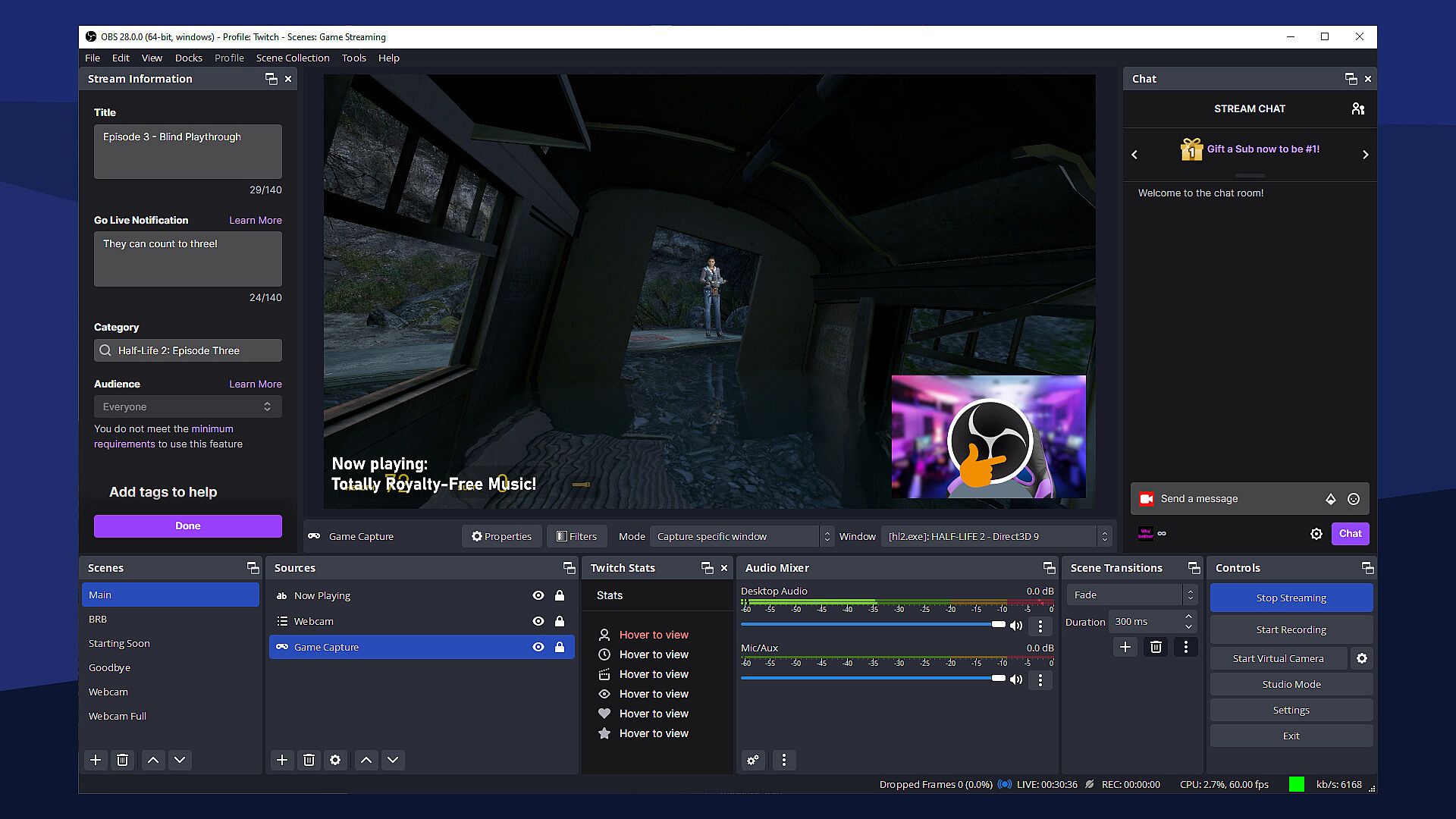
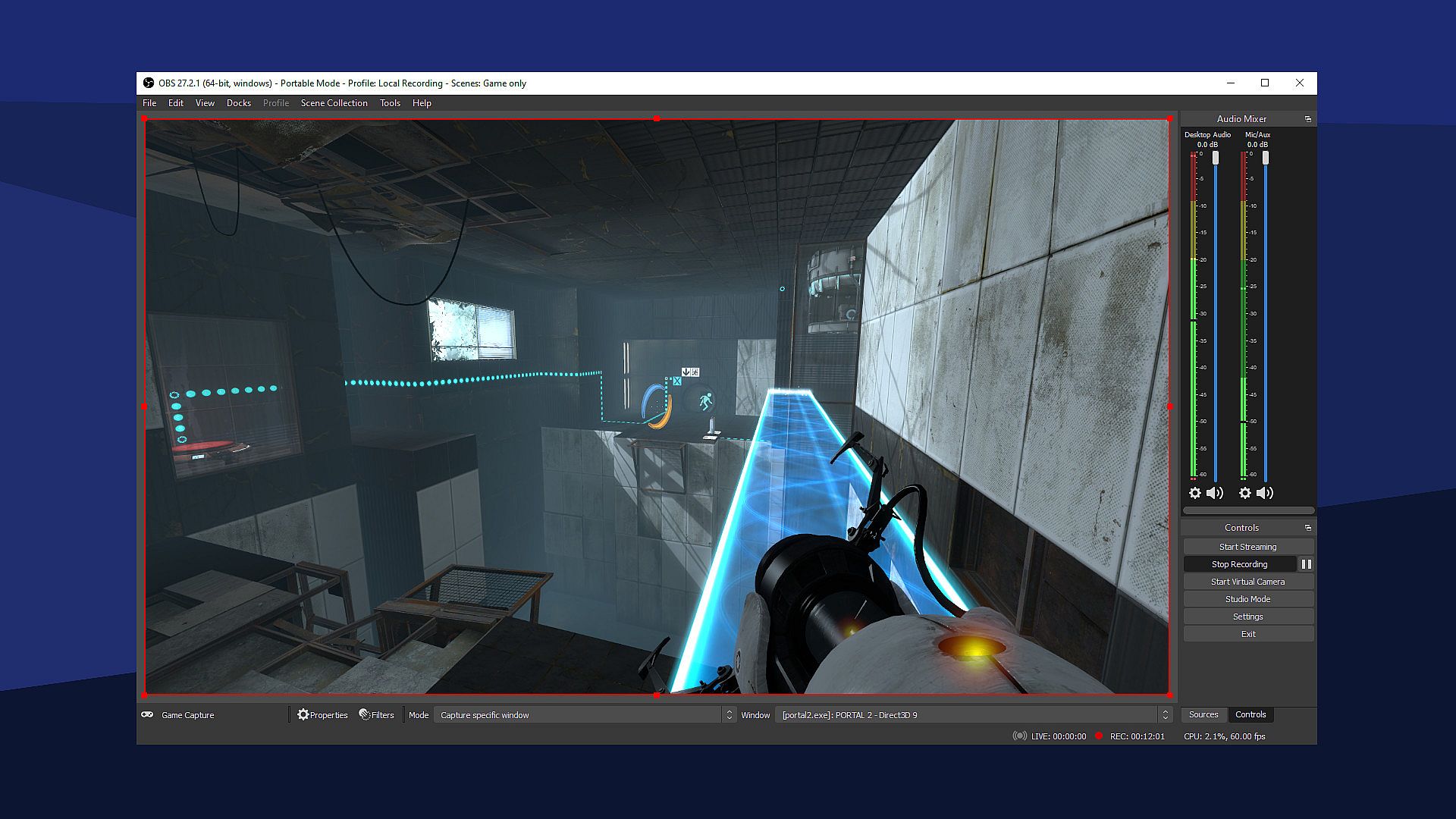
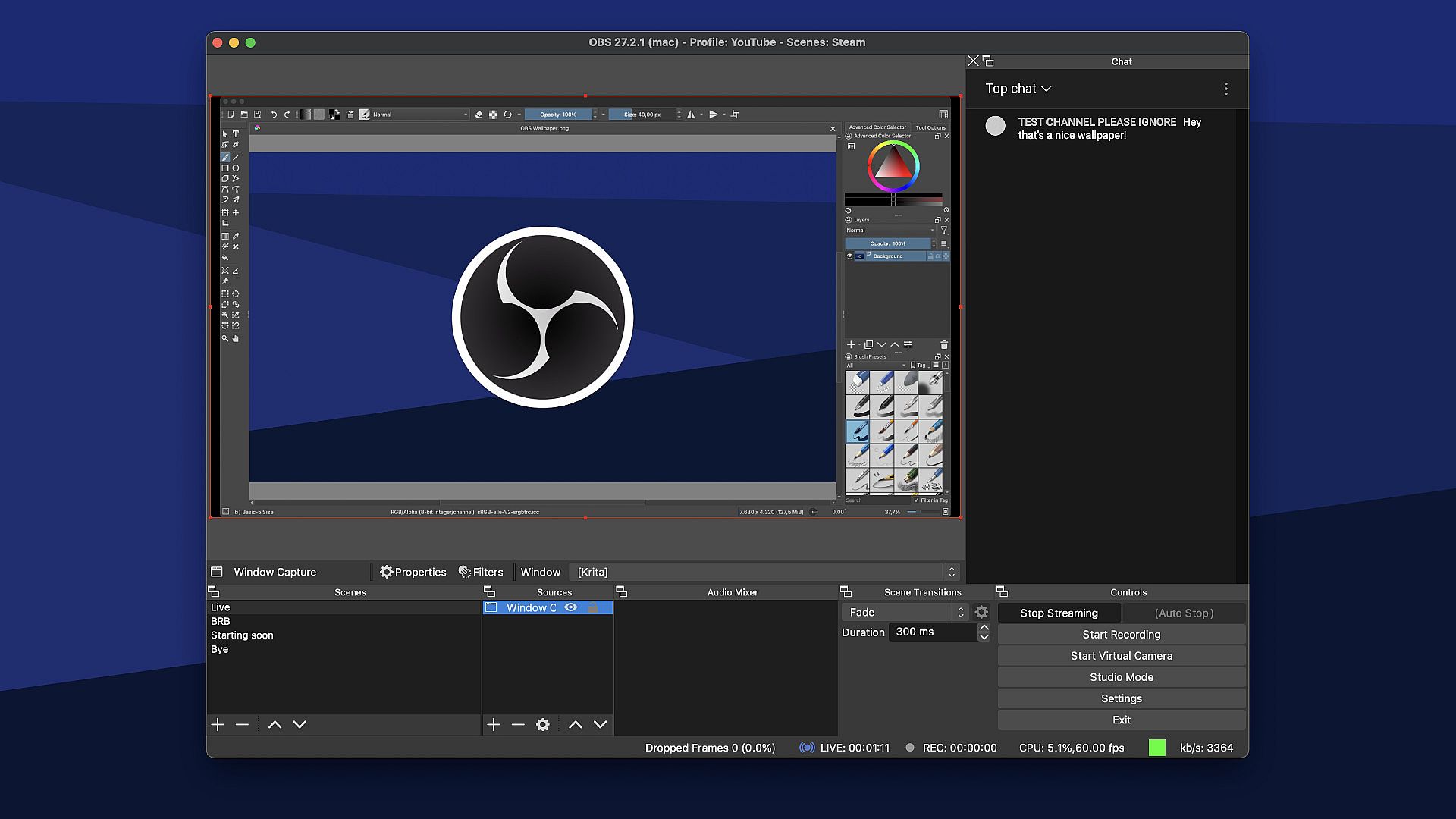
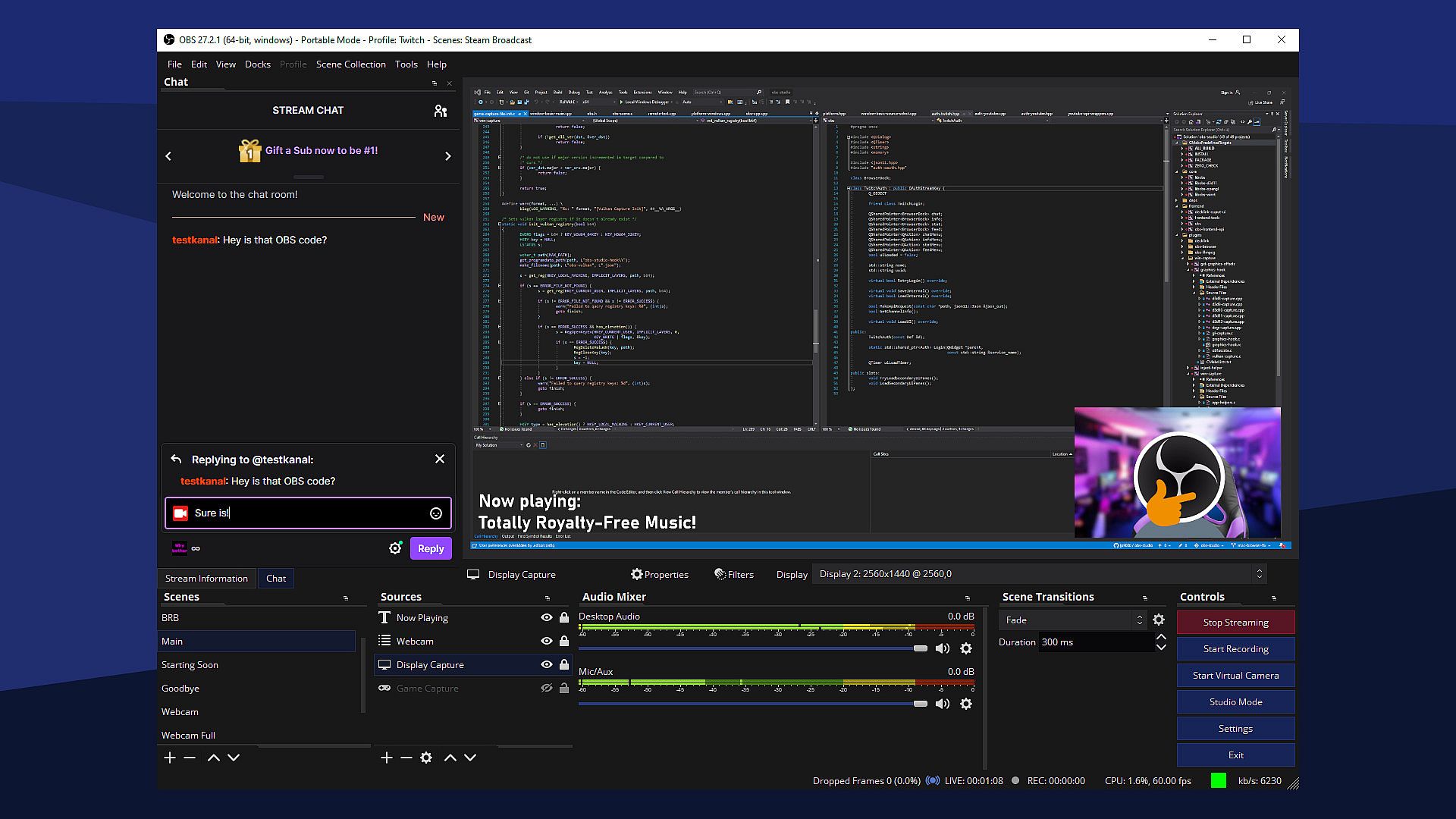
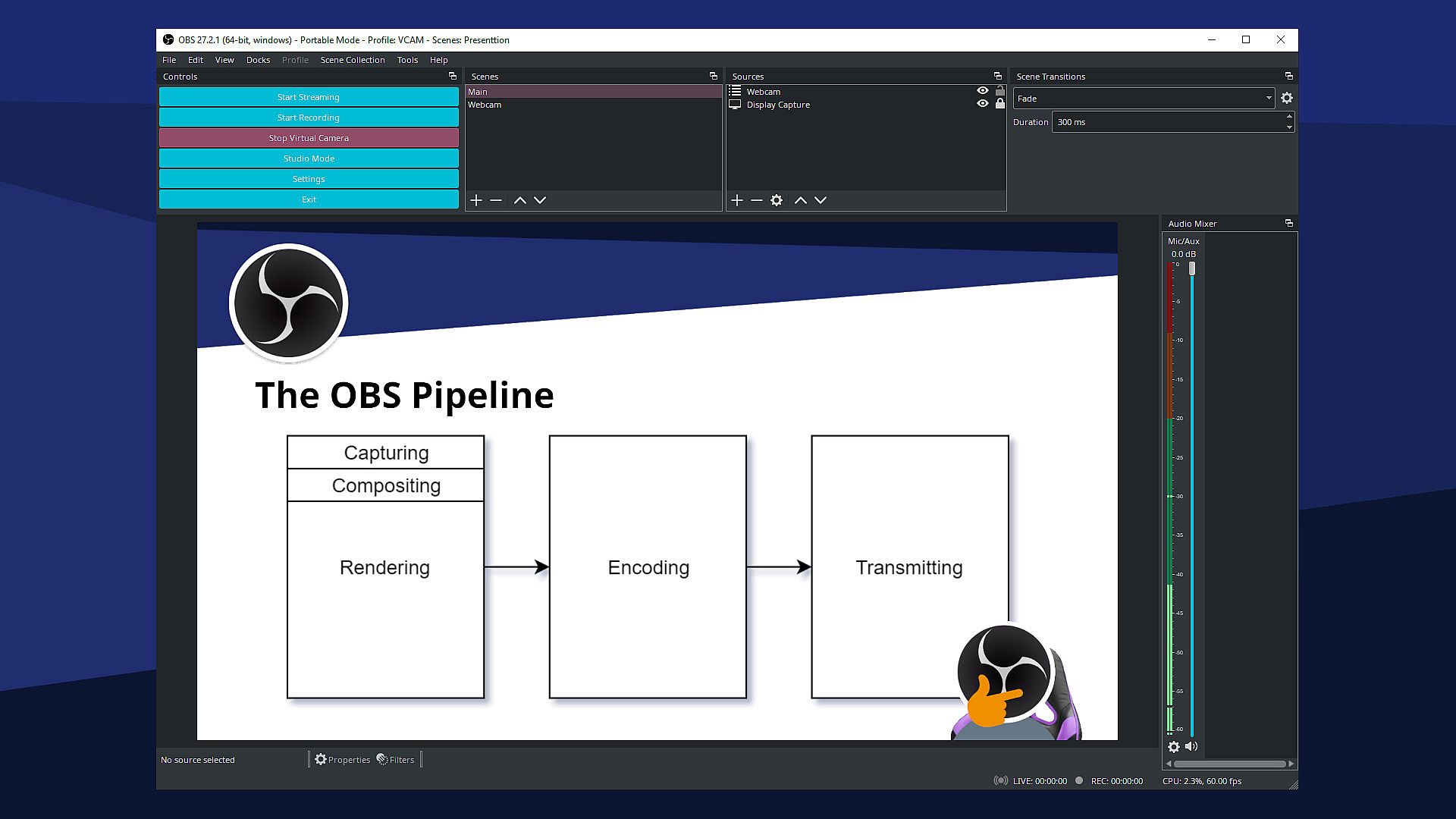
In OBS Studio, the core experience revolves around building and managing scenes that combine various video and audio sources. Users capture content from computer displays, games, webcams, or files, then layer them with elements like text overlays or browser windows. The software handles high-performance real-time video and audio mixing, allowing adjustments through an intuitive mixer that includes filters for noise suppression and gain control. Configuration is straightforward, with options to add sources, set hotkeys for actions like scene switching, and customize transitions between setups. Support for VST plugins extends audio capabilities, while a modular UI lets users rearrange docks for a personalized workflow.

Recent updates have enhanced video quality options, supporting resolutions from 720p up to 8K for sharper captures. The system emphasizes efficiency, minimizing lag during sessions, which is crucial for live environments. This setup enables creators to fine-tune every aspect, from source properties to overall broadcast settings, without overwhelming complexity.

Game Modes

OBS Studio operates through distinct modes that focus on either broadcasting or local saving. The primary streaming mode connects to platforms like Twitch or YouTube, pushing live content directly to audiences via custom servers if needed. Recording mode saves videos to the hard drive for later editing or sharing, capturing high-quality footage without interruptions.

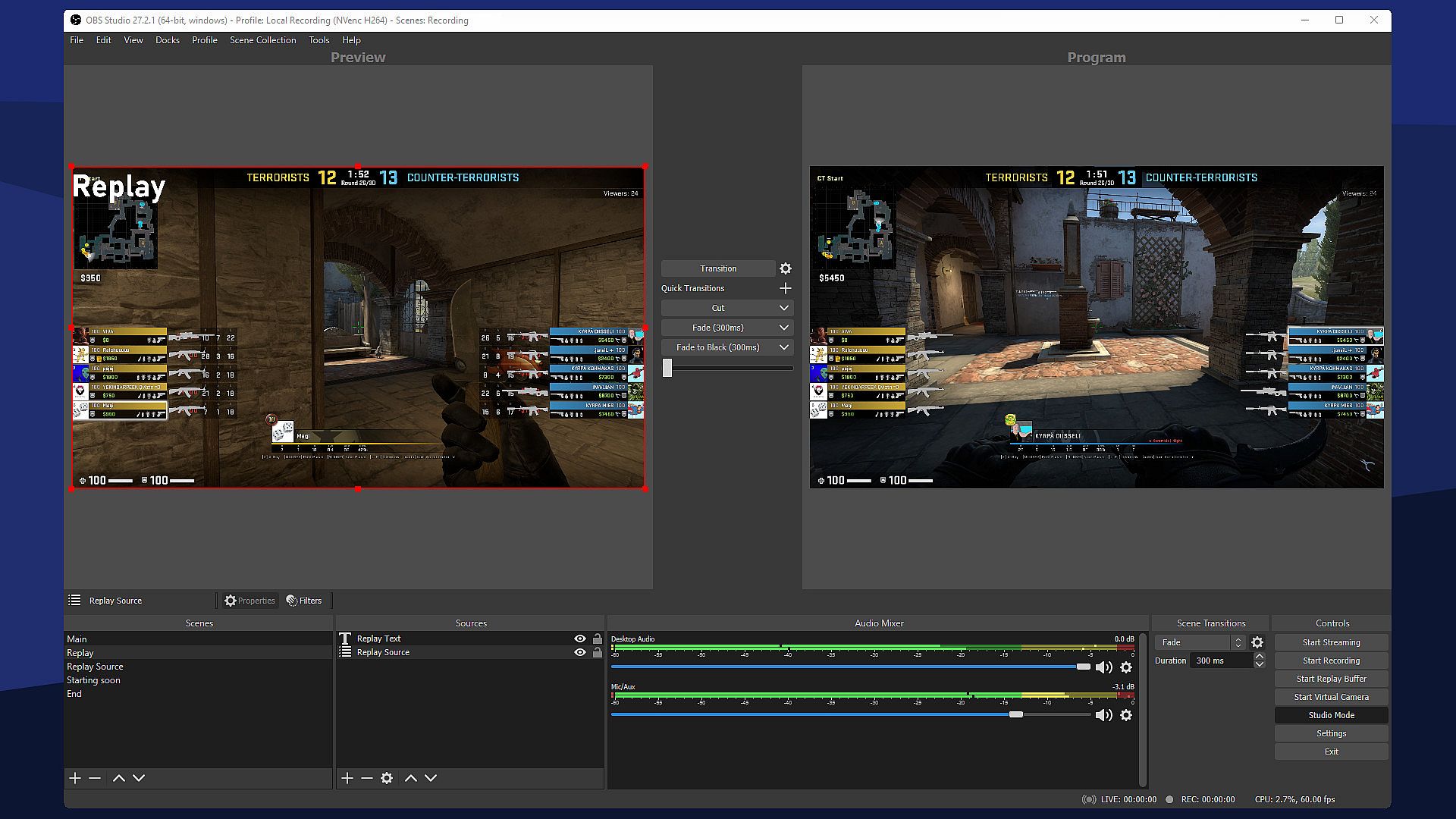
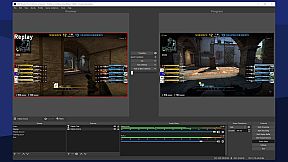
Studio Mode provides a preview area to test scenes and sources before going live, ensuring adjustments happen off-air. Multiview offers a high-level overview, monitoring up to eight scenes for quick transitions with simple clicks. These modes integrate seamlessly, supported by hotkeys for tasks like muting audio or starting streams.

Features and Updates

As of 2026, OBS Studio remains actively maintained with features like advanced audio filters and plugin integrations that elevate streaming setups. Community feedback highlights its excellent audio quality and precise settings, making it a go-to for creators seeking professional results without costs. Recent guides emphasize zero-lag configurations and built-in tools that rival paid alternatives.

The software's open-source nature encourages ongoing improvements, with users praising its reliability for both beginners and experts. It includes customizable transitions and a streamlined settings panel for tweaking broadcasts or recordings.

Is It Worth Playing?

For anyone involved in content creation or live broadcasting, OBS Studio proves highly worthwhile due to its free access and robust toolset. Player reception on sites like Capterra and Software Advice consistently notes its outstanding performance in streaming and recording, with users appreciating the lack of fees alongside powerful features. In 2026, it ranks among the top streaming software in community discussions, such as on Reddit, where it's often listed second only to newer competitors.

The current state includes strong community support and regular updates that keep it relevant for high-resolution needs. If your focus is on efficient video production without budget constraints, this software delivers value, especially for PC users building custom streaming rigs. It suits gamers sharing playthroughs or professionals handling live events, offering a clear edge in flexibility and control.


Interface:
ArabicBulgarianCatalanCzechDanishGermanGreekEnglishSpanish - SpainEstonianBasquePersianFinnishFilipinoFrenchGalicianHebrewHindiHungarianArmenianIndonesianItalianJapaneseGeorgianKoreanMalayDutchNorwegianPolishPortuguese - PortugalPortuguese - BrazilRomanianRussianSlovakSlovenianSwedishThaiTurkishUkrainianVietnameseSimplified ChineseTraditional Chinese

Age rating

Unavailable
Steam:
Overwhelmingly Positive (38k)

Minimum:

  • OS: Windows 10 20H2 (64 bit)
  • Processor: Intel i5 2500K, AMD Ryzen 1300X
  • Memory: 4 GB RAM
  • Graphics: GeForce GTX 900 Series, Radeon RX 400 Series, Intel HD Graphics 500
  • DirectX: Version 11
  • Storage: 600 MB available space
  • Additional Notes: Hardware encoders recommended

Recommended:

  • OS: Windows 10 20H2 (64 bit)
  • Processor: Intel i5 2500K, AMD Ryzen 1300X
  • Memory: 4 GB RAM
  • Graphics: GeForce GTX 900 Series, Radeon RX 400 Series, Intel HD Graphics 500
  • DirectX: Version 11
  • Storage: 600 MB available space
  • Additional Notes: Hardware encoders recommended

Minimum:

  • OS: 11 or higher
  • Processor: Intel quad-core recommended
  • Memory: 4 GB RAM
  • Graphics: Intel or AMD
  • Storage: 800 MB available space

Recommended:

  • OS: 11 or higher
  • Processor: Intel quad-core recommended
  • Memory: 4 GB RAM
  • Graphics: Intel or AMD
  • Storage: 800 MB available space
Historical low
Price history from official stores
-
-
-
Price history from keyshops
-
-
-

FAQ

8 questions

Before you start looking for a cheap OBS Studio key, check the essentials. Developed by OBS Project. Published by OBS Project. PC released date: 21 Mar 2022. Genres: Utilities, Video Production.

Q

Where to buy a cheap OBS Studio Steam key?

OBS Studio is free to play! Download it on Steam and start playing instantly.

OBS Studio is completely free on Steam. No purchase needed - just download and play. If you are looking for premium DLC or in-game items, check the offers table above.

Our price tracker covers both official retailers and key marketplaces, so you can find OBS Studio on sale even outside seasonal promotions. We currently detect 0 active offers from official stores and keyshops. Check the table above, compare against the historical low, and set an alert so you never miss the next price drop.

Based on our data, OBS Studio is not currently available on GeForce NOW. You will need to run it locally on your PC. Browse games available on GeForce NOW.

Yes. OBS Studio has an official page on the Steam Store, but we currently don't track any third-party offers with Steam DRM. Check back later or set a price alert.

Yes. OBS Studio is Steam Deck Verified - it launches out-of-the-box, displays correct controller glyphs and runs stable. OBS Studio works perfectly on Steam Deck.

OBS Studio does not appear to be available on PC Game Pass, EA Play, Ubisoft+ or any other PC subscription service at this time. Your only option is purchasing the game - use XD.deals to find the best price.

No - XD.deals is not a store. We are a price-comparison service that tracks the best OBS Studio deals across official stores and verified keyshops. Click "Go to Store" next to any offer and you will be redirected to the retailer's website to complete your purchase.

Want to buy at the best moment? Set a price alert on XD.deals and get notified when OBS Studio hits its next historical low.

Create Alert
Join our Discord
Get instant help from our community and stay updated on the latest deals
Set Price Alerts
Get notified by email when game prices drop to your target
Create Free Account
Unlock wishlists, price alerts, and Steam sync